Pick your kitchen cabinets, choose a style and size, then generate.
Your room (the space to redesign)
Upload a photo of the space you want to redesign — the AI restyles it and keeps your layout.
Style (sets the look)
A flattering colour for the surface — let the studio choose
Image ratio
Generating at 4:3
Or any ratio the model supports
Prompt (editable — the scene & styling that drives the image)
Also applied (not part of the editable box above):
Your kitchen cabinets stays exactly as your photo (shape, label, colours) — styling only touches the scene & lighting.
No invented text, logos, watermarks, prices or hex codes rendered on the image.
On-image text = only the slogan you typed (blank = none).
This step is free
Kitchen Cabinet Visualizer
Upload your kitchen, pick a cabinet colour and finish, and see it on your actual cabinets in seconds — the counters, backsplash and layout stay exactly as they are.
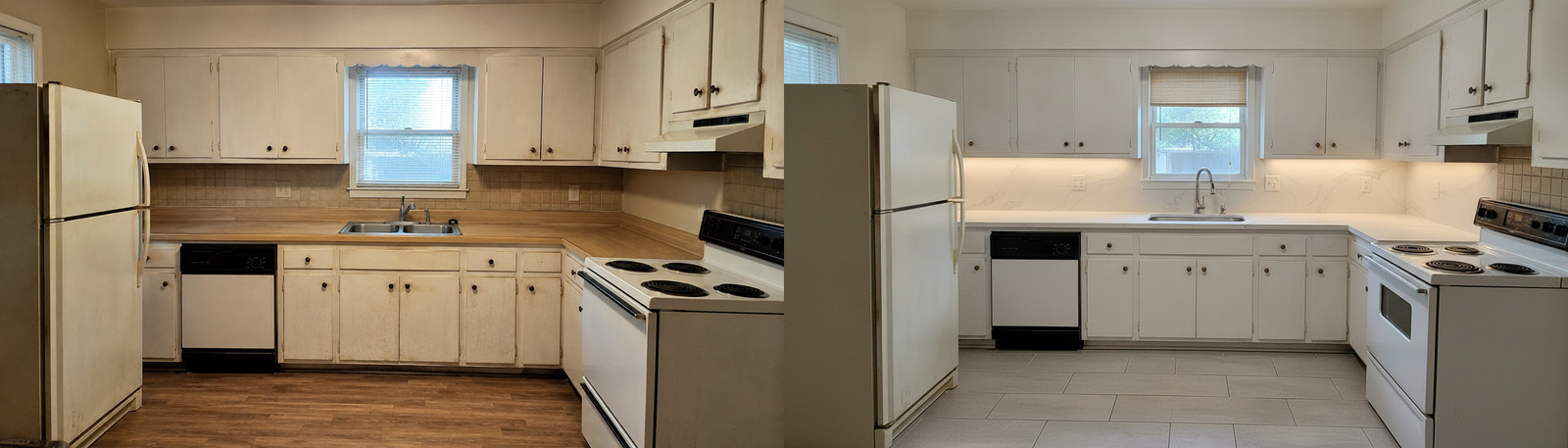
Kitchen Cabinet Visualizer — See New Cabinet Colors on Your Kitchen
HausDraft is a kitchen cabinet visualizer that lets you try new cabinet colours and finishes on your own kitchen from a single photo. Pick a colour — crisp white shaker, deep navy, sage green, warm walnut or a two-tone look — and this cabinet color visualizer restyles only the cabinet doors, panels and finish while keeping your countertops, backsplash, appliances, flooring and layout exactly as they are. It is the fastest way to visualize kitchen cabinet colors on your real cabinets before you spend on a reface, repaint or new doors. No 3D software, no swatches taped to the door, no designer fees.
Visualize my cabinets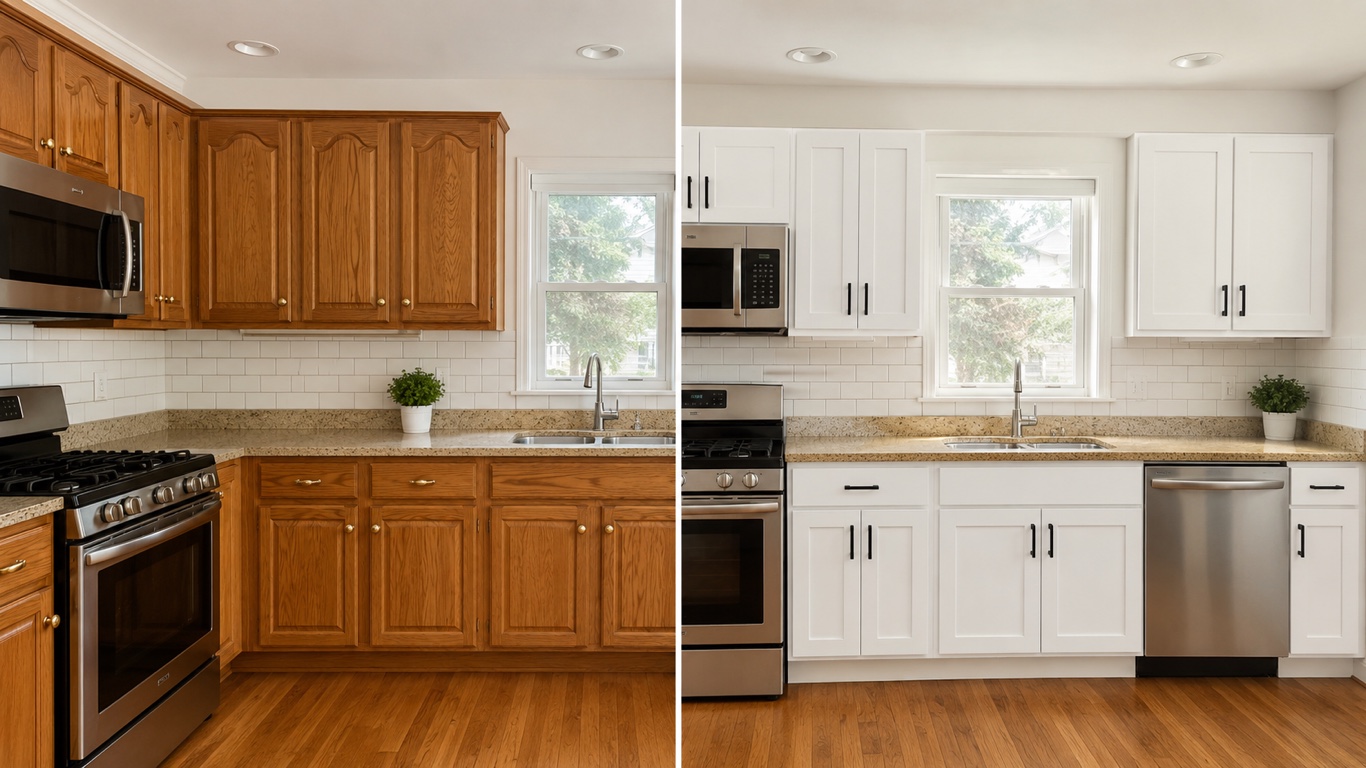
Only the cabinets change — everything else stays
A full kitchen redesign swaps counters, backsplash and layout too. This kitchen cabinet visualizer anchors to your photo and restyles ONLY the cabinets — their colour, finish and door style — so your countertops, backsplash, appliances and floor stay put. You are judging the cabinet colour on your real kitchen, not a different room.
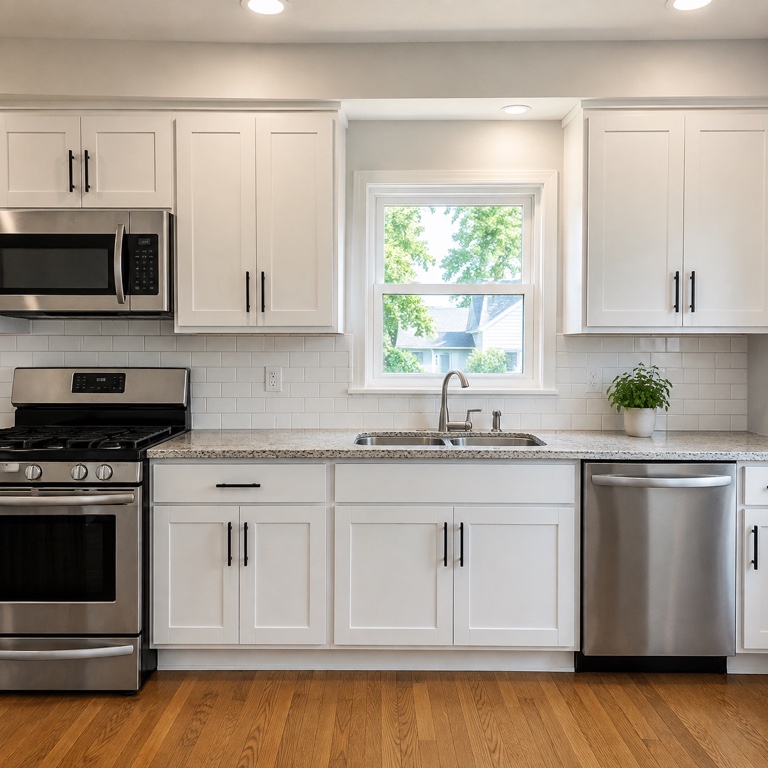
White shaker, navy, sage, walnut and two-tone
Use it as a cabinet paint visualizer for painted finishes — warm white, greige, sage green, navy, forest, charcoal and black — or as a wood-tone and door-style previewer for shaker, flat-panel and walnut looks. Try several on the exact same kitchen and compare, so you are deciding between finishes, not imagining them.
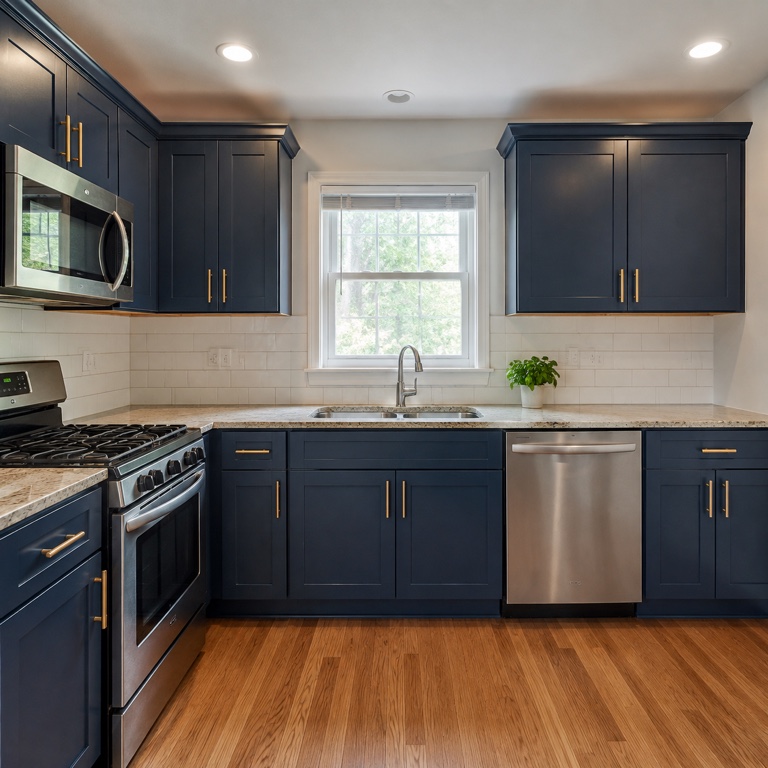
Settle the household debate before you commit
Refacing or repainting cabinets is expensive and hard to undo. Put a shared before-and-after in front of the household, agree on a direction, and hand your painter or cabinet maker a clear visual brief — all before a single door comes off its hinge.
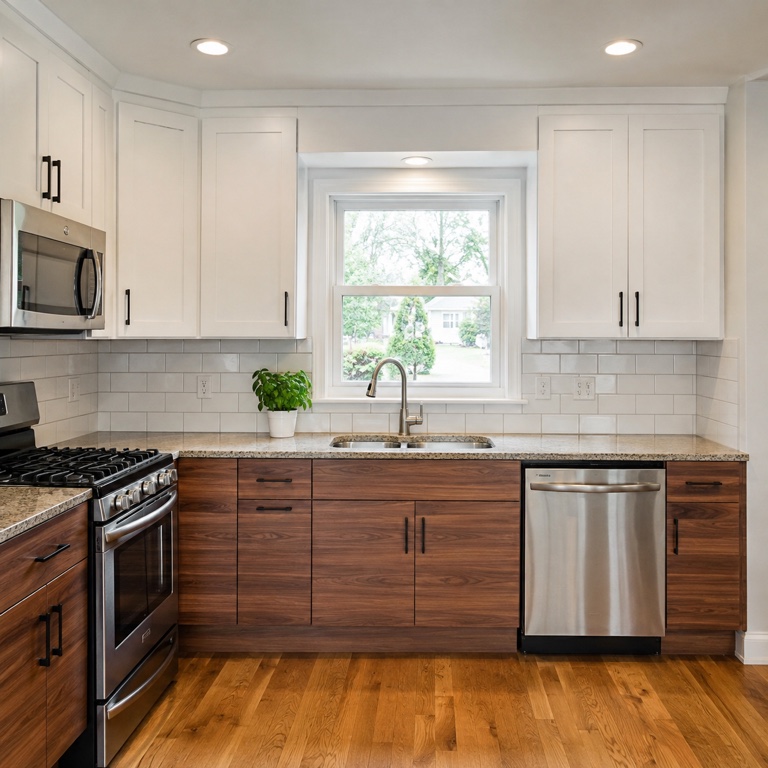
What the kitchen cabinet visualizer does
A plain-English rundown of how HausDraft restyles your cabinets from one photo.
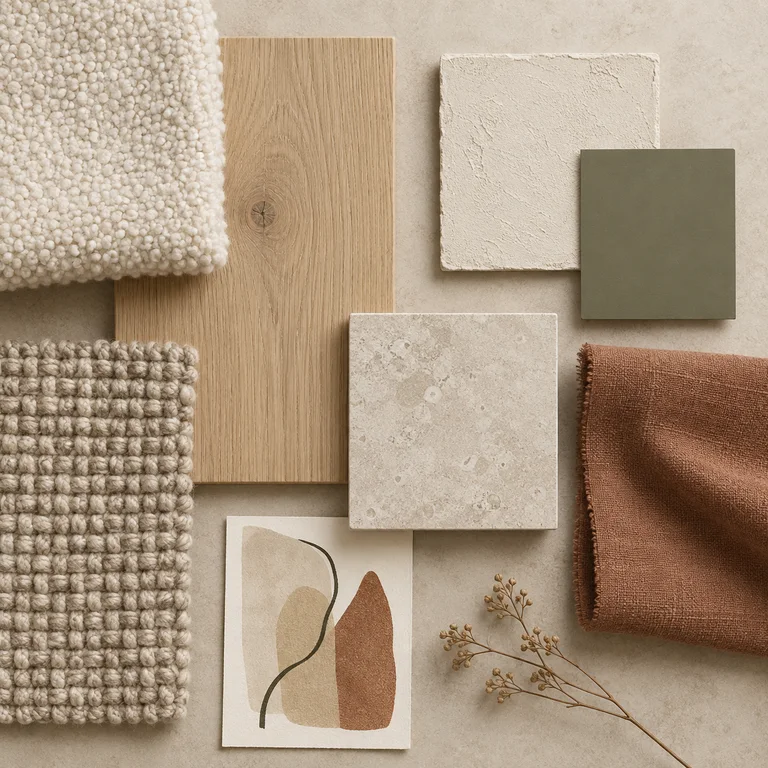
Cabinet-only restyle
The AI changes just the cabinet colour, finish and door/panel style and preserves everything else in the photo — counters, backsplash, appliances, flooring, walls and layout — so the result is realistic and buildable.
Paint colours and wood finishes
Works as a cabinet paint visualizer for painted colours and as a finish previewer for wood tones and door styles — shaker vs flat-panel, white vs navy vs sage vs walnut, single-tone vs two-tone.
Your kitchen, many colours
Visualize kitchen cabinet colors on the exact same kitchen and flip between them — a real kitchen cabinet color visualizer, not a generic swatch on a showroom door.
No skills or software
No 3D modelling, no measuring, no design brief. If you can take a photo of your kitchen and tap a colour, you can use this kitchen cabinet design visualizer.
How to visualize kitchen cabinet colors
Three steps from a photo to a restyled set of cabinets.
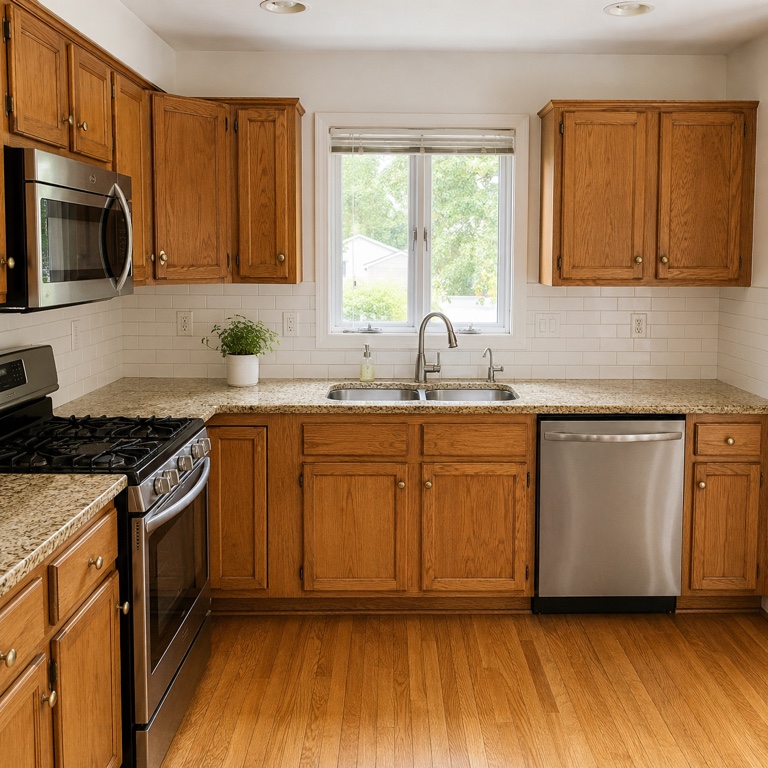
Step 1: Upload a photo of your kitchen
Take or upload a clear, straight-on photo that shows the cabinets you want to restyle. Good light and a full view of the cabinet runs work best.
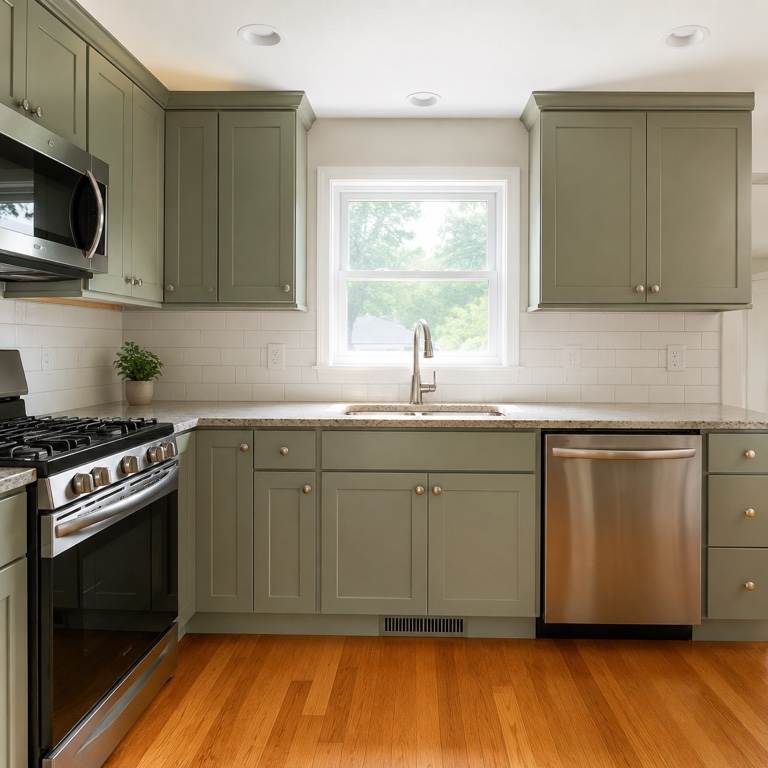
Step 2: Pick a cabinet colour or finish
Choose a colour or finish — white shaker, navy, sage, walnut, two-tone — or let Auto suggest one. The cabinet color visualizer applies it to your doors and panels only.
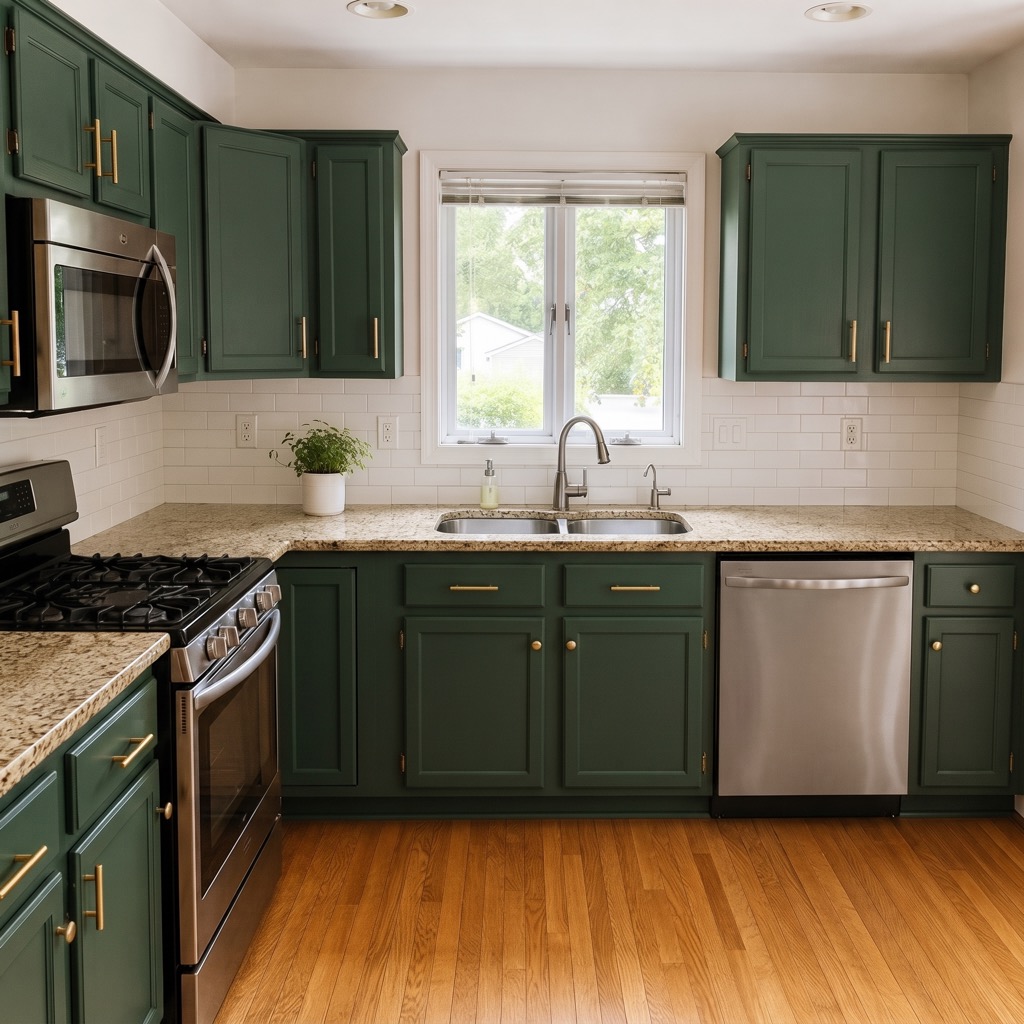
Step 3: Generate and compare
HausDraft restyles your cabinets in seconds, keeping the rest of the kitchen unchanged. Try several colours on the same kitchen and save the before-and-after you like.
See your cabinets in a new colour free
Upload a photo and visualize new kitchen cabinet colors on your own kitchen in seconds.
Start free with redesign credits. Starter is $29/month and Pro is $69/month; see the current plans and credit details on the pricing page.
Visualize my cabinetsGood to know about the kitchen cabinet visualizer
How HausDraft’s cabinet restyle works, and when to reach for the full kitchen tool.
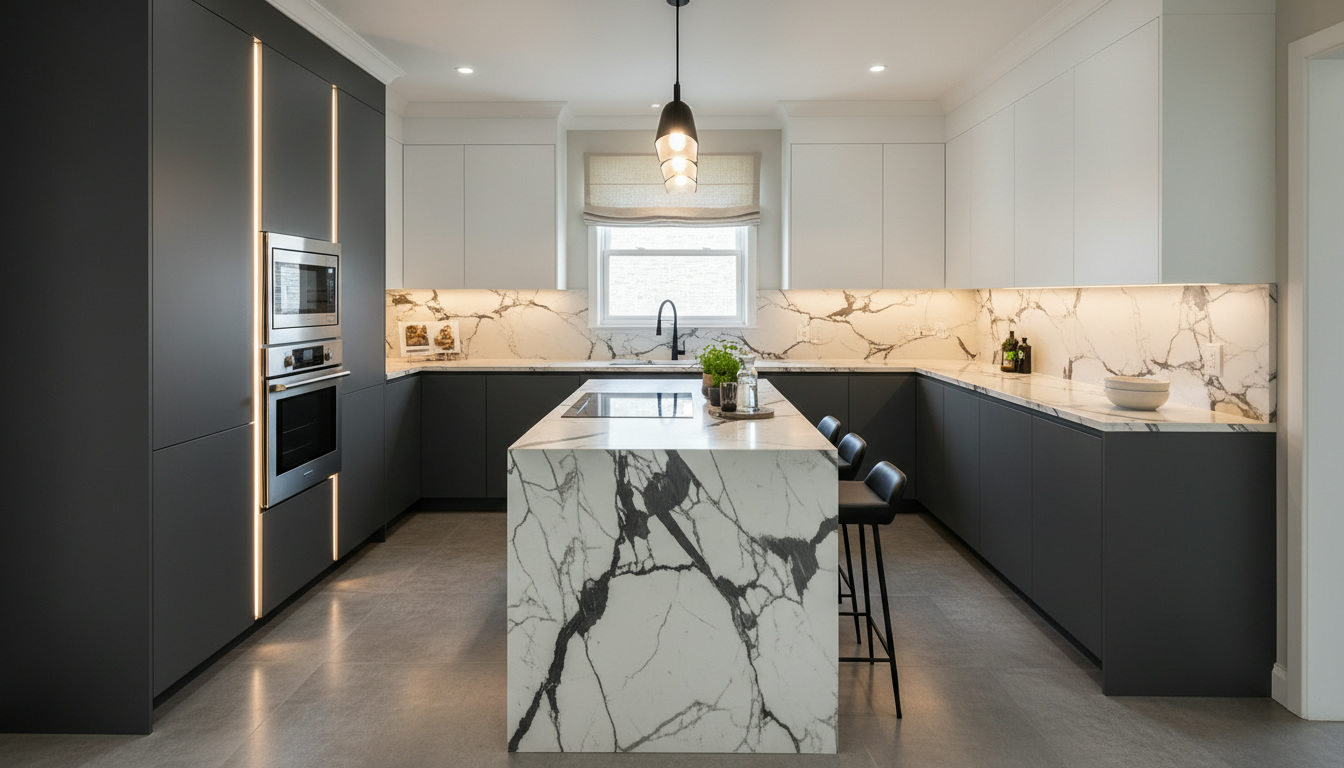
Why cabinet-only matters
Judging a cabinet colour means everything else has to stay the same. HausDraft uses your photo as the reference and restyles only the cabinet doors, panels and finish — keeping the counters, backsplash, appliances and layout identical — so this kitchen cabinet visualizer shows the colour on YOUR kitchen, not a different one.
Cabinet visualizer vs full kitchen redesign
This page is the cabinet-only lane — the fast way to see cabinet colors on your kitchen before a reface. When you also want to change counters, backsplash or the whole look, the AI Kitchen Design tool is the same engine with a whole-kitchen focus. Repainting a wall instead of the cabinets? Use the paint color visualizer.
How to get the best result
Use a clear, well-lit, straight-on photo that shows the cabinet runs, and clear the countertops where you can so the AI has a clean view. If the first result is not quite right, pick another colour or regenerate — each run keeps the rest of your kitchen, so you compare cabinet finishes on the exact same space.
More HausDraft tools
Every home design tool in the studio — swipe through, all on one login.
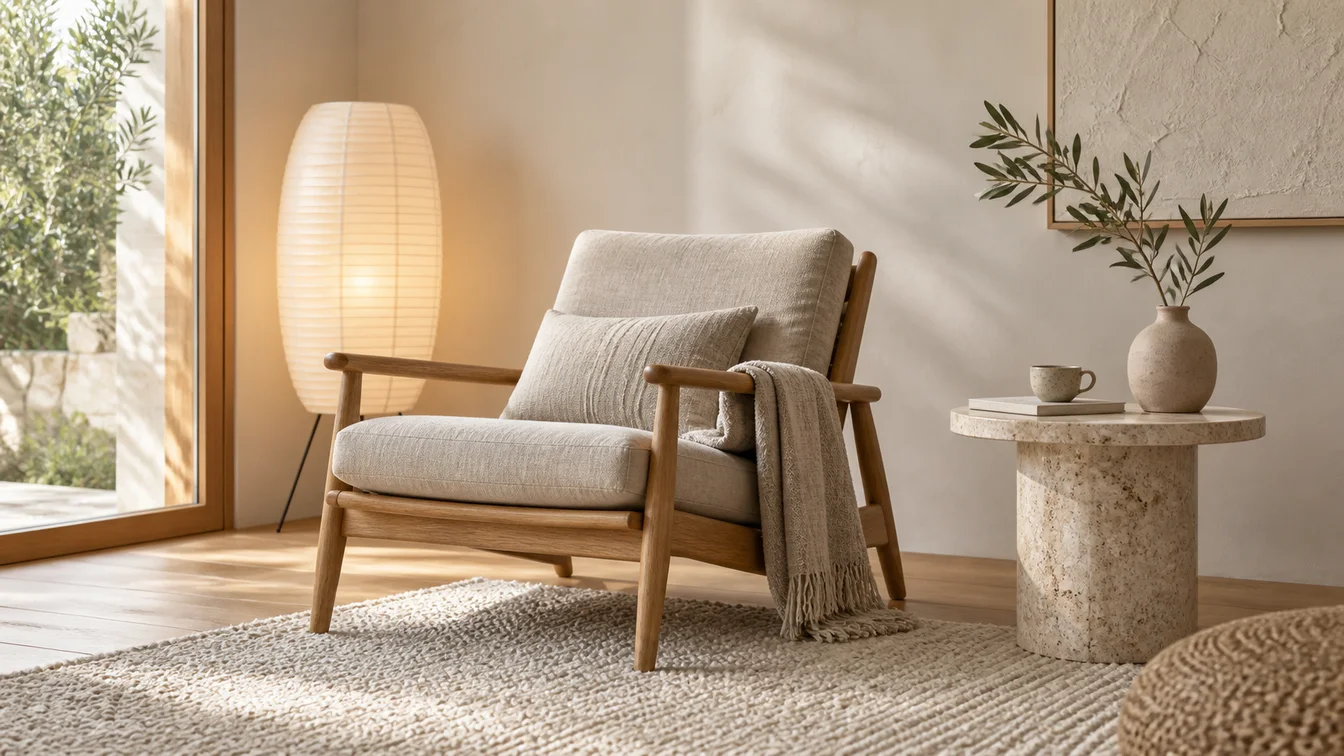
AI Interior Design
Upload a room photo and HausDraft’s AI interior design tool restyles it in seconds — Modern, Scandinavian, Japandi — keeping your walls, windows and layout.
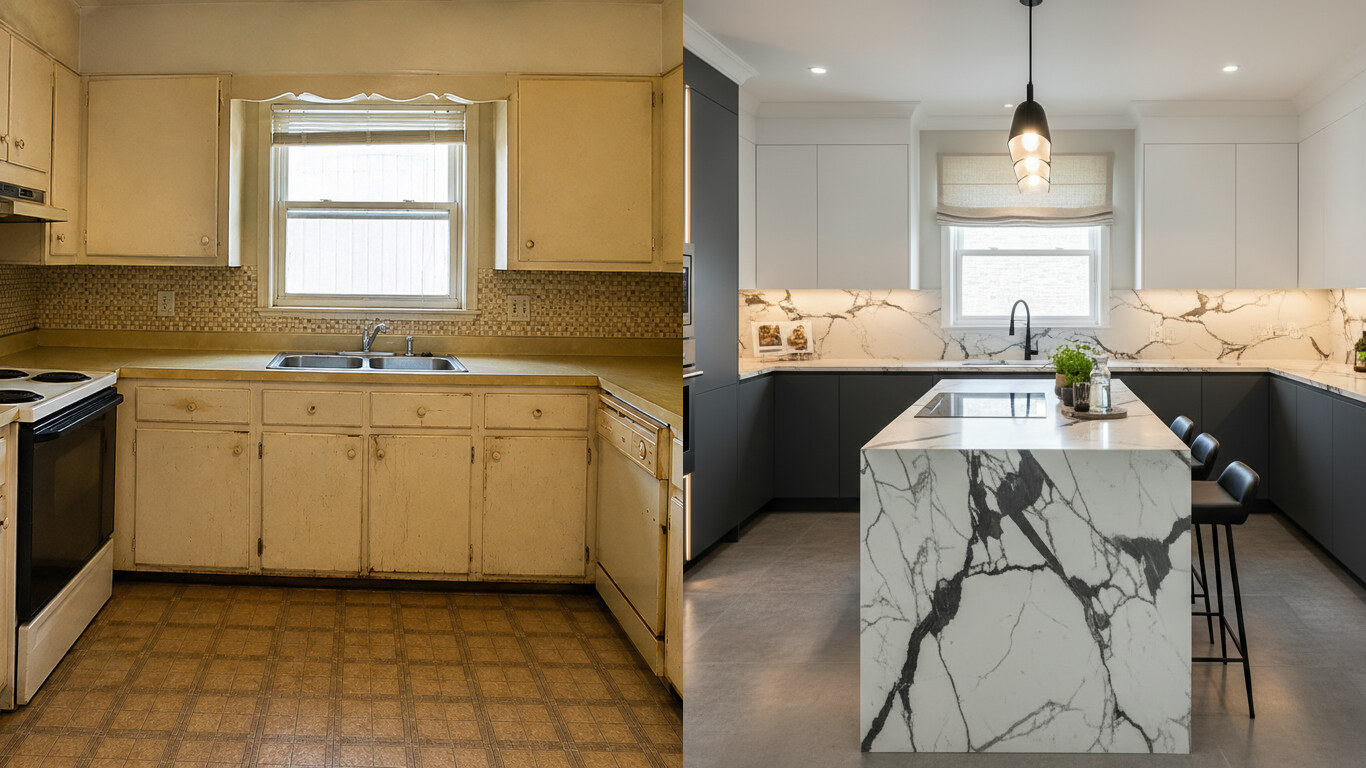
AI Kitchen Design
Upload a photo of your kitchen and HausDraft restyles the cabinets, countertops and backsplash in seconds — keeping your windows, doors and layout. Free to try.
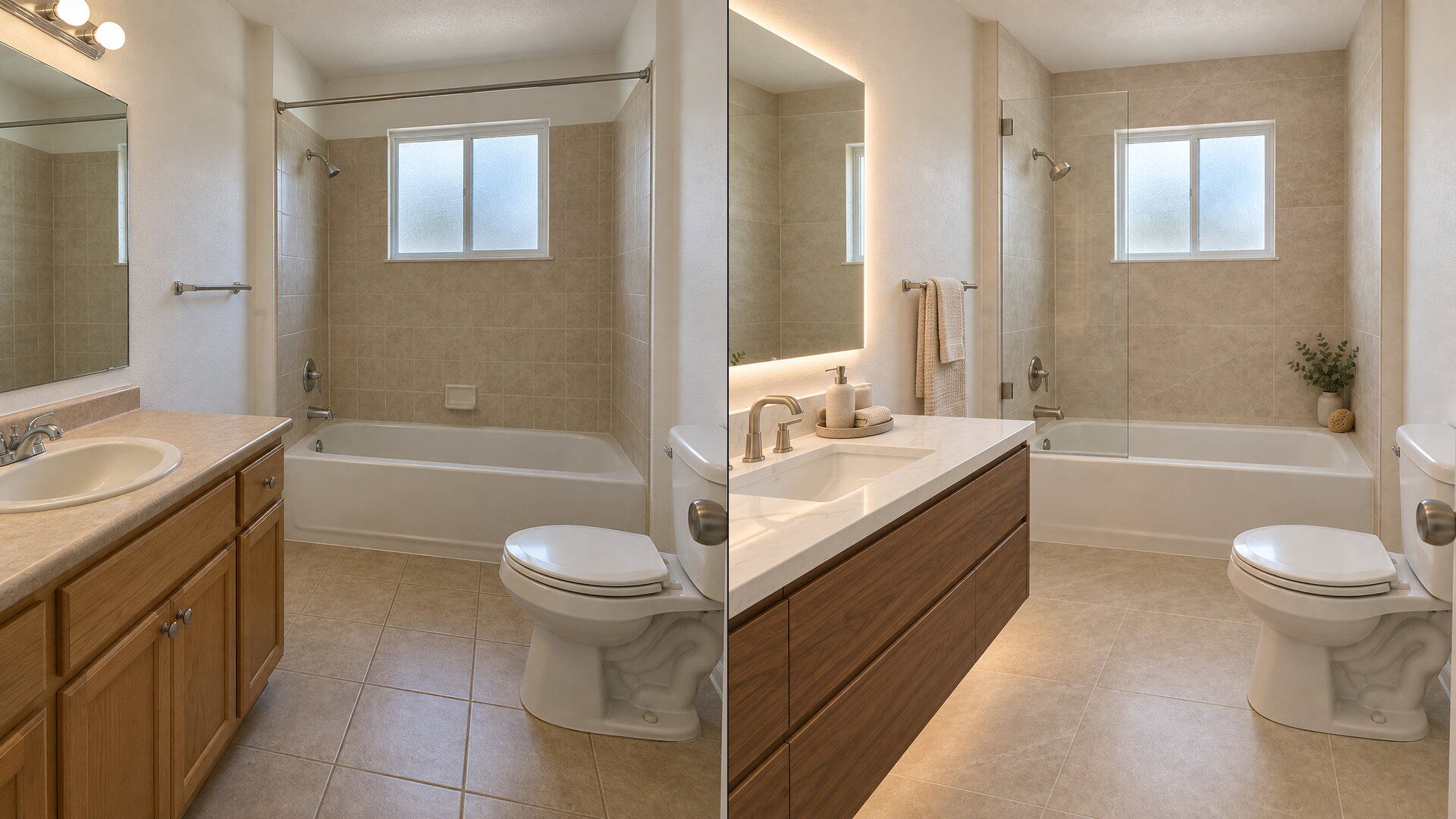
Bathroom Remodel Visualizer
Upload a bathroom photo and preview vanity, tile, fixtures and paint with this free bathroom remodel visualizer — plumbing and layout stay put.
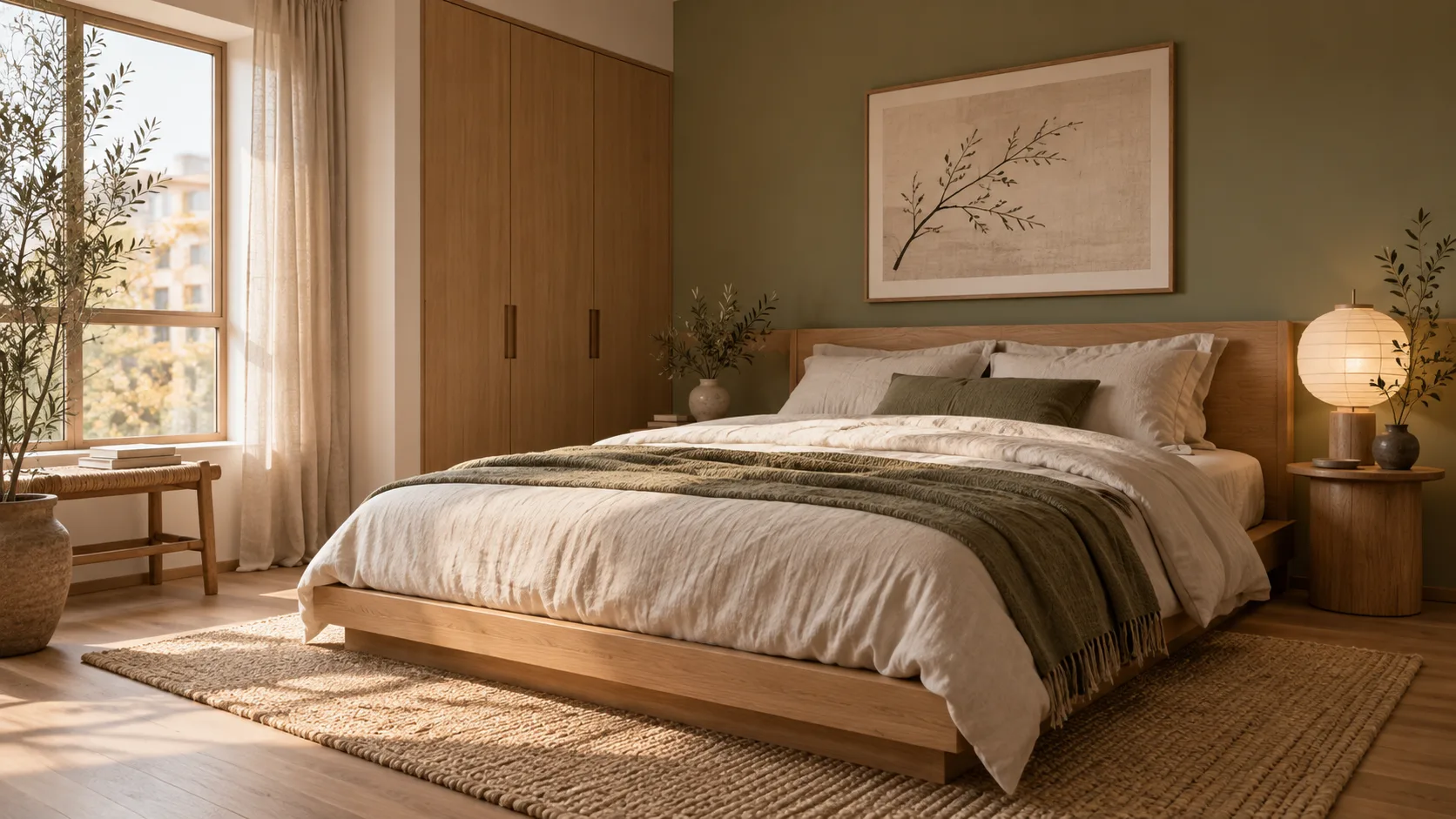
AI Room Design
Redesign any single room free — upload a photo, pick a style, and HausDraft’s AI room design tool restyles it while keeping your walls, windows and layout.
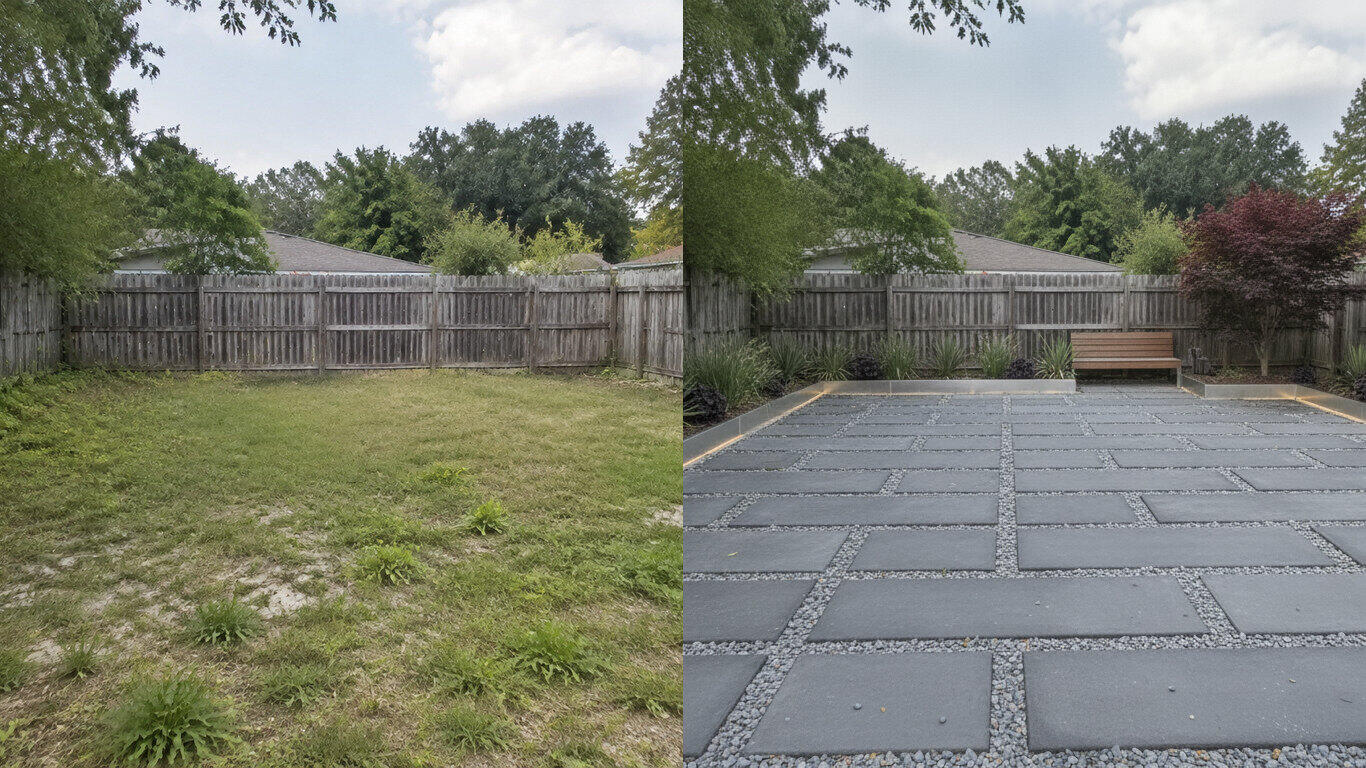
AI Landscape Design
Upload a photo of your yard and HausDraft’s AI landscape design tool reimagines the planting, beds, lawn and hardscape in seconds — Modern, Cottage, Mediterranean, Tropical and more — while keeping your house and property lines in place.
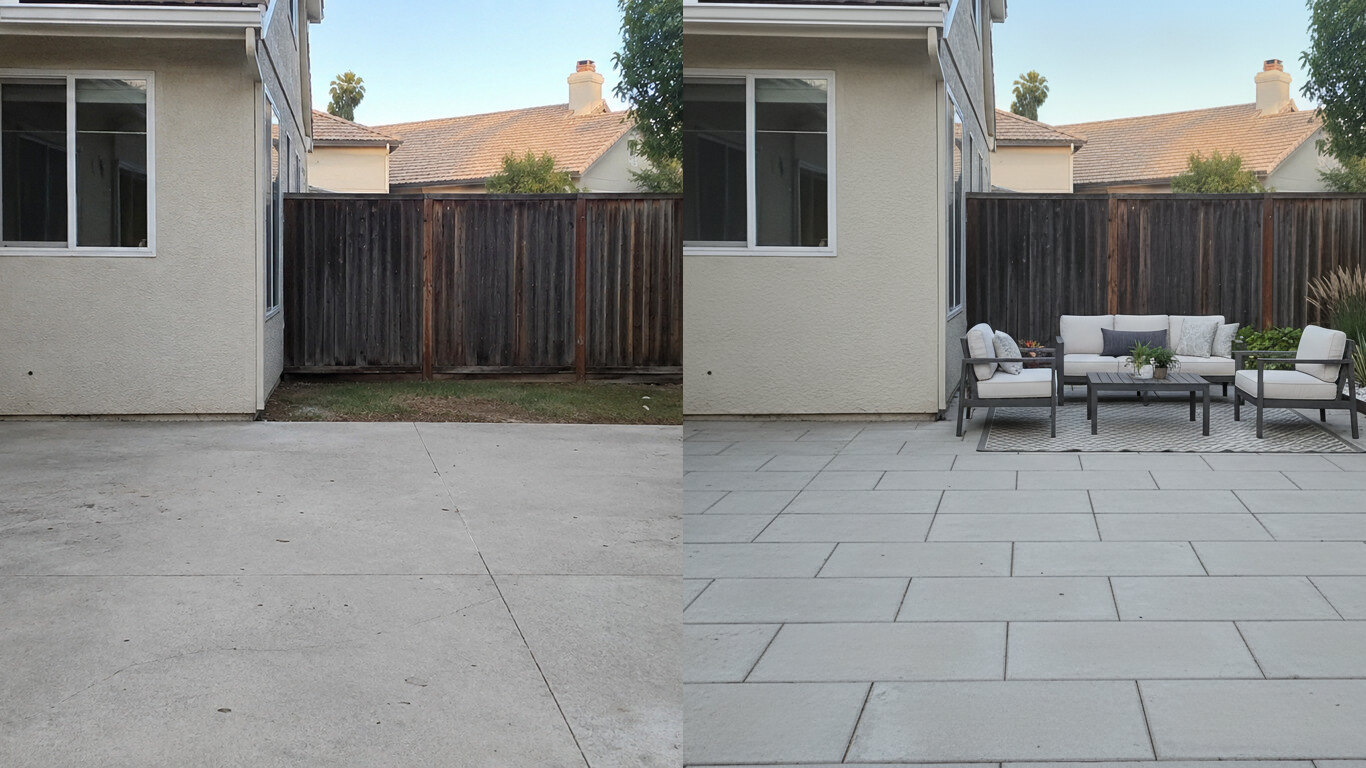
Patio Design
Upload a photo of your patio and HausDraft reimagines the paving, furniture layout and planting in seconds — while keeping your house wall and yard footprint in place. Plan a backyard patio before you build.
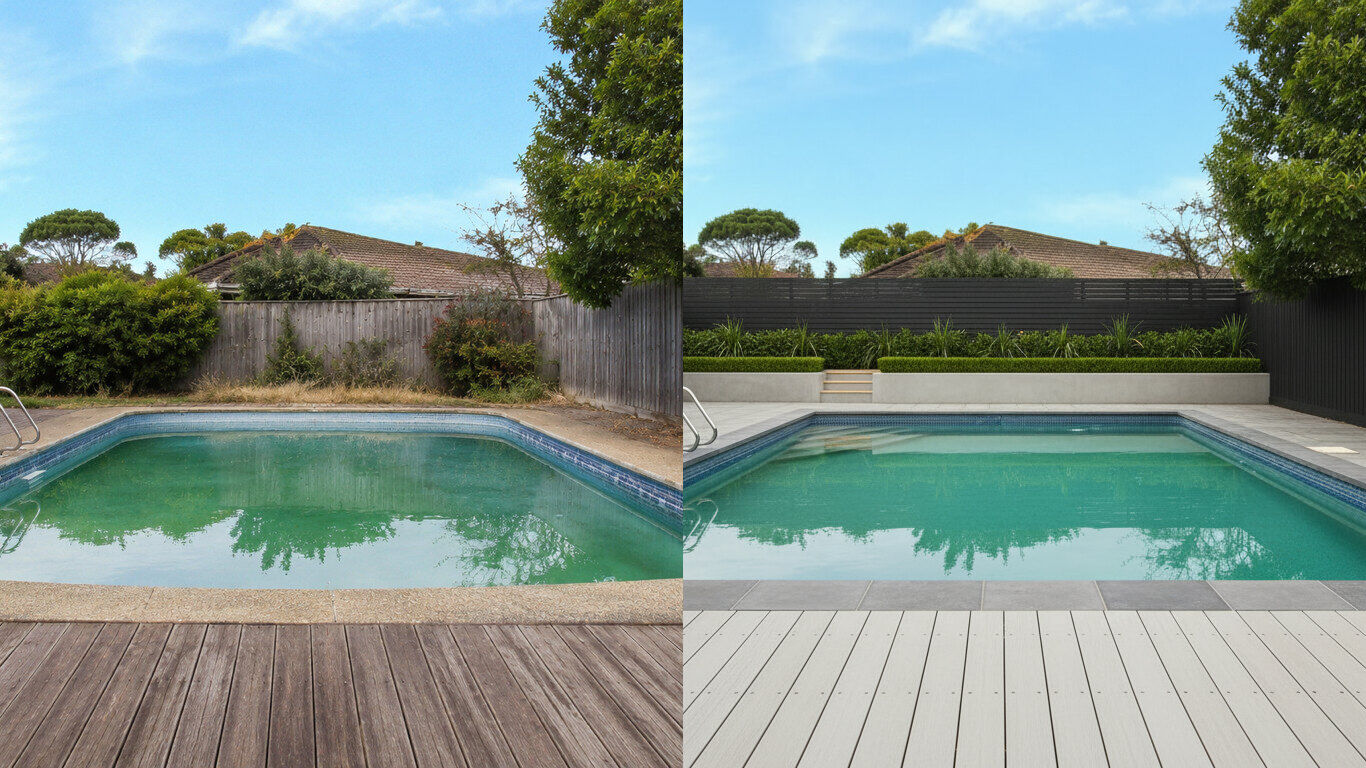
Pool Design
Upload a photo of your backyard and HausDraft reimagines the pool, decking and surround planting in seconds — while keeping your house and property lines in place. Visualize a backyard pool before you build.
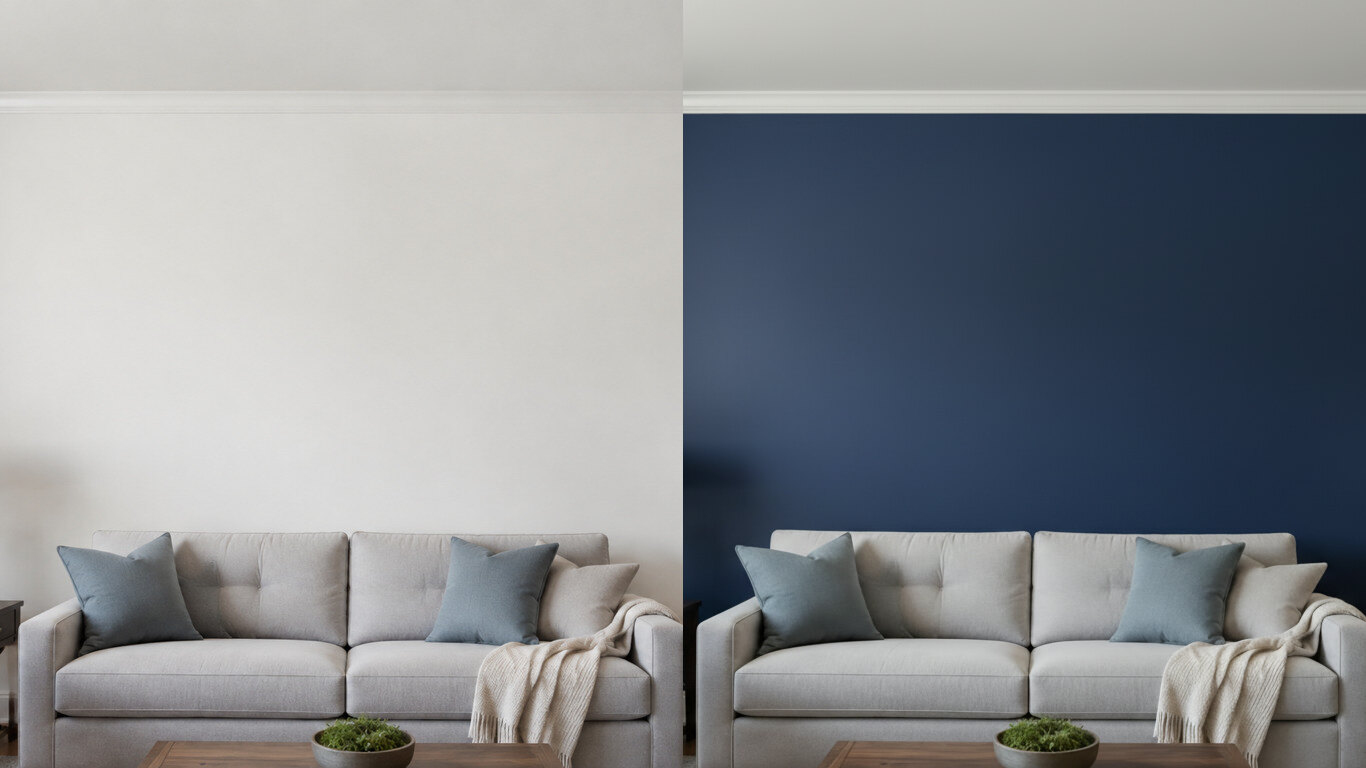
Paint Color Visualizer
Upload a photo of your room or wall and HausDraft’s paint color visualizer repaints it in any colour in seconds — changing only the paint while keeping your furniture, trim and fixtures exactly as they are. Try colours before you buy a can.
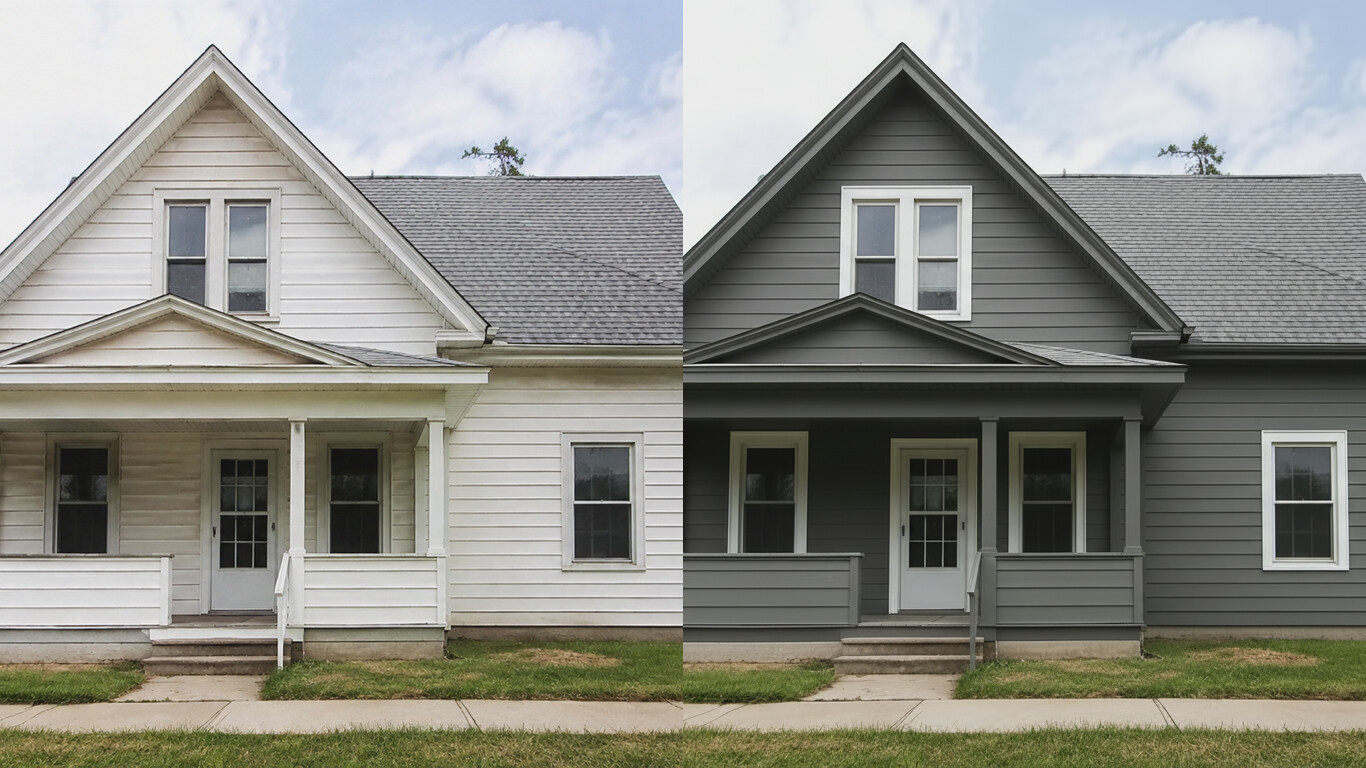
Exterior House Color Visualizer
Upload a photo of your house and HausDraft’s exterior house color visualizer repaints the siding and trim in any colour in seconds — changing only the paint while keeping the structure, roof and landscaping. See your house painted before you hire.
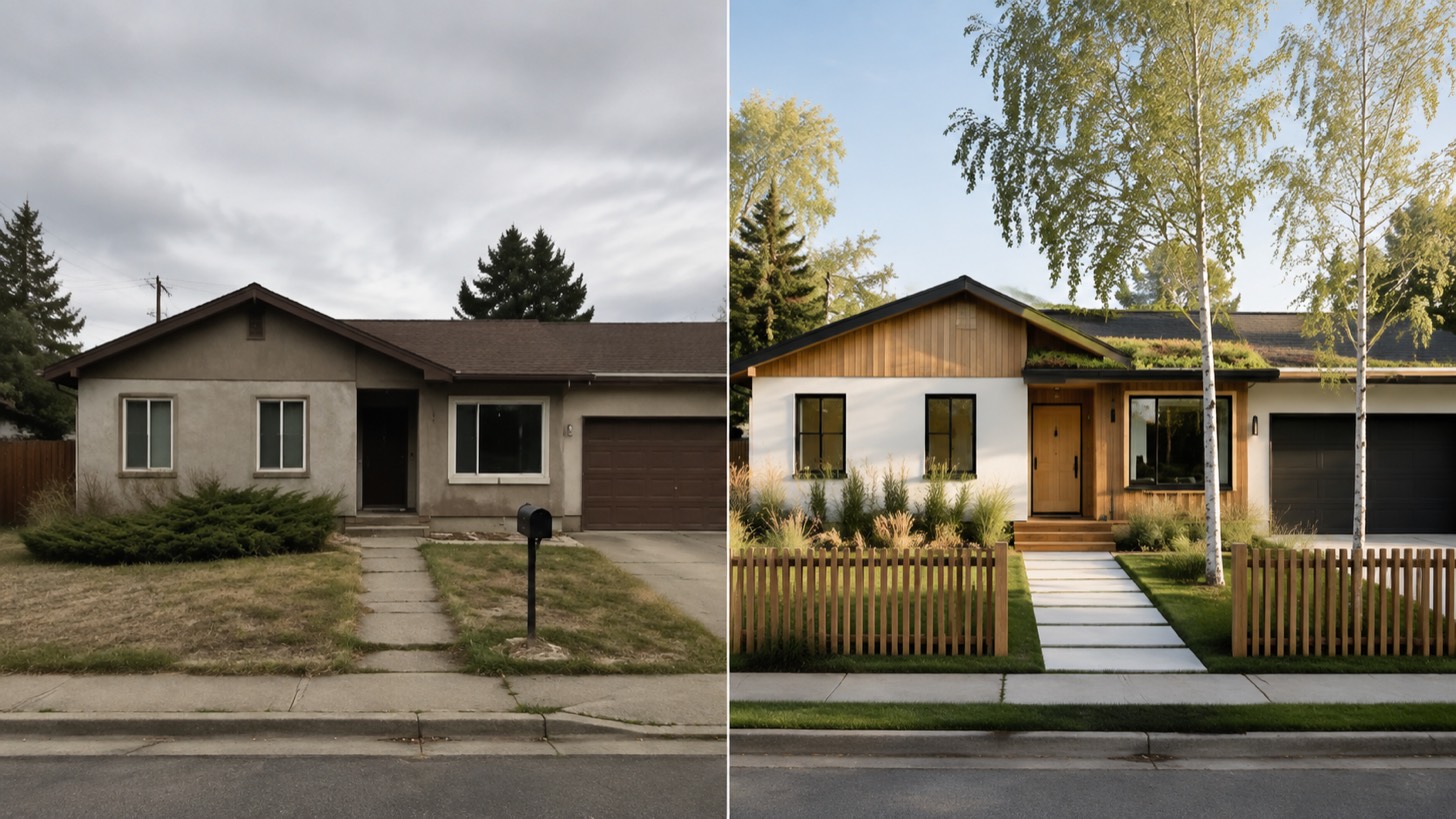
AI Home Exterior Design
AI home exterior design from one photo — HausDraft restyles your whole facade (style, siding, materials, trim) while keeping your structure and roofline.