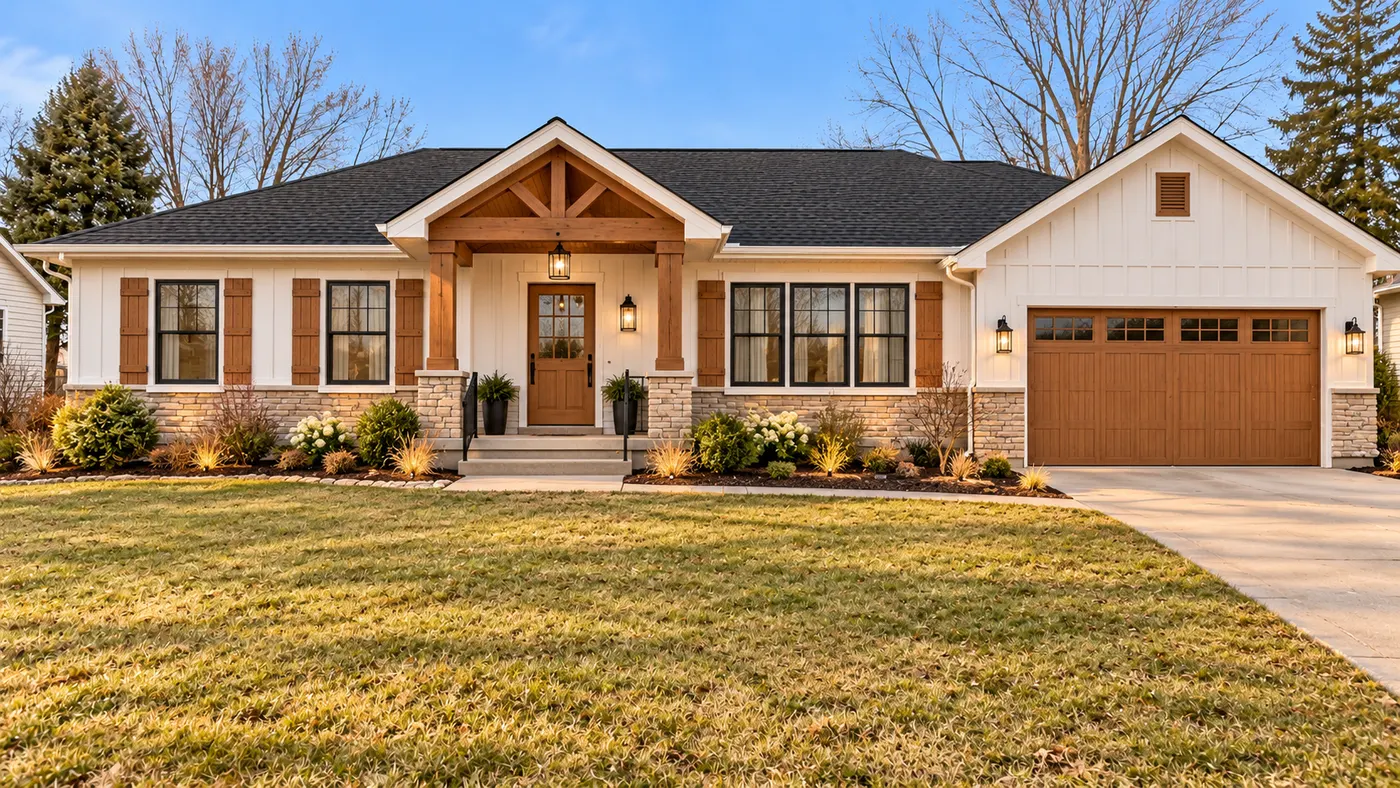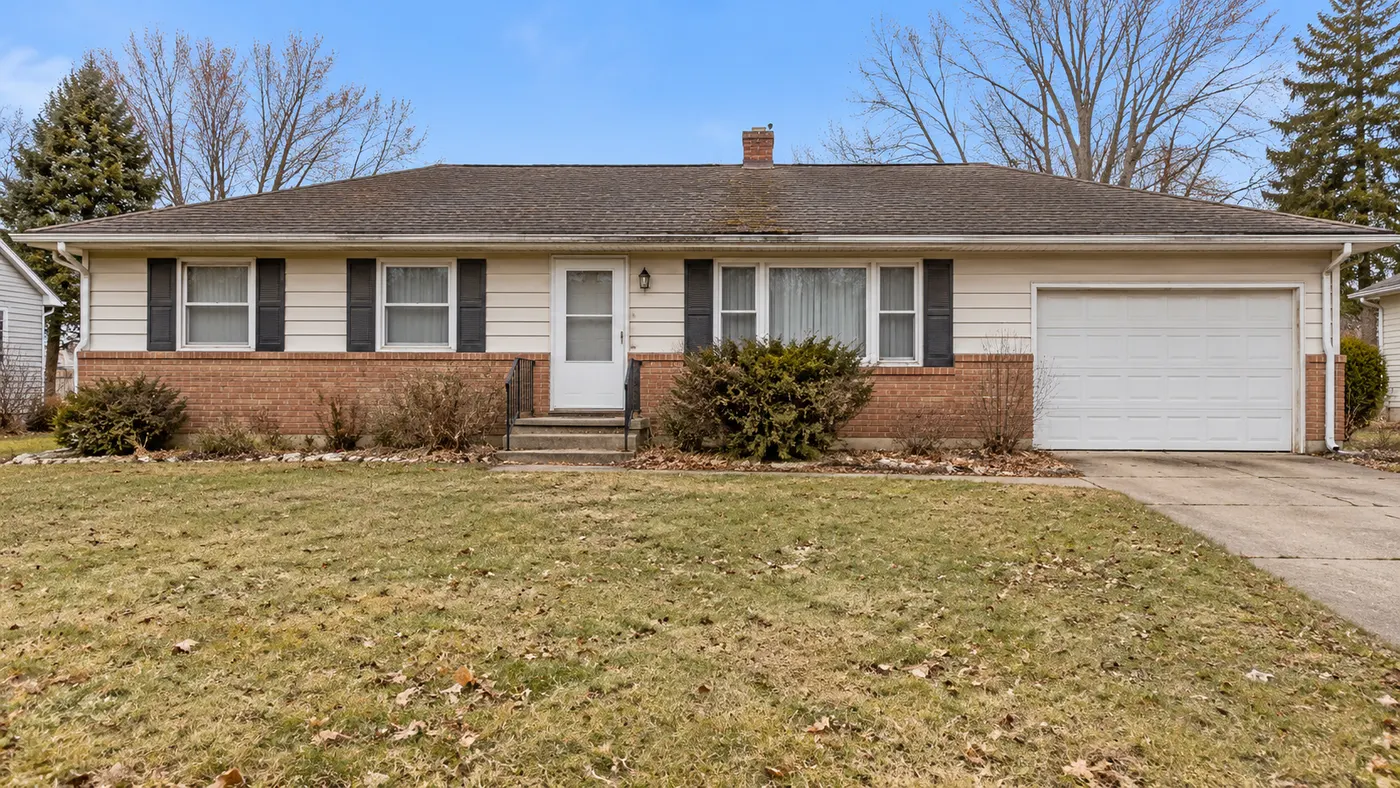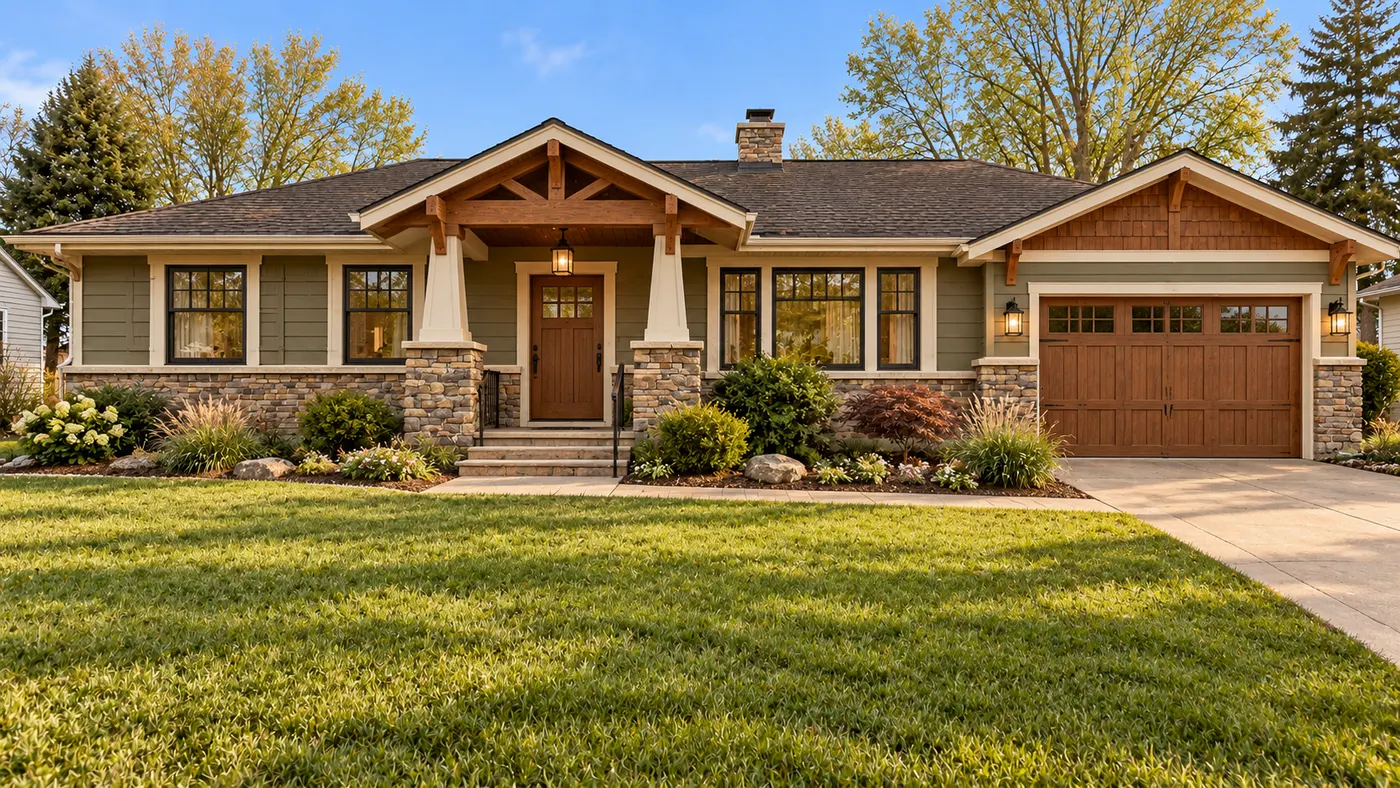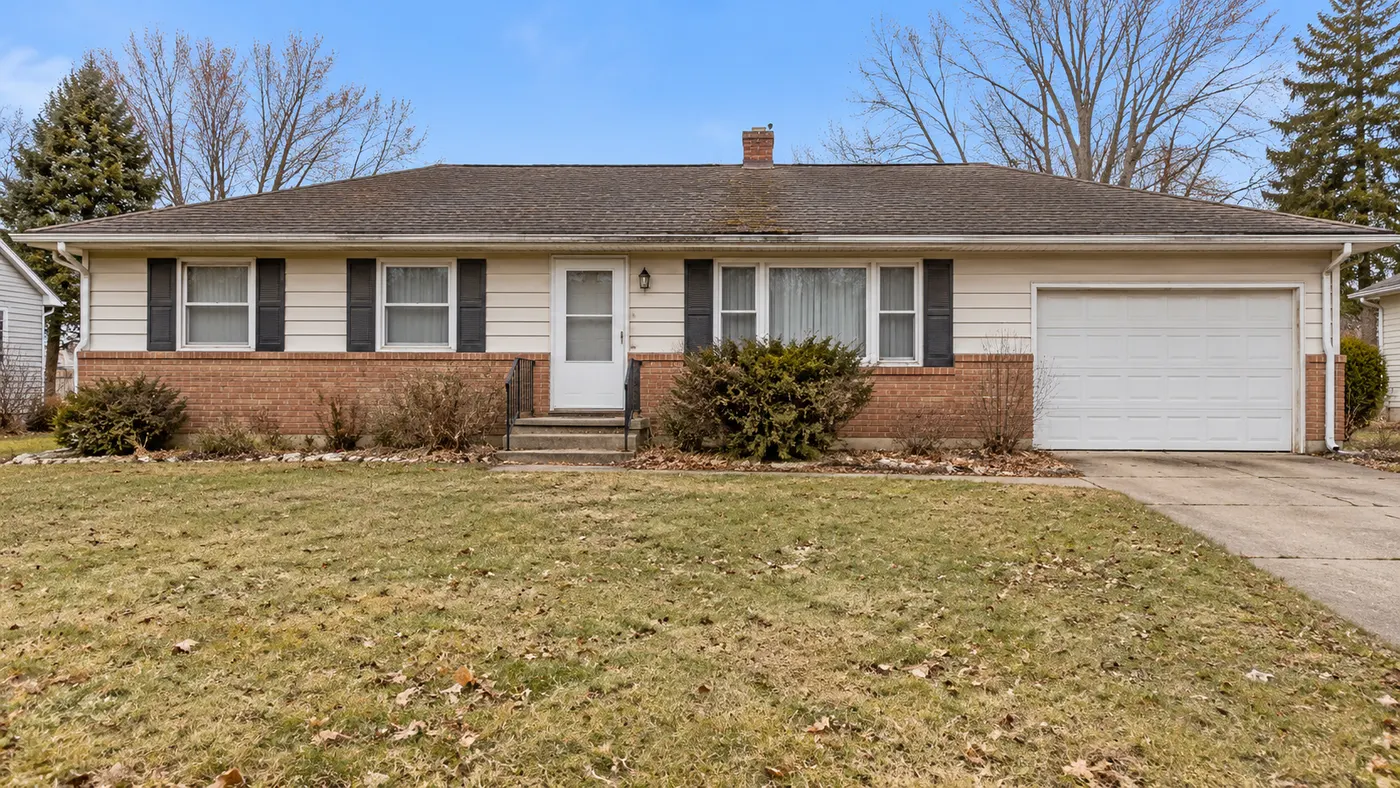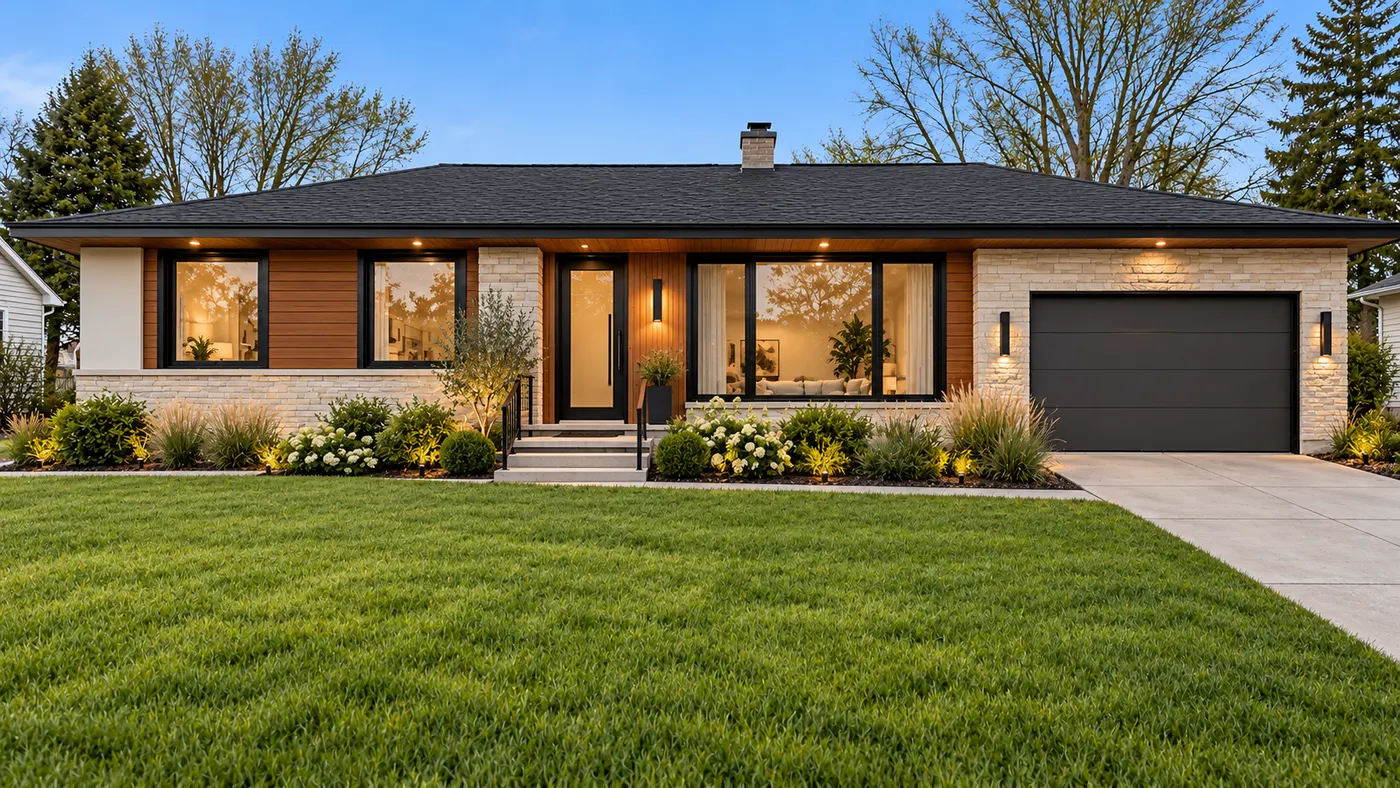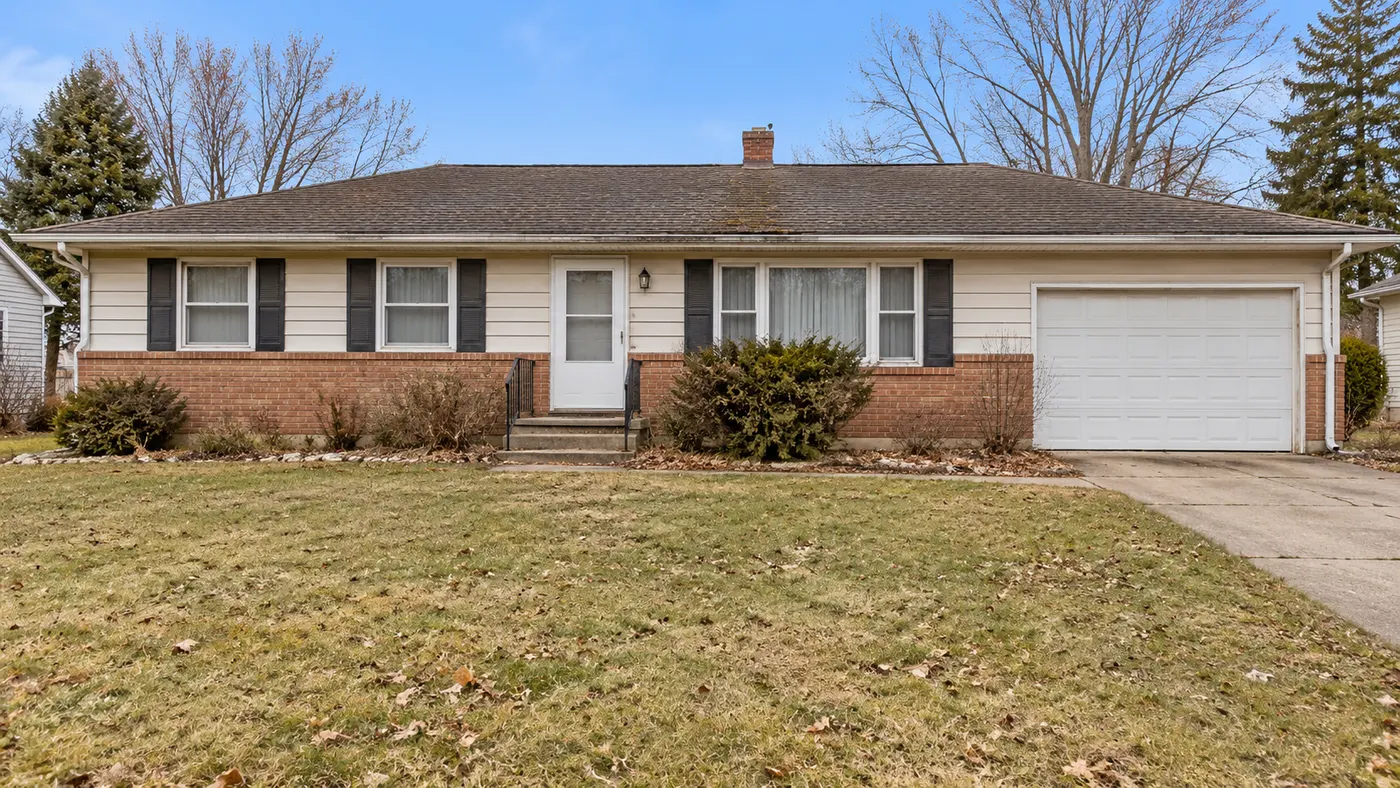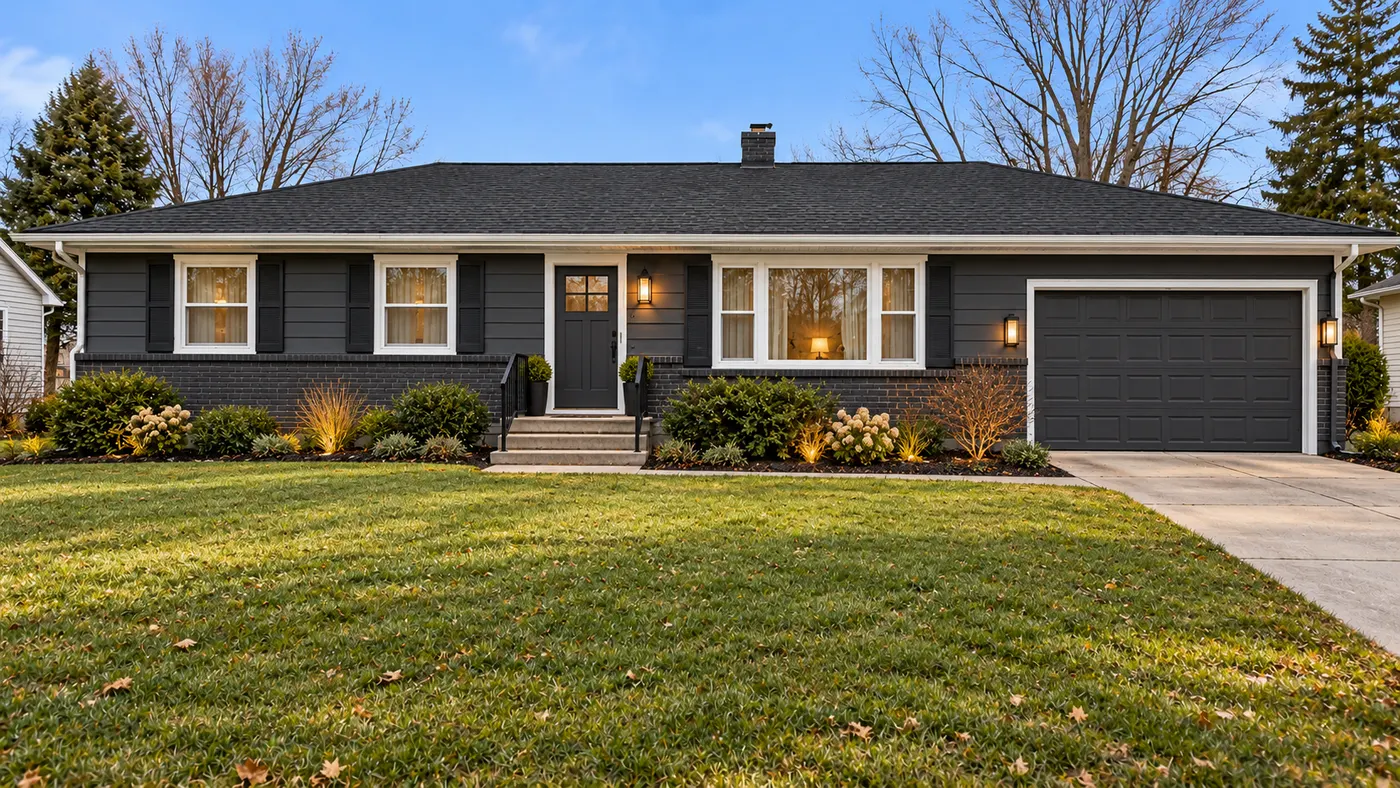
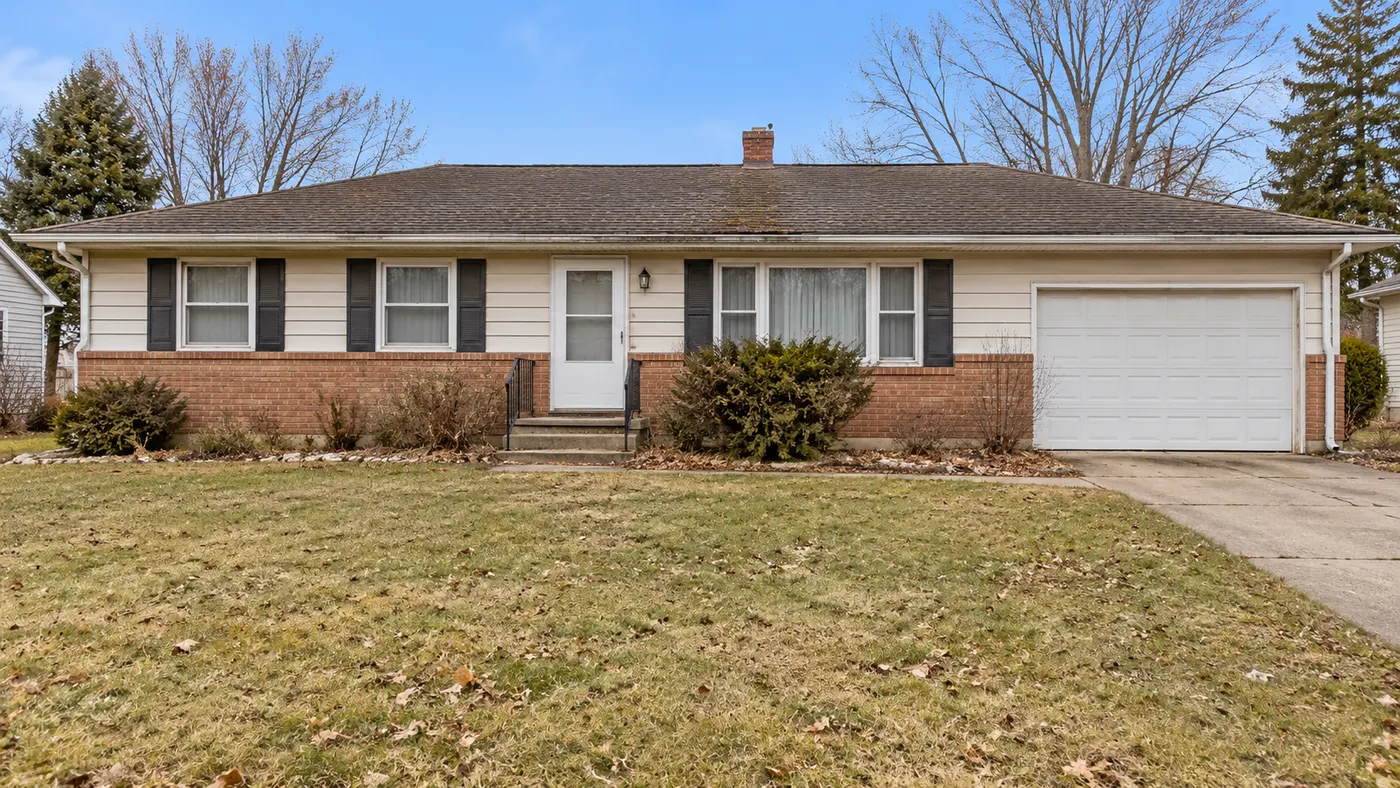
Charcoal exterior colour
Pick your house exterior, choose a style and size, then generate.
Your saved images
Sign in on a paid plan to reuse images you've saved.
Or start from a sample like your home
Your house exterior photo
Works best with a photo of your own house exterior.
Style (sets the look)
Or match a look of your own
Your own furniture & materials · Decorate
Up to 3 materials — pick where each one goes (floor, countertops…) under its picture.
Build your own swatch
Pick a material, then play with its colour, size and pattern — the swatch updates as you go.

Shape
Surface
Color
Grout colour
Grout width
Layout
Your saved images
Sign in on a paid plan to reuse images you've saved.
Or try one of our material samples
Decorate for a holiday added on top of your Style
Look
Colors (optional — your palette, applied with the style)
Auto
Room
What to change (optional — pick none to redesign everything)
Output
Your words
Prompt (editable — the scene & styling that drives the image)
This step uses 2 credit(s)
Show me 6 ideasUnlock the idea wall
Upgrade to a paid plan to generate 6 or 12 directions side by side.
Takes about 1–2 minutes. You can leave while it runs — results are saved to Projects.
Upload your house, pick an architectural style, and see the whole exterior reimagined in seconds — style, siding, materials and curb appeal, designed to work together.
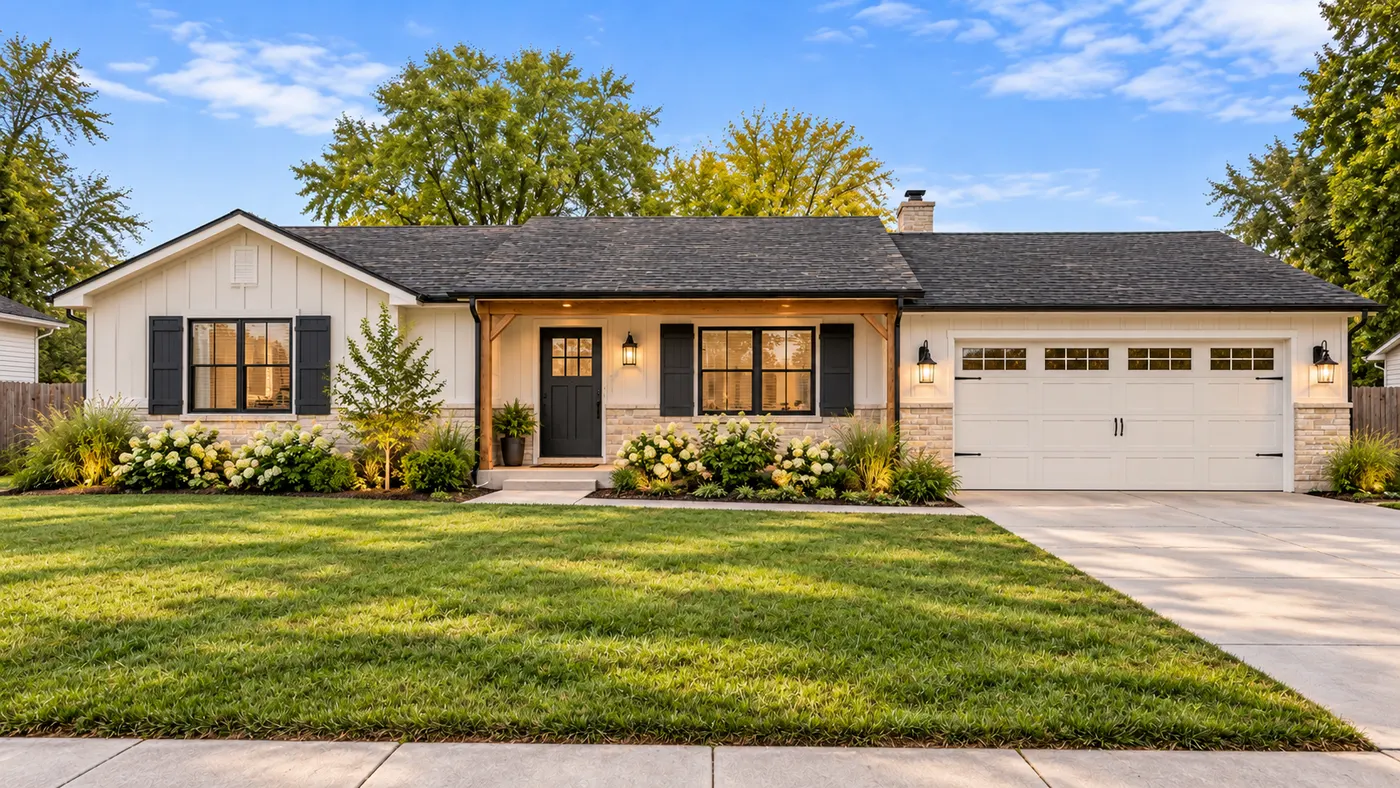
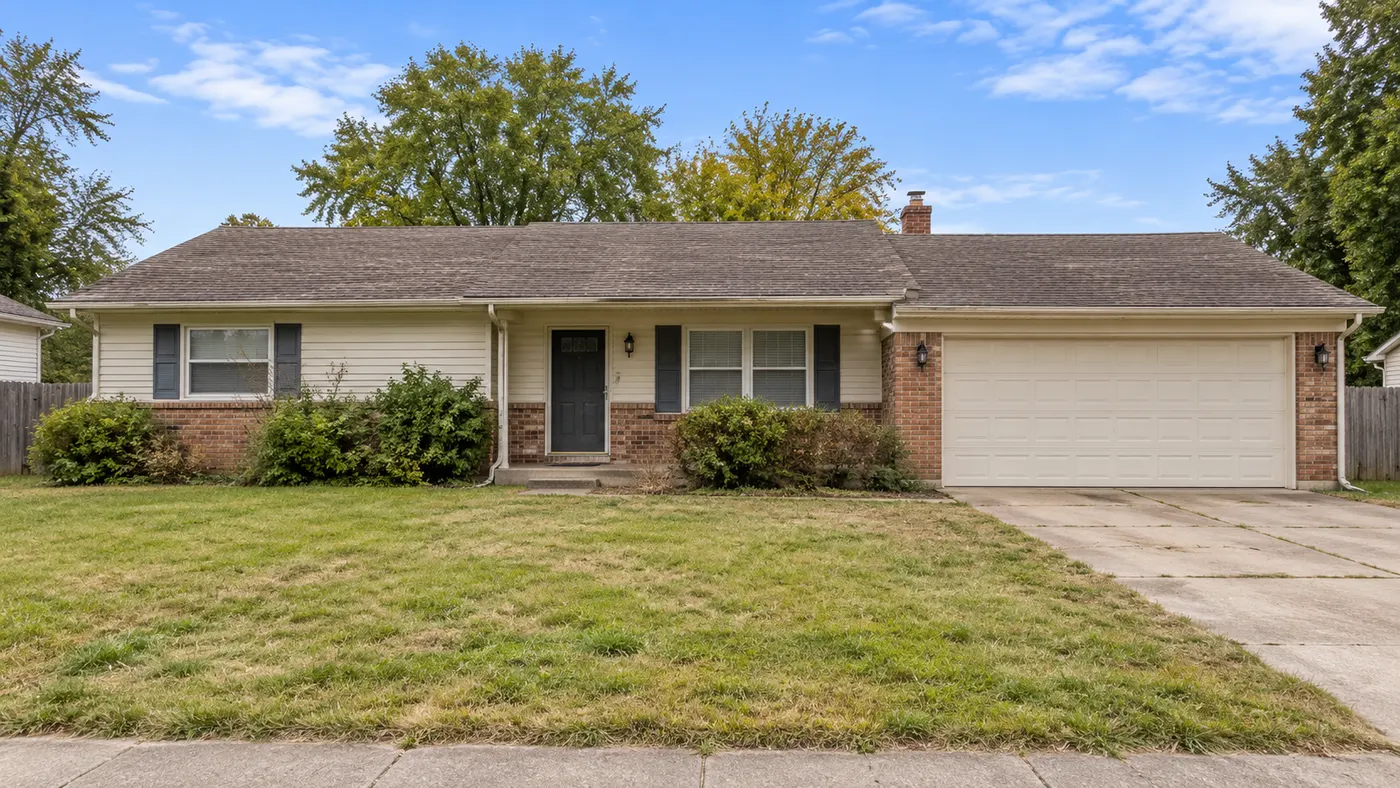
HausDraft is an AI home exterior design tool that turns one photo of your house into a full-facade redesign. Pick an architectural style — Modern, Modern Farmhouse, Craftsman, Colonial, Mediterranean, Contemporary — and this AI exterior design tool restyles the siding material, finishes, trim, front door and curb-appeal landscaping together, so every material and colour belongs to one coherent look. It goes far beyond a paint swap: a complete exterior home makeover AI that lets you design my house exterior end to end, before a single renovation quote.
Redesign my exterior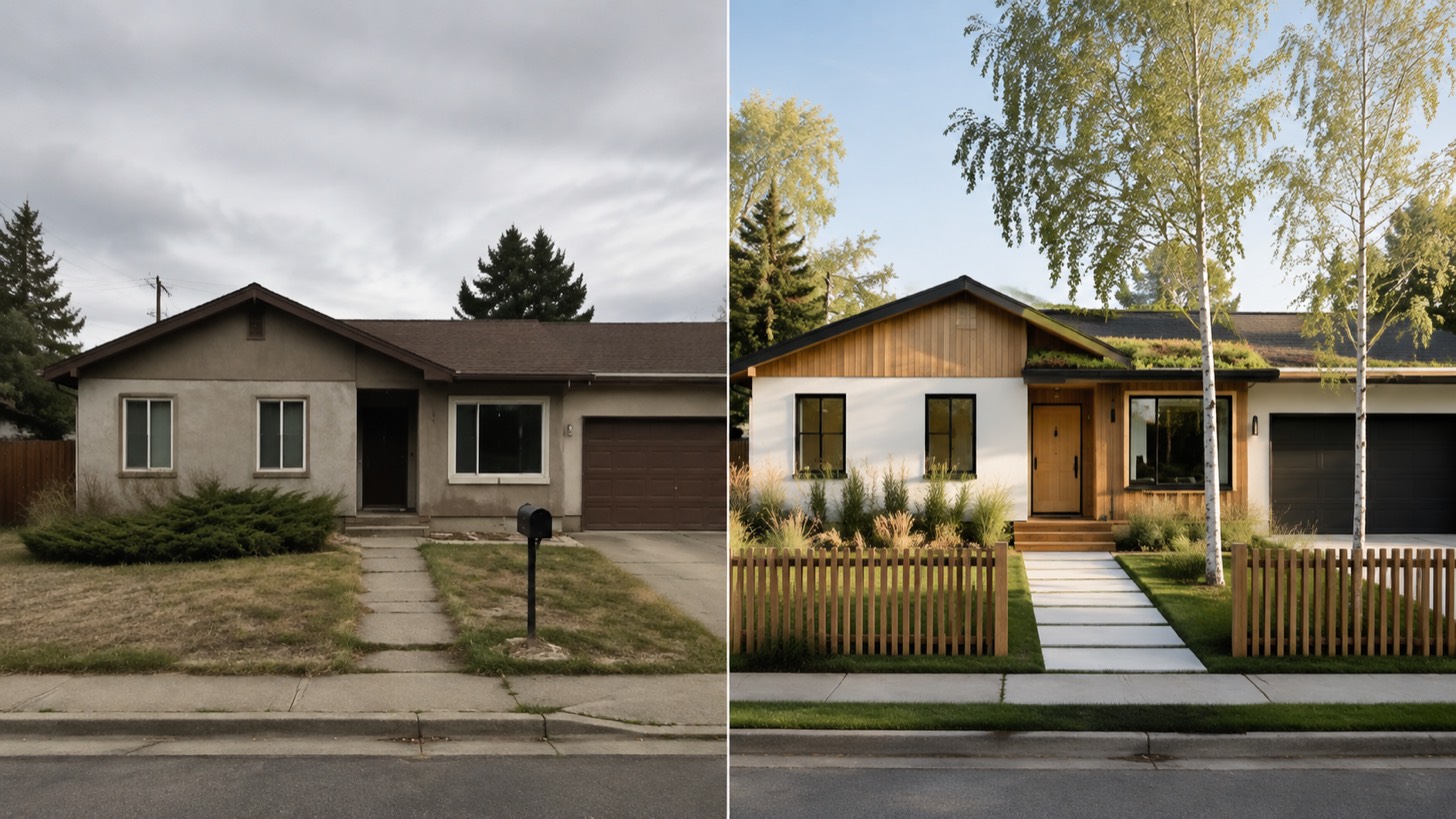
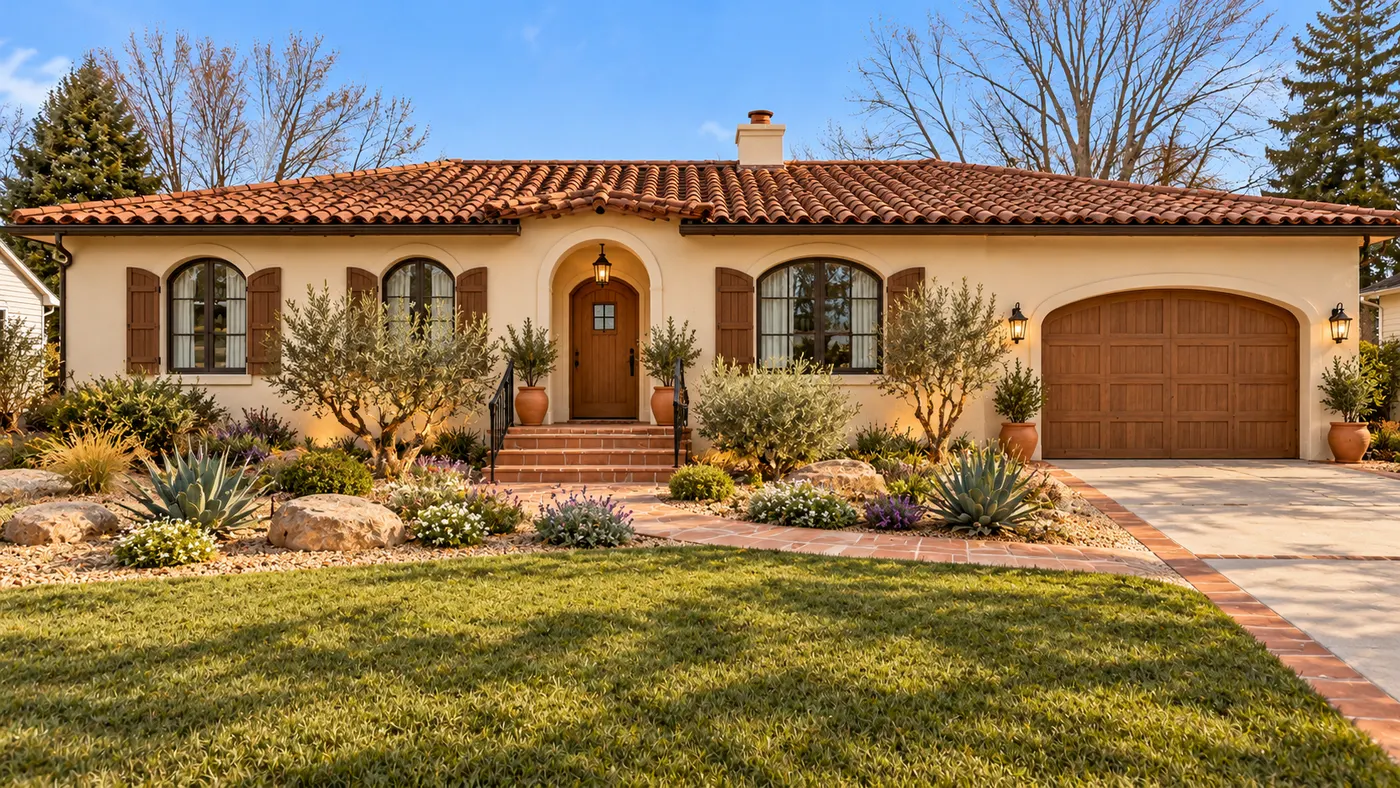
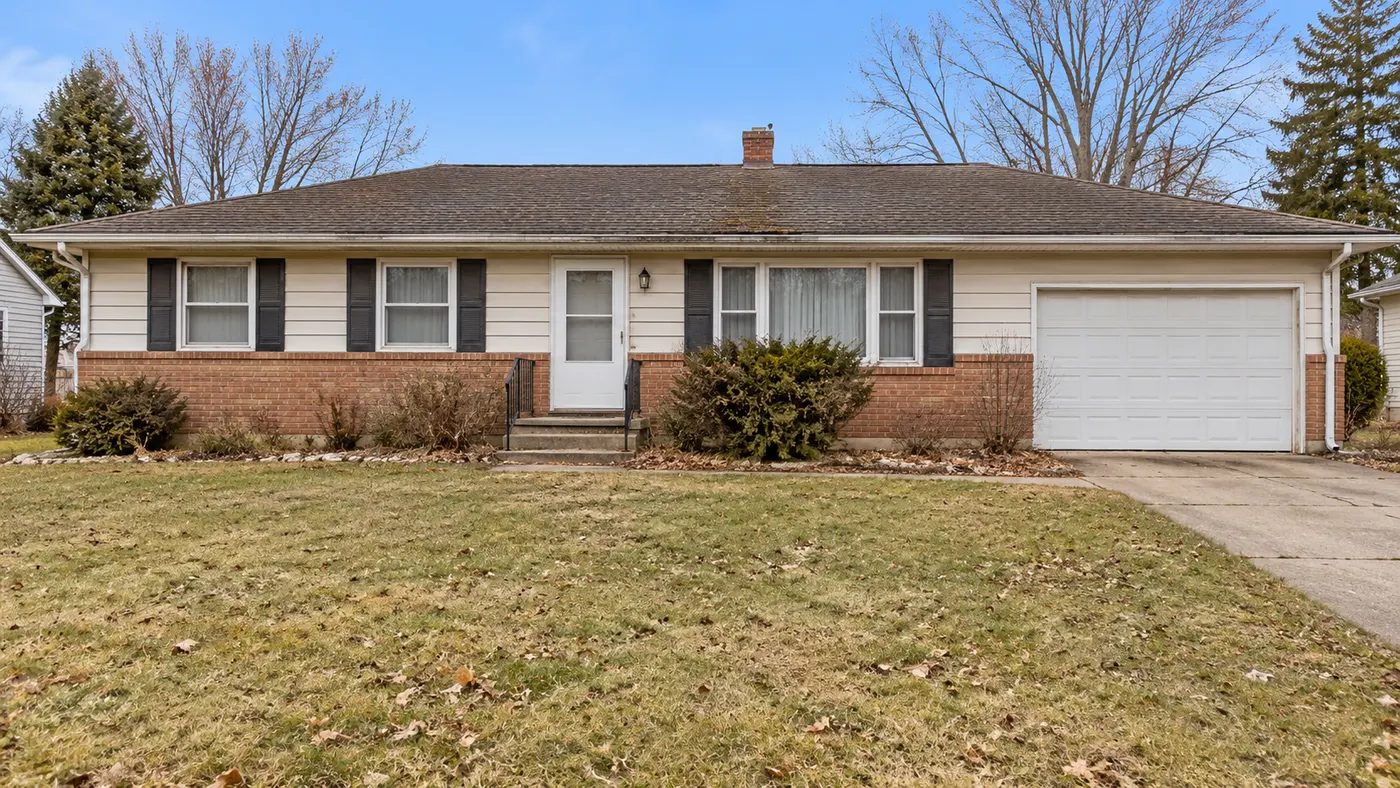
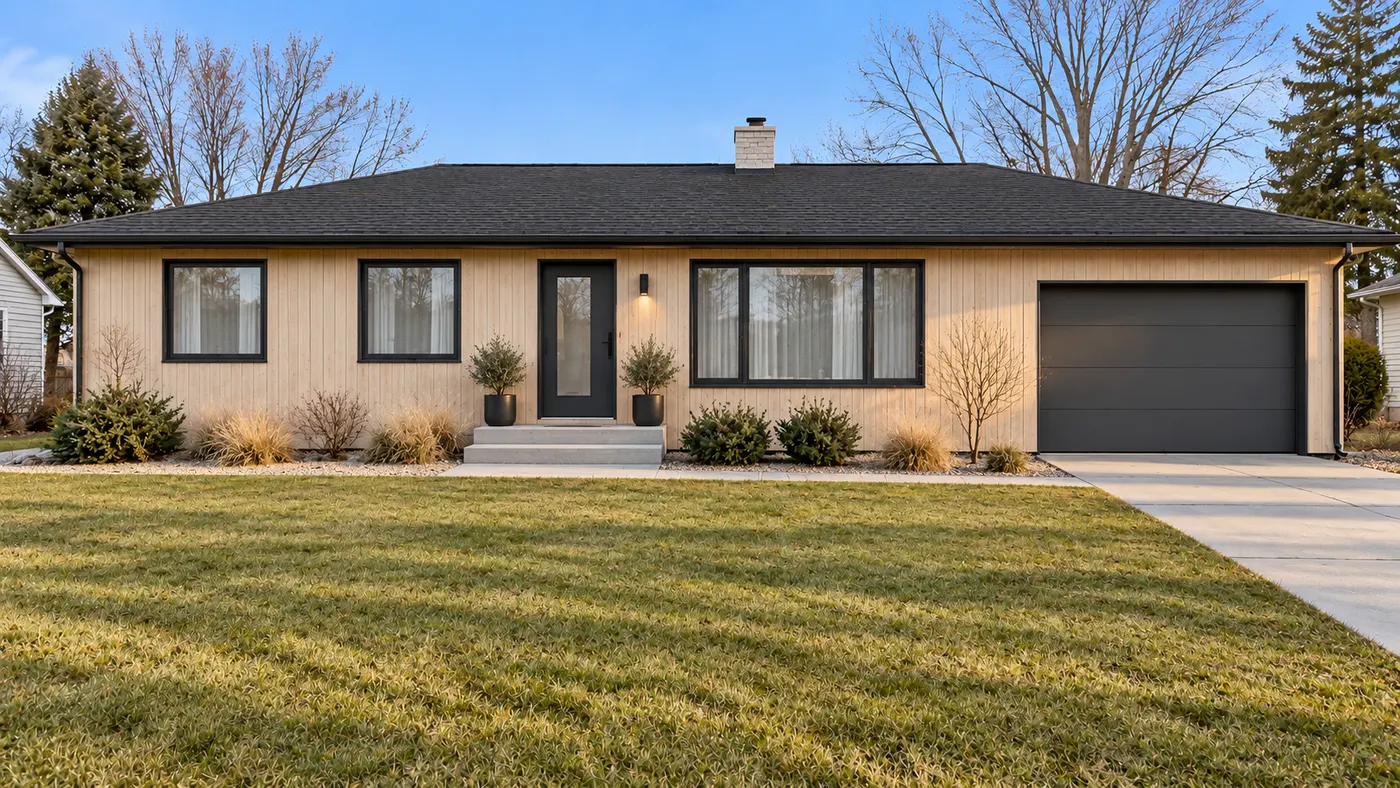
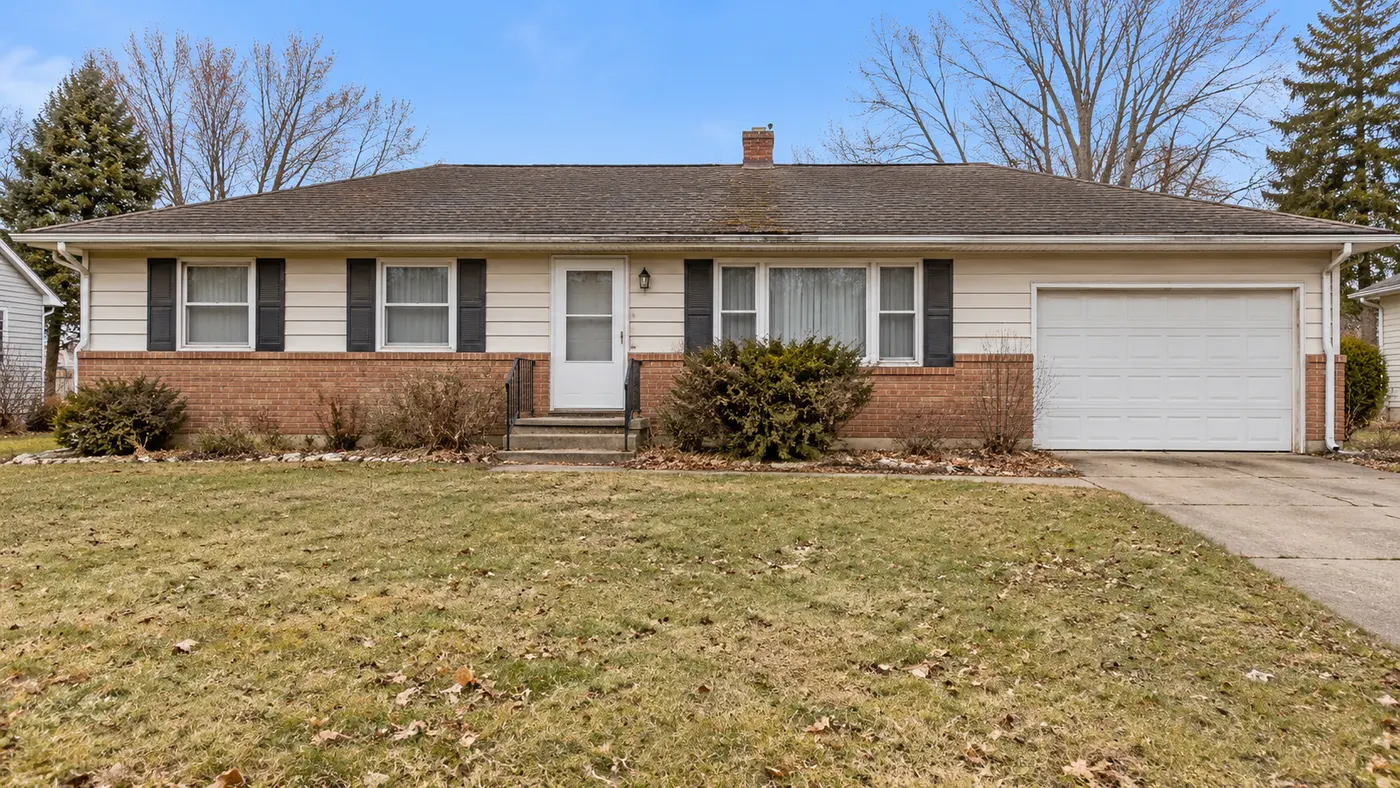
One facade reimagined across HausDraft’s architectural styles — full redesigns, not colour swaps.
A colour visualizer only repaints the siding. This AI house exterior design tool restyles the entire facade — style, siding material, finishes, trim and front landscaping — and picks them to work together, the way a designer pairs stone with warm timber or white stucco with dark trim. The result is a new design direction for your house, not just a new paint colour.
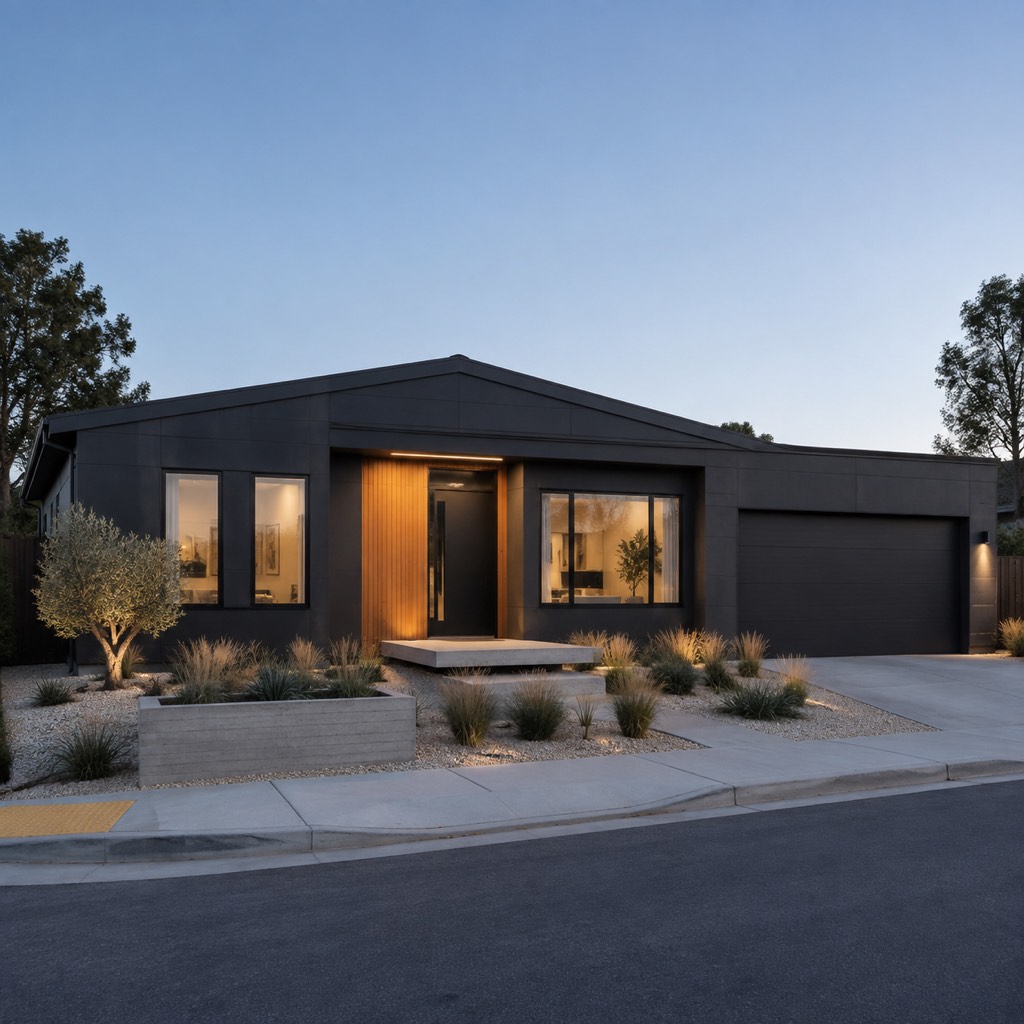
Switch between Modern, Modern Farmhouse, Craftsman, Colonial, Mediterranean, Contemporary and Tudor looks and compare them side by side. Because the exterior design AI changes materials and finishes — board-and-batten, stone, stucco, brick, metal roofing — not just colour, you are really deciding between whole design directions, the way a home exterior design app should let you.
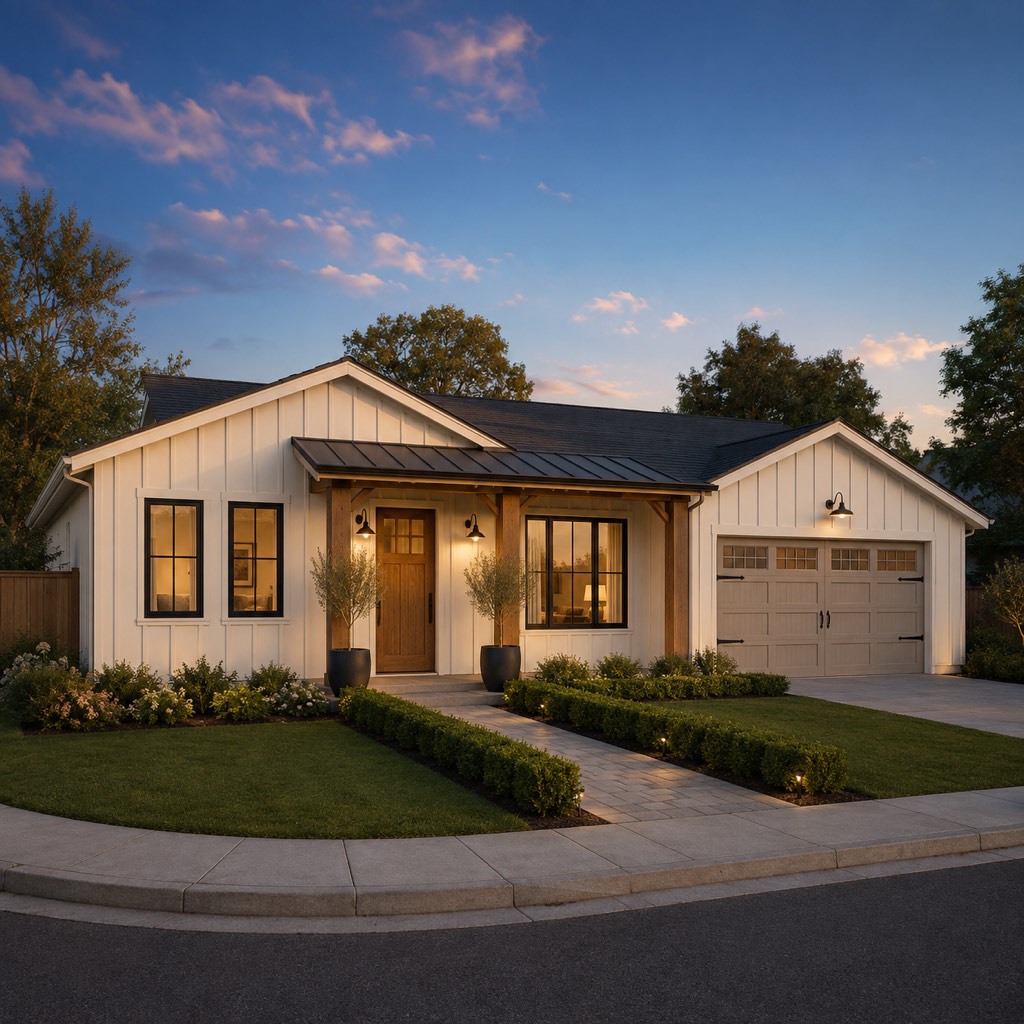
A facade renovation is expensive and slow to undo. Use this exterior home makeover AI to test siding, trim, front door, porch and landscaping together, align the household or HOA on one direction, and hand your contractor or architect a clear visual brief — all before breaking ground.
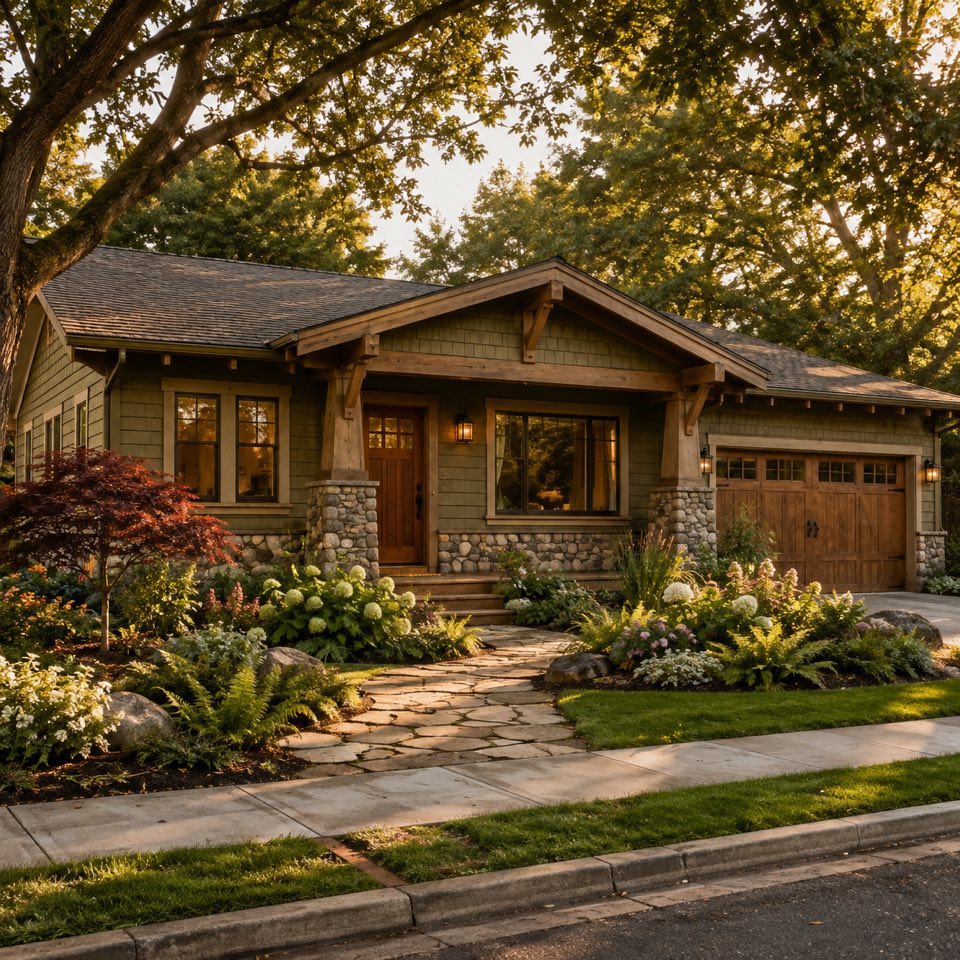
A plain-English rundown of how HausDraft reimagines a whole facade from one photo.
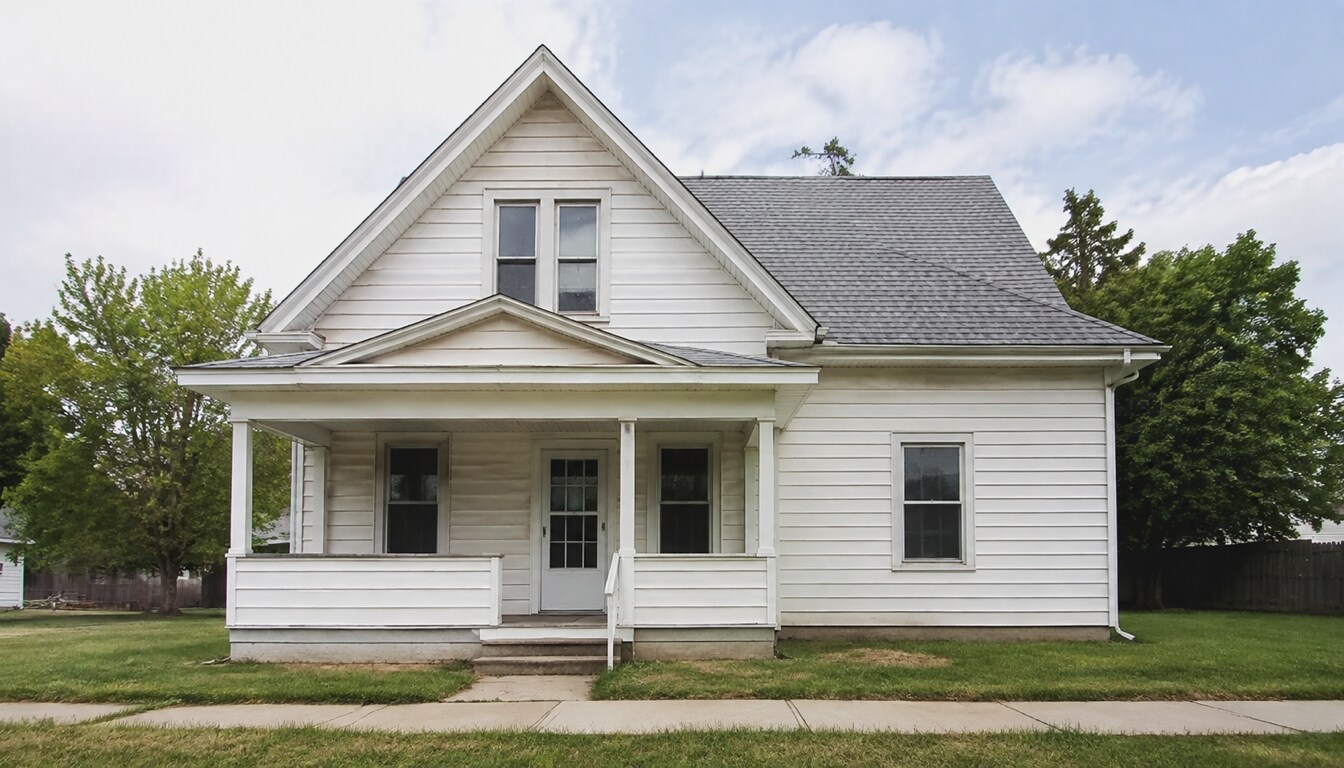
The AI restyles the whole facade — siding material, finishes, trim and front landscaping — as one coordinated design. So the redesign is realistic and buildable, not a fantasy render.
Unlike an exterior colour visualizer, this AI exterior design tool changes the architectural language: board-and-batten vs stucco vs stone vs brick, metal vs shingle roofing, modern vs traditional trim — a genuine exterior redesign.
Modern, Modern Farmhouse, Craftsman, Colonial, Mediterranean, Contemporary and Tudor — plus an Auto option that picks a cohesive direction for your house.
If you can take a photo of your house and tap a style, you can use this ai house exterior design tool.
Three steps to design my house exterior from a single photo.
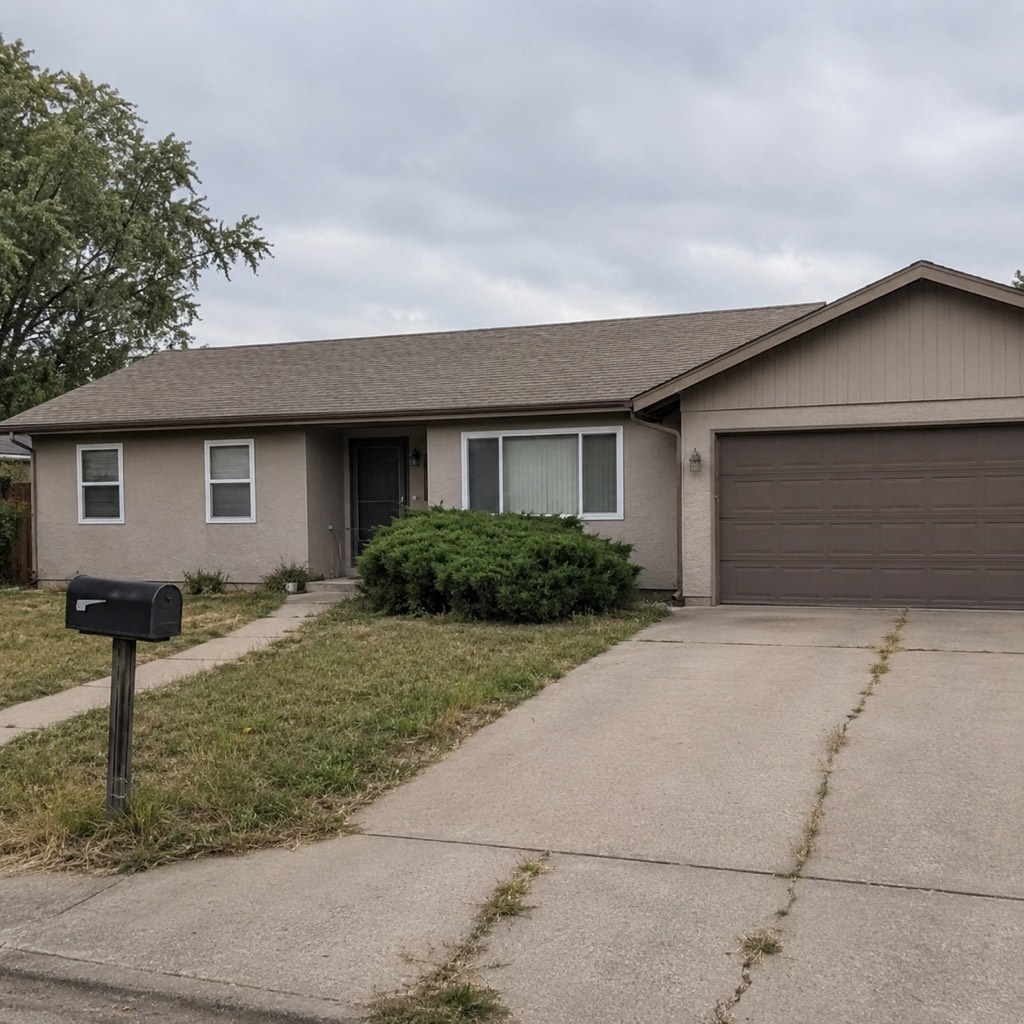
Take or upload a clear, straight-on photo of the front of your house. Good daylight and a full view of the facade work best.
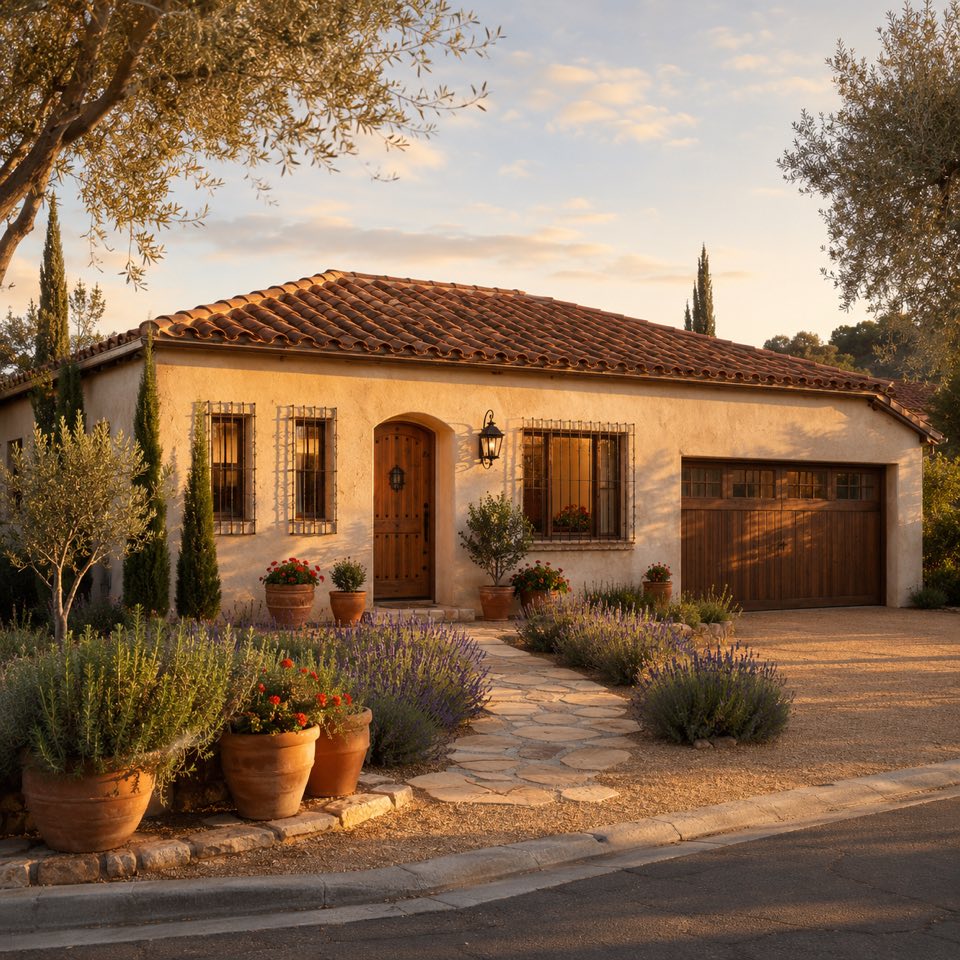
Choose a style — Modern, Farmhouse, Craftsman, Mediterranean and more — or let Auto suggest one. The AI home exterior design tool restyles the whole facade in that direction.
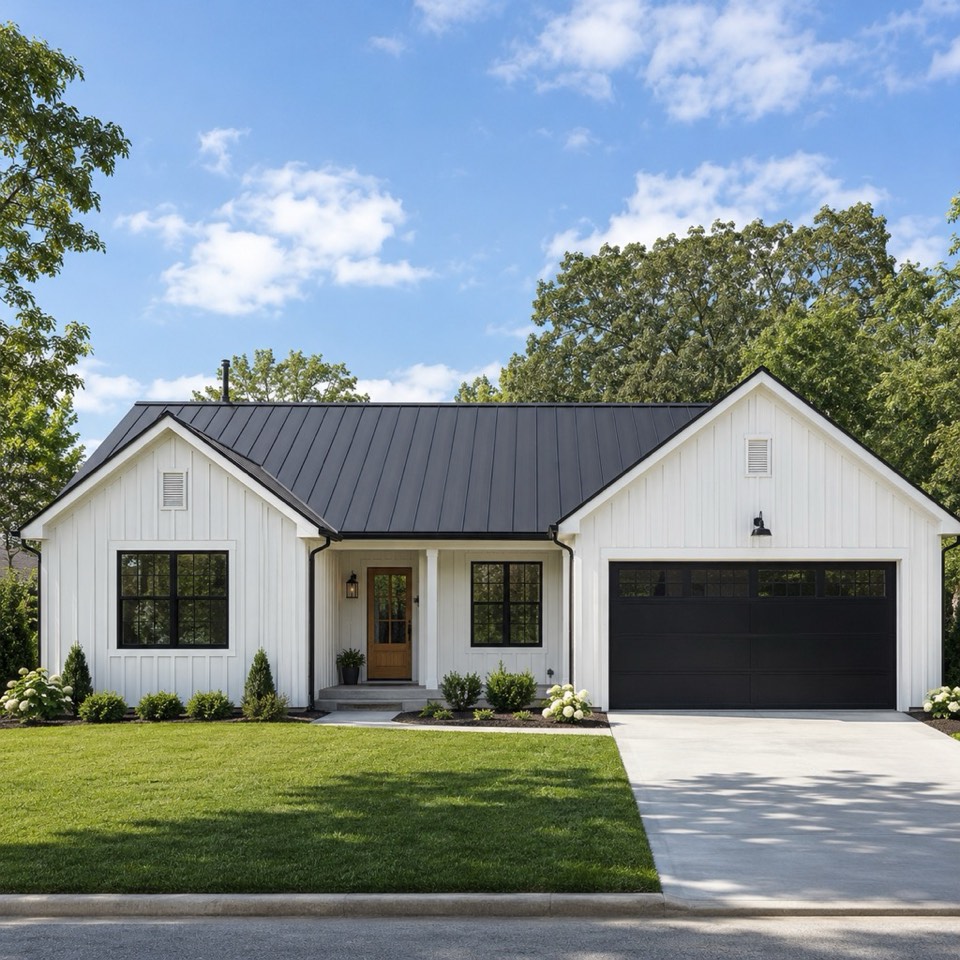
HausDraft reimagines your exterior in seconds. Try several styles and save the before-and-after you like.
Upload a photo and see your whole facade reimagined in a new architectural style in seconds.
Sign in for 2 free credits to try it. Lite is $9.99/month, Starter is $29/month and Pro is $69/month; see the current plans and credit details on the pricing page.
Redesign my exteriorHow HausDraft’s full-facade redesign works, and when to reach for a colour-only tool instead.
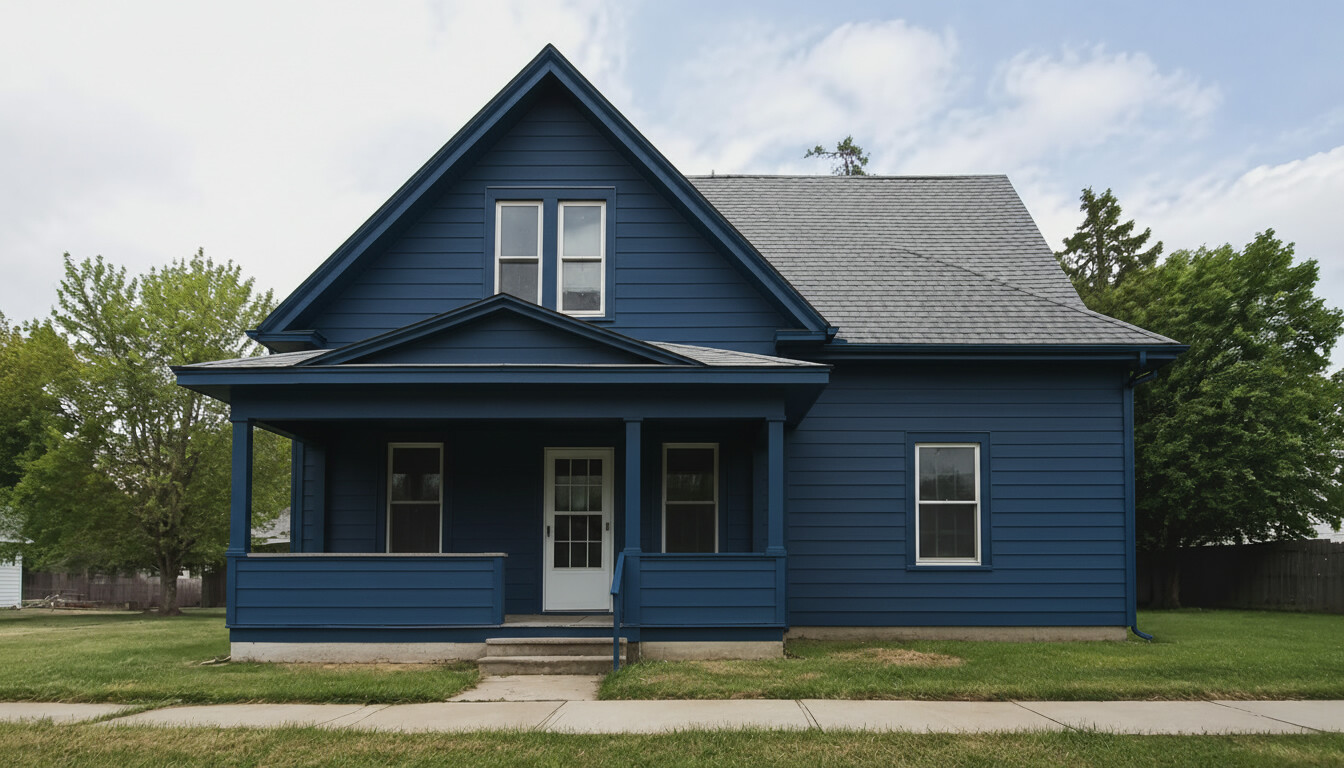
A colour tool only repaints what is already there. HausDraft restyles the architectural language — siding material, finishes, trim, front door and curb-appeal landscaping — and keeps those choices true to the style you pick, so a Craftsman look gets natural wood and earthy tones while a Modern look gets clean cladding and dark accents. That is what makes this ai home exterior design useful for a real renovation decision.
This page is the full-design lane: change the style, materials and finishes together. If you only want to test siding and trim colours on your current house, use HausDraft’s exterior house color visualizer, or the paint color visualizer for a single wall — those change colour only. Reworking the yard around the house? Pair it with AI landscape design.
Use a clear, well-lit, straight-on photo that shows the whole front of the house, and avoid heavy shadow or parked cars blocking the facade. If the first result is not quite right, pick another style or regenerate, and compare the design directions side by side.
Every home design tool in the studio — swipe through, all on one login.
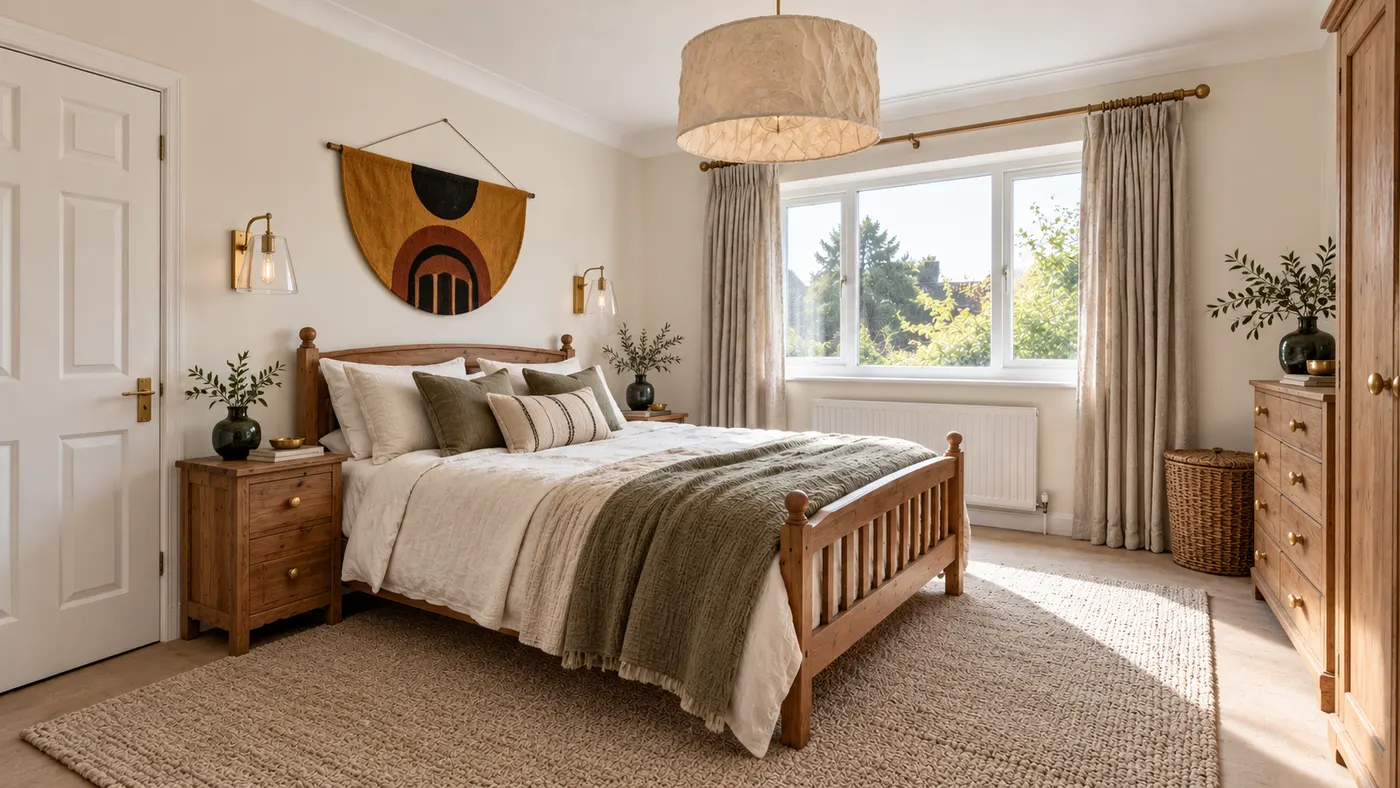
Upload a room photo and HausDraft’s AI interior design tool restyles it in seconds — Modern, Scandinavian, Japandi — with furniture and decor that go together.
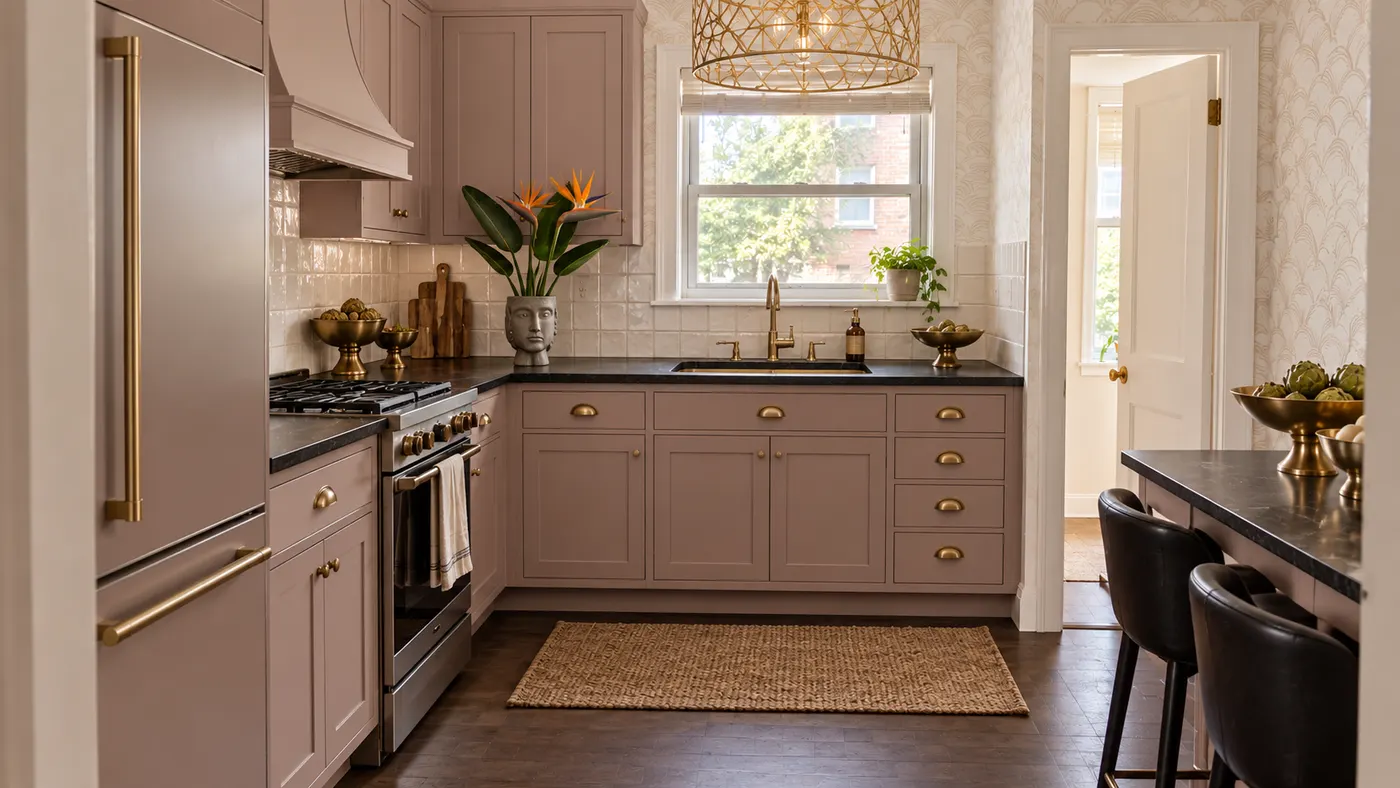
Upload a photo of your kitchen and HausDraft restyles the cabinets, countertops and backsplash in seconds, with finishes chosen to work together. Free to try.
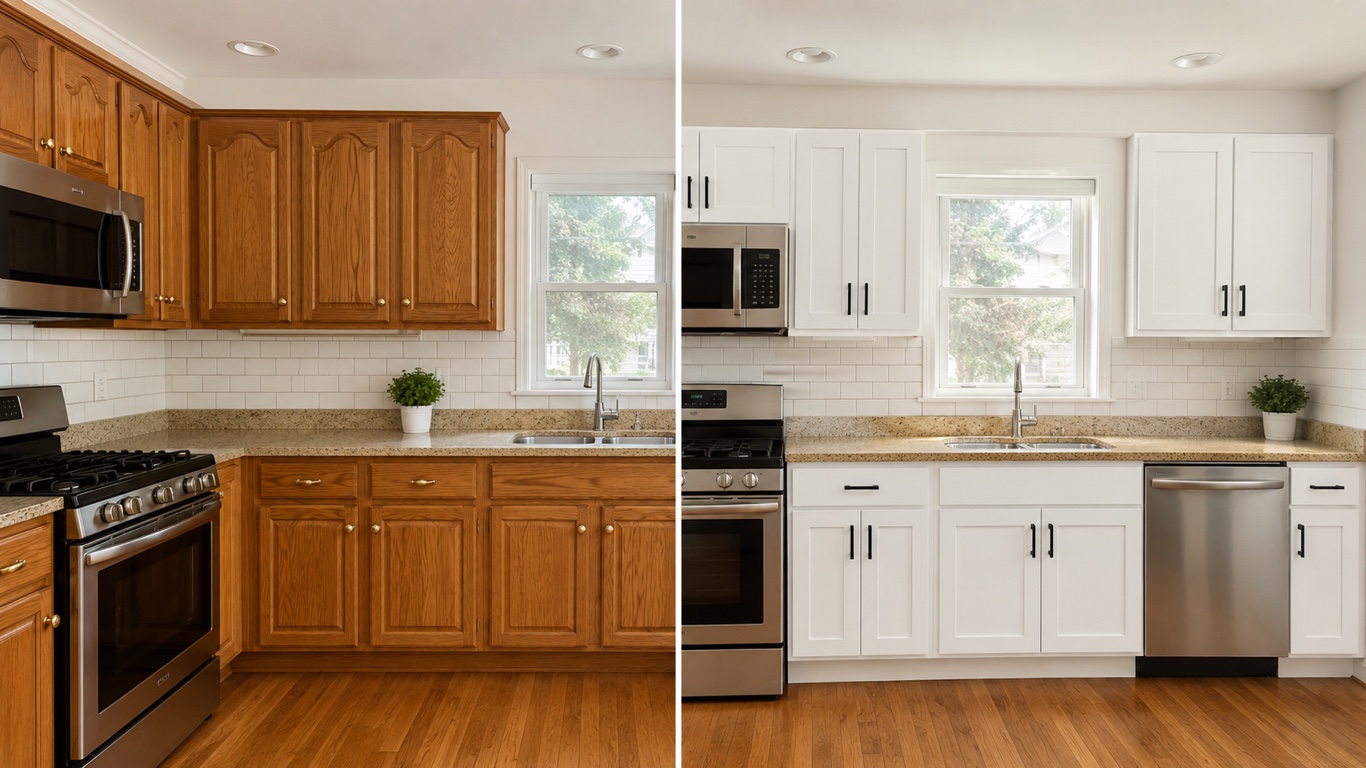
HausDraft’s kitchen cabinet visualizer shows new cabinet colors on your kitchen from a photo — white shaker, navy, sage, walnut or two-tone, in seconds.
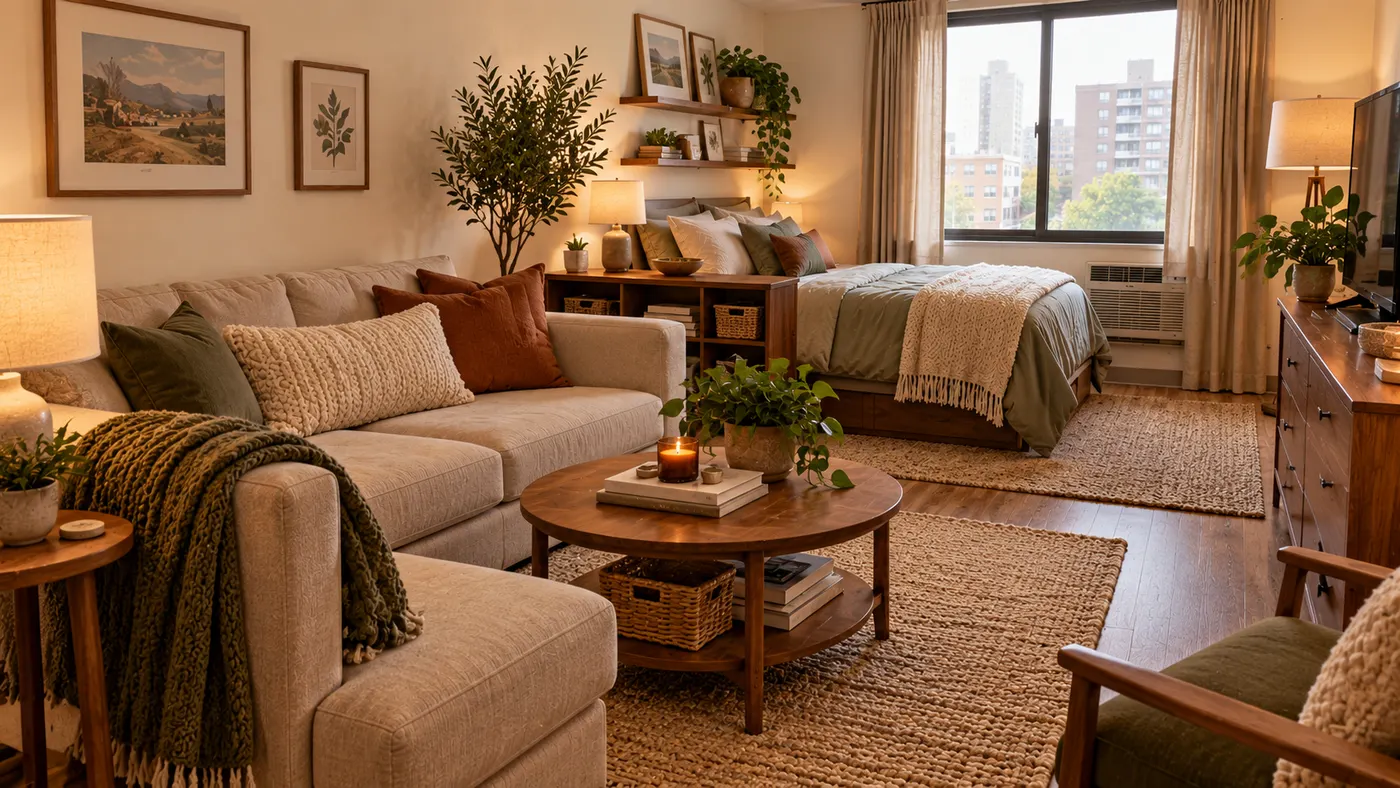
See 20+ small living room layout ideas grouped by problem, then try any furniture arrangement, cozy refresh or renter-friendly look on a photo of your room.
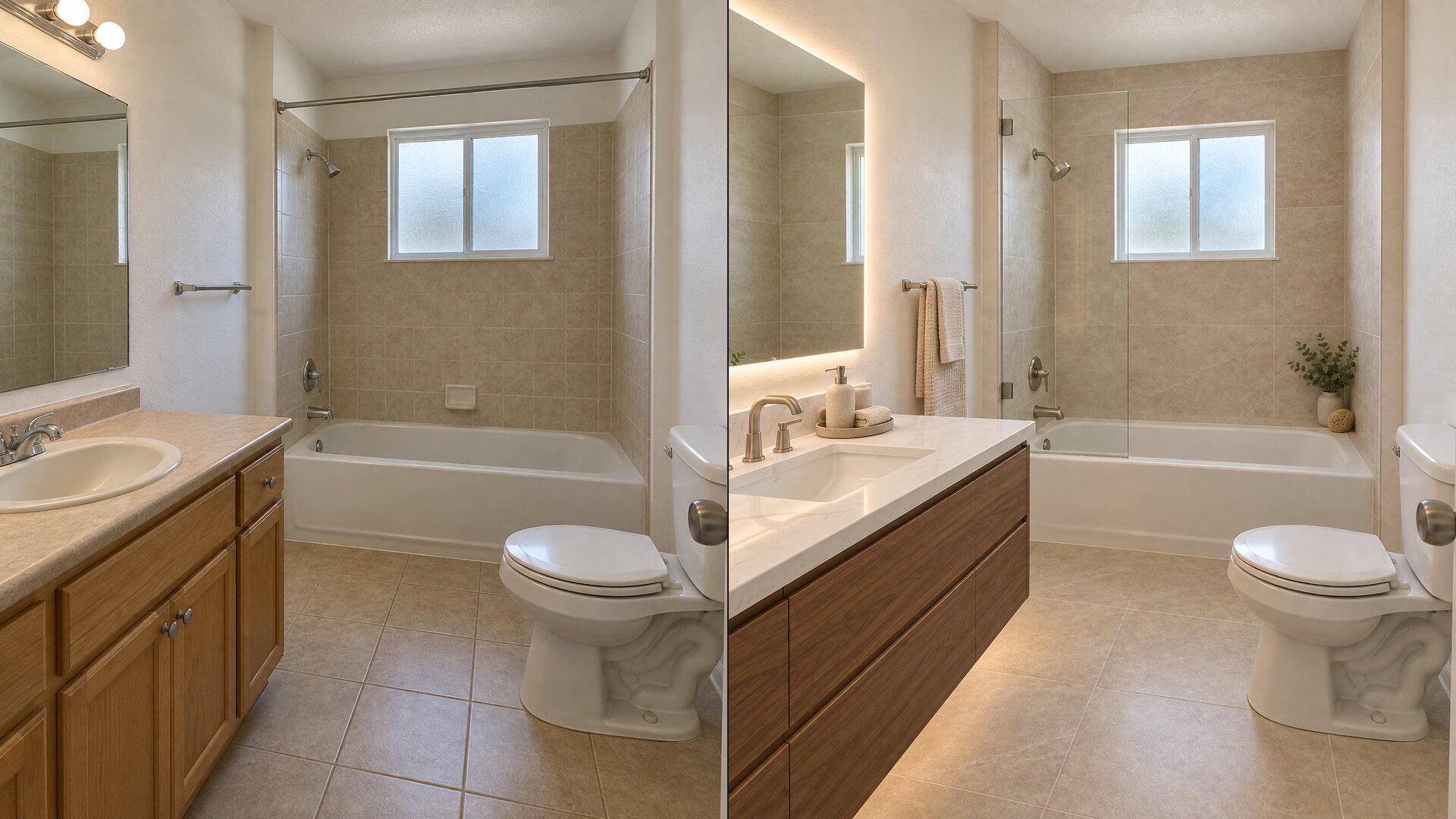
Upload a bathroom photo and preview vanity, tile, fixtures and paint together with this bathroom remodel visualizer — free to try, results in seconds.
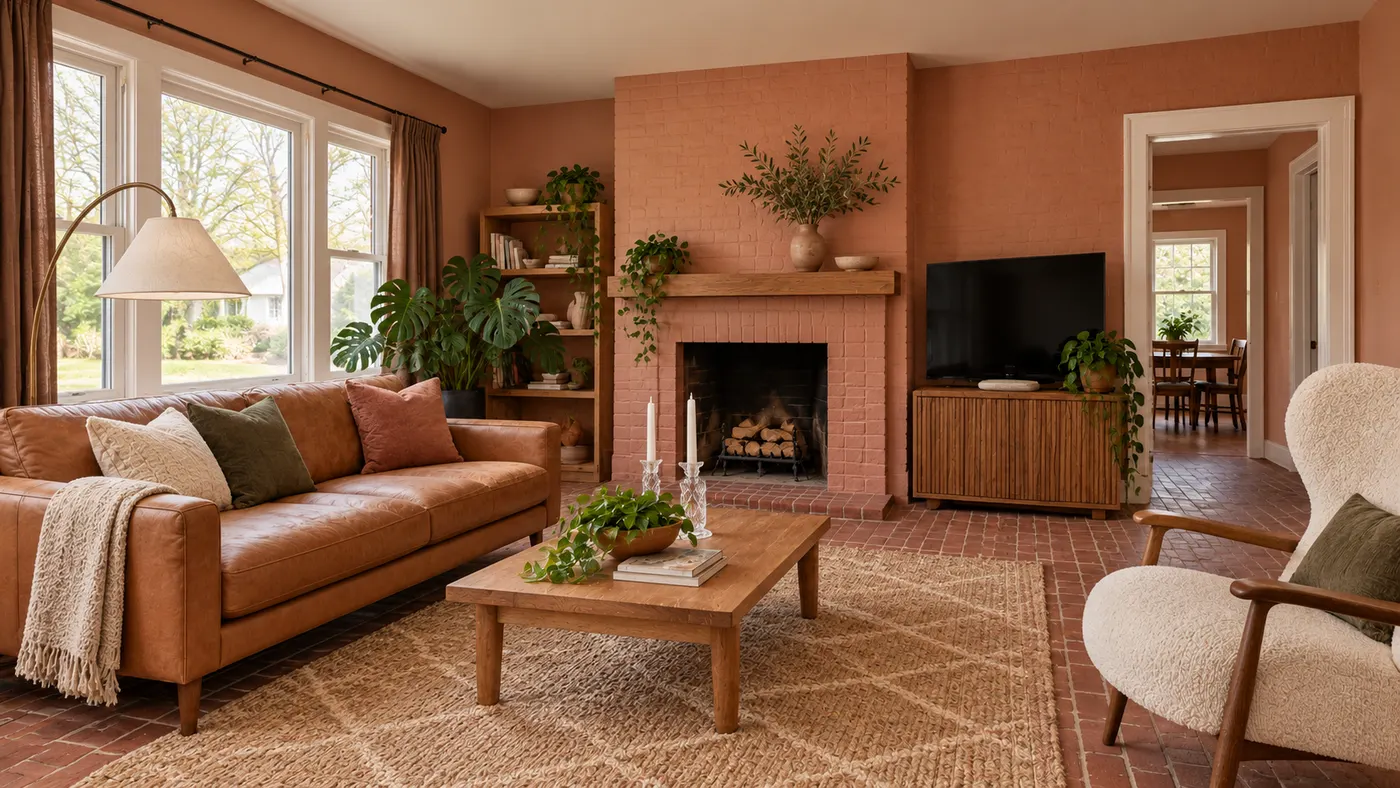
Try AI room design free on one room — upload a photo, pick a style, and HausDraft’s AI room design tool restyles it in seconds with a cohesive look.
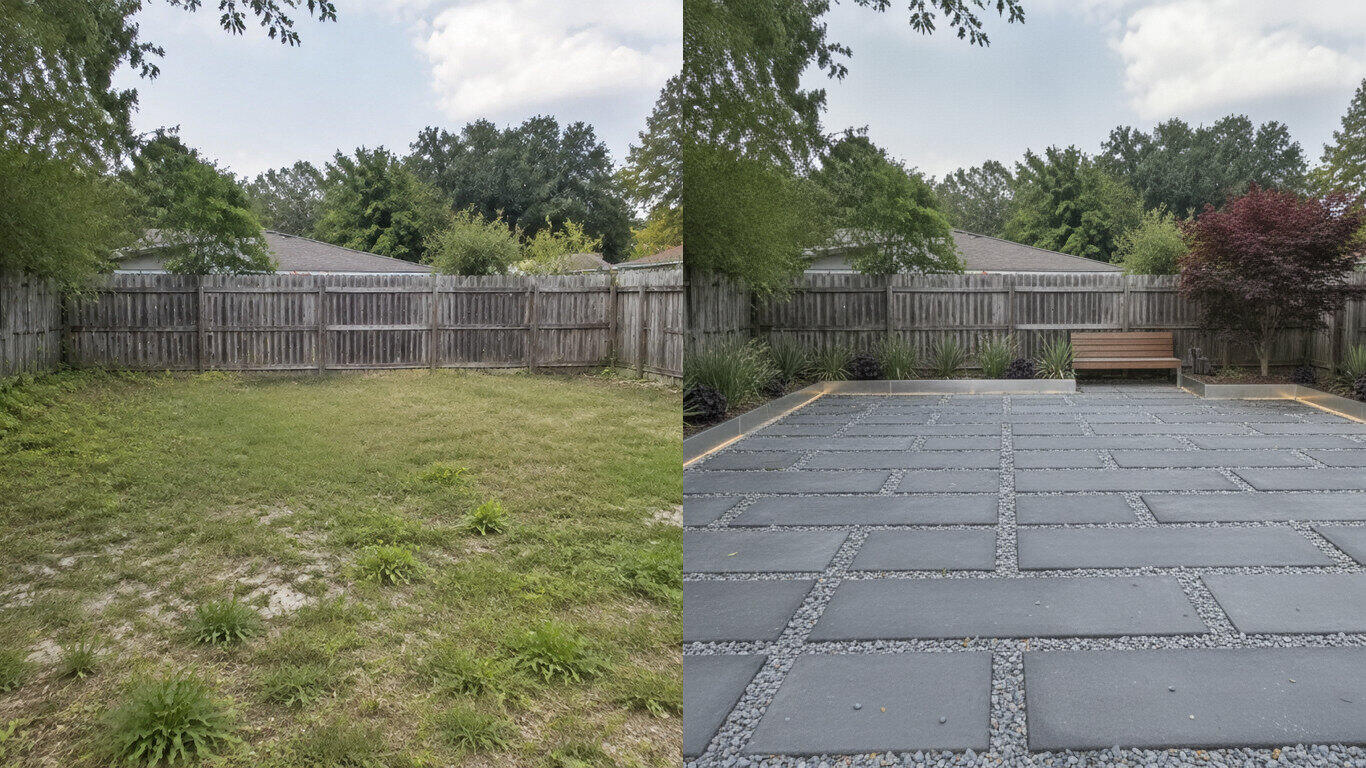
Upload a yard photo and HausDraft’s AI landscape design tool reimagines the planting, beds, lawn and hardscape in seconds — Modern, Cottage, Tropical and more.
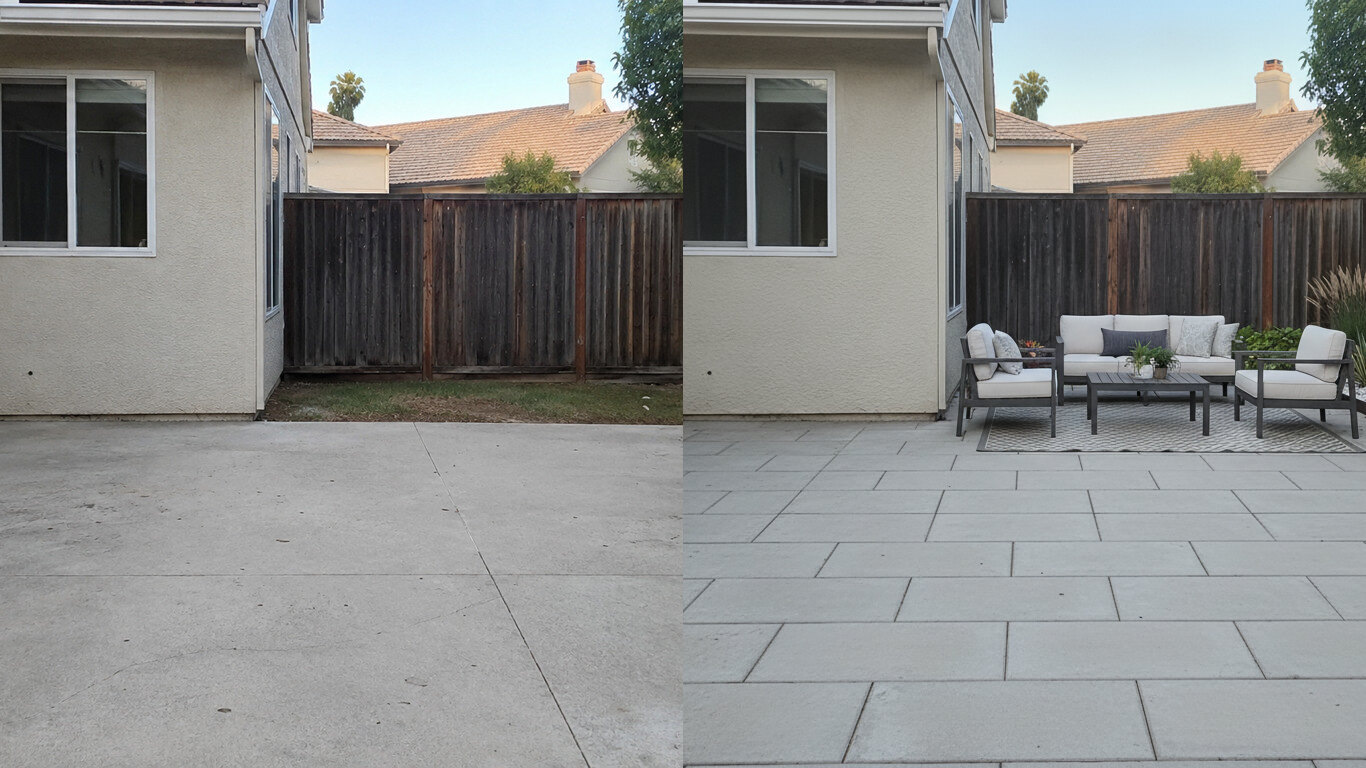
Upload a photo of your patio and HausDraft’s patio design tool reimagines the paving, furniture layout and planting in seconds. Plan a patio before you build.
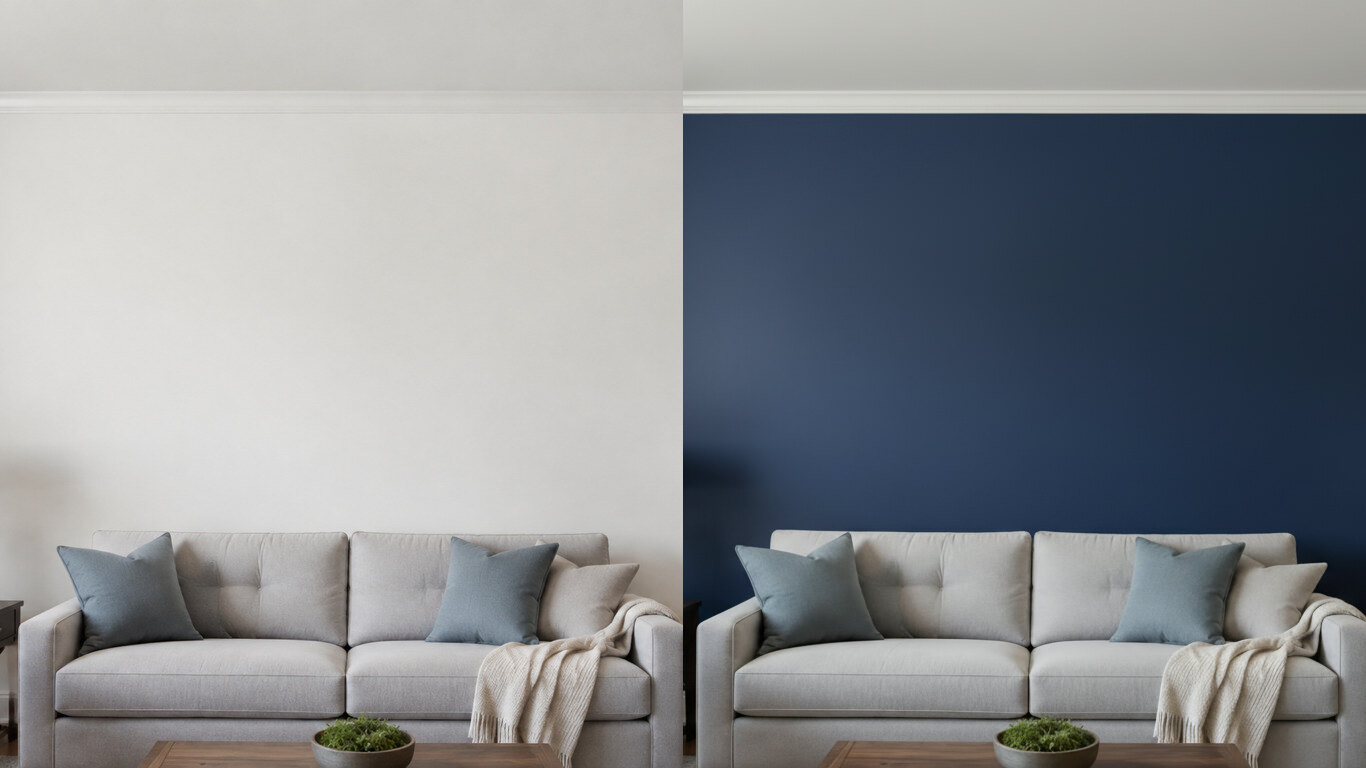
Upload a photo of your room or wall and HausDraft’s paint color visualizer repaints it in any colour in seconds. Try colours before you buy a can.
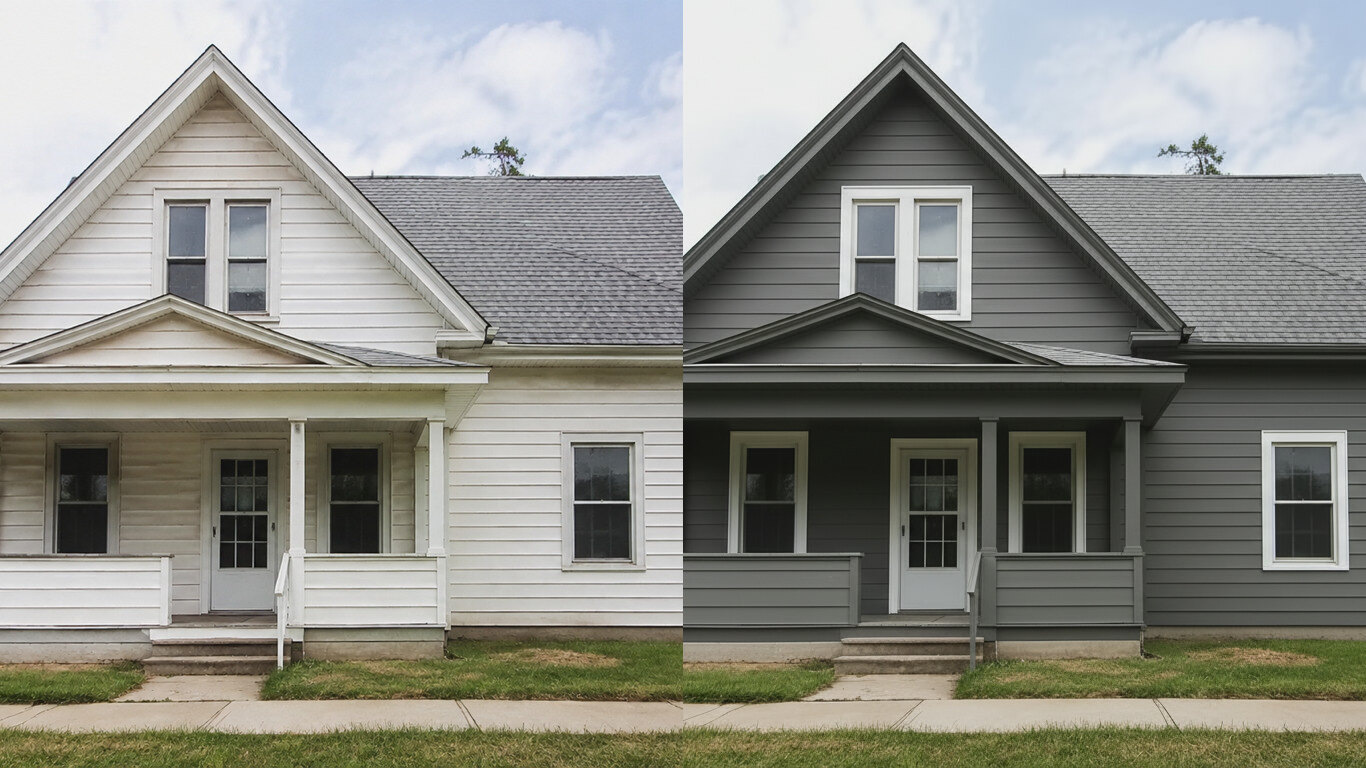
HausDraft’s exterior house color visualizer repaints your siding and trim in any colour from one photo, in seconds. See your house painted before you hire.
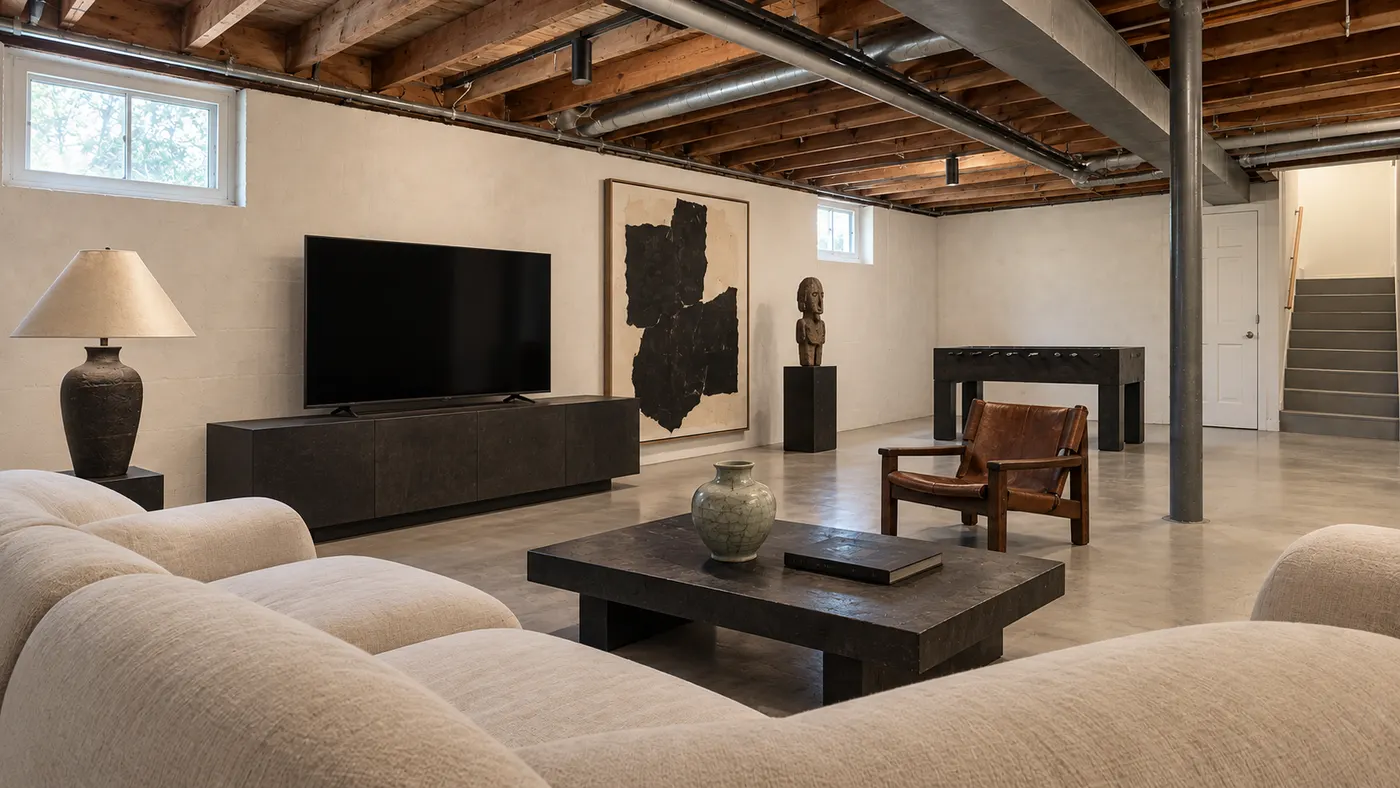
Upload a room photo and preview an interior remodel in seconds — compare finishes, furniture and styles side by side before you commit to a contractor.
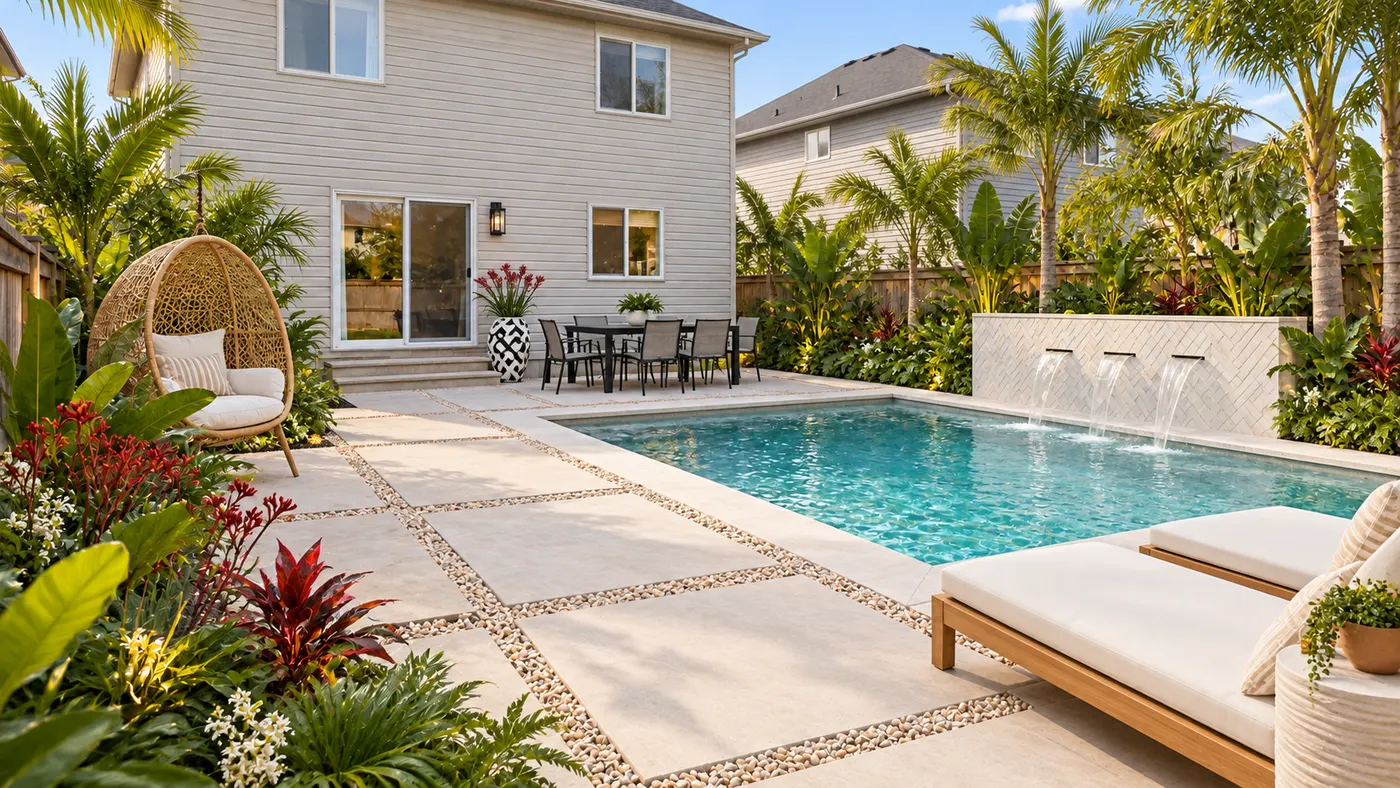
Upload a photo of your yard and HausDraft’s AI garden planner reimagines planting beds, paths, plants and layout, so you can compare ideas before you dig.
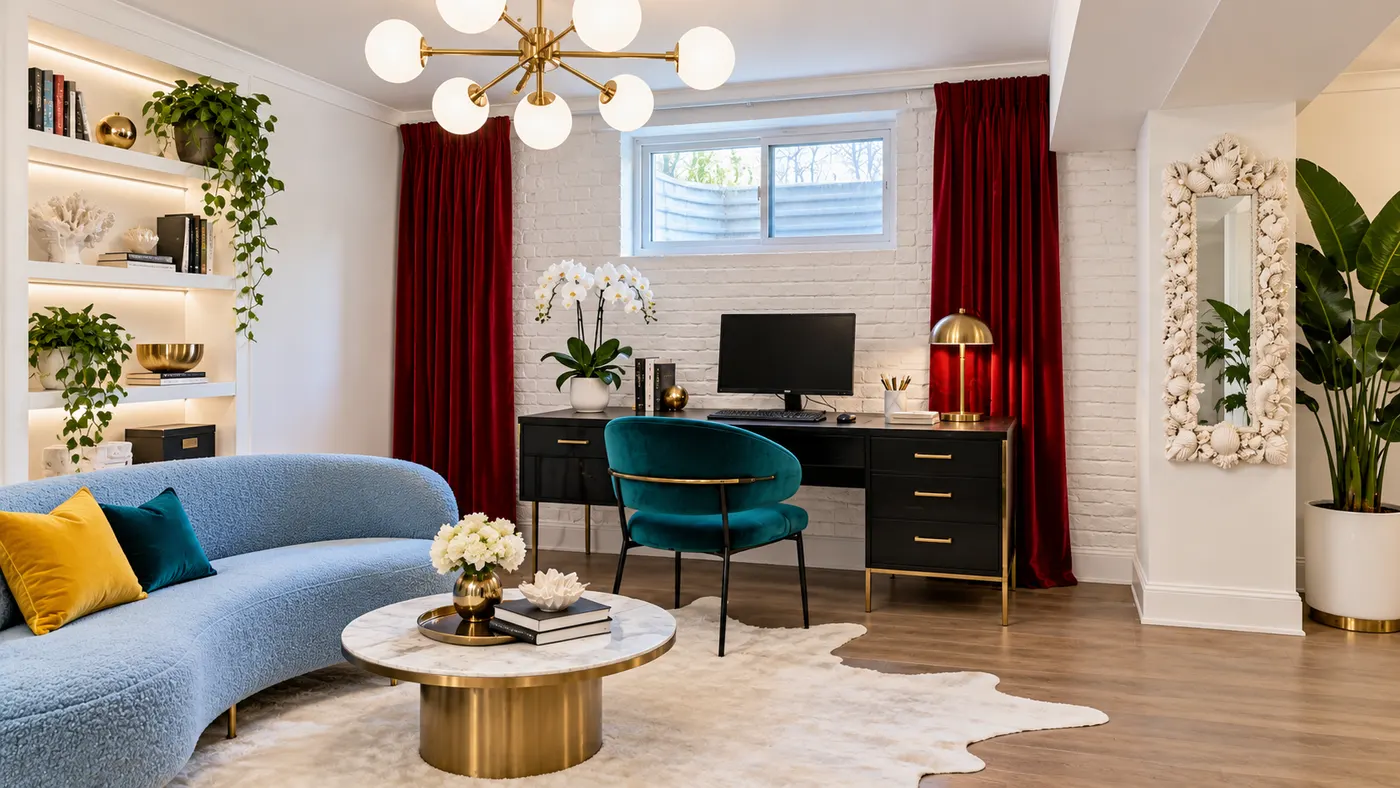
Try basement interior design free: upload a photo, choose a style, and preview a basement redesign with better light, storage and flow.
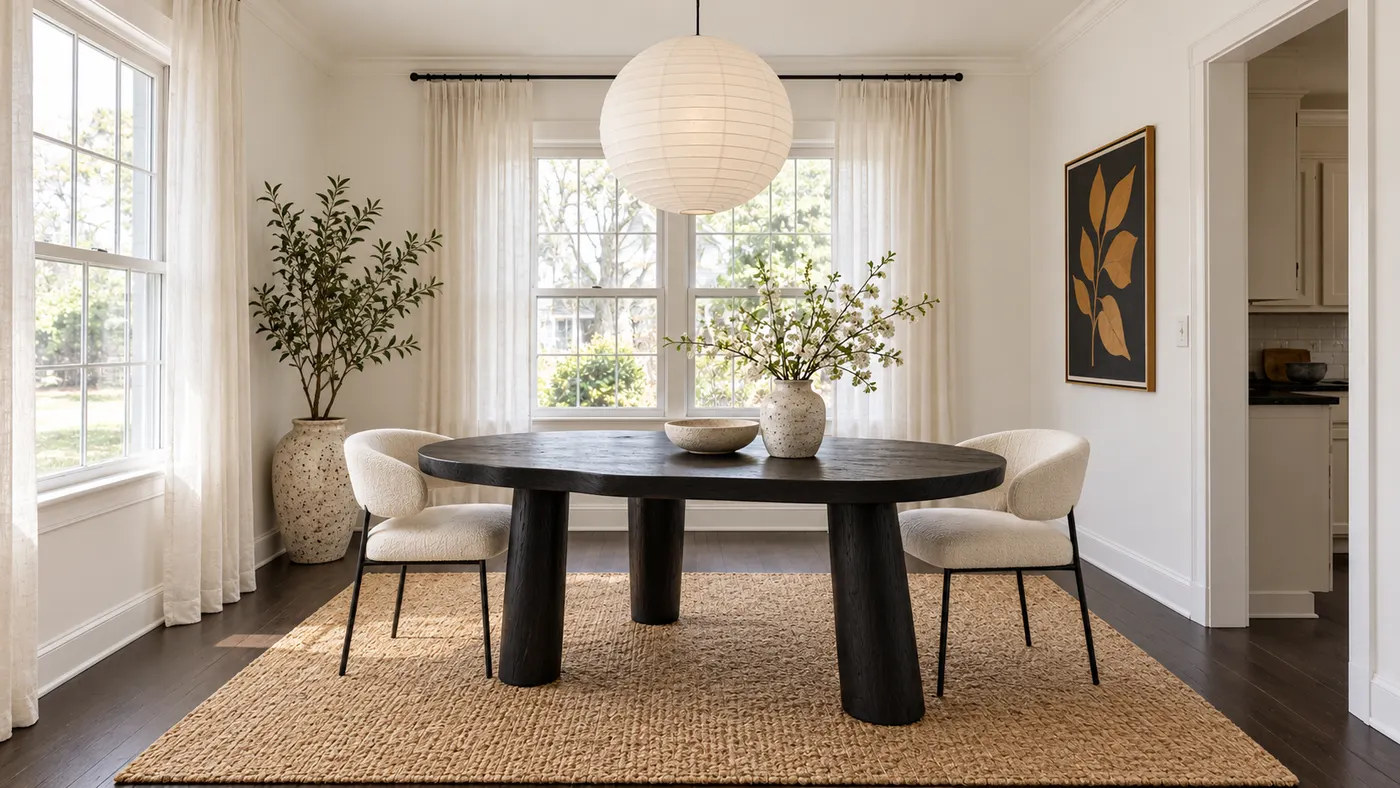
Upload a room photo for virtual house staging. Add realistic furniture, natural daylight and a cohesive, listing-ready style in seconds.
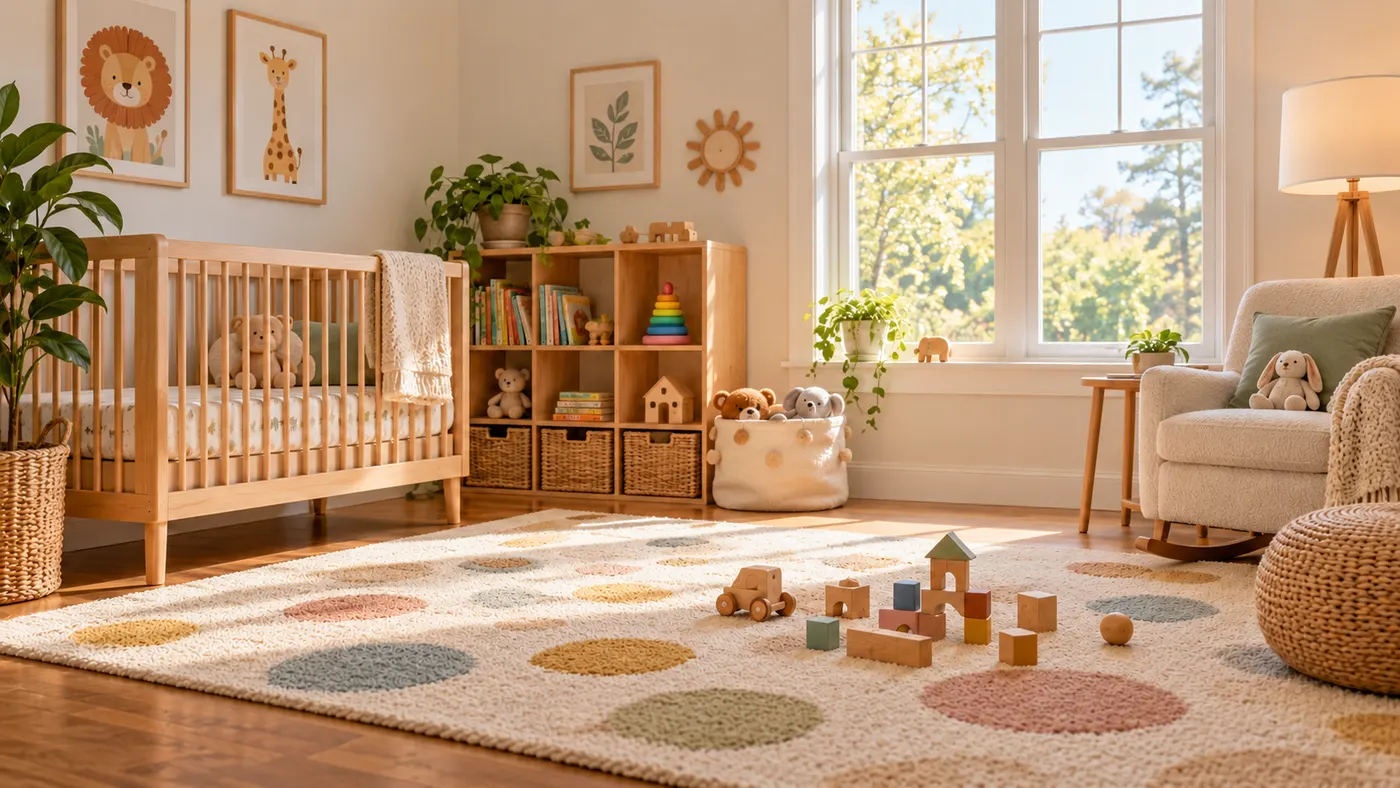
Use this rug visualizer to upload a room photo and rug reference, then preview realistic scale, perspective, shadows, and daylight before you buy or rearrange.
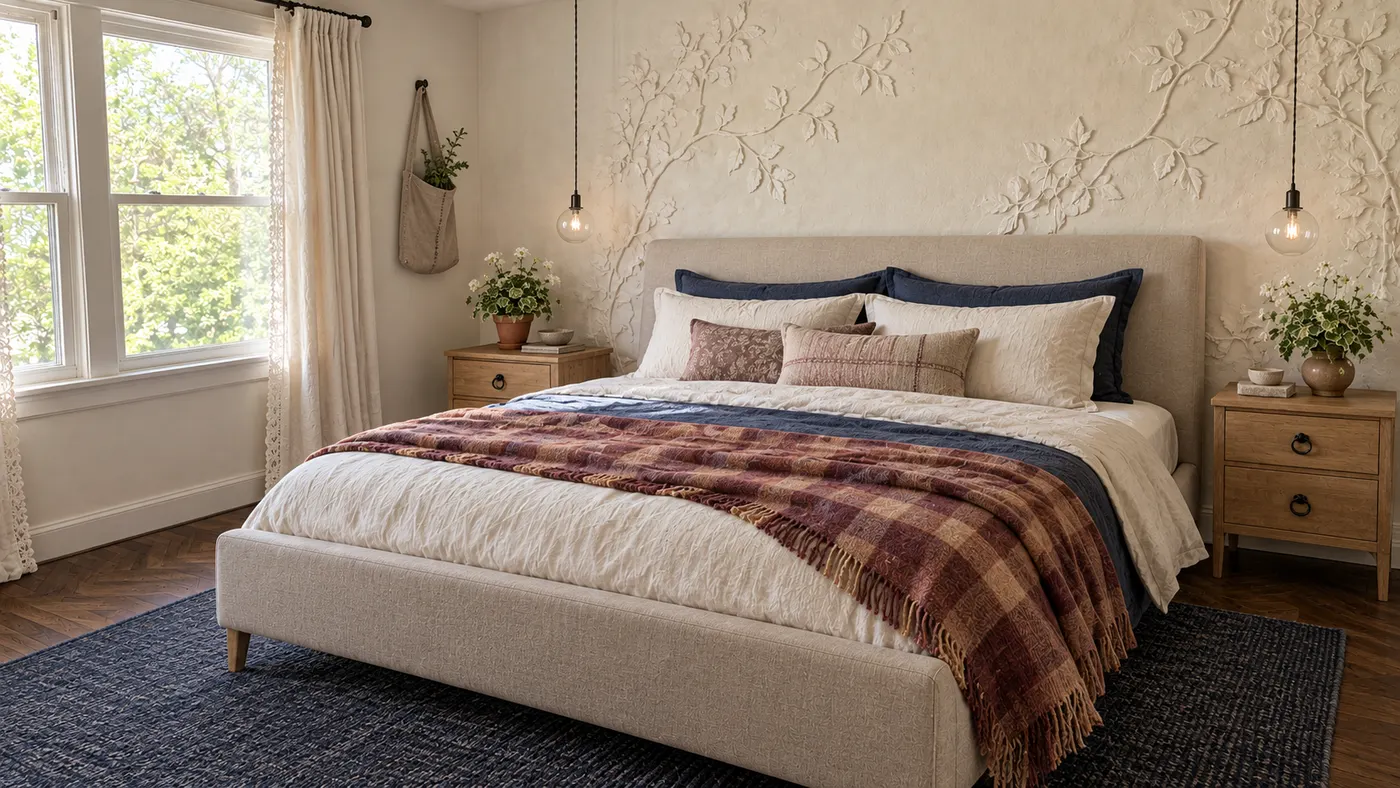
Upload a photo and HausDraft’s AI room decorator adds the rug, curtains, lighting, art and accessories in your style, sized and styled to work together.
Upload a photo of your house and preview an exterior remodel — new siding, roof, trim, front door and landscaping — before you hire a contractor. Free to try.
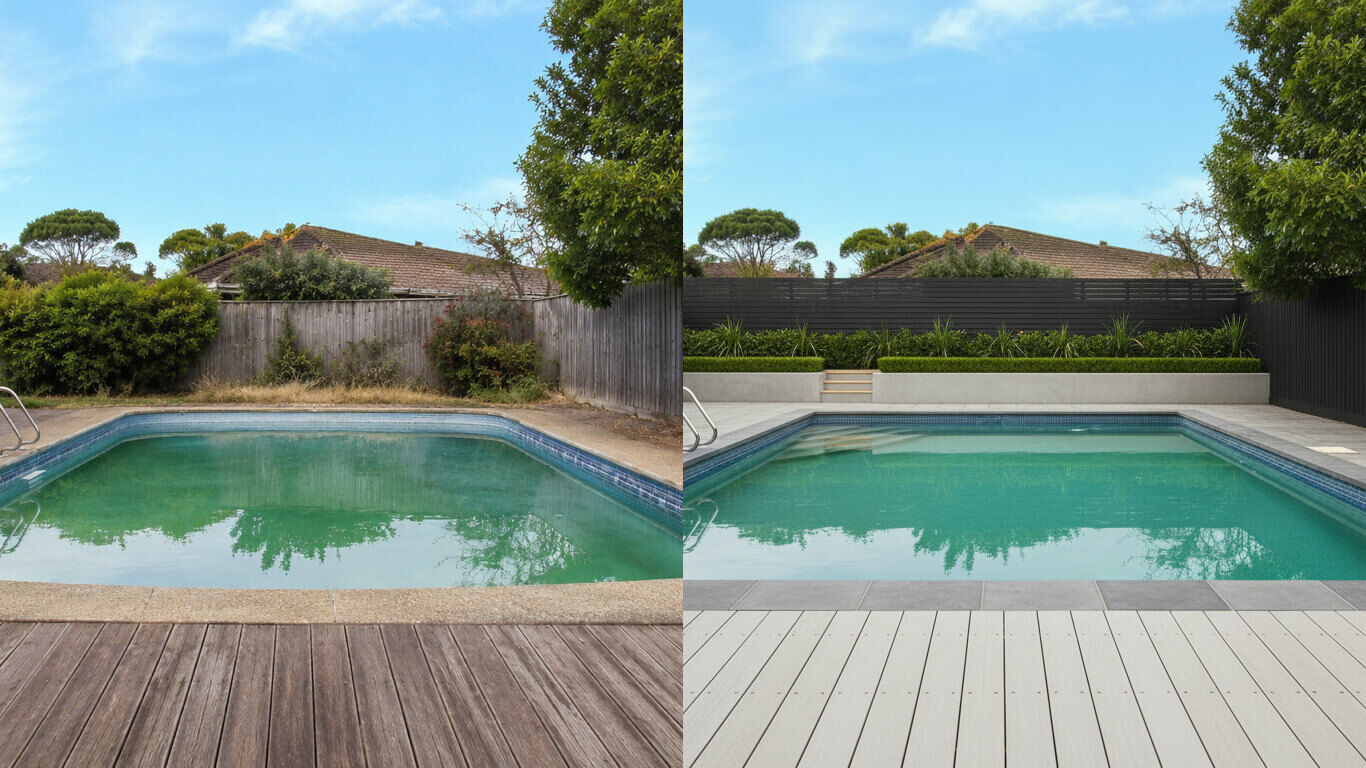
Upload a photo of your backyard and HausDraft’s pool AI adds a realistic in-ground pool with decking and planting in the style you choose. Free to try.
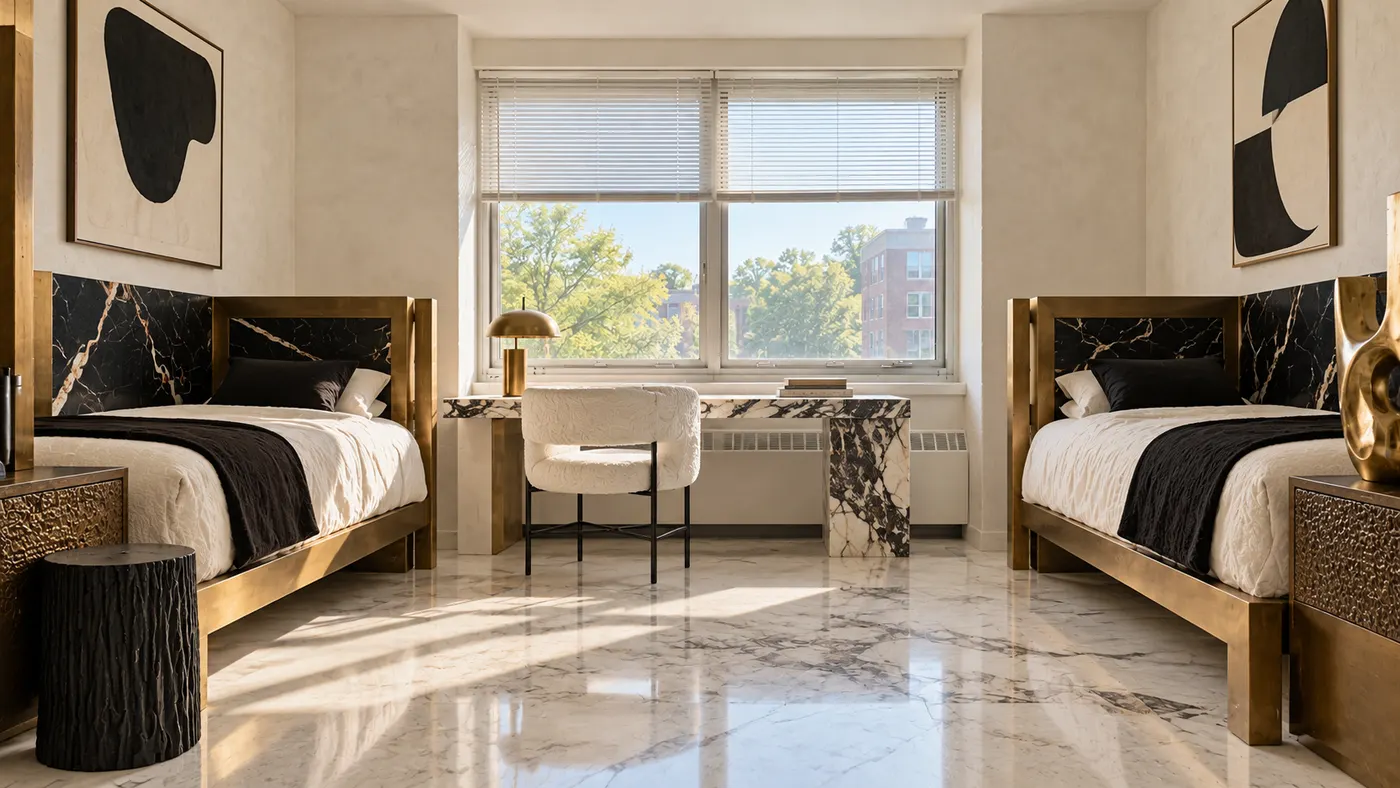
Upload a photo of your dorm and HausDraft’s AI dorm room designer adds bedding, a rug, storage, lighting and wall decor you can move in and out. Free to try.
Upload a photo of your patio or backyard and HausDraft’s AI pergola designer adds a pergola in the style you choose, with seating and planting. Free online.
Upload a photo of your kitchen, bathroom or laundry and HausDraft’s AI cabinet design tool shows new door styles, wood tones and finishes on your cabinets.
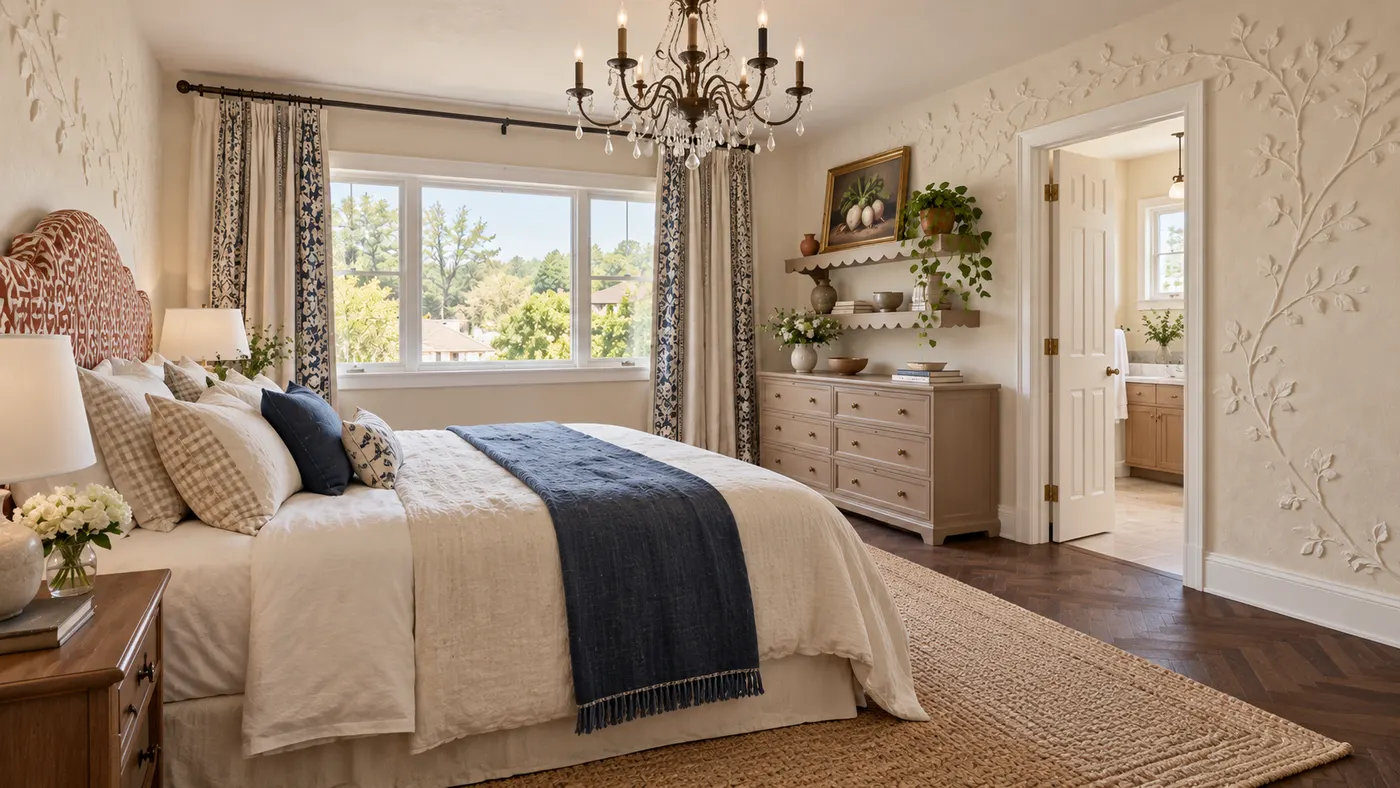
Create your bedroom from a photo: HausDraft’s AI redesigns the bed, bedding, walls, lighting, curtains and storage in the style you choose. Free to try online.
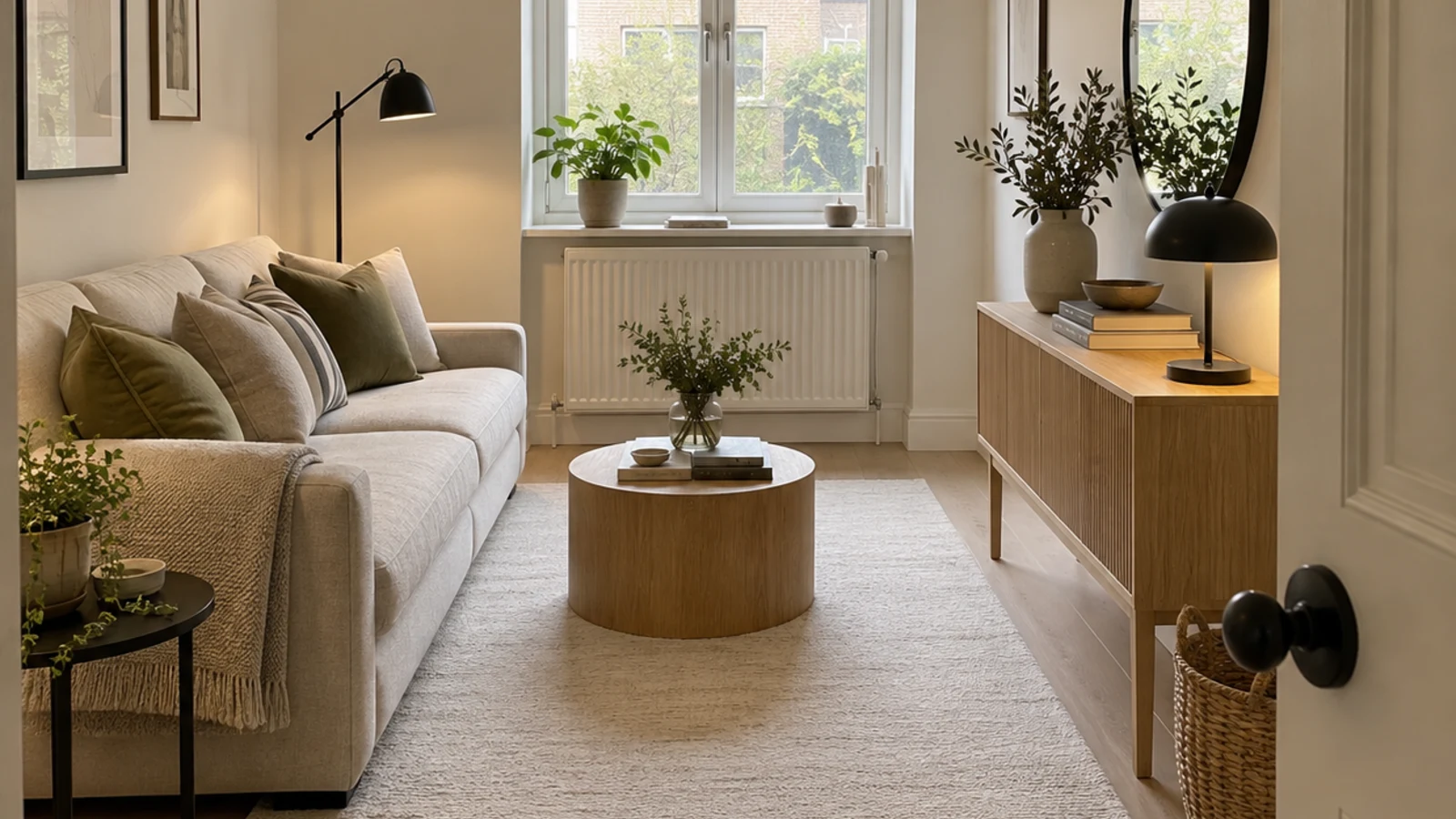
HausDraft’s AI space planning tool rearranges the furniture in a photo of your room into clear zones and walkways, for home offices, studios and open plans.
HausDraft’s AI house design tool reimagines a whole house from one photo: roofline, windows, porch, cladding, colours and front garden, in the style you choose.