Bohemian
Pick your room, choose a style and size, then generate.
Your saved images
Sign in on a paid plan to reuse images you've saved.
Or start from a sample like your home
Your room photo
Works best with a photo of your own room.
Style (sets the look)
Or match a look of your own
Your own furniture & materials · Decorate
A sofa, chair, light, rug or decor piece to place in the design
Your saved images
Sign in on a paid plan to reuse images you've saved.
Or pick one of our pieces
Up to 3 materials — pick where each one goes (floor, countertops…) under its picture.
Build your own swatch
Pick a material, then play with its colour, size and pattern — the swatch updates as you go.

Shape
Surface
Color
Grout colour
Grout width
Layout
Your saved images
Sign in on a paid plan to reuse images you've saved.
Or try one of our material samples
Decorate for a holiday added on top of your Style
Look
I want… (optional — the outcome, combined with the style)
Colors (optional — your palette, applied with the style)
The main colours of the whole room — big pieces, textiles and decor · Auto· up to 2
Room
What to change (optional — pick none to redesign everything)
Or change only these parts:
Output
Your words
Prompt (editable — the scene & styling that drives the image)
This step uses 2 credit(s)
Show me 6 ideasUnlock the idea wall
Upgrade to a paid plan to generate 6 or 12 directions side by side.
Takes about 1–2 minutes. You can leave while it runs — results are saved to Projects.
Upload your room, pick a style, and the AI decorates it with a rug, curtains, lamps, art and plants, styled to work together.
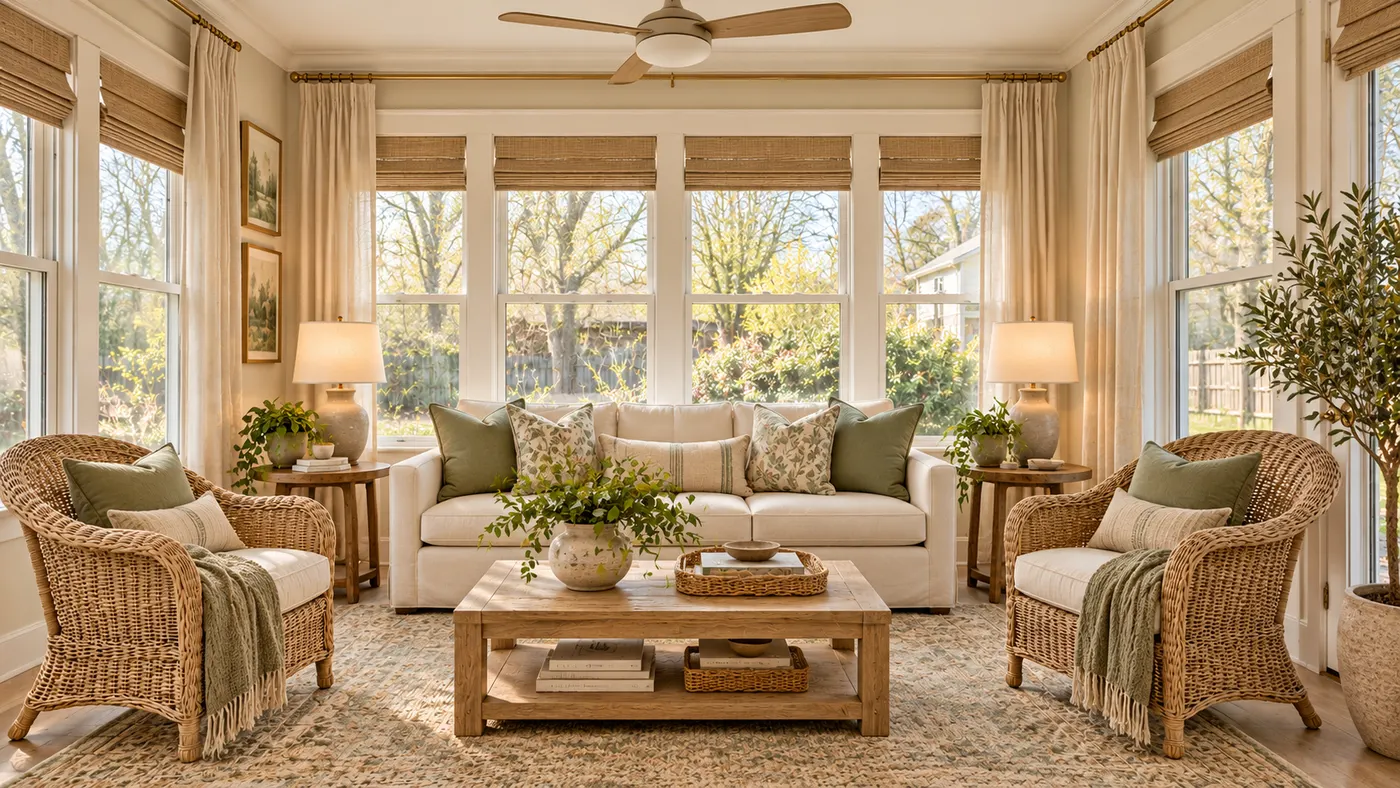
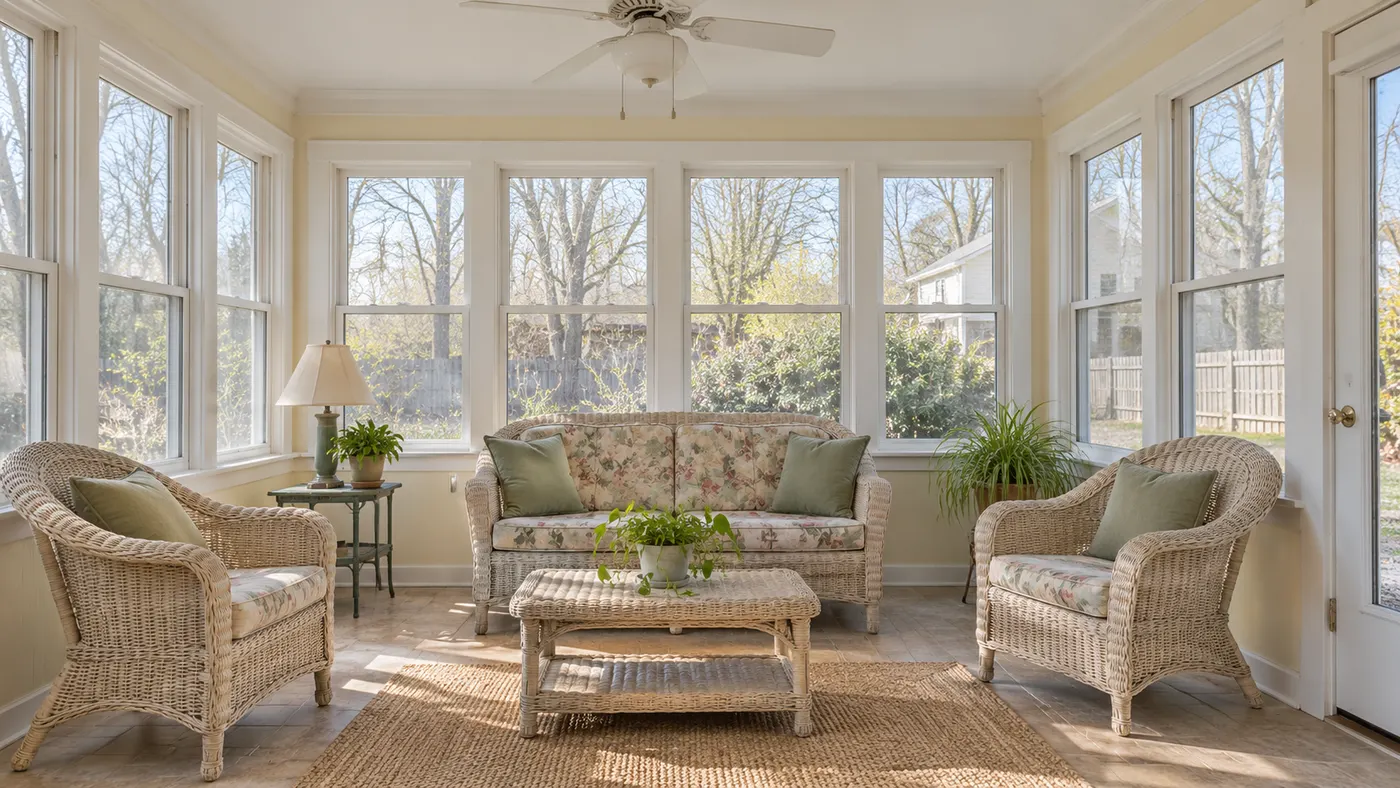
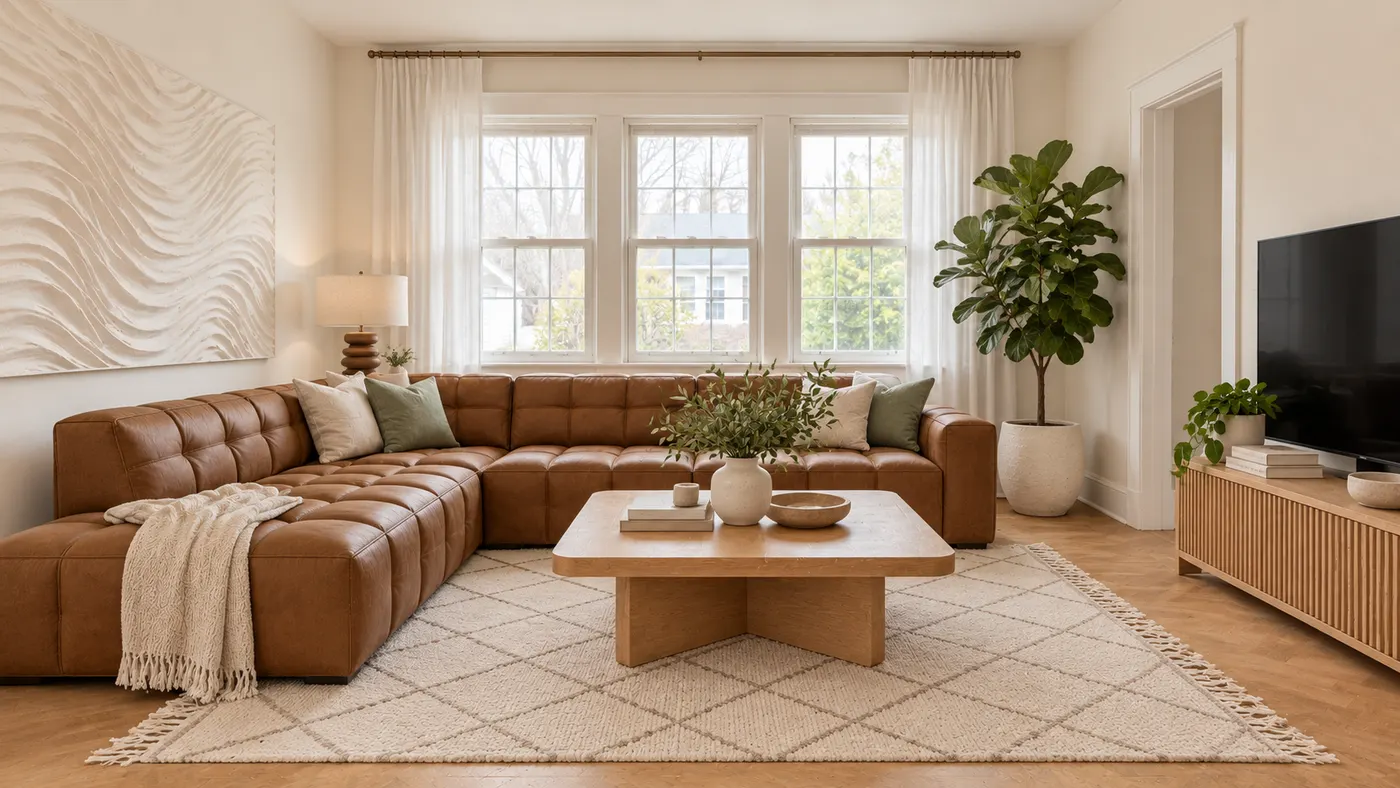
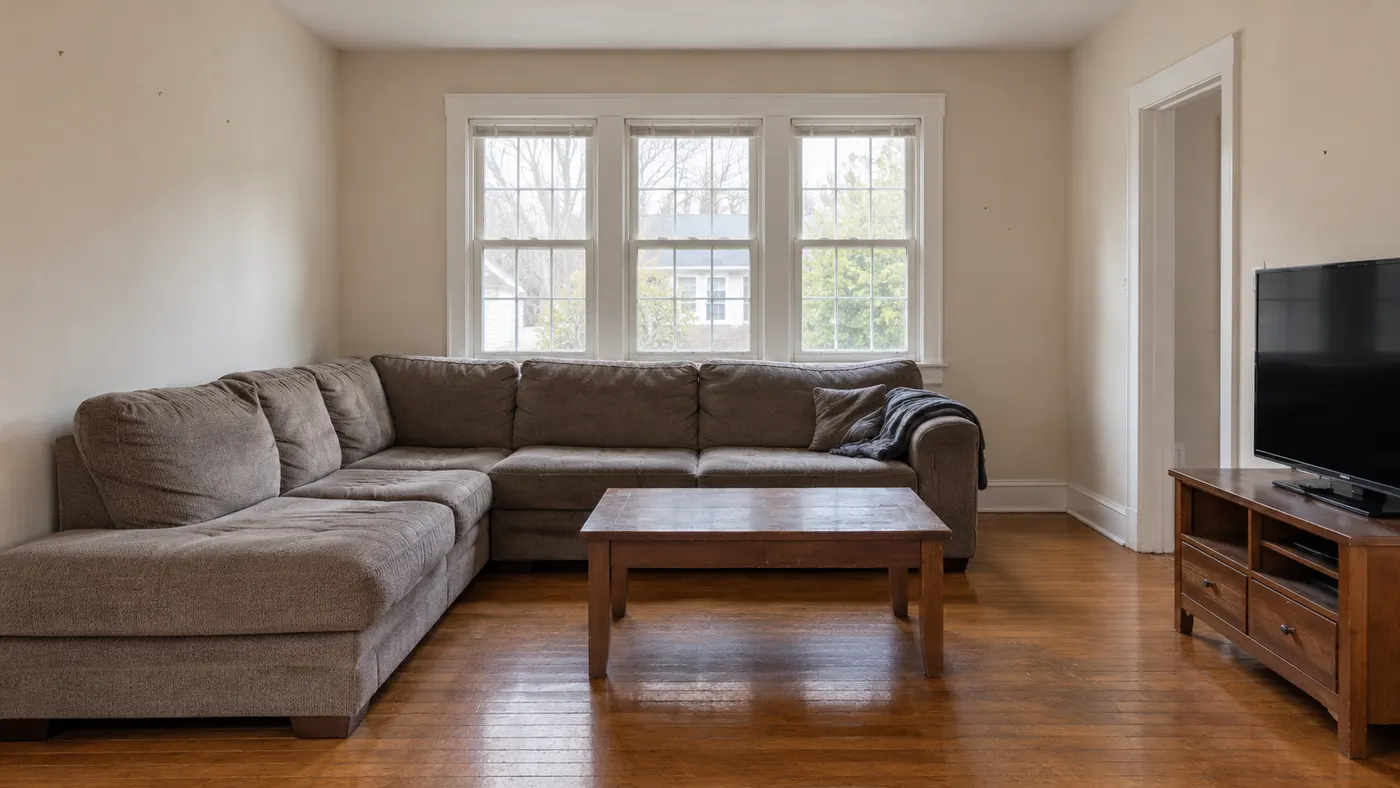
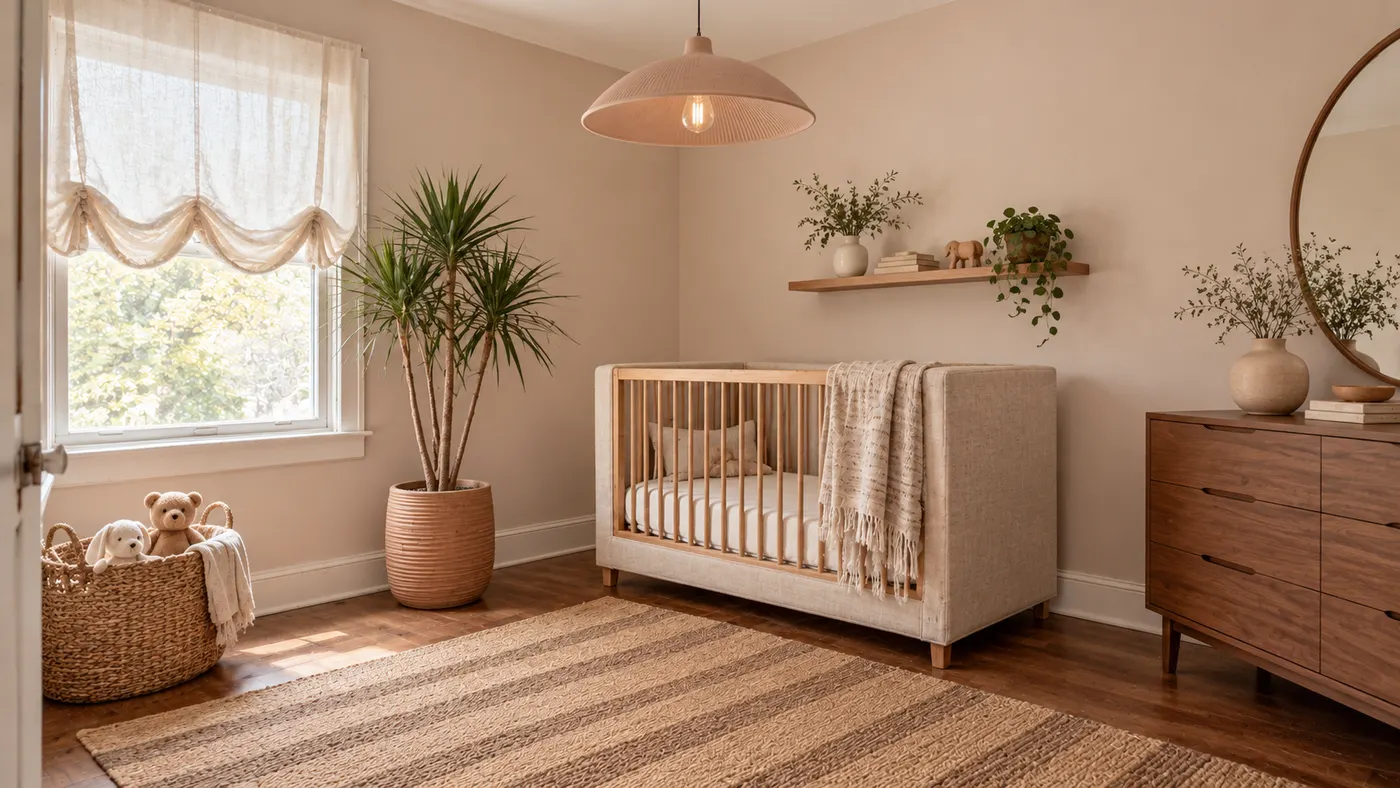
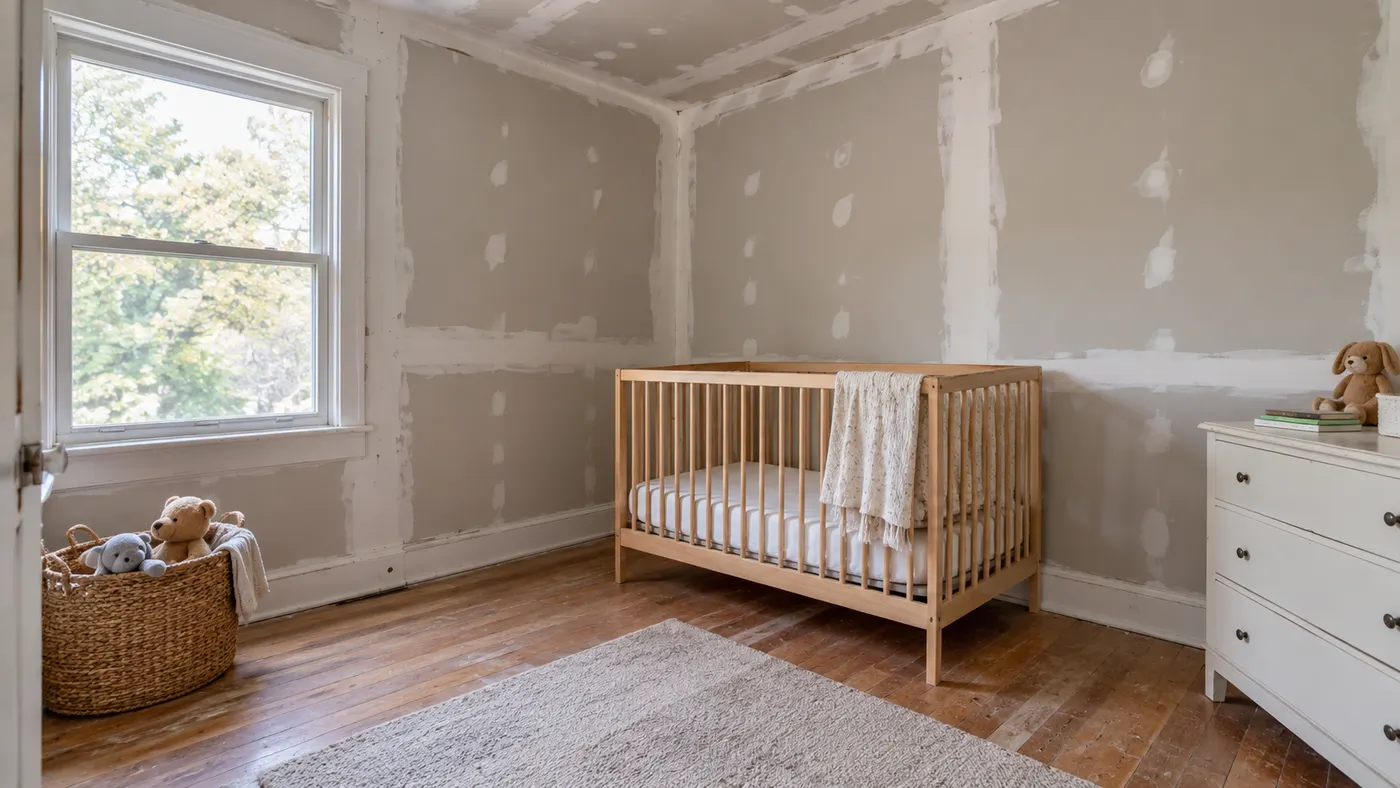
HausDraft’s AI room decorator shows you a decorated version of your room before you buy a thing. Upload a photo, choose a style and the AI adds the finishing layer: a rug sized to the floor, curtains, lamps, art, cushions, plants and shelf styling. The result is a decorating plan you can actually shop. Renter-friendly mode changes only what you can move.
Decorate my room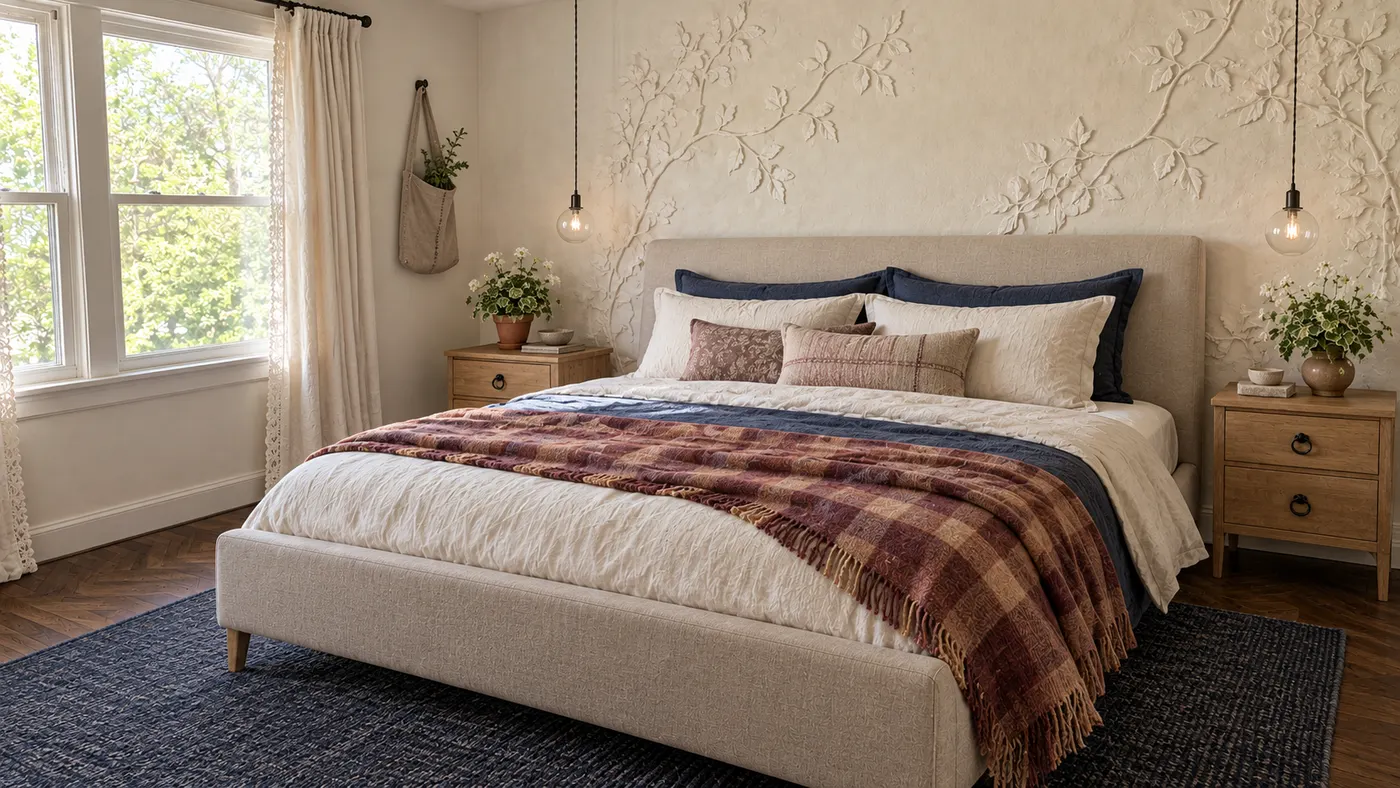
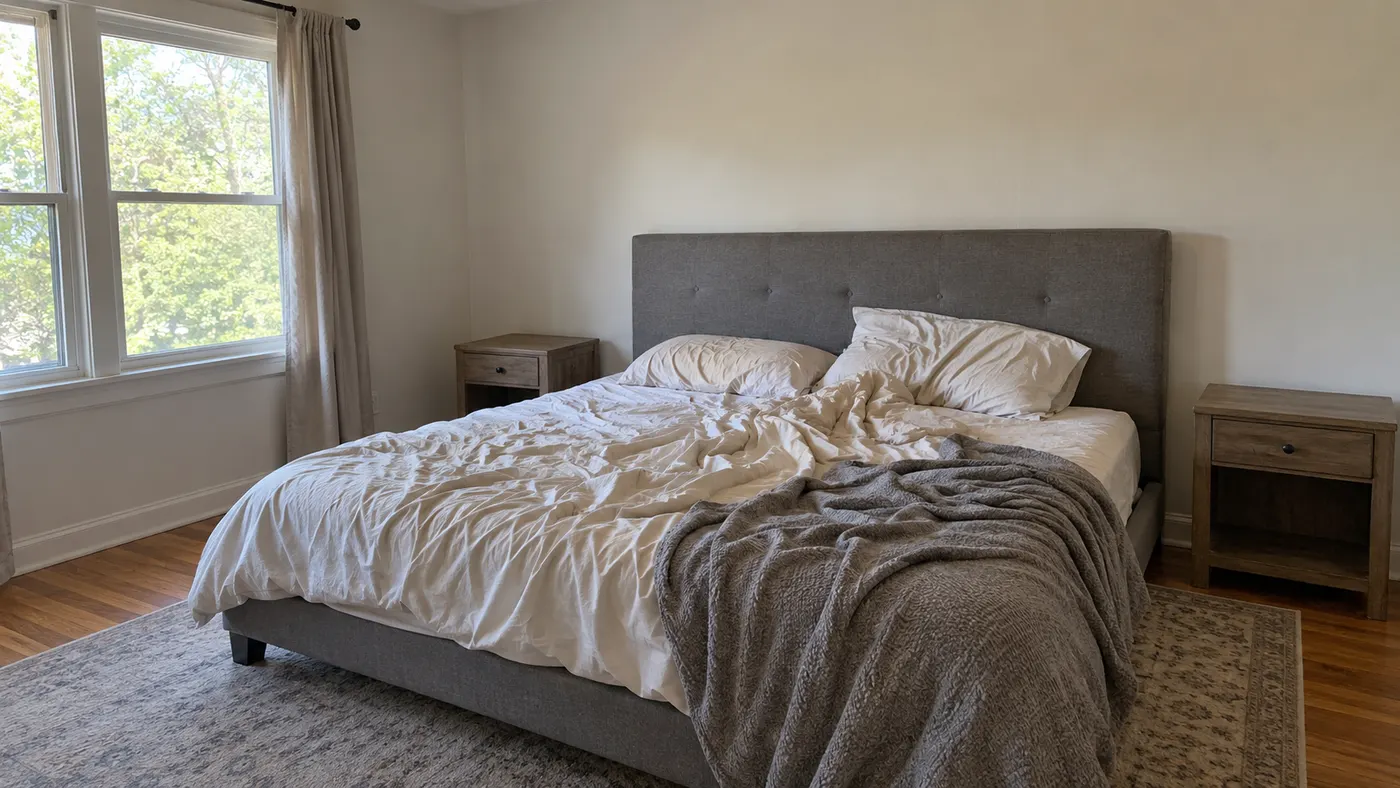
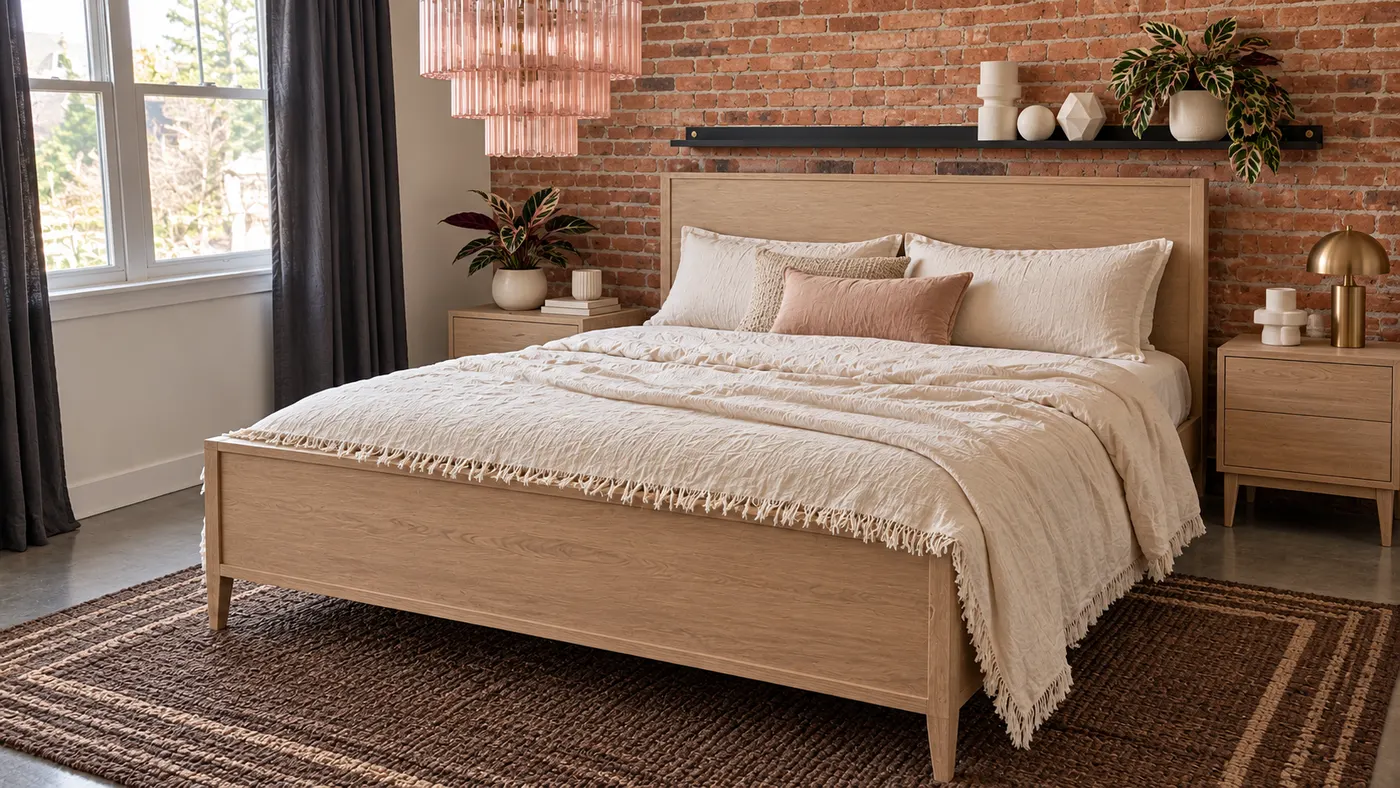
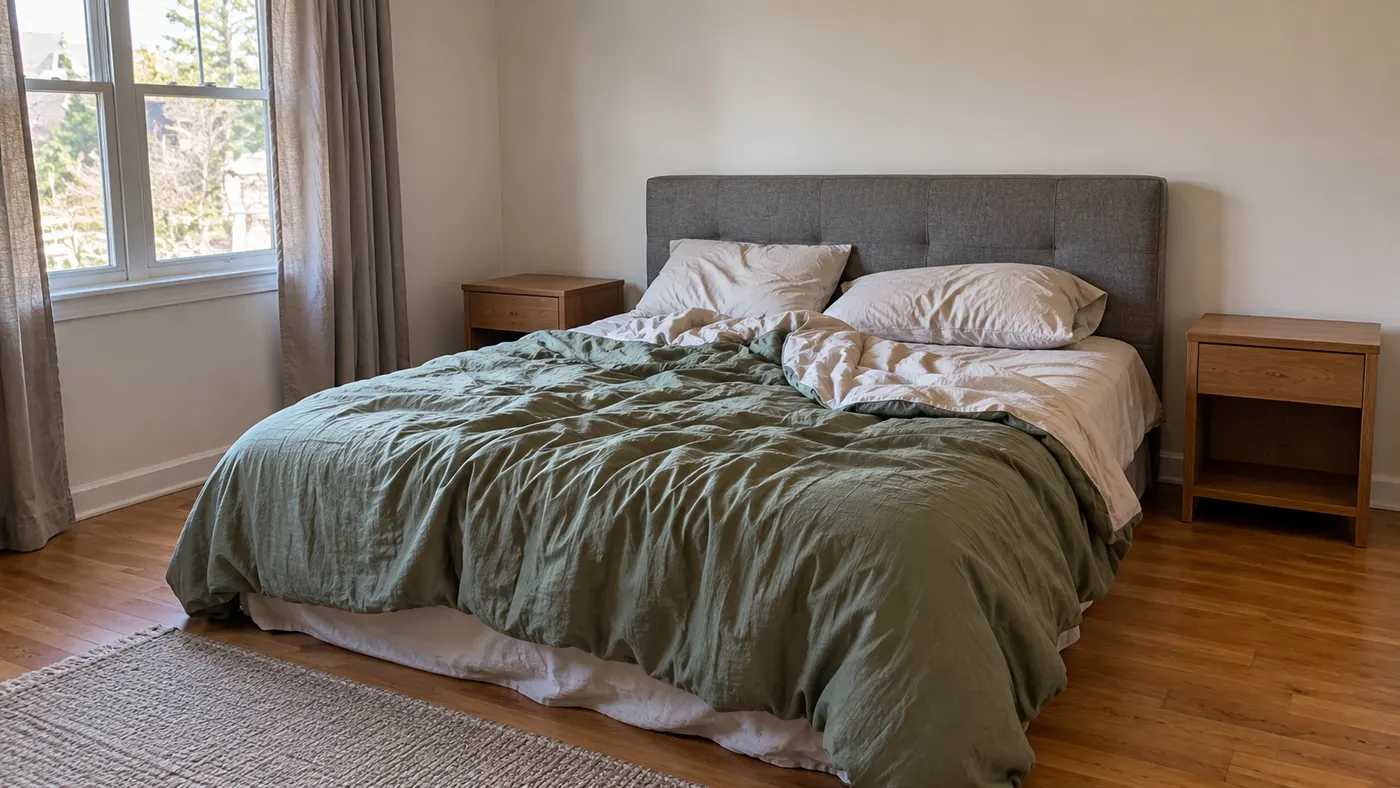
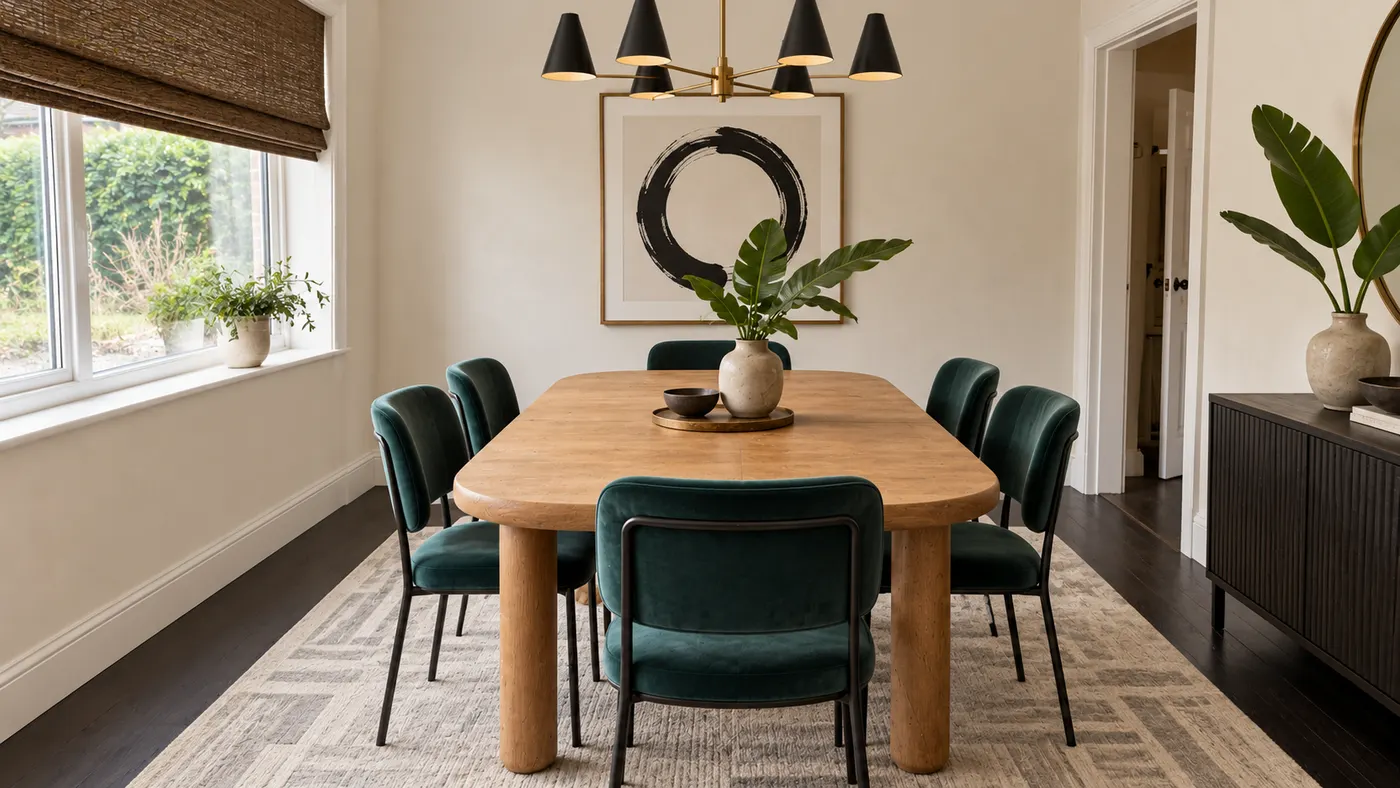
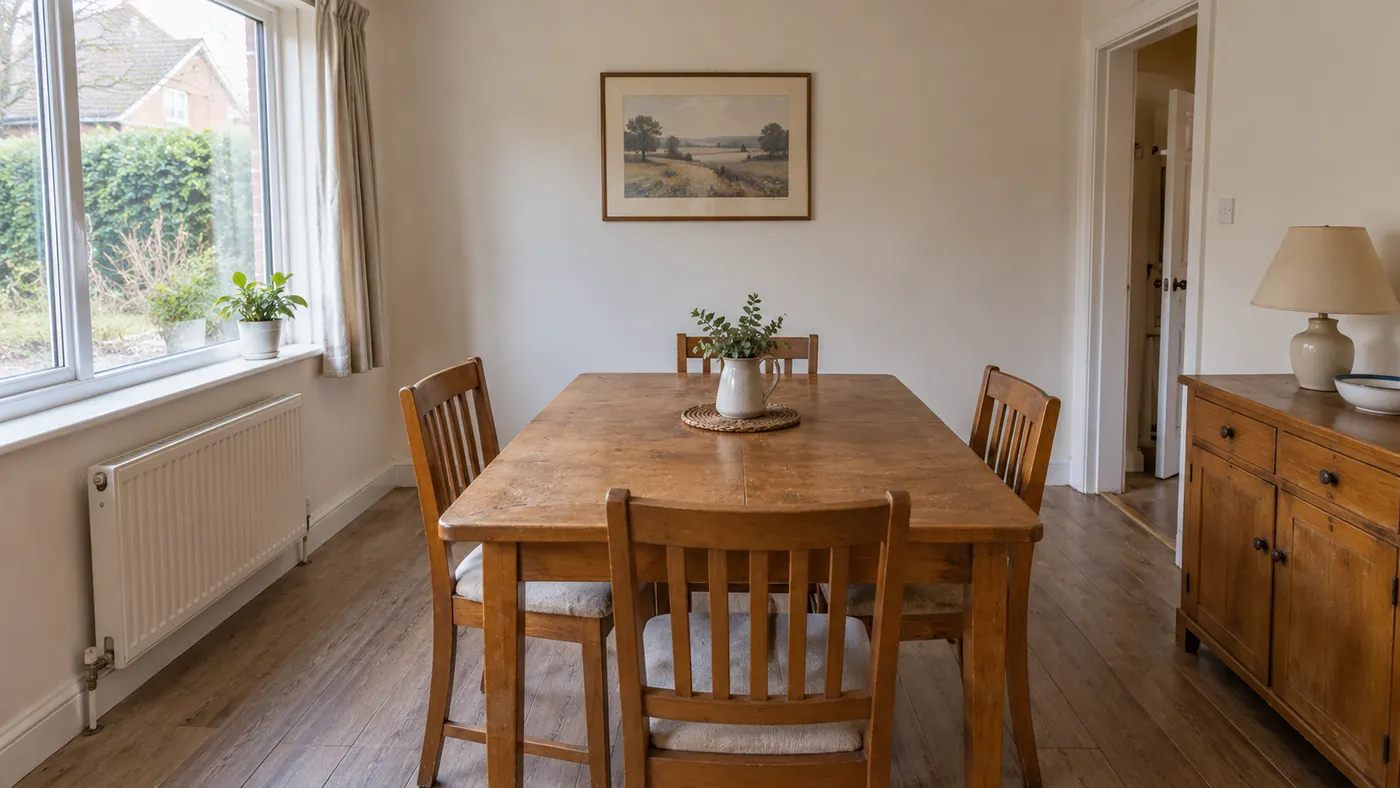
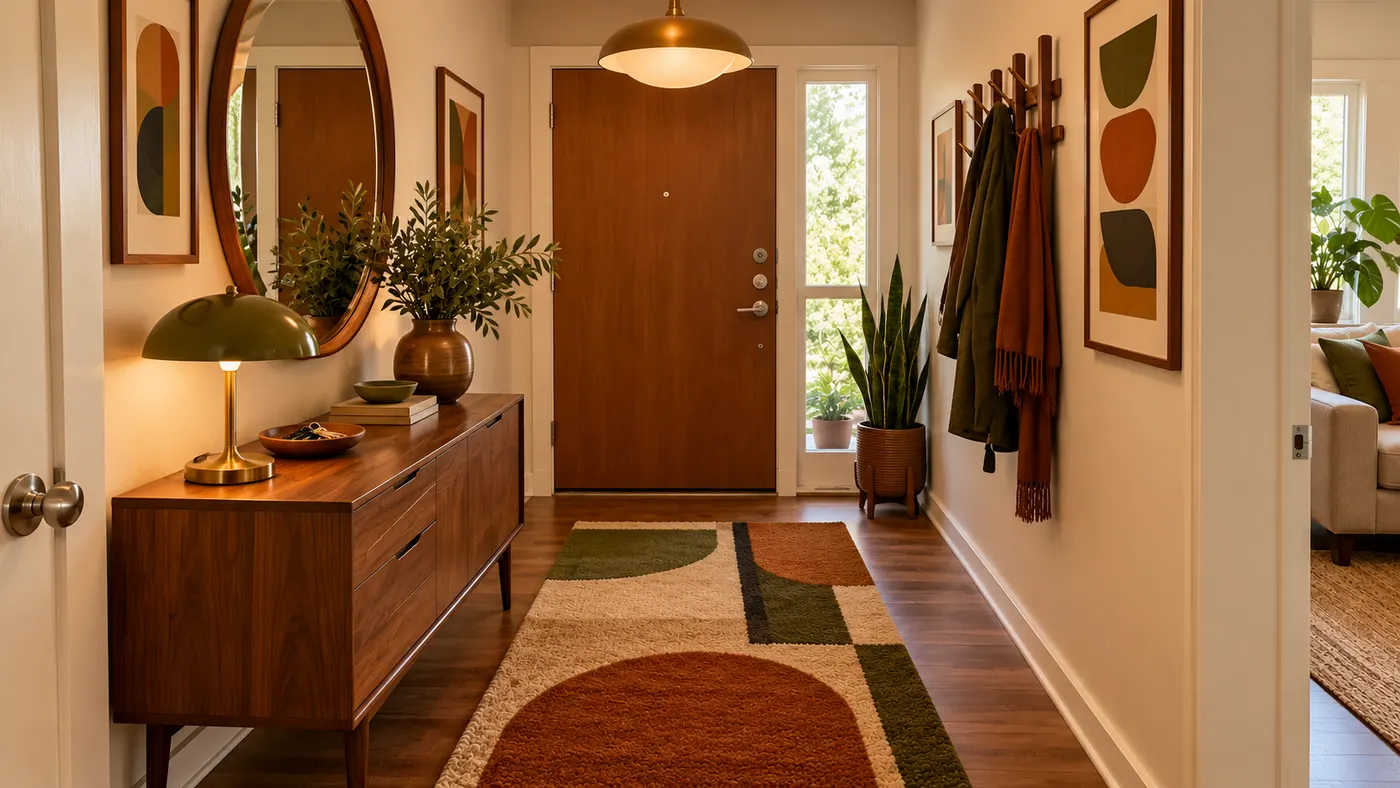
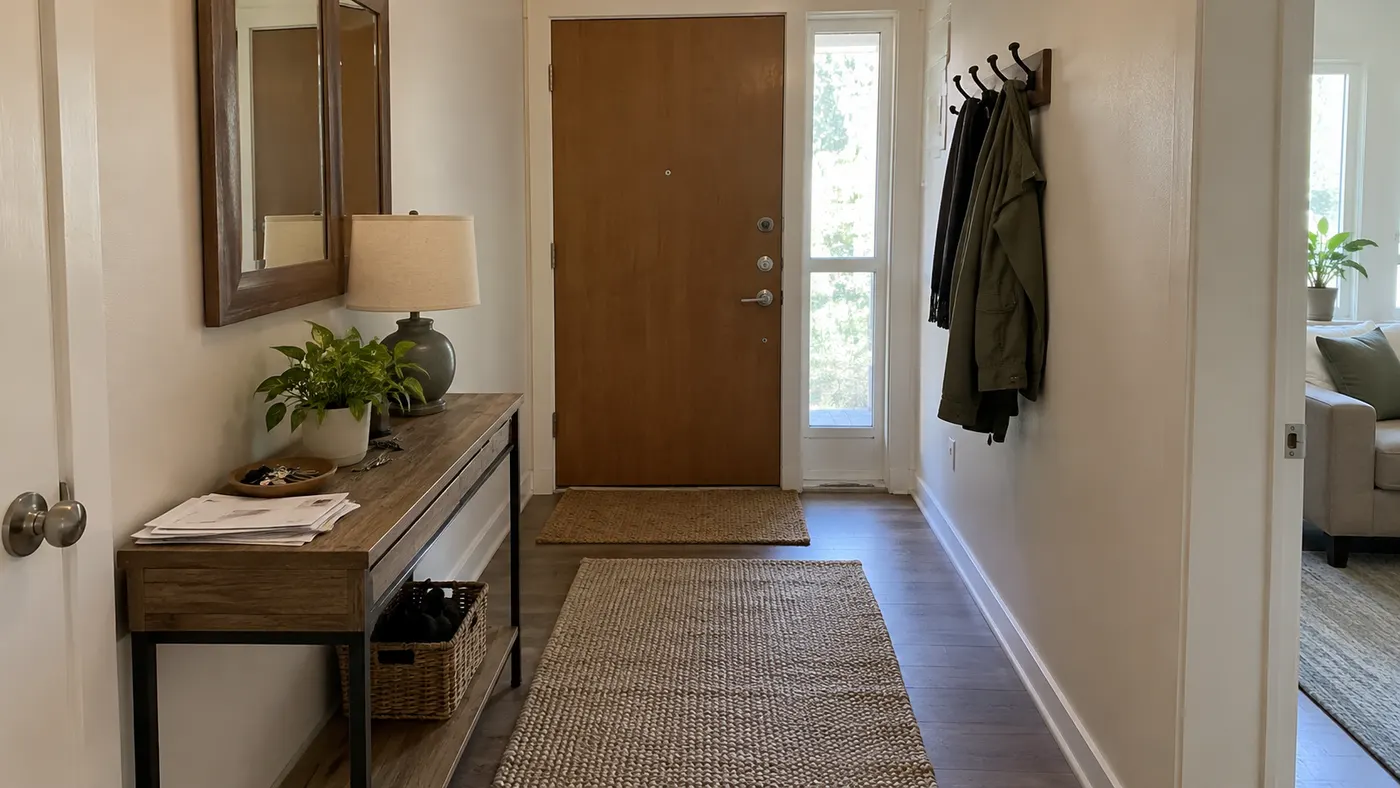
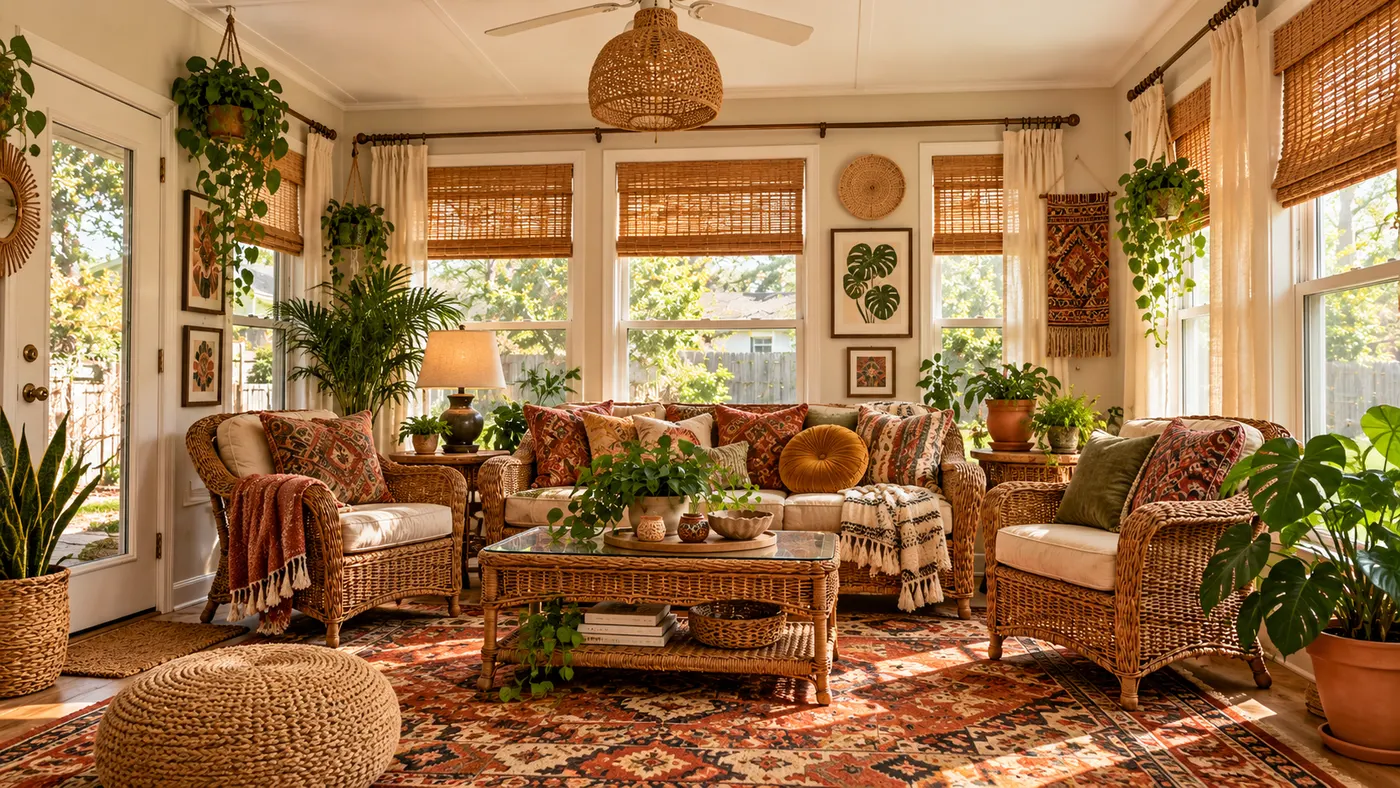
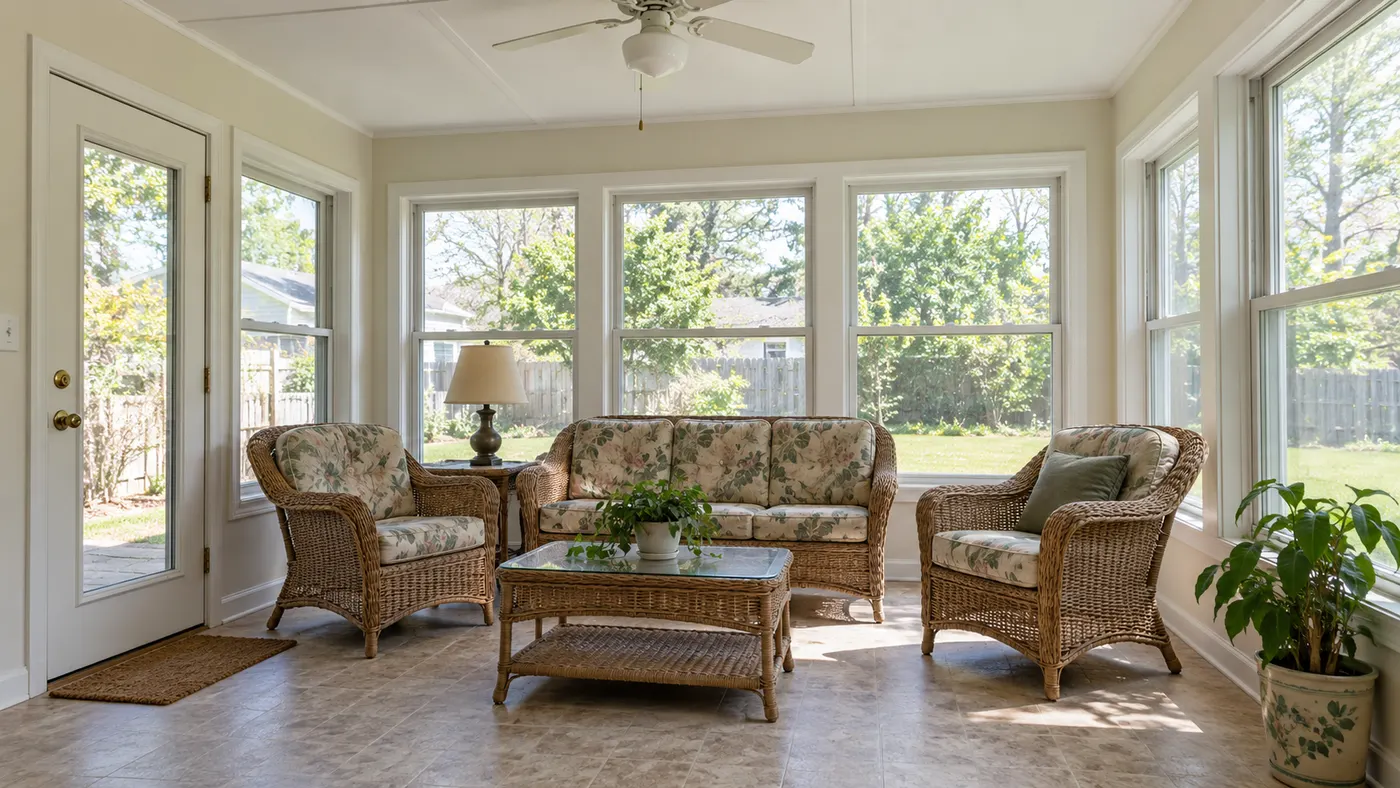
Different decorating looks generated with HausDraft.
Room redesign tools repaint walls and swap floors. The decorator works on the layer you can change this weekend: textiles, lighting, art, rugs and accessories, each sized and placed the way a stylist would.
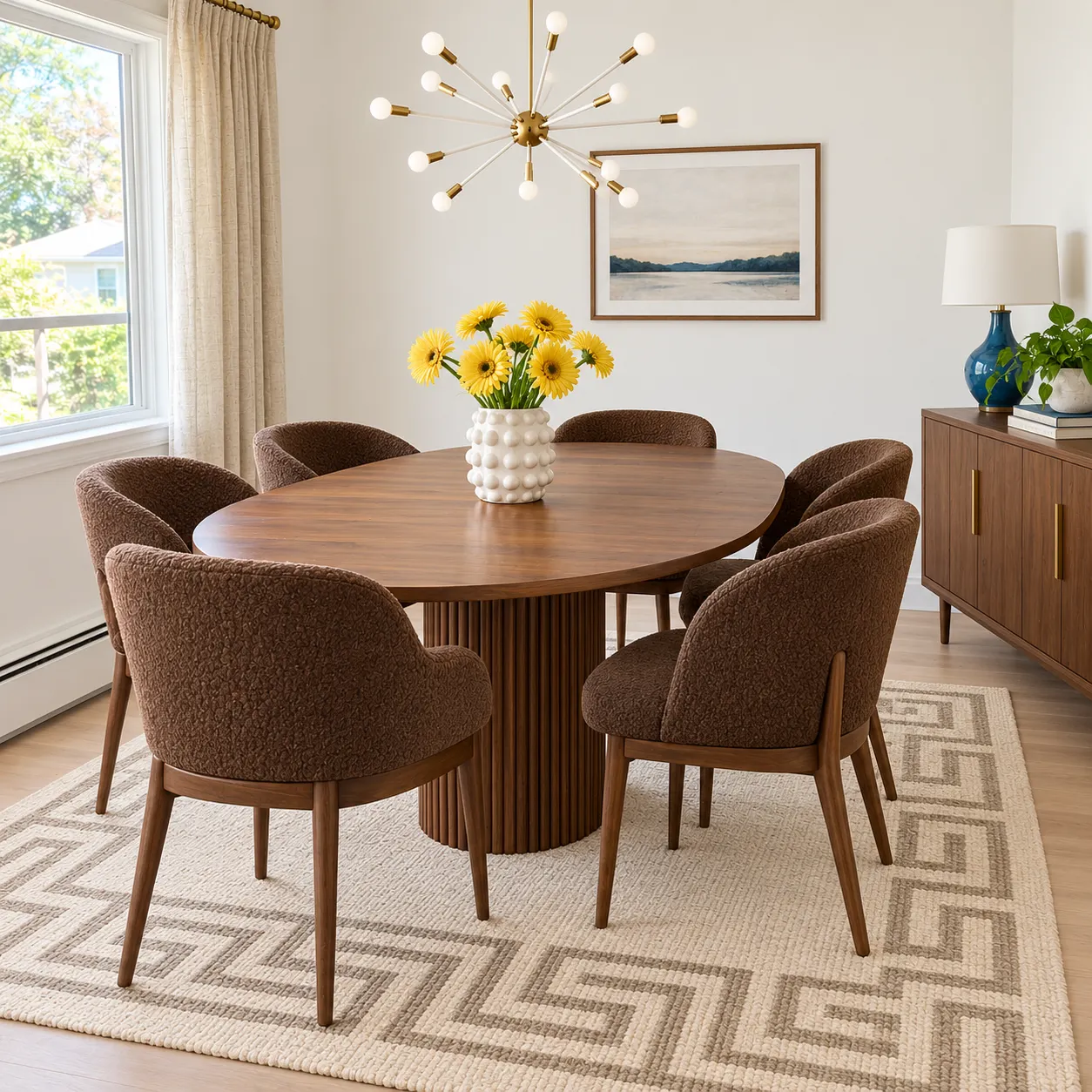
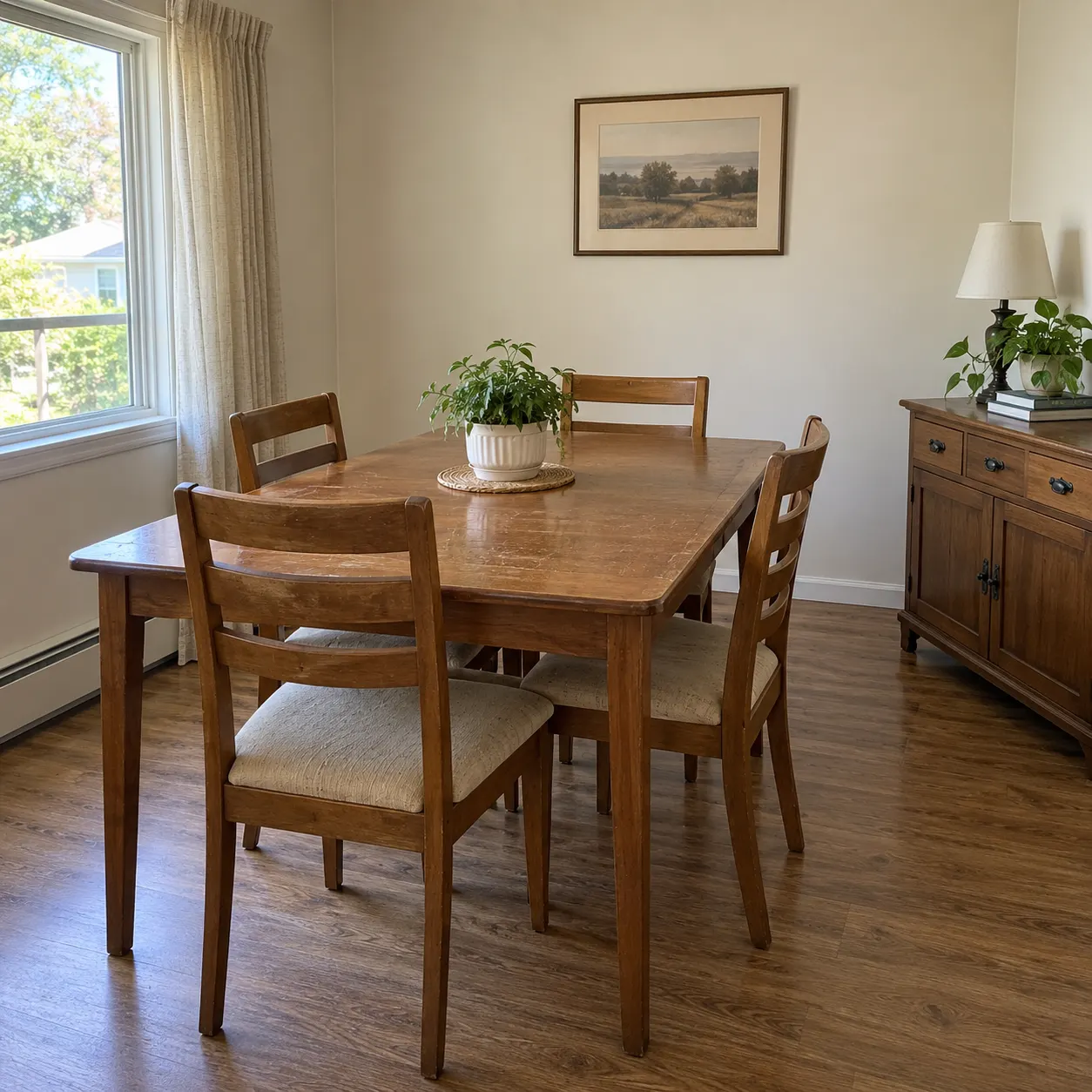
Turn on Renter-friendly and only movable pieces change: plug-in lamps, removable art, rugs, curtains, mirrors and plants. Nothing that needs a landlord’s permission, a drill or a painter shows up in the result.
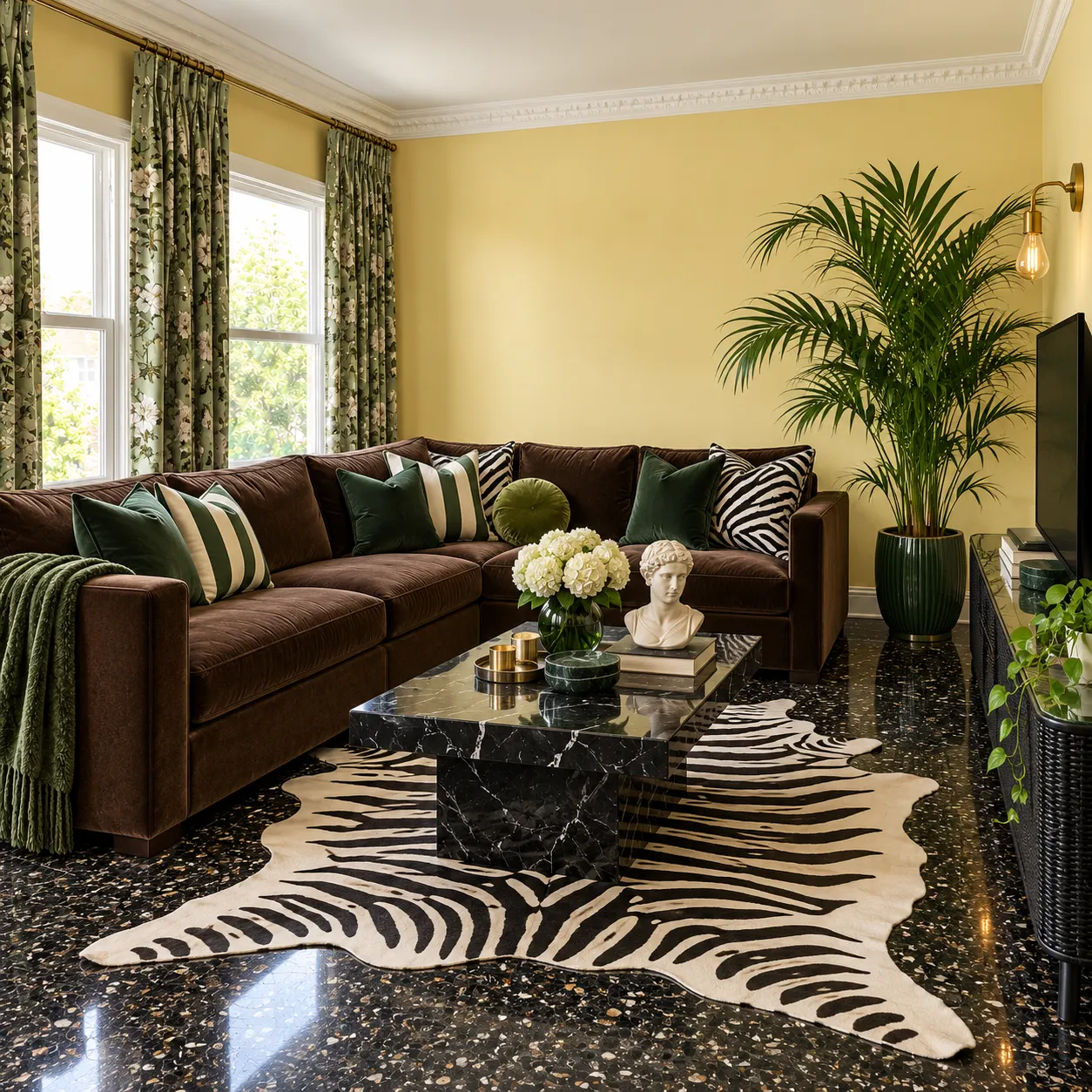
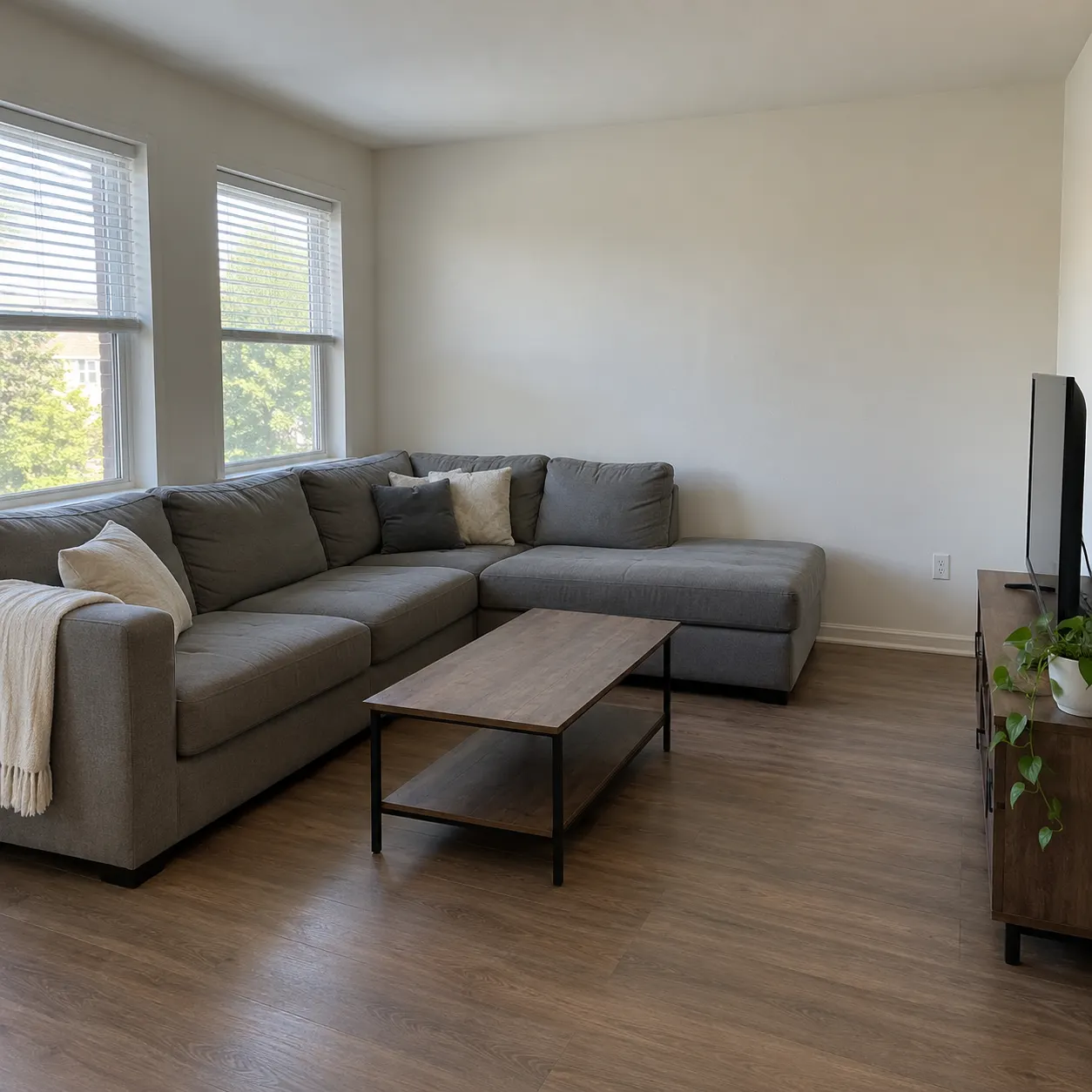
Pick Pull colours together and the AI ties the rug, cushions, throws, curtains and art into one palette around your main furniture, so mismatched pieces start to look chosen on purpose.
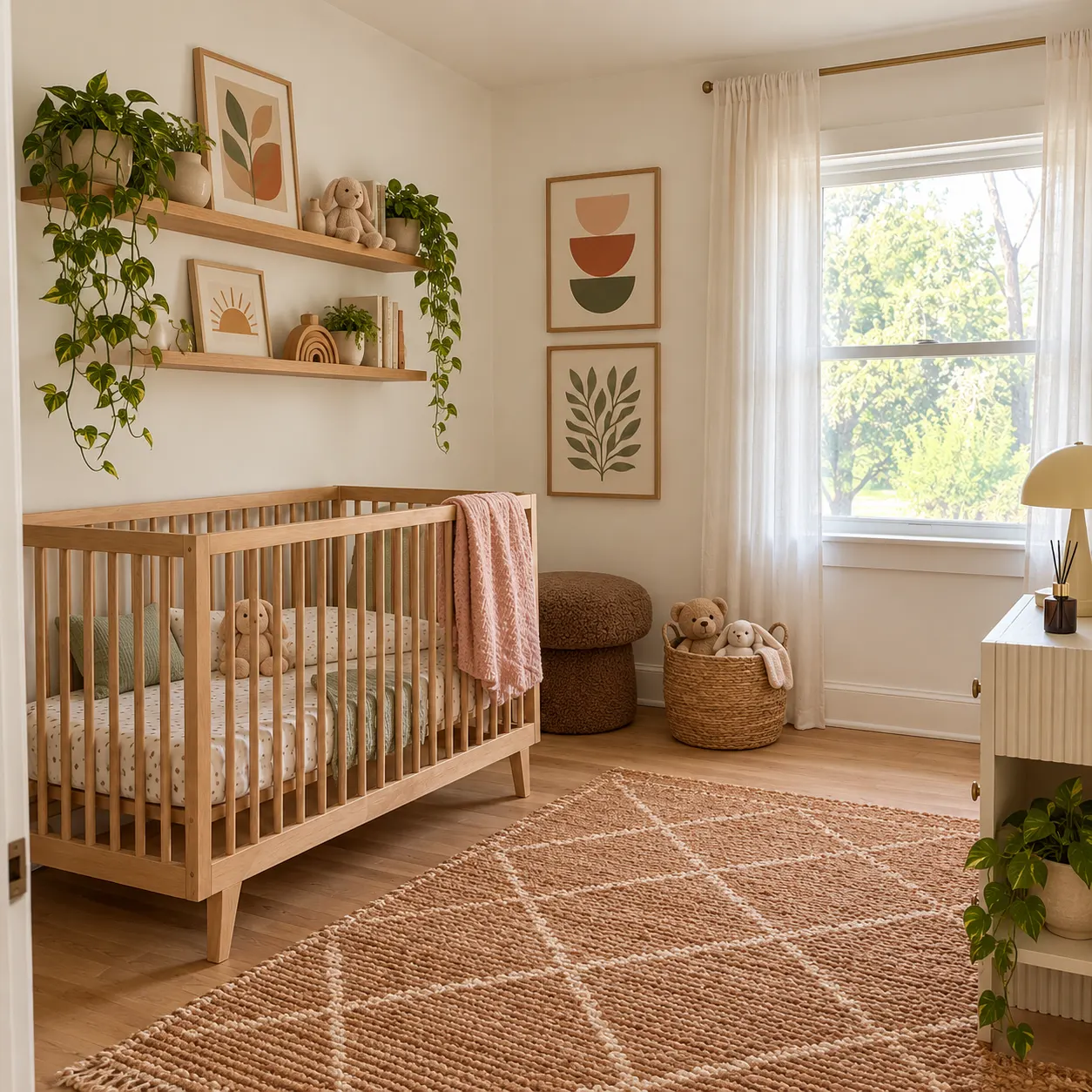
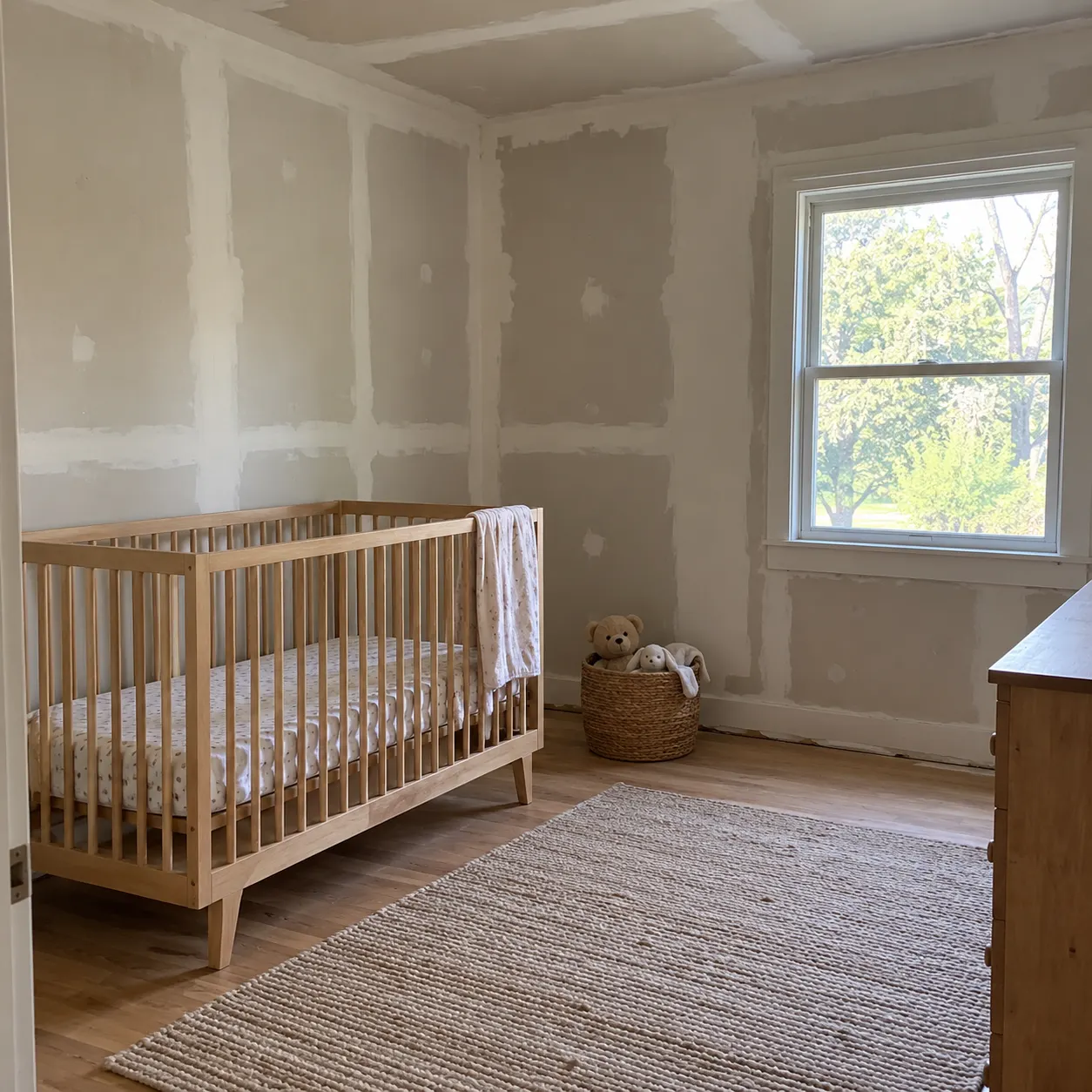
Everything it can add or swap.
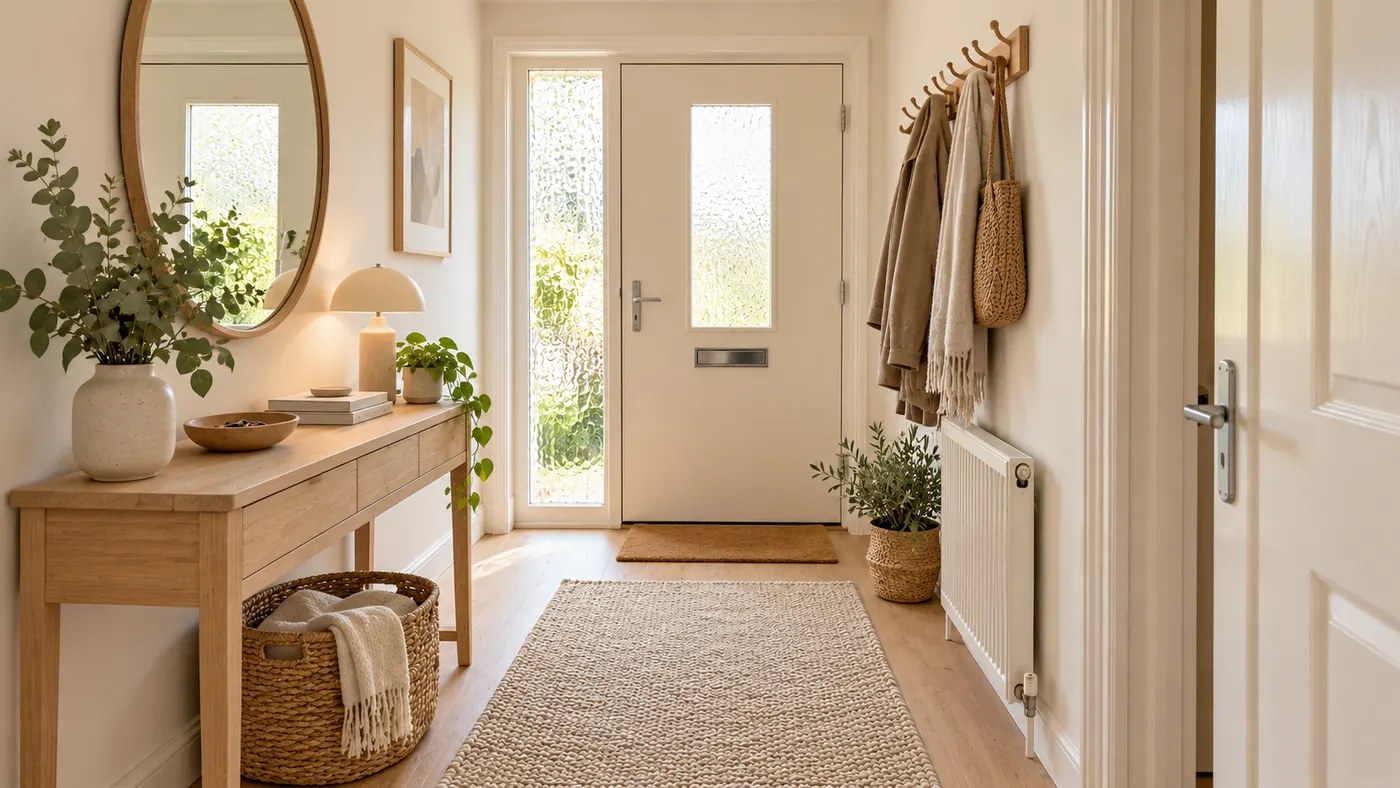
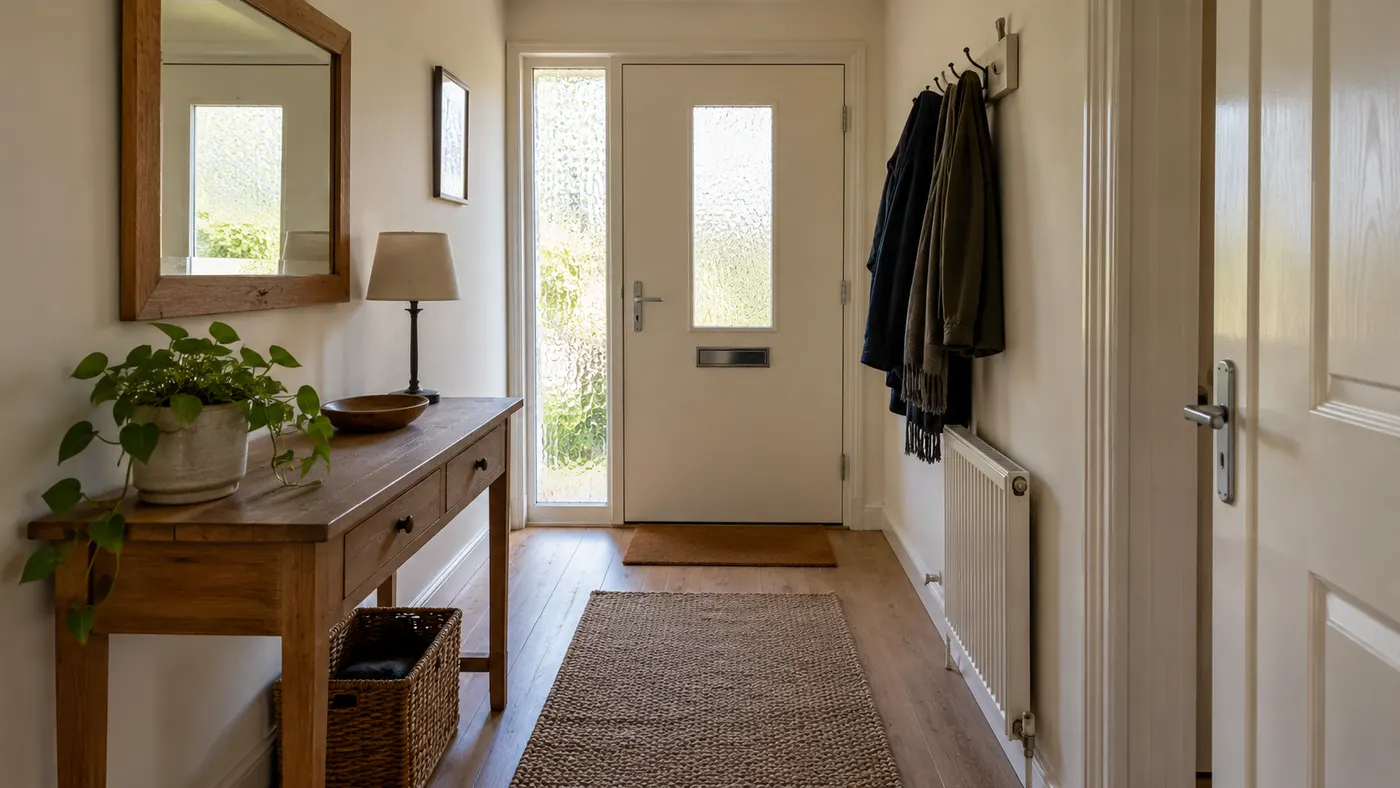
A rug sized to the seating area, layered cushions and throws, and curtains hung high and wide so windows feel bigger.
Floor and table lamps for warm evening light, plus art, mirrors or a gallery wall scaled to the wall you have.
Choose the empty-wall goal and the AI gives a bare wall a focal point with art, shelving and wall lights sized to it.
Add a photo of a sofa, chair or lamp you own or want, and the decorator styles the room around it.
Three steps from a photo of your room to a decorating plan you can shop.
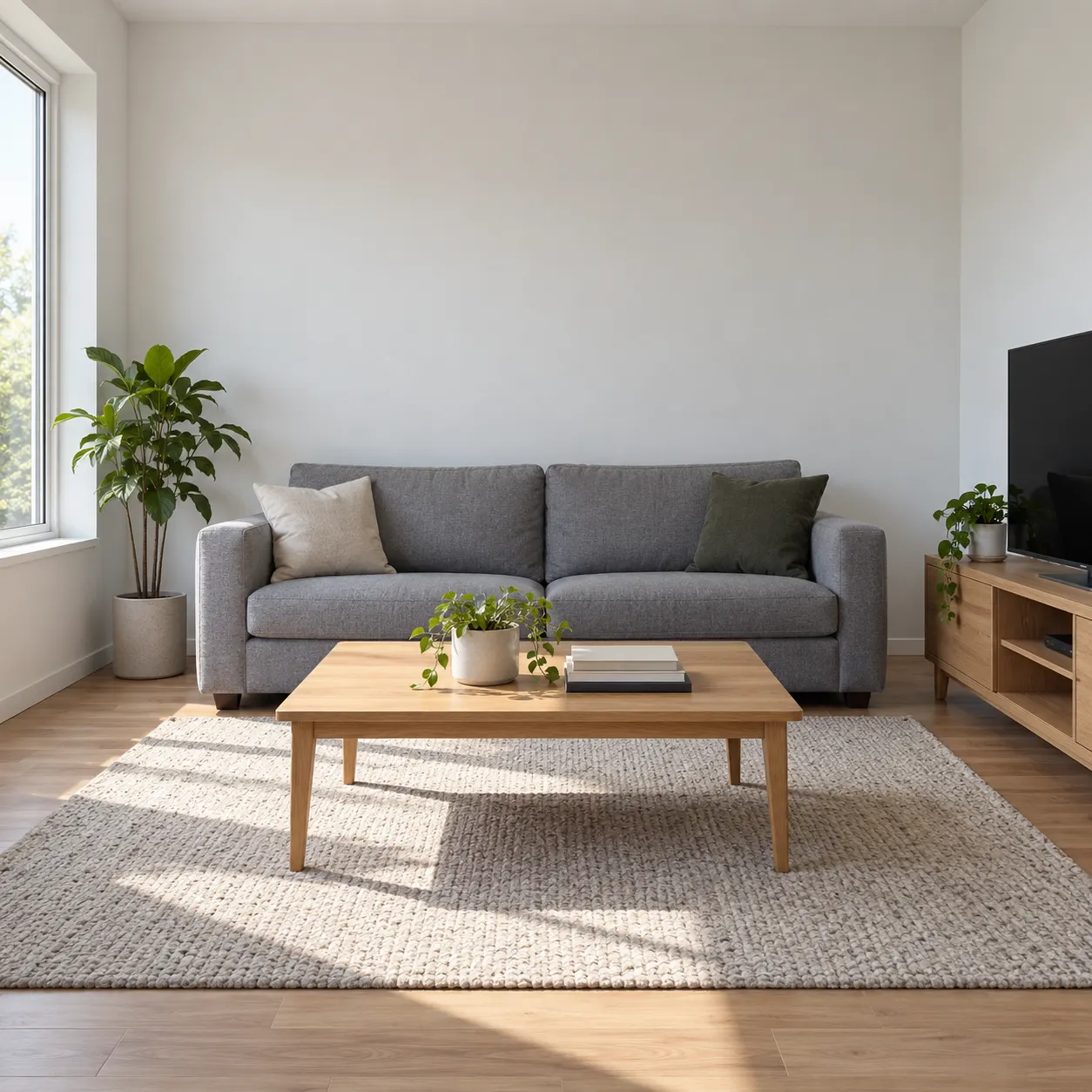
A straight-on photo in daylight works best. Any room is fine: living room, bedroom, home office or entryway.
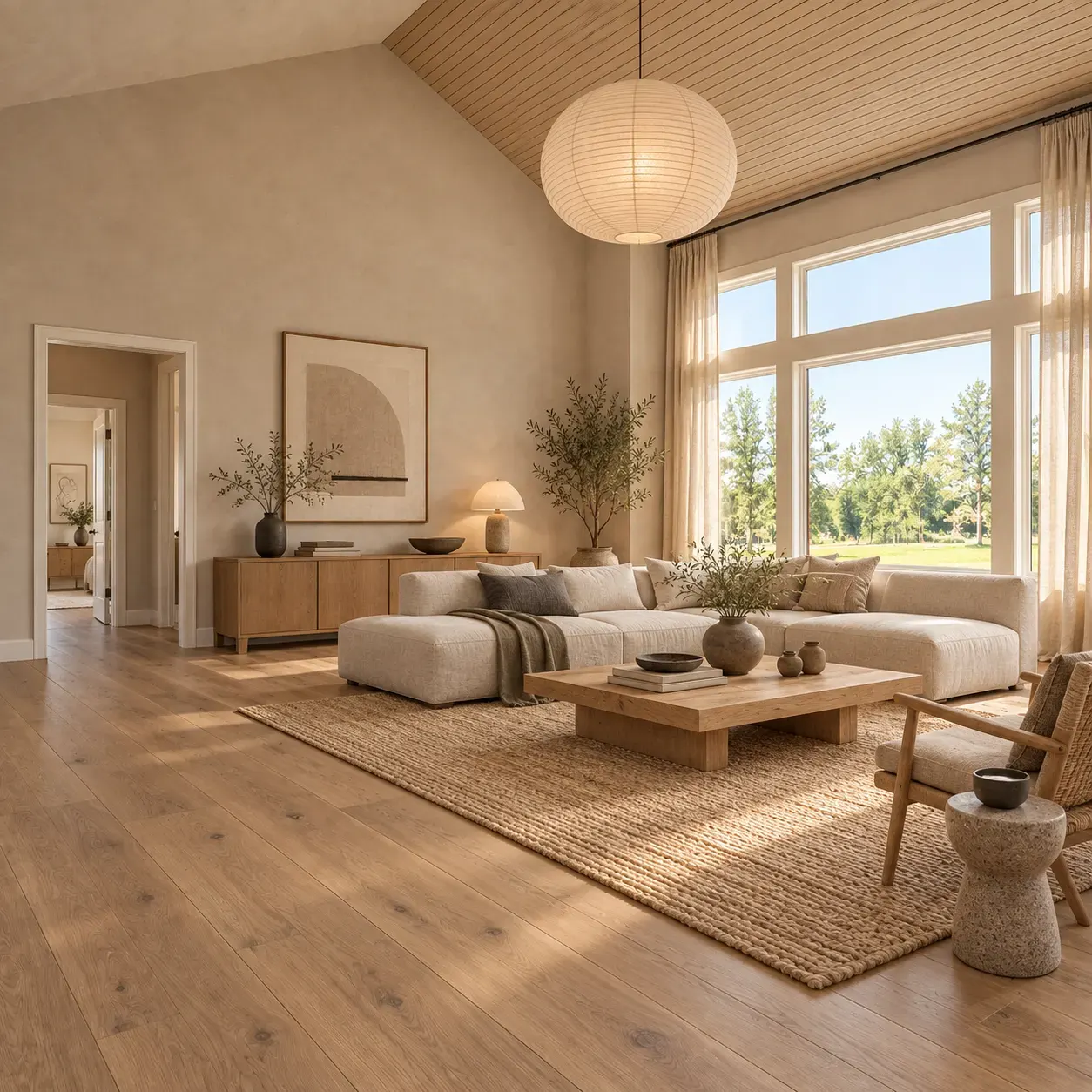
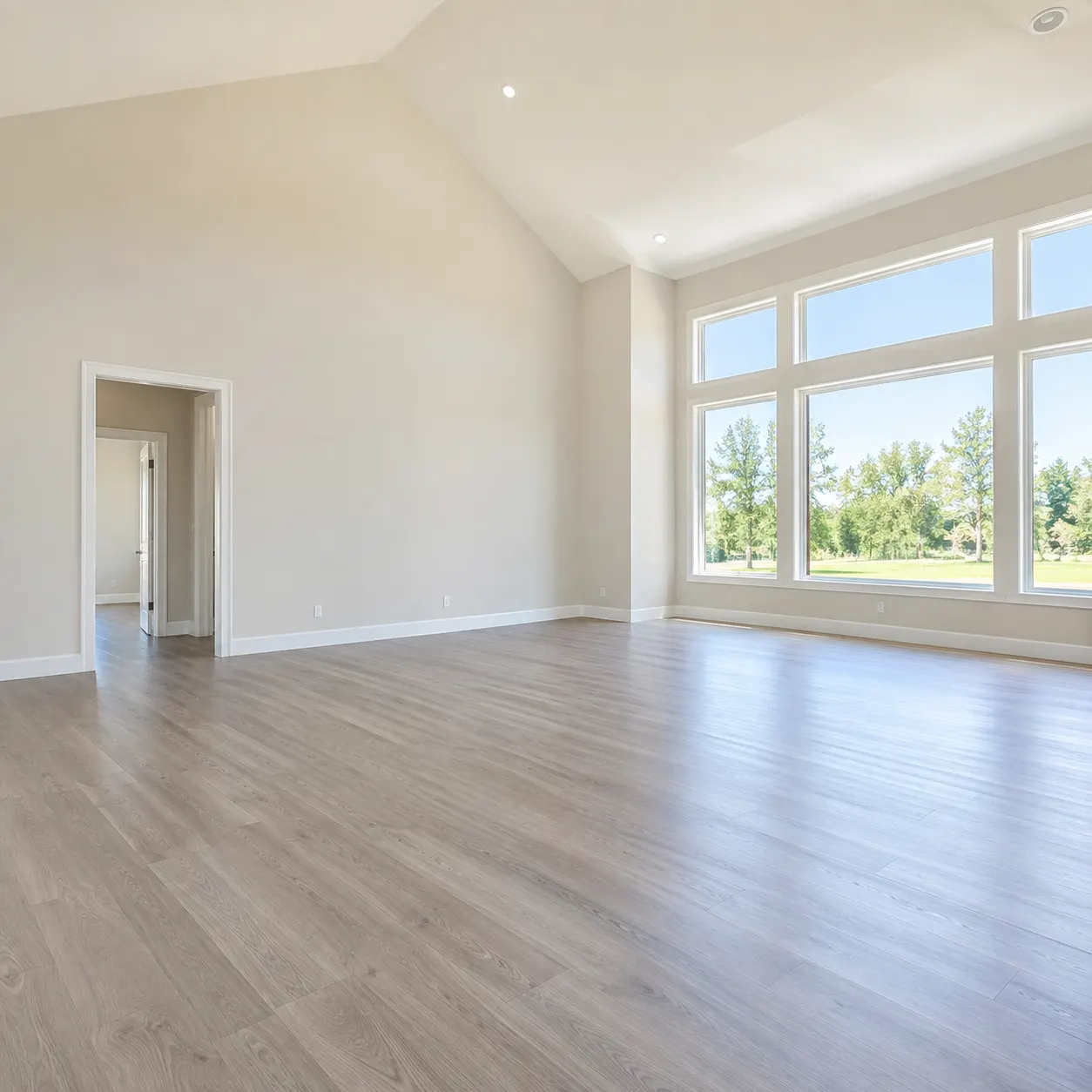
Choose a decor style such as Japandi, bohemian or modern, then a goal like Cozier, Renter-friendly or Fill an empty wall.
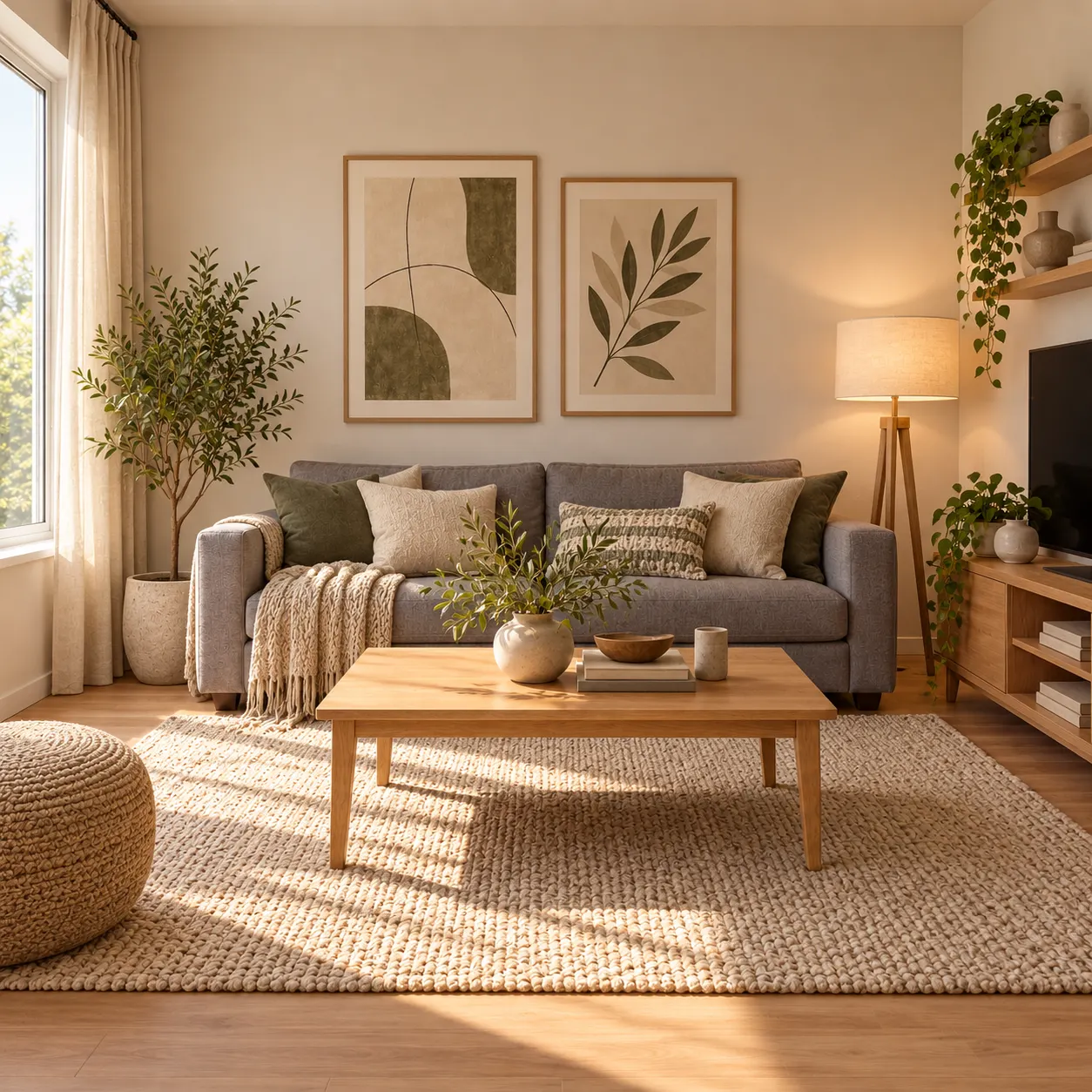
HausDraft decorates the room in seconds. Try other styles on the same photo, save the one you like and use it as a shopping list.
Upload a photo and see your room decorated in a new style in seconds.
Sign in for 2 free credits to try it. Lite is $9.99/month, Starter is $29/month and Pro is $69/month; see the current plans and credit details on the pricing page.
Decorate my roomWhen to use the decorator, when to use full room design, and how to get a good result.
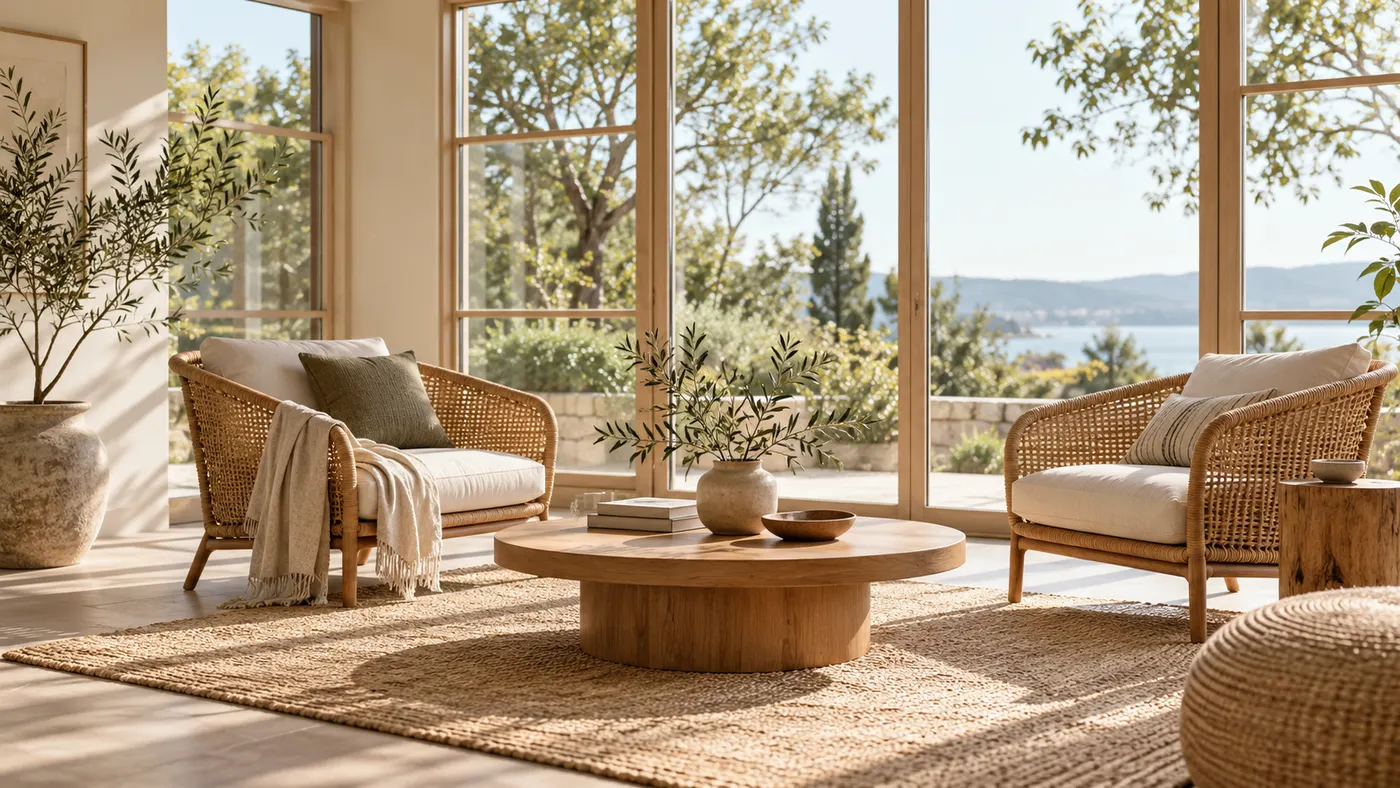
Decorating changes what sits in the room; redesigning changes the room itself. If you want new wall colours, flooring or a fireplace, use AI Room Design. If you want the room you have to feel finished, with the right rug, lighting and art, the decorator is the faster route.
Clear away clutter you do not want kept, shoot in daylight from a corner or doorway, and keep the whole floor in frame so the AI can size the rug. If a result is close, regenerate rather than switching style.
Use the result as a mood board: note the rug size, curtain length and lamp placement, then shop for pieces in the same colours and materials. Saving several versions of one room makes it easy to agree on a direction with whoever you live with.
Every home design tool in the studio — swipe through, all on one login.
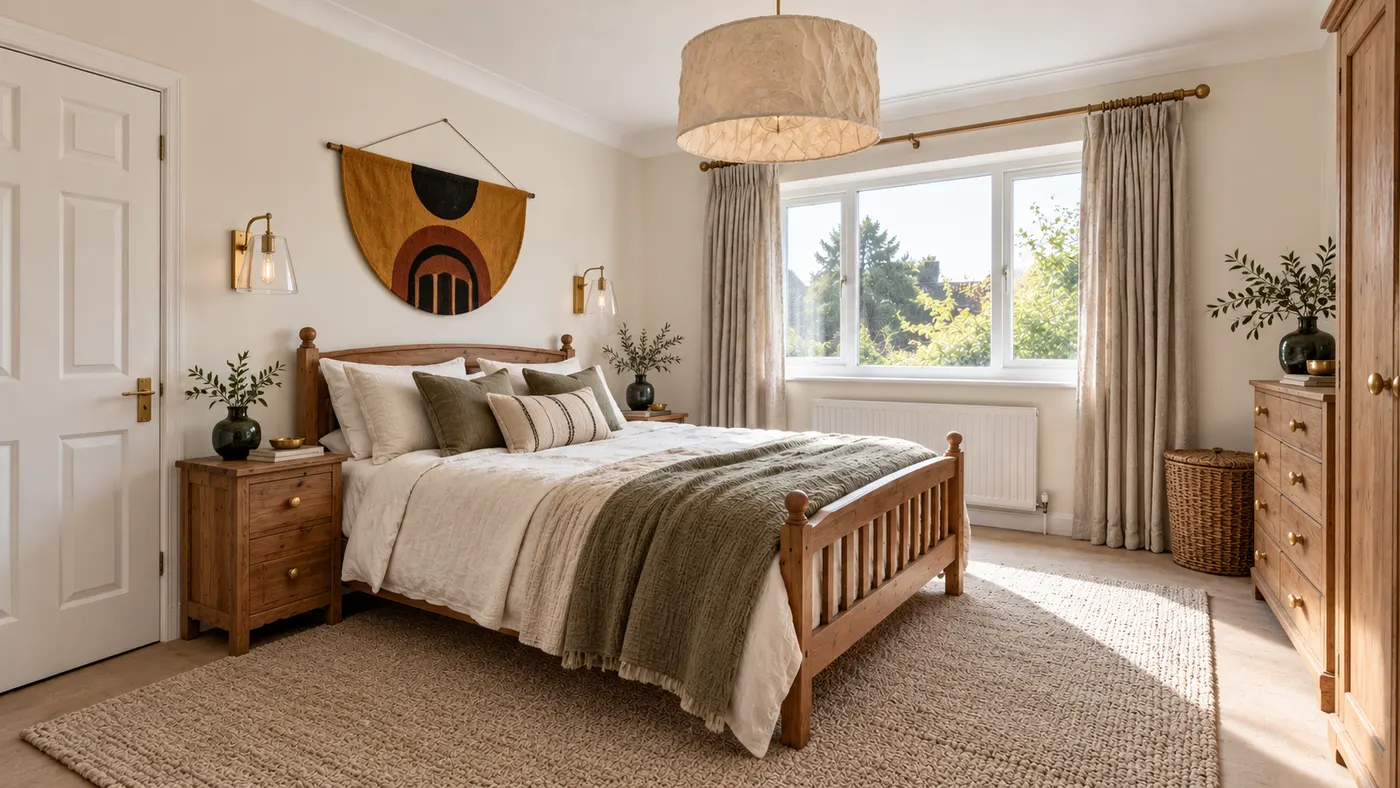
Upload a room photo and HausDraft’s AI interior design tool restyles it in seconds — Modern, Scandinavian, Japandi — with furniture and decor that go together.
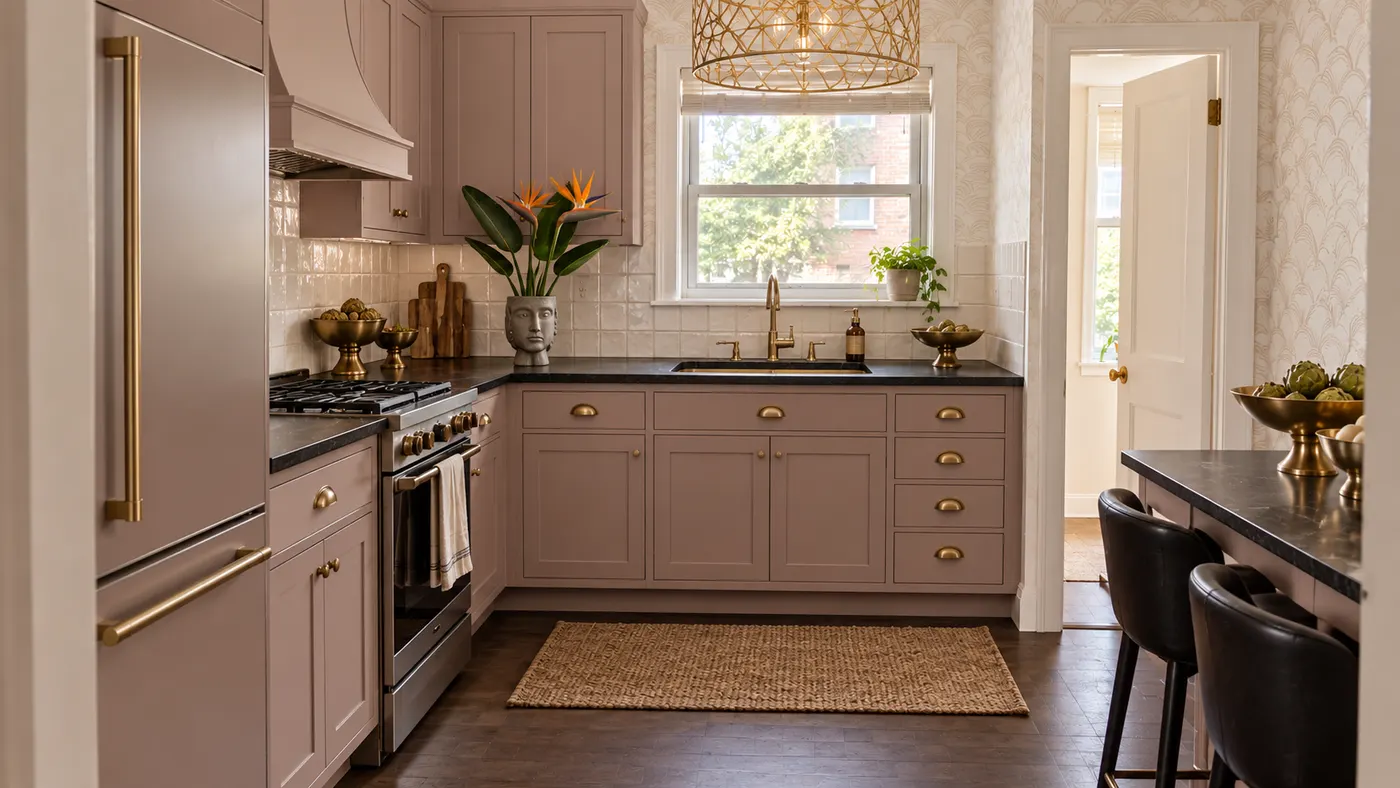
Upload a photo of your kitchen and HausDraft restyles the cabinets, countertops and backsplash in seconds, with finishes chosen to work together. Free to try.
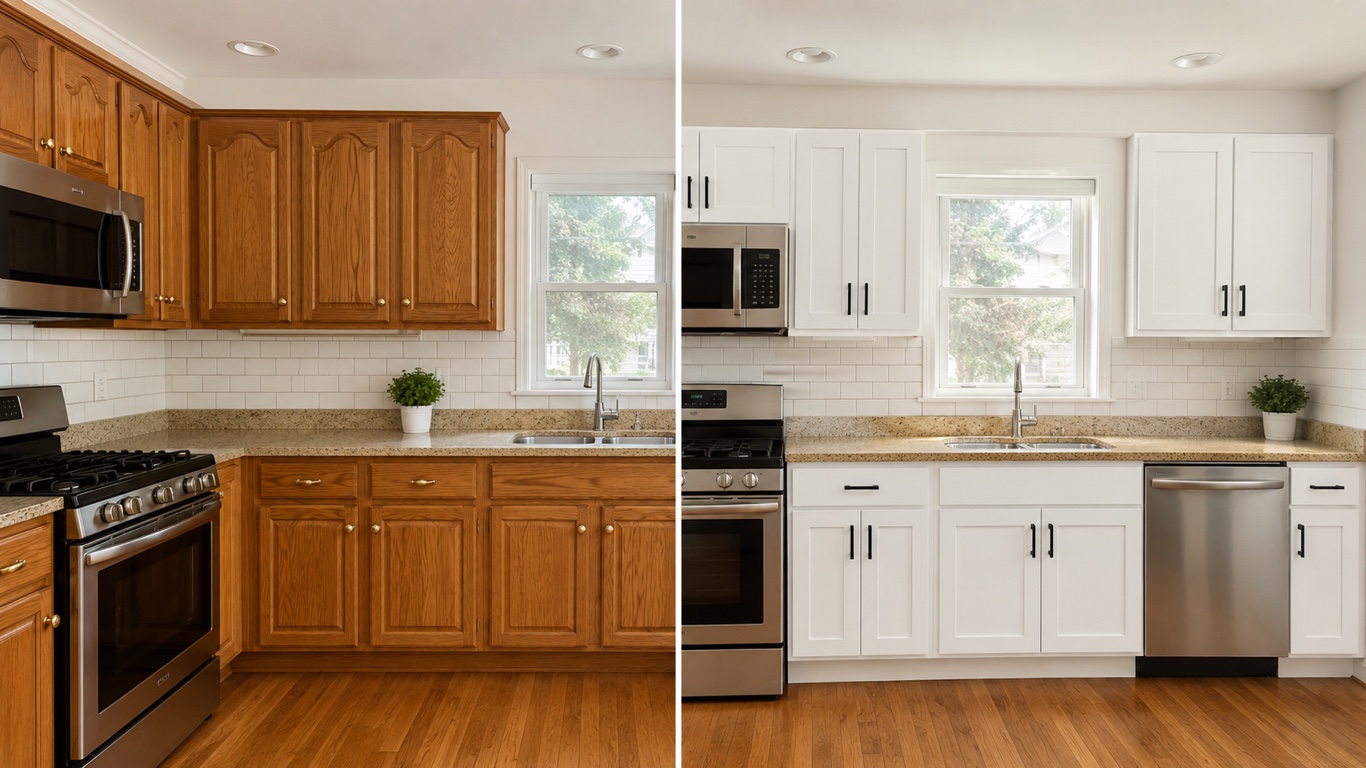
HausDraft’s kitchen cabinet visualizer shows new cabinet colors on your kitchen from a photo — white shaker, navy, sage, walnut or two-tone, in seconds.
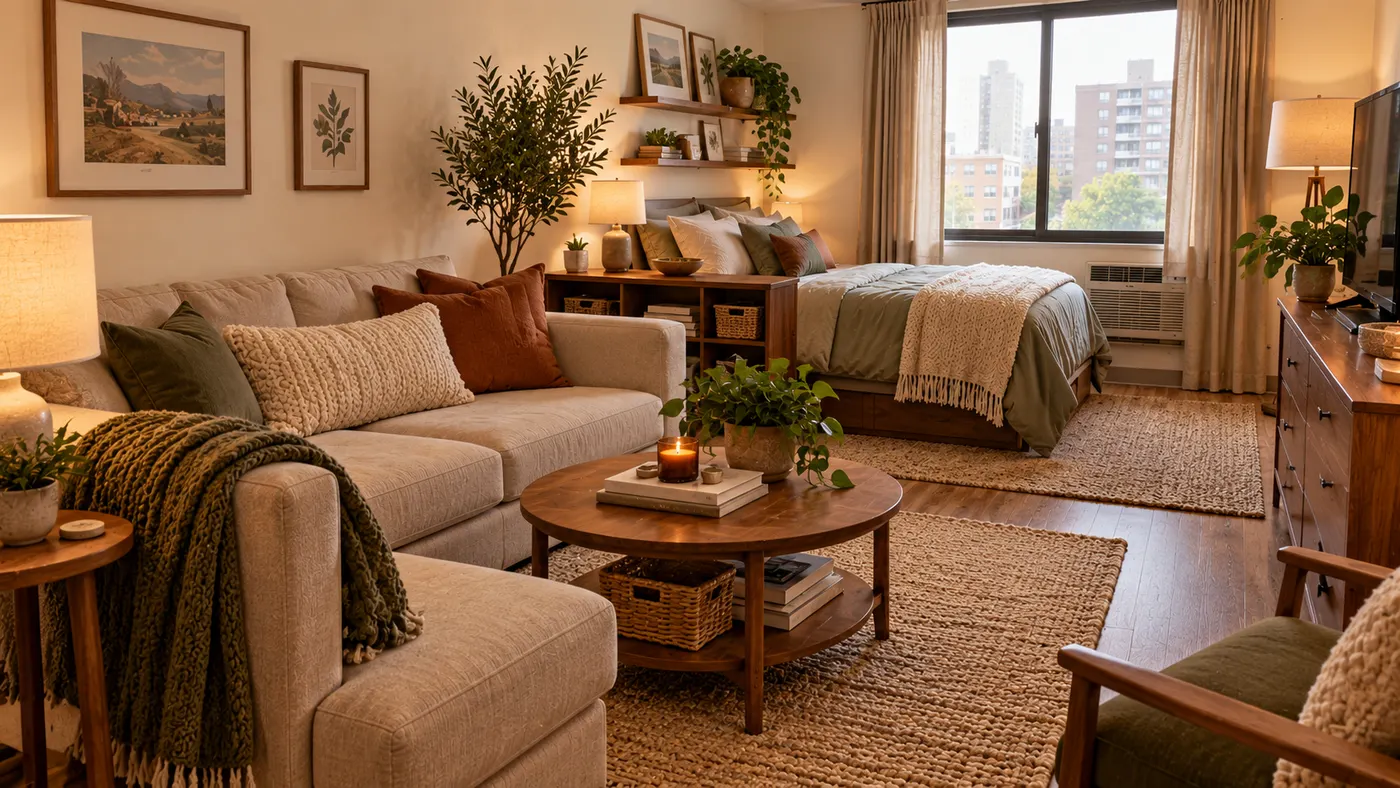
See 20+ small living room layout ideas grouped by problem, then try any furniture arrangement, cozy refresh or renter-friendly look on a photo of your room.
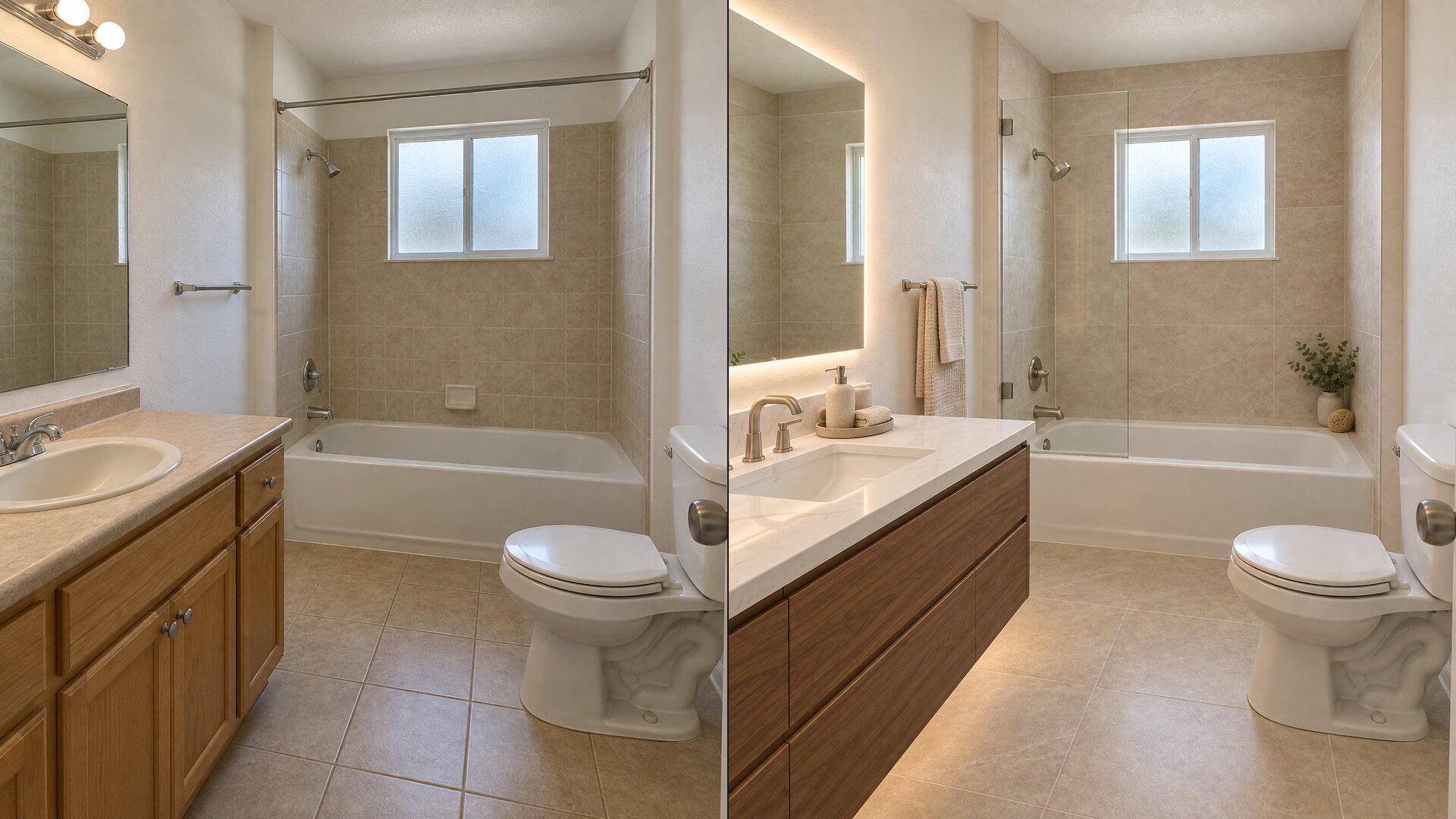
Upload a bathroom photo and preview vanity, tile, fixtures and paint together with this bathroom remodel visualizer — free to try, results in seconds.
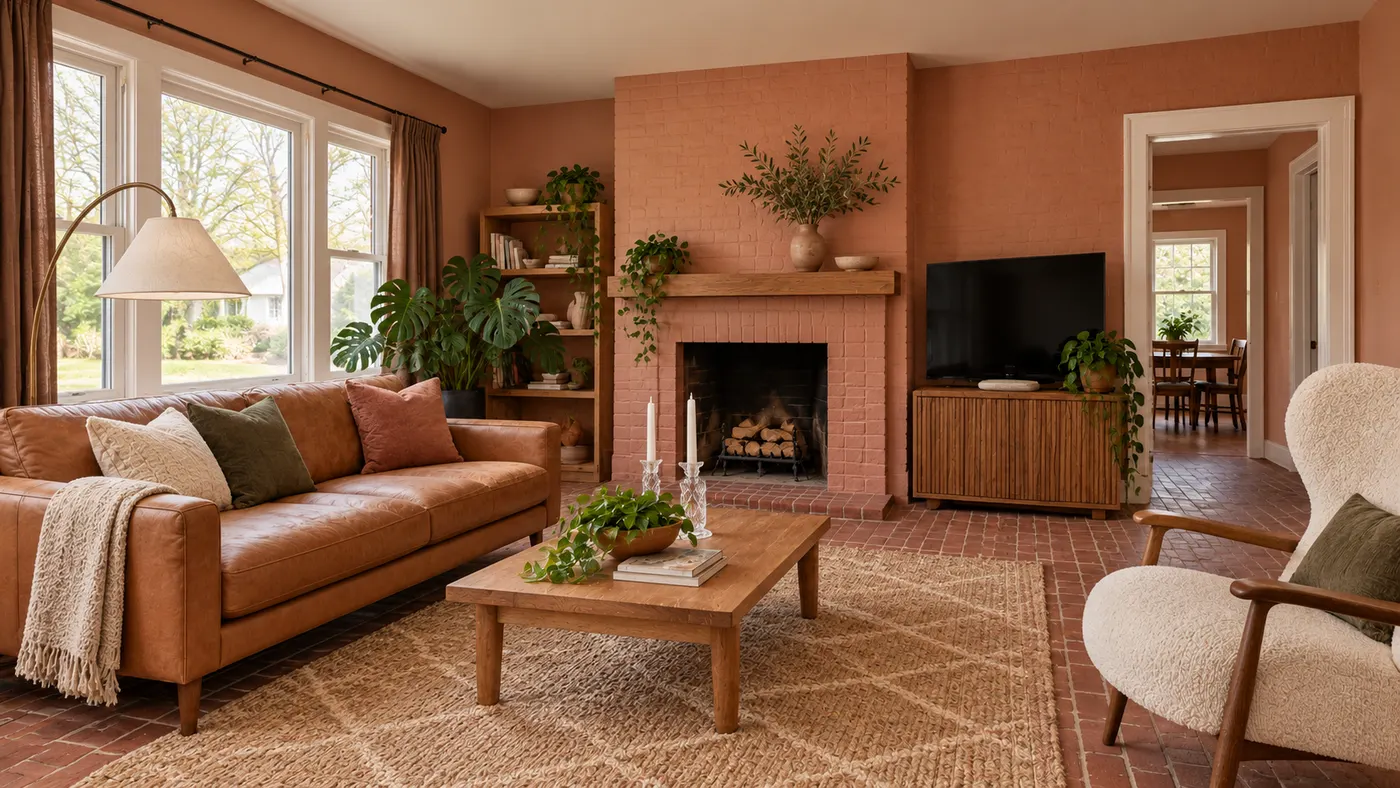
Try AI room design free on one room — upload a photo, pick a style, and HausDraft’s AI room design tool restyles it in seconds with a cohesive look.
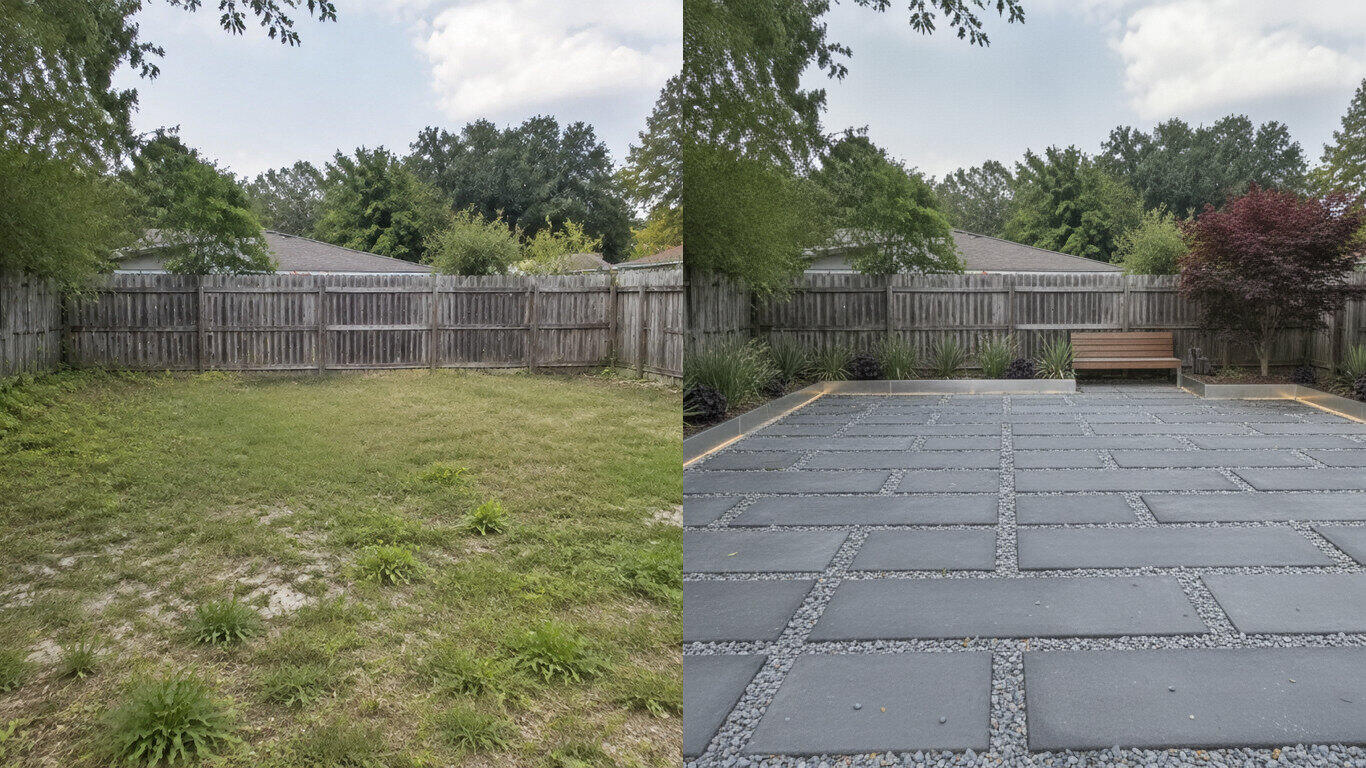
Upload a yard photo and HausDraft’s AI landscape design tool reimagines the planting, beds, lawn and hardscape in seconds — Modern, Cottage, Tropical and more.
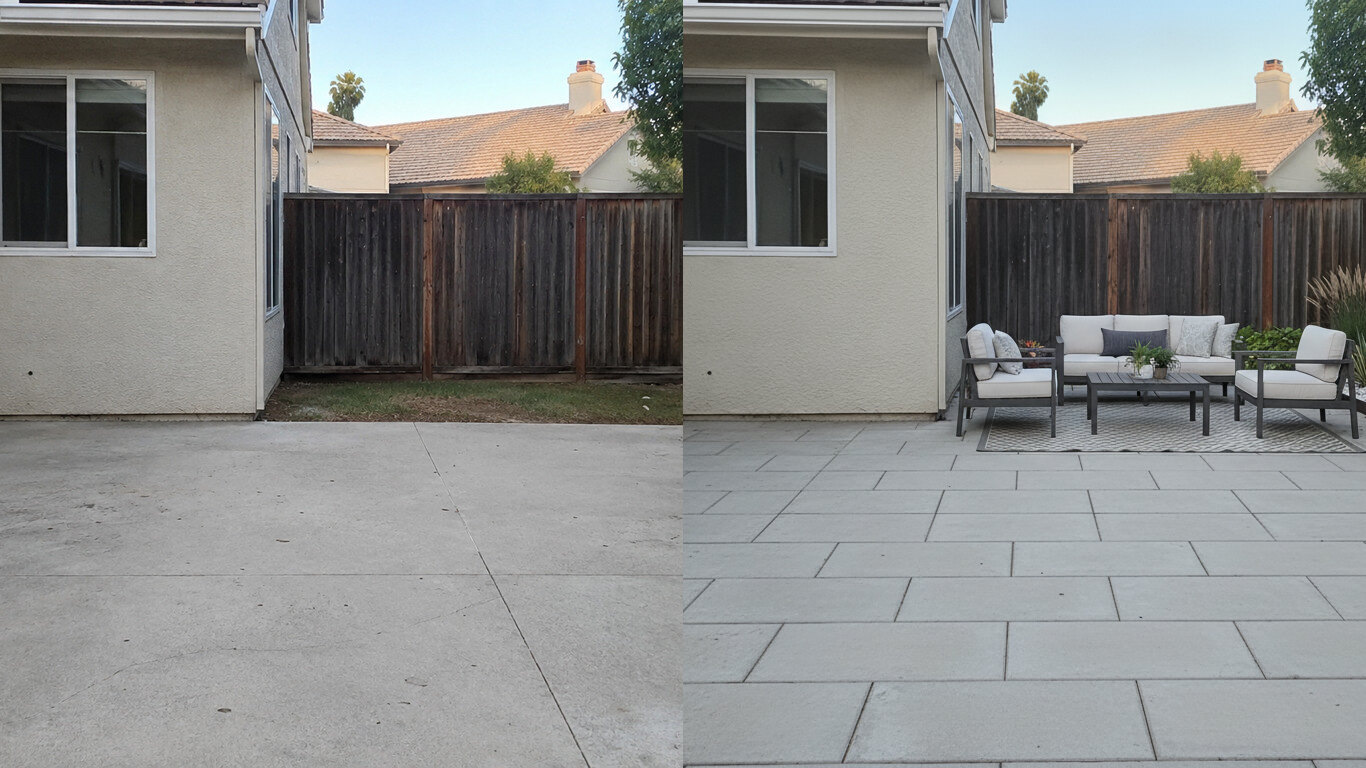
Upload a photo of your patio and HausDraft’s patio design tool reimagines the paving, furniture layout and planting in seconds. Plan a patio before you build.
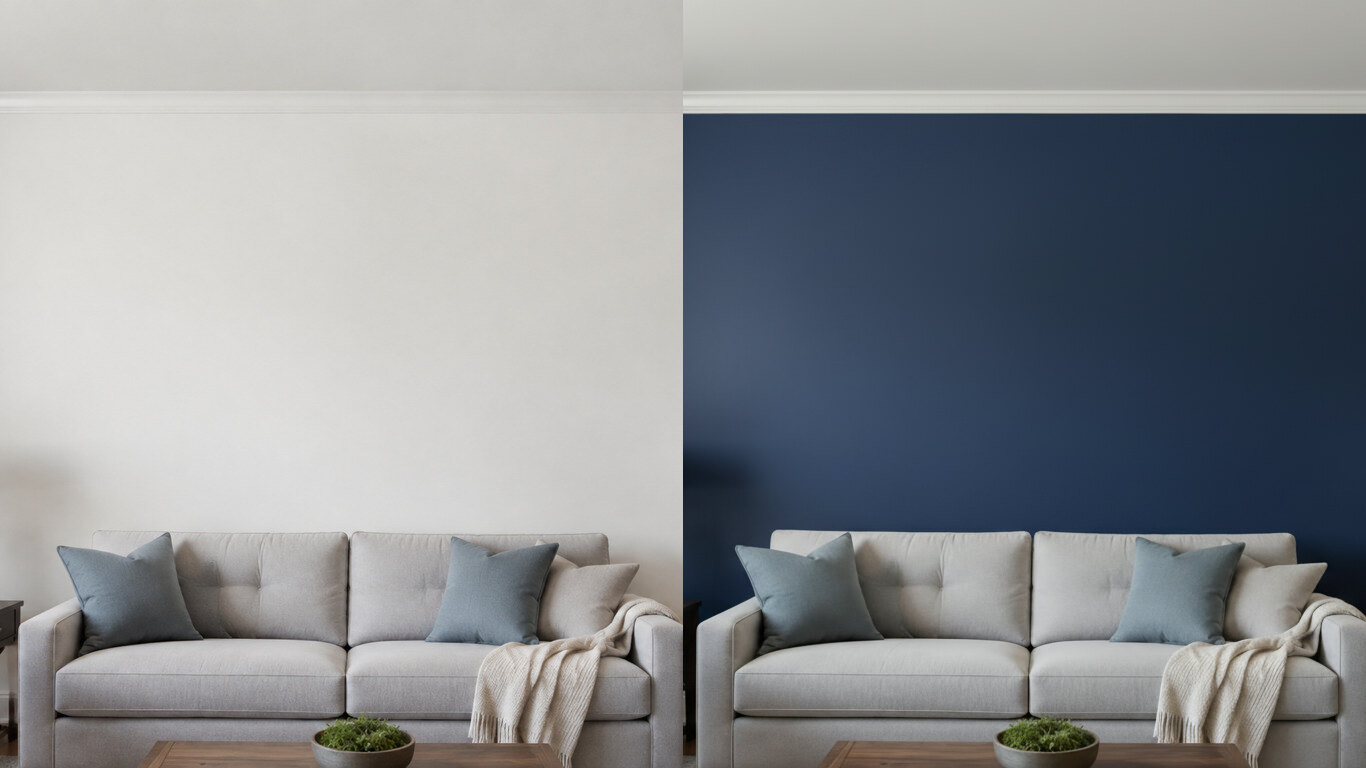
Upload a photo of your room or wall and HausDraft’s paint color visualizer repaints it in any colour in seconds. Try colours before you buy a can.
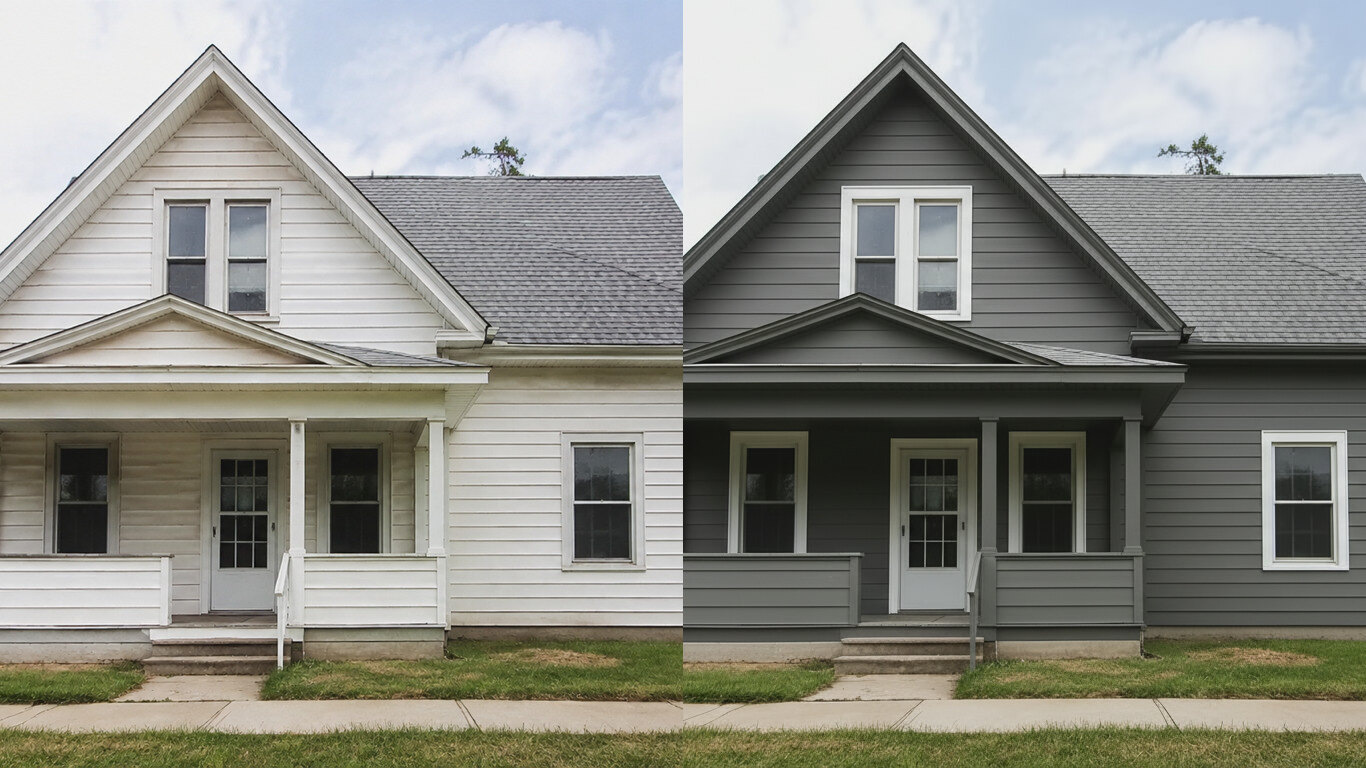
HausDraft’s exterior house color visualizer repaints your siding and trim in any colour from one photo, in seconds. See your house painted before you hire.
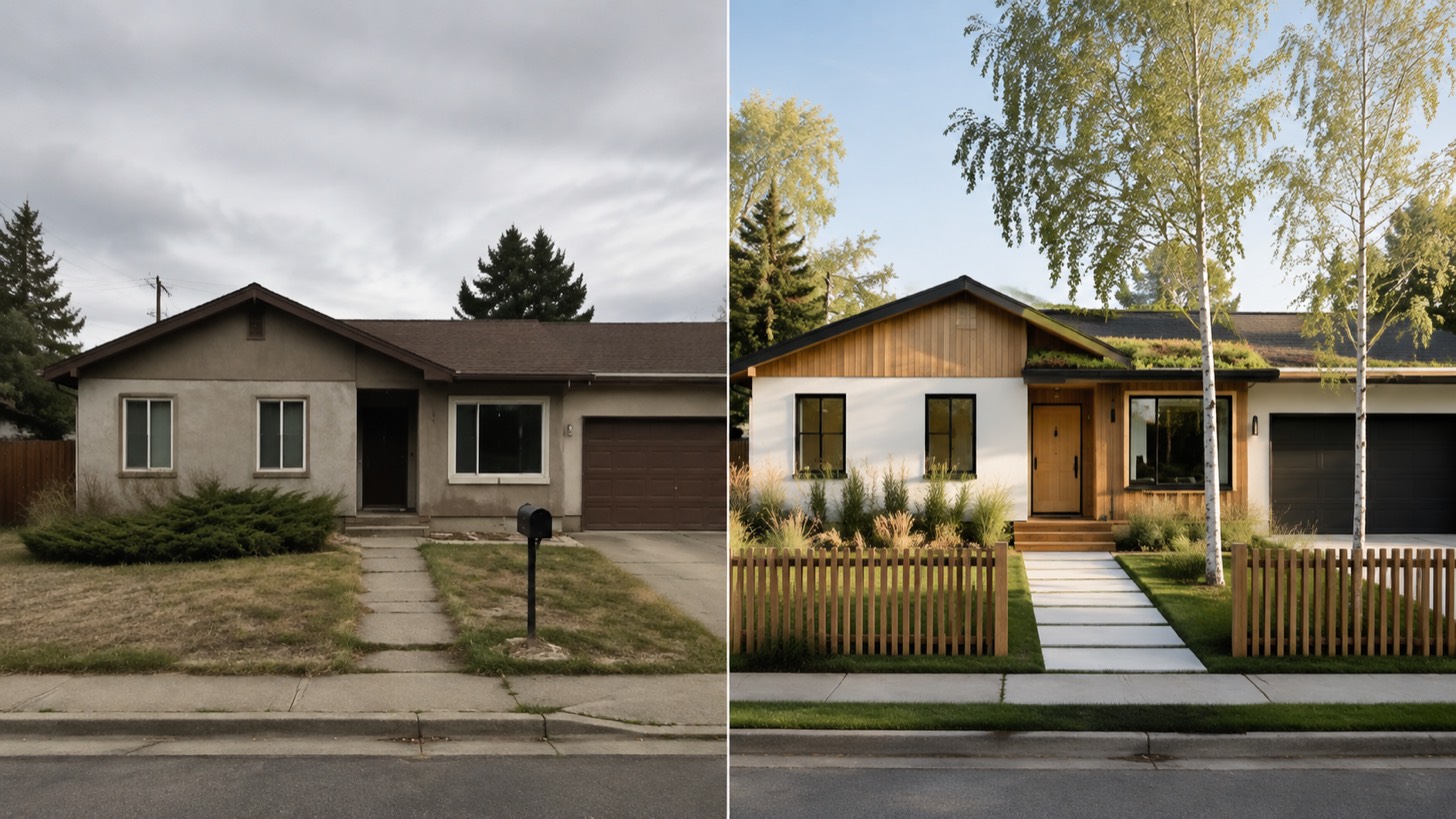
AI home exterior design from one photo — HausDraft restyles your whole facade: architectural style, siding, materials, trim and curb appeal, together.
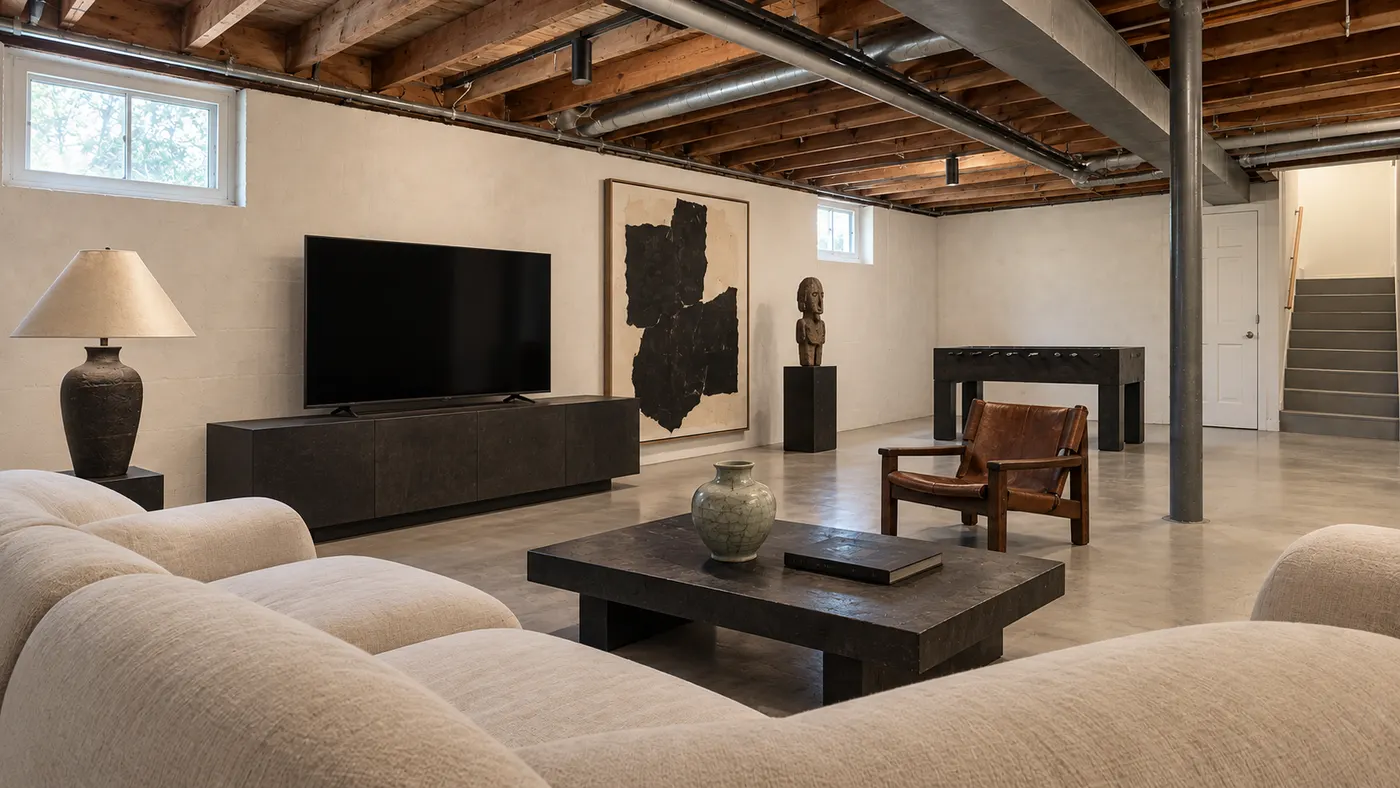
Upload a room photo and preview an interior remodel in seconds — compare finishes, furniture and styles side by side before you commit to a contractor.
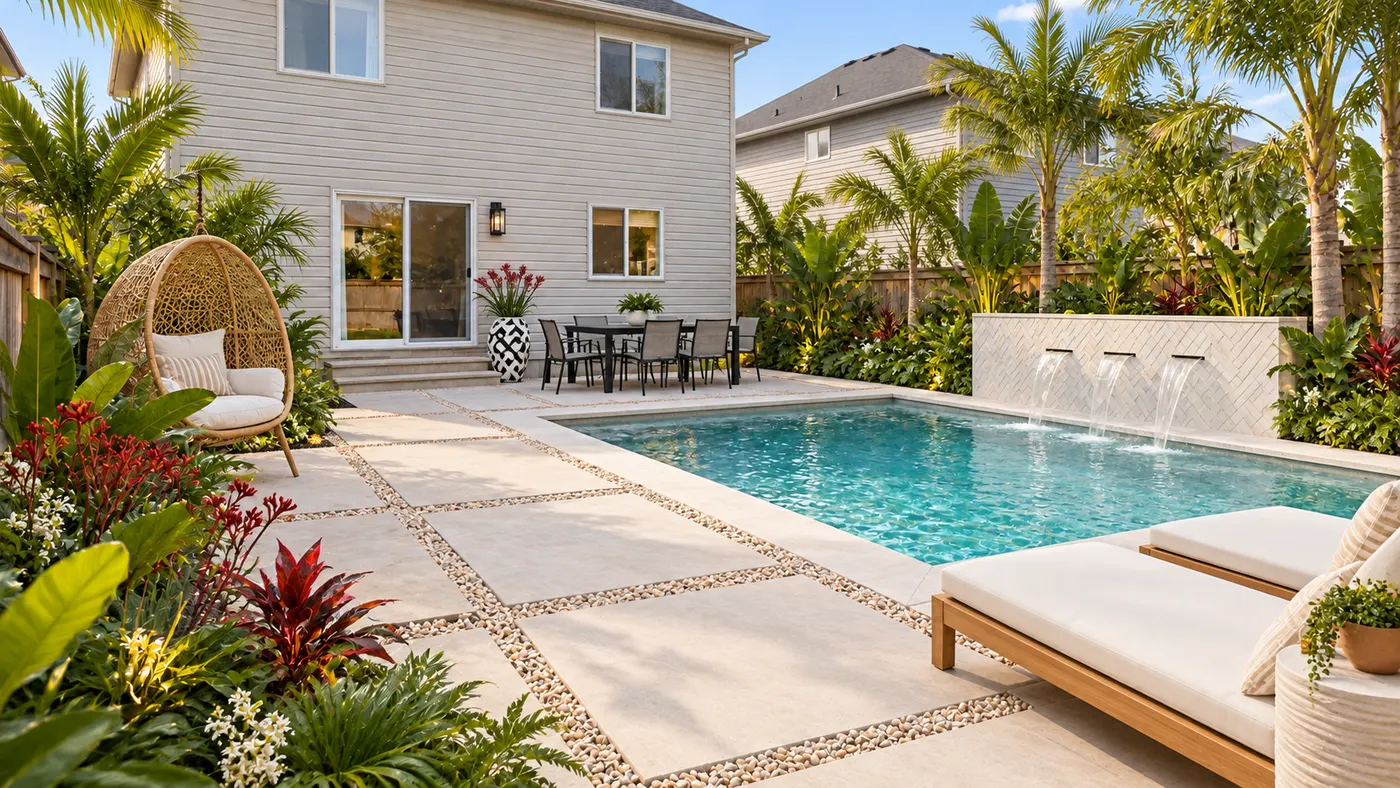
Upload a photo of your yard and HausDraft’s AI garden planner reimagines planting beds, paths, plants and layout, so you can compare ideas before you dig.
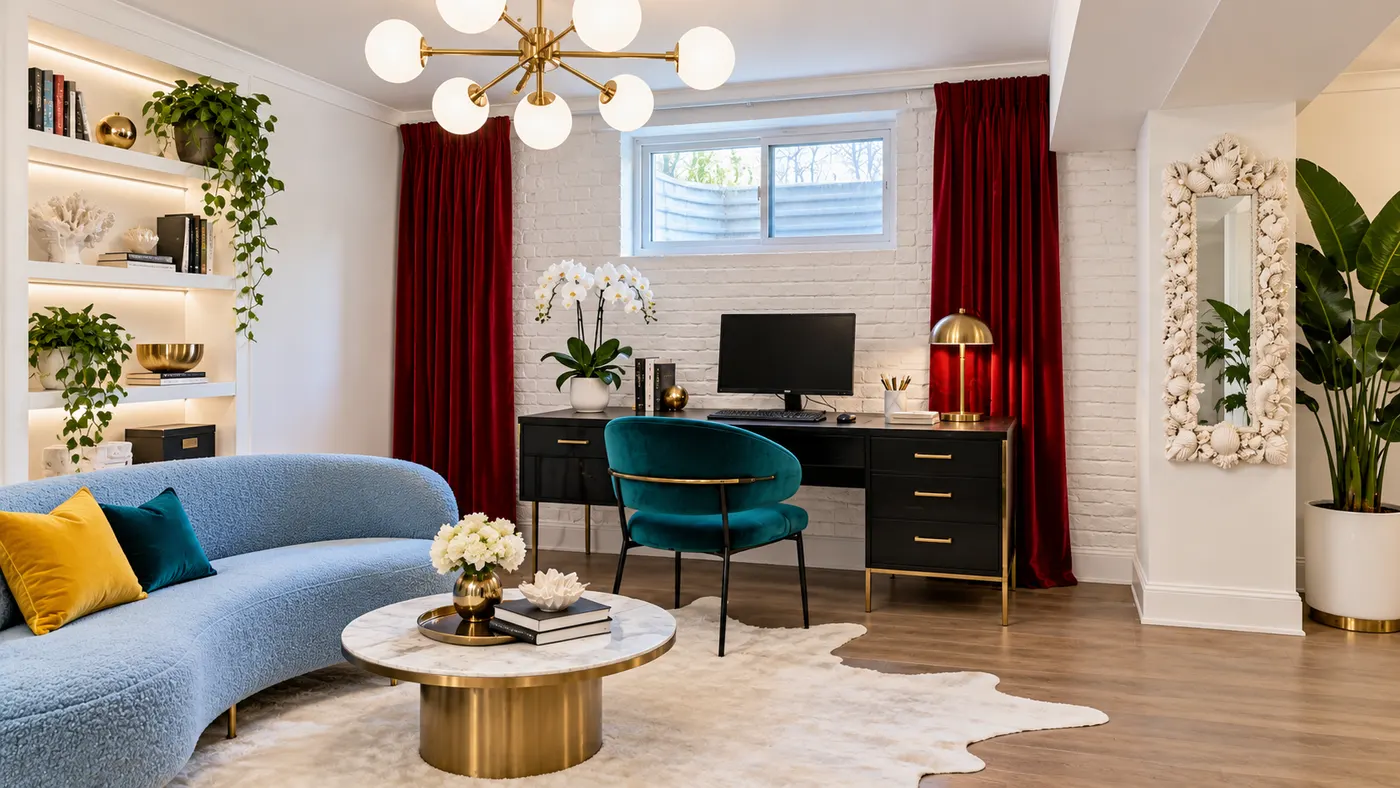
Try basement interior design free: upload a photo, choose a style, and preview a basement redesign with better light, storage and flow.
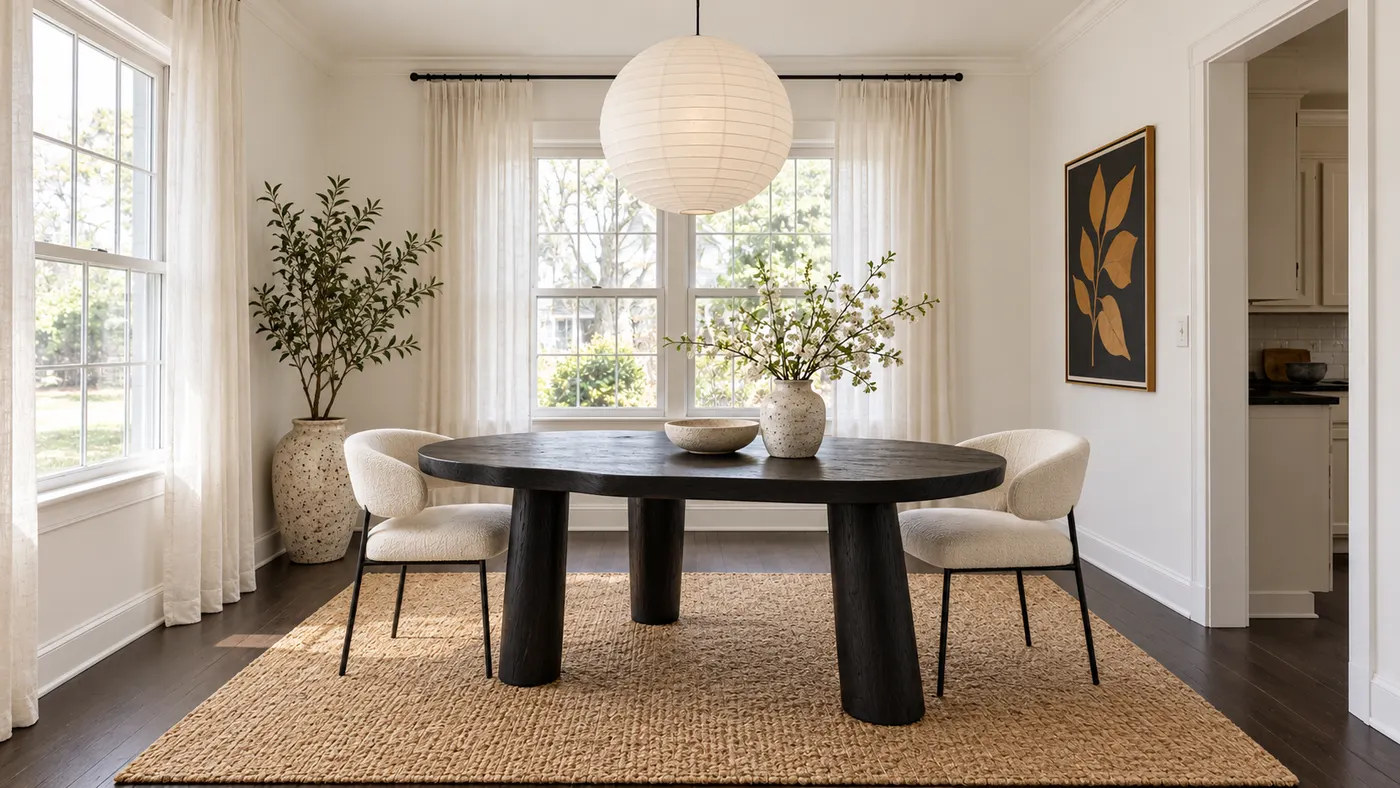
Upload a room photo for virtual house staging. Add realistic furniture, natural daylight and a cohesive, listing-ready style in seconds.
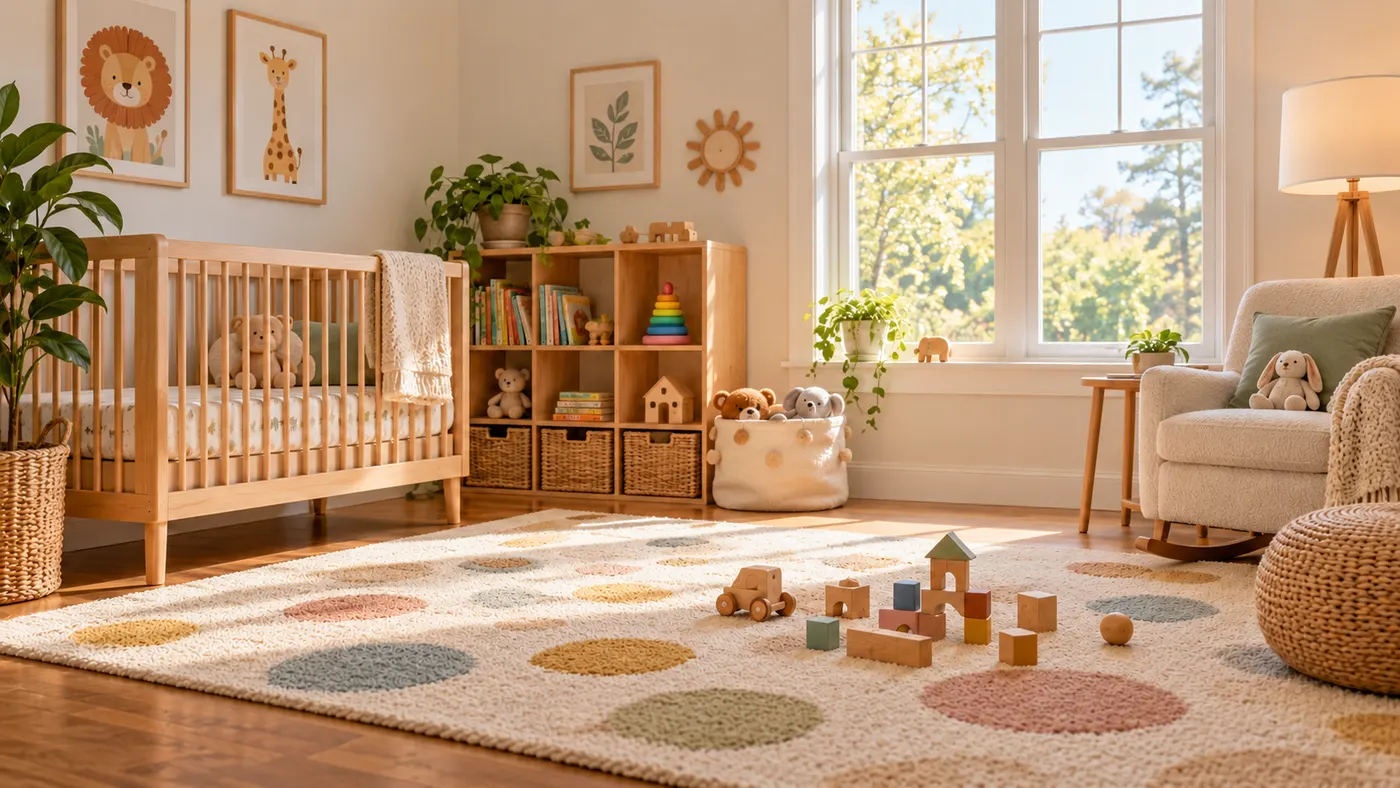
Use this rug visualizer to upload a room photo and rug reference, then preview realistic scale, perspective, shadows, and daylight before you buy or rearrange.
Upload a photo of your house and preview an exterior remodel — new siding, roof, trim, front door and landscaping — before you hire a contractor. Free to try.
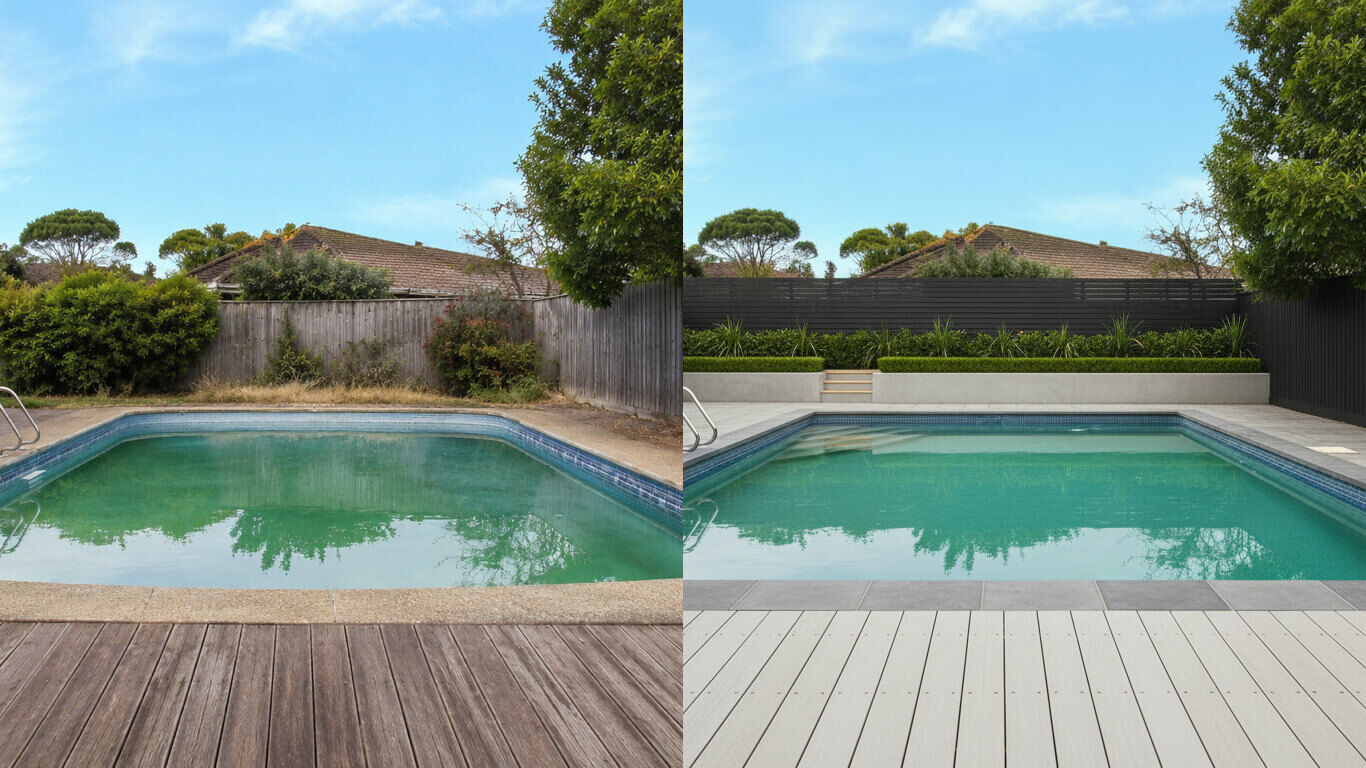
Upload a photo of your backyard and HausDraft’s pool AI adds a realistic in-ground pool with decking and planting in the style you choose. Free to try.
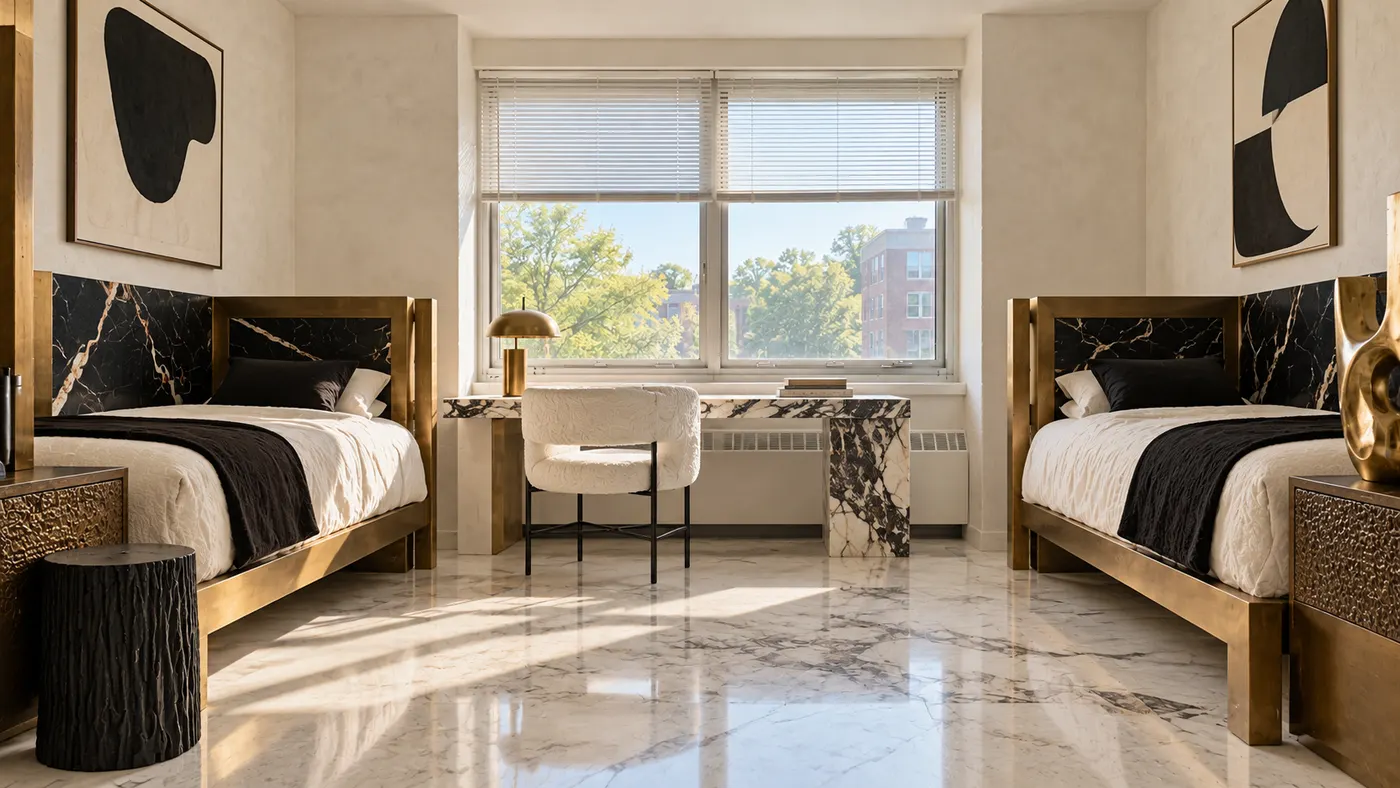
Upload a photo of your dorm and HausDraft’s AI dorm room designer adds bedding, a rug, storage, lighting and wall decor you can move in and out. Free to try.
Upload a photo of your patio or backyard and HausDraft’s AI pergola designer adds a pergola in the style you choose, with seating and planting. Free online.
Upload a photo of your kitchen, bathroom or laundry and HausDraft’s AI cabinet design tool shows new door styles, wood tones and finishes on your cabinets.
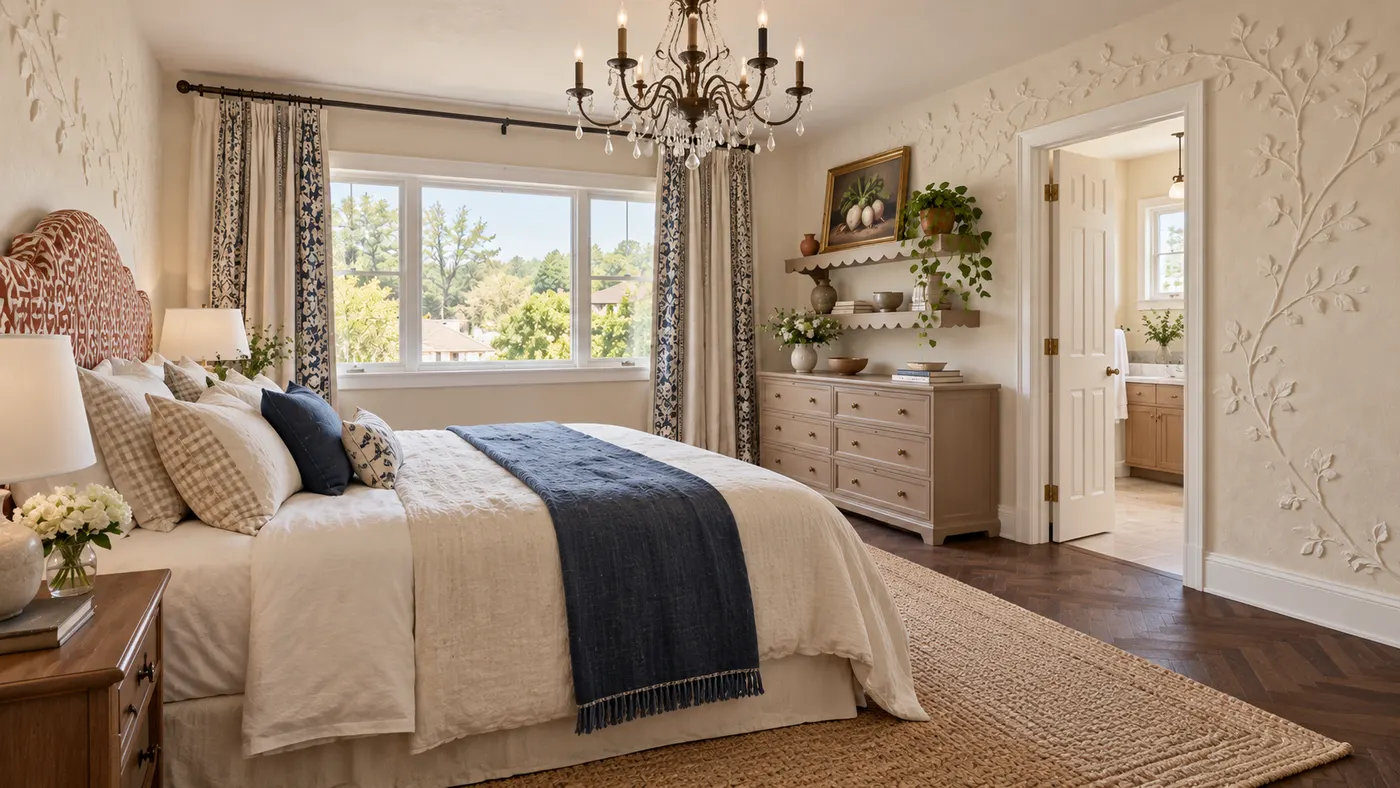
Create your bedroom from a photo: HausDraft’s AI redesigns the bed, bedding, walls, lighting, curtains and storage in the style you choose. Free to try online.
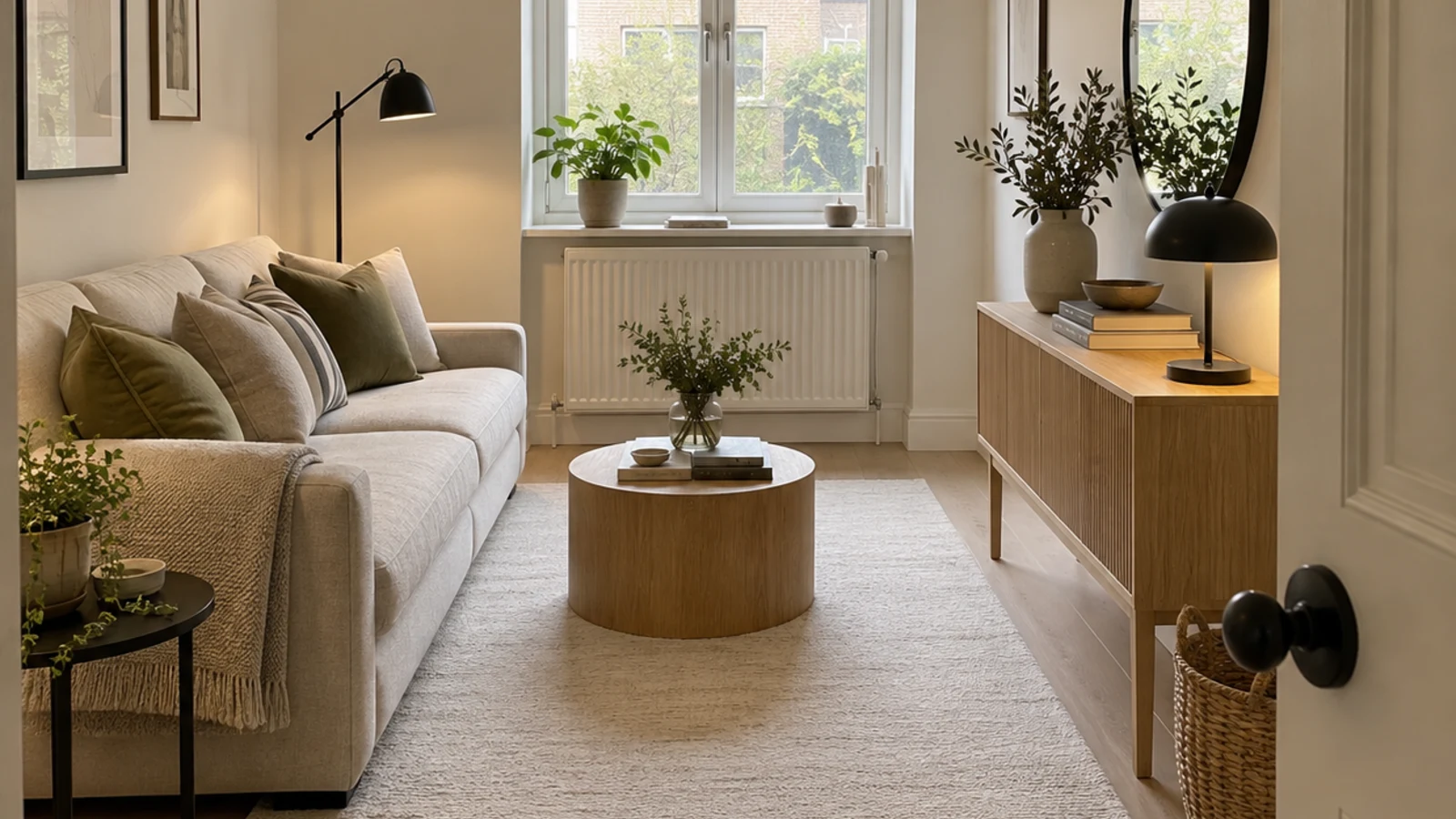
HausDraft’s AI space planning tool rearranges the furniture in a photo of your room into clear zones and walkways, for home offices, studios and open plans.
HausDraft’s AI house design tool reimagines a whole house from one photo: roofline, windows, porch, cladding, colours and front garden, in the style you choose.