
Japandi bedroom
Start with the room’s feeling
Pick furniture from the library, or let Auto design lay out a whole room and palette for you.
Main 60%
Warm white
Secondary 30%
#b9946a
Accent 10%
Terracotta
HausDraft is a mood board generator built for rooms, not collages. Place real furniture, pick a style palette and materials, set the walls and floor, then render the board as a realistic room in one click.
Start Your Mood Board
Six ready-made interior design mood boards, each a room type in a style. Pick one and the editor above lays out a starting board you can keep adjusting.
Ten interior design styles, each with its own wall, accent and material colors. Click a style to put its palette on your board.


Every piece in the library is a type of furniture you can buy: sofas, beds, rugs, lighting, wall art and more. Select a piece and one click opens an Amazon or Wayfair search for something like it, so your mood board doubles as a shopping list.

Recolor a single piece without rebuilding the board. Pick another color or material, such as oak to walnut or linen to velvet, and fine-tune the finish while the rest of the board stays exactly where it is.
Send your family, partner or contractor one link to a read-only page with your board and the rendered room. They can open it without an account. Sharing is part of the paid plans.
Everything you need to go from a style idea to a room you can picture, without leaving one page.

Pick a room type and a style and get a laid-out starting board with a matching palette, then tweak it piece by piece.
Paste a product link or upload an image. The background is removed automatically so it sits cleanly on the board.
Keep boards grouped by property, such as every room of one house, and download any board as a clean image without the watermark for a client deck or a message.
Render the board as a realistic room photo that follows your furniture, palette, walls and floor.
Three steps from an empty board to a rendered room, all in the editor above.
Choose a room (living room, bedroom, dining room, home office or bathroom) and one of ten styles. Auto-design lays out a starting board with a matching palette, so you never face a blank canvas.
Open the Assets tab and click any piece to place it, then drag, resize, rotate and layer it. Change colors or materials, pick a wall palette and choose a realistic floor such as light oak or walnut.
Render turns the board into a realistic photo of the room. Save the board to keep working on it, or share a link so others can see the plan and the render.
Collage tools are flexible but know nothing about rooms. Design-industry tools are powerful but made for working professionals. HausDraft sits in between: a board made for a home, with a one-click render.
| Compare | Canva / Milanote | Mattoboard | HausDraft |
|---|---|---|---|
| Built for | General collages, whiteboards and brainstorming | Mood boards and presentations for interior design professionals | Home and interior mood boards for homeowners and designers |
| Real furniture on the board | You upload or paste each image yourself | Large library of branded products and materials | Furniture library with one-click similar-item search; import your own on paid plans |
| Change one piece’s color or material | Edit the image yourself | Swap products and materials on the board | Recolor or re-material a single piece, with a finish control |
| Walls and floor | Not part of the tool | Built around product and material samples | Style palette for walls and accent, plus realistic floor presets |
| Turn the board into a realistic room | No render from your board | AI renders from a brief, plan or photo | One-click render of the board as a room |
| Share the board | Share links on both | Sharing is part of its Pro Teams plan | One read-only link with the board and the render (paid plans) |
| Free to start | Free plans with limits | Free sign-up for designers; see its pricing for plans | Free sign-up: 6 pieces, 3 recolors, 1 auto-design and 1 render |
Start free in the editor at the top of this page. Open an example board without an account, or sign up free for the style palettes, the wall and floor tools and your first render. Pick a room and a style, place a few pieces, and see the room before you buy anything.
Sign in free to build your own board. Paid plans add clean exports, share links and importing your own furniture; see the pricing page.
Back to the Mood Board EditorShort answers to what people ask before they make an interior design mood board.
A useful interior design mood board includes five things: a style direction, a color palette with a main, a secondary and an accent color, the key furniture pieces, materials and textures such as wood, fabric or stone, and the wall and floor finishes. The HausDraft board has a place for all five, so the board describes a room instead of just a mood.
Start with the anchor piece, the sofa or the bed, near the center. Put the rug under it, then place lighting, plants and wall art around the edges and keep your palette in view. Auto-design does this first pass for you with no overlapping pieces, and you can drag everything from there.
Yes, you can start free. Without an account you can open an example board and move things around. A free account adds the style palettes and the wall and floor tools, plus 6 pieces of furniture, 3 recolors, 1 auto-design, 1 saved board and 1 render. Clean exports, share links and importing your own images need a paid plan.
The render is an AI image of the room your board describes. It follows your furniture, palette, materials, walls and floor, but it is not a measured model, so proportions and details are interpreted. Use it to judge the look and feel, and check real measurements before you buy.
Yes, on a paid plan. Paste a product link or upload an image and HausDraft puts it on the board with the background removed. The free library covers the common pieces for every room type.
Take your mood board further: restyle a real room photo, test paint colors or plan a layout.
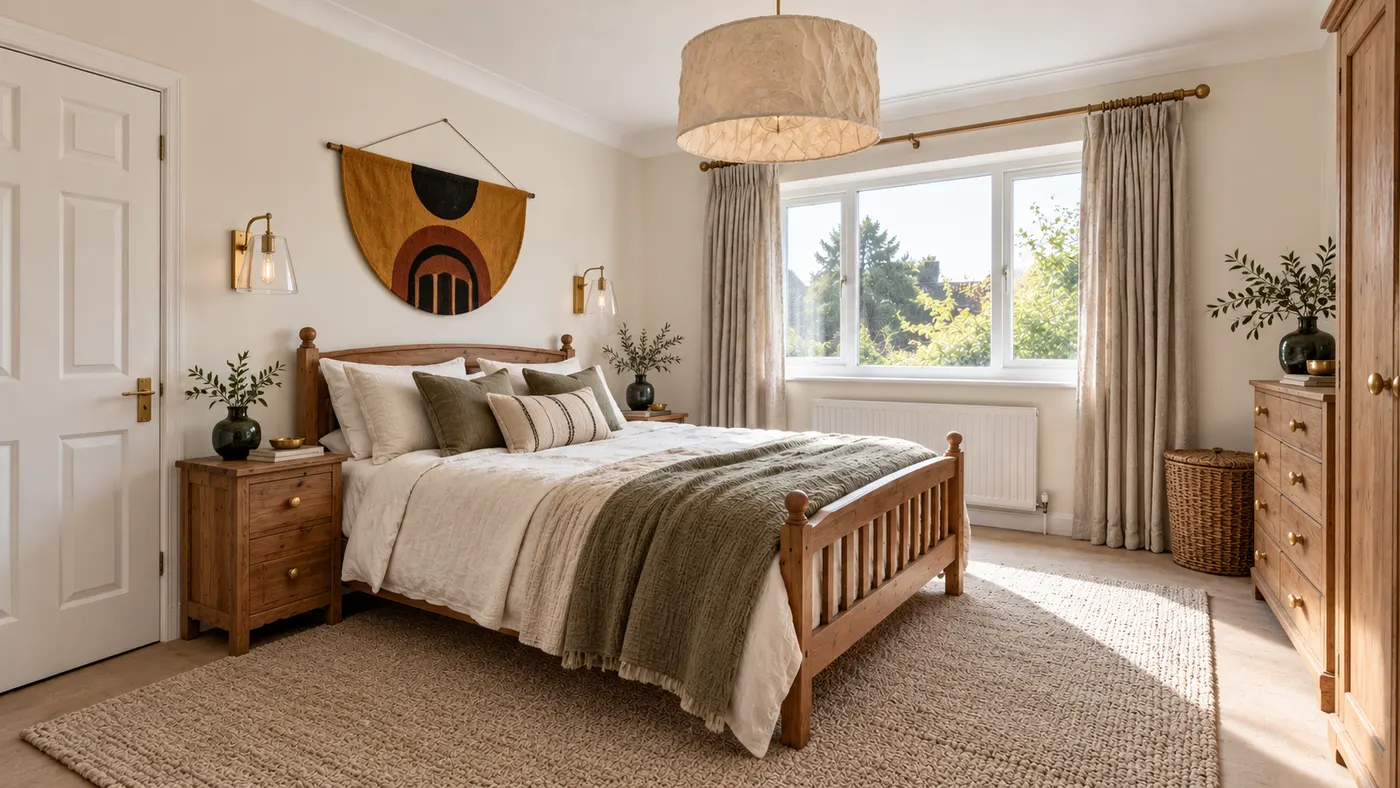
Upload a room photo and HausDraft’s AI interior design tool restyles it in seconds — Modern, Scandinavian, Japandi — with furniture and decor that go together.
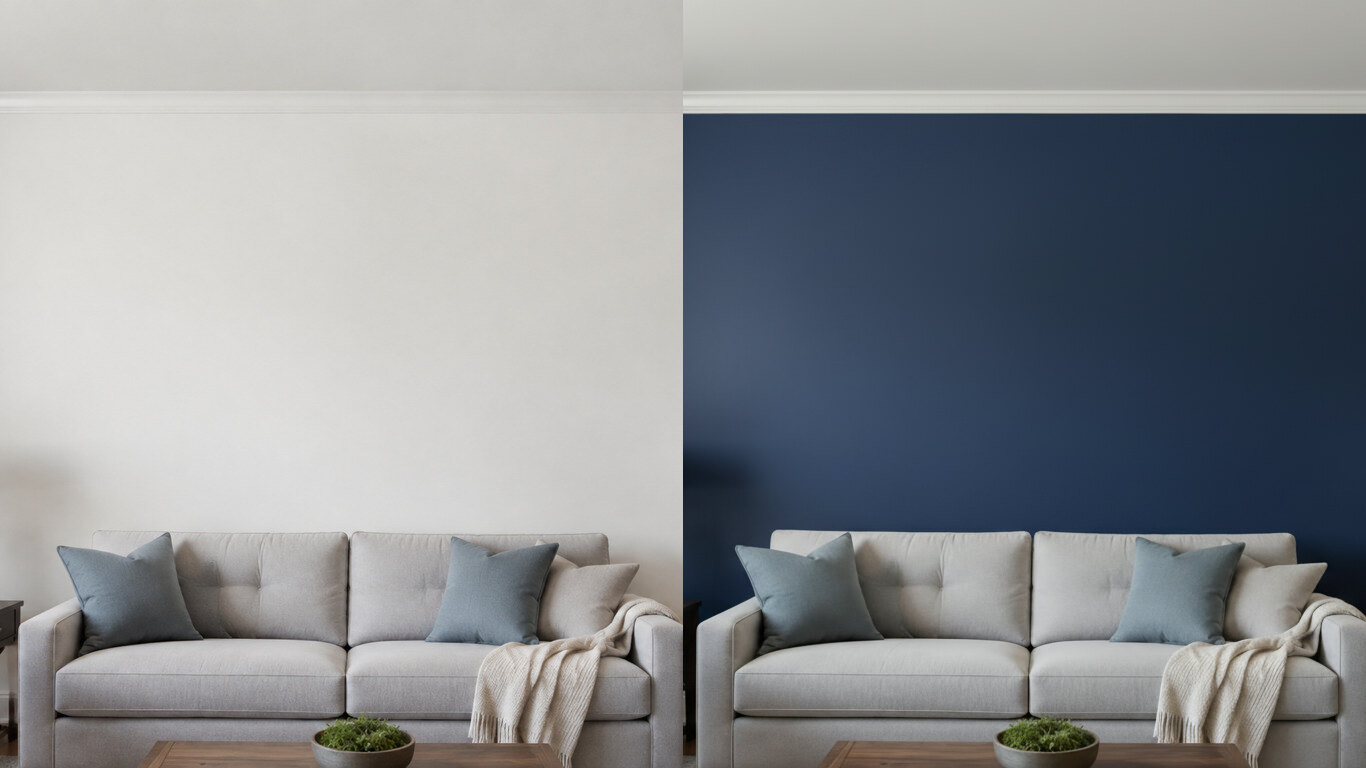
Upload a photo of your room or wall and HausDraft’s paint color visualizer repaints it in any colour in seconds. Try colours before you buy a can.
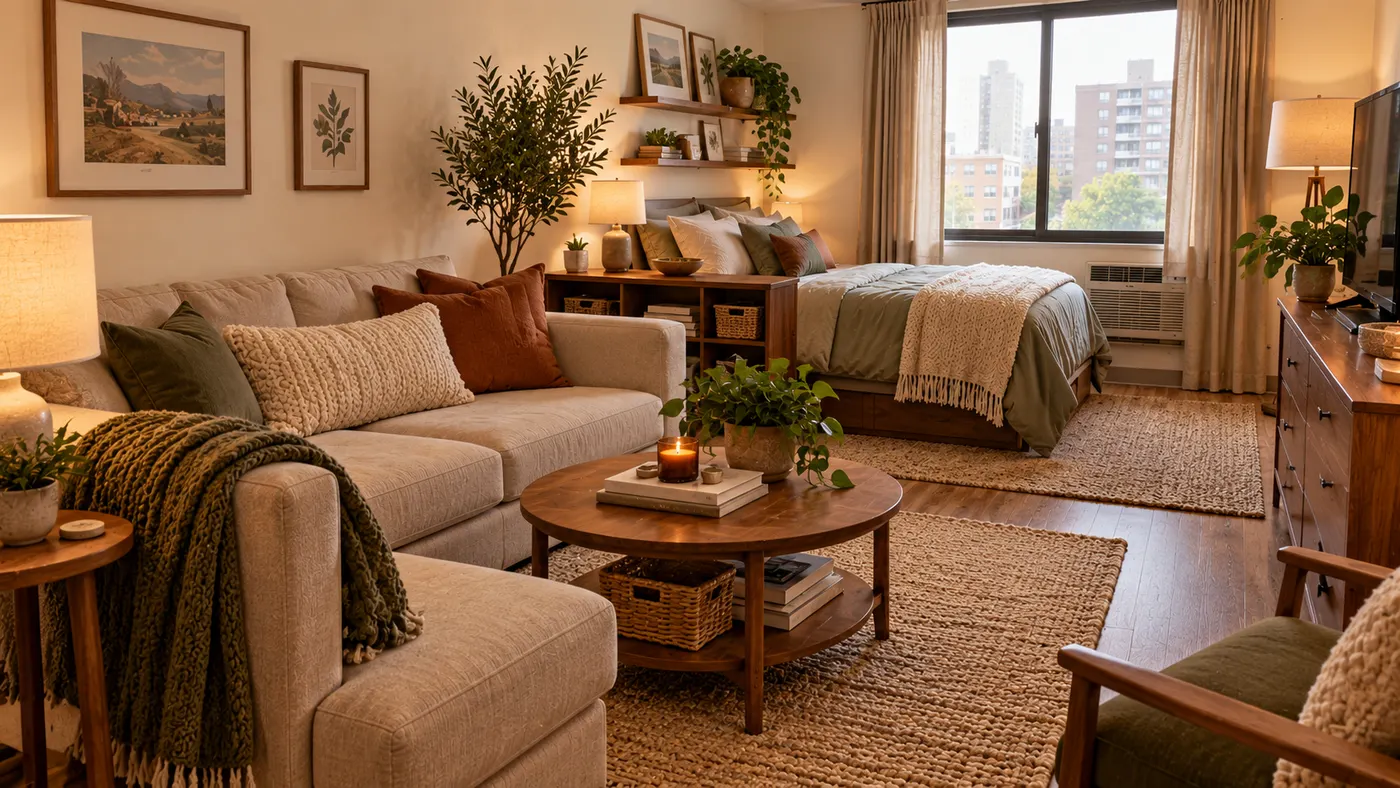
See 20+ small living room layout ideas grouped by problem, then try any furniture arrangement, cozy refresh or renter-friendly look on a photo of your room.
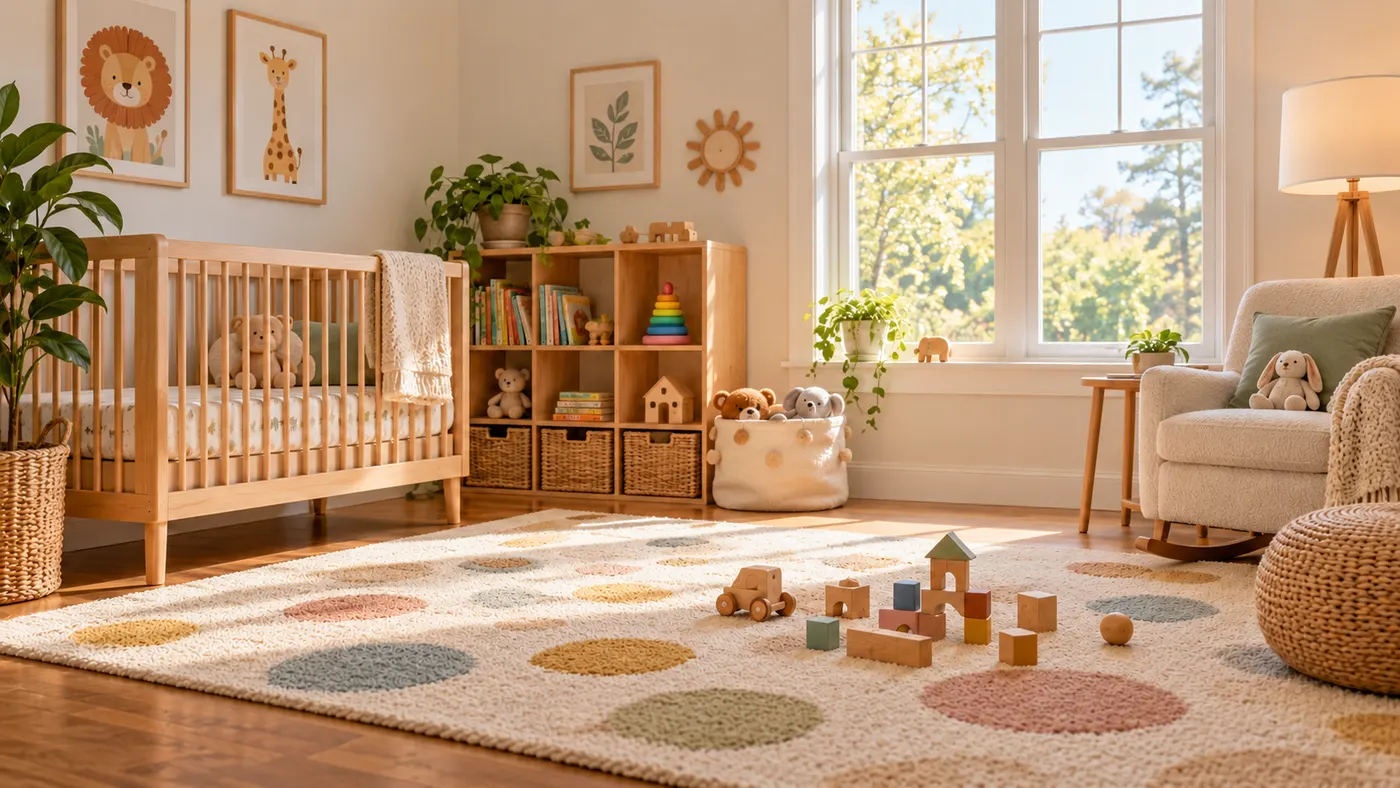
Use this rug visualizer to upload a room photo and rug reference, then preview realistic scale, perspective, shadows, and daylight before you buy or rearrange.


