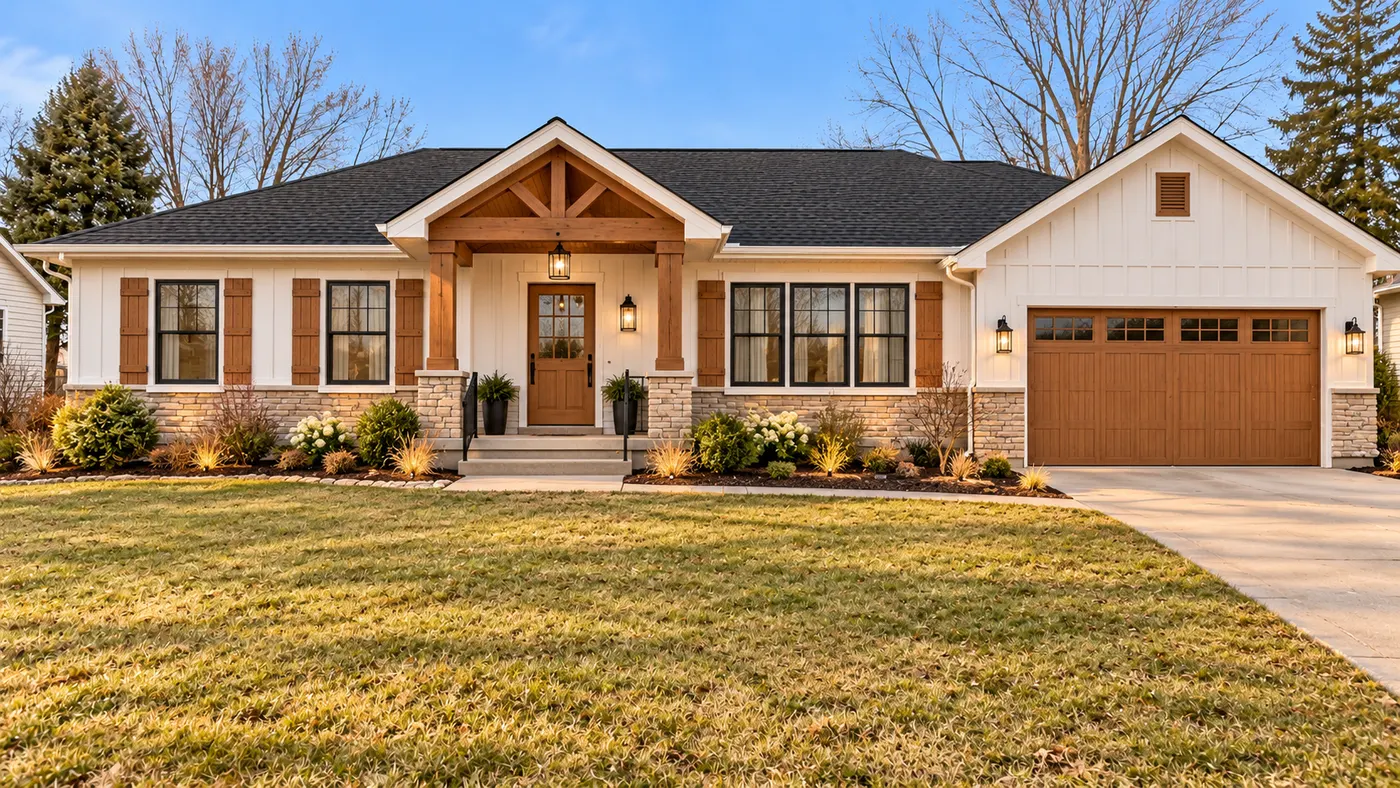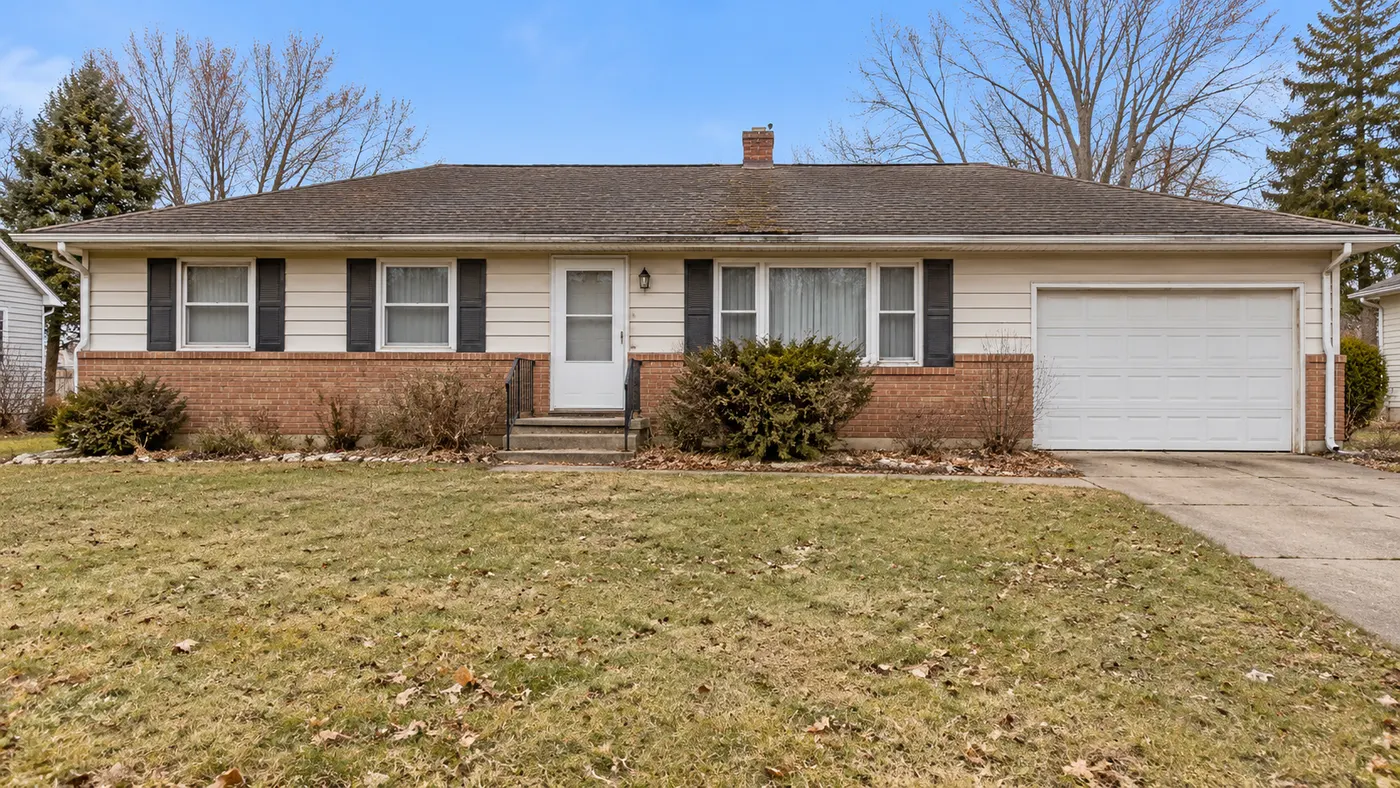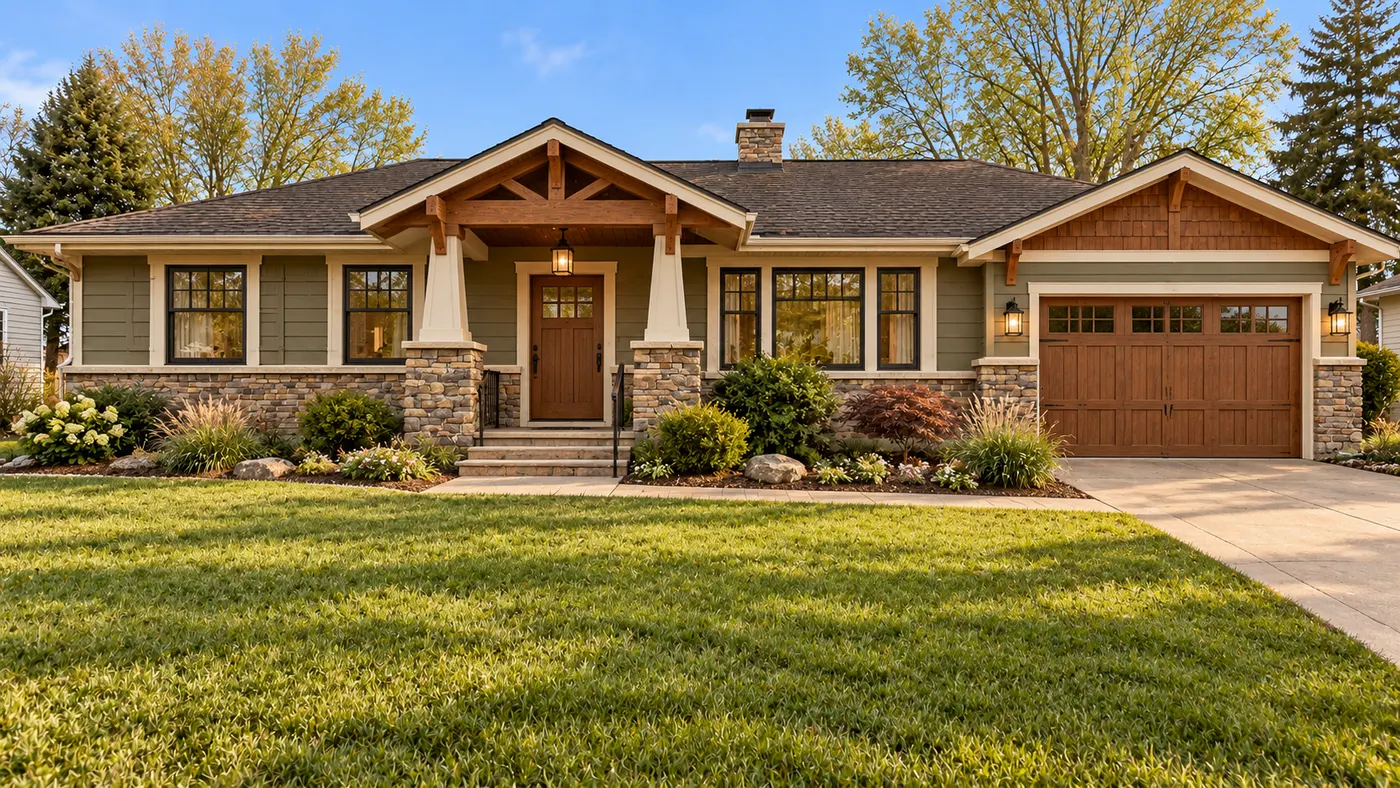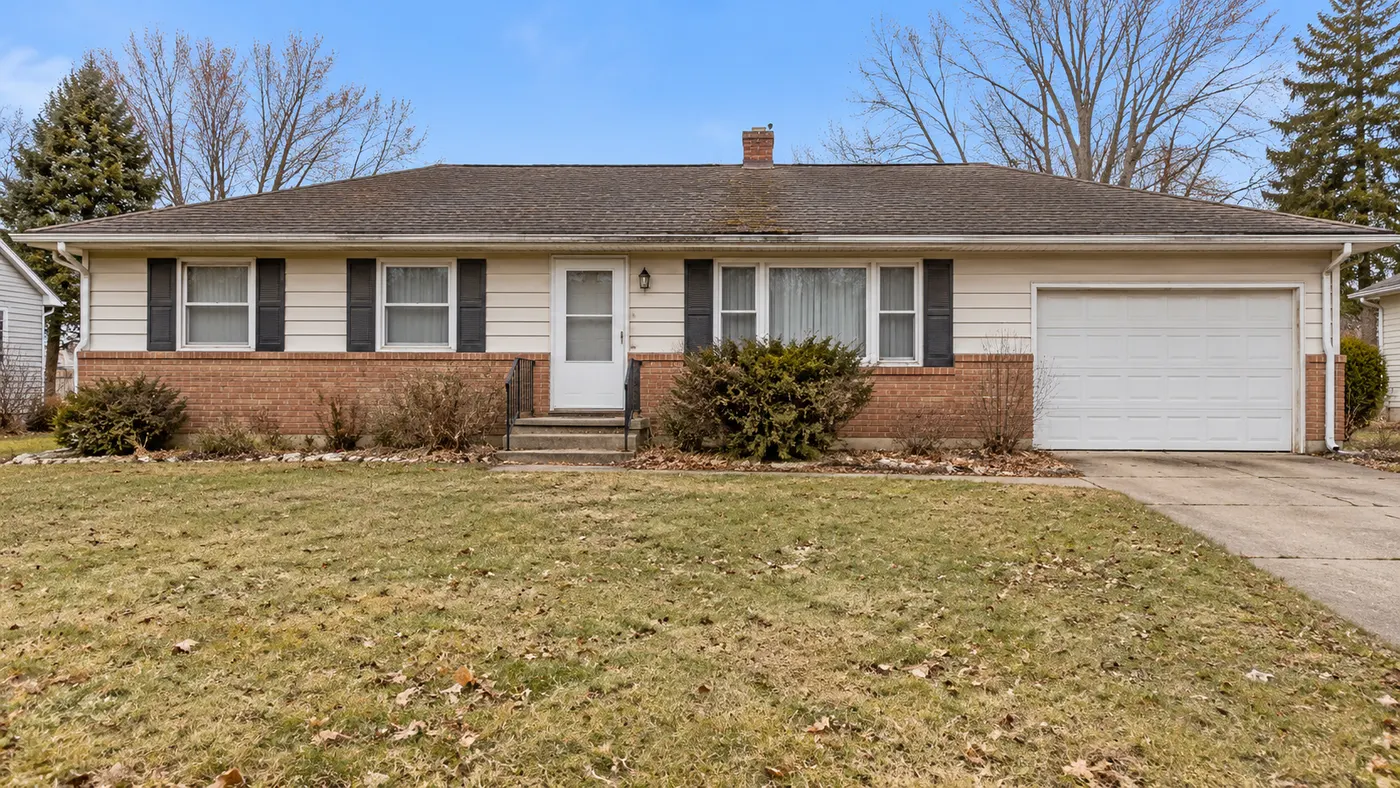
Charcoal exterior colour
Pick your house, choose a style and size, then generate.
Your saved images
Sign in on a paid plan to reuse images you've saved.
Or start from a sample like your home
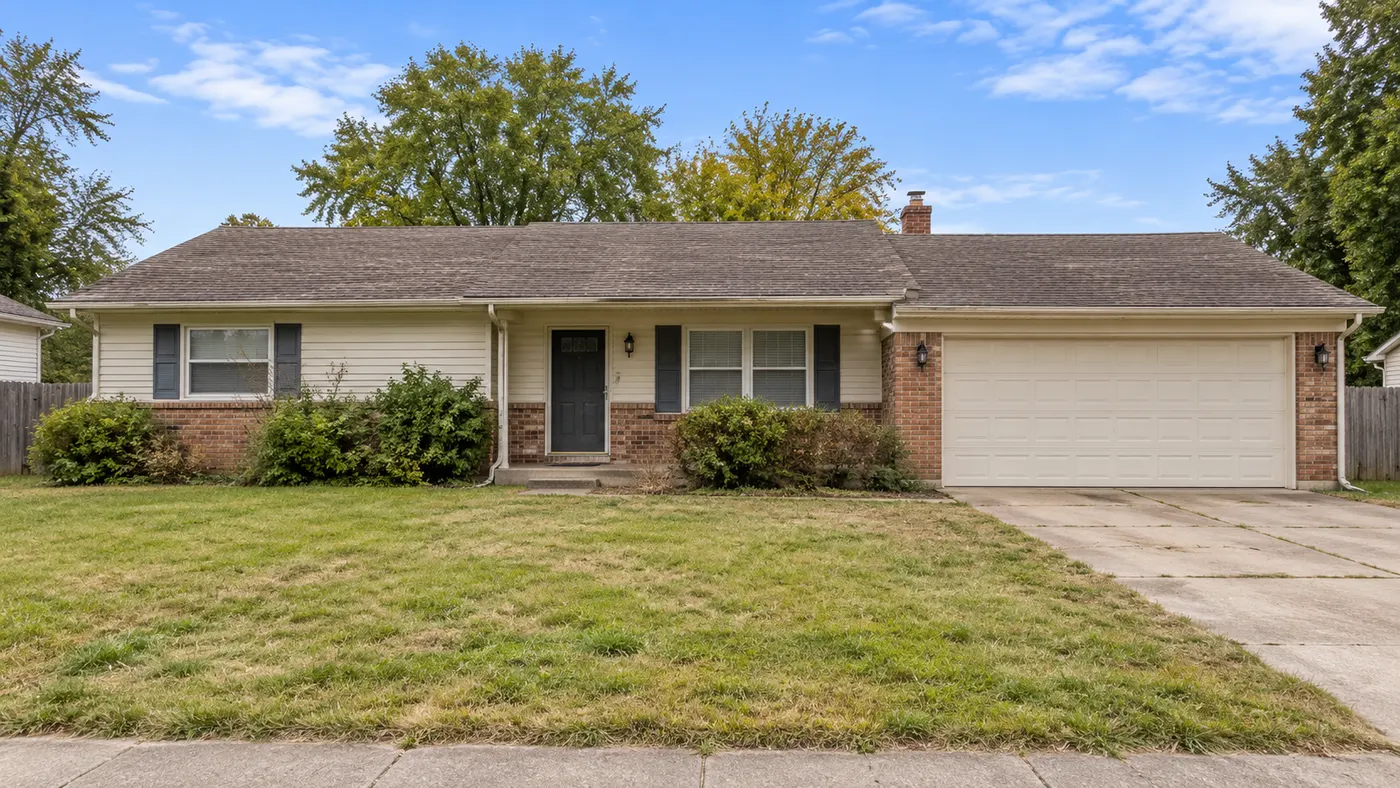
Your house photo
Works best with a photo of your own house.
Style (sets the look)
Or match a look of your own
Your own furniture & materials · Decorate
Up to 3 materials — pick where each one goes (floor, countertops…) under its picture.
Build your own swatch
Pick a material, then play with its colour, size and pattern — the swatch updates as you go.

Shape
Surface
Color
Grout colour
Grout width
Layout
Your saved images
Sign in on a paid plan to reuse images you've saved.
Or try one of our material samples
Decorate for a holiday added on top of your Style
Look
Colors (optional — your palette, applied with the style)
Auto
Room
What to change (optional — pick none to redesign everything)
Output
Your words
Prompt (editable — the scene & styling that drives the image)
This step uses 2 credit(s)
Show me 6 ideasUnlock the idea wall
Upgrade to a paid plan to generate 6 or 12 directions side by side.
Takes about 1–2 minutes. You can leave while it runs — results are saved to Projects.
Upload a photo of a house, pick an architectural style, and see the whole house reimagined, from the roofline to the front garden.
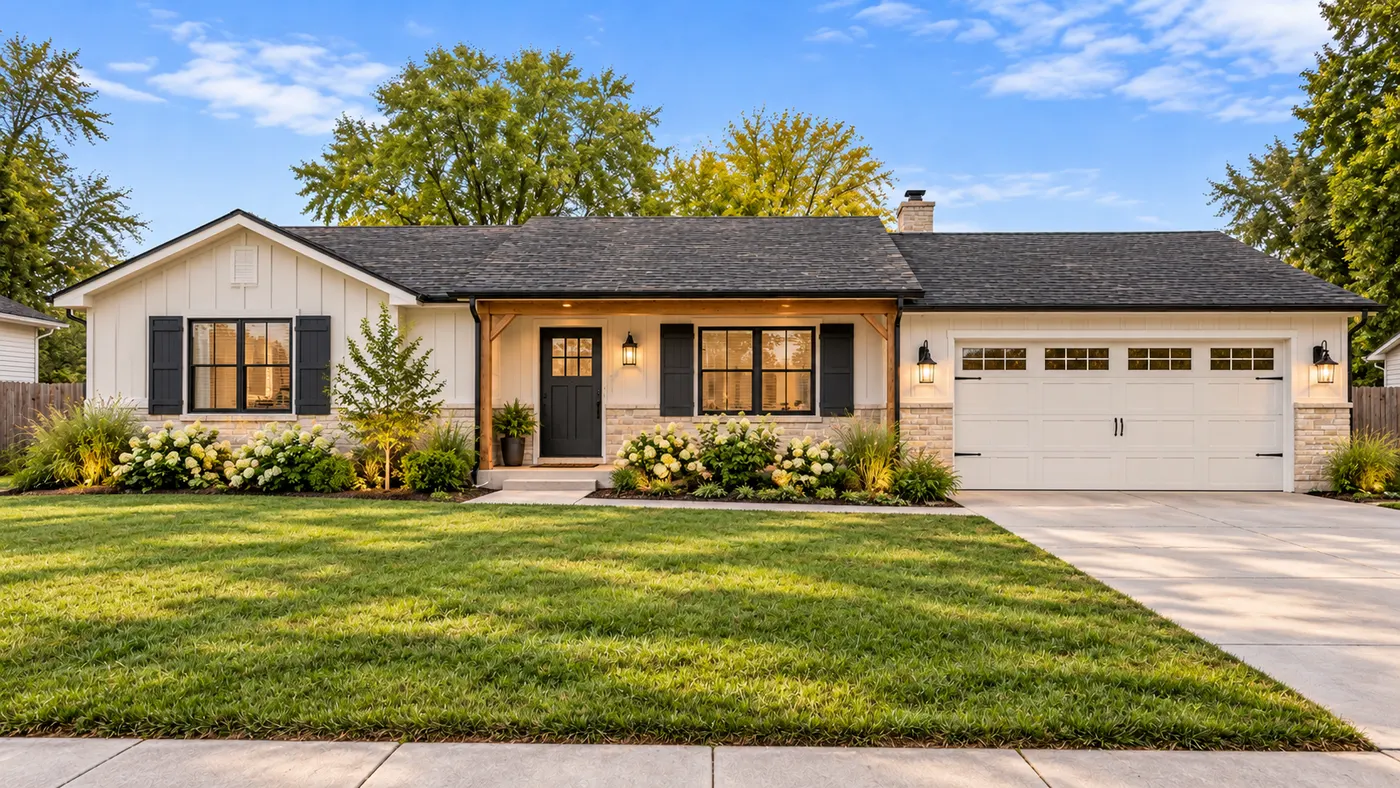
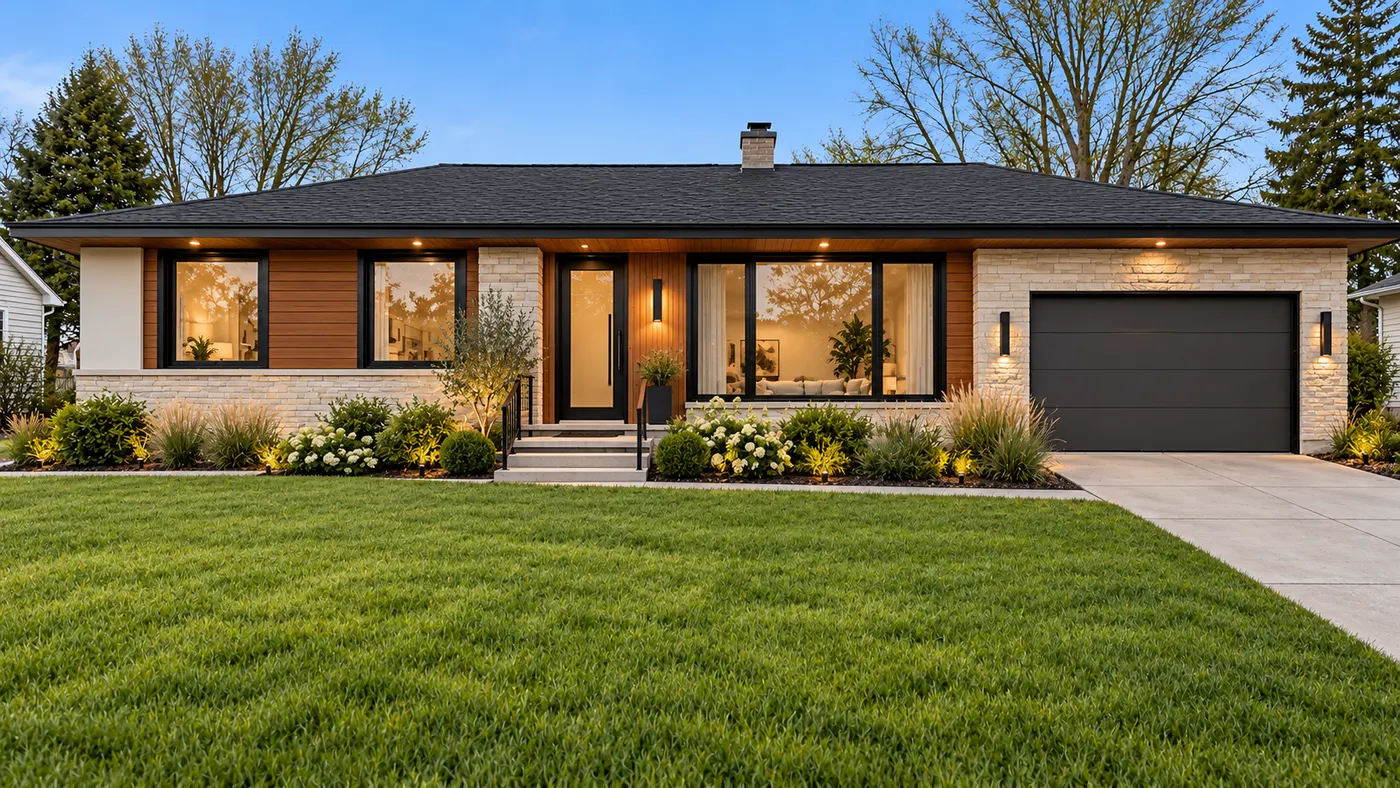
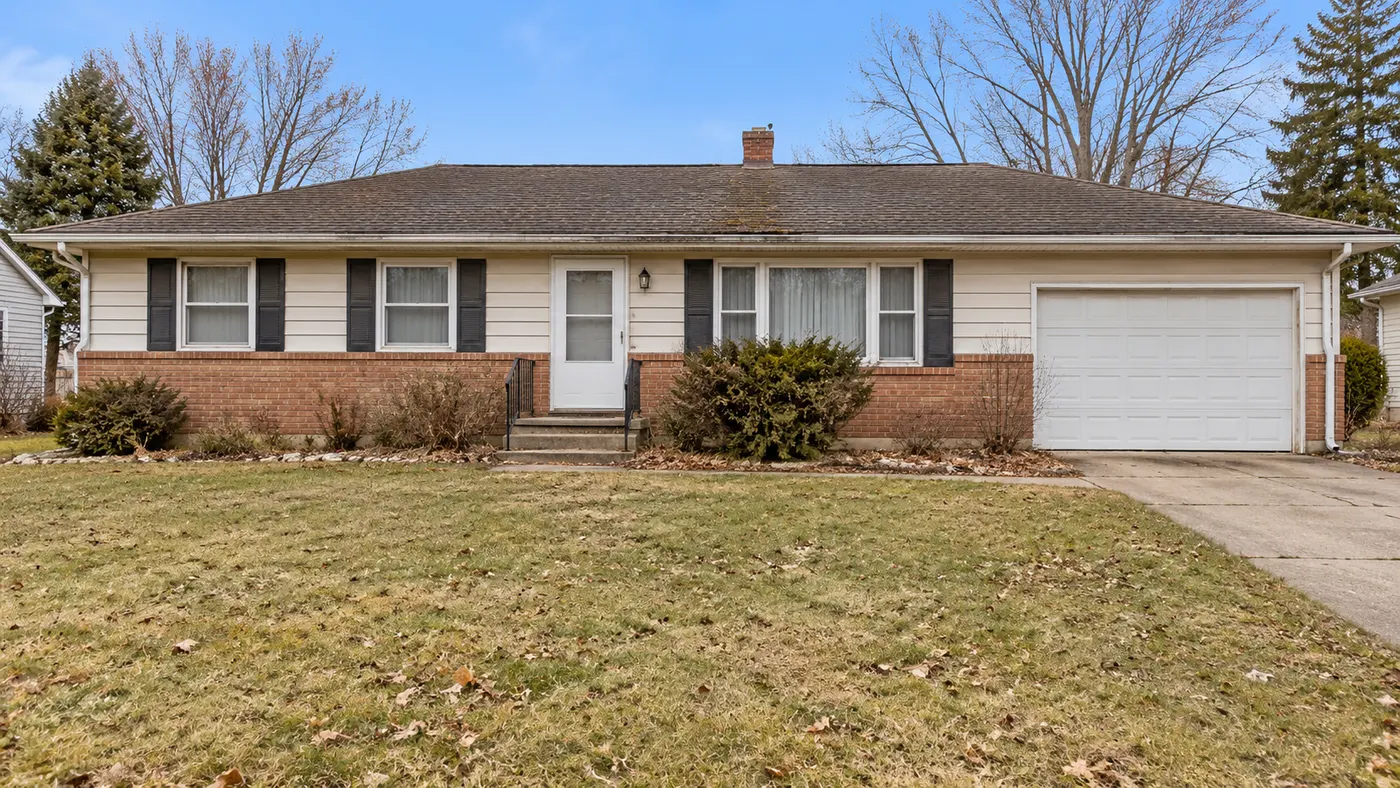
HausDraft’s AI house design tool reimagines a whole house from a single photo. Start from your own home, a house you are thinking of buying, or a plain builder-grade house, choose a style such as modern farmhouse, craftsman or Mediterranean, and the AI redraws the roofline, windows, porch, cladding, colours and front garden together. It is for big decisions: a major remodel, a teardown and rebuild, or working out what kind of house you want before you talk to an architect.
Design my house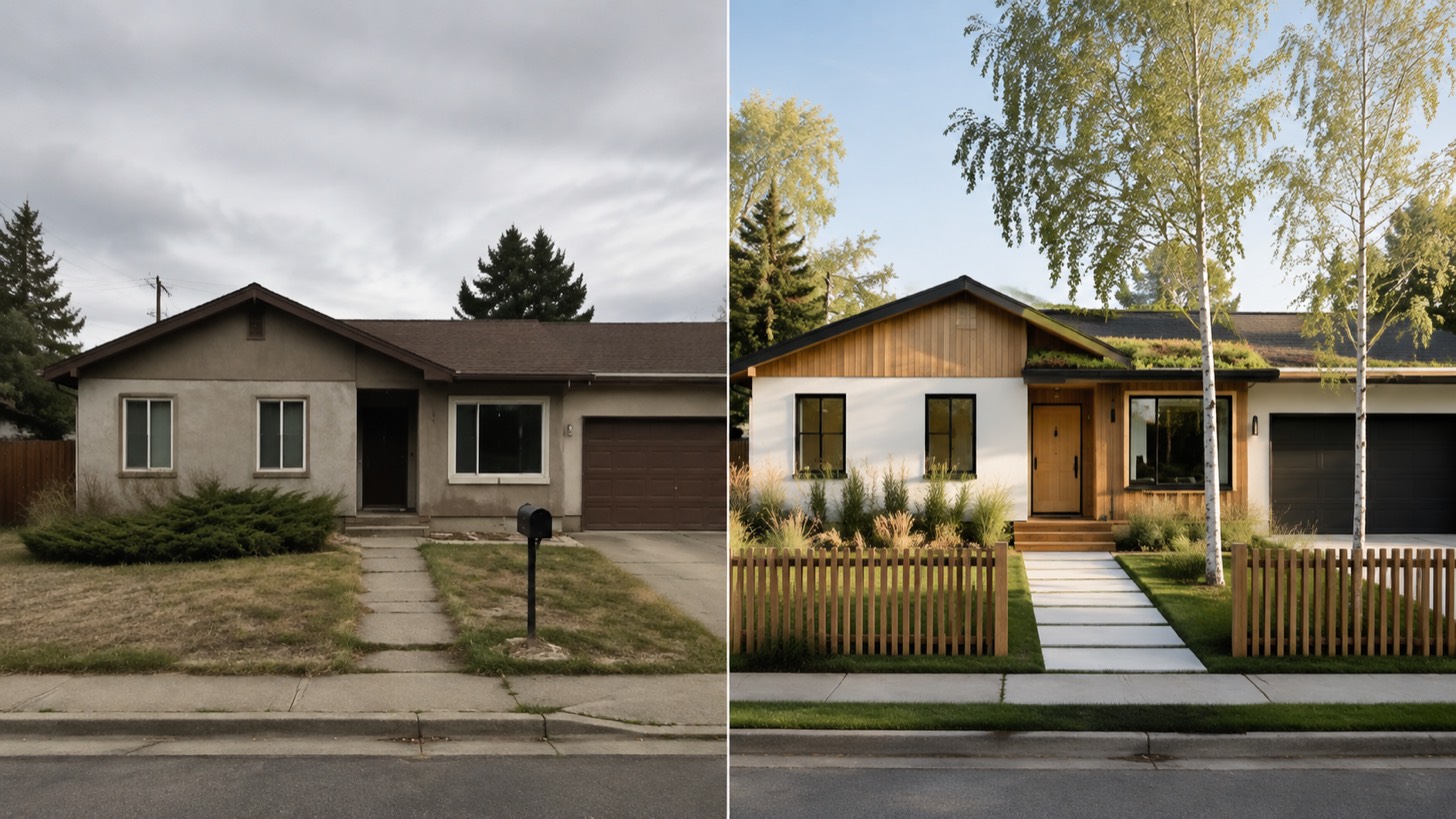
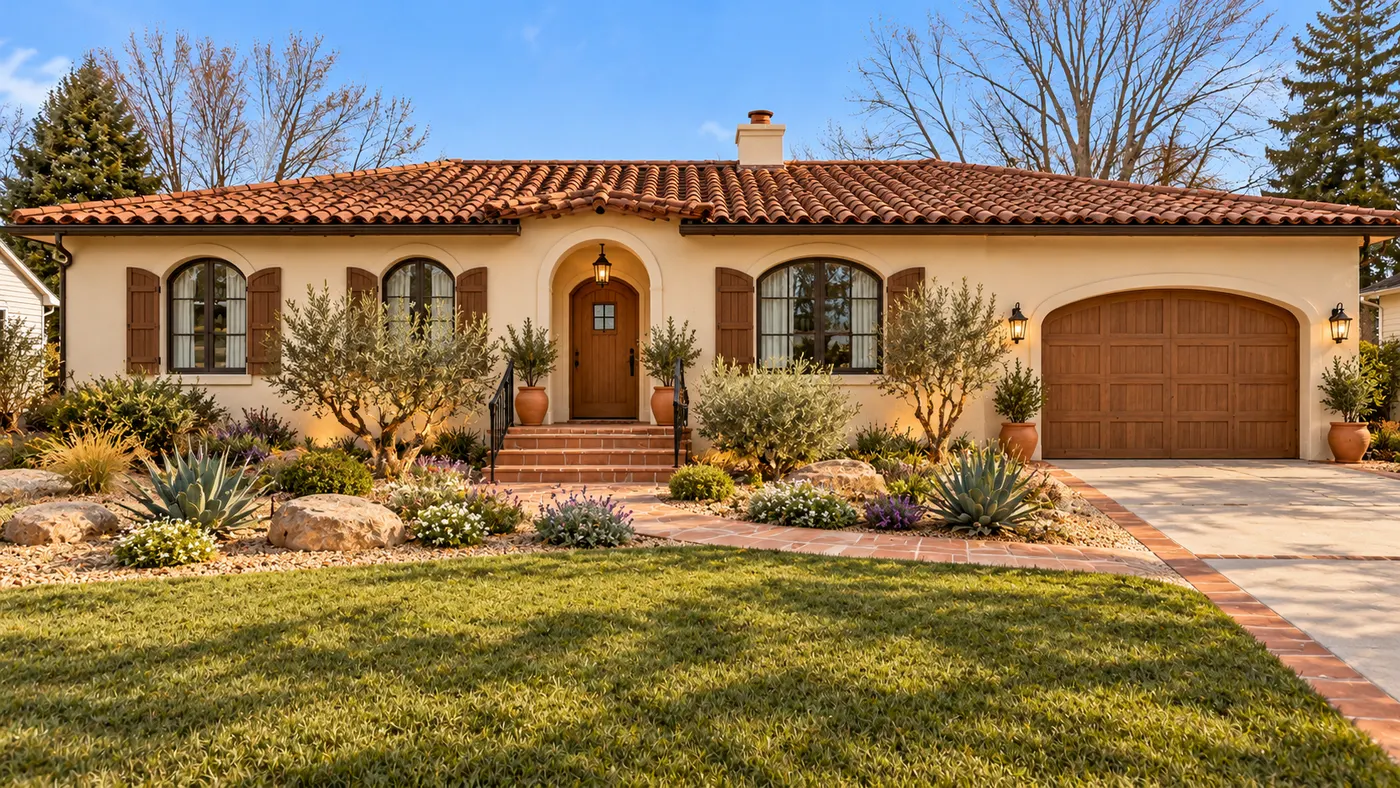
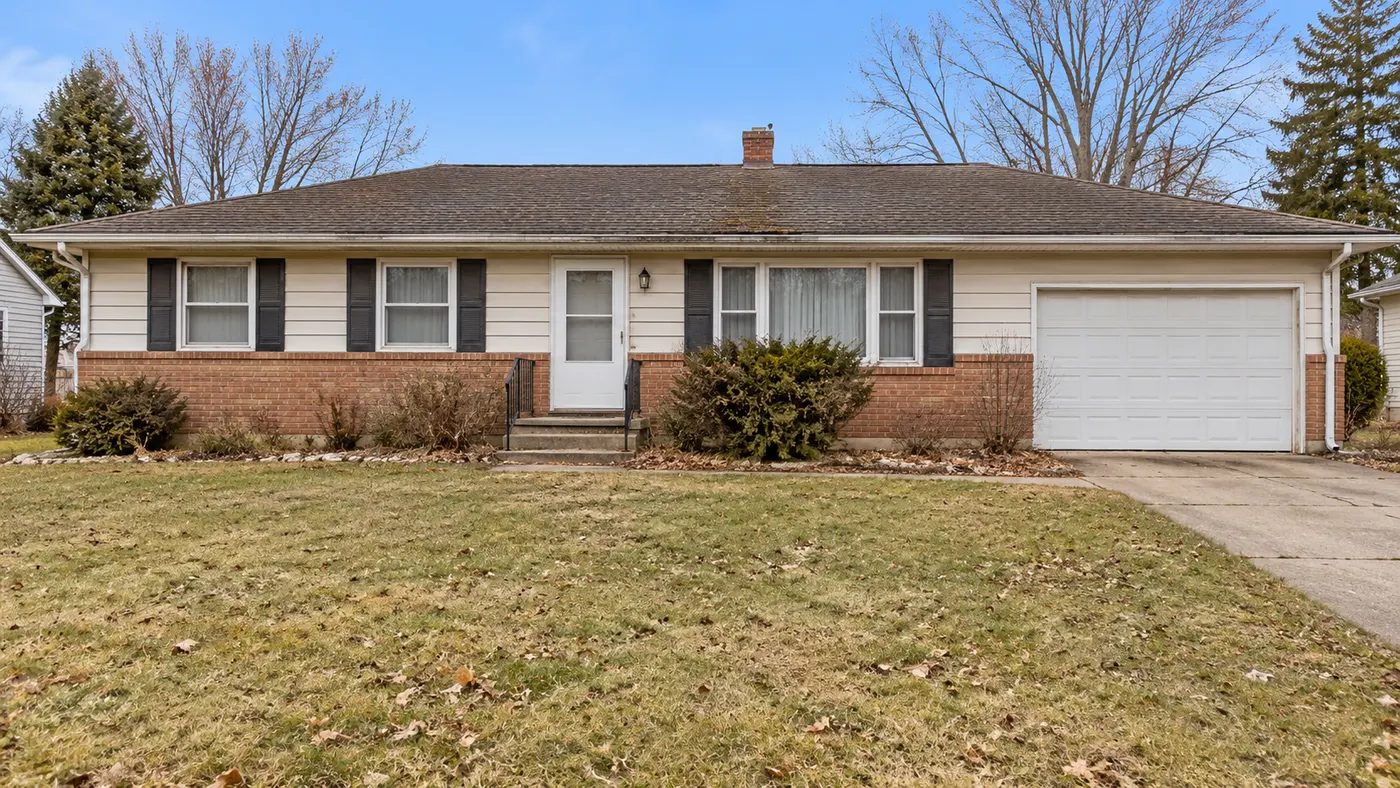
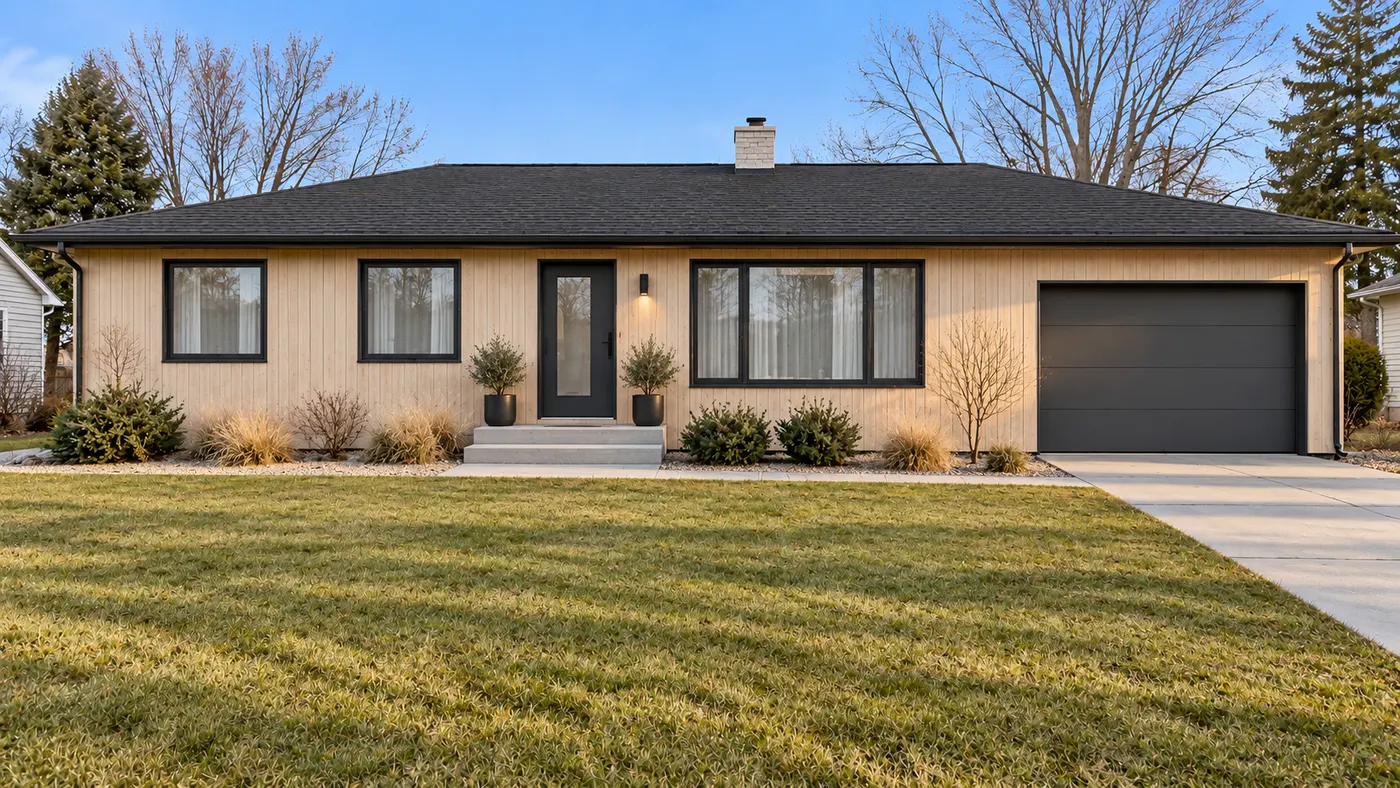
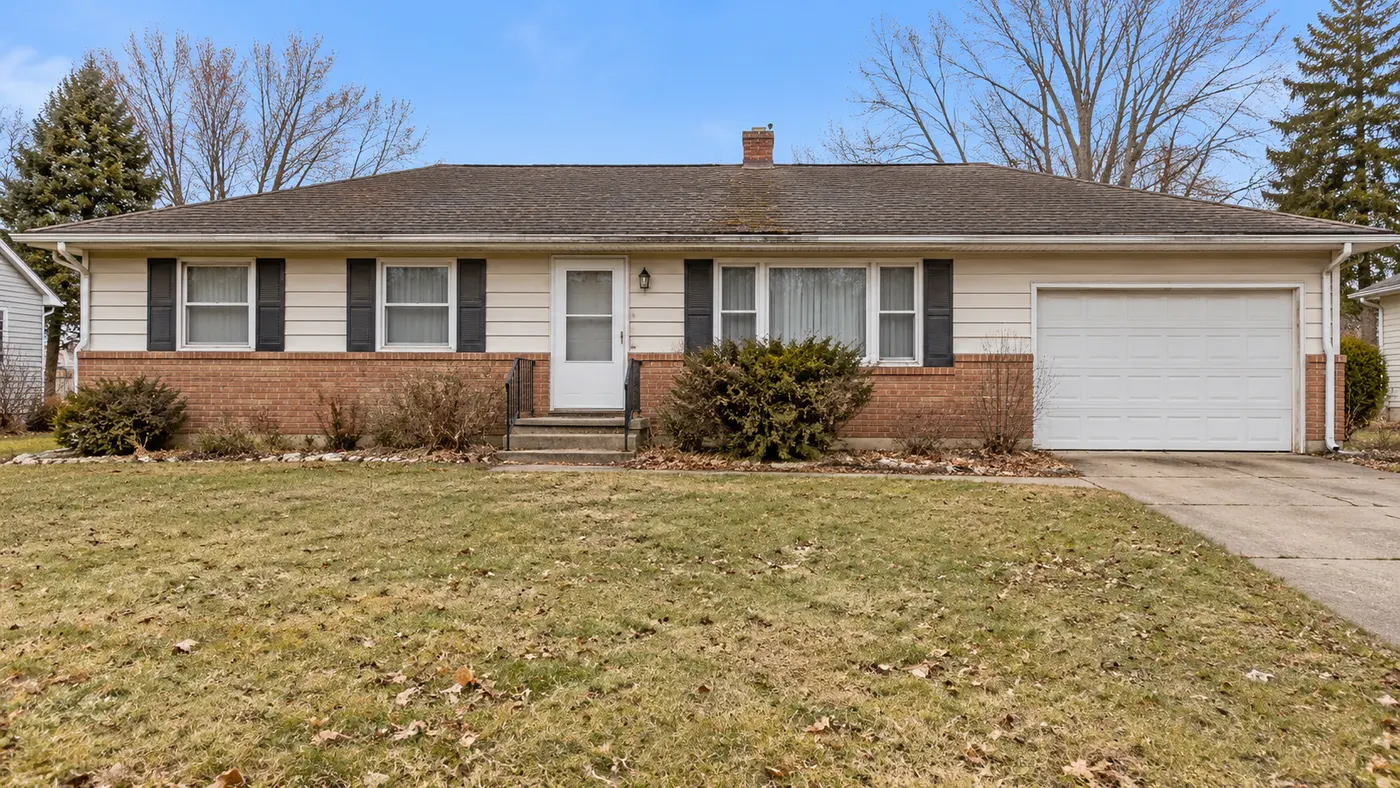
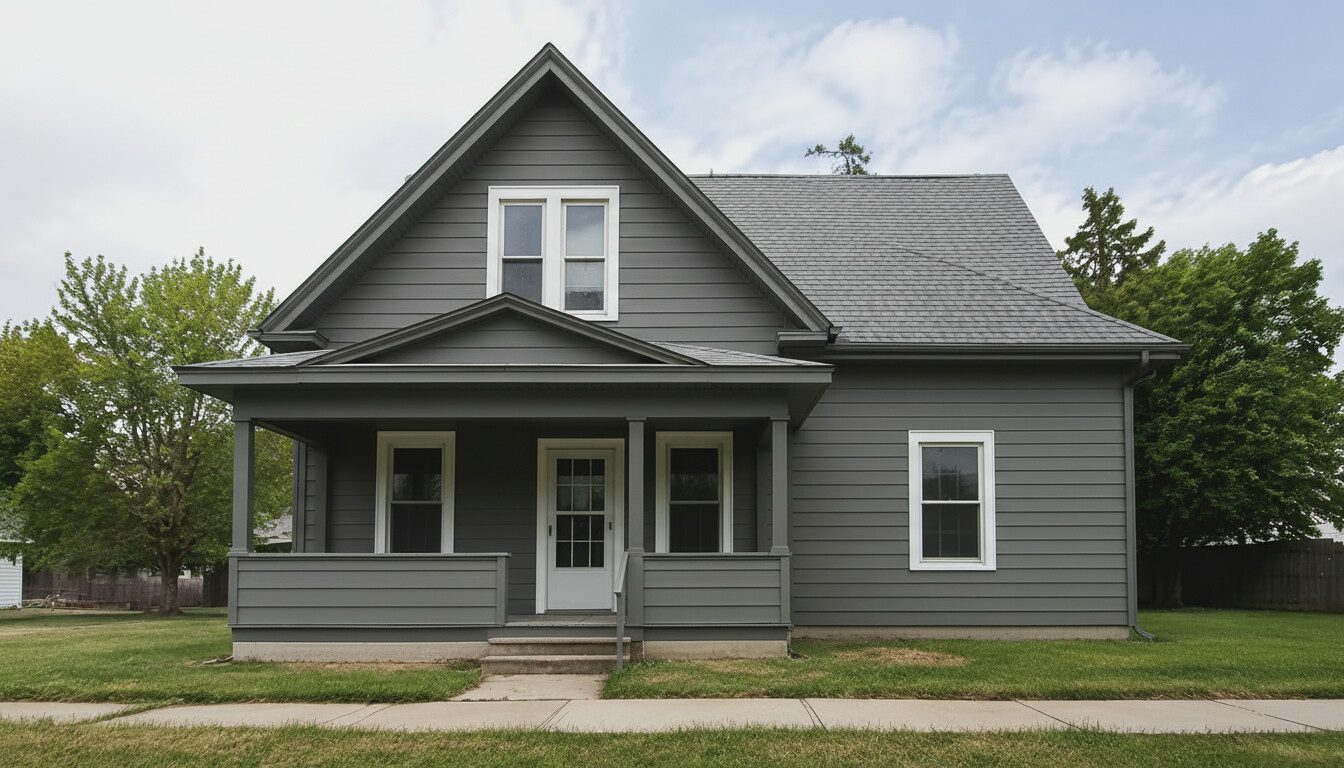
Different house styles generated from real house photos.
A facade refresh keeps the house you have. Here the roofline, porch and windows can change as well, so you can see a genuinely different house on the same lot.
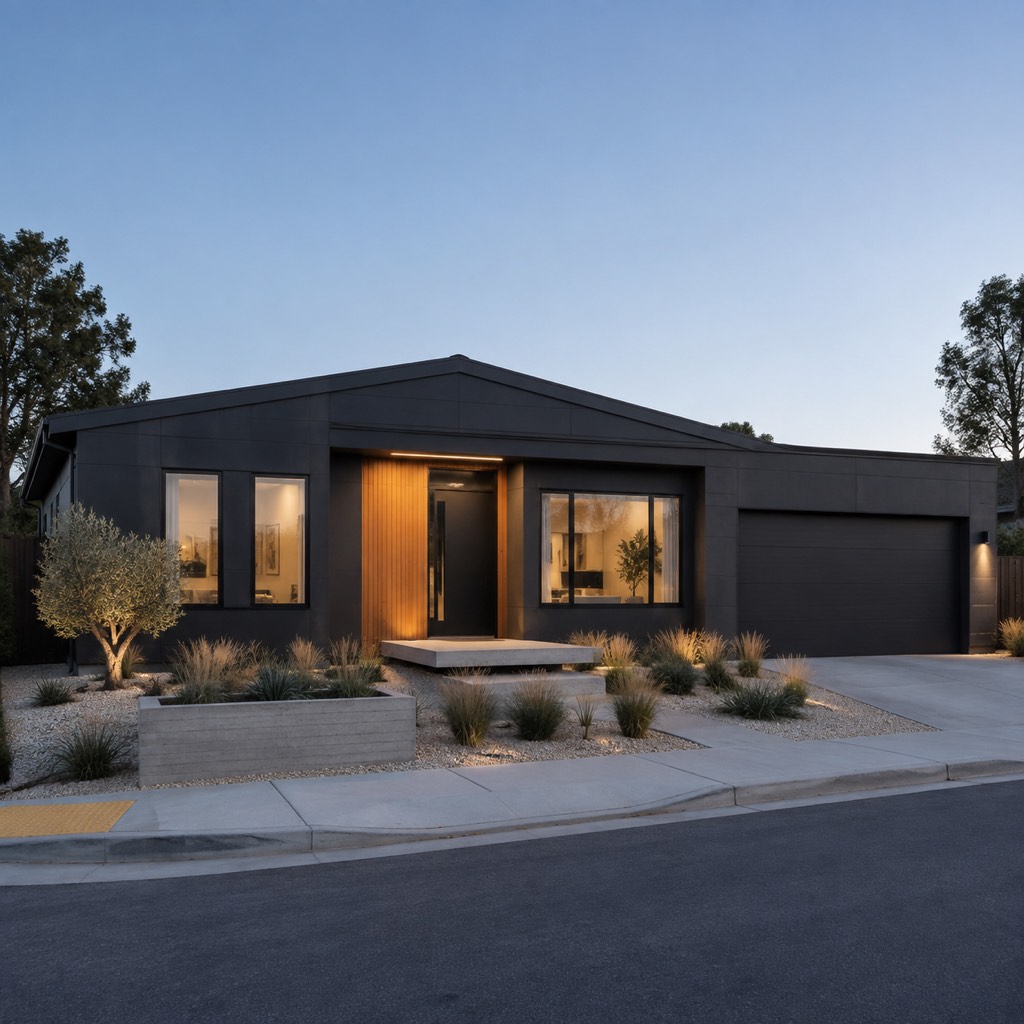
Try modern, modern farmhouse, farmhouse, craftsman, Mediterranean or colonial on the same photo, or let the AI pick the style that suits the house.
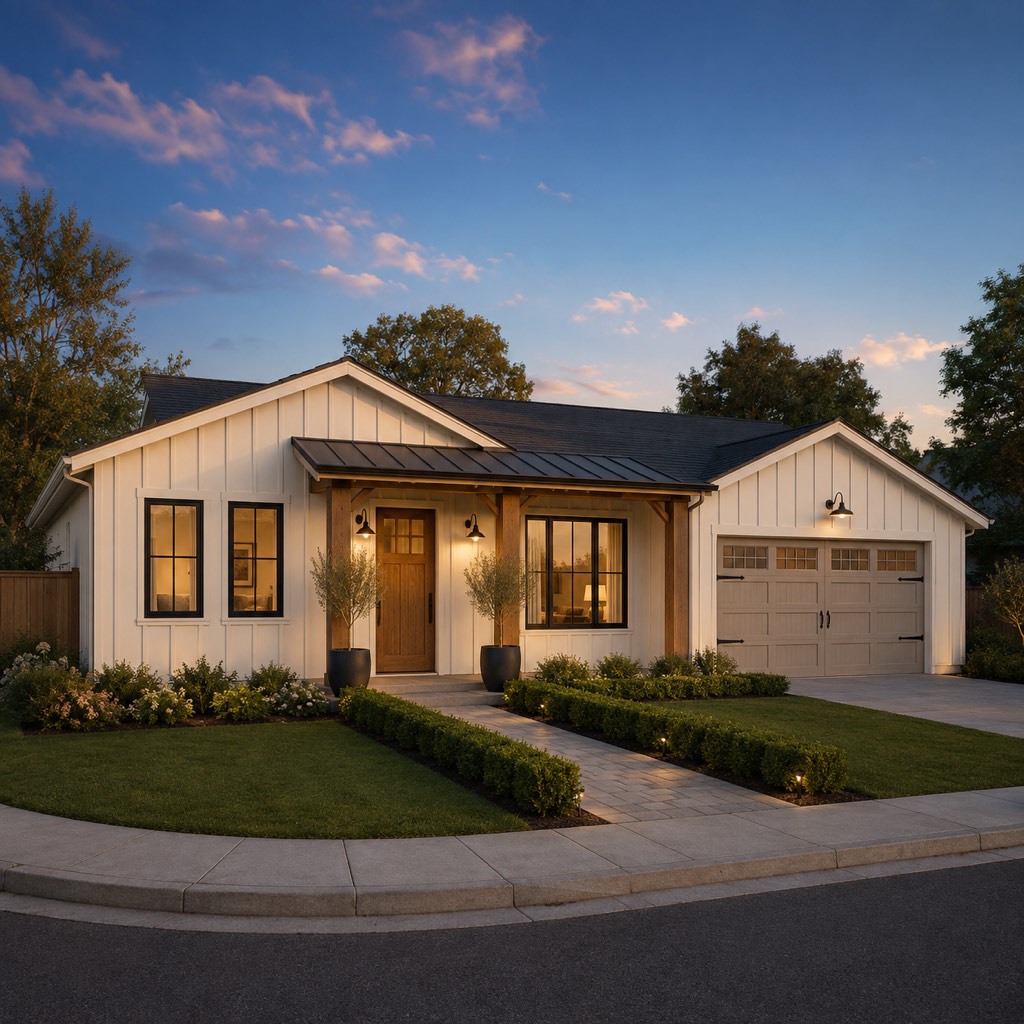
Upload a photo of a house you love or a cladding, brick or roof sample, and the AI works it into the design.
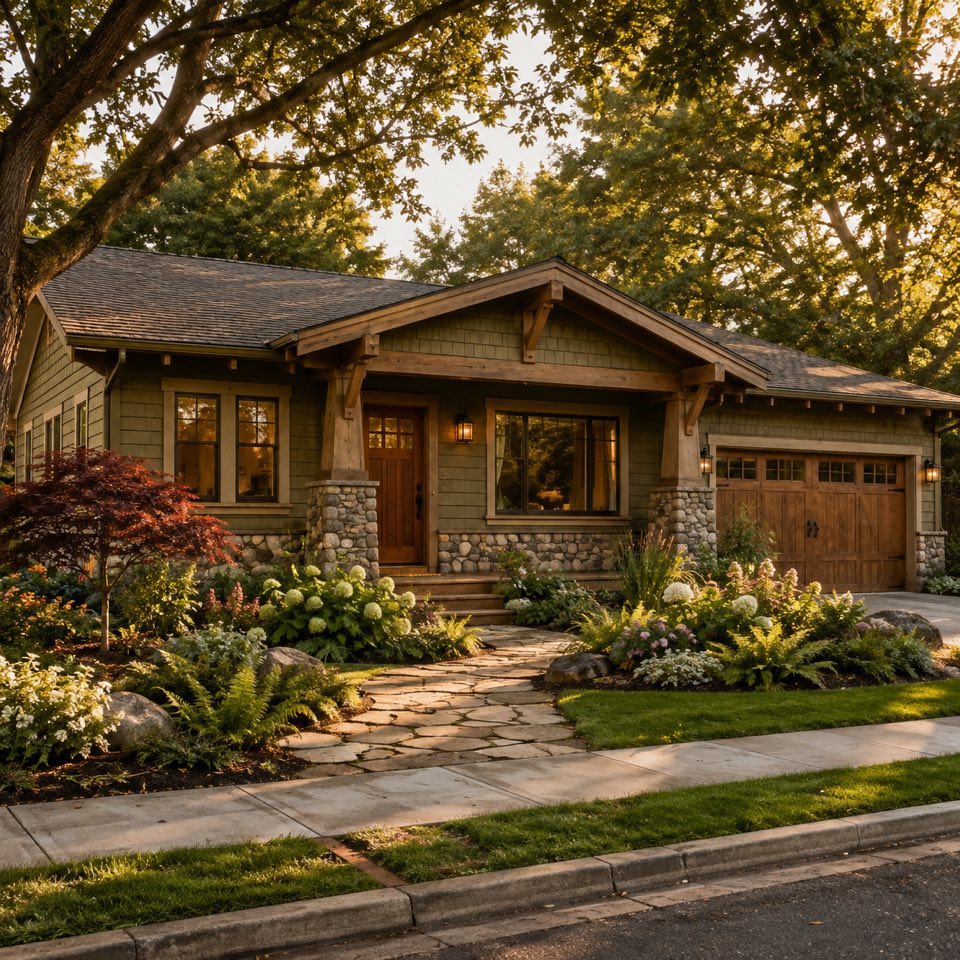
The parts of a house the AI can change in one run.
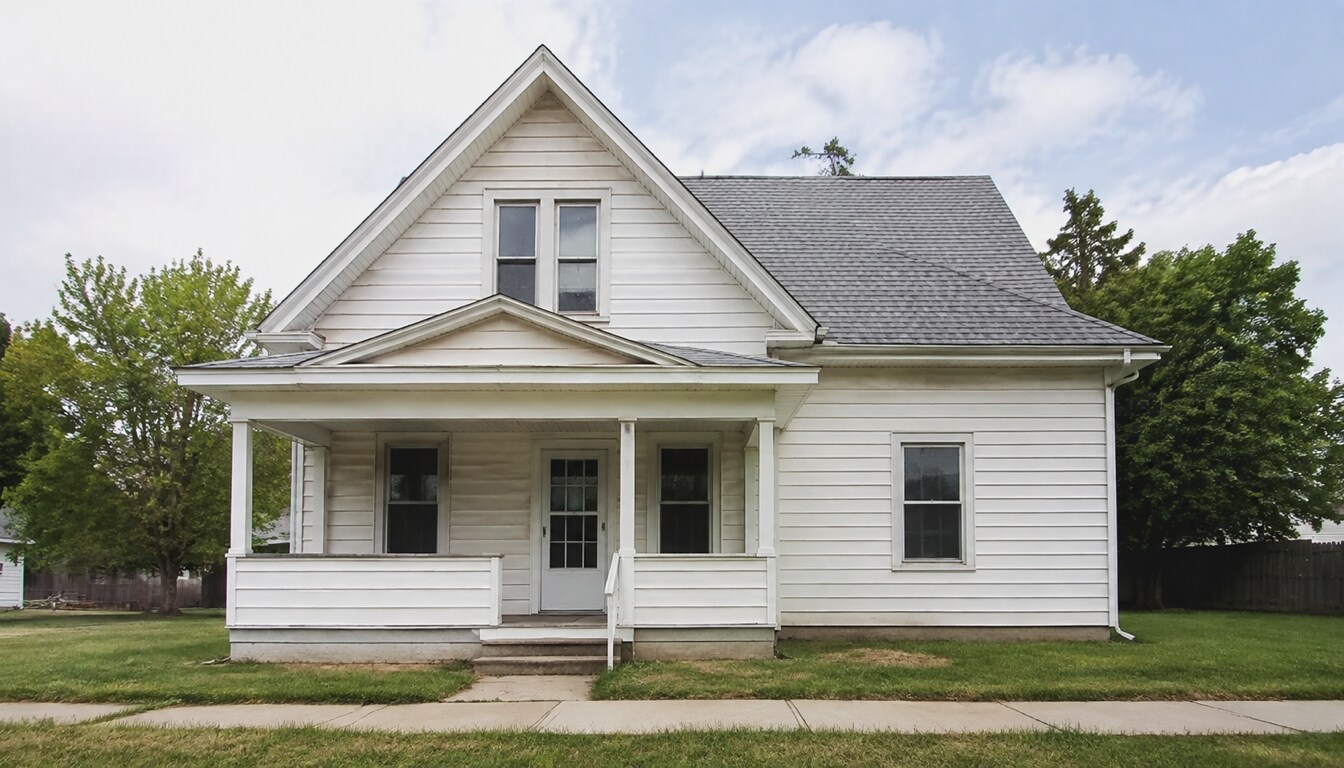
Gables, hips, flat or shed roofs, and porches or bays added where the style calls for them.
Siding, brick, stone, stucco or timber, with separate colours for walls, trim and the front door.
Window shapes and trim, a new front door and the path up to it.
Planting, lawn and paving in front of the house so the design looks finished.
Three steps from one photo to a house design you can show an architect.
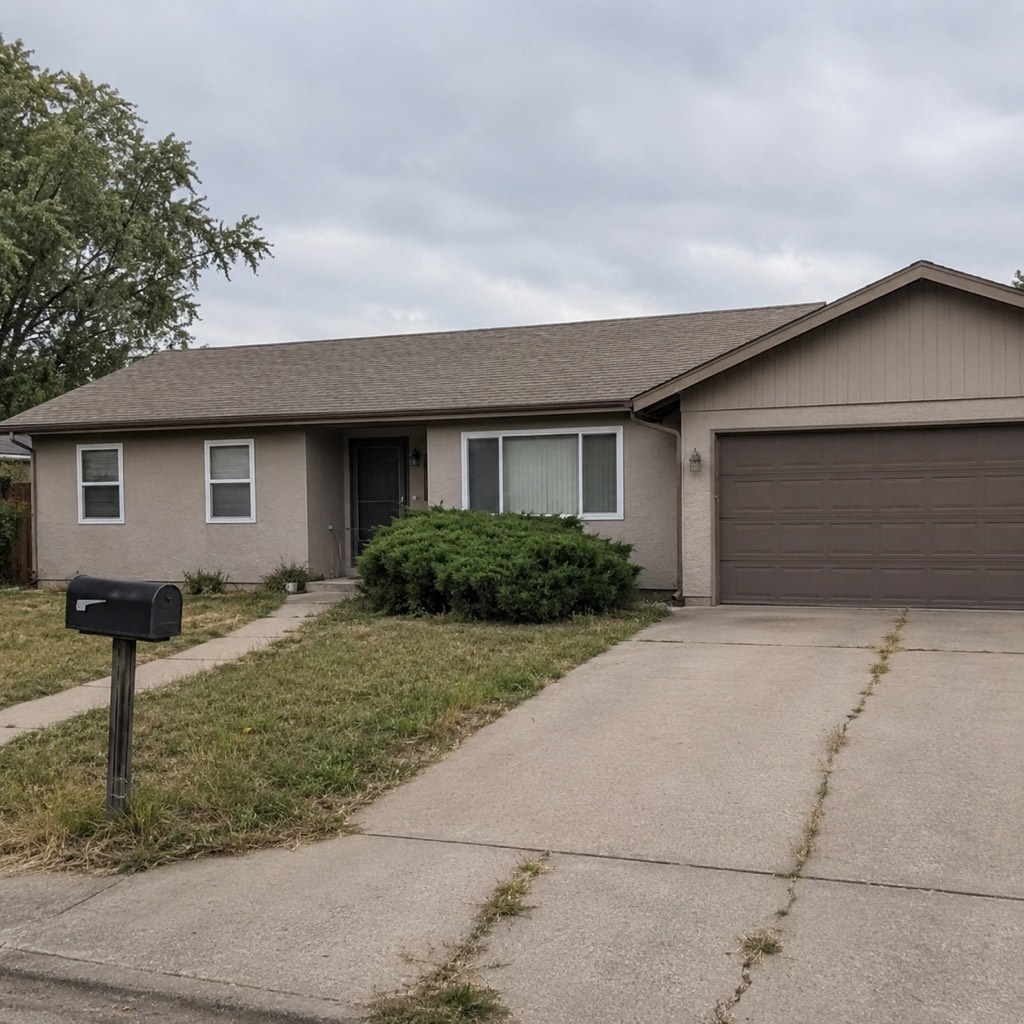
Use your own home, a listing photo of a house you are considering, or the sample house to start.
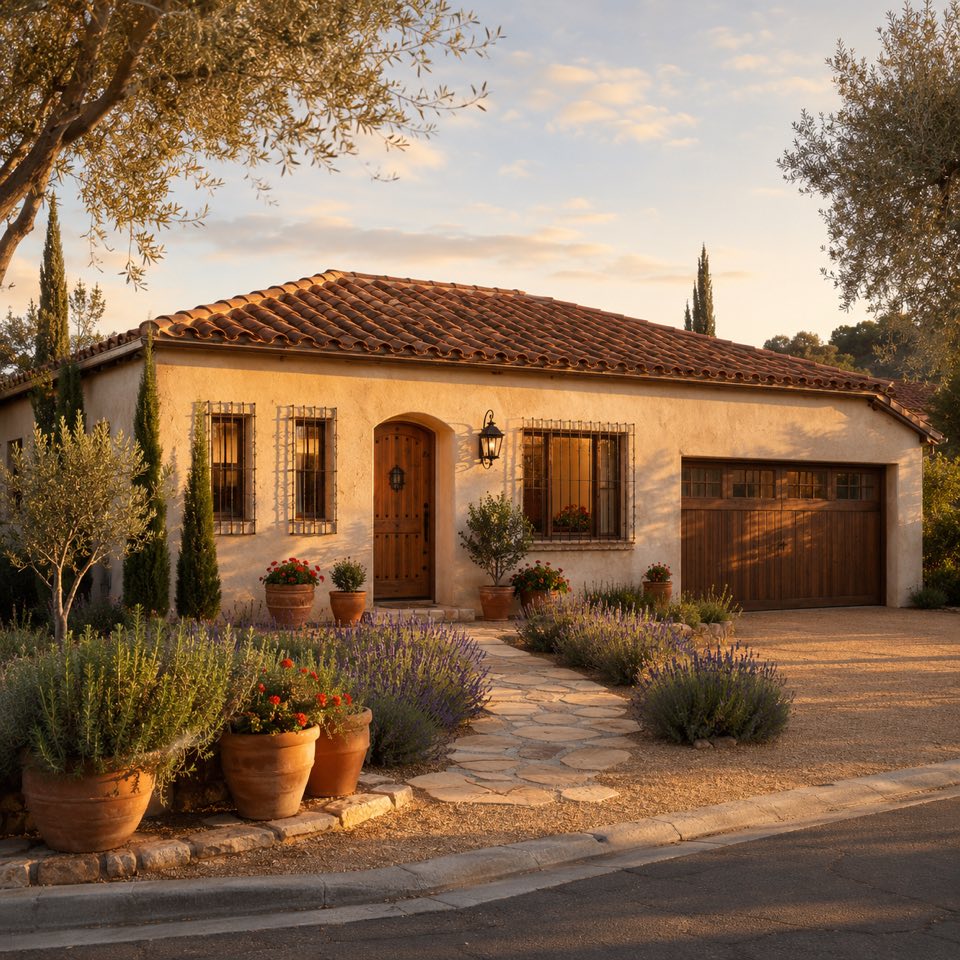
Choose an architectural style, set the wall, trim and door colours, and add a reference if you have one.
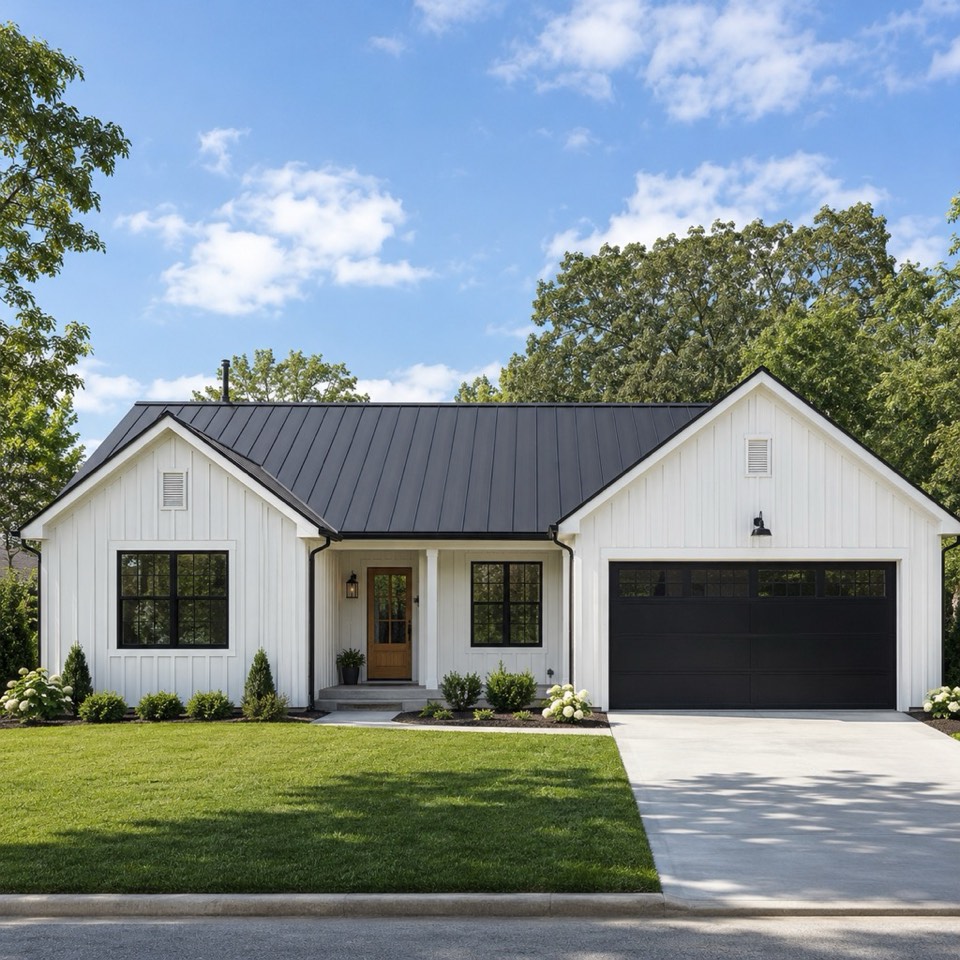
See the reimagined house in seconds, try other styles on the same photo, and save the ones you like.
Upload a photo of a house and see it reimagined in a new style in seconds, free.
Sign in for 2 free credits to try it. Lite is $9.99/month, Starter is $29/month and Pro is $69/month; see the current plans and credit details on the pricing page.
Design my houseWhat an AI house design is good for, and where an architect takes over.
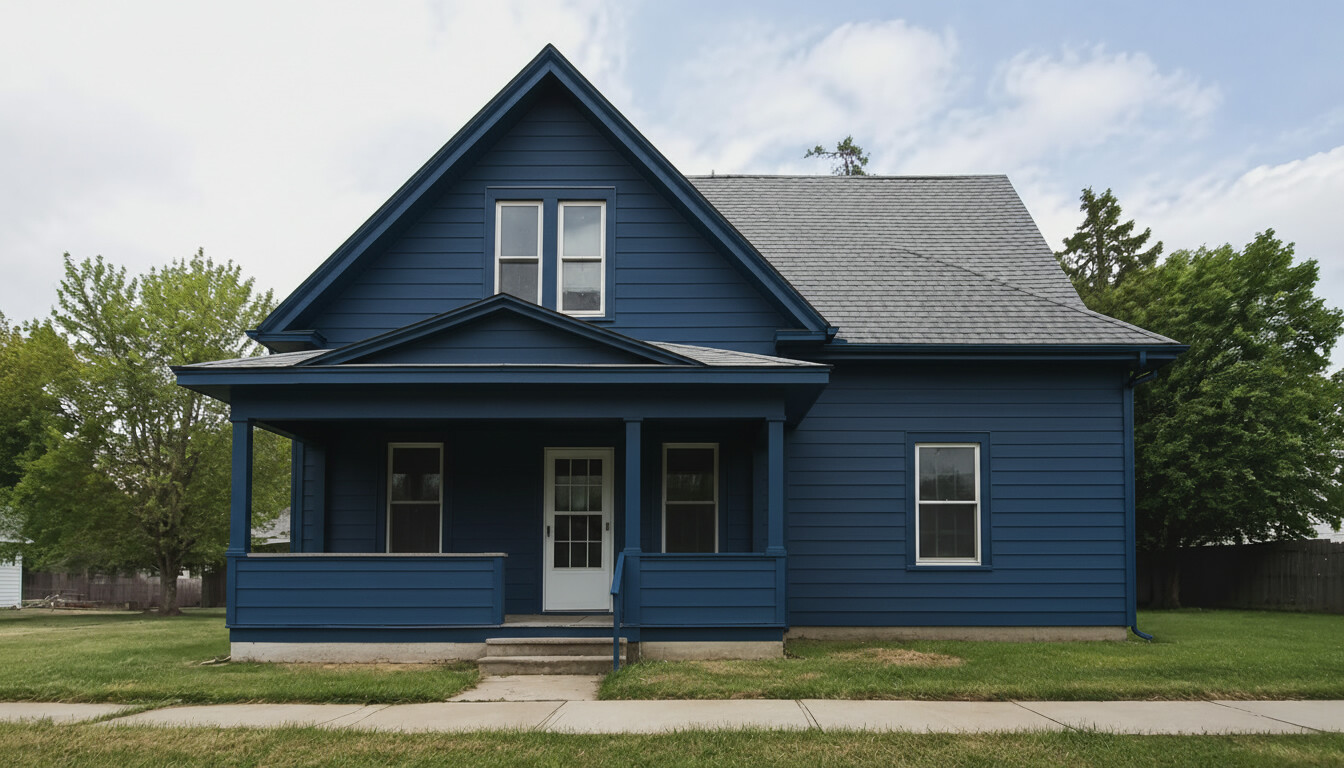
If you want to keep your house’s shape and only change its finishes and colours, use AI Home Exterior Design. This page lets the roofline, porch and windows change too, for a remodel or new build.
The image shows a direction for the house. Structure, planning rules, setbacks and costs still need an architect or builder, so use it to brief them.
Once you have a look you like, plan the rooms with the Floor Plan Maker, and get a first budget with the Remodel Cost Calculator.
Every home design tool in the studio — swipe through, all on one login.
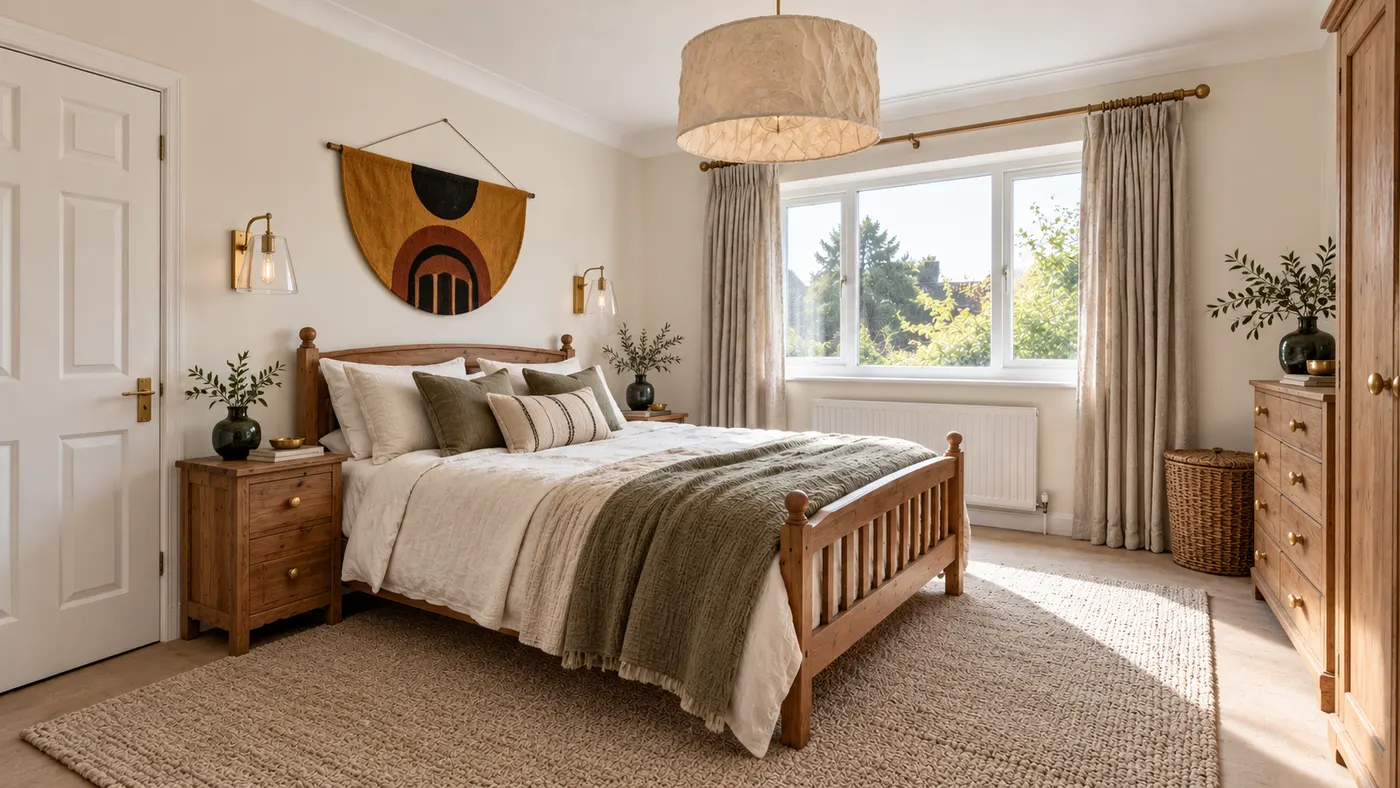
Upload a room photo and HausDraft’s AI interior design tool restyles it in seconds — Modern, Scandinavian, Japandi — with furniture and decor that go together.
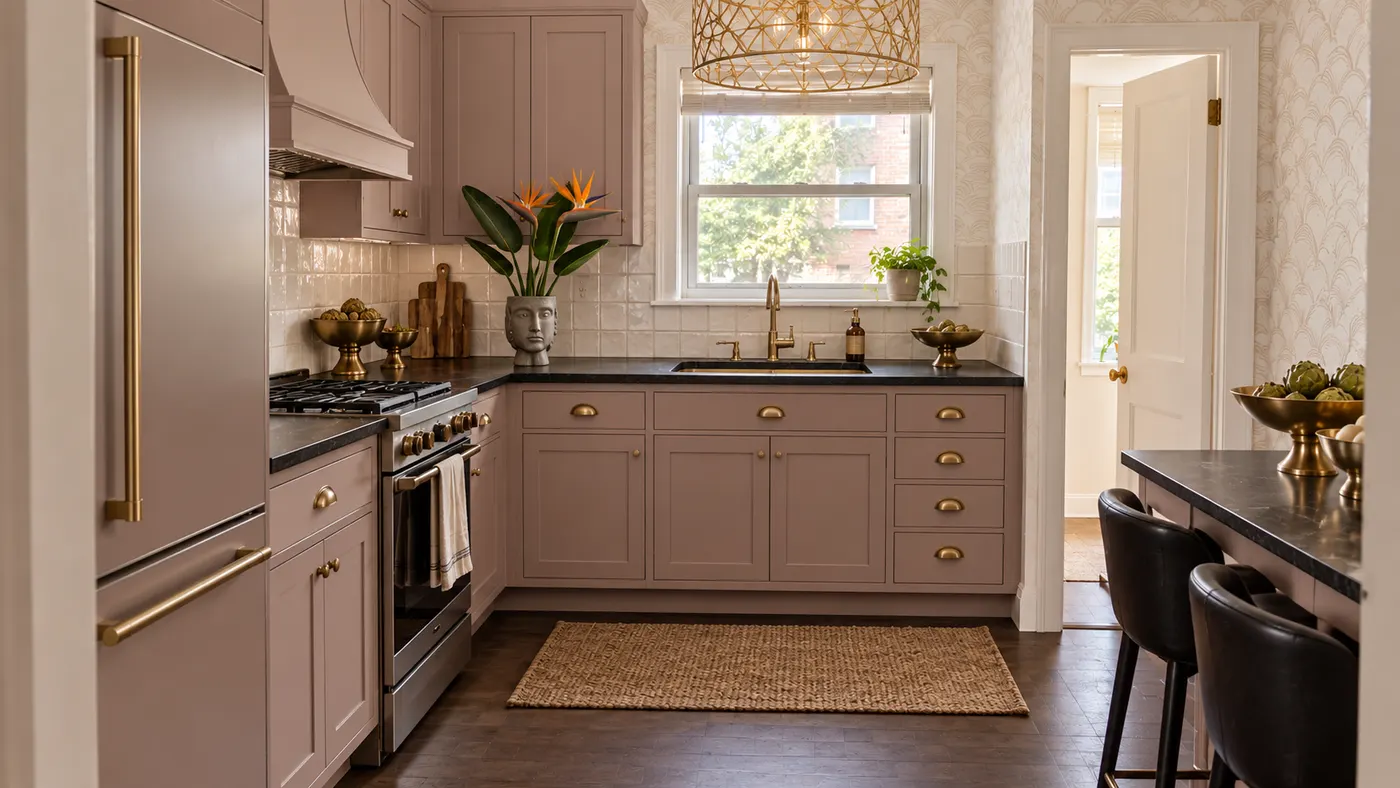
Upload a photo of your kitchen and HausDraft restyles the cabinets, countertops and backsplash in seconds, with finishes chosen to work together. Free to try.
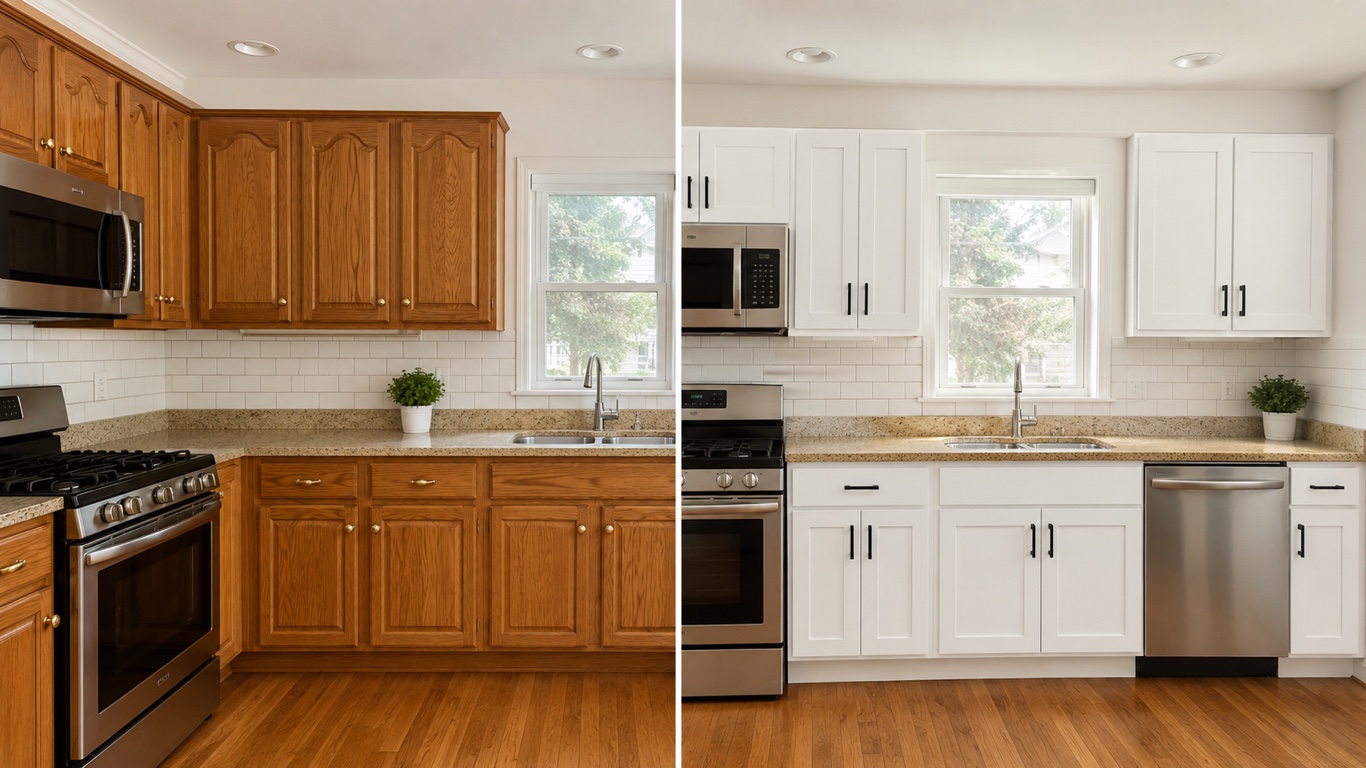
HausDraft’s kitchen cabinet visualizer shows new cabinet colors on your kitchen from a photo — white shaker, navy, sage, walnut or two-tone, in seconds.
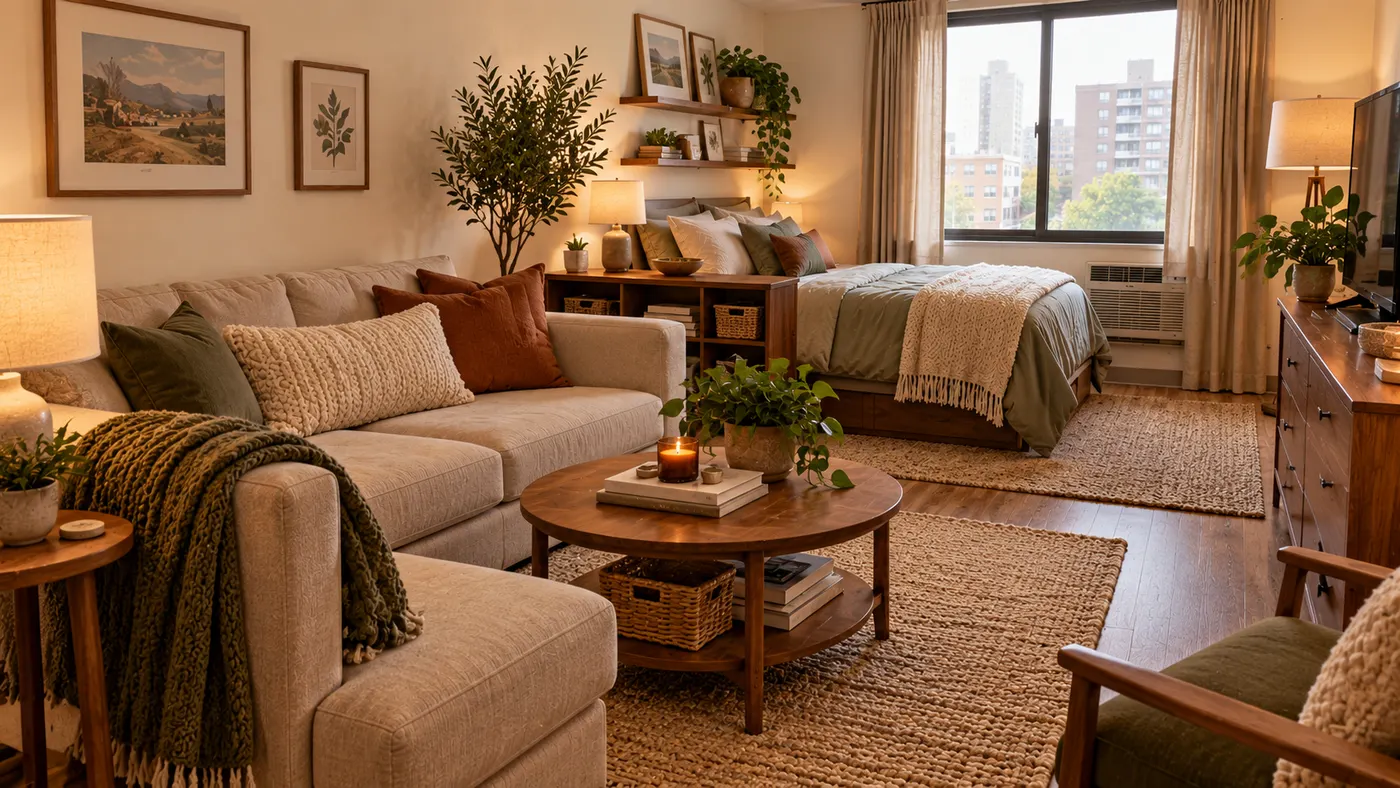
See 20+ small living room layout ideas grouped by problem, then try any furniture arrangement, cozy refresh or renter-friendly look on a photo of your room.
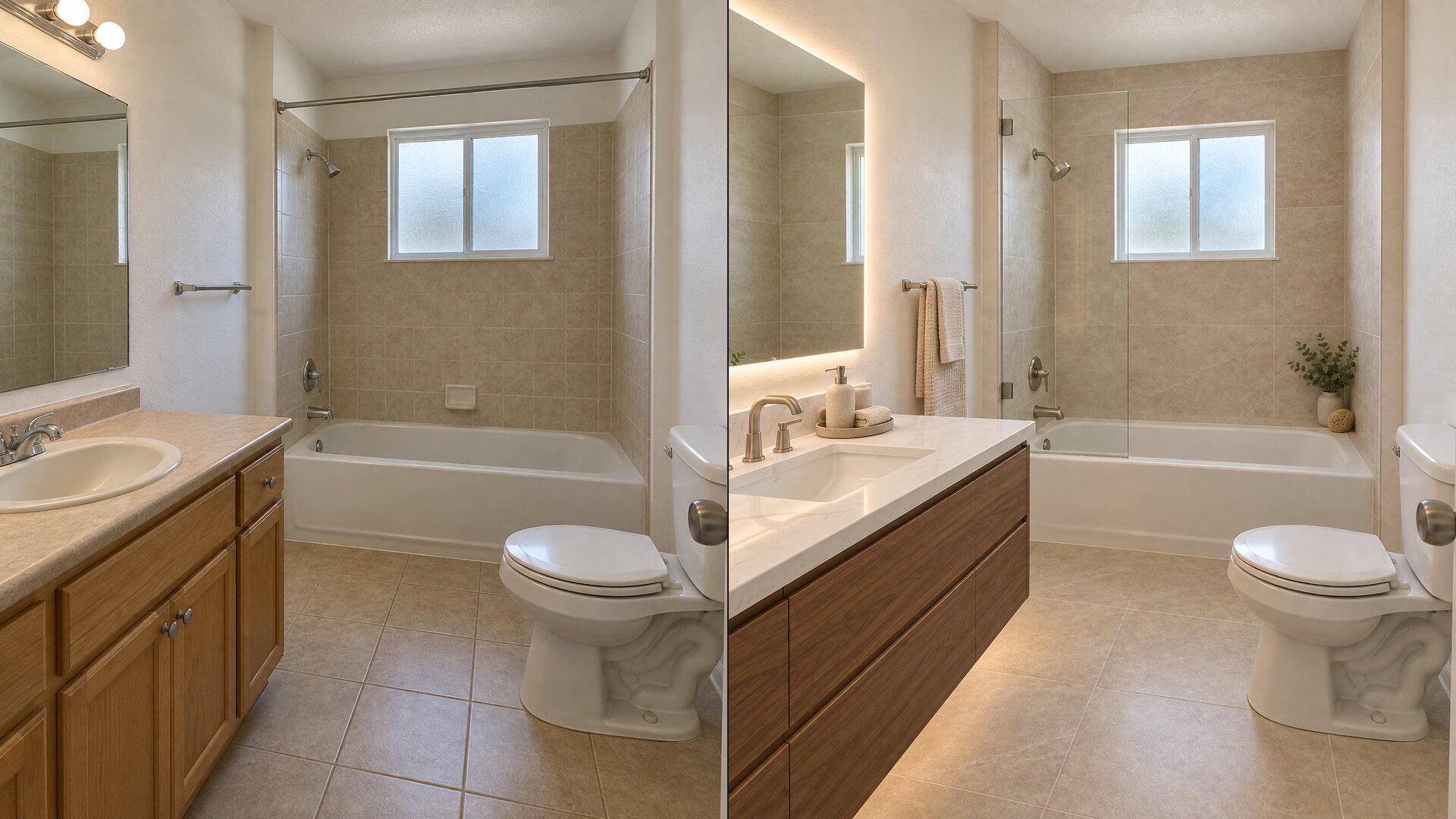
Upload a bathroom photo and preview vanity, tile, fixtures and paint together with this bathroom remodel visualizer — free to try, results in seconds.
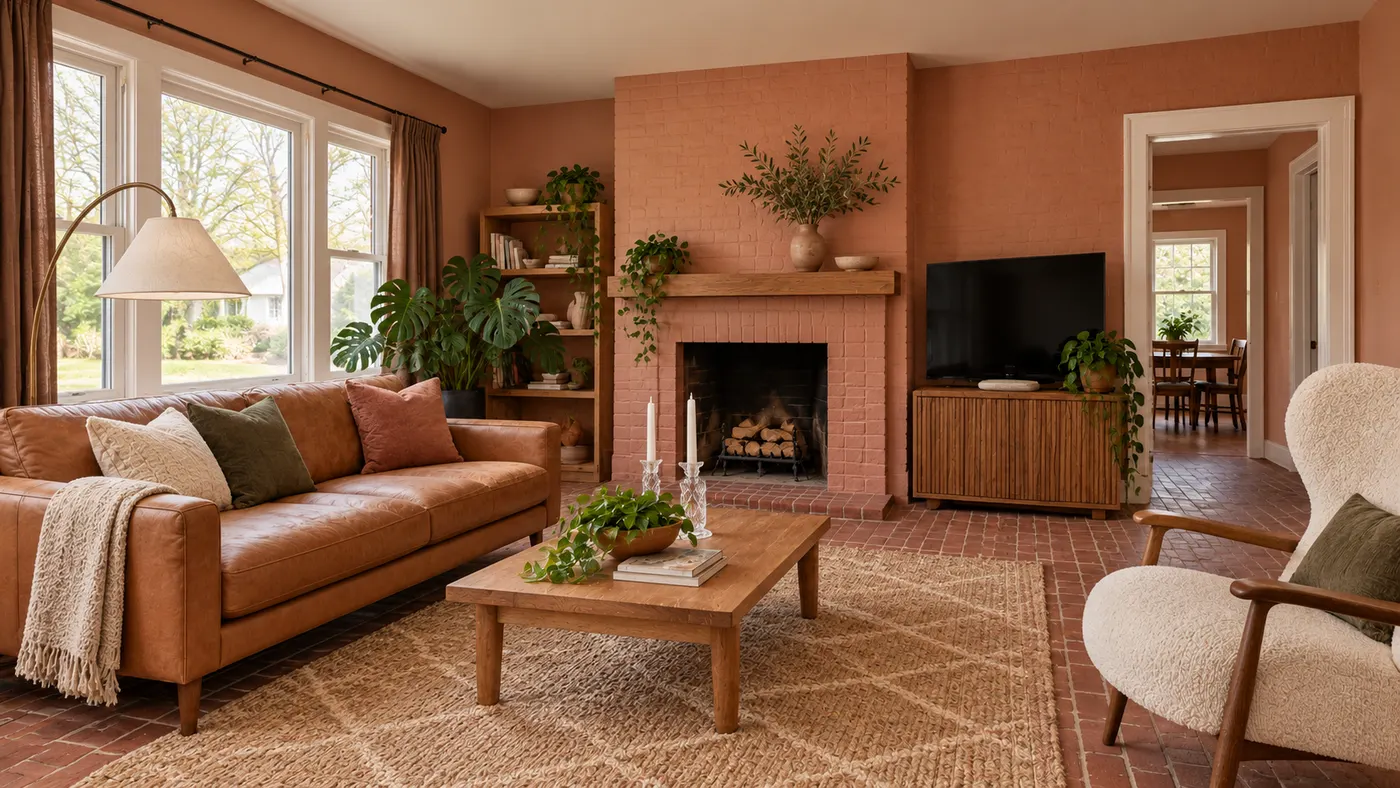
Try AI room design free on one room — upload a photo, pick a style, and HausDraft’s AI room design tool restyles it in seconds with a cohesive look.
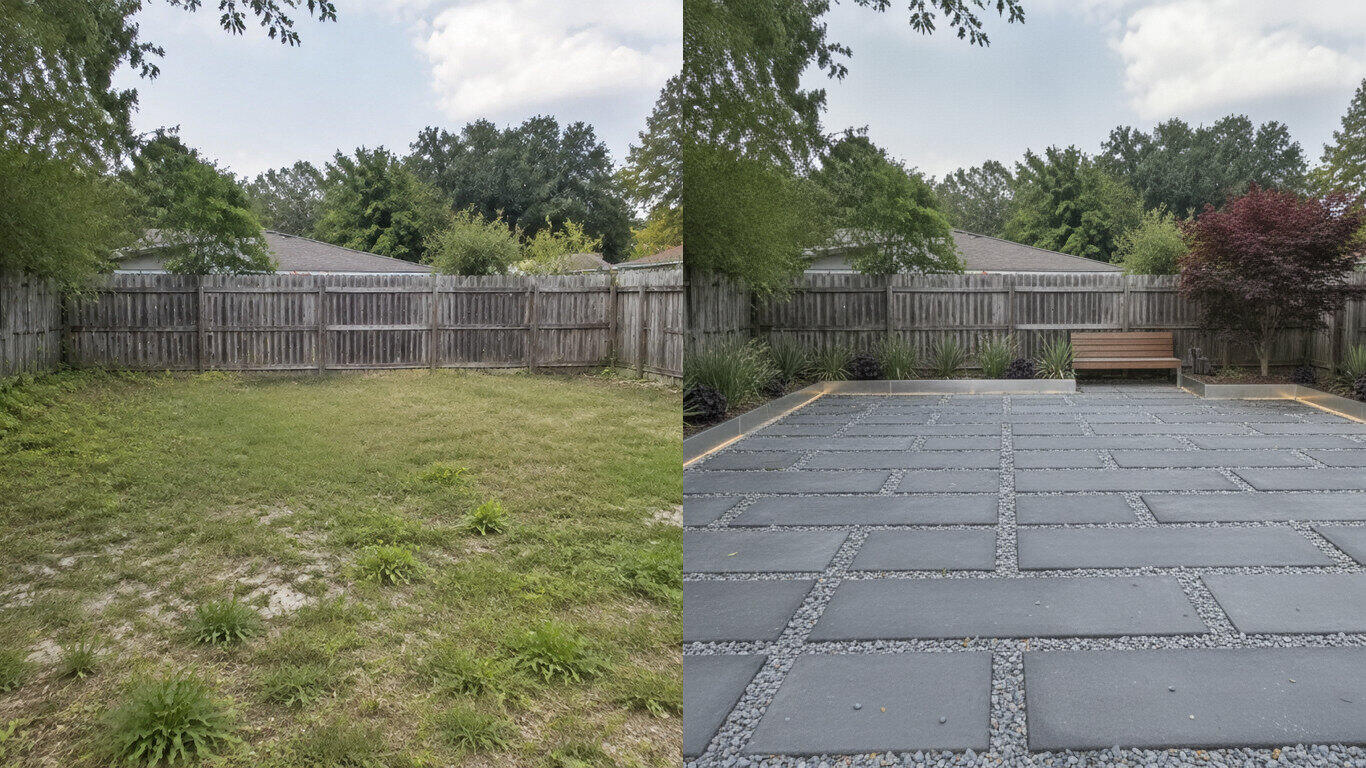
Upload a yard photo and HausDraft’s AI landscape design tool reimagines the planting, beds, lawn and hardscape in seconds — Modern, Cottage, Tropical and more.
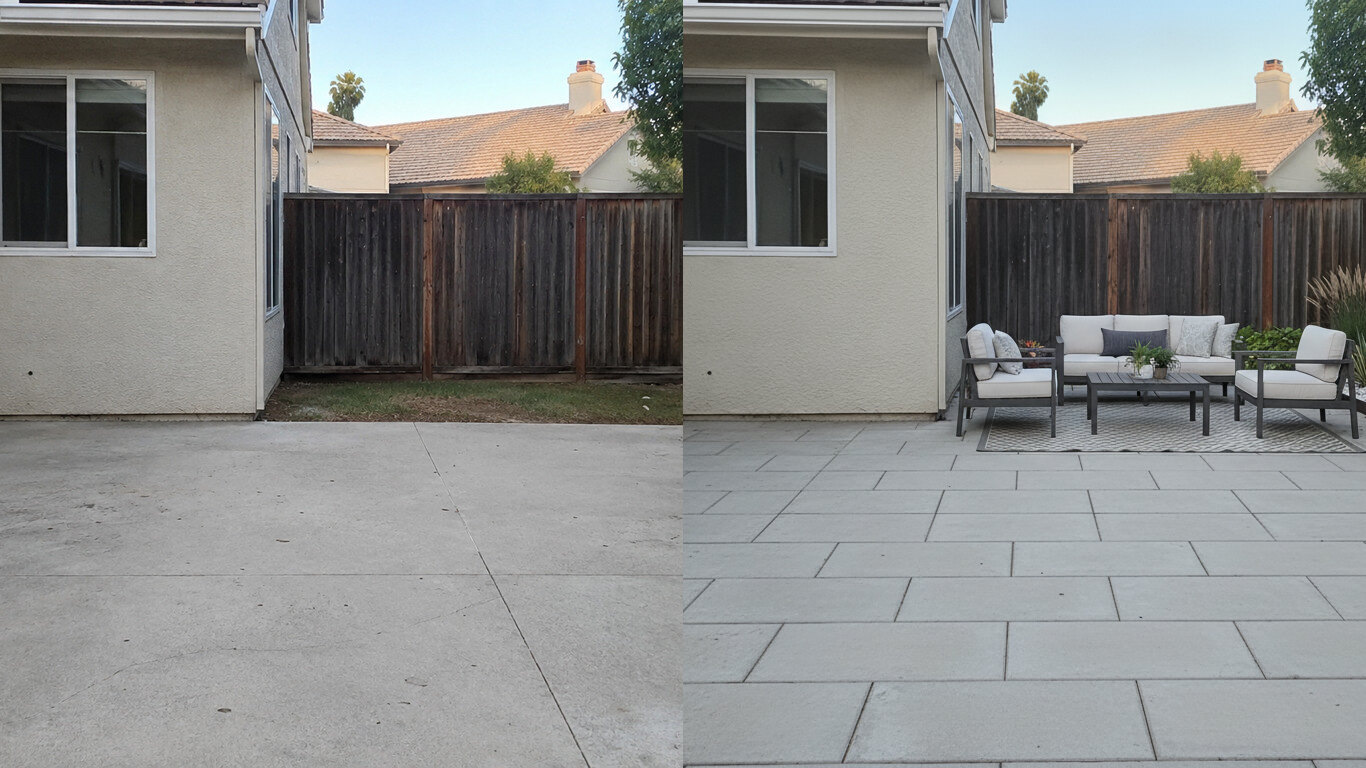
Upload a photo of your patio and HausDraft’s patio design tool reimagines the paving, furniture layout and planting in seconds. Plan a patio before you build.
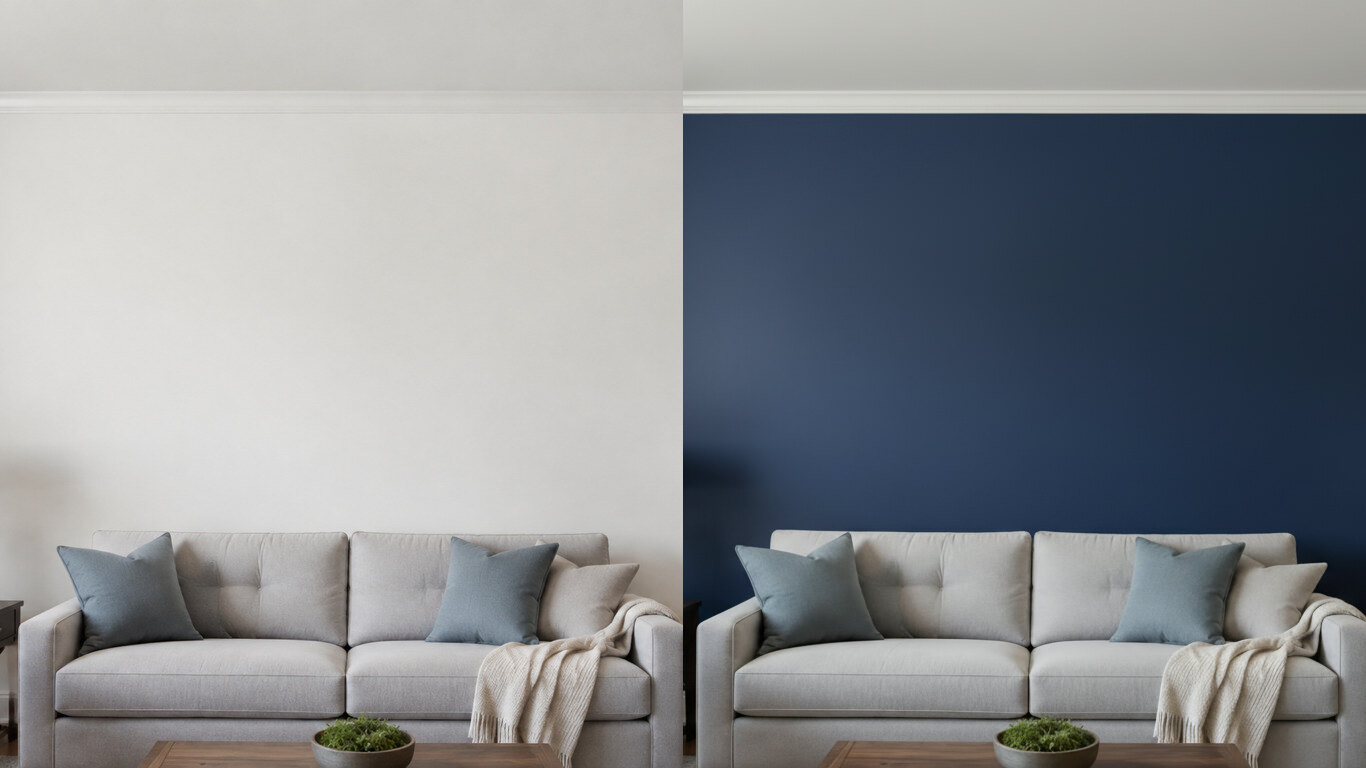
Upload a photo of your room or wall and HausDraft’s paint color visualizer repaints it in any colour in seconds. Try colours before you buy a can.
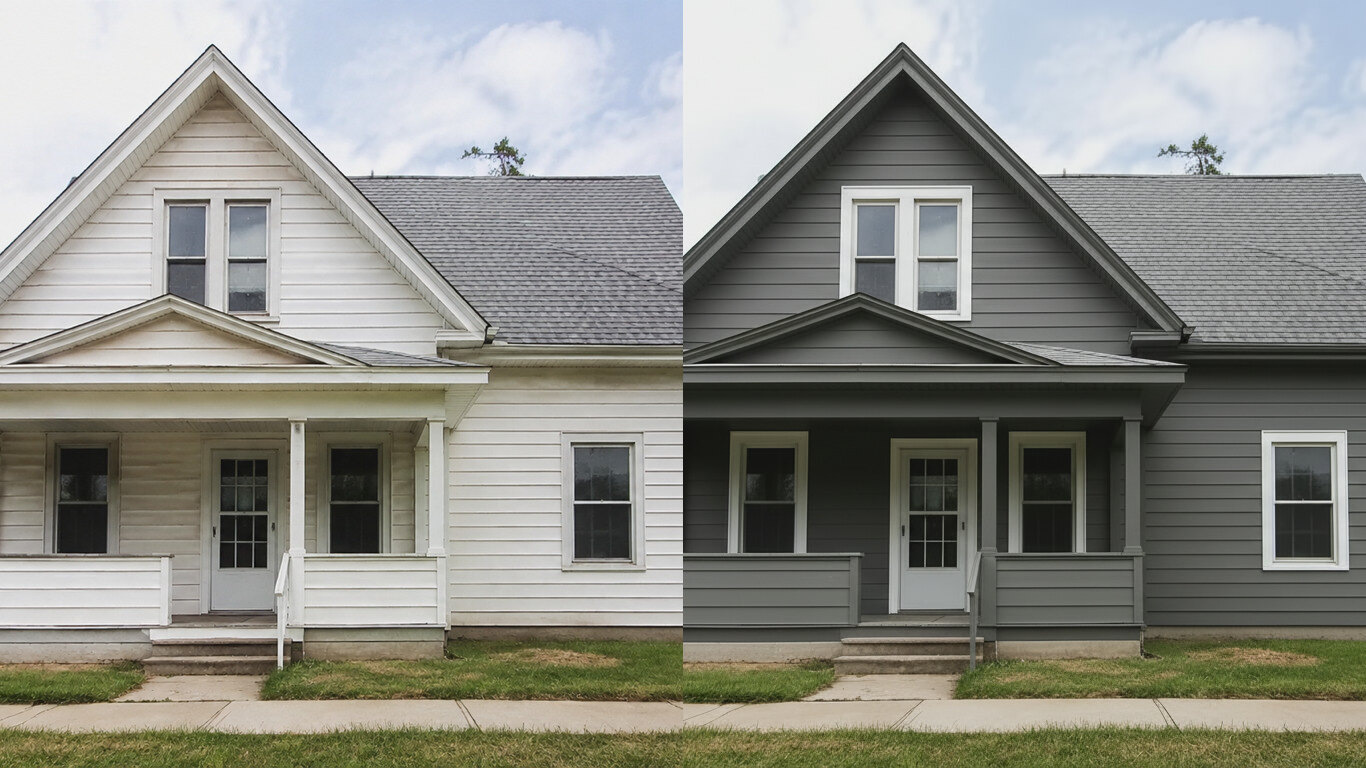
HausDraft’s exterior house color visualizer repaints your siding and trim in any colour from one photo, in seconds. See your house painted before you hire.
AI home exterior design from one photo — HausDraft restyles your whole facade: architectural style, siding, materials, trim and curb appeal, together.
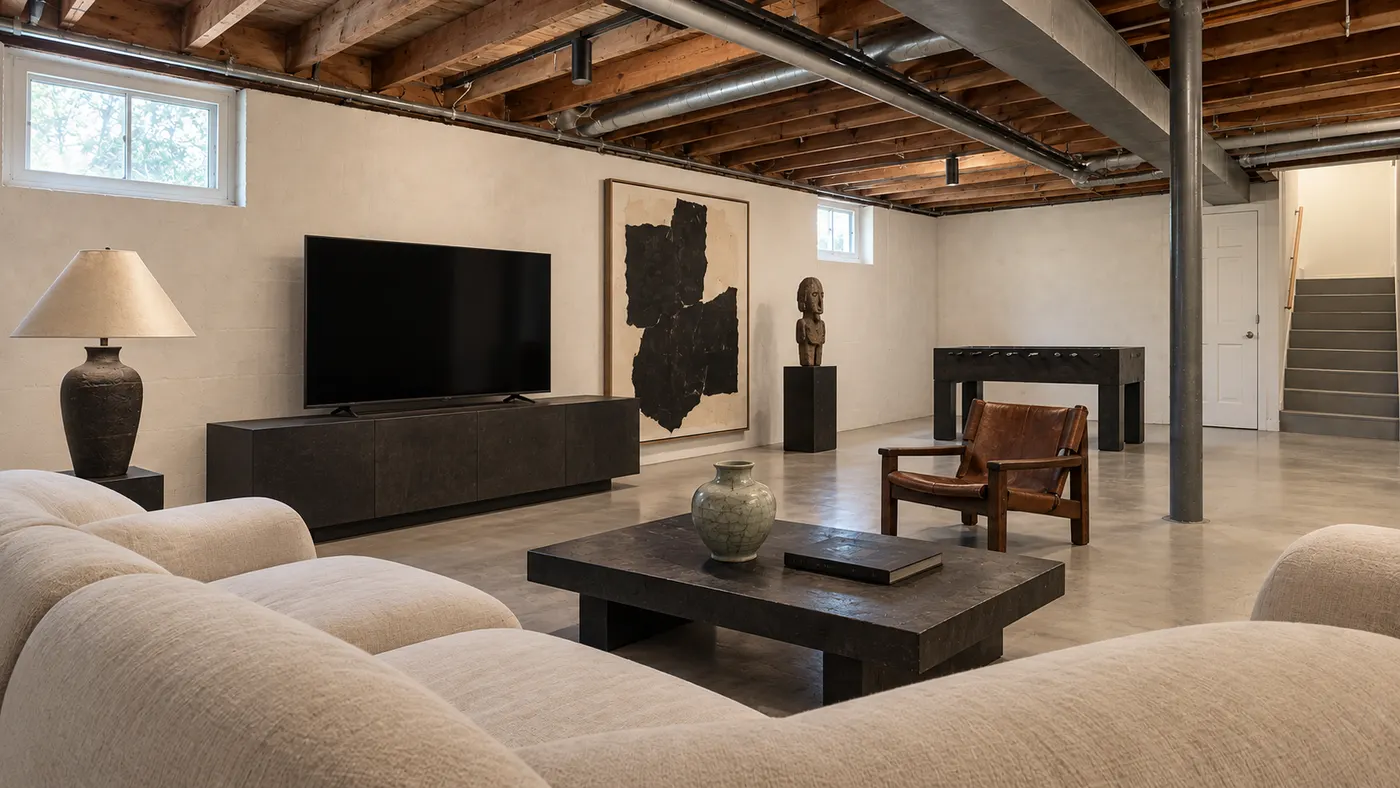
Upload a room photo and preview an interior remodel in seconds — compare finishes, furniture and styles side by side before you commit to a contractor.
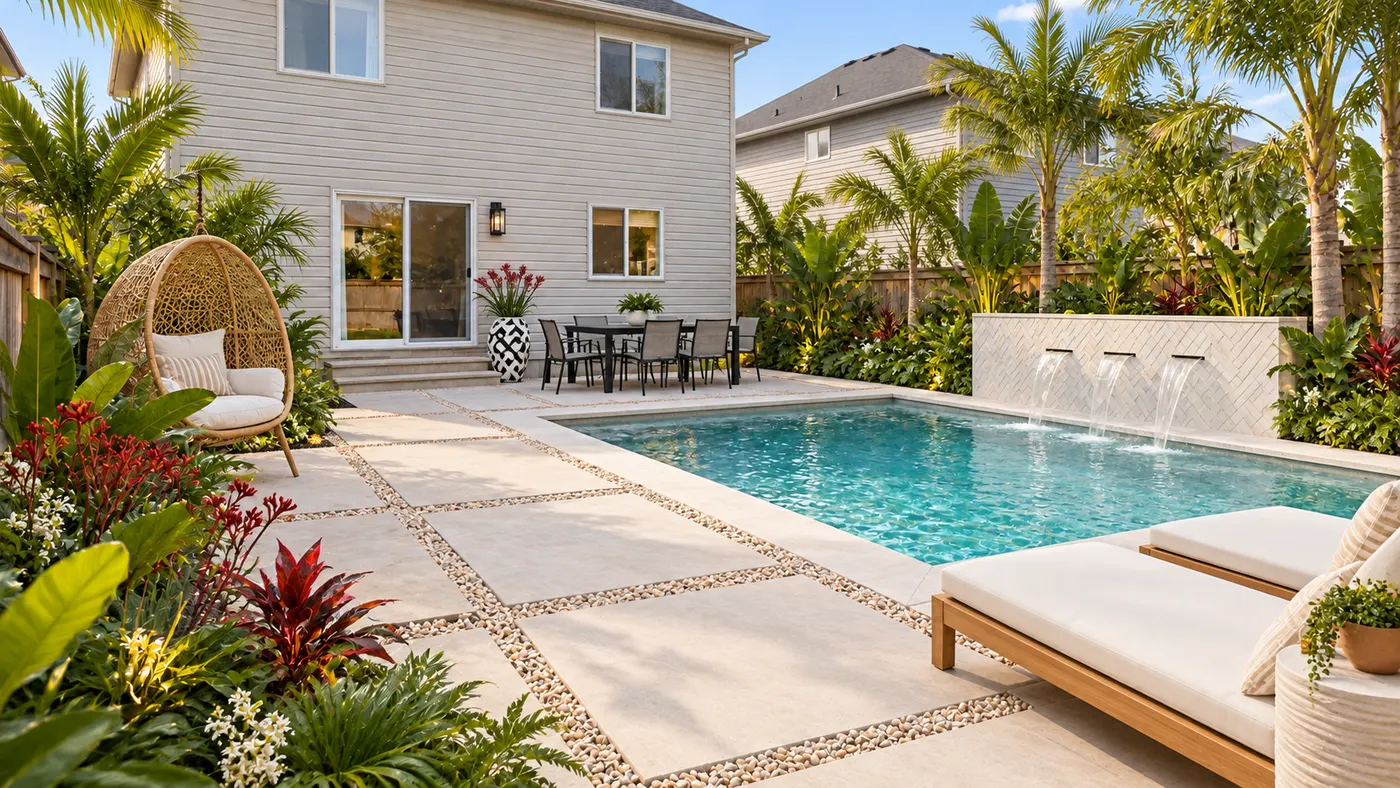
Upload a photo of your yard and HausDraft’s AI garden planner reimagines planting beds, paths, plants and layout, so you can compare ideas before you dig.
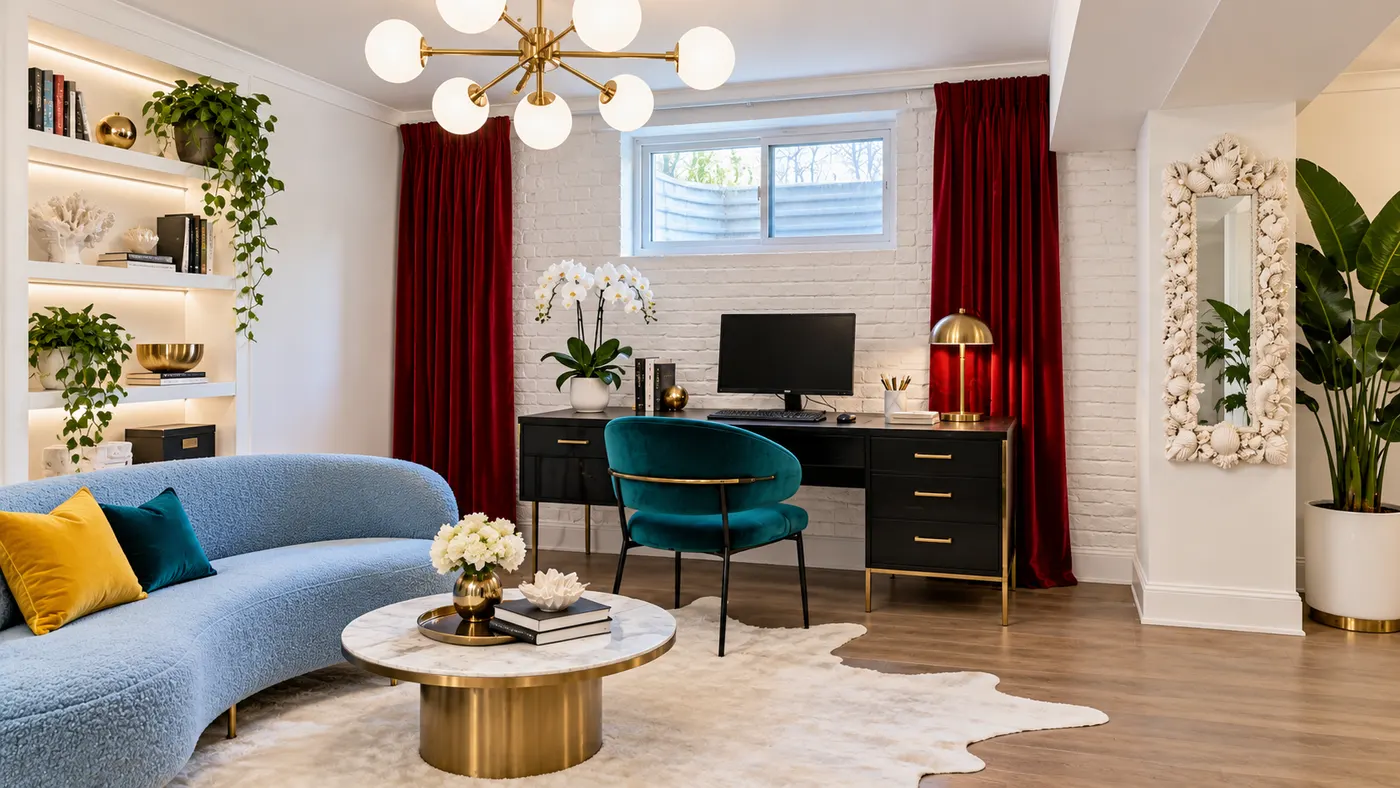
Try basement interior design free: upload a photo, choose a style, and preview a basement redesign with better light, storage and flow.
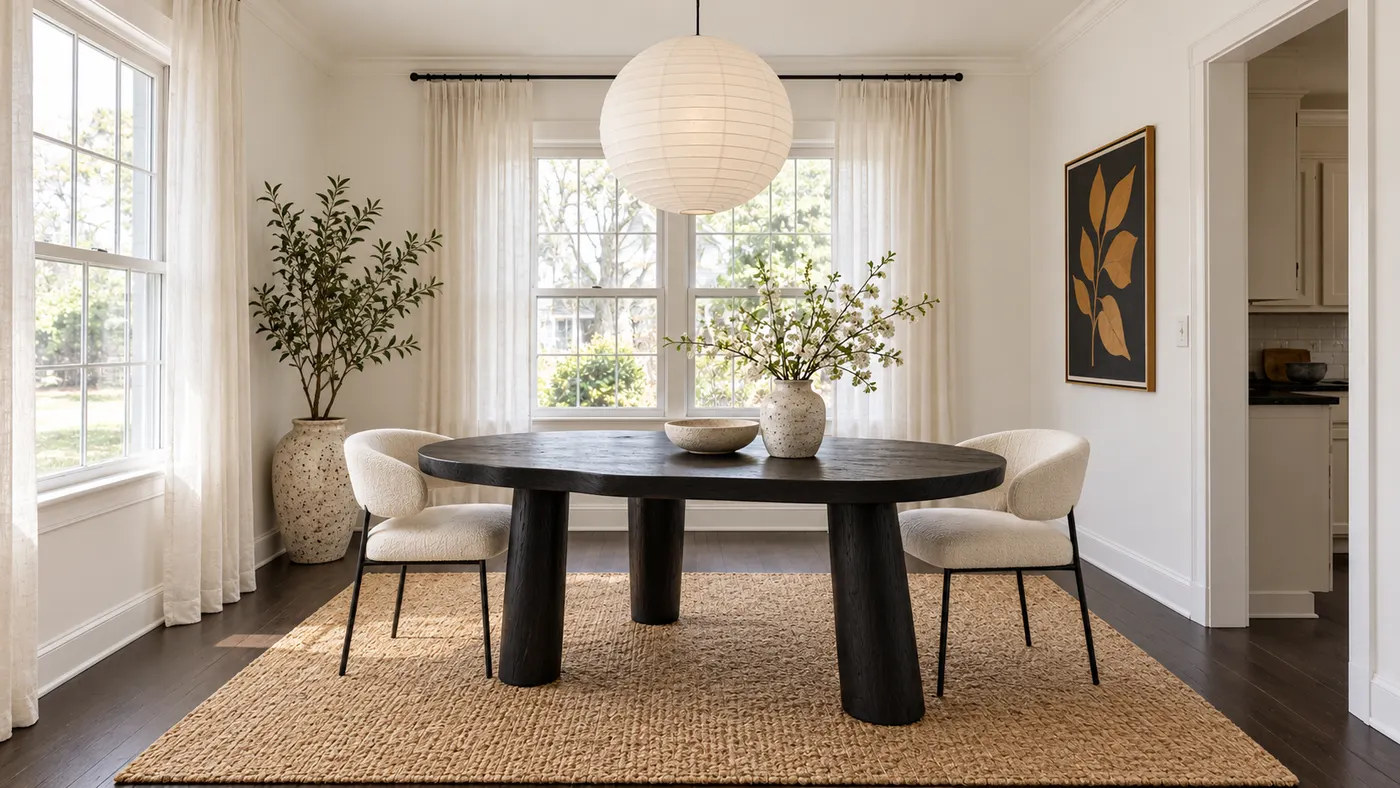
Upload a room photo for virtual house staging. Add realistic furniture, natural daylight and a cohesive, listing-ready style in seconds.
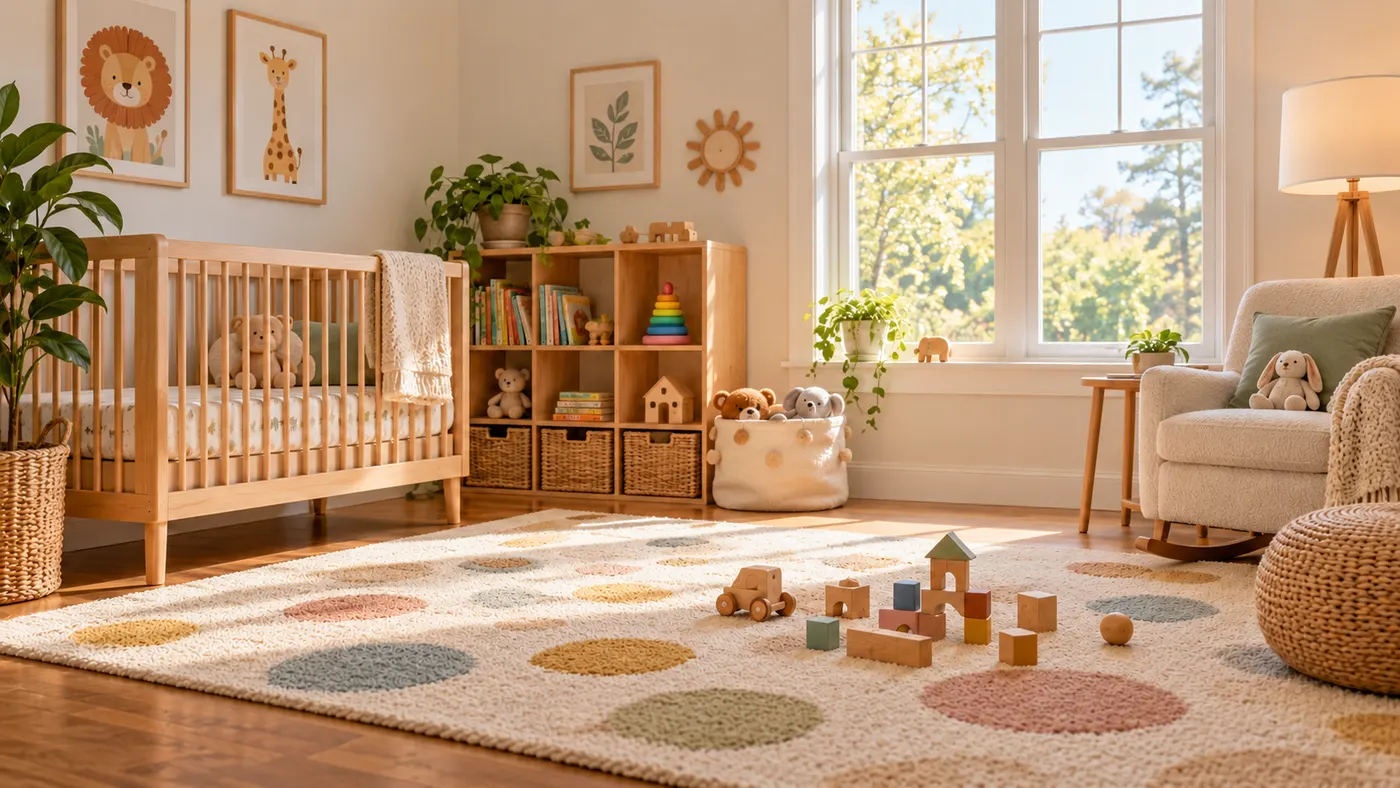
Use this rug visualizer to upload a room photo and rug reference, then preview realistic scale, perspective, shadows, and daylight before you buy or rearrange.
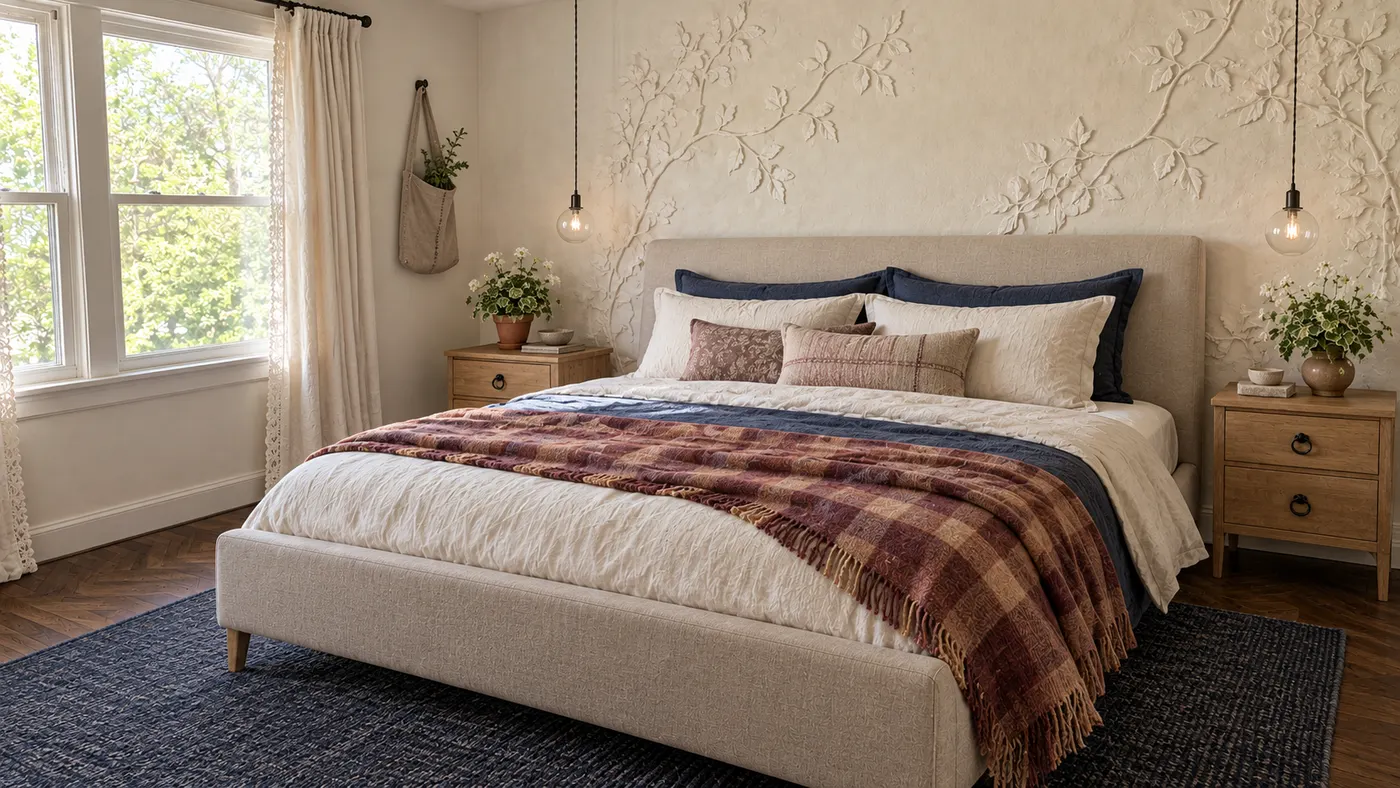
Upload a photo and HausDraft’s AI room decorator adds the rug, curtains, lighting, art and accessories in your style, sized and styled to work together.
Upload a photo of your house and preview an exterior remodel — new siding, roof, trim, front door and landscaping — before you hire a contractor. Free to try.
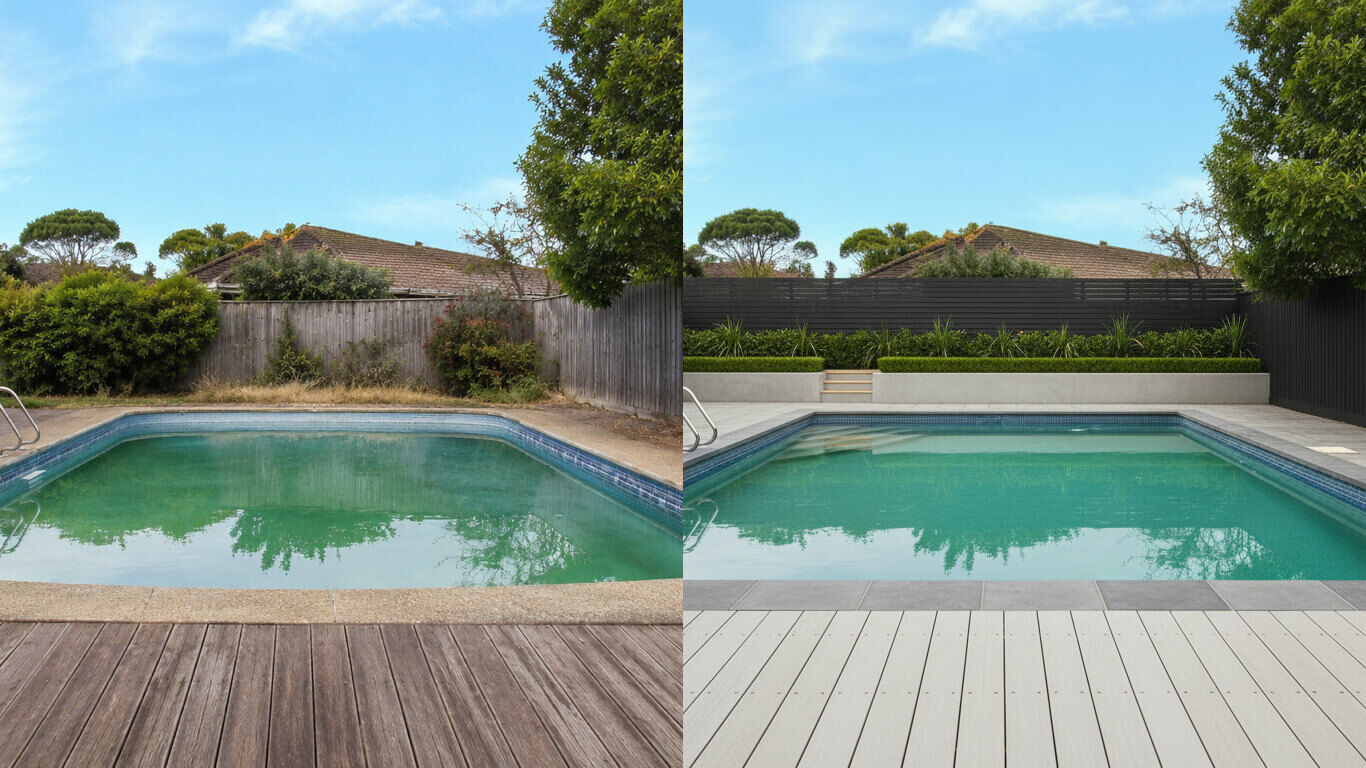
Upload a photo of your backyard and HausDraft’s pool AI adds a realistic in-ground pool with decking and planting in the style you choose. Free to try.
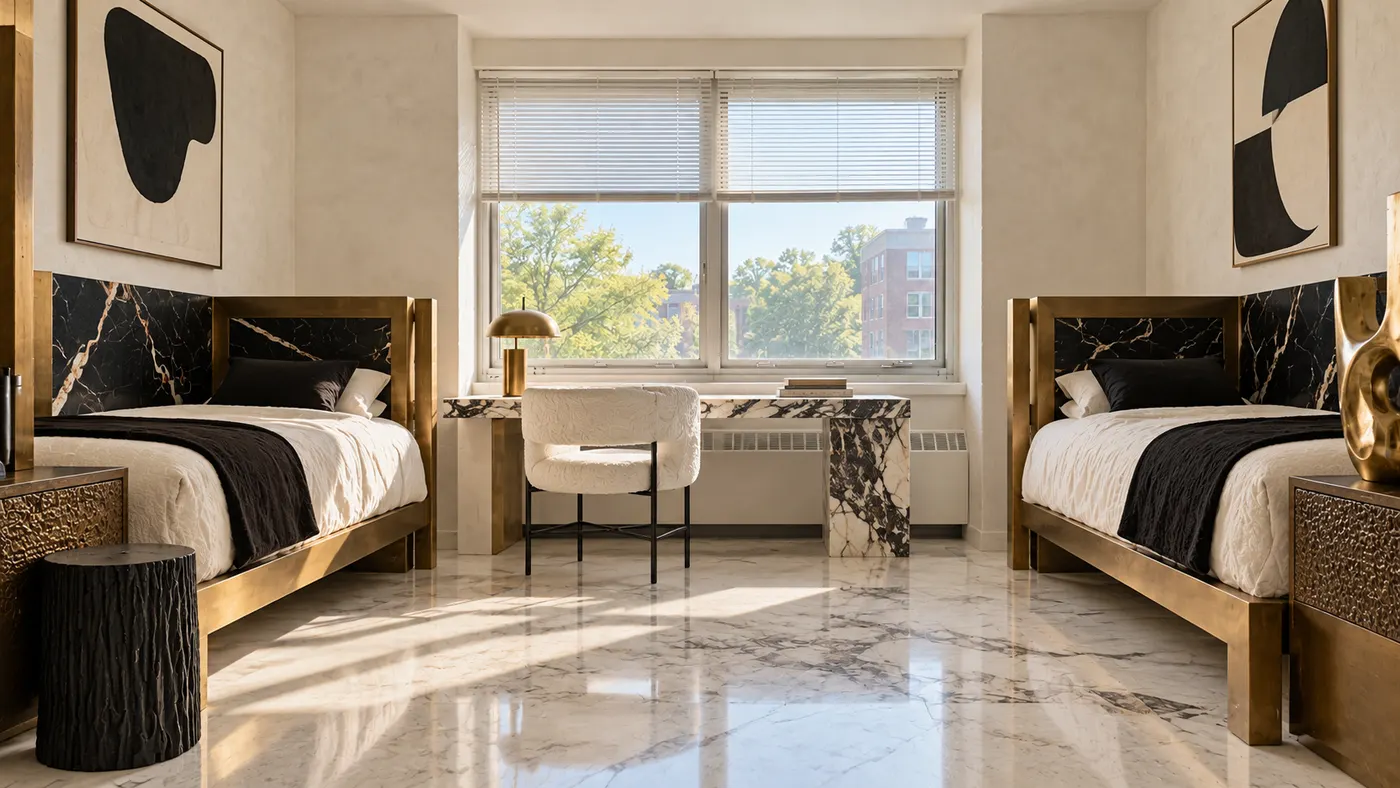
Upload a photo of your dorm and HausDraft’s AI dorm room designer adds bedding, a rug, storage, lighting and wall decor you can move in and out. Free to try.
Upload a photo of your patio or backyard and HausDraft’s AI pergola designer adds a pergola in the style you choose, with seating and planting. Free online.
Upload a photo of your kitchen, bathroom or laundry and HausDraft’s AI cabinet design tool shows new door styles, wood tones and finishes on your cabinets.
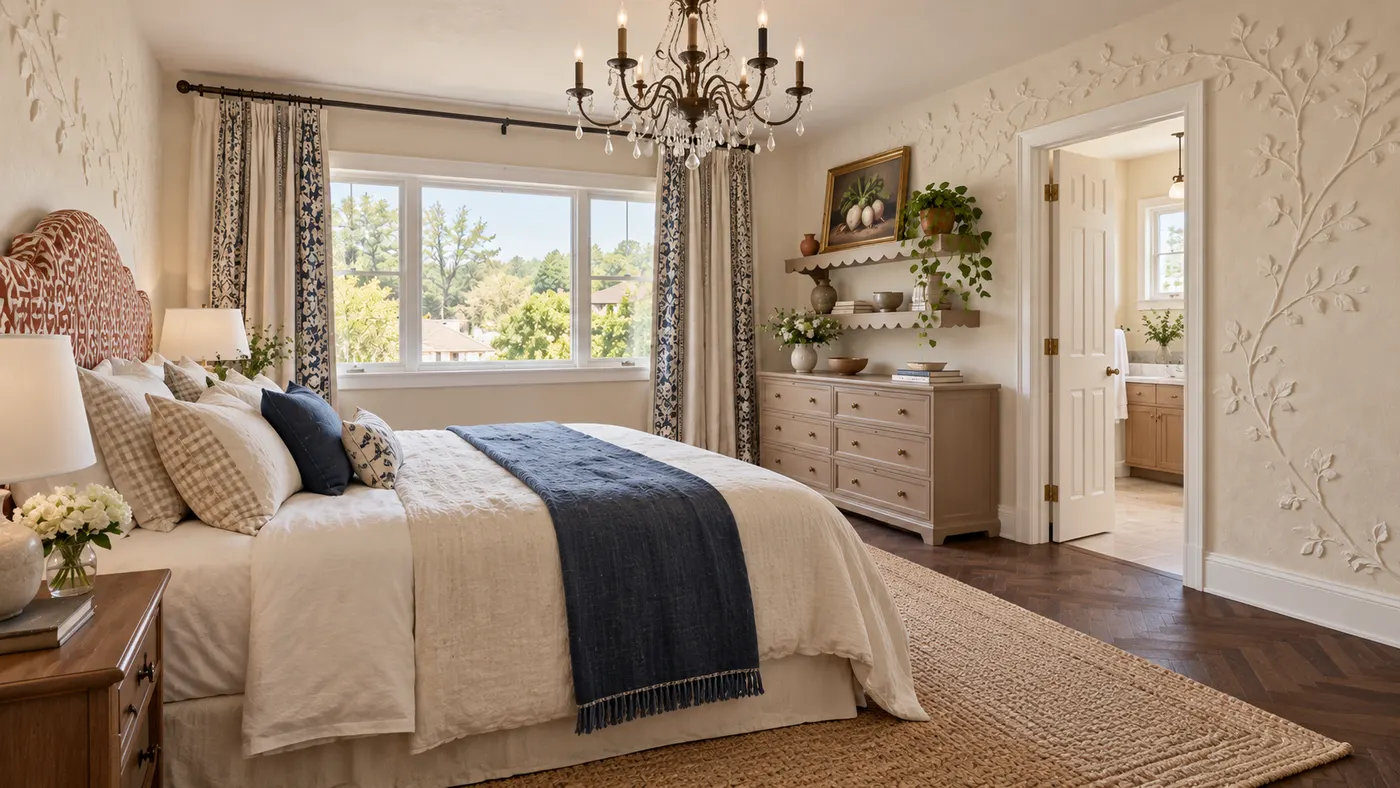
Create your bedroom from a photo: HausDraft’s AI redesigns the bed, bedding, walls, lighting, curtains and storage in the style you choose. Free to try online.
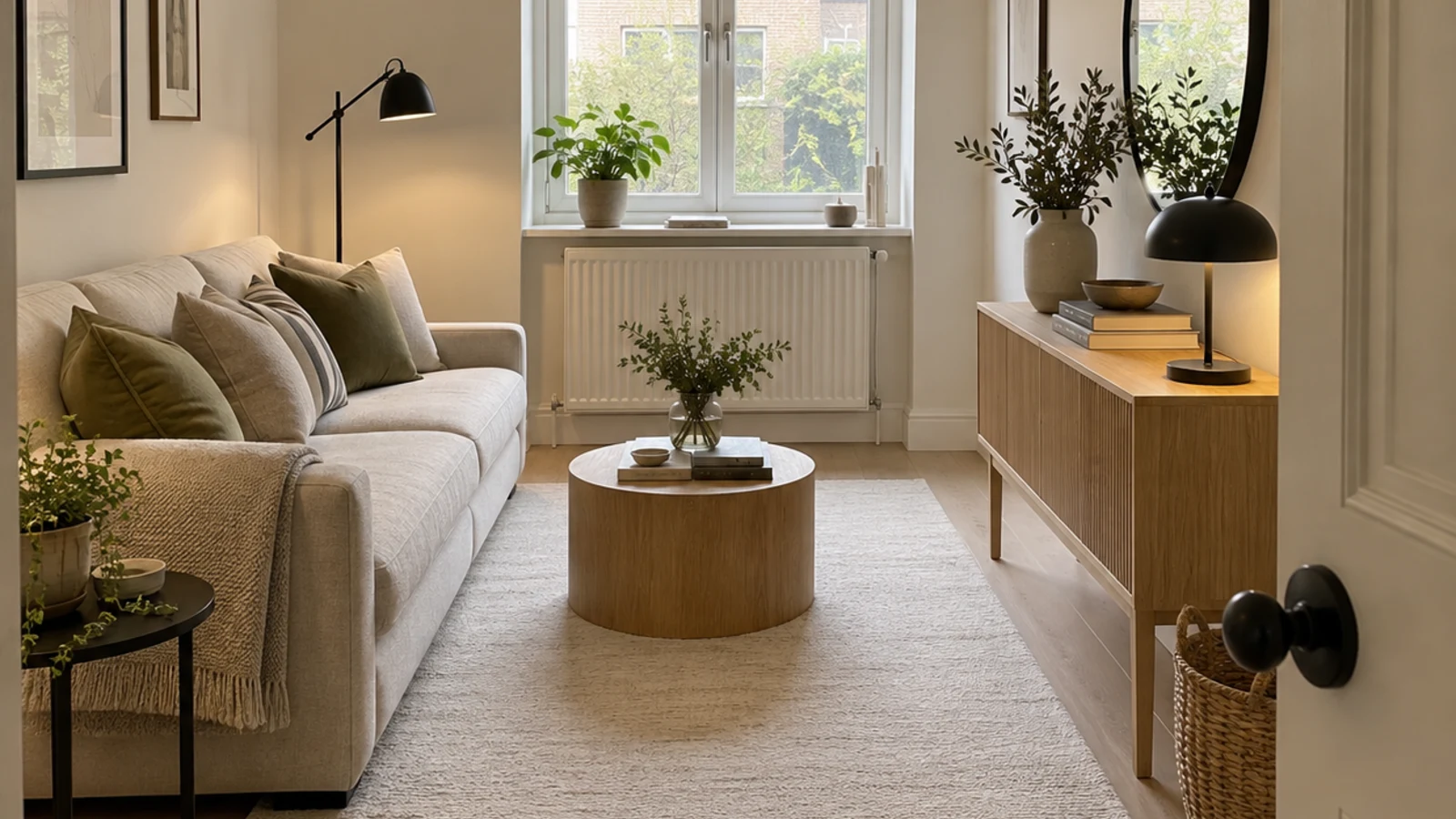
HausDraft’s AI space planning tool rearranges the furniture in a photo of your room into clear zones and walkways, for home offices, studios and open plans.