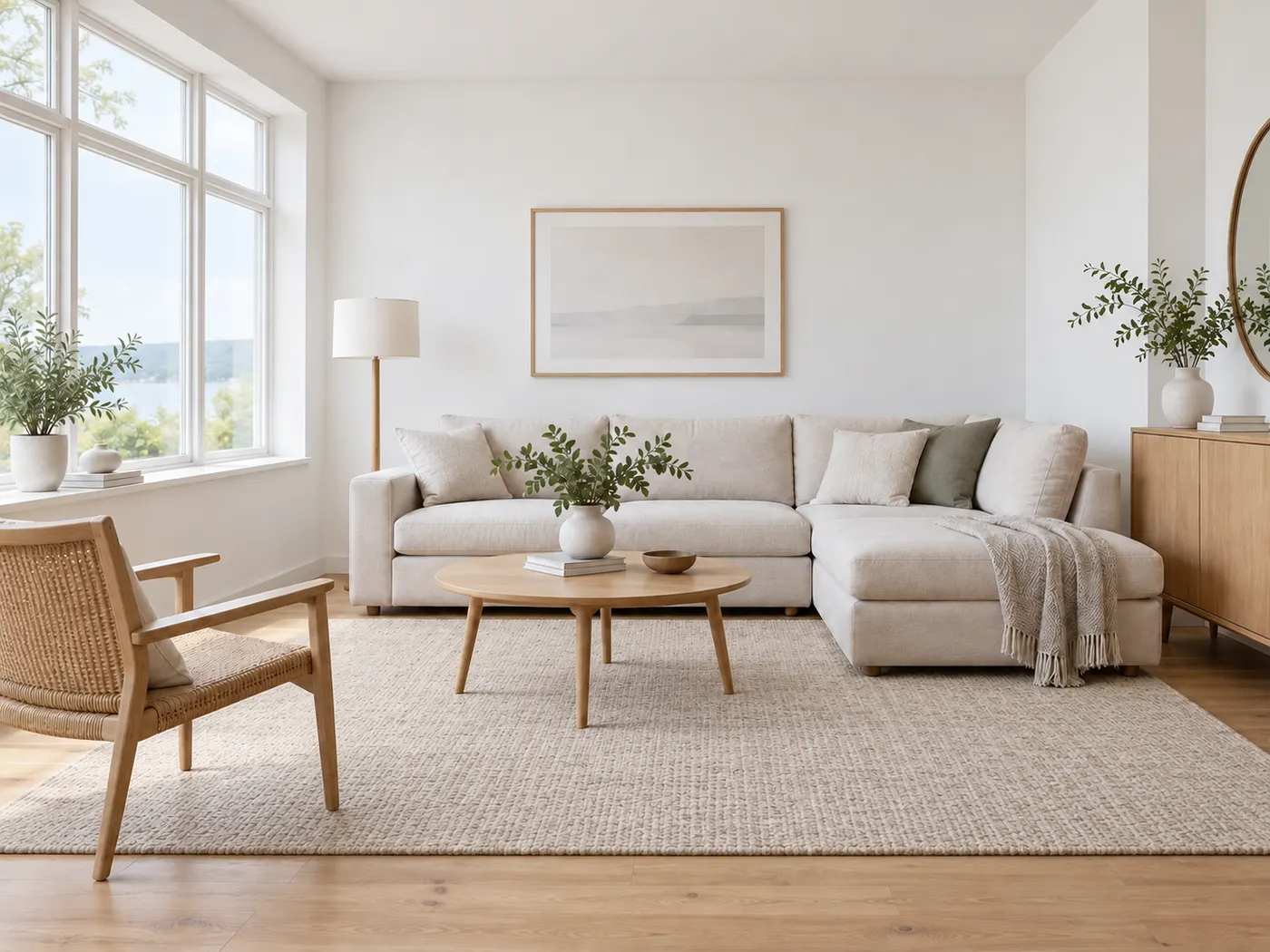
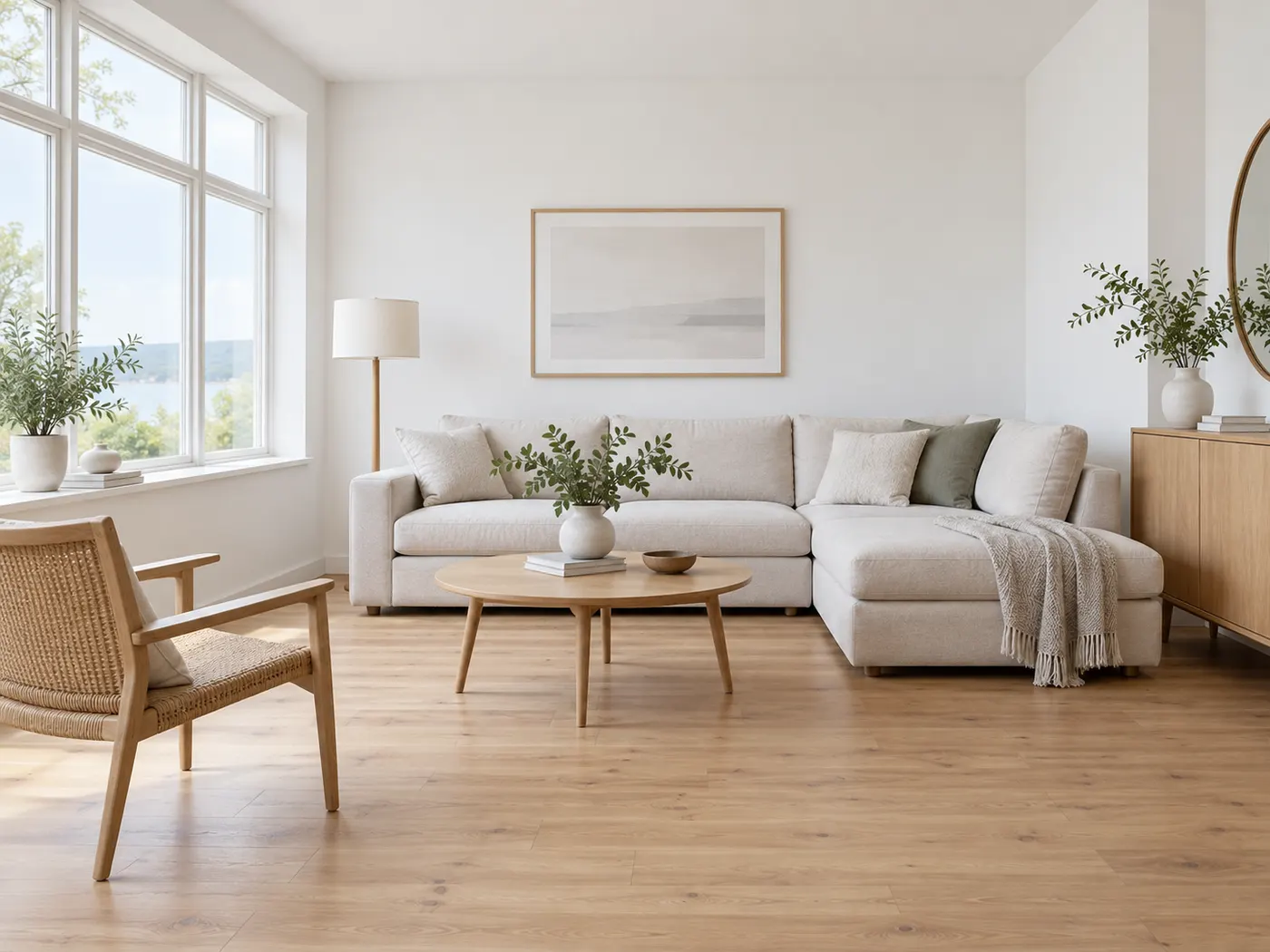
Neutral rug visualizer
Pick your room, choose a style and size, then generate.
Your room photoRequired
Your rug photoRequired
Style (sets the look)
A tasteful, cohesive redesign — let the studio choose the style
I want… (optional — the outcome, combined with the style)
Image ratio
Generating at 1:1 for Feed Square
Or any ratio the model supports
Prompt (editable — the scene & styling that drives the image)
Also applied (not part of the editable box above):
Your room stays exactly as your photo (shape, label, colours) — styling only touches the scene & lighting.
No invented text, logos, watermarks, prices or hex codes rendered on the image.
On-image text = only the slogan you typed (blank = none).
How many ideas?
This step uses 1 credit(s)
Your rug photo is required to generate
Upload your room photo and rug reference to preview a believable rug visualizer result while the room stays recognizable.
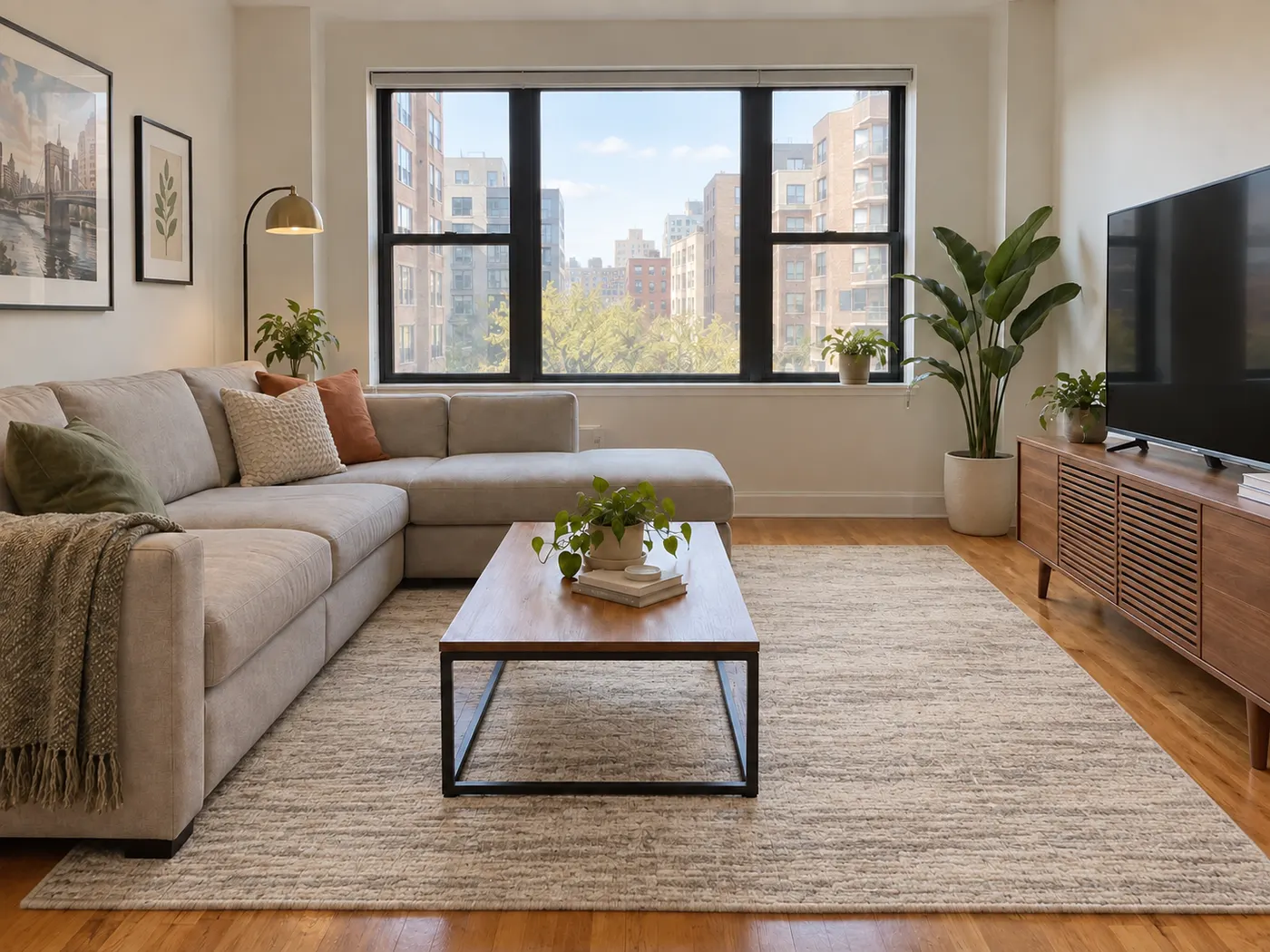
HausDraft lets you use a rug visualizer to test a rug against the room you already have. Upload a clear room photo, add a rug reference, and see an area rug visualizer preview with realistic scale, perspective, shadows, and natural daylight. The rug visualizer keeps your walls, windows, doors, furniture layout, and recognizable room structure in view, so you can compare color, pattern, size, and placement with more confidence. Use the rug visualizer before you buy, rearrange furniture, or share ideas with your household.
Preview my rug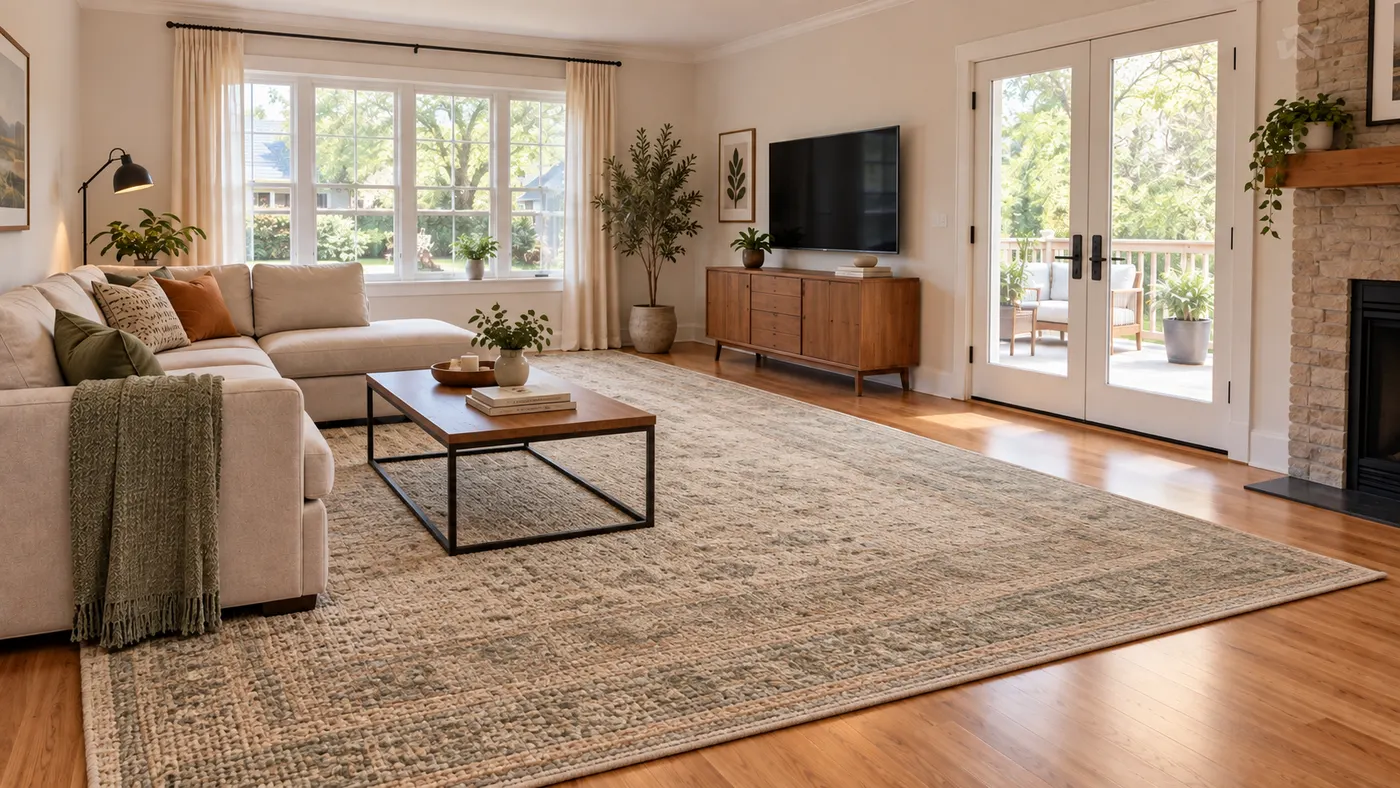
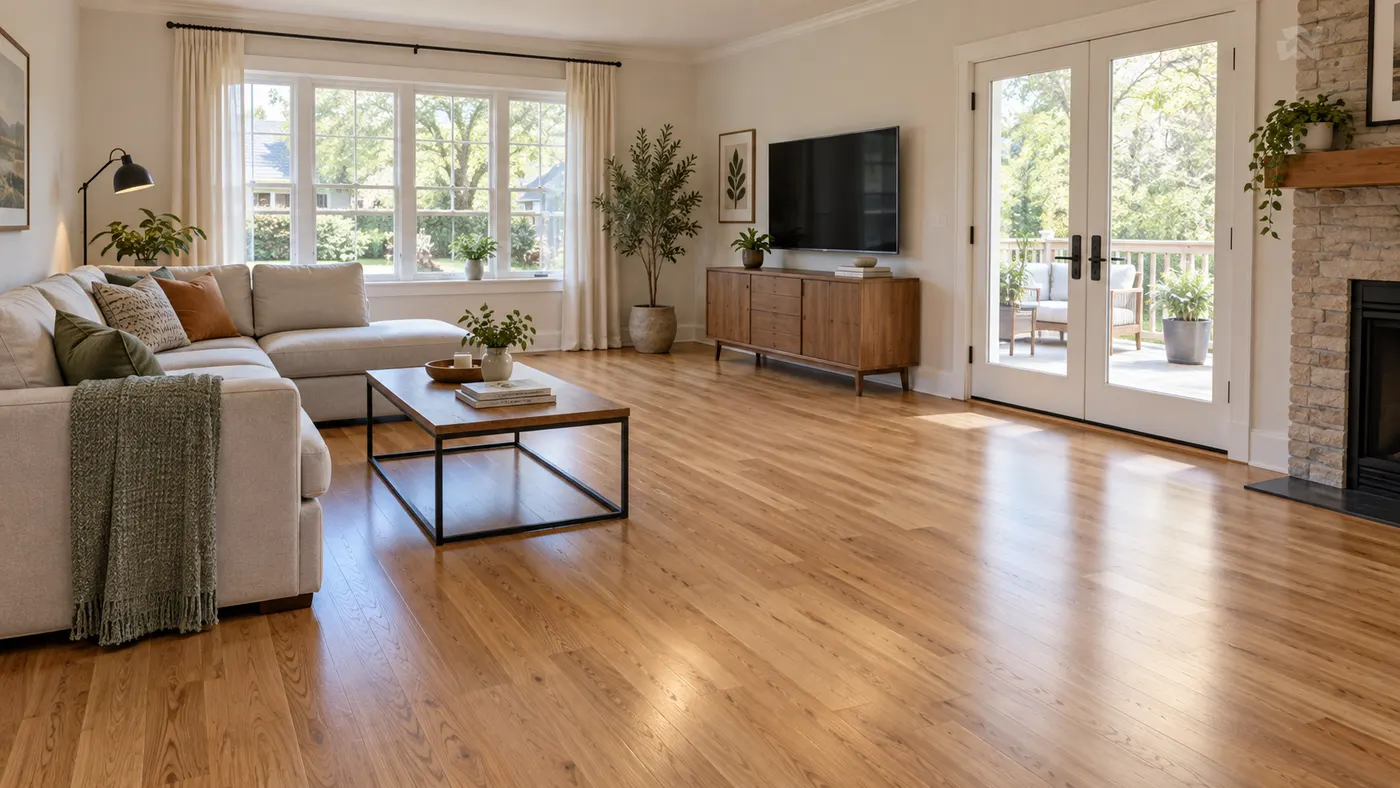
A rug visualizer tool anchors the preview to your actual room, including its proportions, windows, doors, furniture, and camera angle. This rug visualizer helps you judge whether a rug feels balanced in the space instead of relying on a product listing or generic inspiration image.
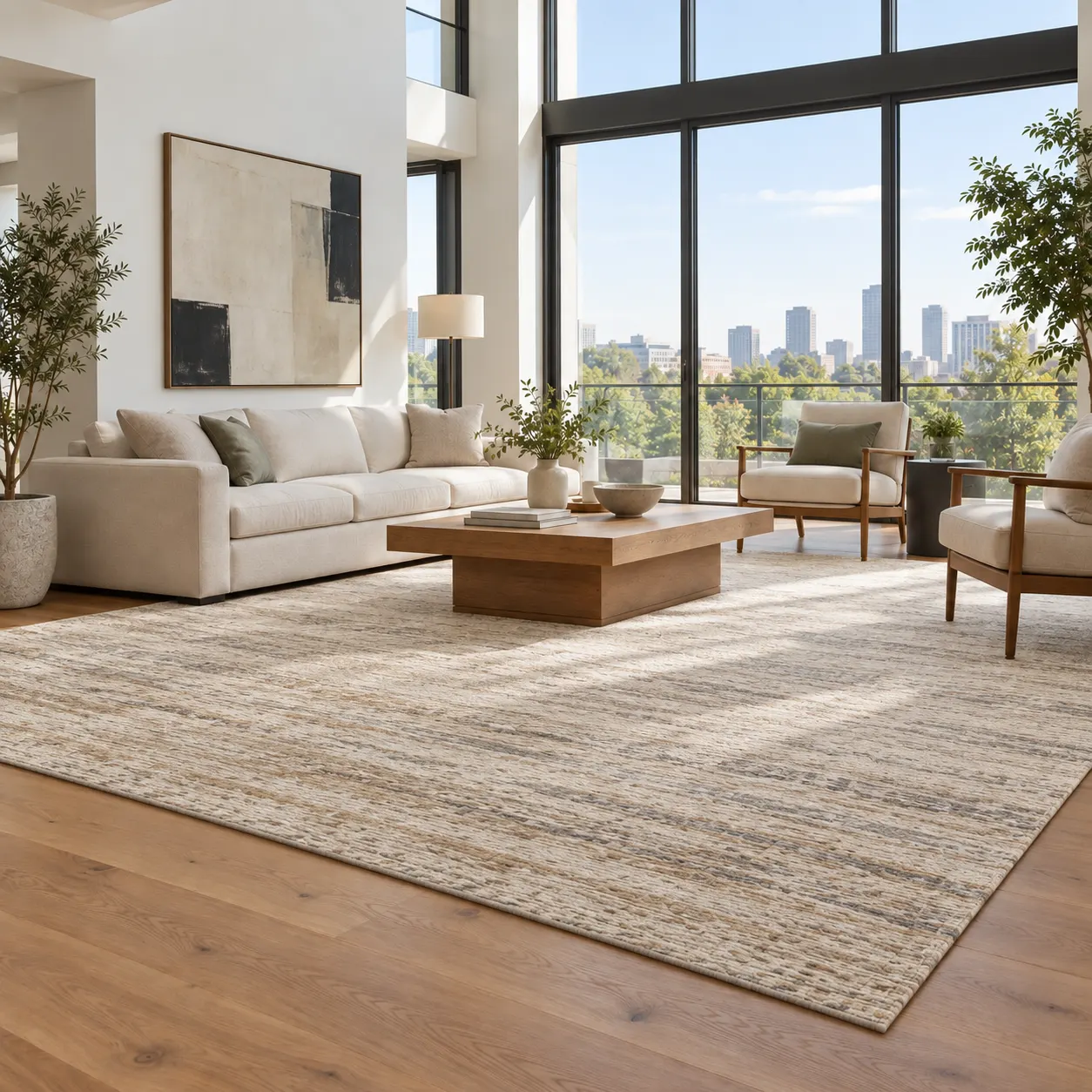
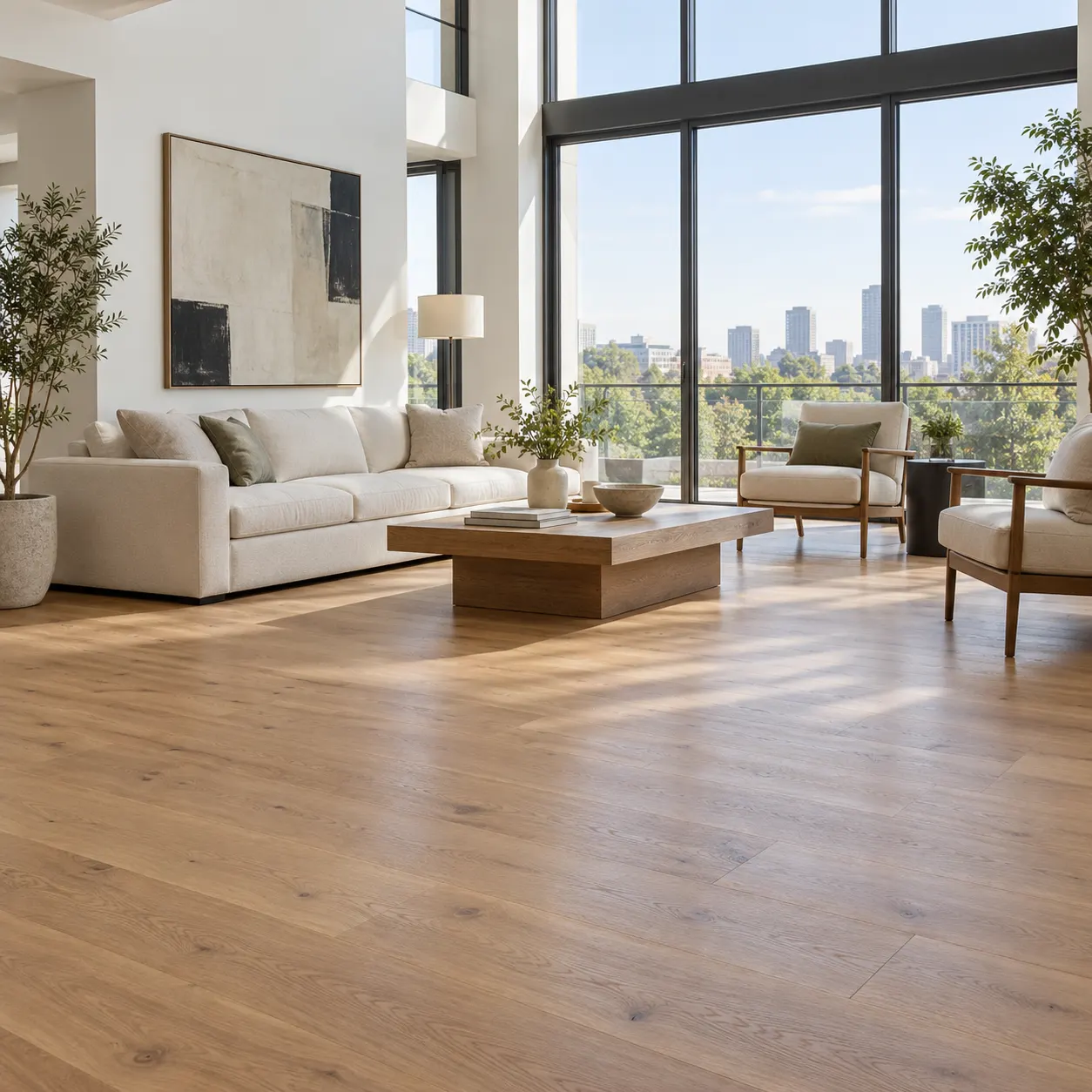
The rug visualizer makes it easier to compare neutral, patterned, warm, or contemporary options against the same room. Use the rug visualizer to explore how color, texture, and placement affect the room before you order a different size or move existing furniture.
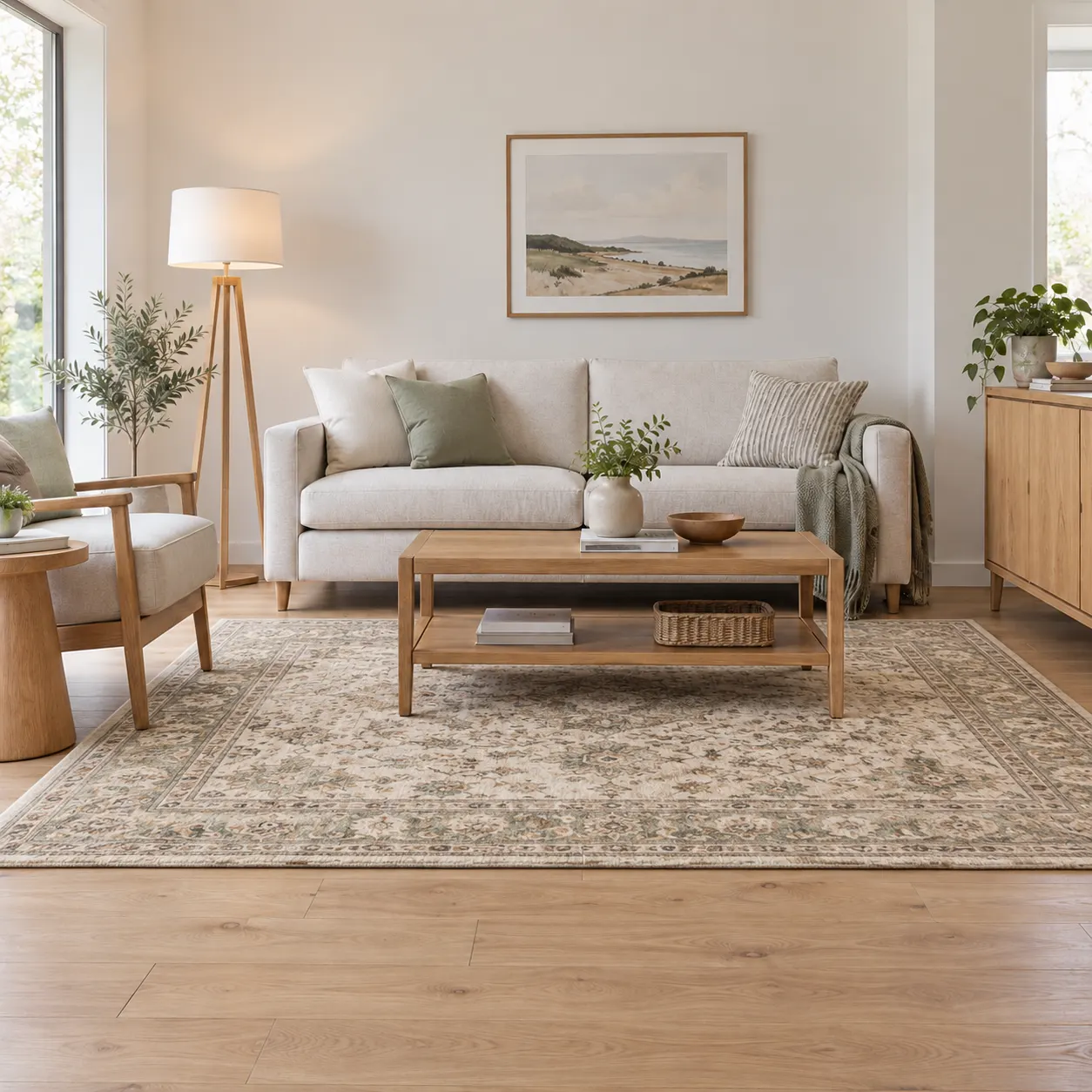
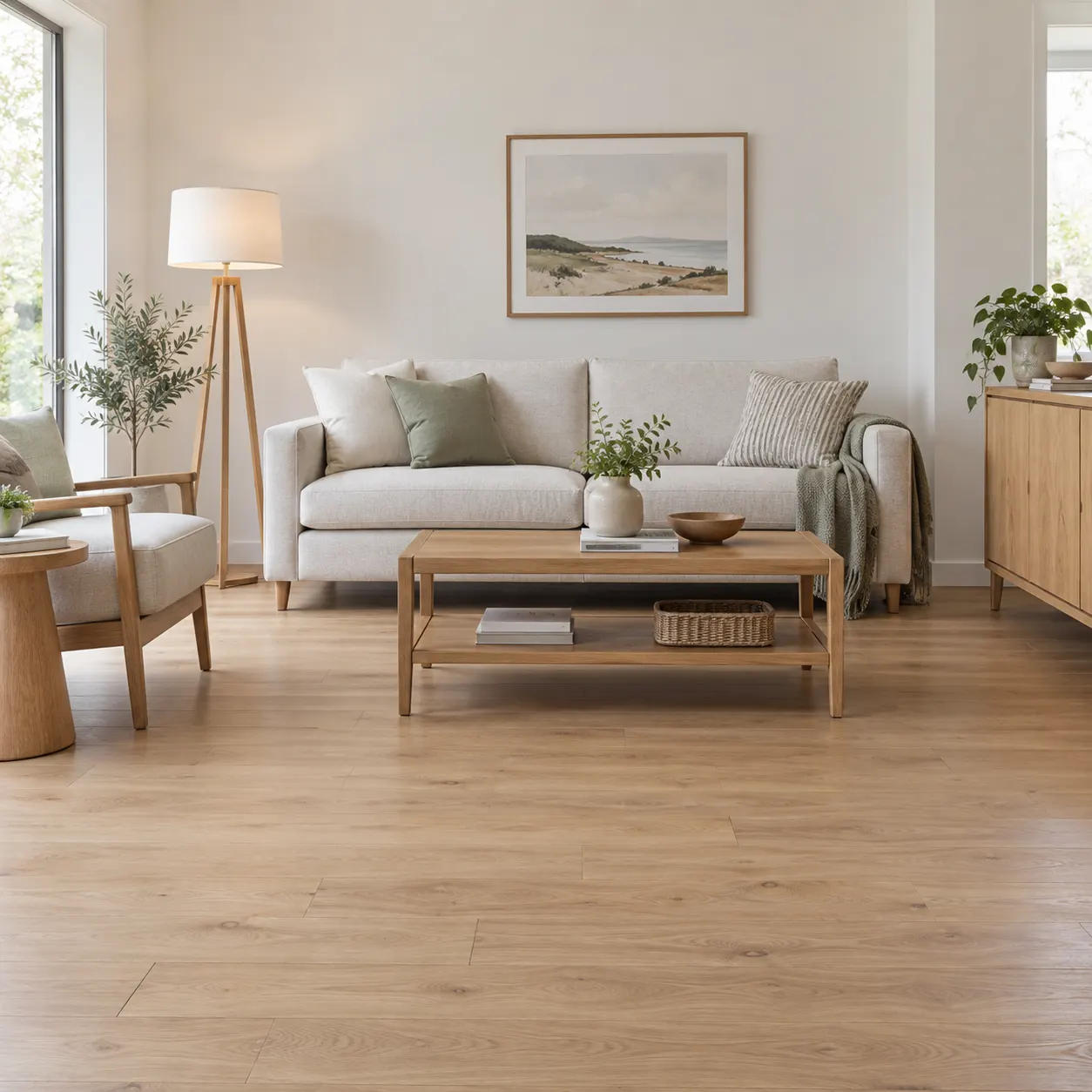
Because the rug visualizer preserves the recognizable structure of your source photo, the result stays connected to the home you are furnishing. Your rug visualizer preview can retain walls, windows, doors, layout, realistic scale, shadows, and natural daylight while the floor covering changes.
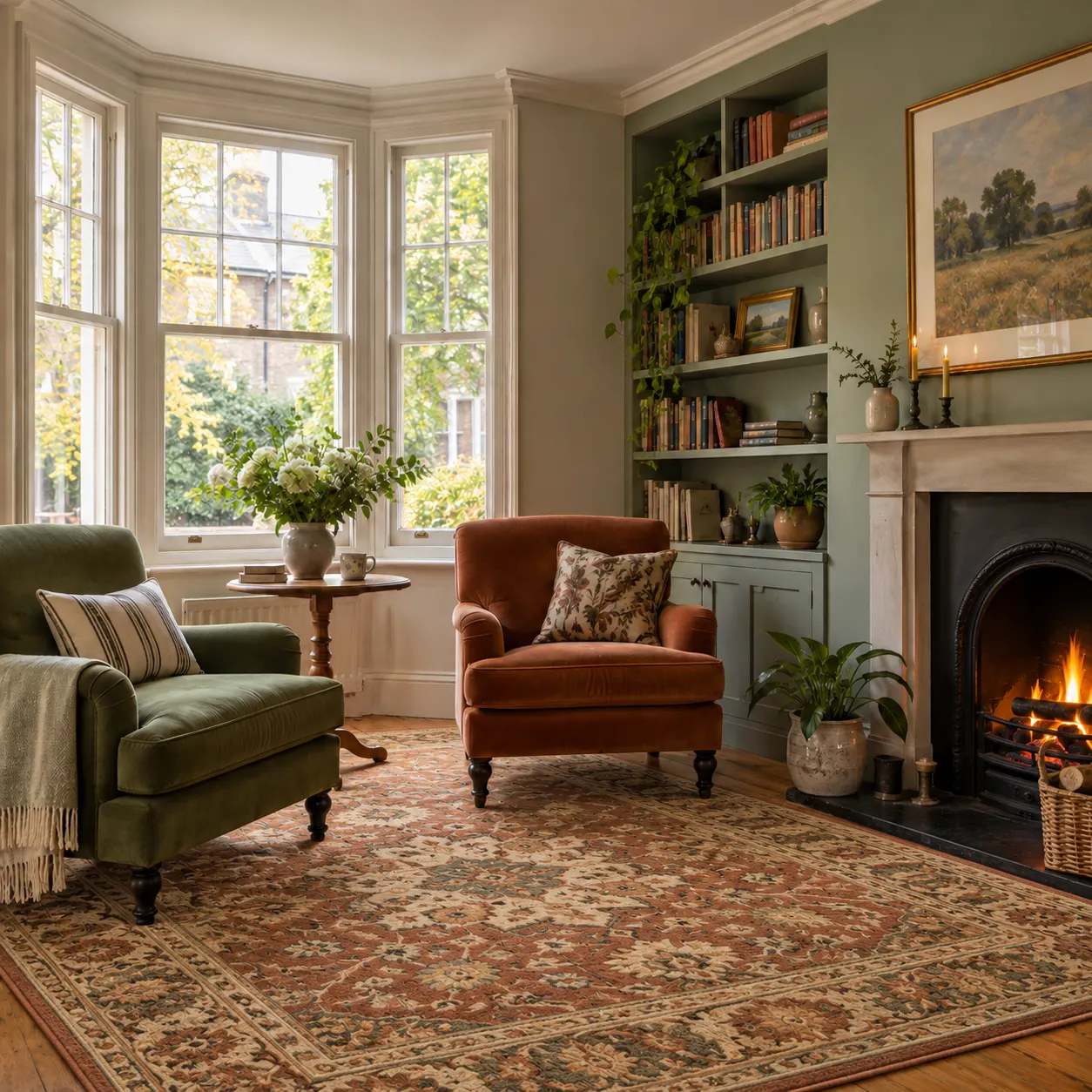
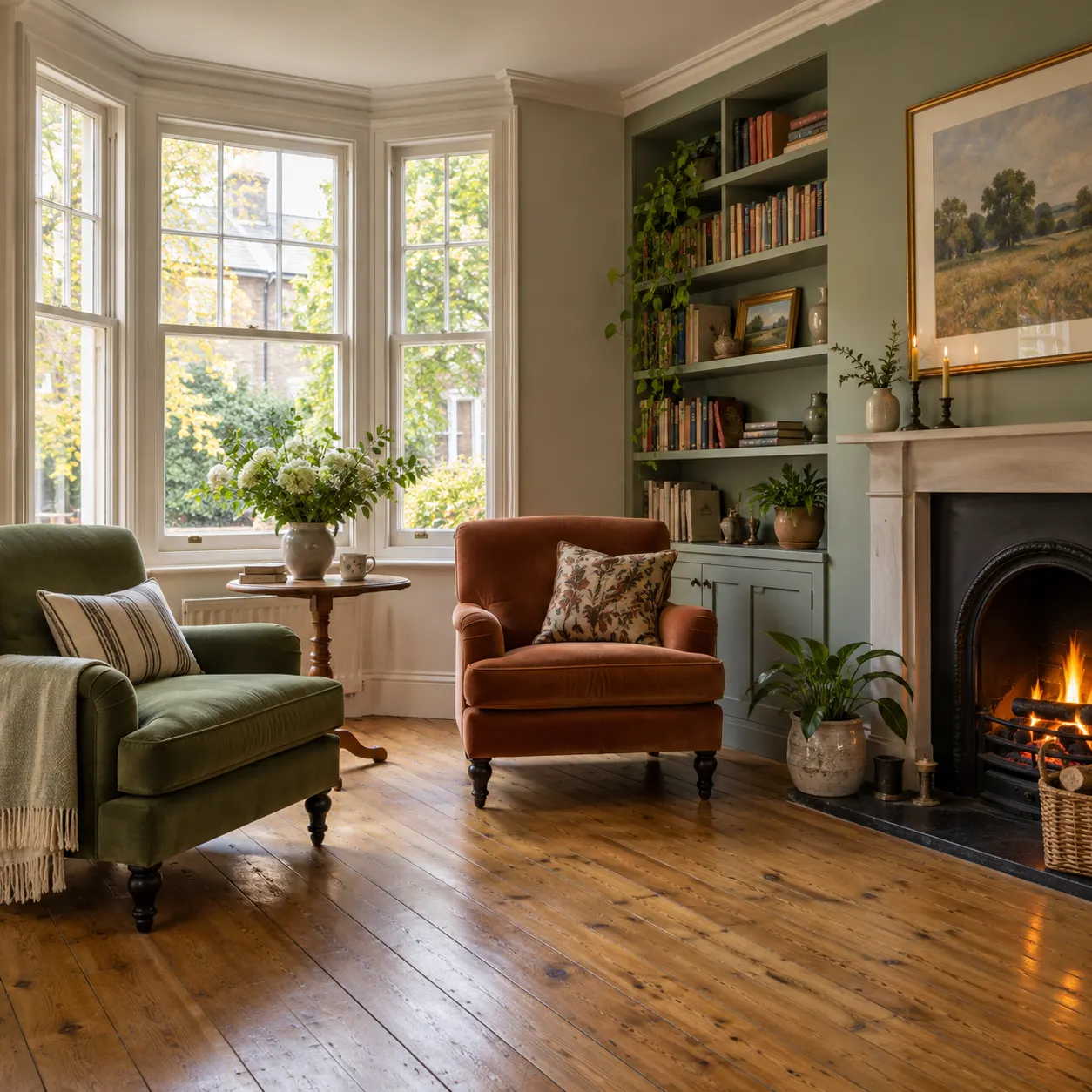
A focused way to test a rug from one room photo before making a purchase or layout decision.
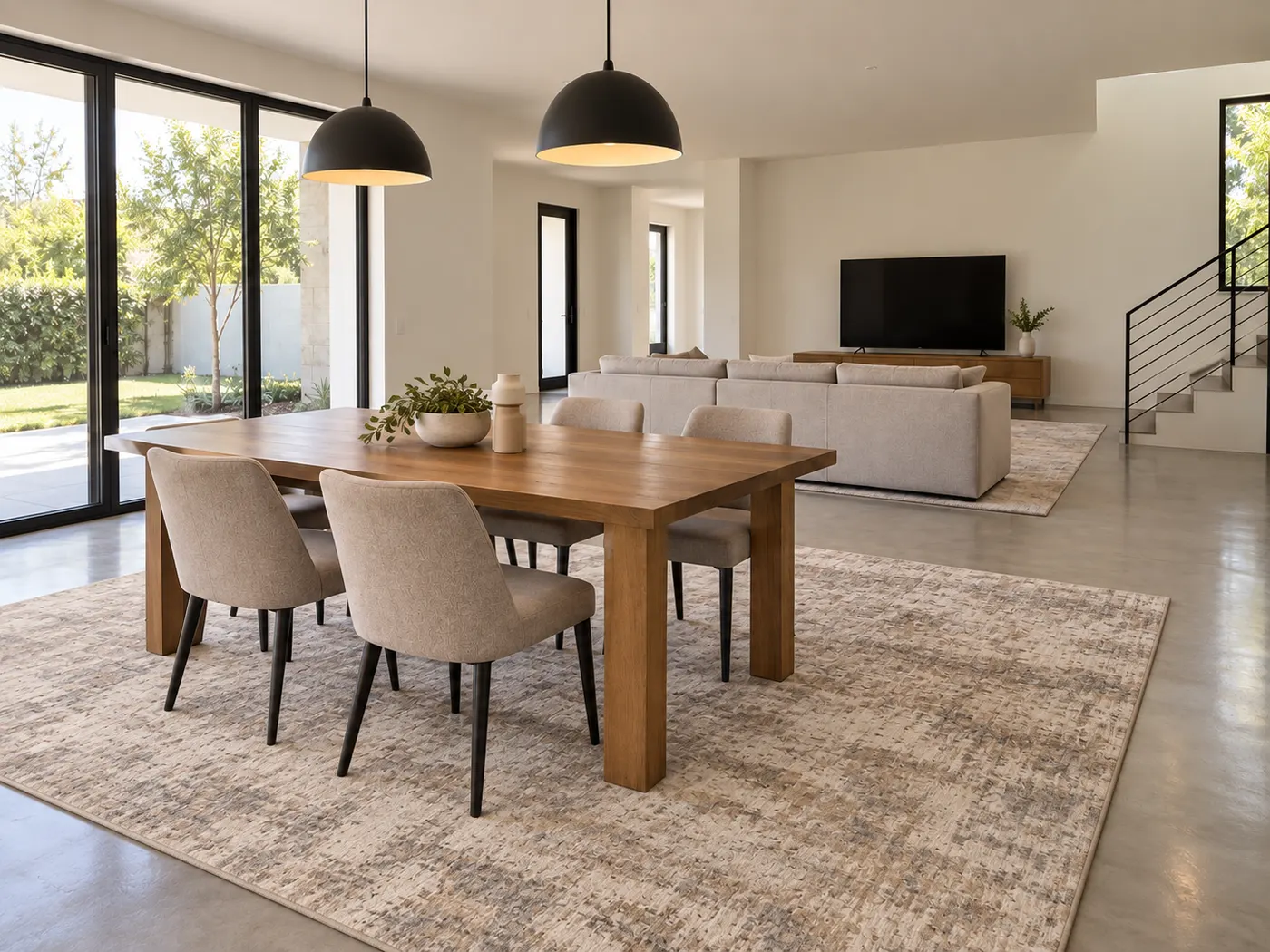
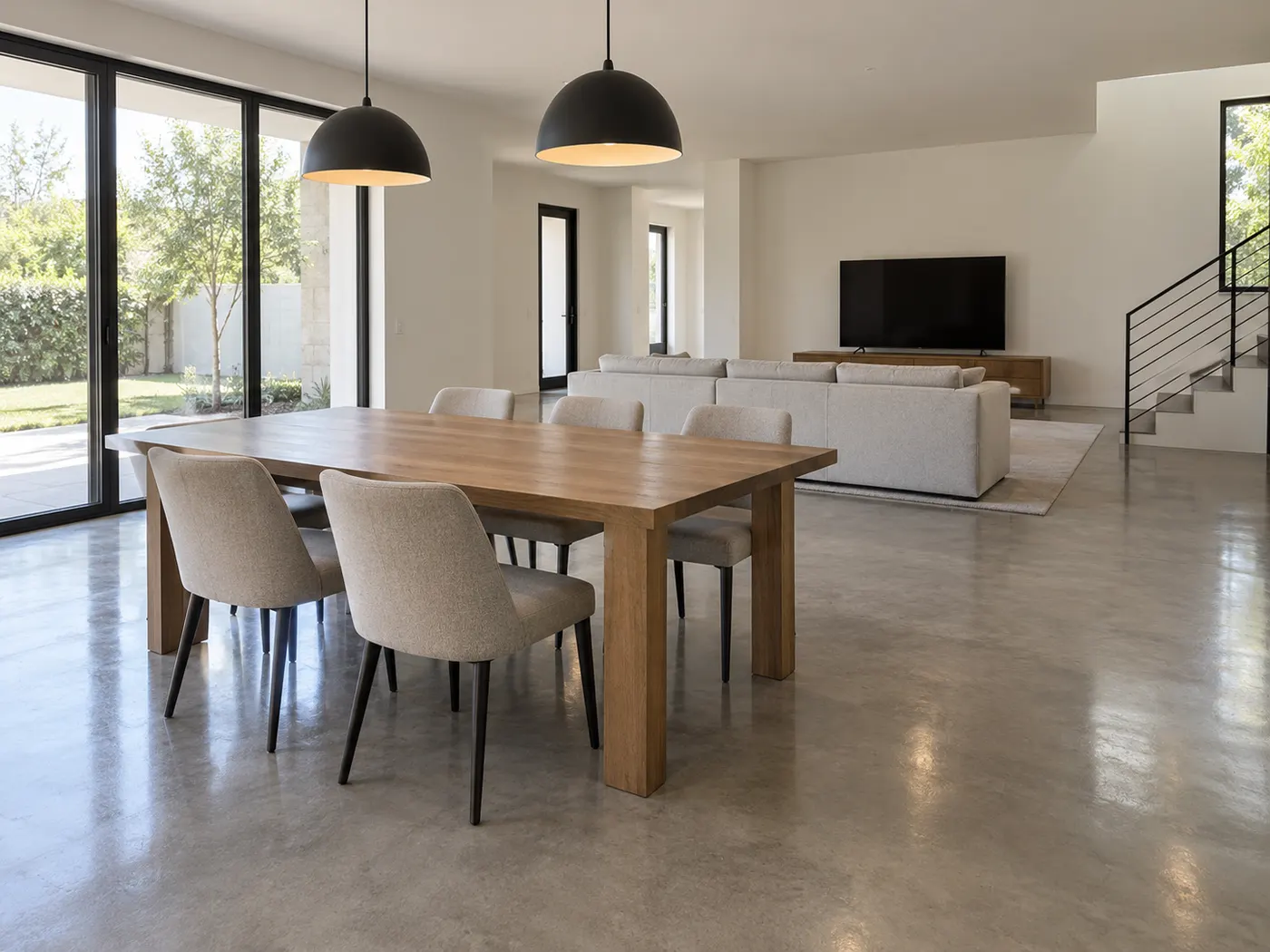
Use one clear room photo and a rug reference to create a realistic preview of the same space.
See the rug with believable proportions, perspective, shadows, and daylight rather than judging dimensions from an isolated product image.
Start with a rug reference, or adjust the reference direction when you want to explore inspiration, furniture, or material ideas.
A rug visualizer free preview can help you compare options, discuss preferences, and narrow your choices before spending money.
Three simple steps from your room photo to a more confident rug decision.
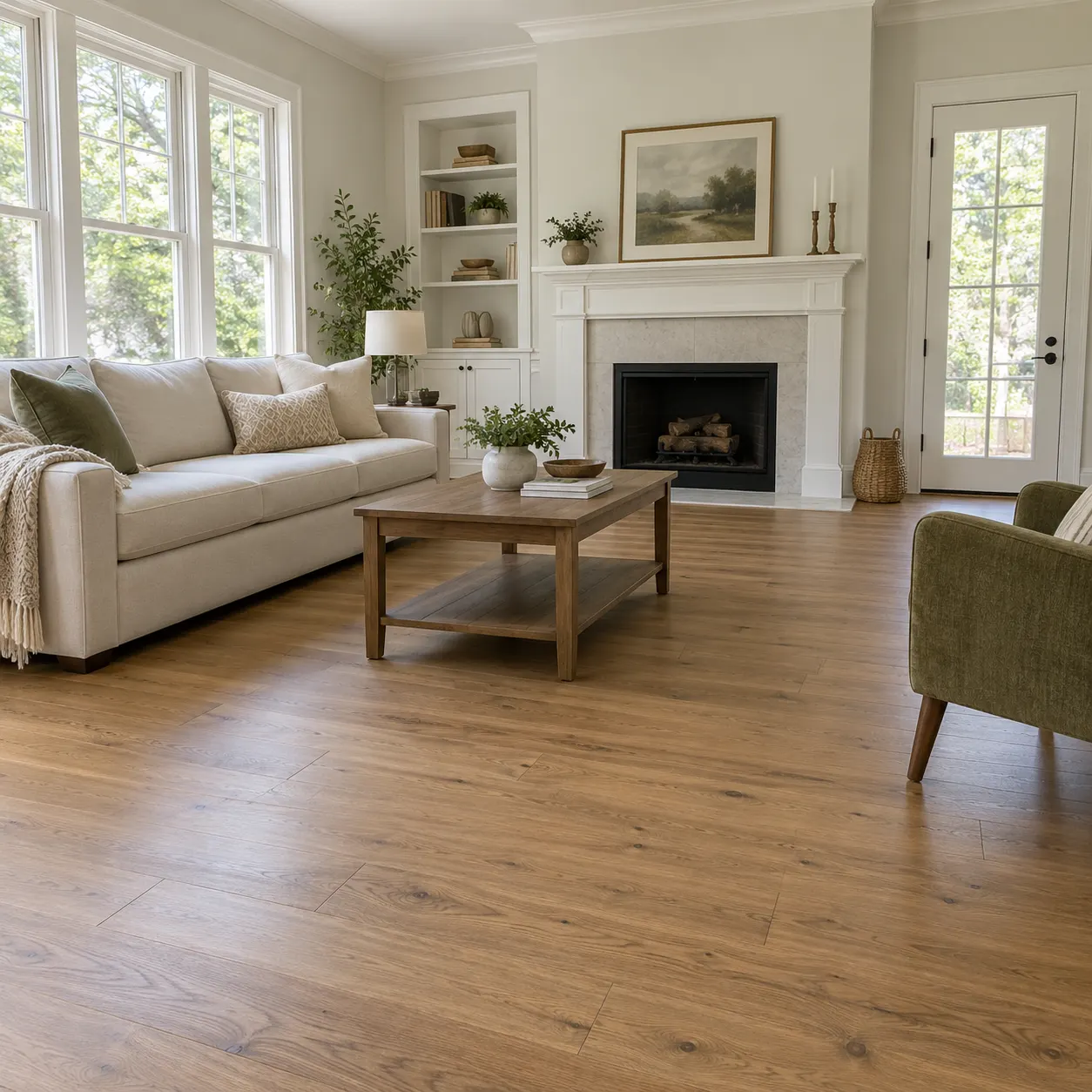
Start your rug visualizer with a clear photo showing most of the room. A steady, well-lit image gives the preview a useful view of the floor, furniture, walls, windows, and doors.
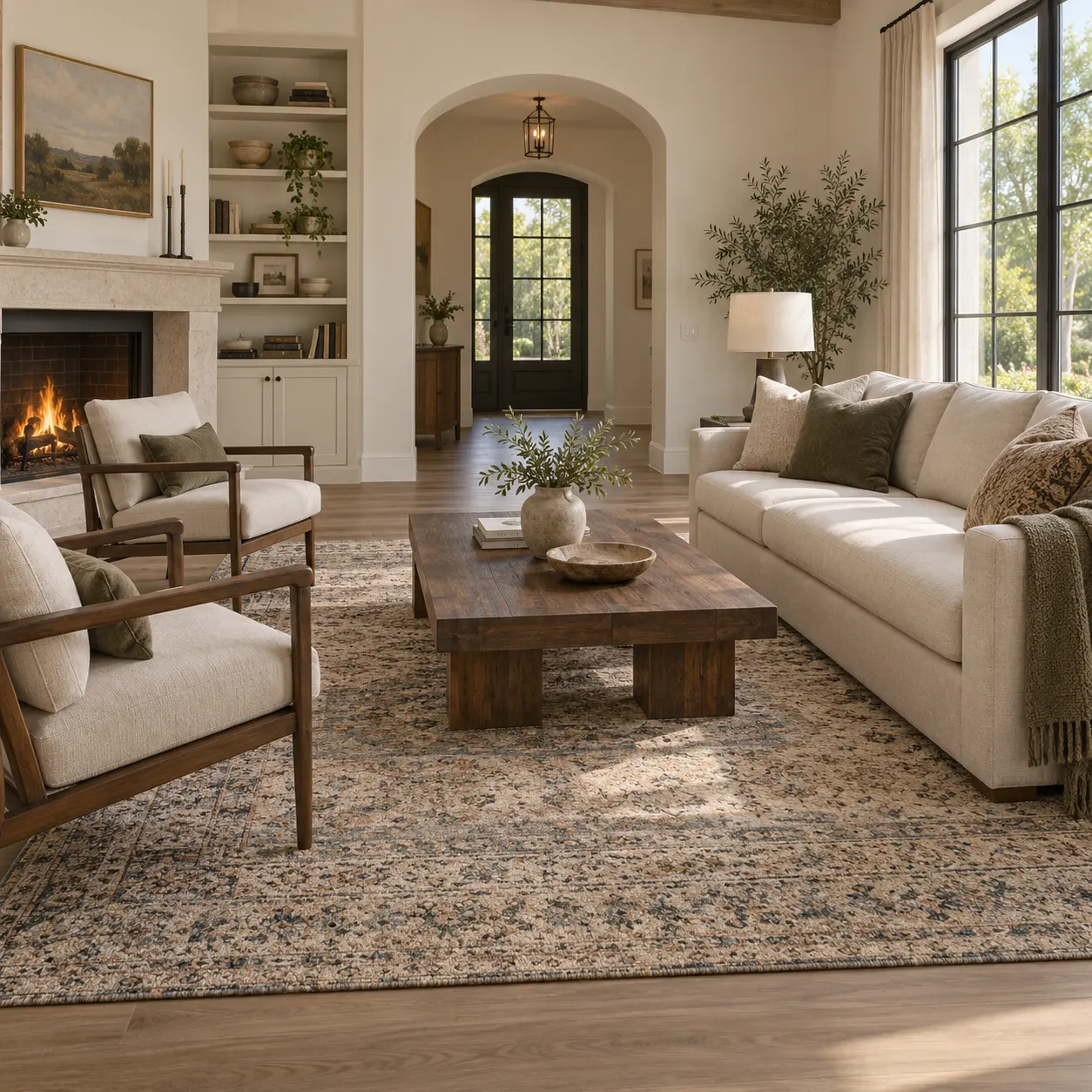
Upload the rug image you want to explore, then preview the rug visualizer in room with its colors, pattern, and overall character integrated into the existing space.
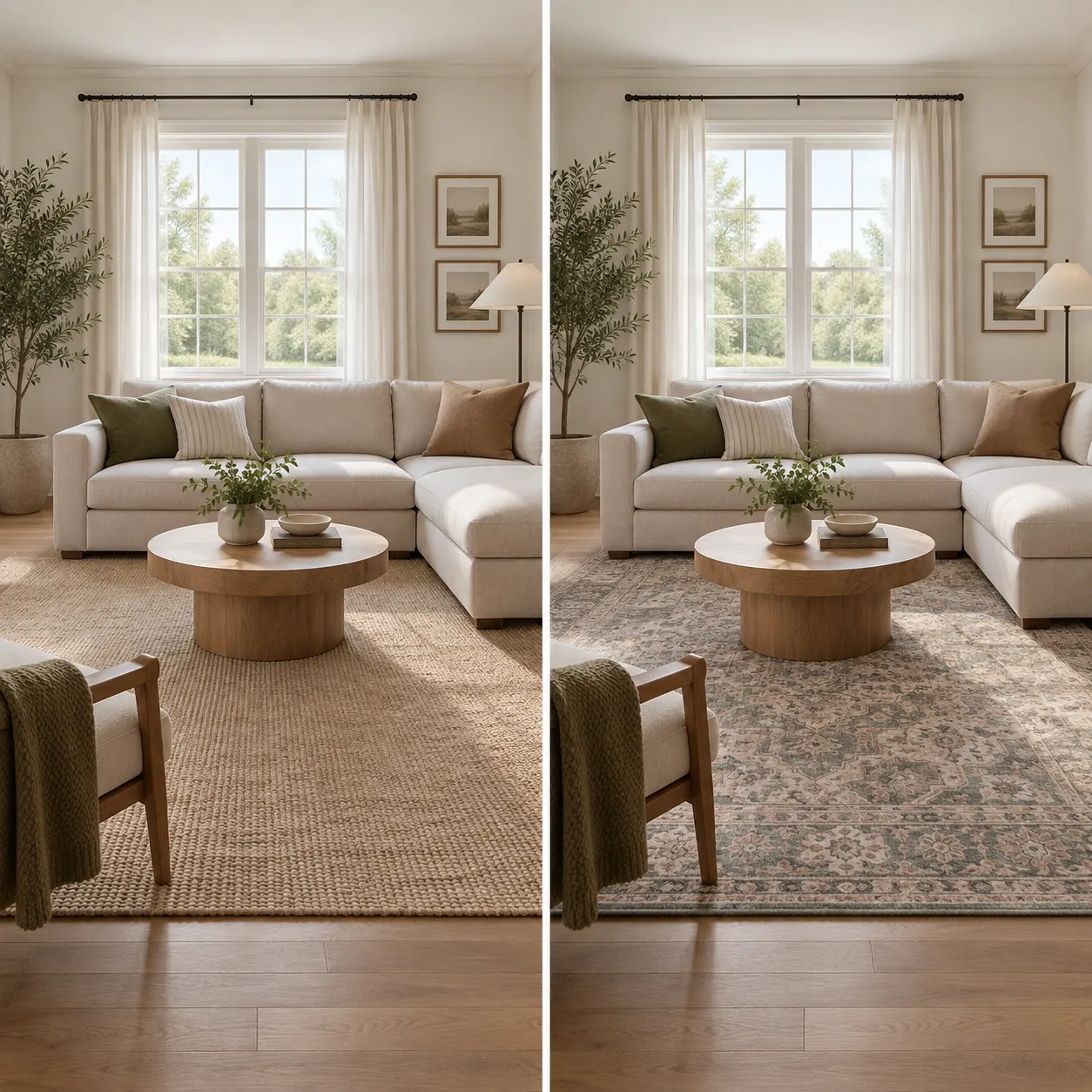
Generate the rug visualizer result and review its scale, placement, shadows, and daylight. Create another direction when you want to compare a different rug or mood.
See how the same room can shift with a new rug visualizer direction, color story, or pattern.
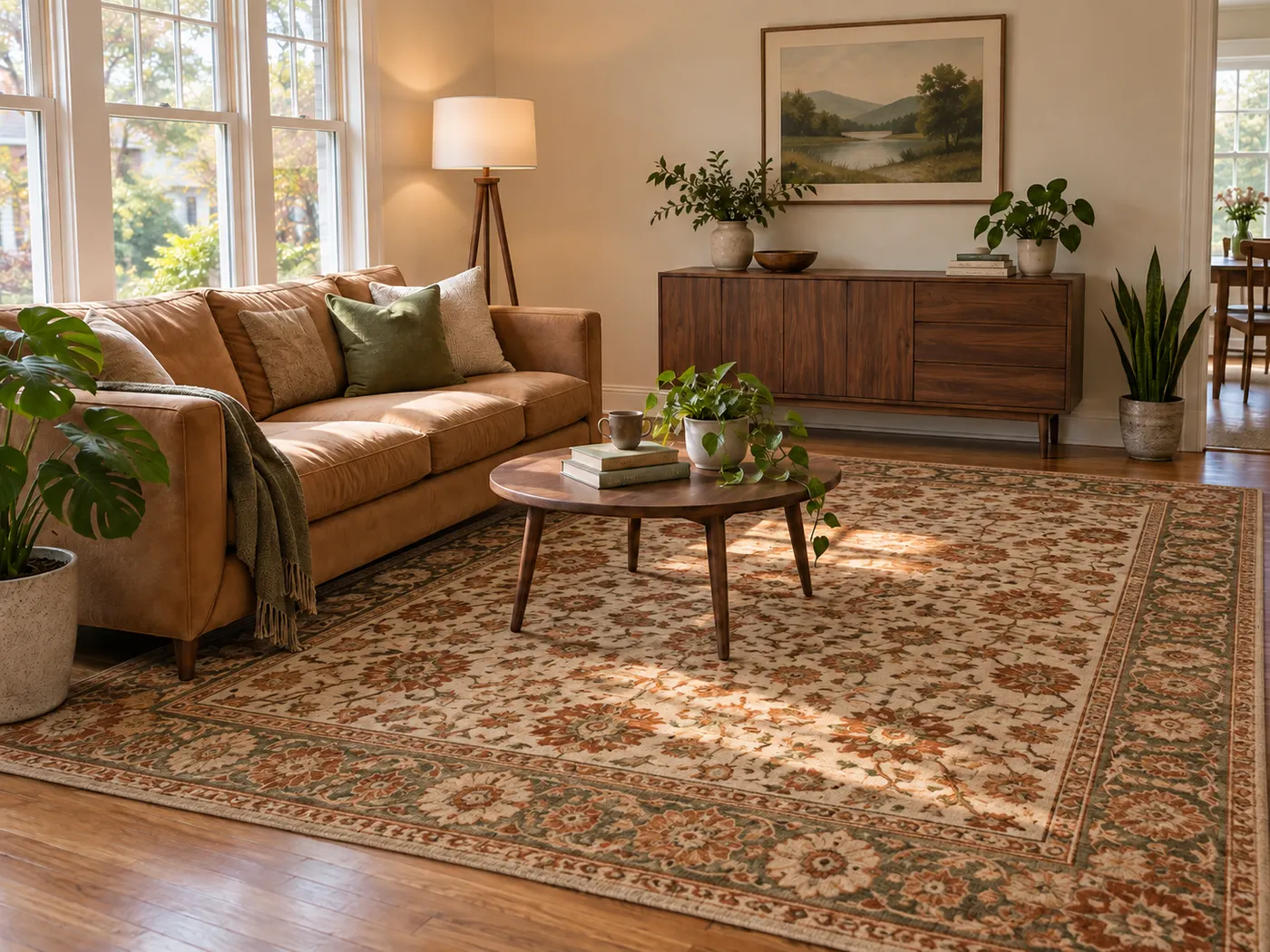
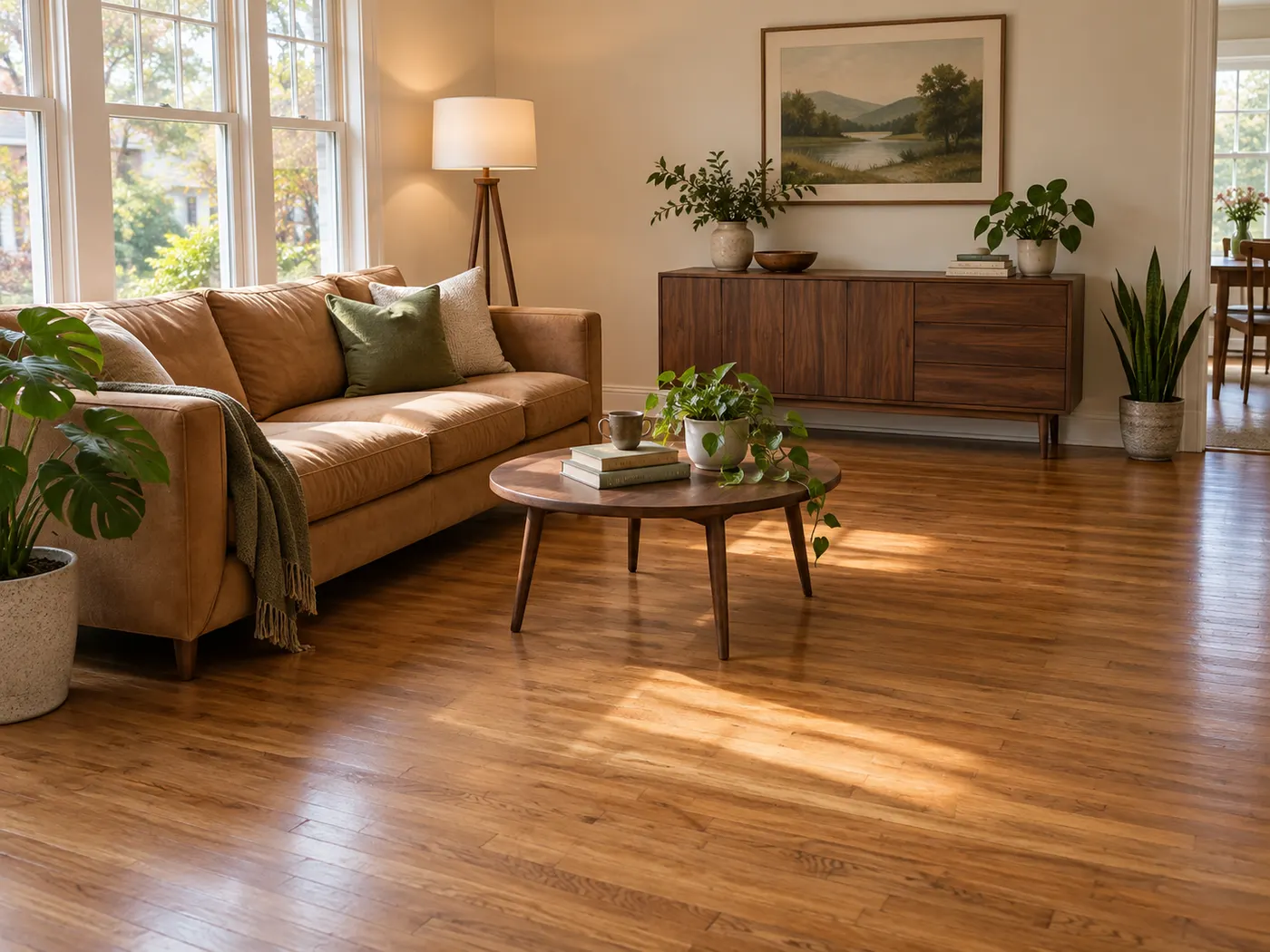
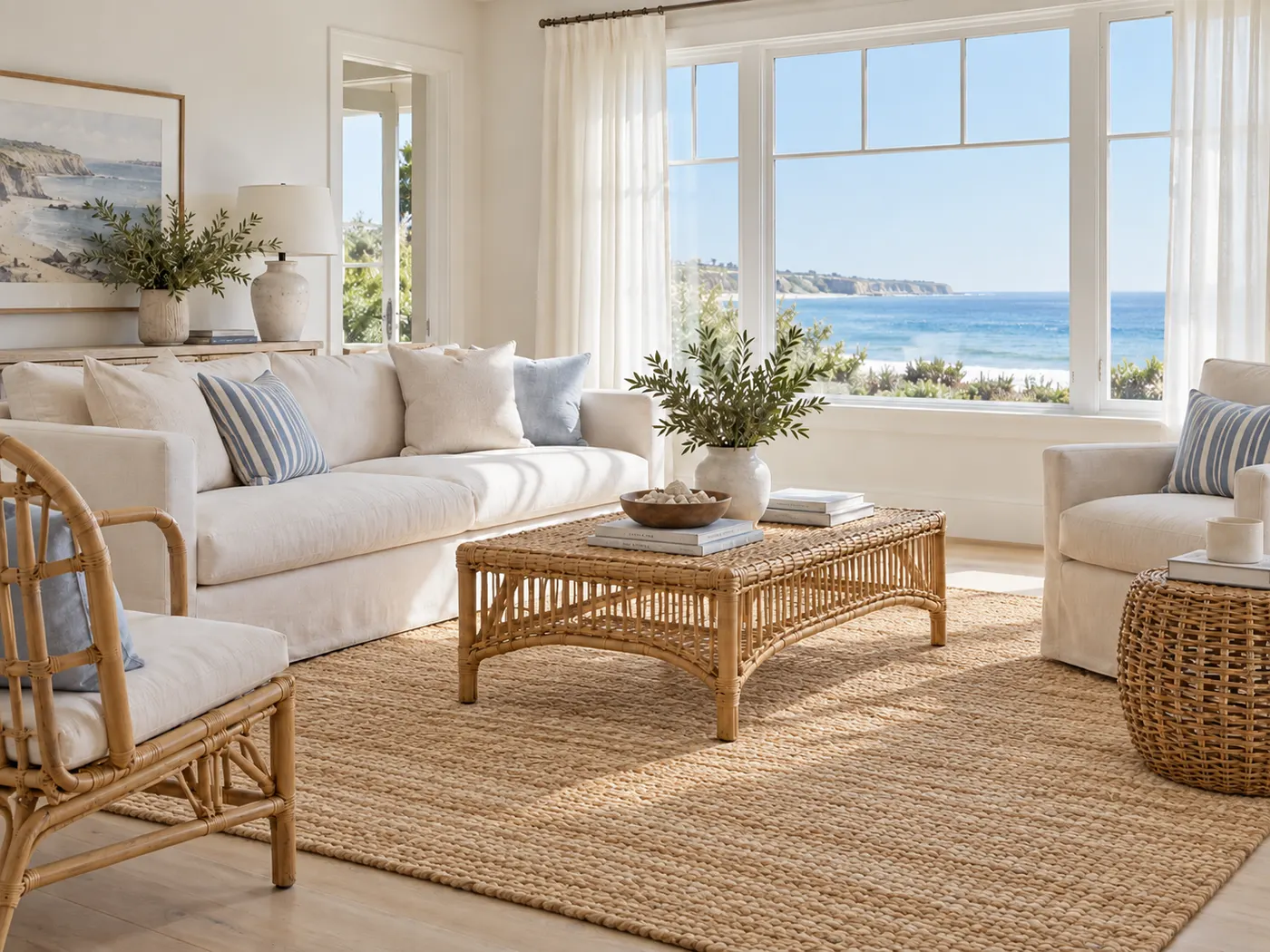
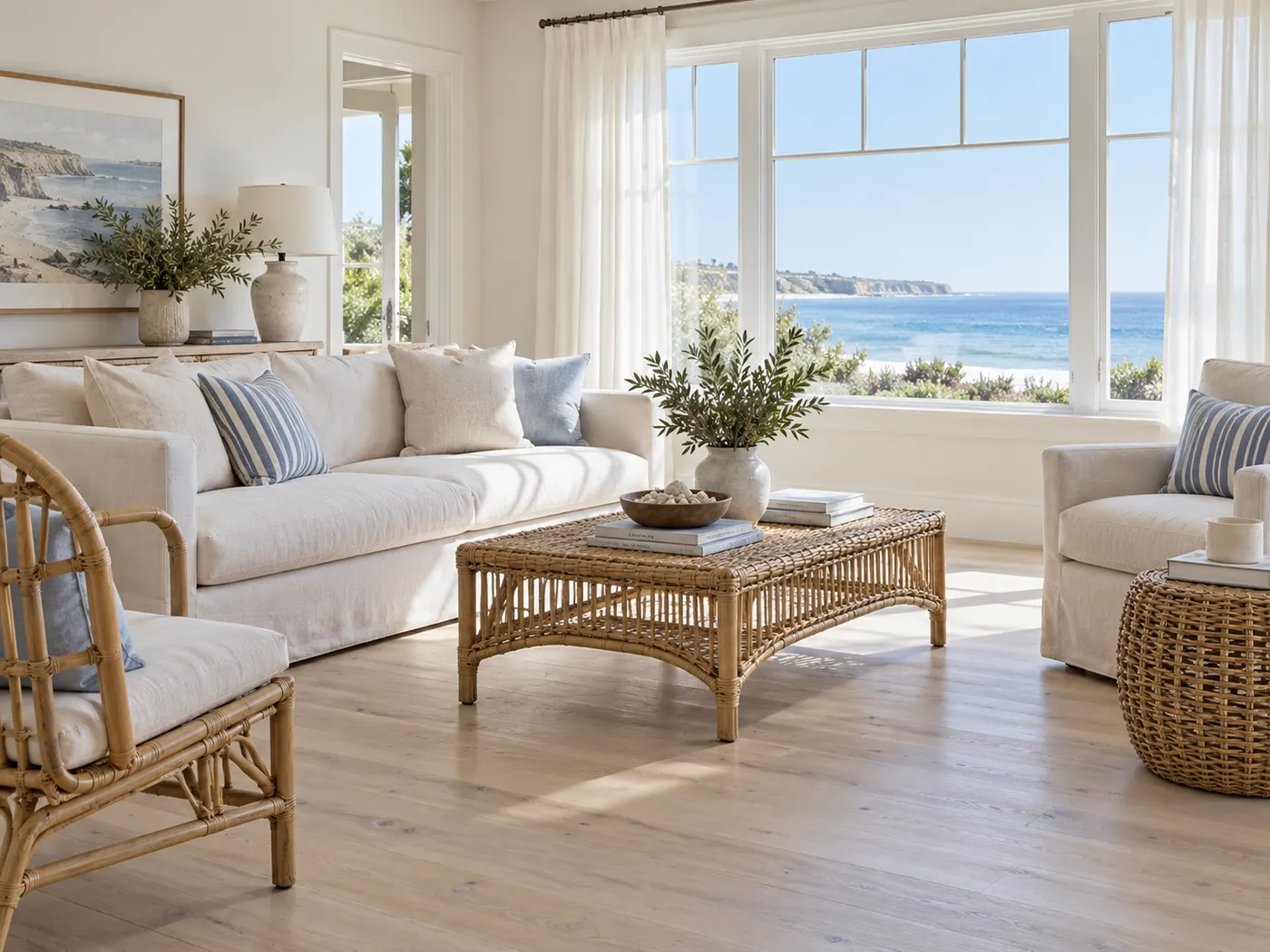
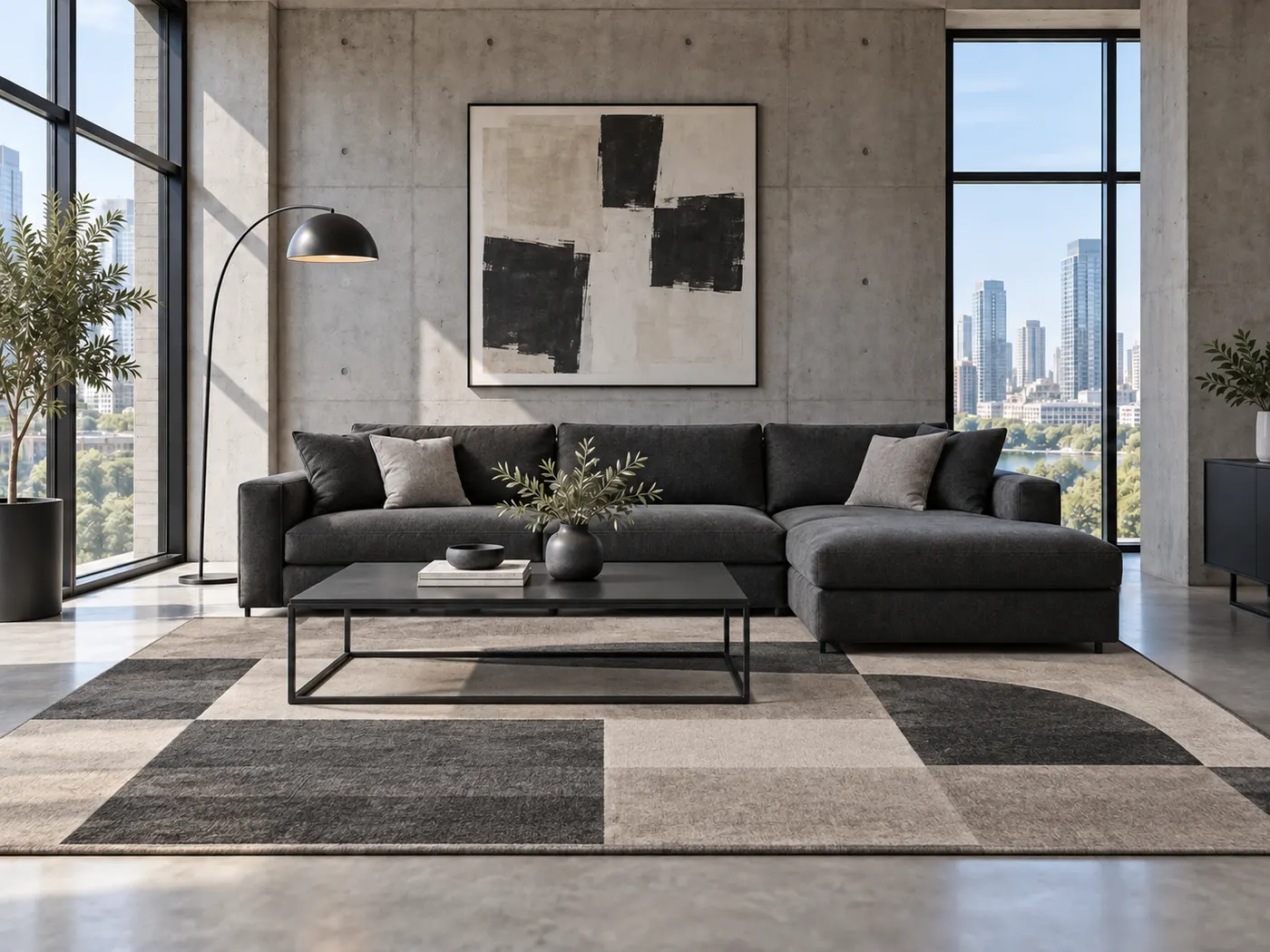
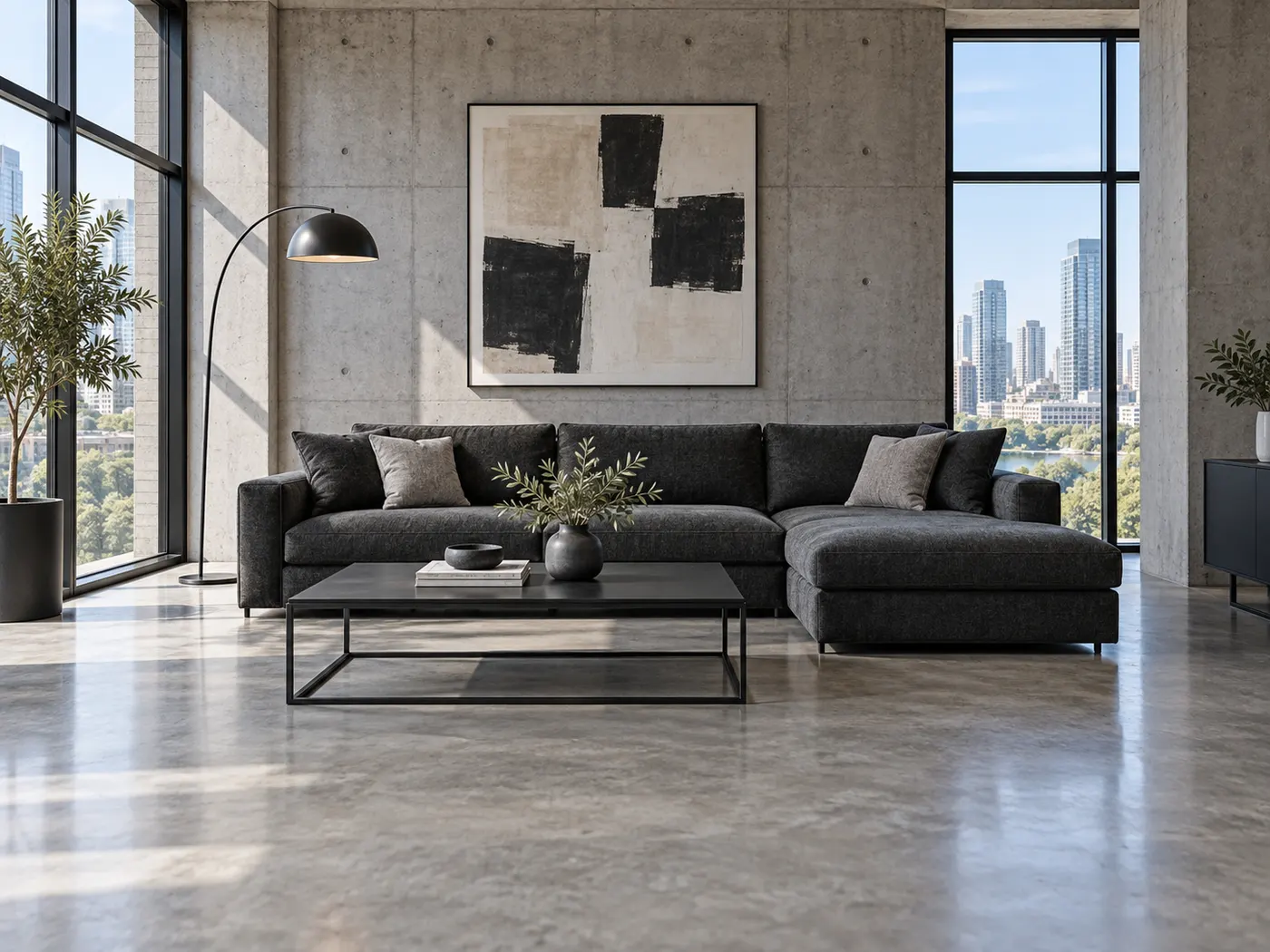
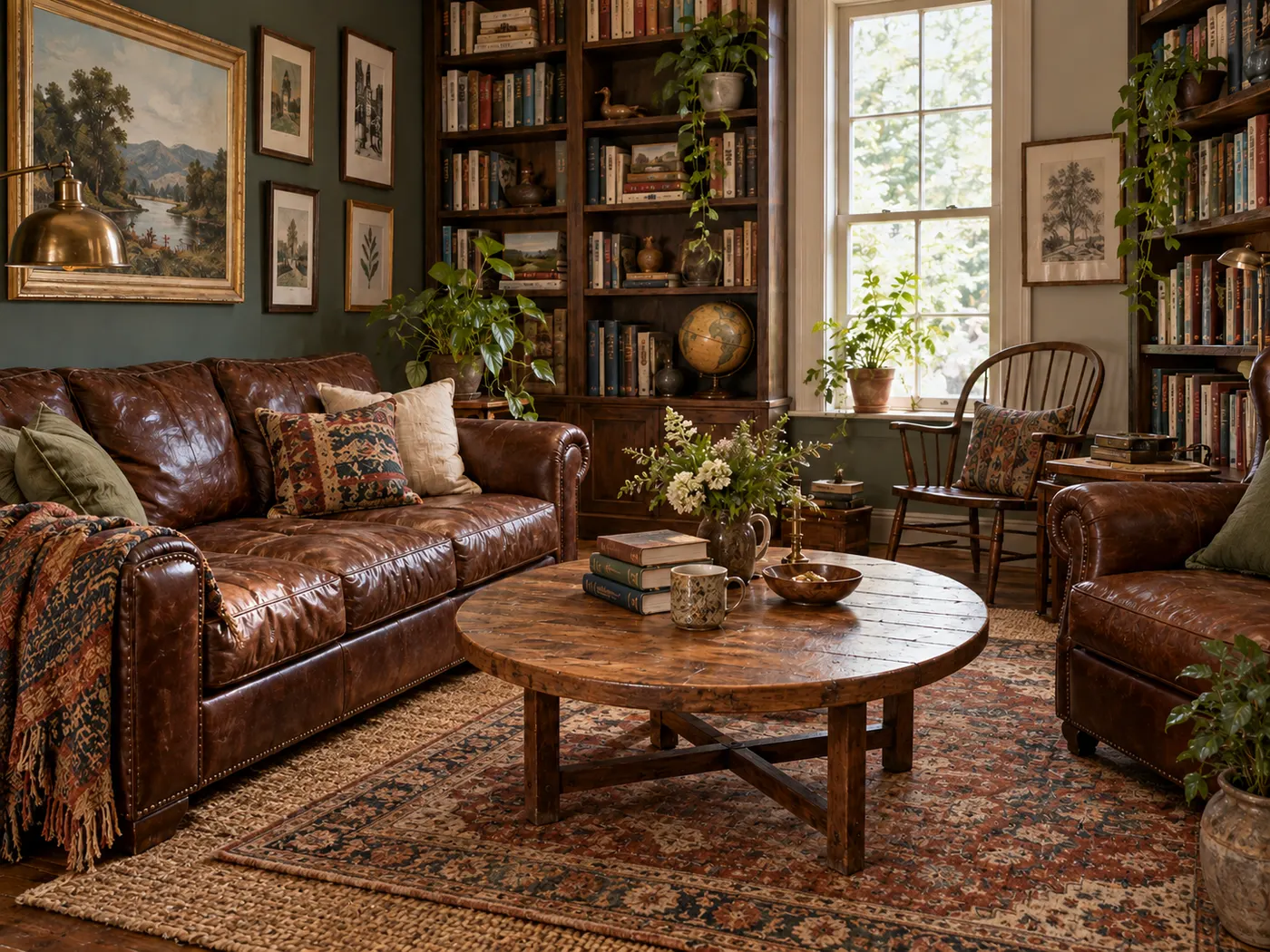
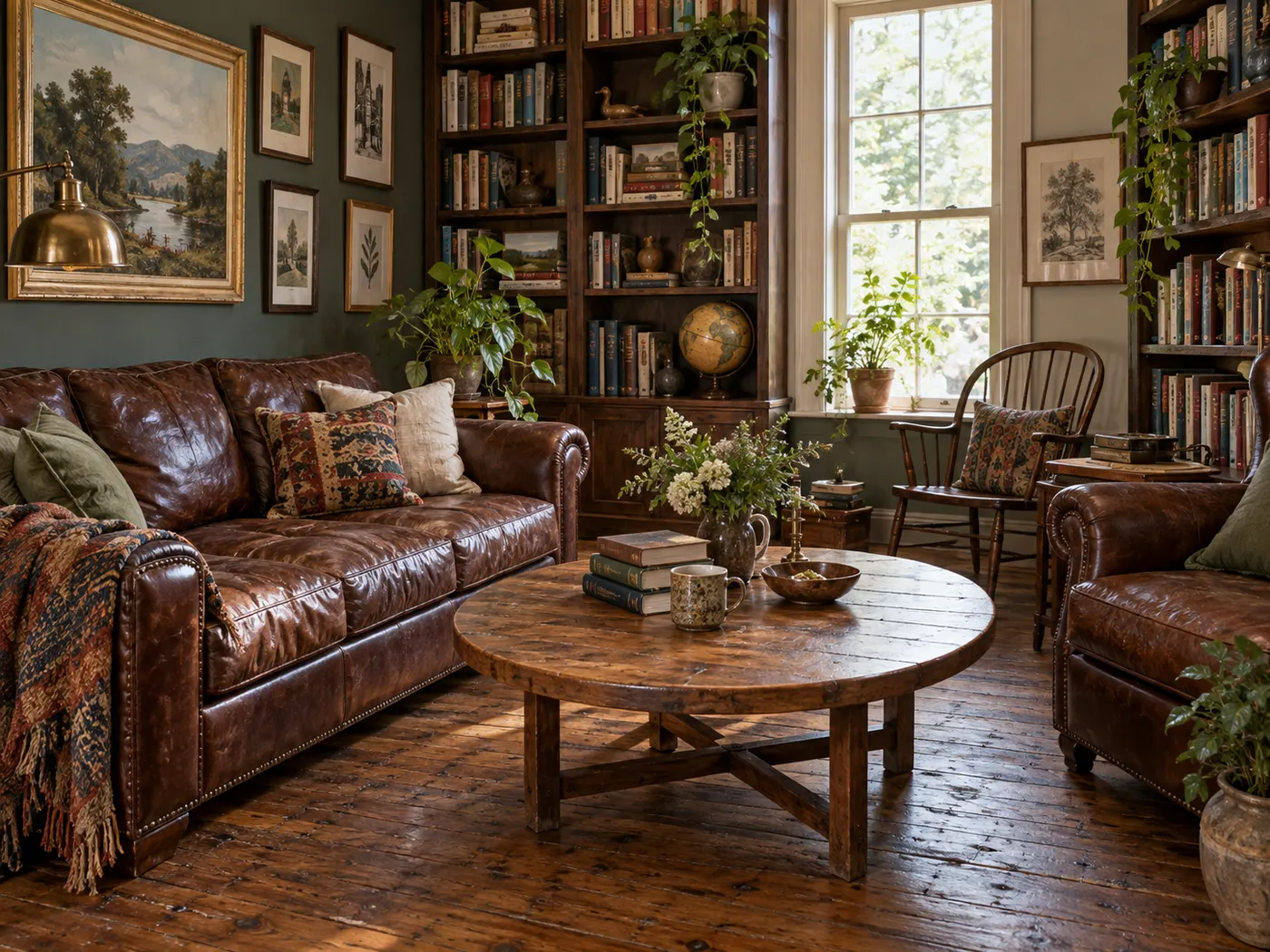
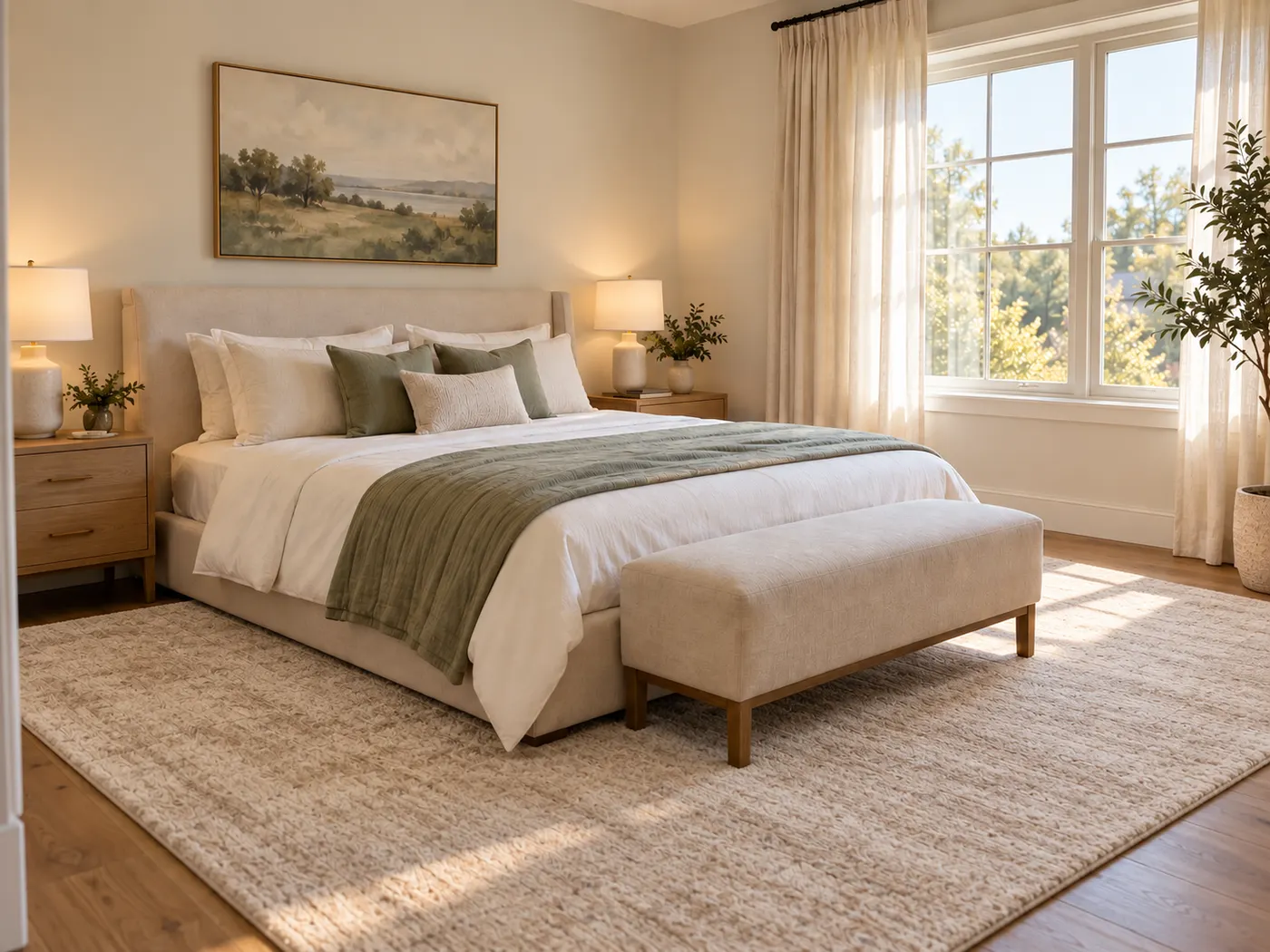
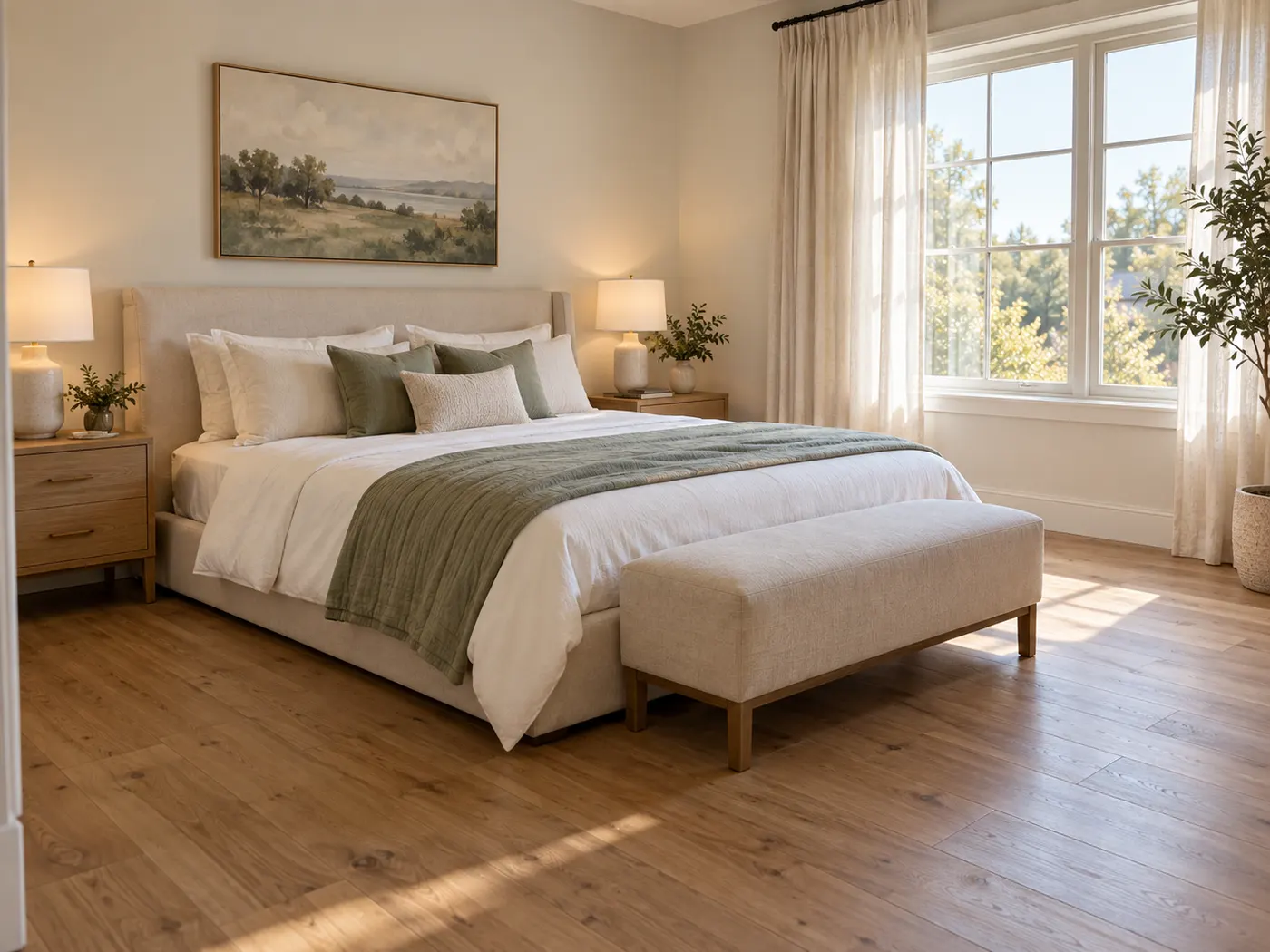
Use this rug visualizer to visualize rug in room, compare realistic options, and choose a direction that fits the space you actually live in.
Start free with redesign credits. Starter is $29/month and Pro is $69/month; see the current plans and credit details on the pricing page.
Try the rug previewUse your room photo to explore rug ideas clearly before you commit to a size, pattern, color, or purchase.
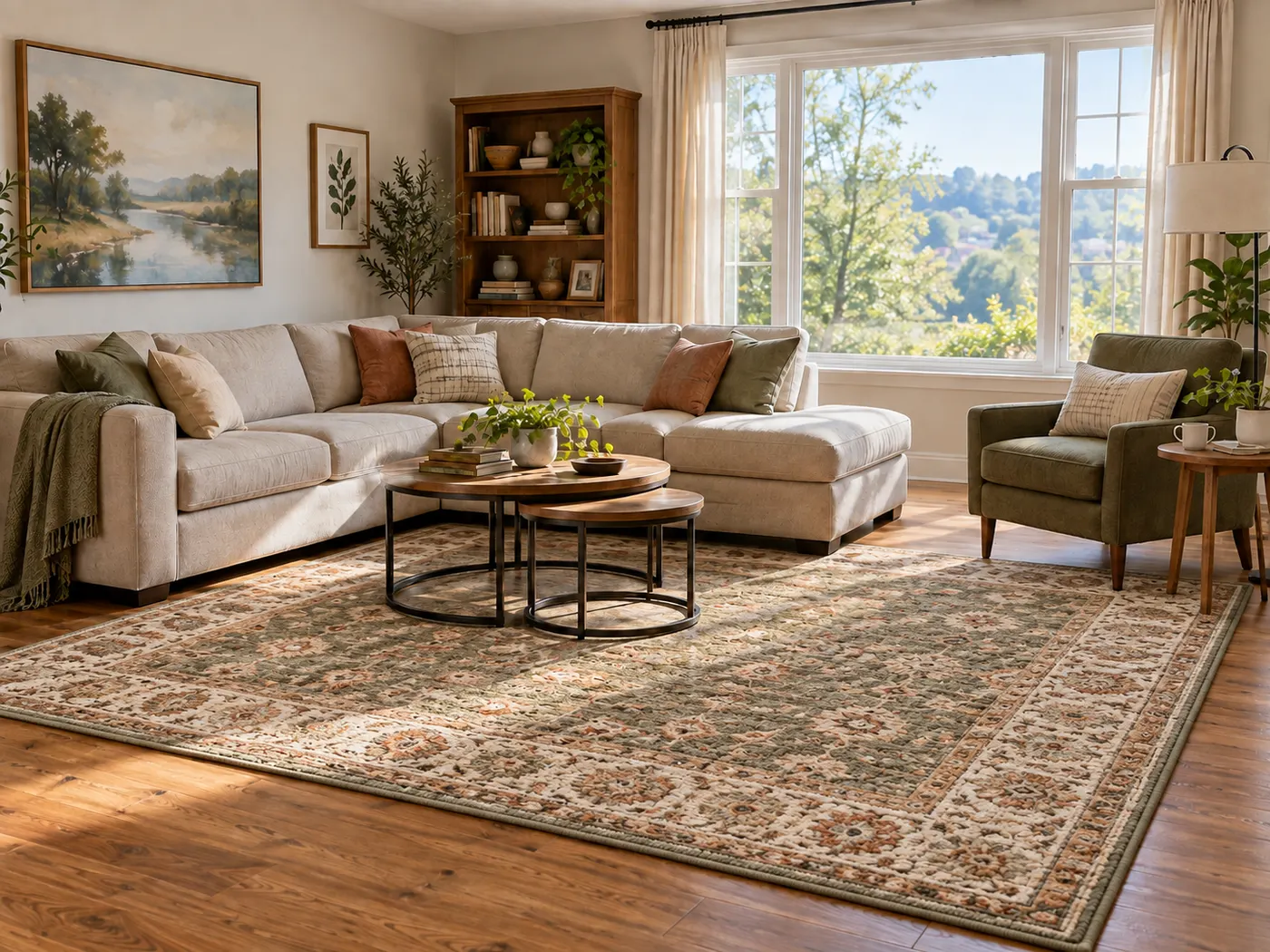
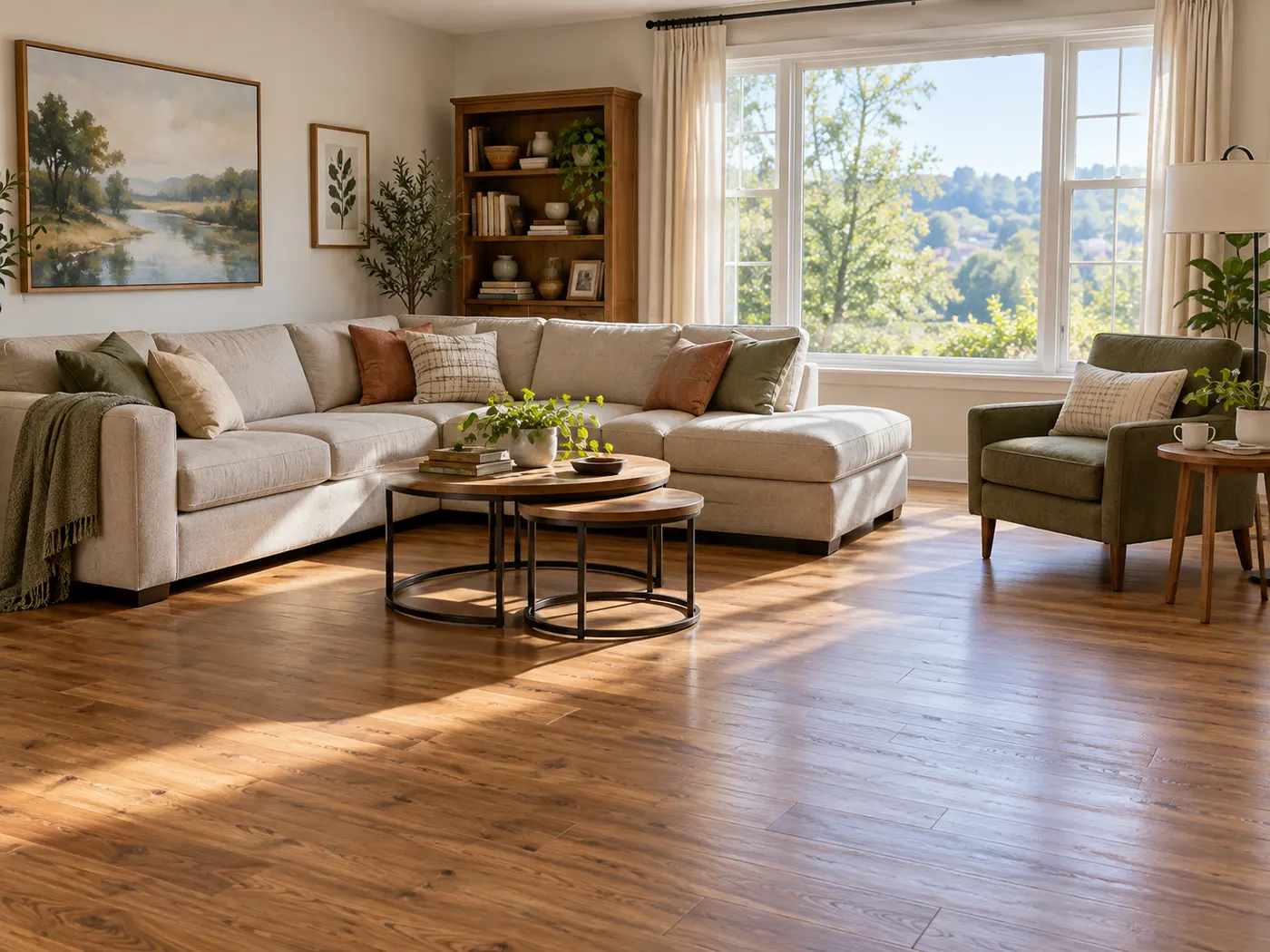
A rug visualizer connects the rug to your real room instead of showing it in isolation. That makes it easier to think about floor coverage, furniture relationships, colors, and the overall mood of the space.
An online rug visualizer is useful when you are comparing product photos or early ideas. Upload a rug reference and review how it may look with your room’s existing finishes, furniture, daylight, and perspective.
A rug visualizer for real dimensions can help you notice whether a rug feels too small, too dominant, or appropriately anchored beneath the furniture. Use the image as a visual guide while confirming exact measurements separately.
The preview changes the rug and its relationship to the room while keeping the walls, windows, doors, furniture layout, and recognizable structure anchored to the source photo.
Treat the result as a planning reference, not a measurement document or guarantee of the final product. Save it for comparison, share it with your household, and use it to support a more informed buying conversation.
Every home design tool in the studio — swipe through, all on one login.
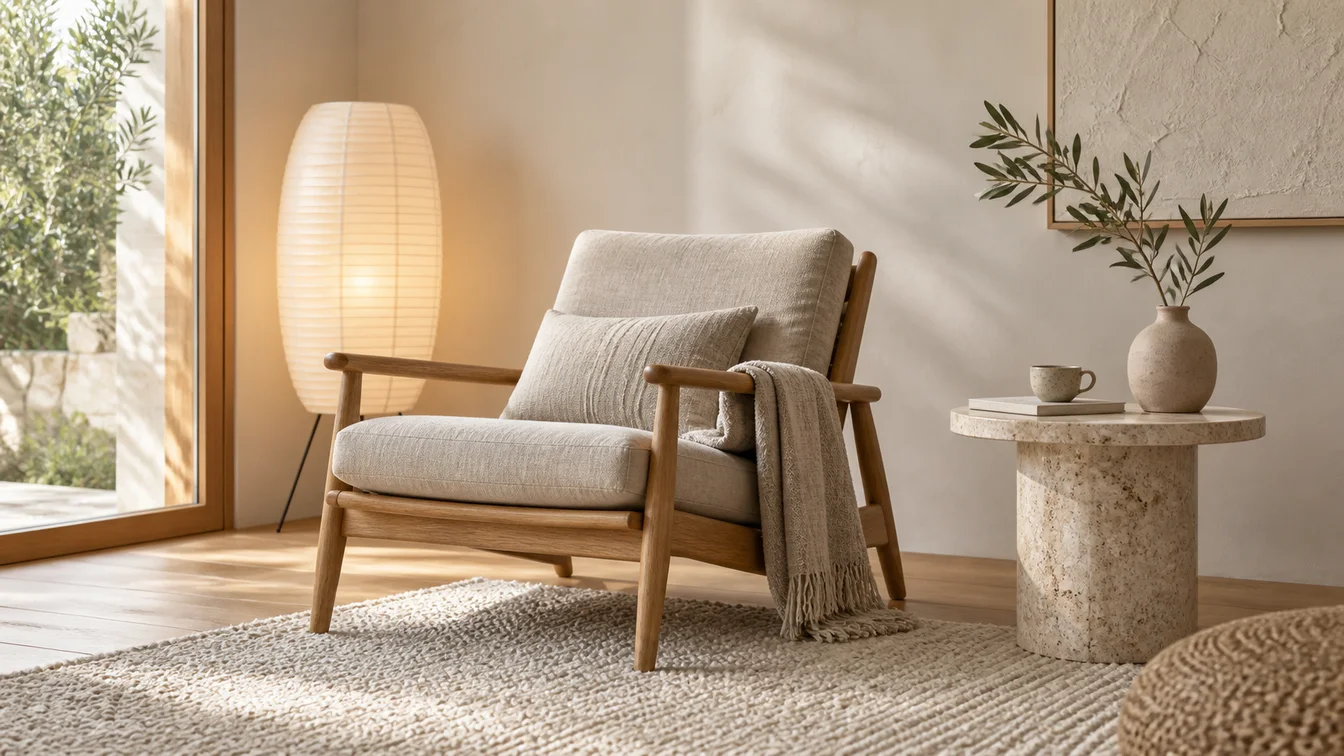
Upload a room photo and HausDraft’s AI interior design tool restyles it in seconds — Modern, Scandinavian, Japandi — keeping your walls, windows and layout.
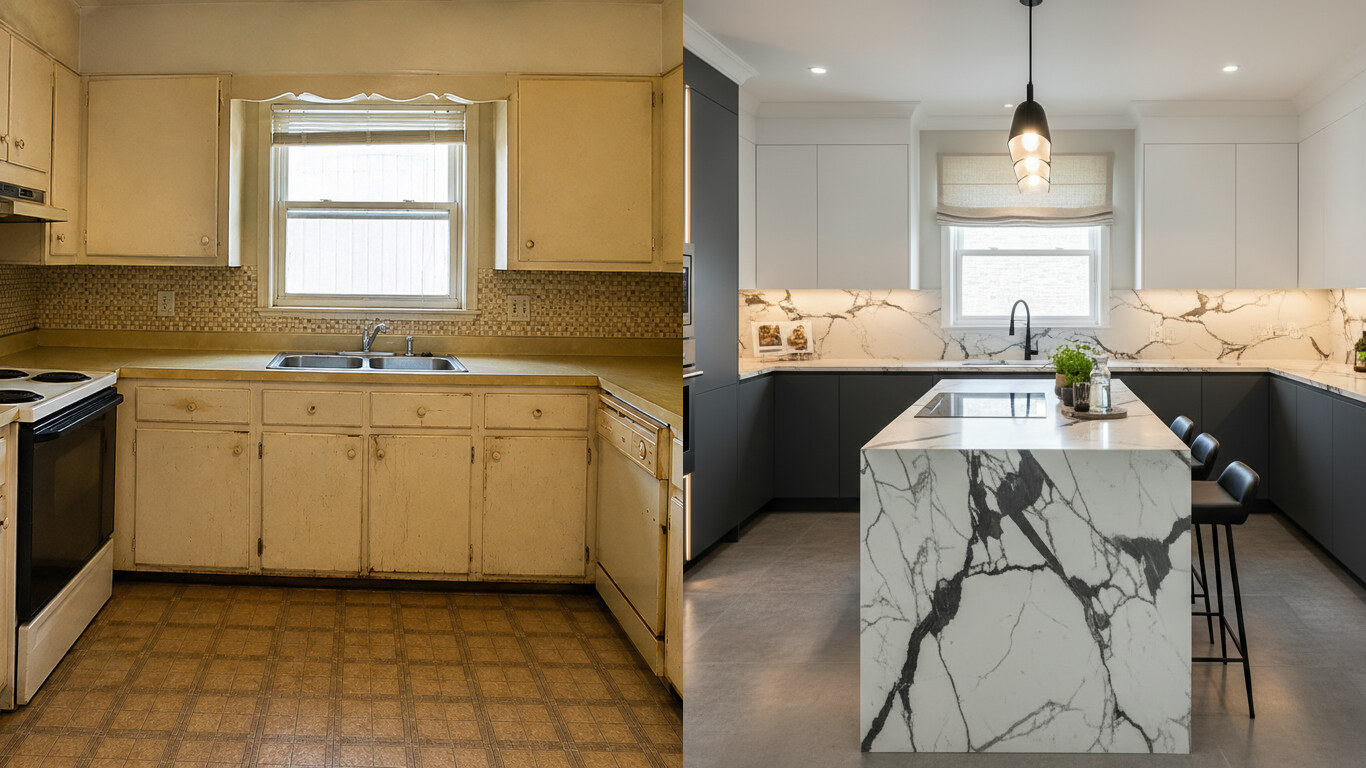
Upload a photo of your kitchen and HausDraft restyles the cabinets, countertops and backsplash in seconds — keeping your windows, doors and layout. Free to try.
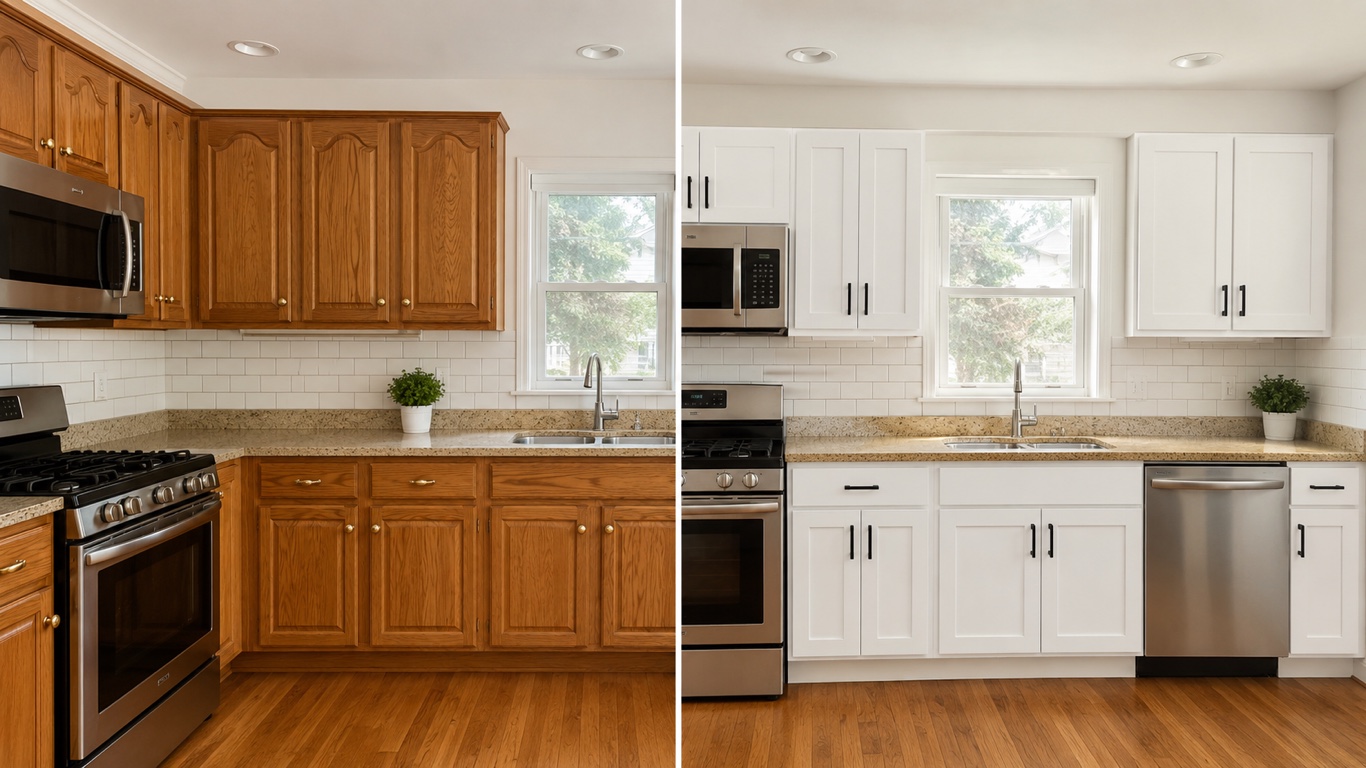
HausDraft’s kitchen cabinet visualizer shows cabinet colors on your kitchen from a photo — white shaker, navy, sage, walnut — counters and layout stay put.
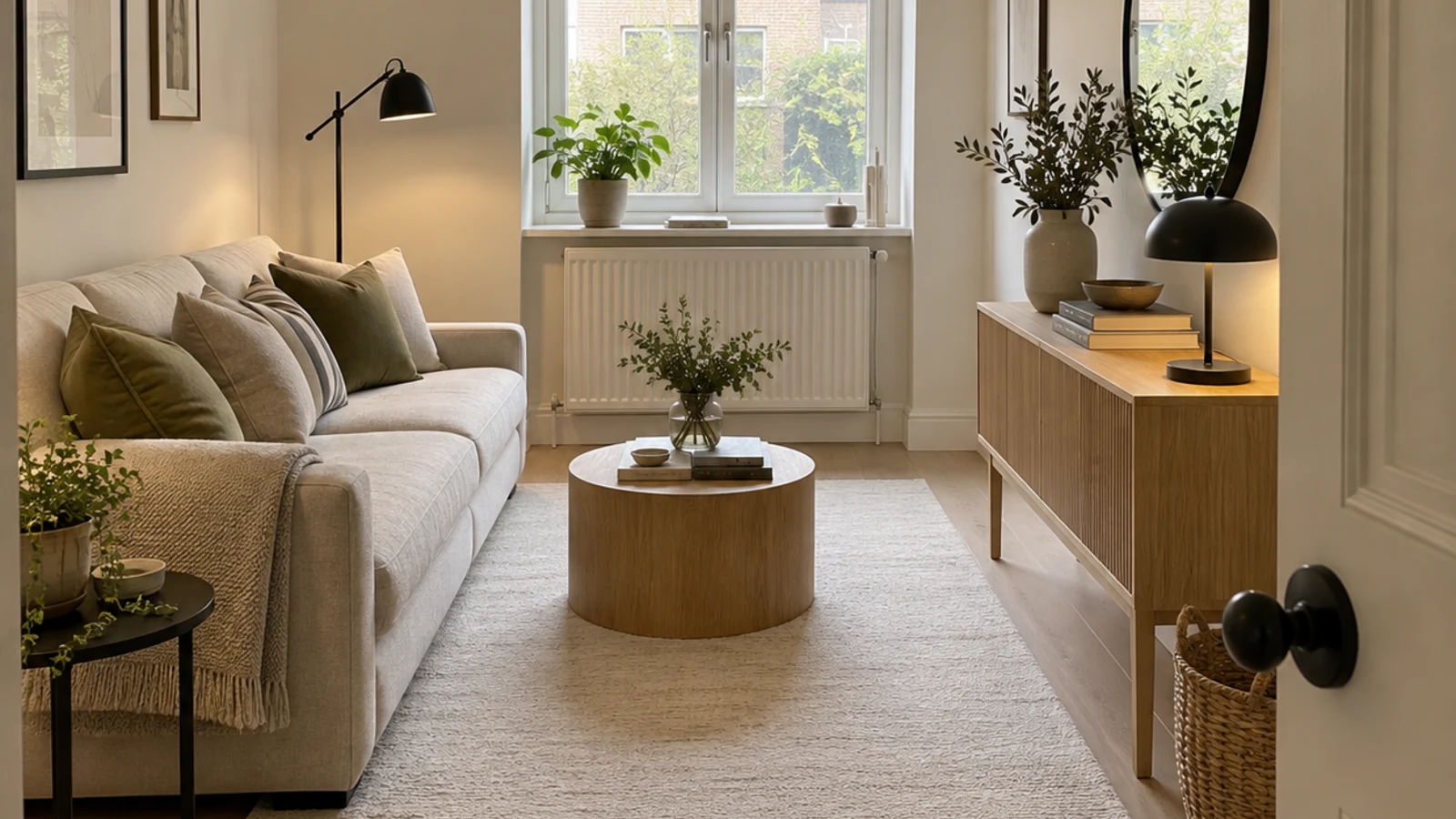
See 20+ small living room layout ideas grouped by problem, then try any furniture arrangement, cozy refresh or renter-friendly look on your own room photo.
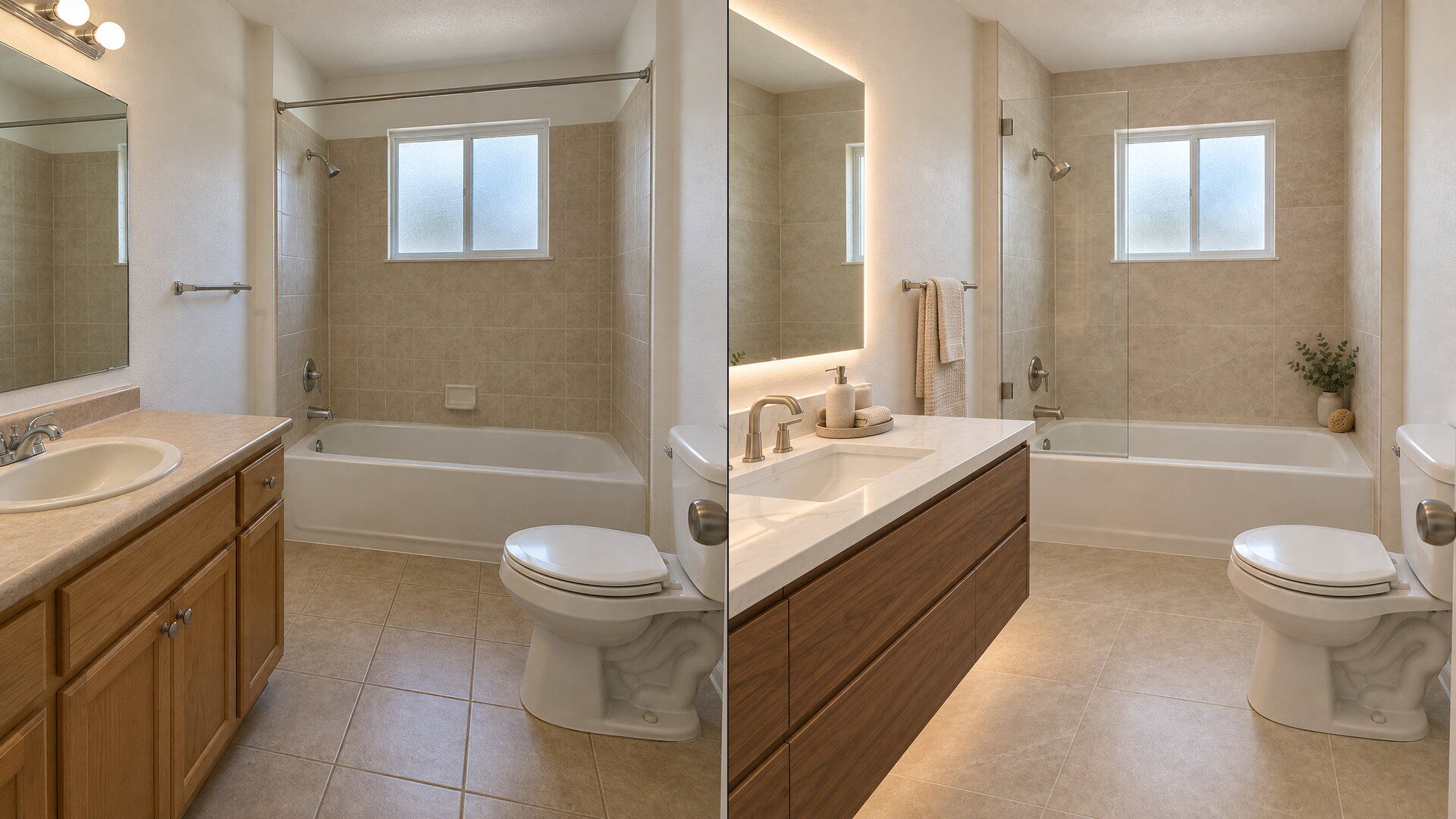
Upload a bathroom photo and preview vanity, tile, fixtures and paint with this free bathroom remodel visualizer — plumbing and layout stay put.
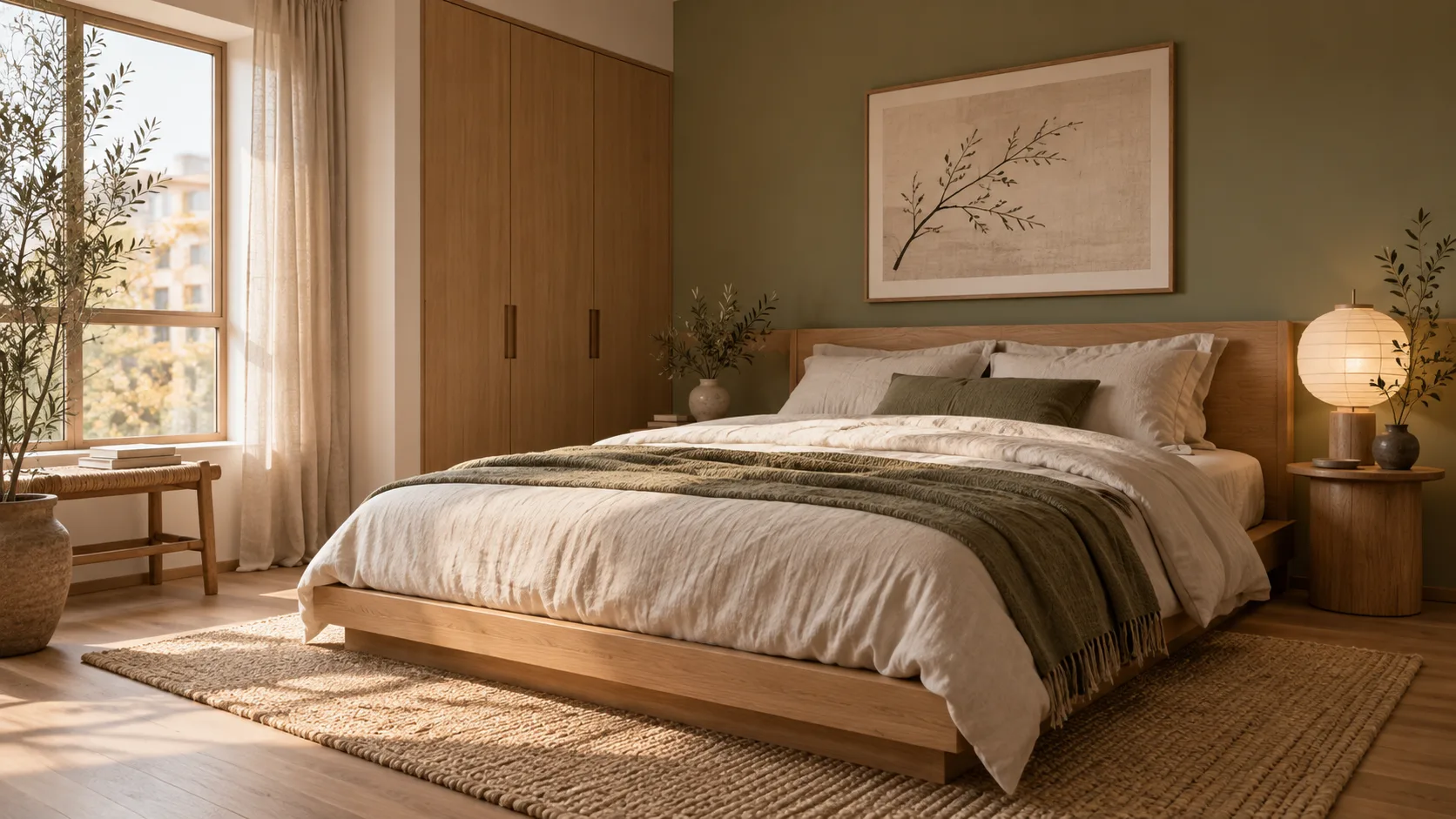
Redesign any single room free — upload a photo, pick a style, and HausDraft’s AI room design tool restyles it while keeping your walls, windows and layout.
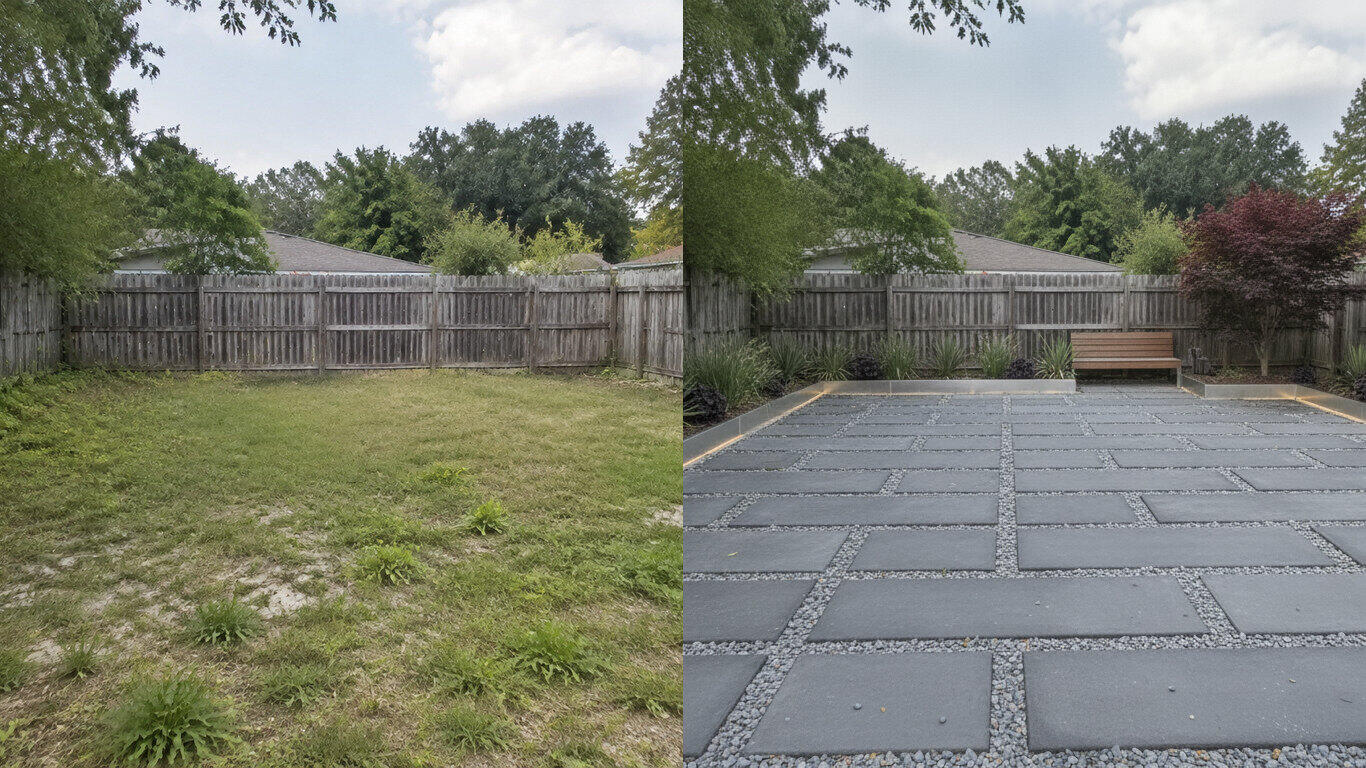
Upload a photo of your yard and HausDraft’s AI landscape design tool reimagines the planting, beds, lawn and hardscape in seconds — Modern, Cottage, Mediterranean, Tropical and more — while keeping your house and property lines in place.
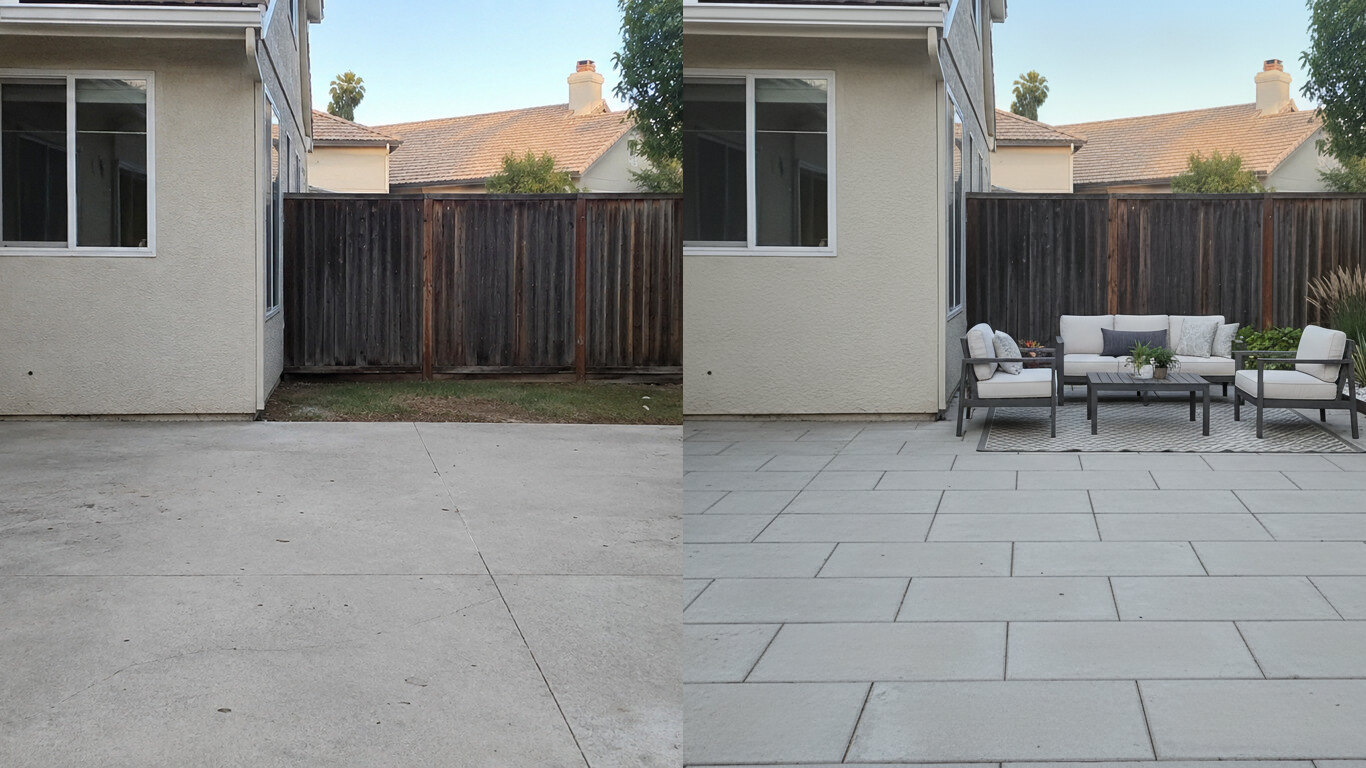
Upload a photo of your patio and HausDraft reimagines the paving, furniture layout and planting in seconds — while keeping your house wall and yard footprint in place. Plan a backyard patio before you build.
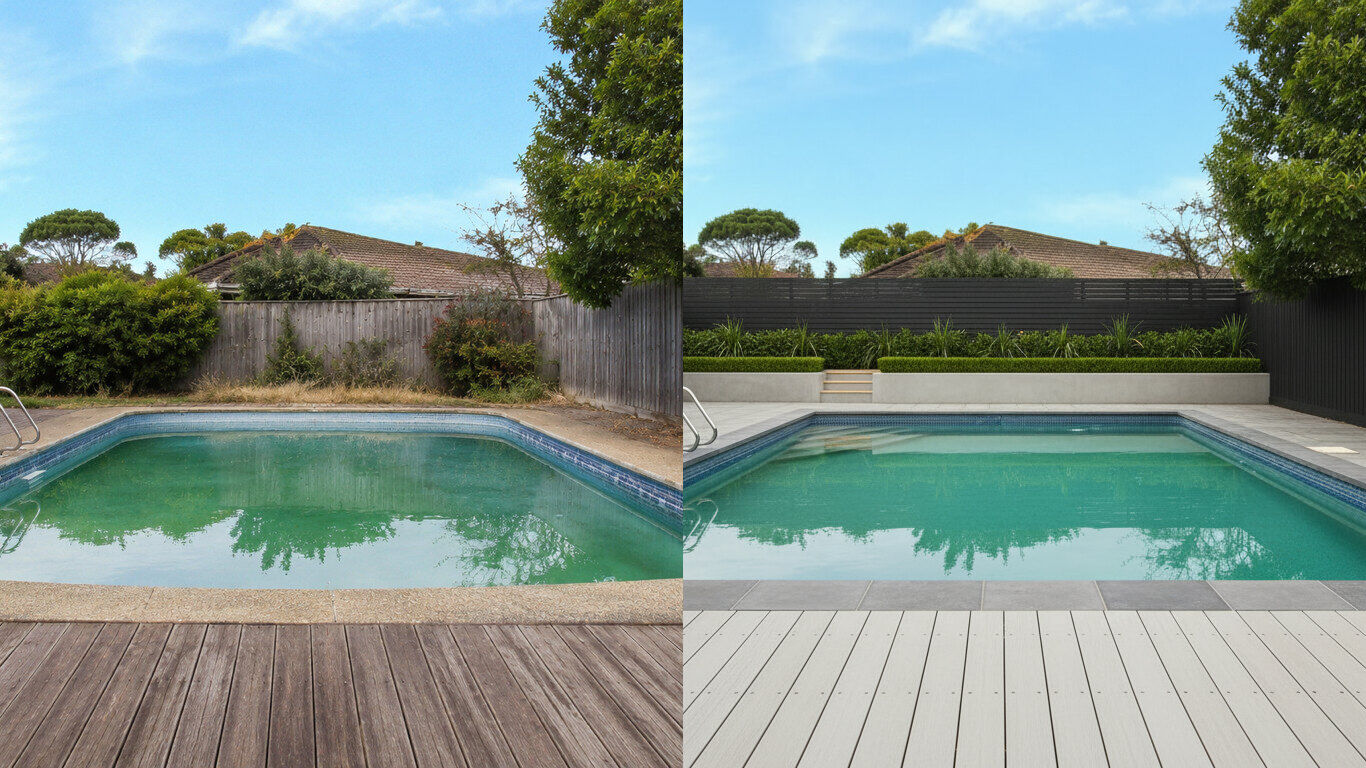
Upload a photo of your backyard and HausDraft reimagines the pool, decking and surround planting in seconds — while keeping your house and property lines in place. Visualize a backyard pool before you build.
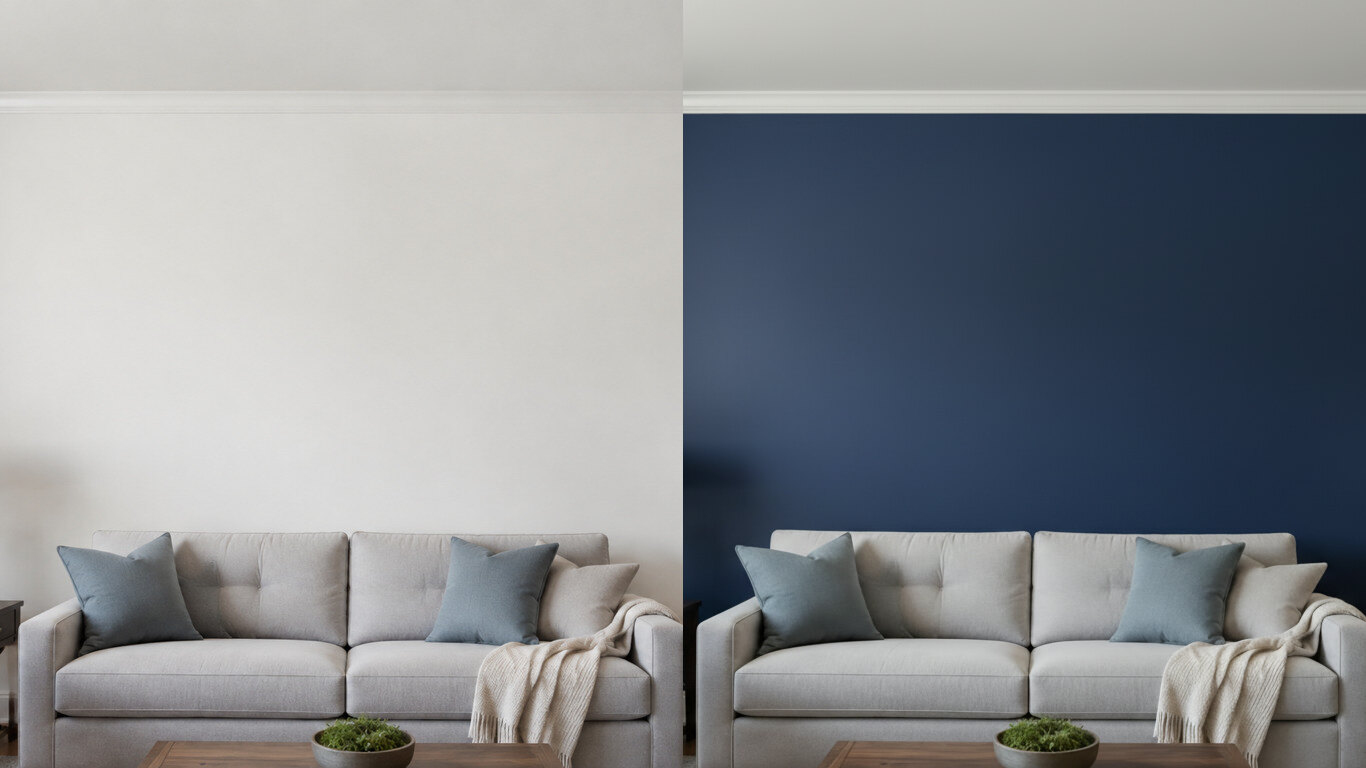
Upload a photo of your room or wall and HausDraft’s paint color visualizer repaints it in any colour in seconds — changing only the paint while keeping your furniture, trim and fixtures exactly as they are. Try colours before you buy a can.
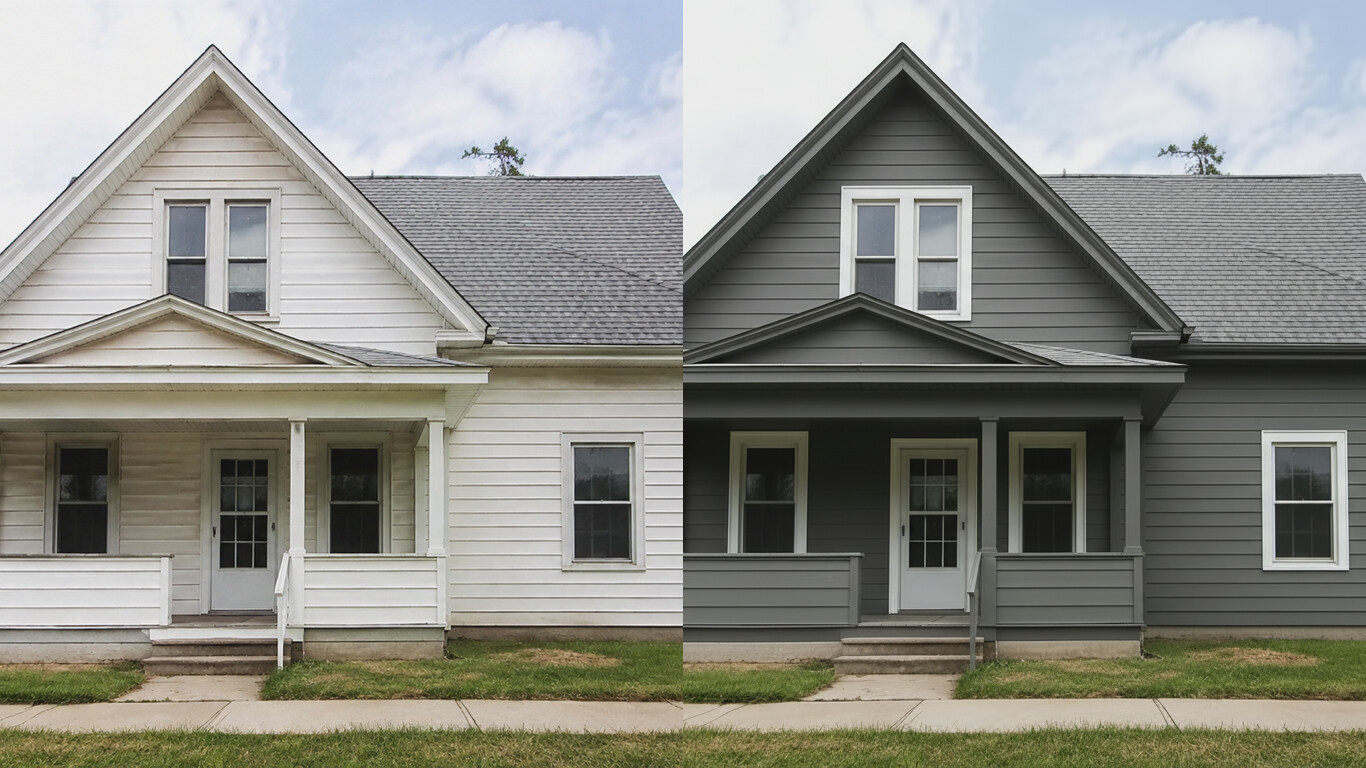
Upload a photo of your house and HausDraft’s exterior house color visualizer repaints the siding and trim in any colour in seconds — changing only the paint while keeping the structure, roof and landscaping. See your house painted before you hire.
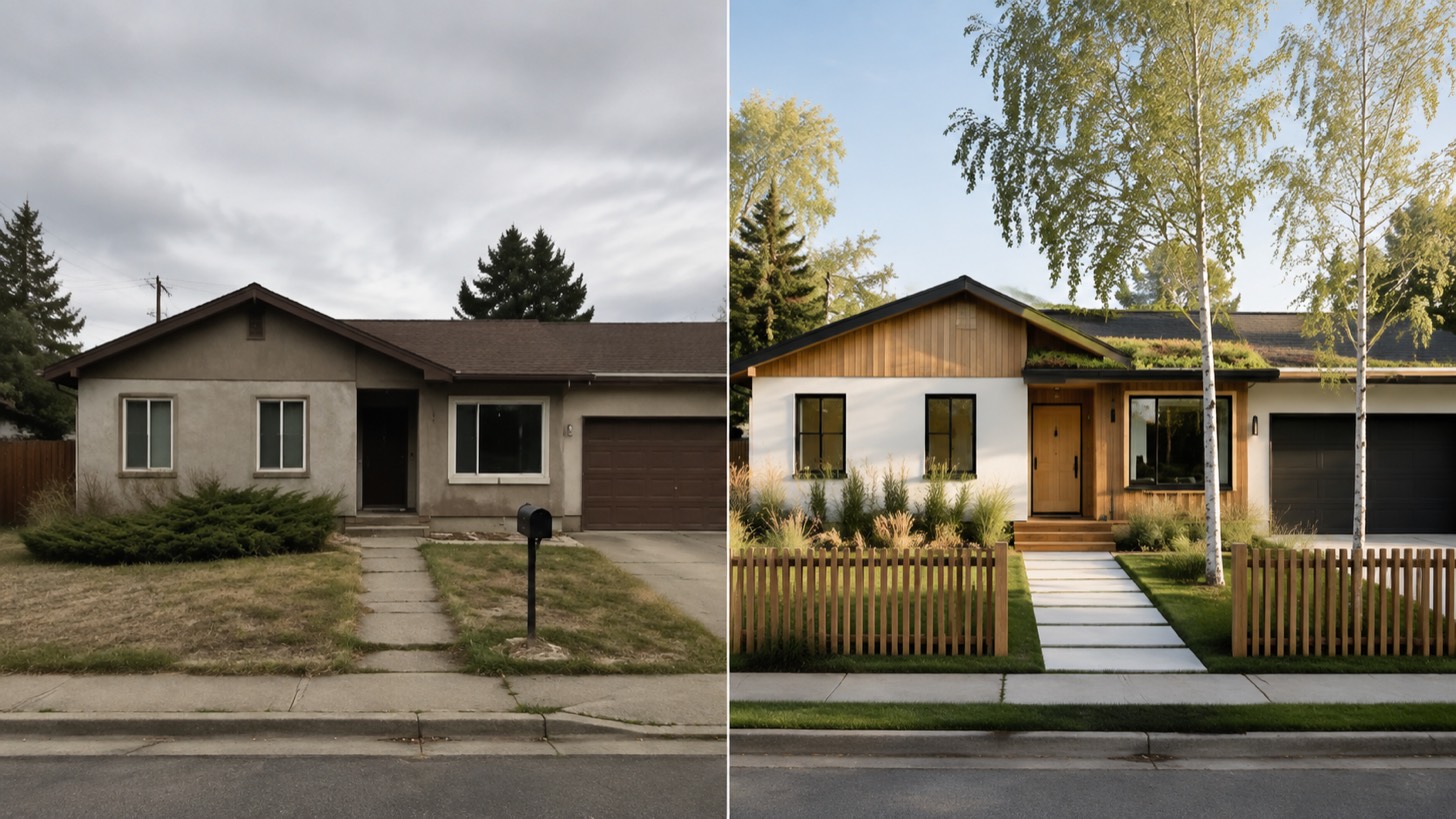
AI home exterior design from one photo — HausDraft restyles your whole facade (style, siding, materials, trim) while keeping your structure and roofline.
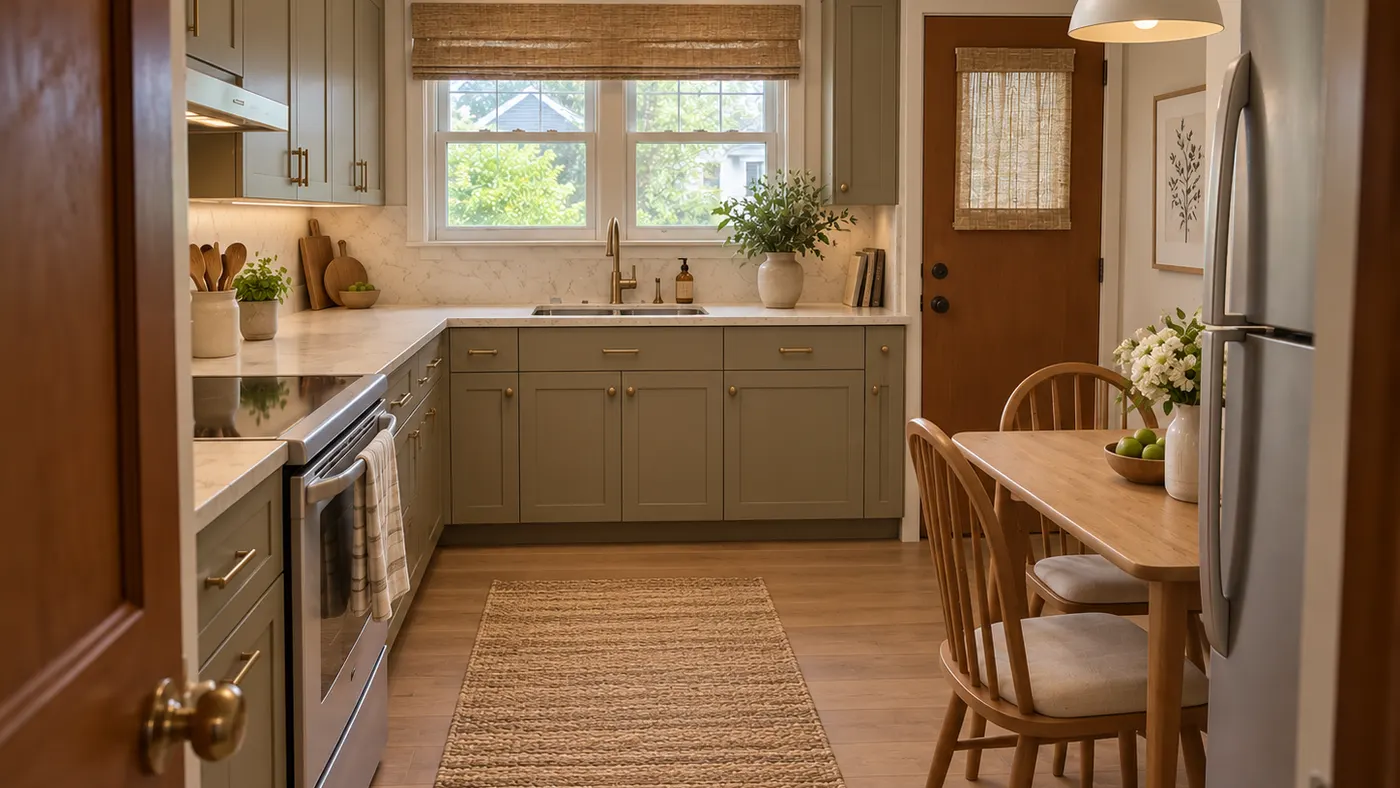
Upload a room photo and preview an interior remodel in seconds — compare finishes, furniture and styles while keeping your walls, windows, doors and layout recognizable.
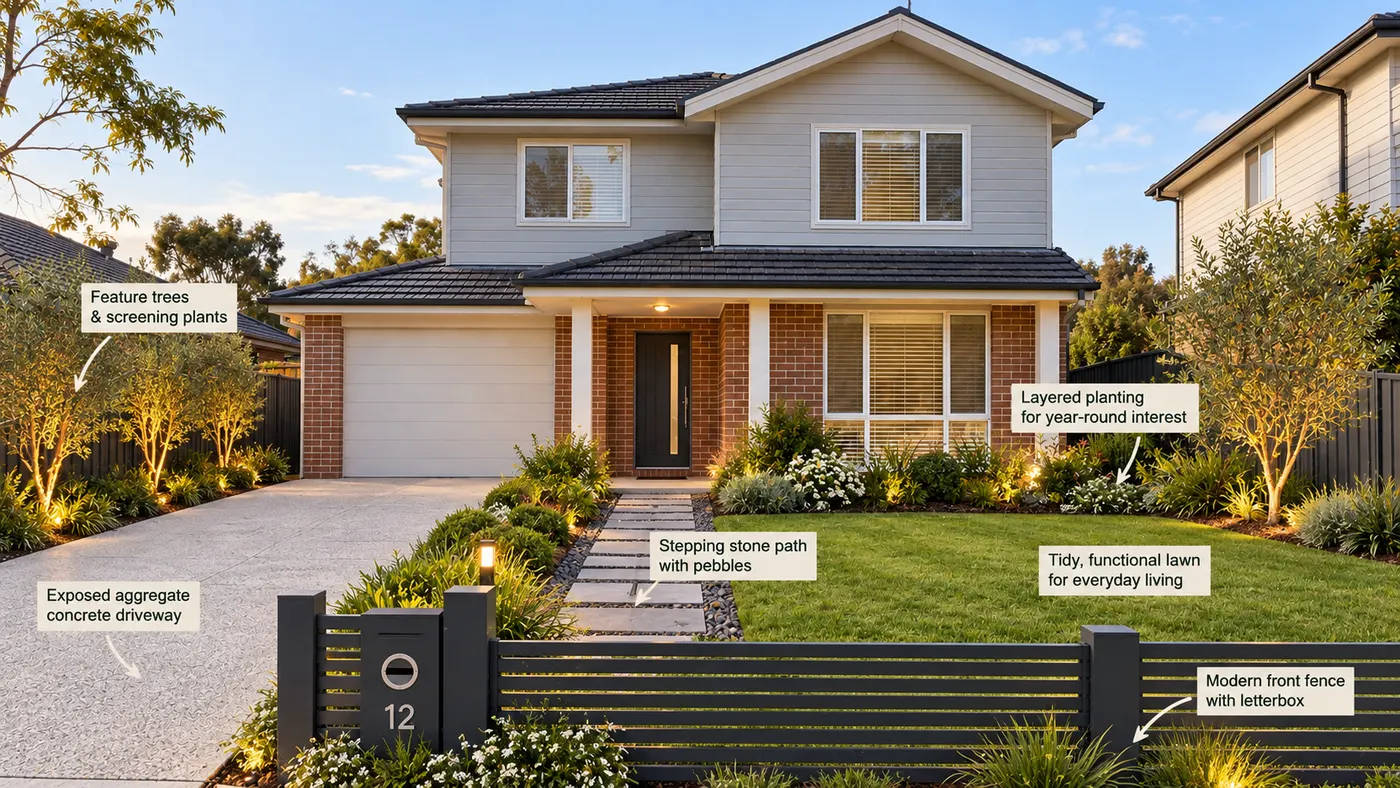
Upload a photo of your yard and HausDraft’s AI garden planner reimagines planting beds, paths, plants and layout while keeping your house, fences and property lines in place.
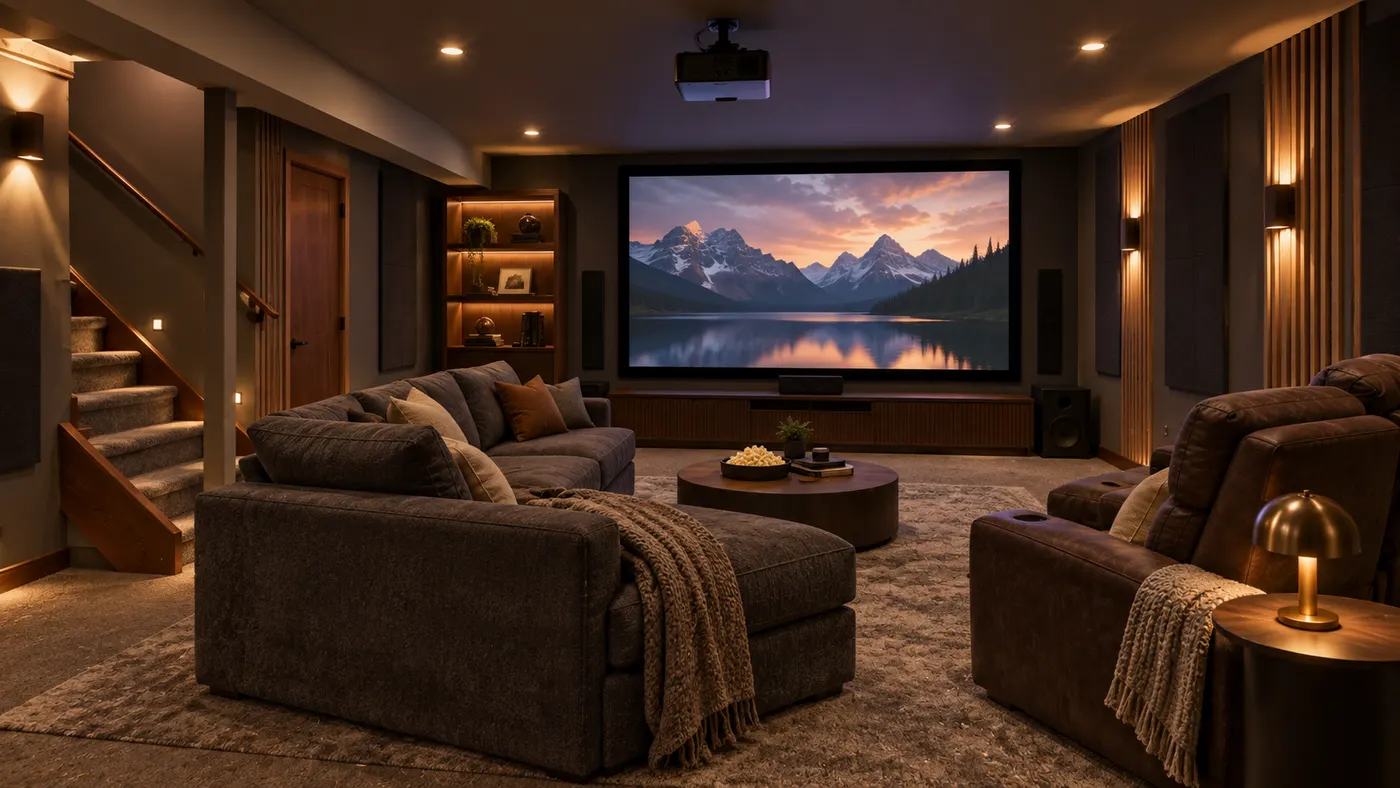
Try basement interior design free: upload a photo, choose a style, and preview a basement redesign while keeping your layout, walls, and windows.
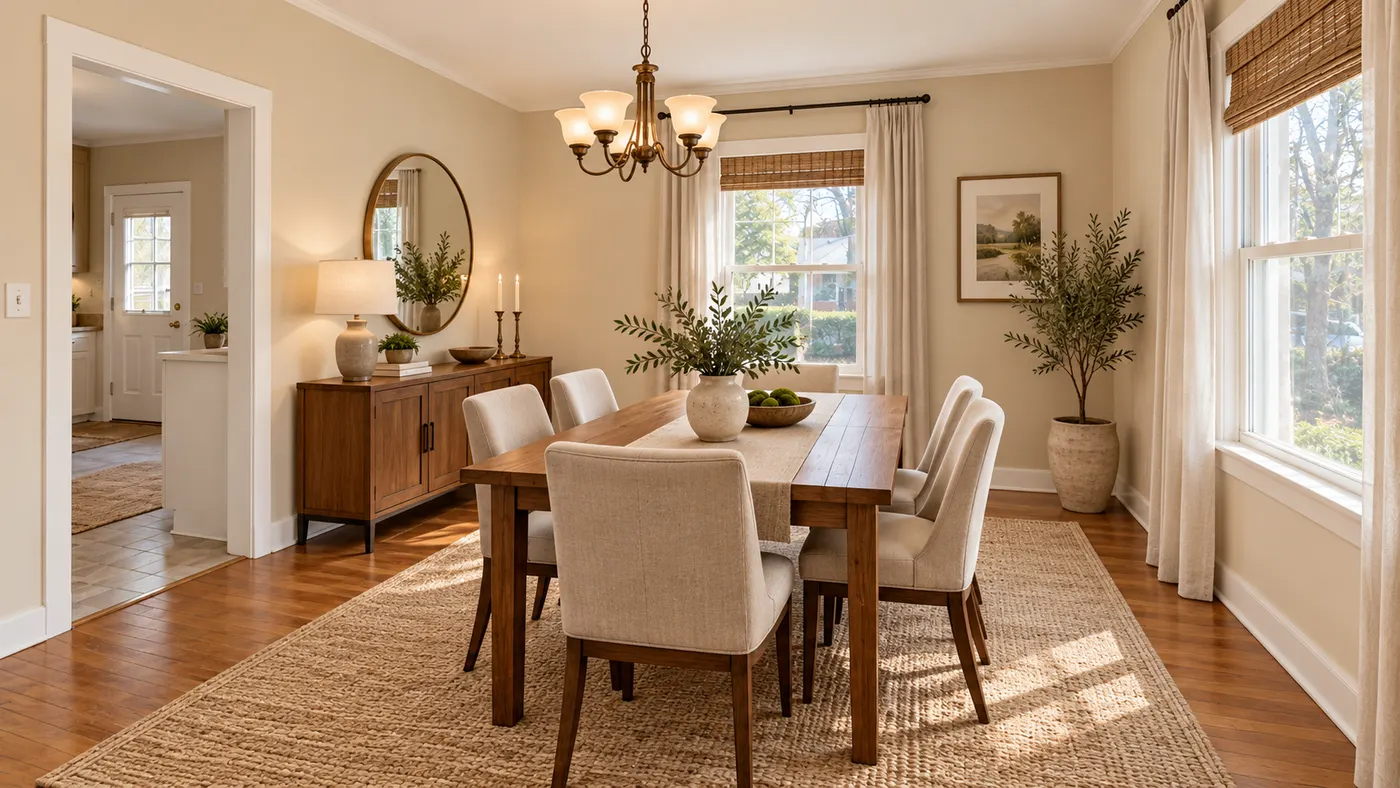
Upload a room photo for virtual house staging. Preserve walls, windows and layout while adding realistic furniture, daylight and a listing-ready style.