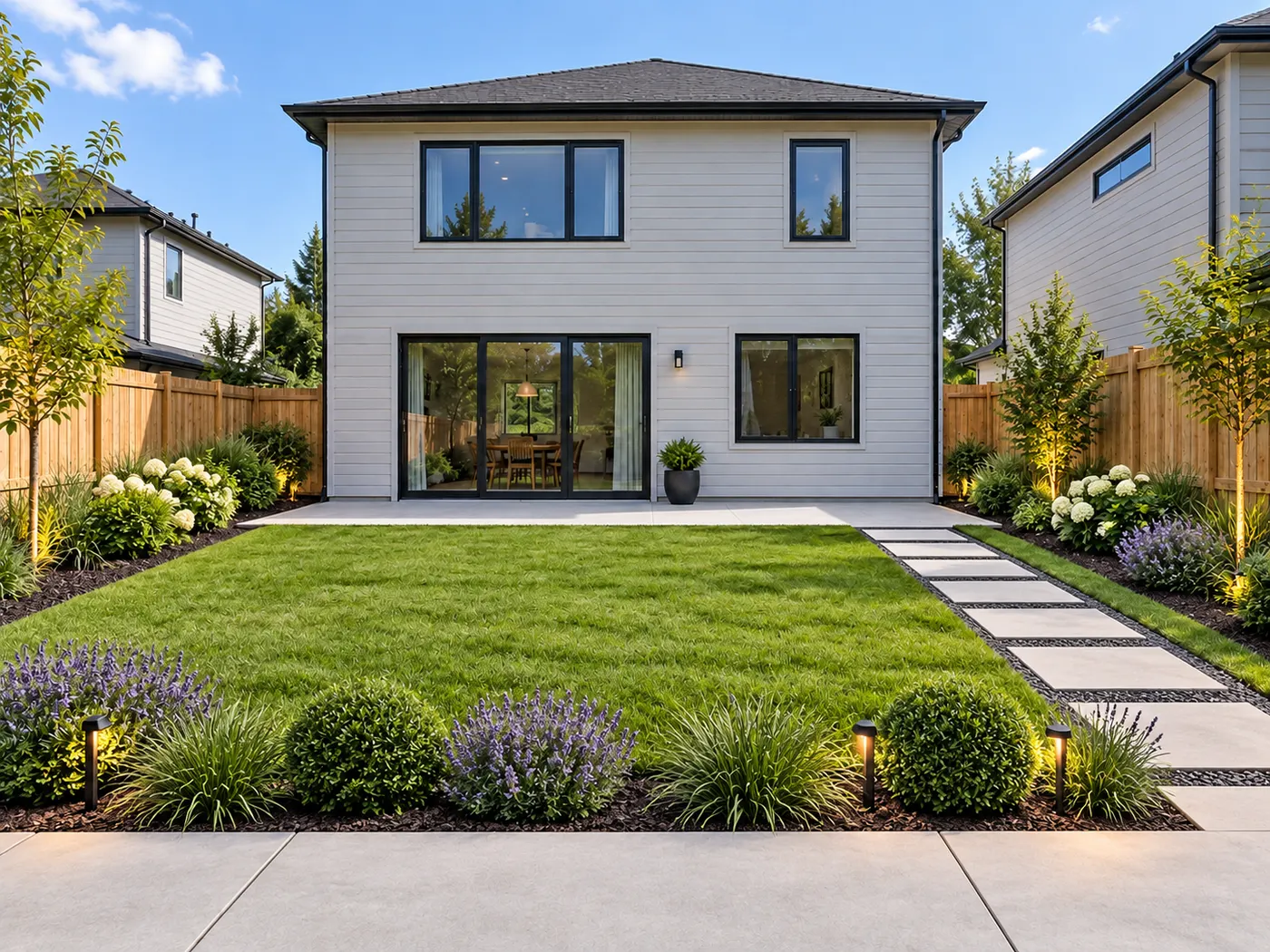
AI Garden Planner Studio
Pick your yard, choose a style and size, then generate.
Your yard photoRequired
Style (sets the look)
Clean geometry, structured planting, minimal
Image ratio
Generating at 4:3
Or any ratio the model supports
Prompt (editable — the scene & styling that drives the image)
Also applied (not part of the editable box above):
Your yard stays exactly as your photo (shape, label, colours) — styling only touches the scene & lighting.
No invented text, logos, watermarks, prices or hex codes rendered on the image.
On-image text = only the slogan you typed (blank = none).
How many ideas?
This step uses 1 credit(s)
AI Garden Planner Studio
Upload your yard, choose a direction, and see a photorealistic garden plan on your own outdoor space.
AI Garden Planner — Plan Your Garden from a Photo
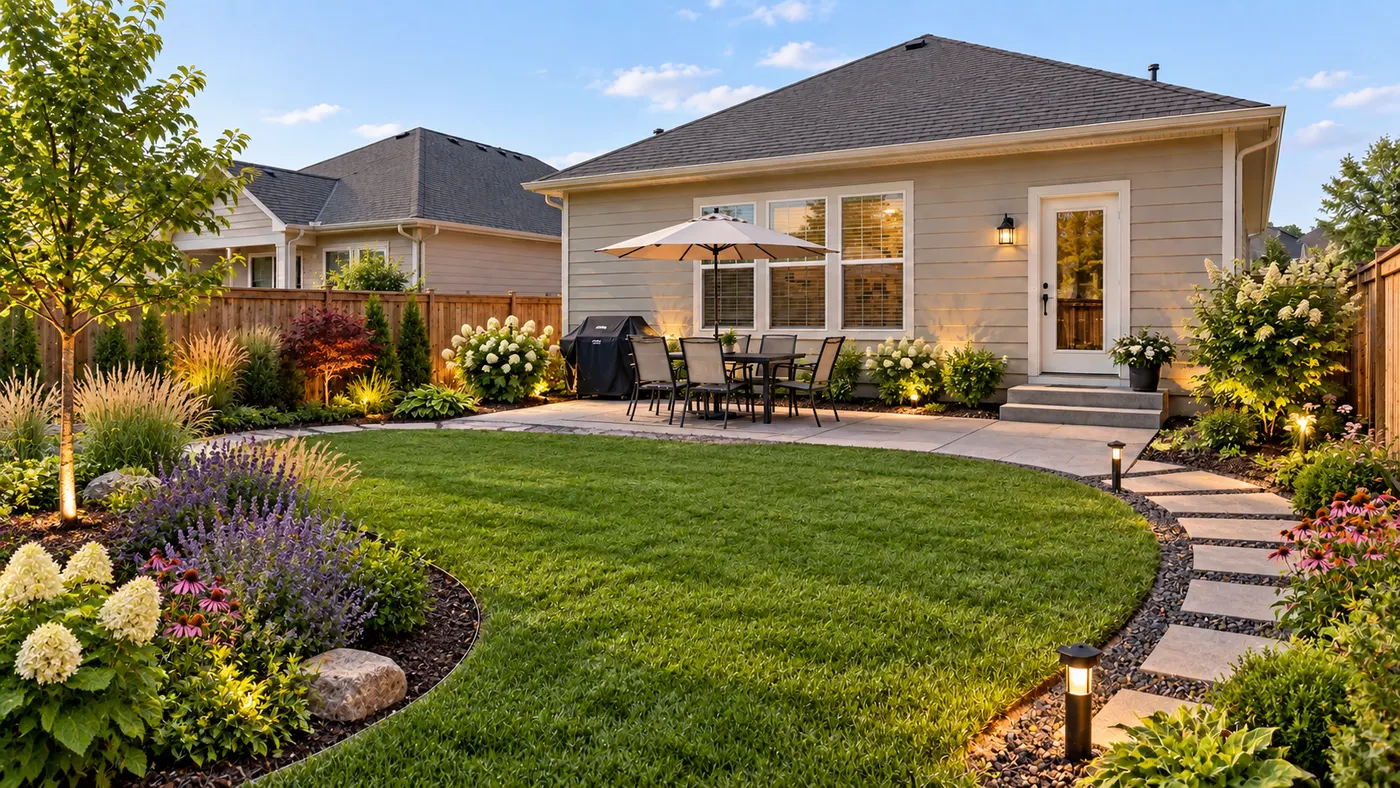
HausDraft is an AI garden planner that turns one photo of your yard or garden into a photorealistic planting and layout concept. Explore ai garden planner free ideas, compare planting beds, paths and plant choices, and keep your house, fences and property lines in place. It is a visual direction for planning—not a construction drawing or planting schedule.
Plan my garden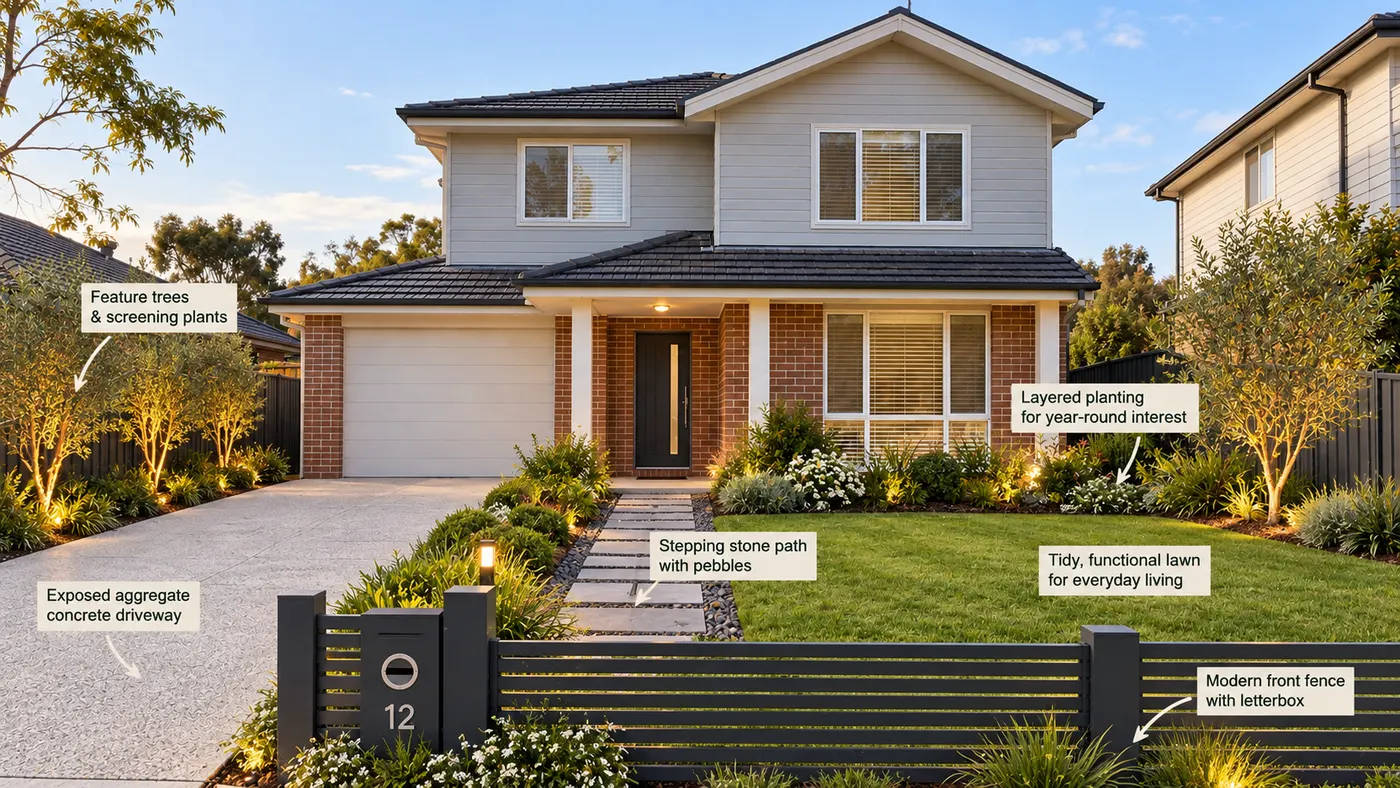
Your garden, on your actual yard
Start with a photo instead of drawing a plot from scratch. HausDraft keeps the camera angle, house, fences and boundaries recognizable while changing the planting and garden layout.
Compare planting directions before you buy
Try a few visual concepts before ordering plants or hiring a landscaper. Use the result to discuss an ideal garden, compare styles and decide which layout feels right for your space.
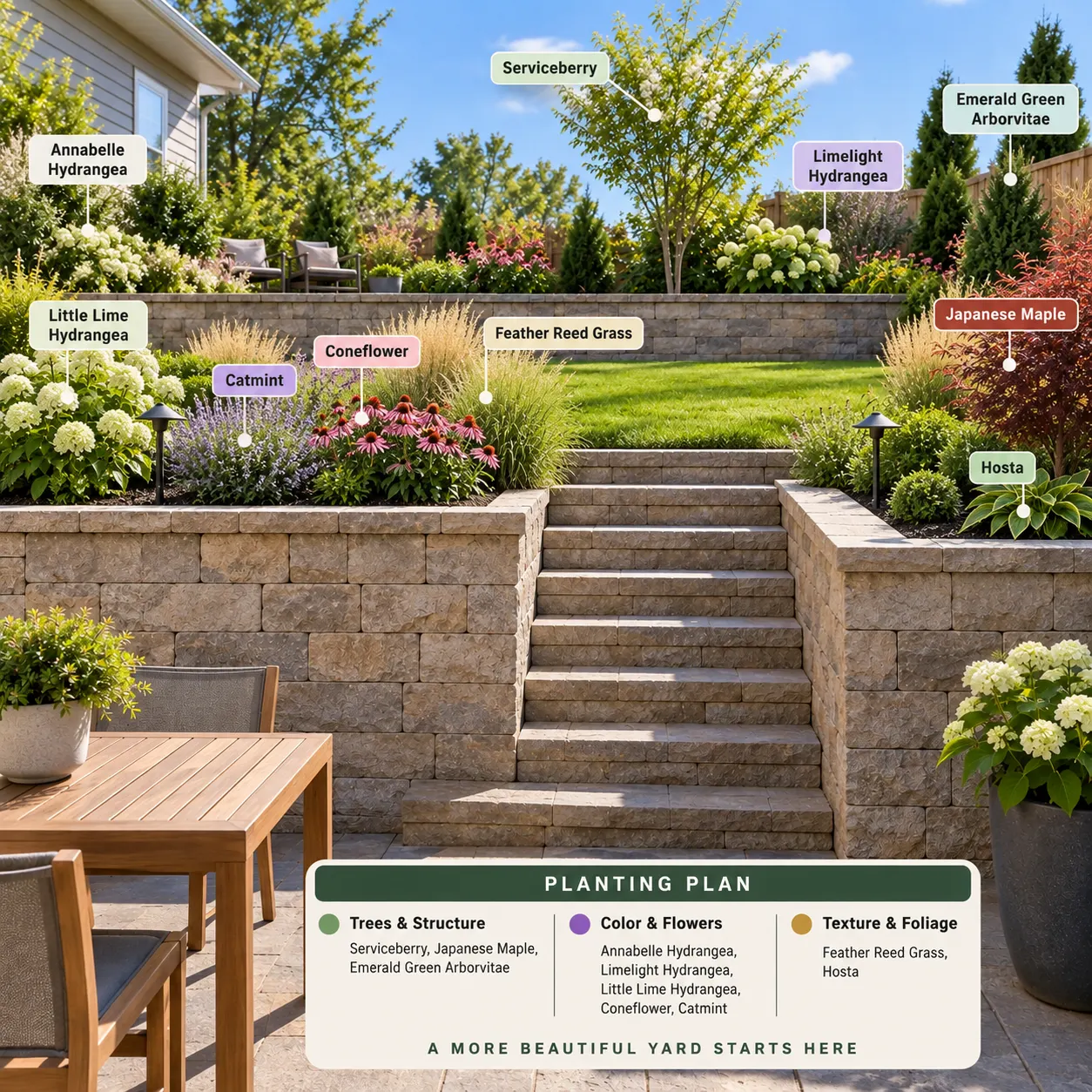
From blank photo to garden idea
Whether you are searching for a free garden planner app or testing a more considered redesign, the photo-based workflow helps you see beds, paths and planting in context.
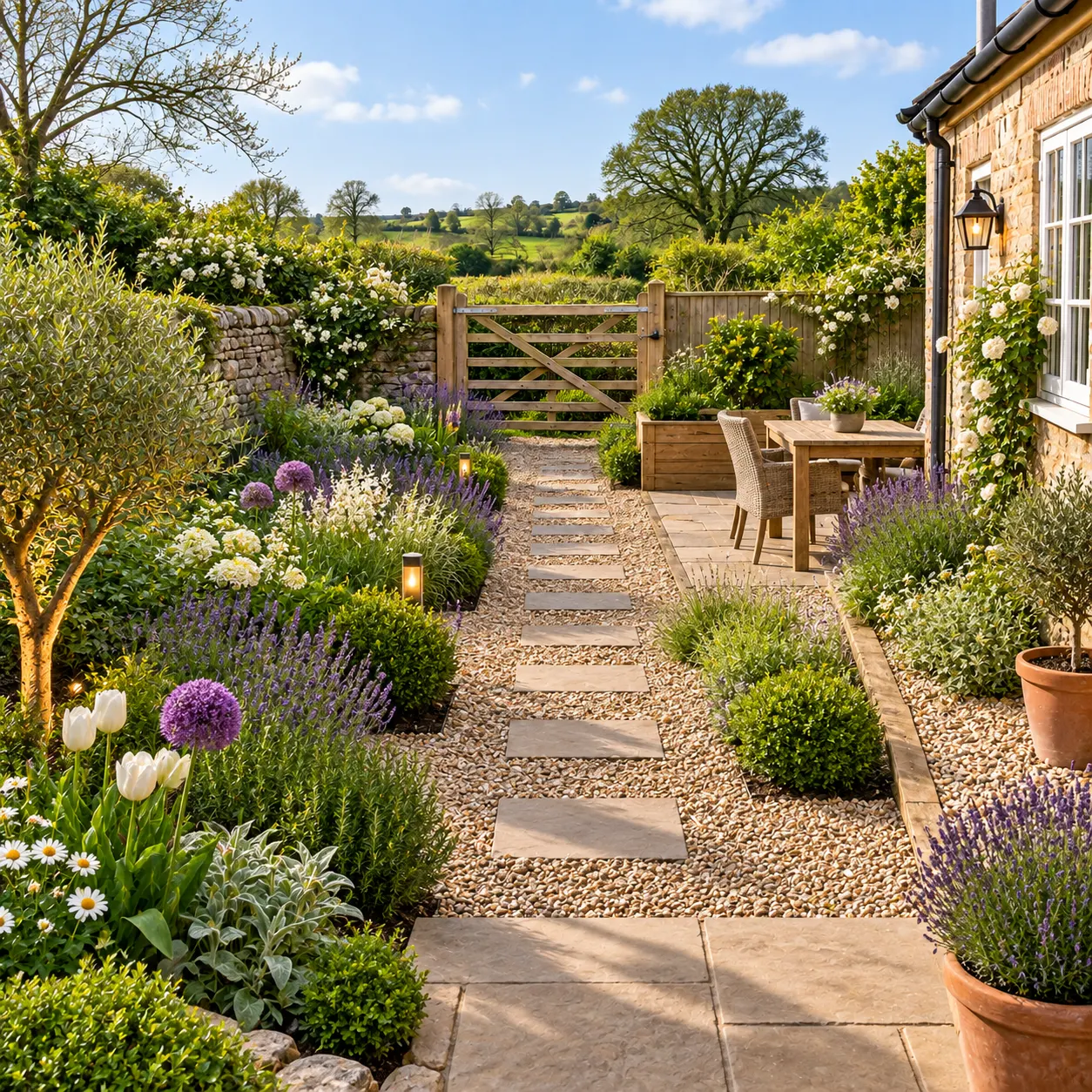
What the AI garden planner does
See how HausDraft turns one outdoor photo into a clear garden planning direction.
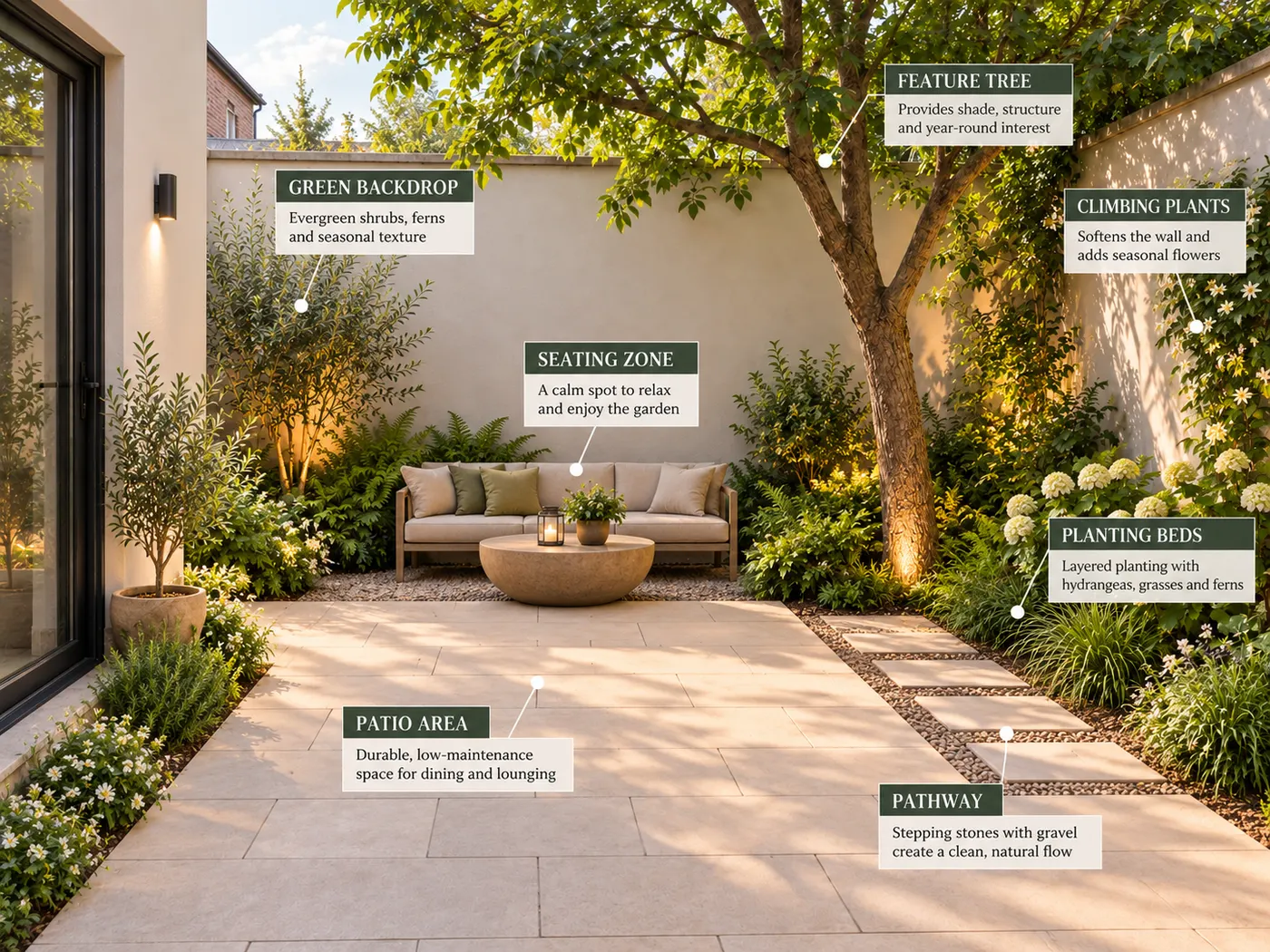
Photo-based garden planning
Upload one photo of your yard or garden and get a redesigned image of the same outdoor space, without rebuilding it in CAD.
Planting and layout concepts
Visualize planting beds, plant groupings, lawn, paths and hardscape changes while the existing house, fences and property lines remain in place.
One tool for different garden ideas
Use the same workflow for a front yard, backyard, side garden or courtyard. It can support ai planting, ai gardening and gardening ai exploration from a real photo.
A visual direction before work begins
Use the concept to compare options, shape a brief for a landscaper or decide what to explore next. It is not a measured plan or professional planting schedule.
How to design a garden using AI
Three simple steps from a yard photo to a garden planning concept.
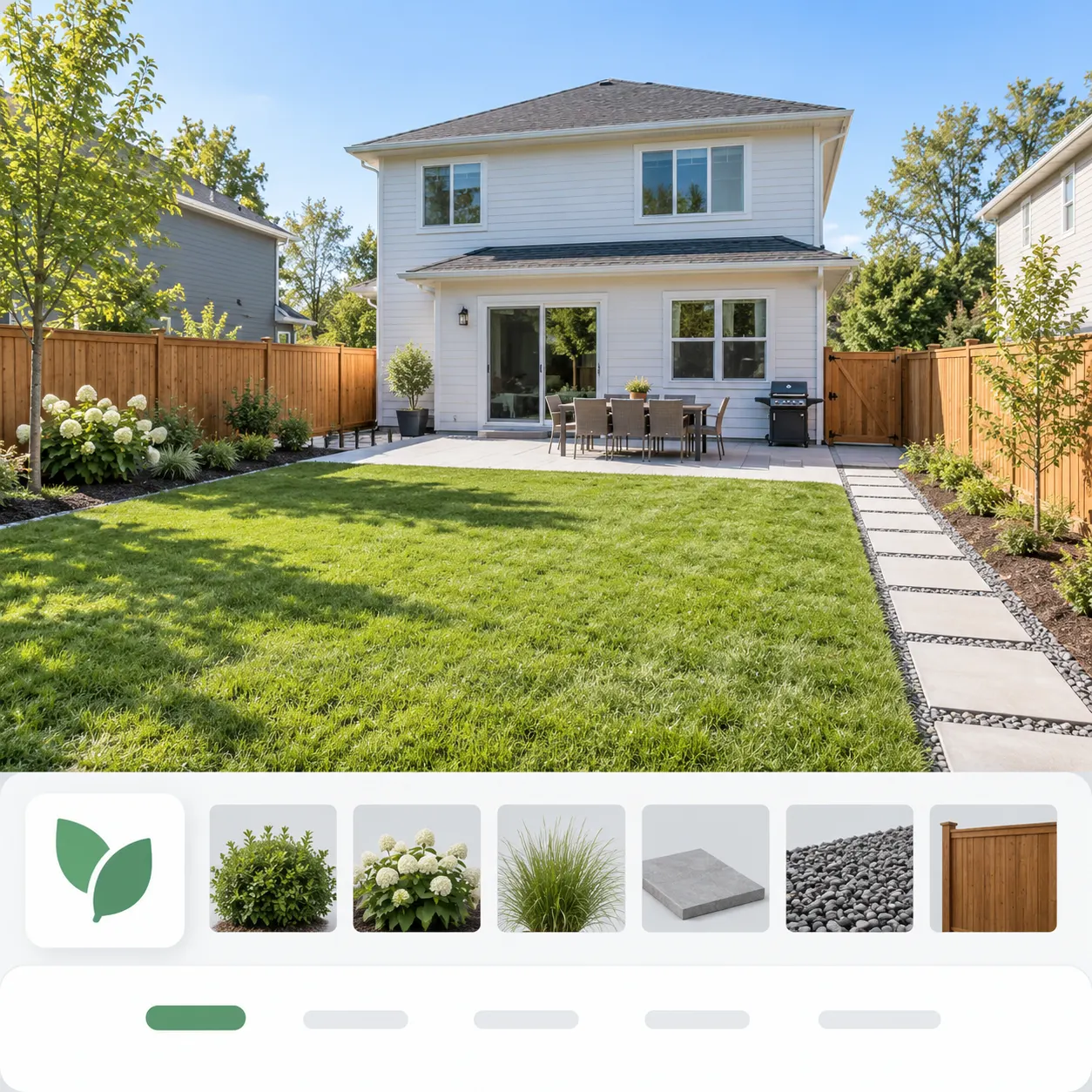
Step 1: Upload a photo of your yard
Choose a clear, well-lit photo that shows the outdoor space you want to plan.
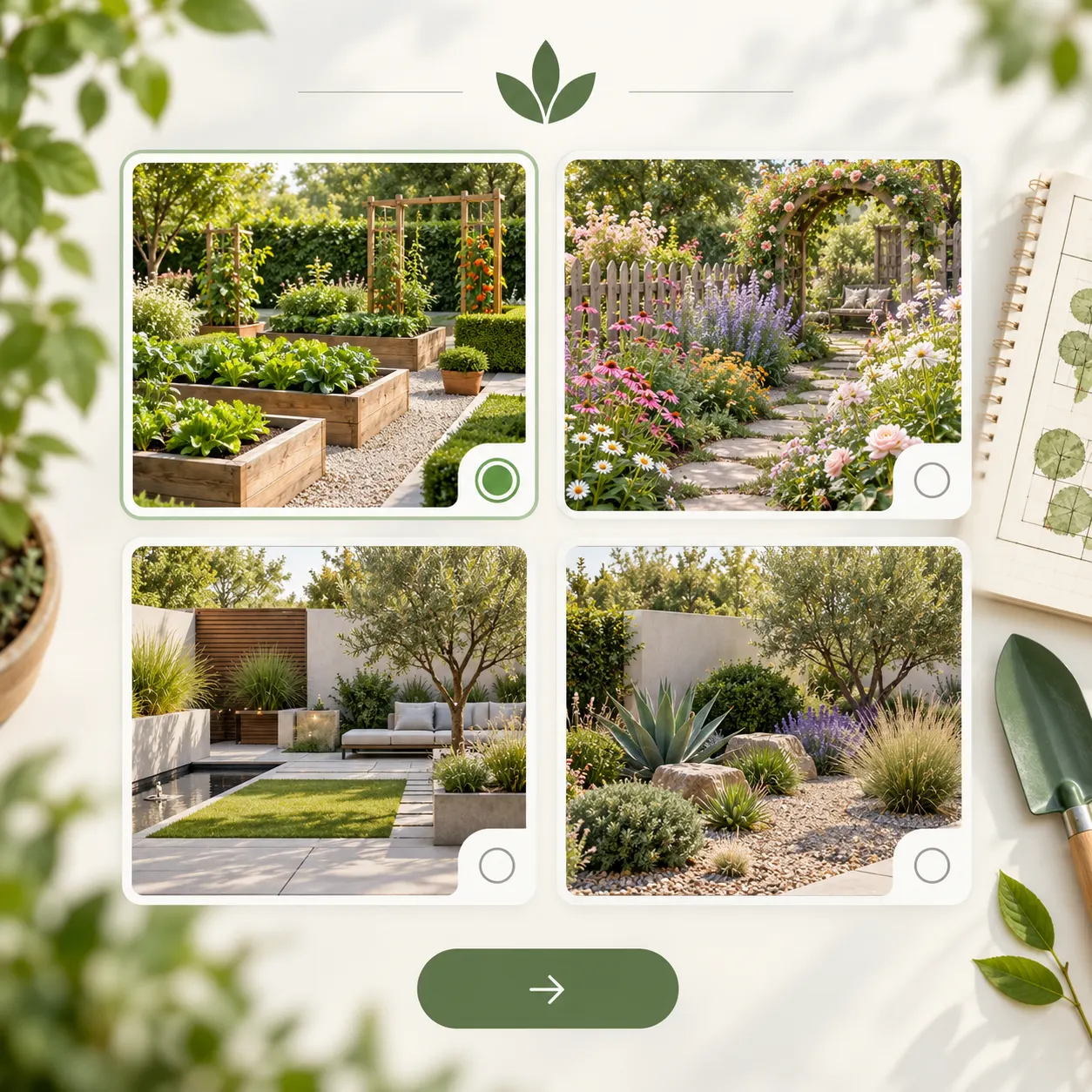
Step 2: Choose a garden direction
Describe or select the planting and layout direction you want to explore, from structured beds to a softer garden style.
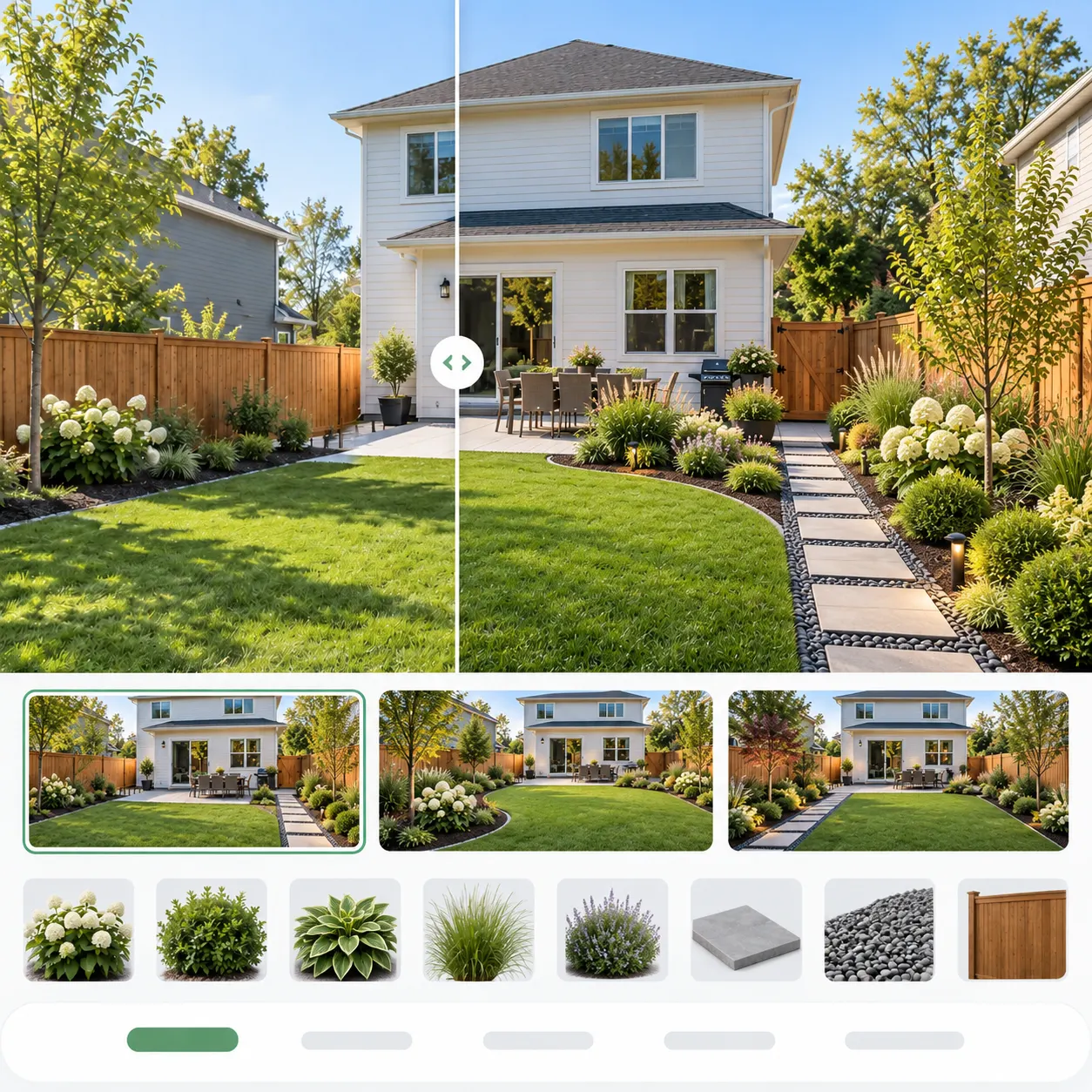
Step 3: Generate and compare
HausDraft creates a garden concept on your photo. Save the result, try another direction or share it as a starting point for a real conversation.
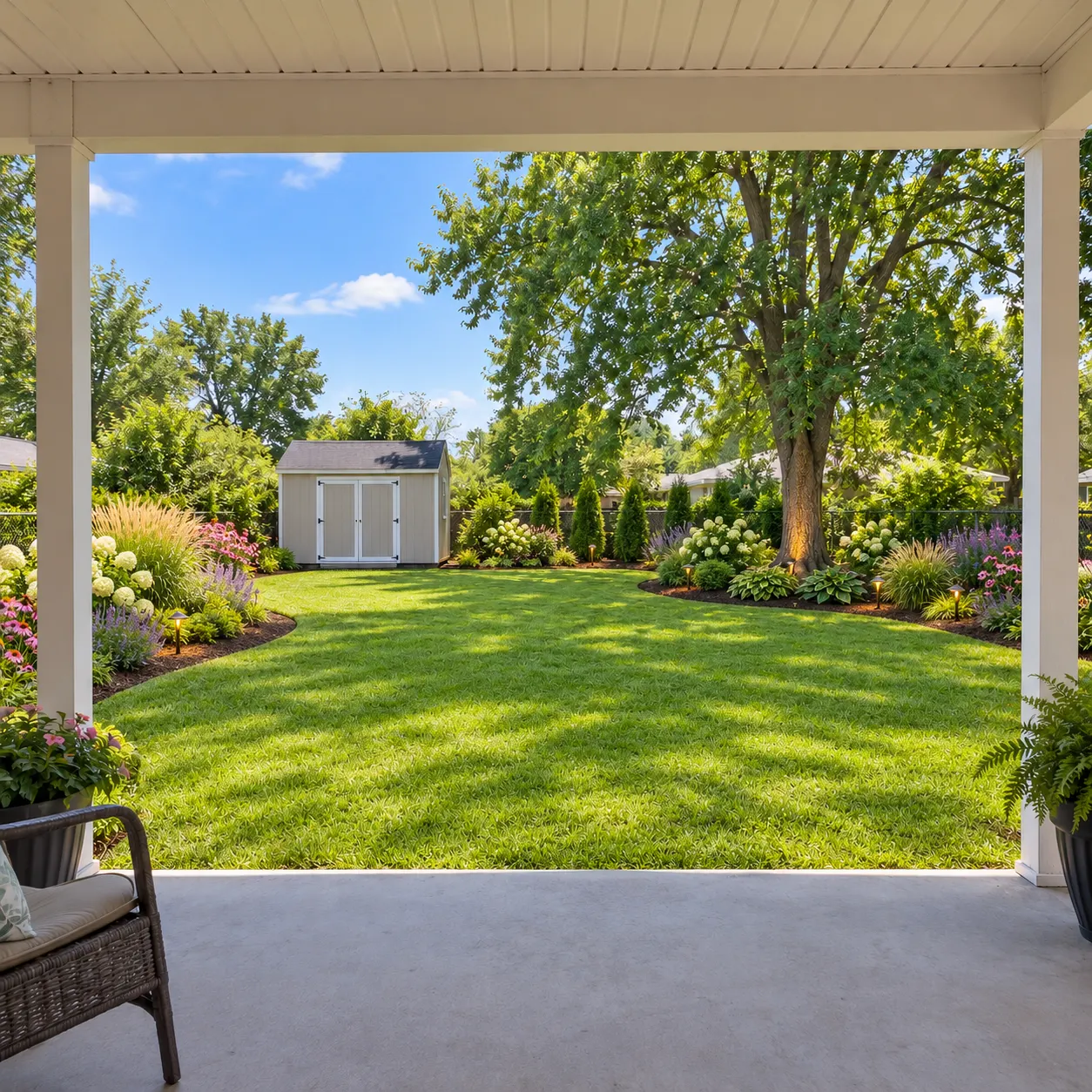
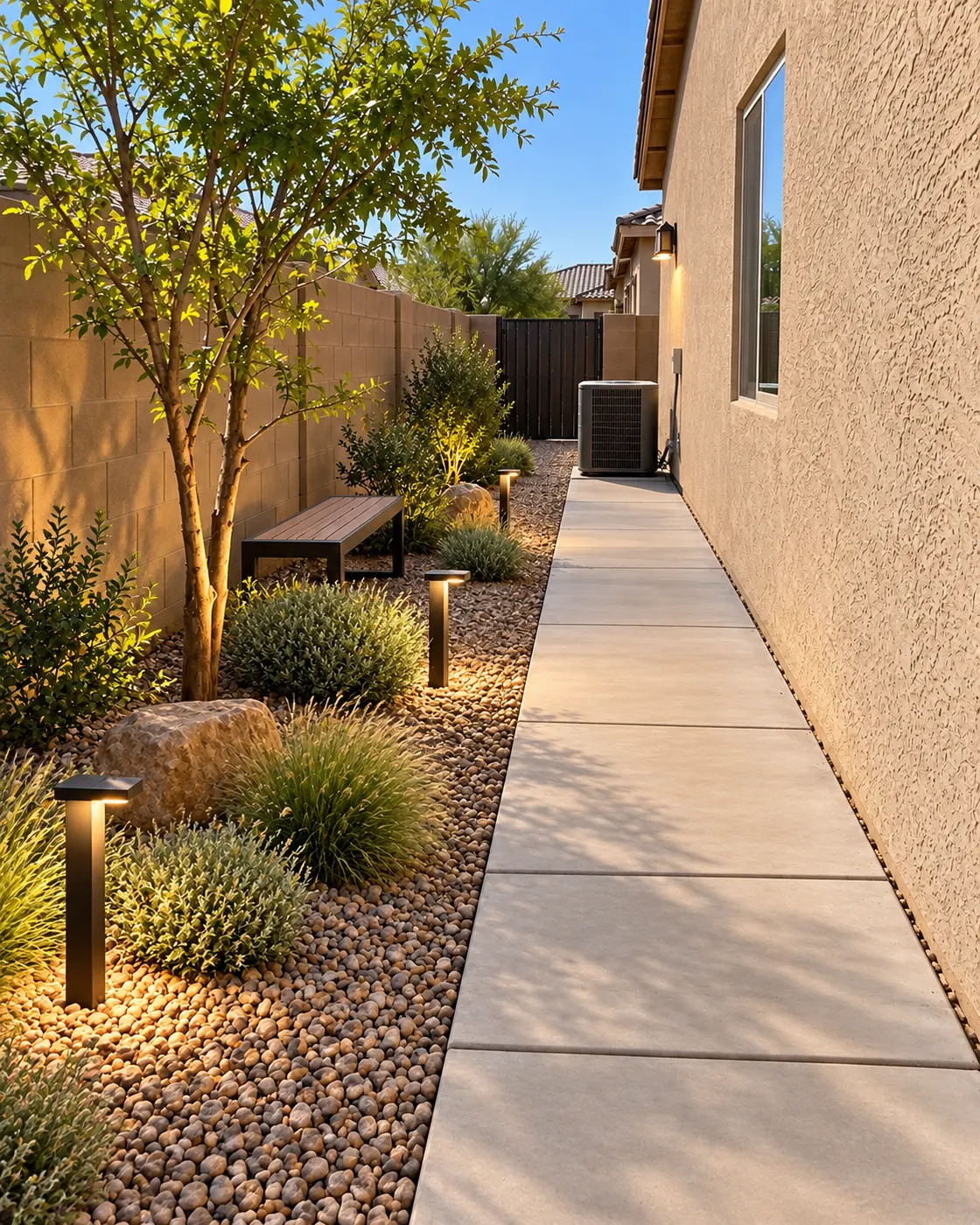
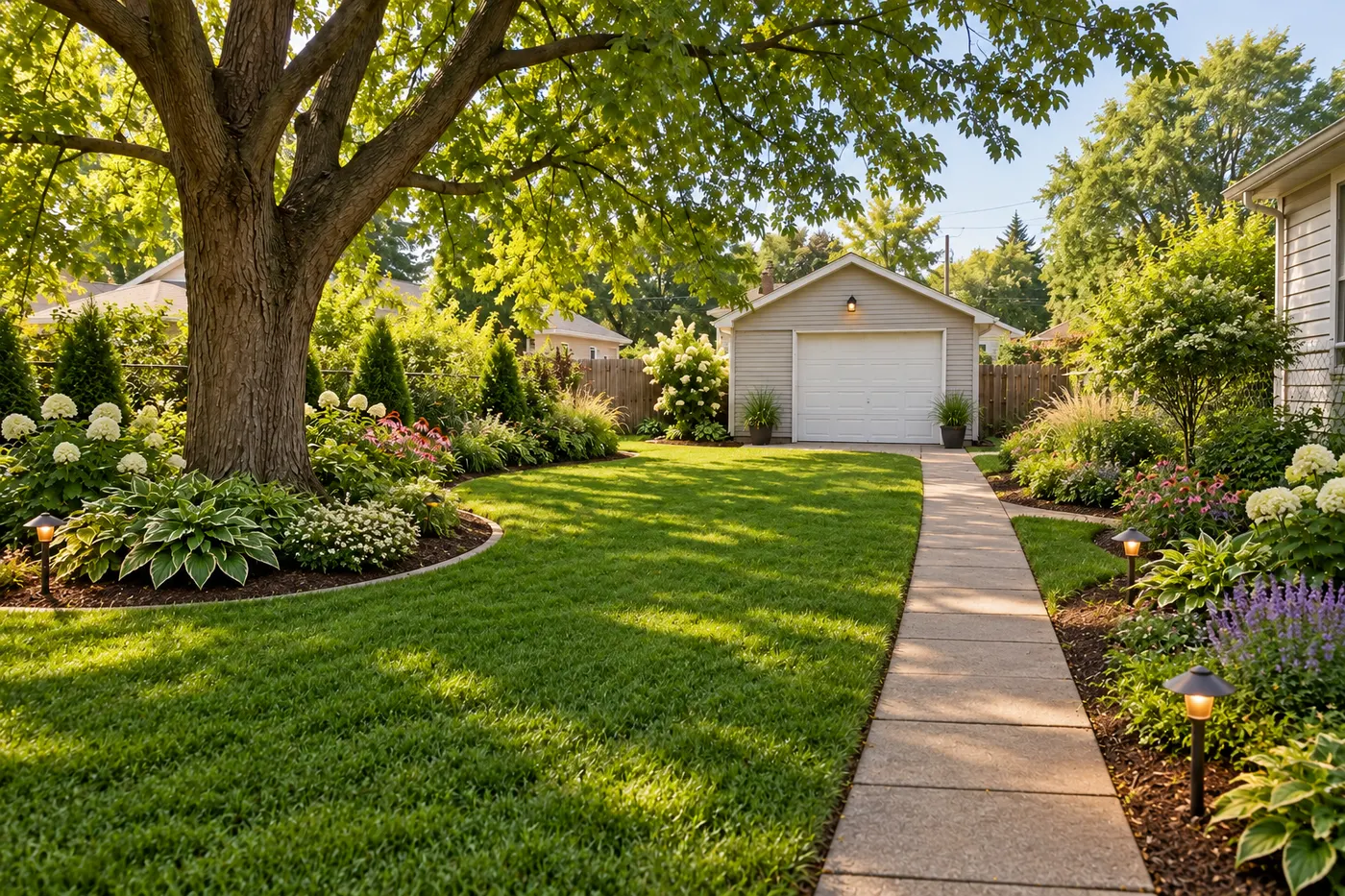
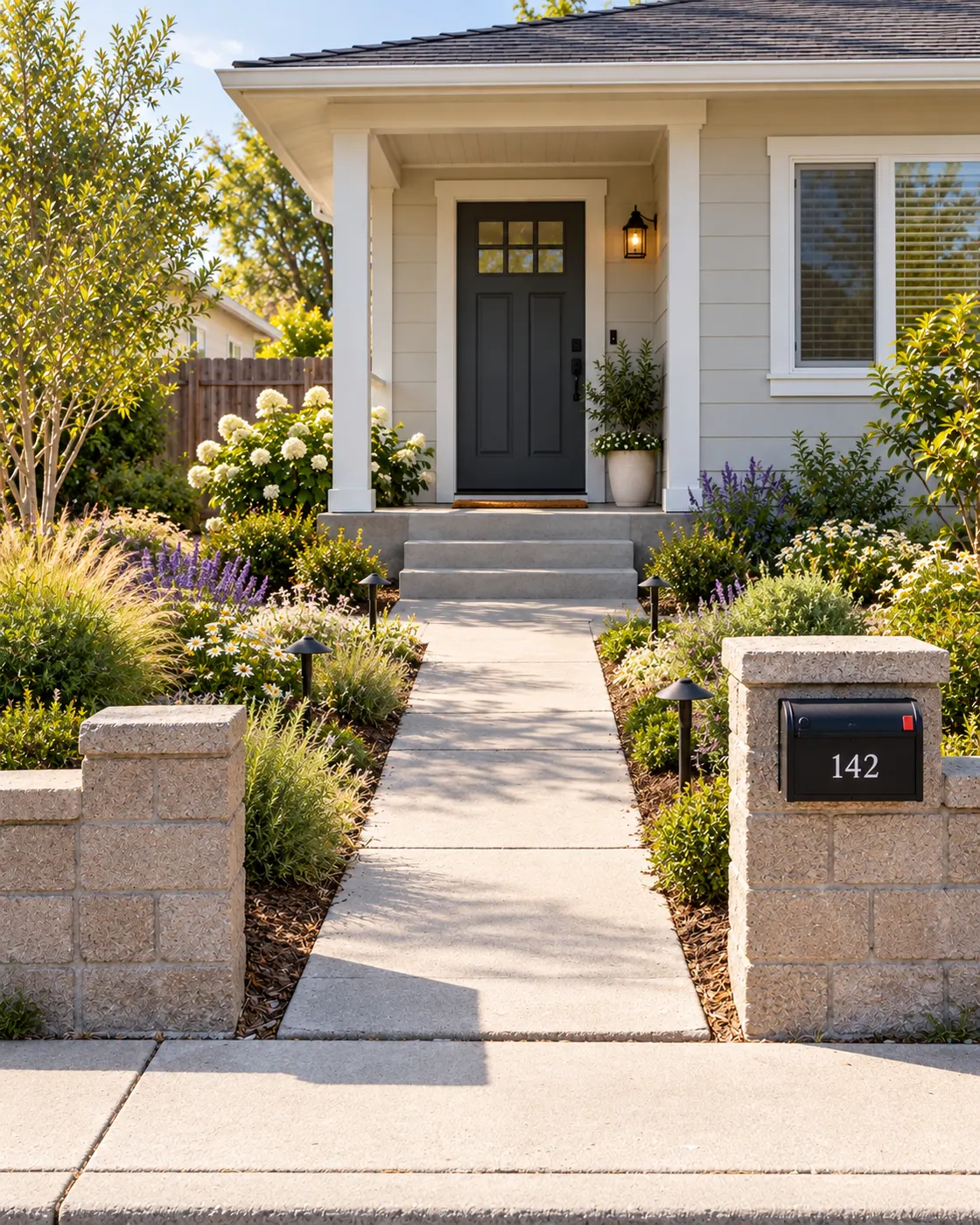
One yard, many garden possibilities
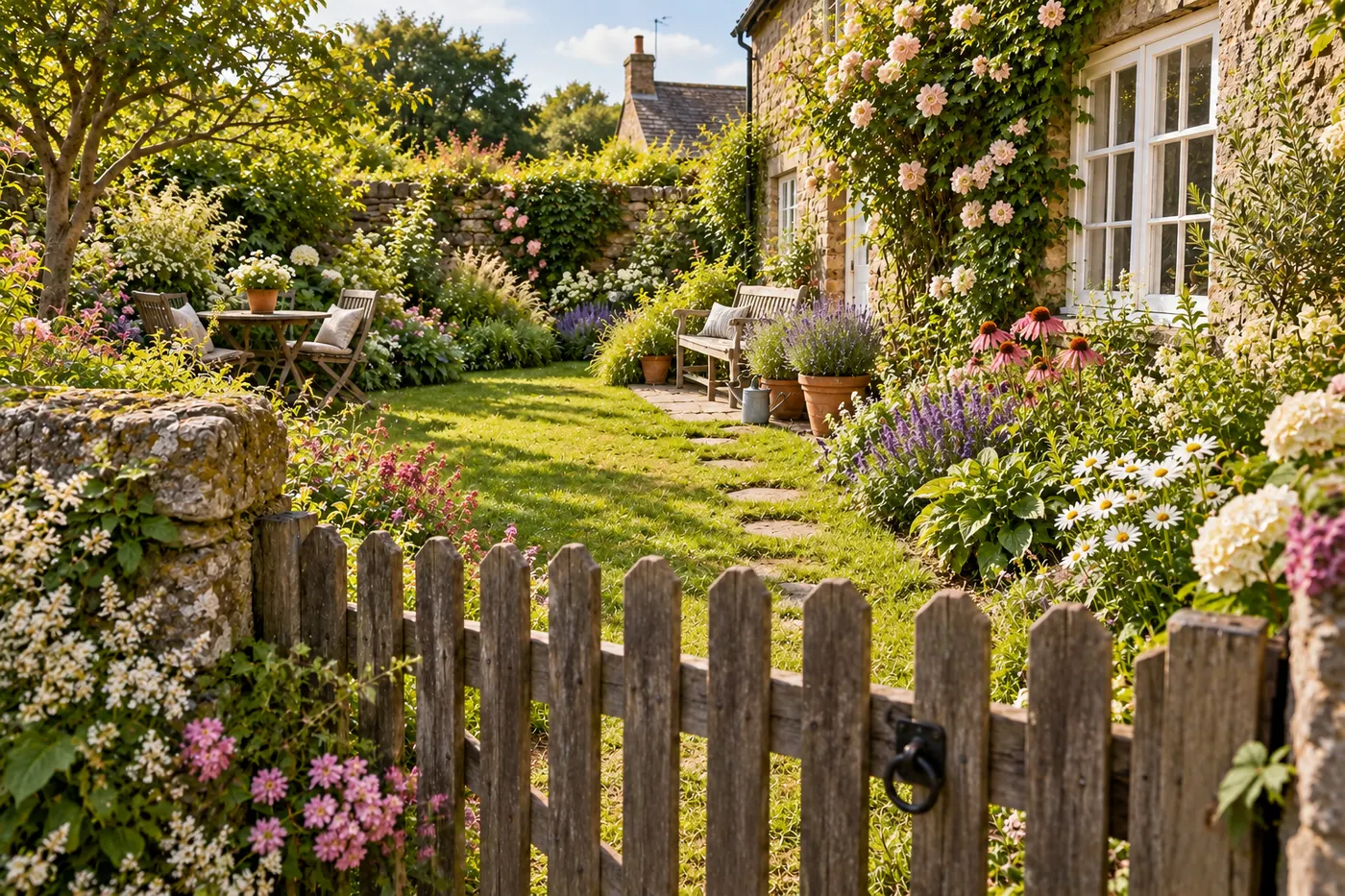
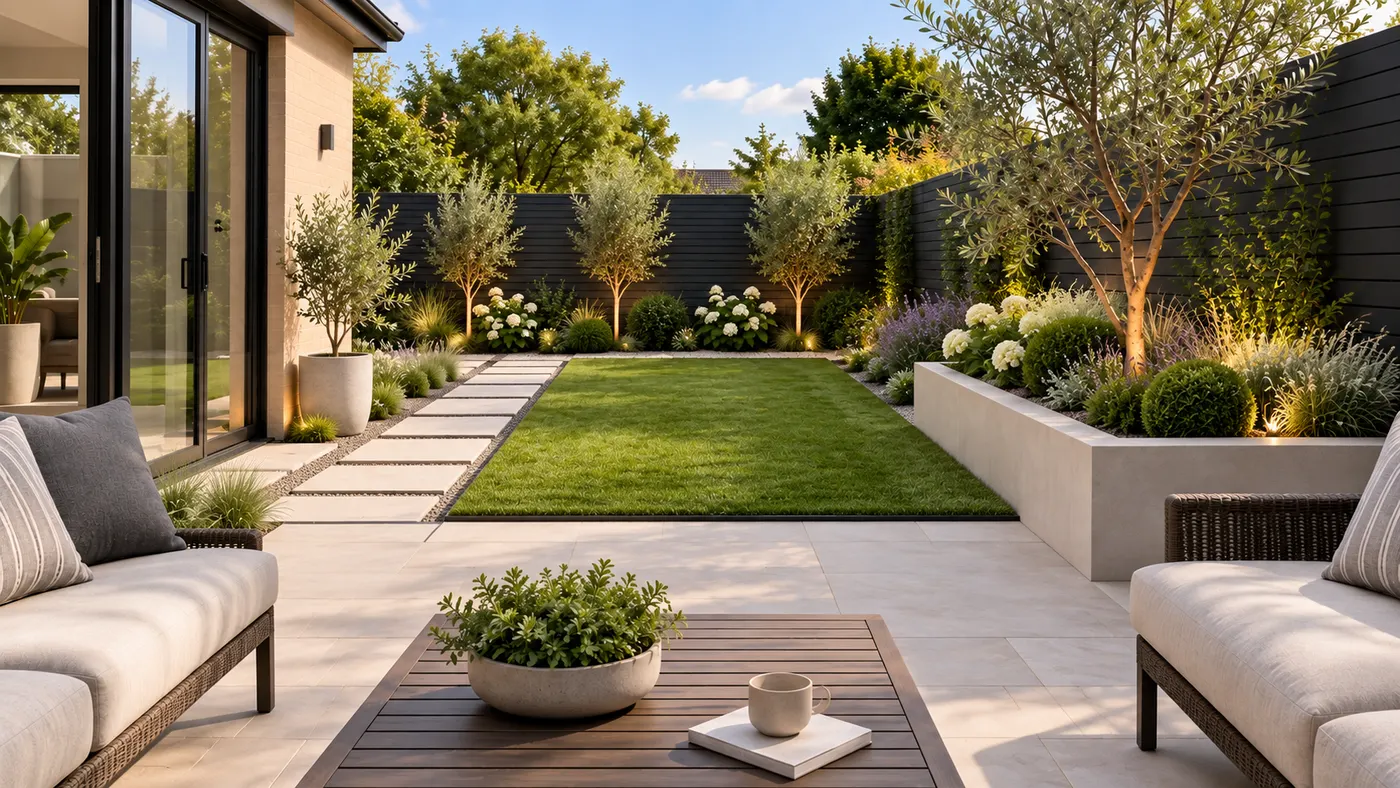
Explore how the same outdoor space can change through planting, paths and layout while its boundaries stay recognizable.
Plan your garden from a photo
Try HausDraft to see a garden direction on your own yard before you buy plants or start the work.
Start free with redesign credits. Starter is $29/month and Pro is $69/month; see the current plans and credit details on the pricing page.
Plan my gardenGood to know about AI garden planning
A few practical notes for getting a useful garden concept from your photo.
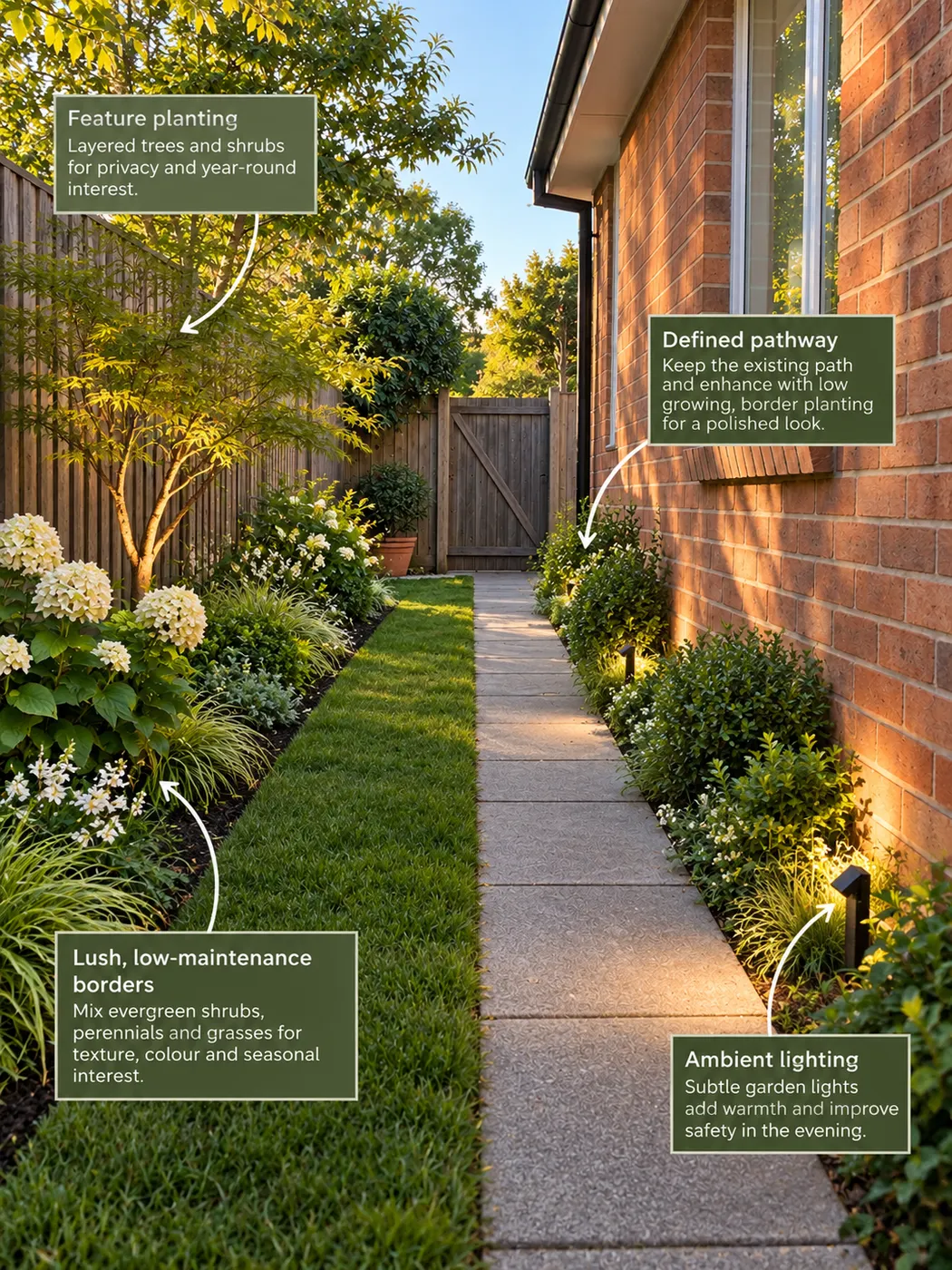
Why start with a photo?
A photo shows the actual house, fences, boundaries, light and existing context. Unlike a blank drawing tool, HausDraft gives you a garden concept grounded in the space you already have.
Is this the best free garden planning app?
If you are comparing a best free garden planning app, a free landscaping app, a best ai garden design app or searching for design garden free and plan a garden free options, remember that HausDraft is designed for visual direction from a photo. It does not replace measurements, plant hardiness research or a professional plan.
How can I use the result?
Use the image to compare ideas, make a shopping shortlist, explain your preferences or brief a landscaper. A grow a garden ai concept can help you think through possibilities, but the final plant choices should match your climate, soil, light and maintenance needs.
Garden planning and related tools
For a broader outdoor redesign, explore ai landscape design. For a focused outdoor feature, the patio design tool can help you visualize a patio area from a photo.
More HausDraft tools
Every home design tool in the studio — swipe through, all on one login.
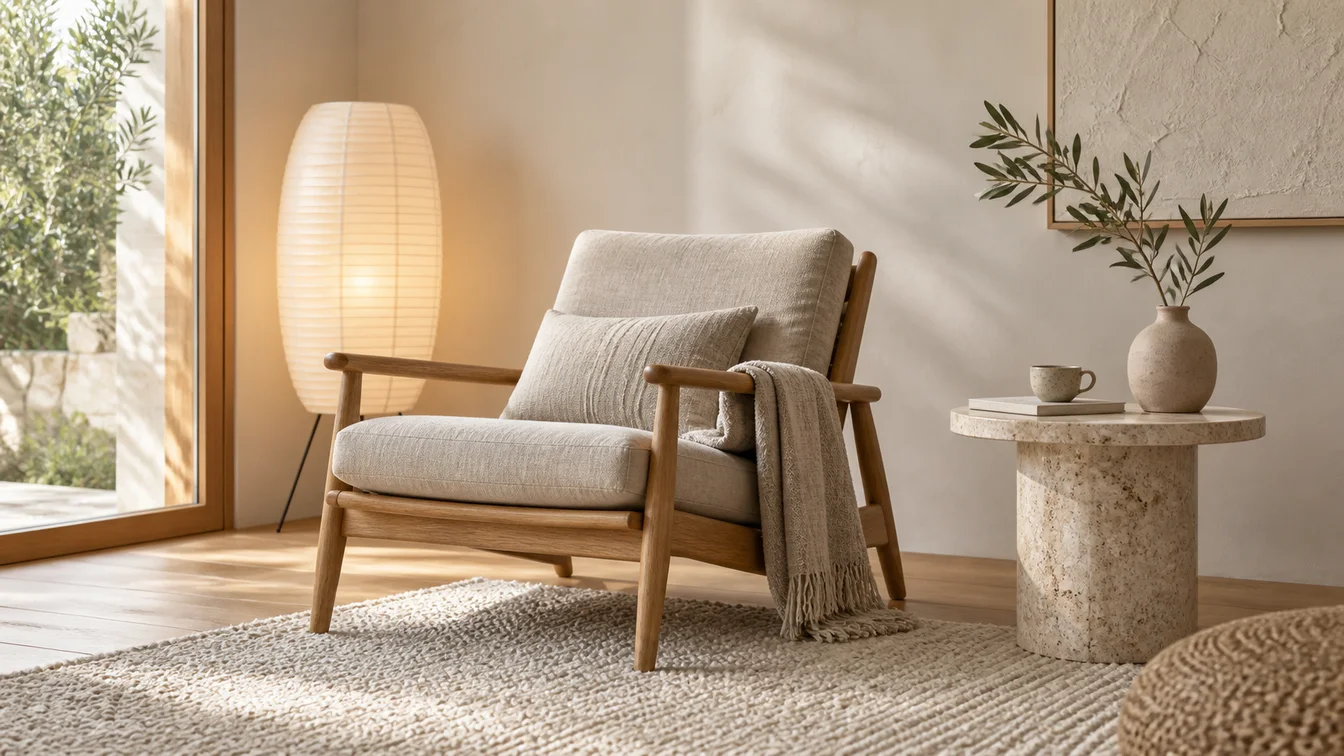
AI Interior Design
Upload a room photo and HausDraft’s AI interior design tool restyles it in seconds — Modern, Scandinavian, Japandi — keeping your walls, windows and layout.
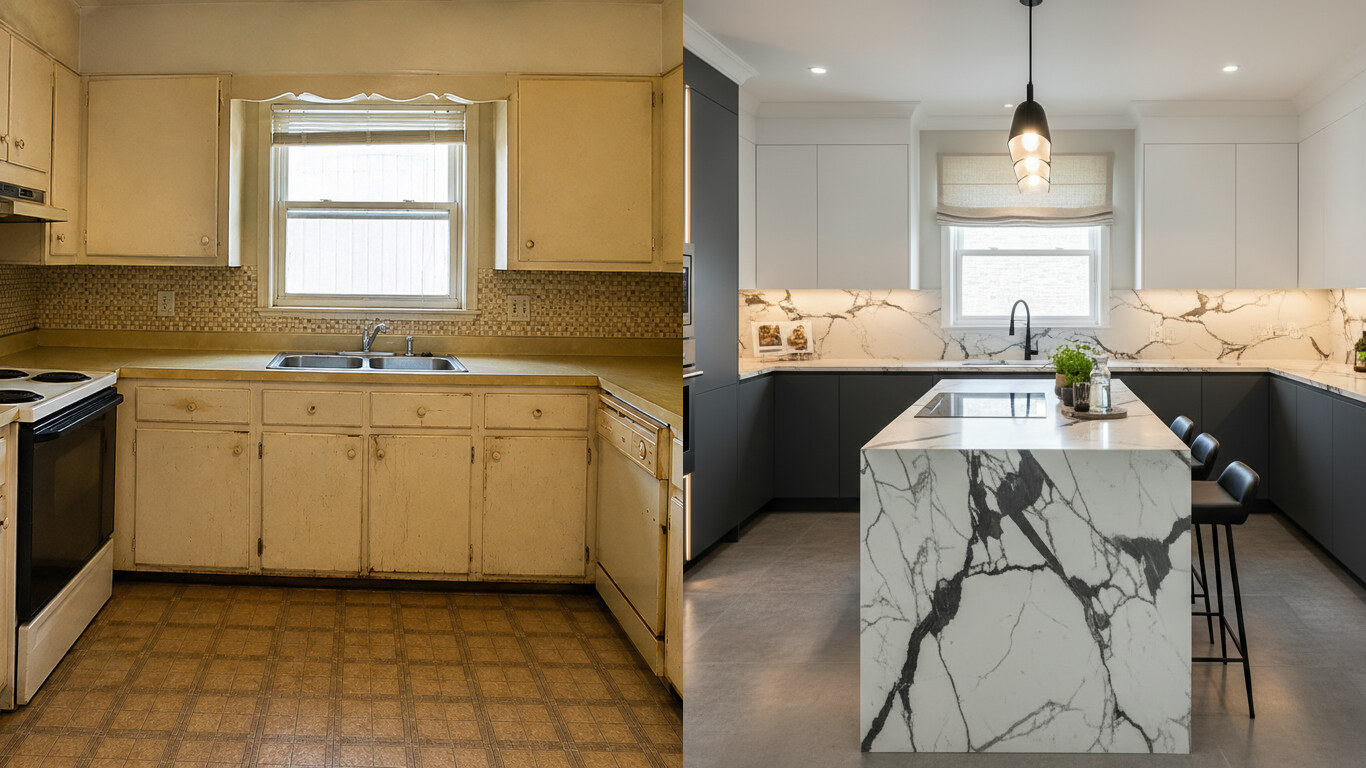
AI Kitchen Design
Upload a photo of your kitchen and HausDraft restyles the cabinets, countertops and backsplash in seconds — keeping your windows, doors and layout. Free to try.
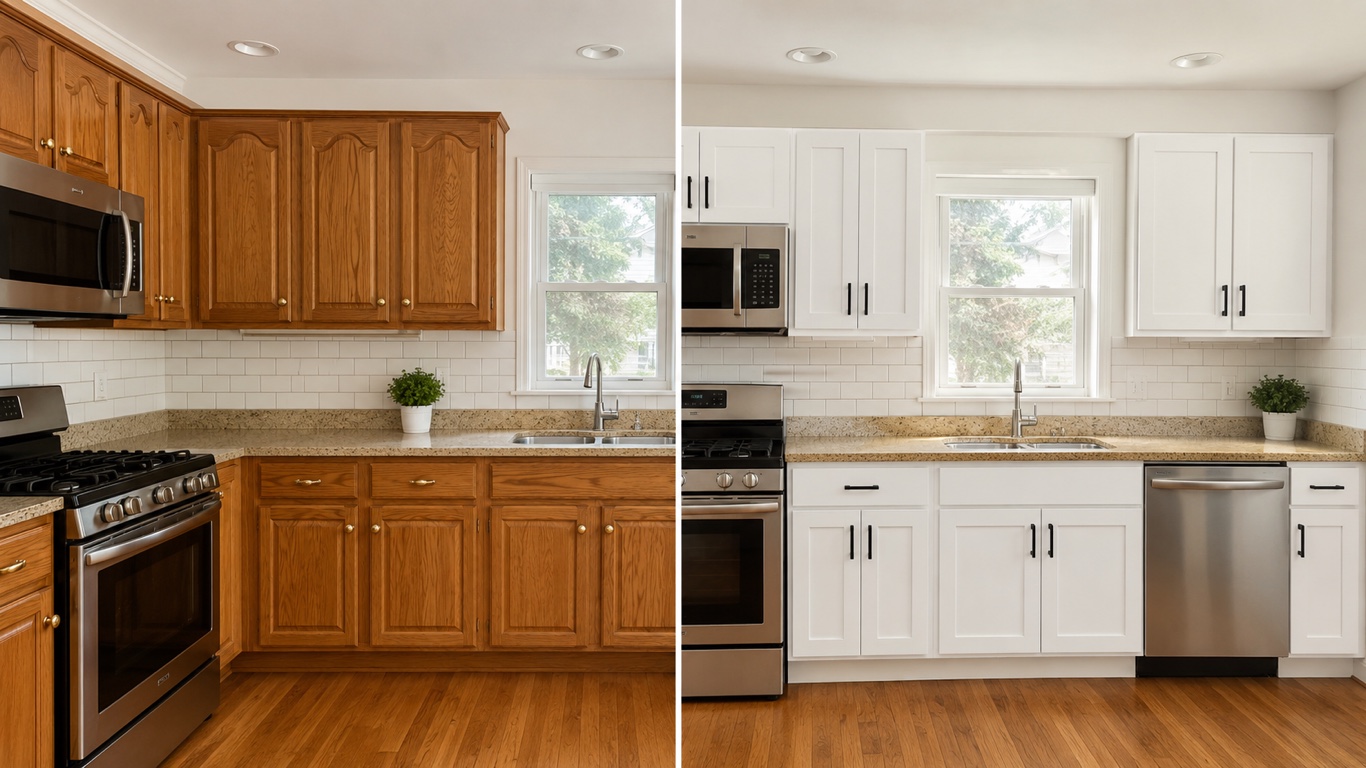
Kitchen Cabinet Visualizer
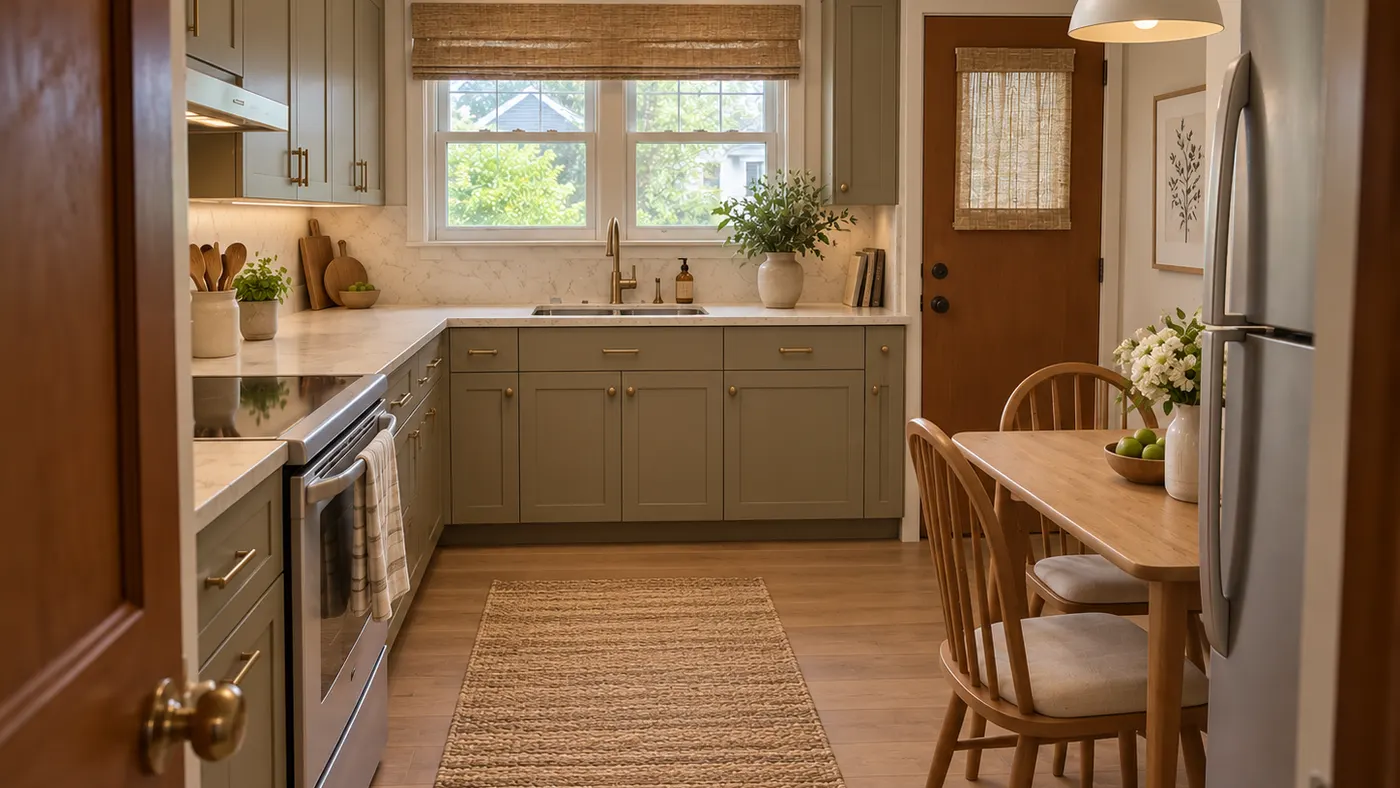
HausDraft’s kitchen cabinet visualizer shows cabinet colors on your kitchen from a photo — white shaker, navy, sage, walnut — counters and layout stay put.
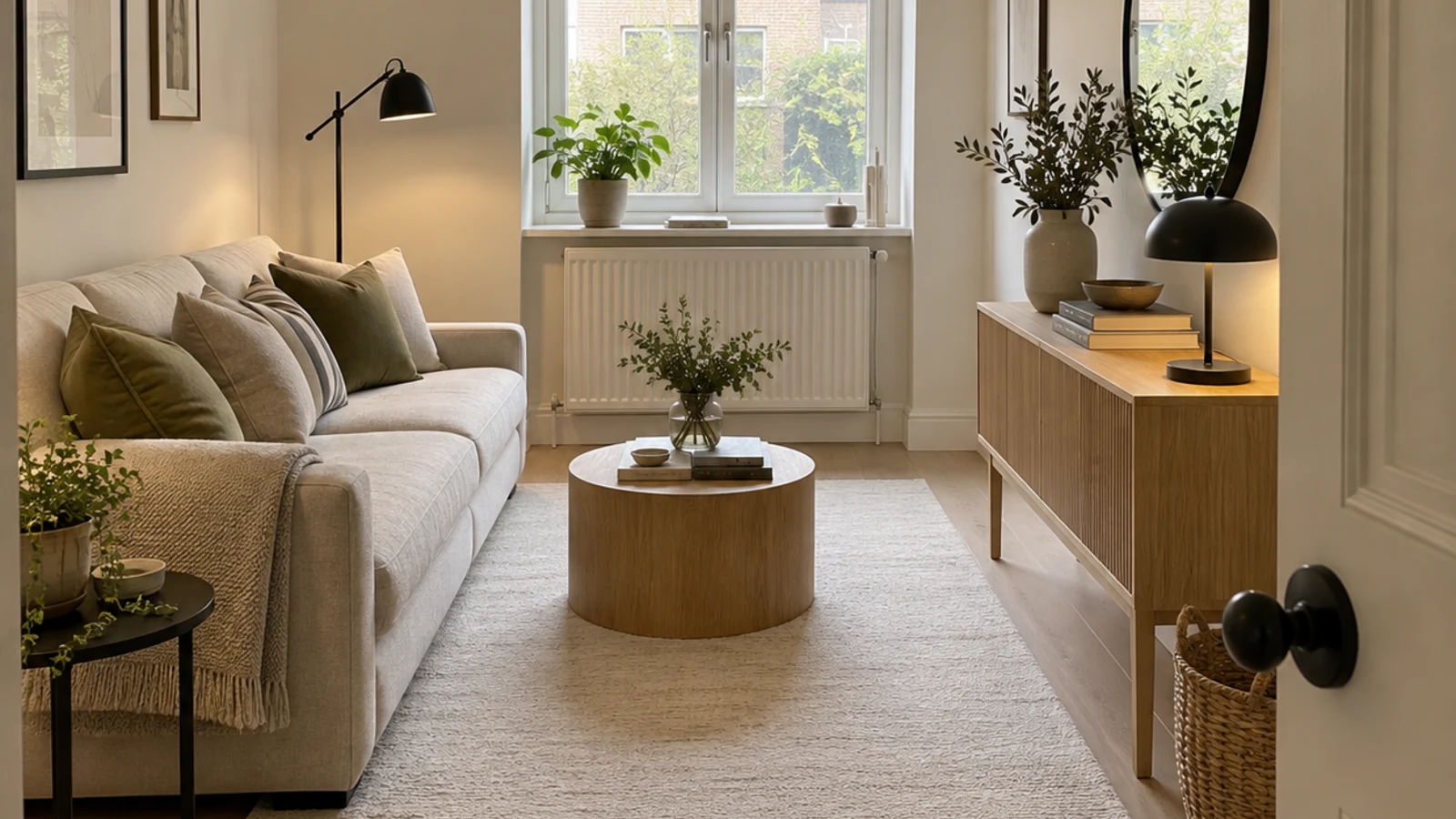
Small Living Room Layout
See 20+ small living room layout ideas grouped by problem, then try any furniture arrangement, cozy refresh or renter-friendly look on your own room photo.
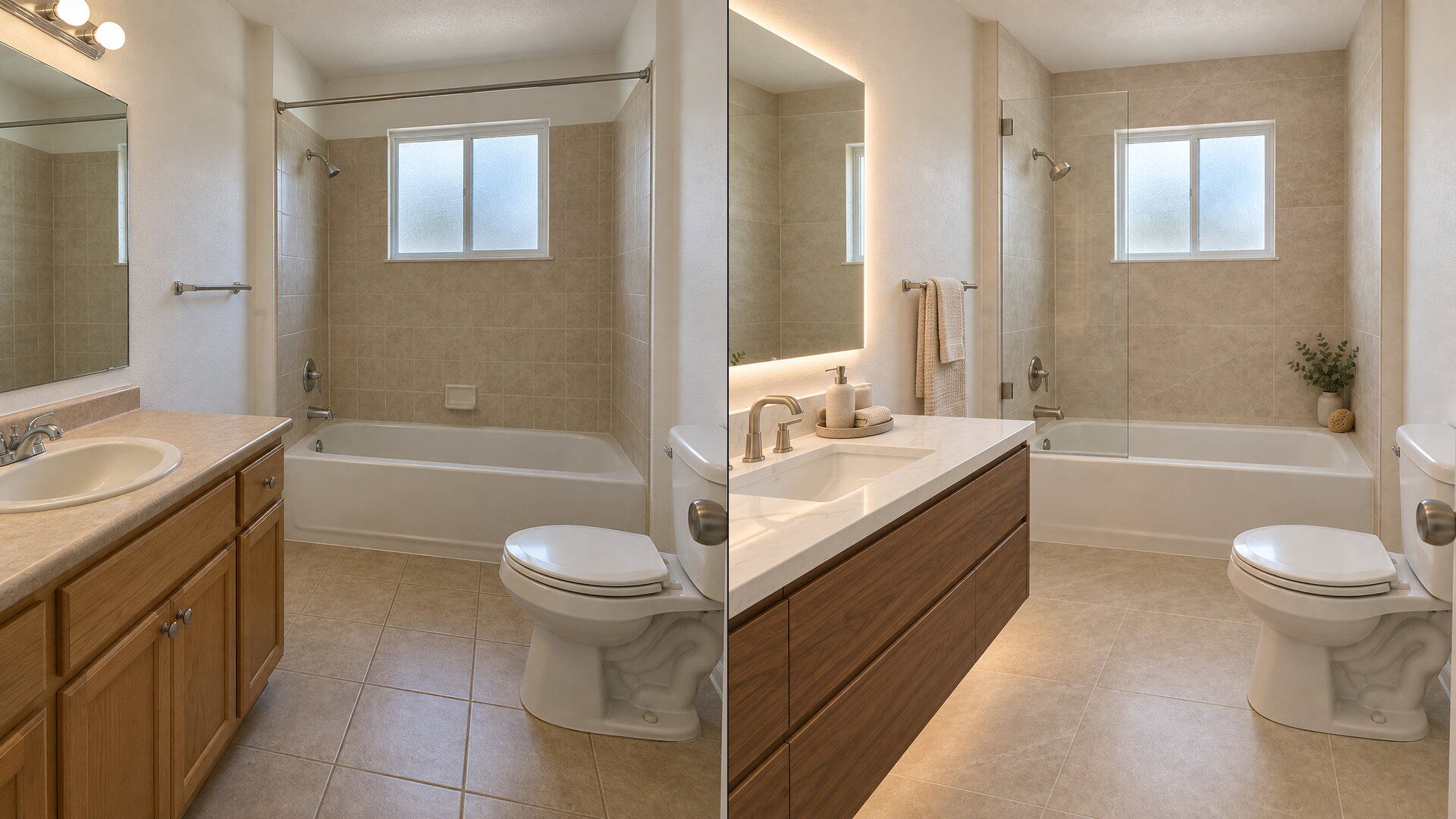
Bathroom Remodel Visualizer
Upload a bathroom photo and preview vanity, tile, fixtures and paint with this free bathroom remodel visualizer — plumbing and layout stay put.
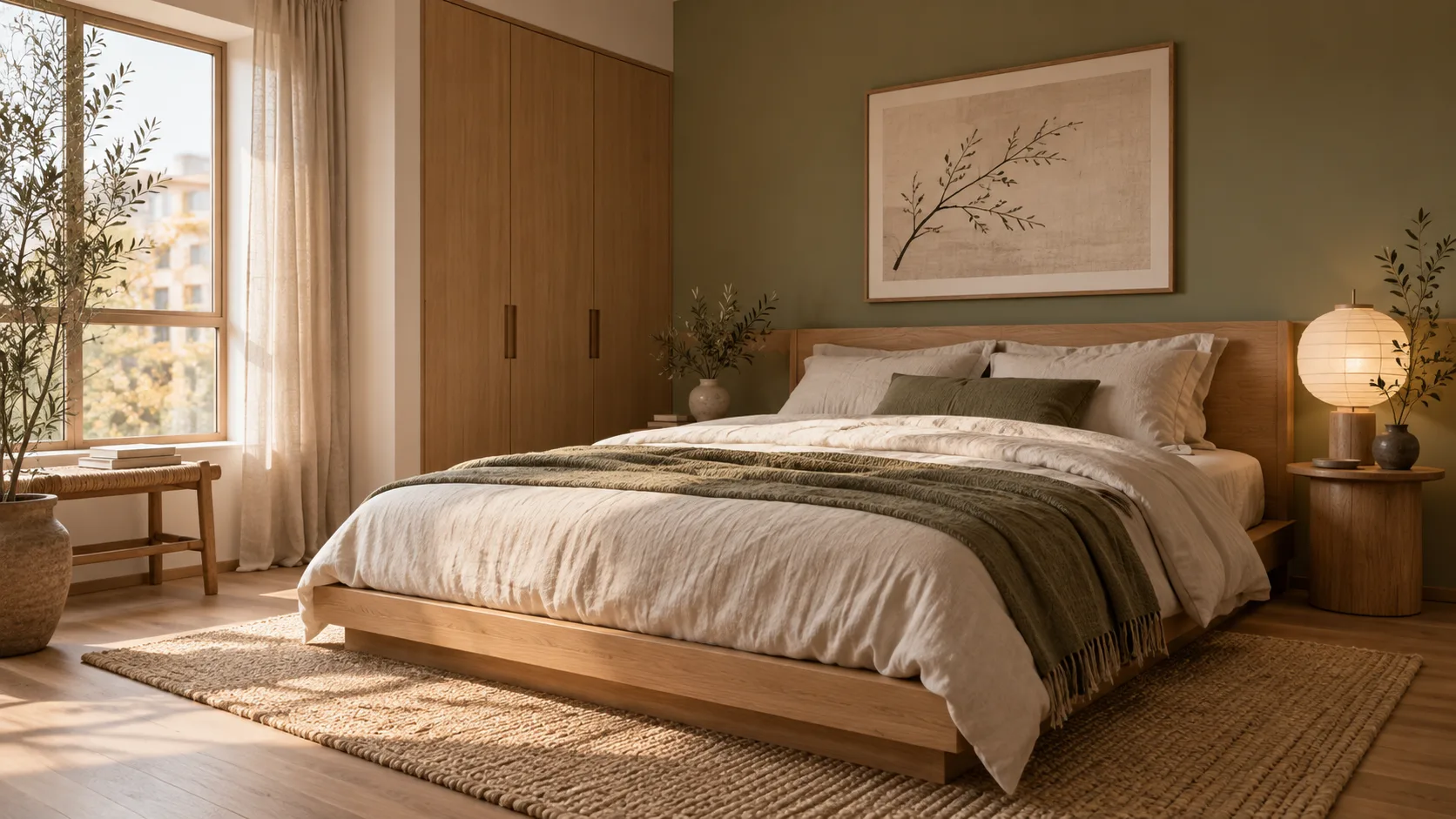
AI Room Design
Redesign any single room free — upload a photo, pick a style, and HausDraft’s AI room design tool restyles it while keeping your walls, windows and layout.
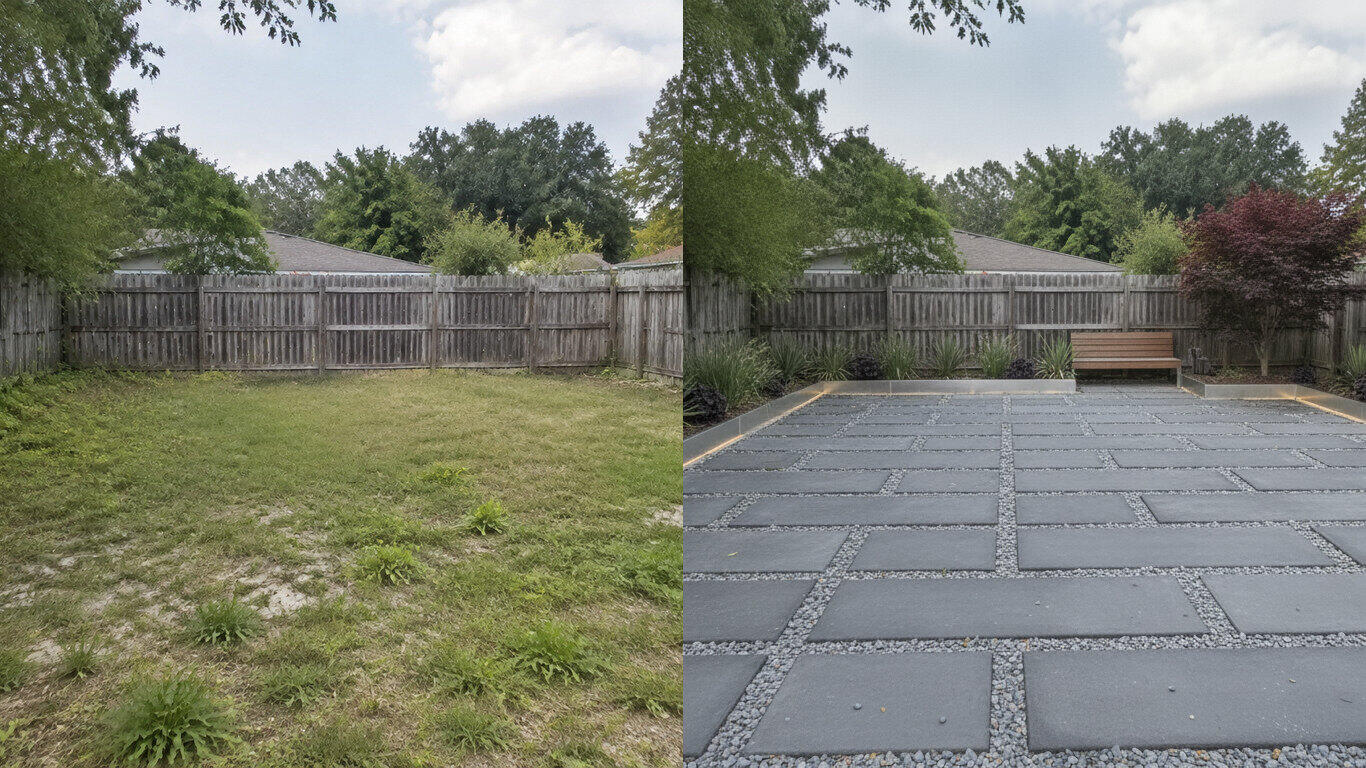
AI Landscape Design
Upload a photo of your yard and HausDraft’s AI landscape design tool reimagines the planting, beds, lawn and hardscape in seconds — Modern, Cottage, Mediterranean, Tropical and more — while keeping your house and property lines in place.
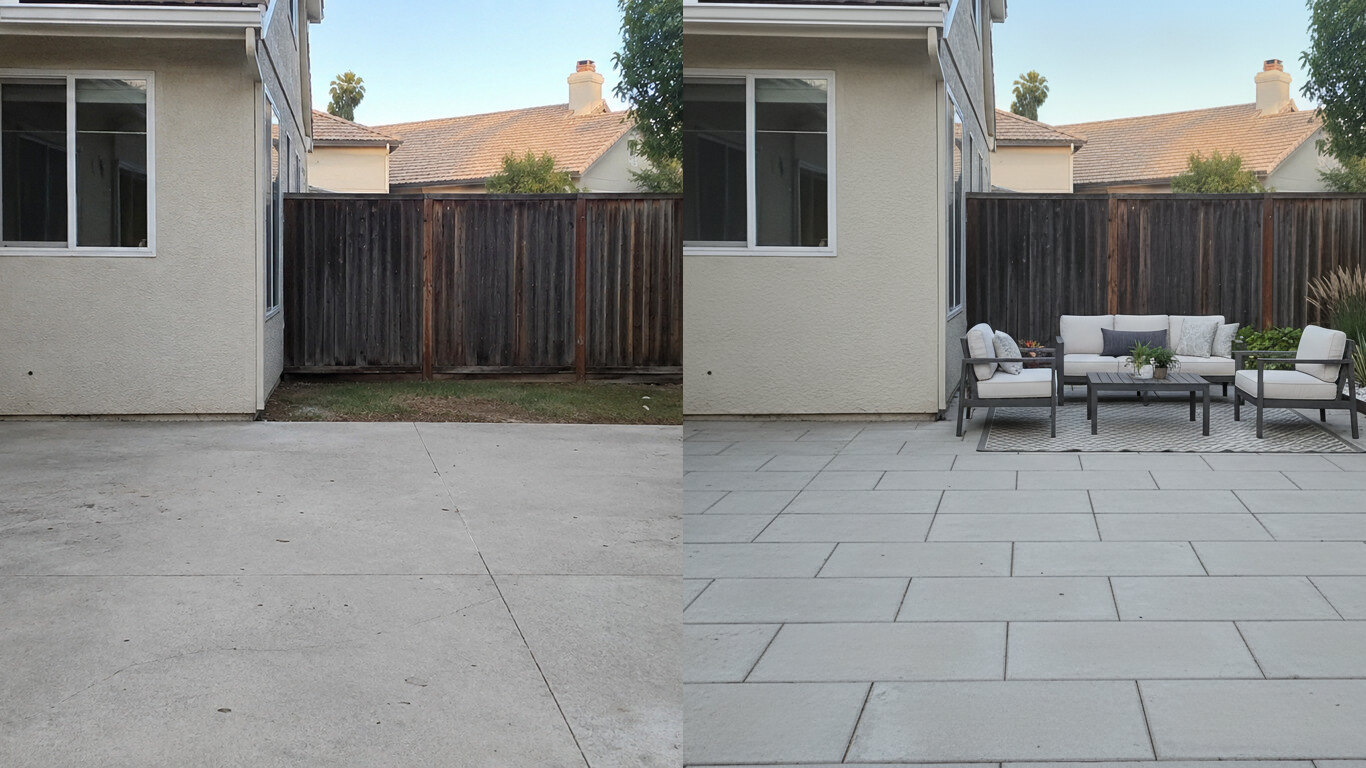
Patio Design
Upload a photo of your patio and HausDraft reimagines the paving, furniture layout and planting in seconds — while keeping your house wall and yard footprint in place. Plan a backyard patio before you build.
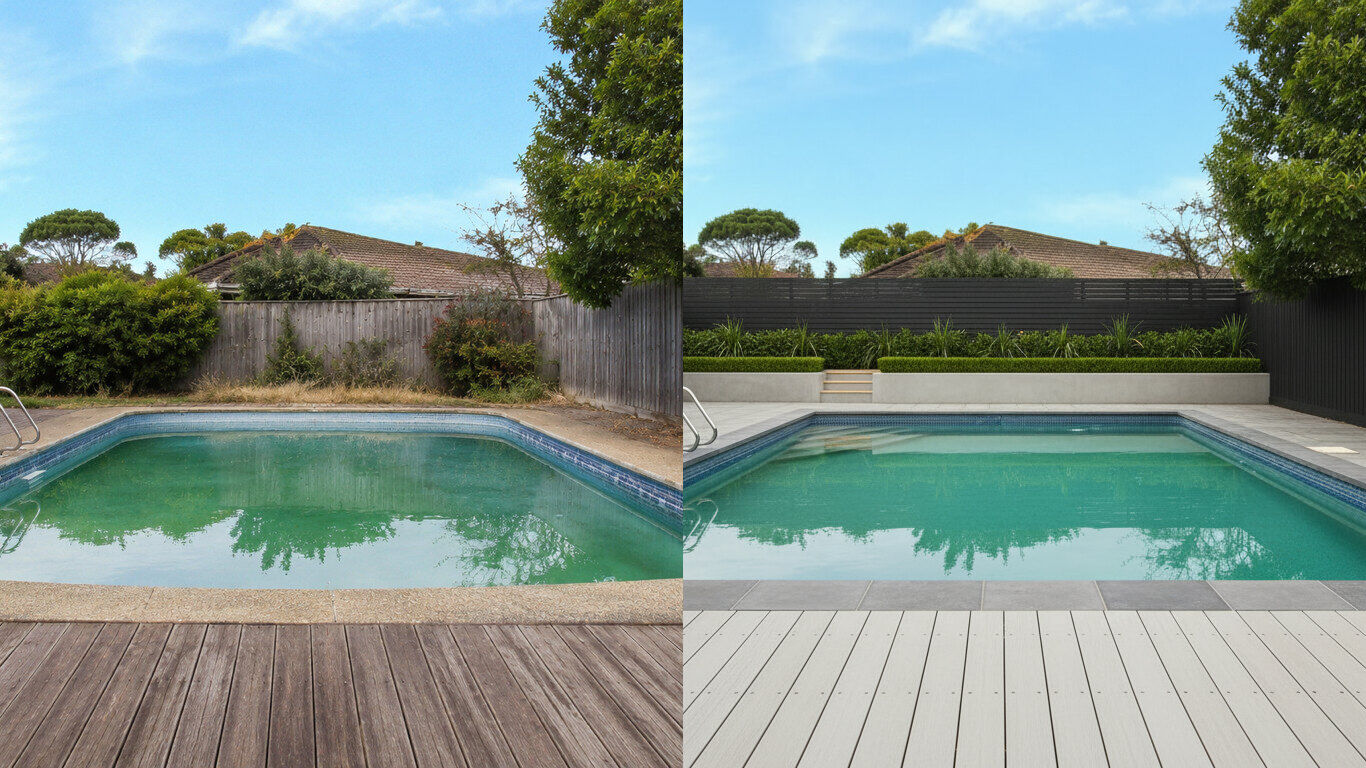
Pool Design
Upload a photo of your backyard and HausDraft reimagines the pool, decking and surround planting in seconds — while keeping your house and property lines in place. Visualize a backyard pool before you build.
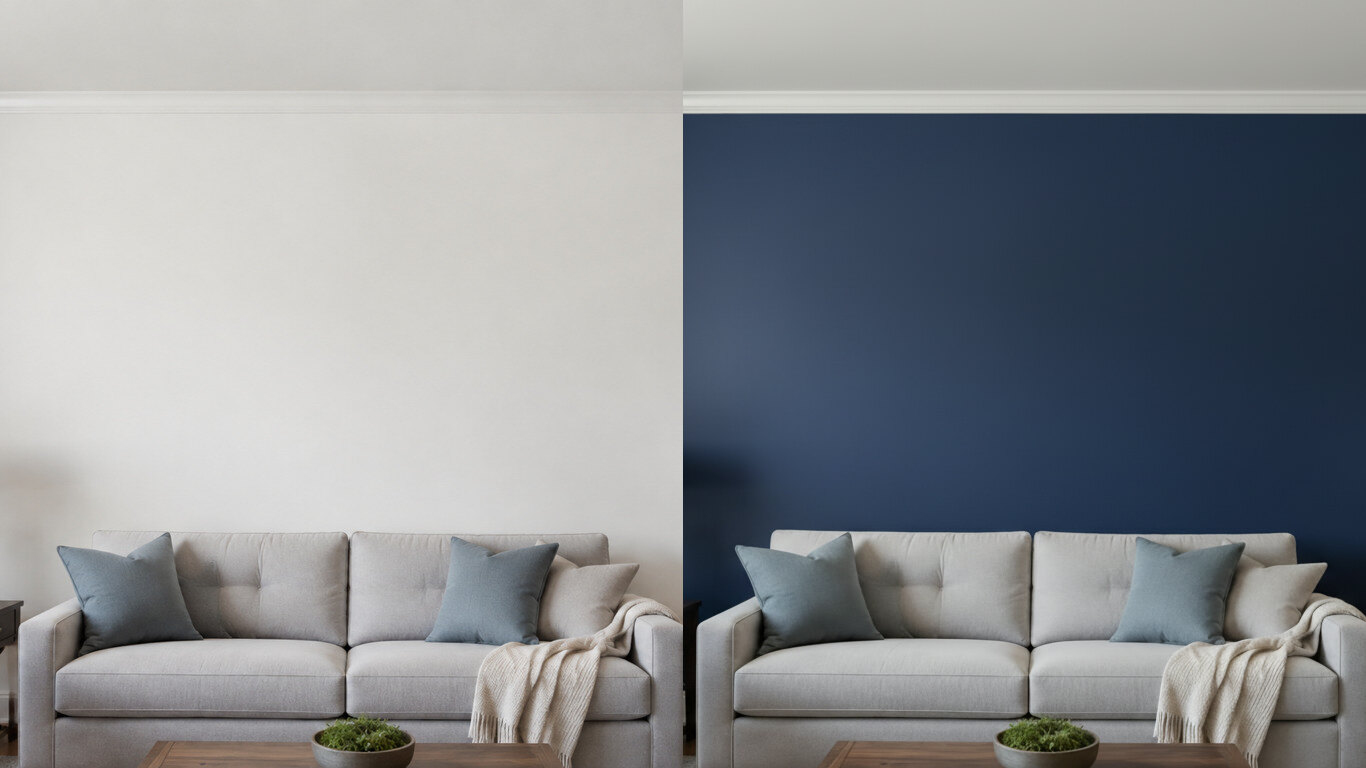
Paint Color Visualizer
Upload a photo of your room or wall and HausDraft’s paint color visualizer repaints it in any colour in seconds — changing only the paint while keeping your furniture, trim and fixtures exactly as they are. Try colours before you buy a can.
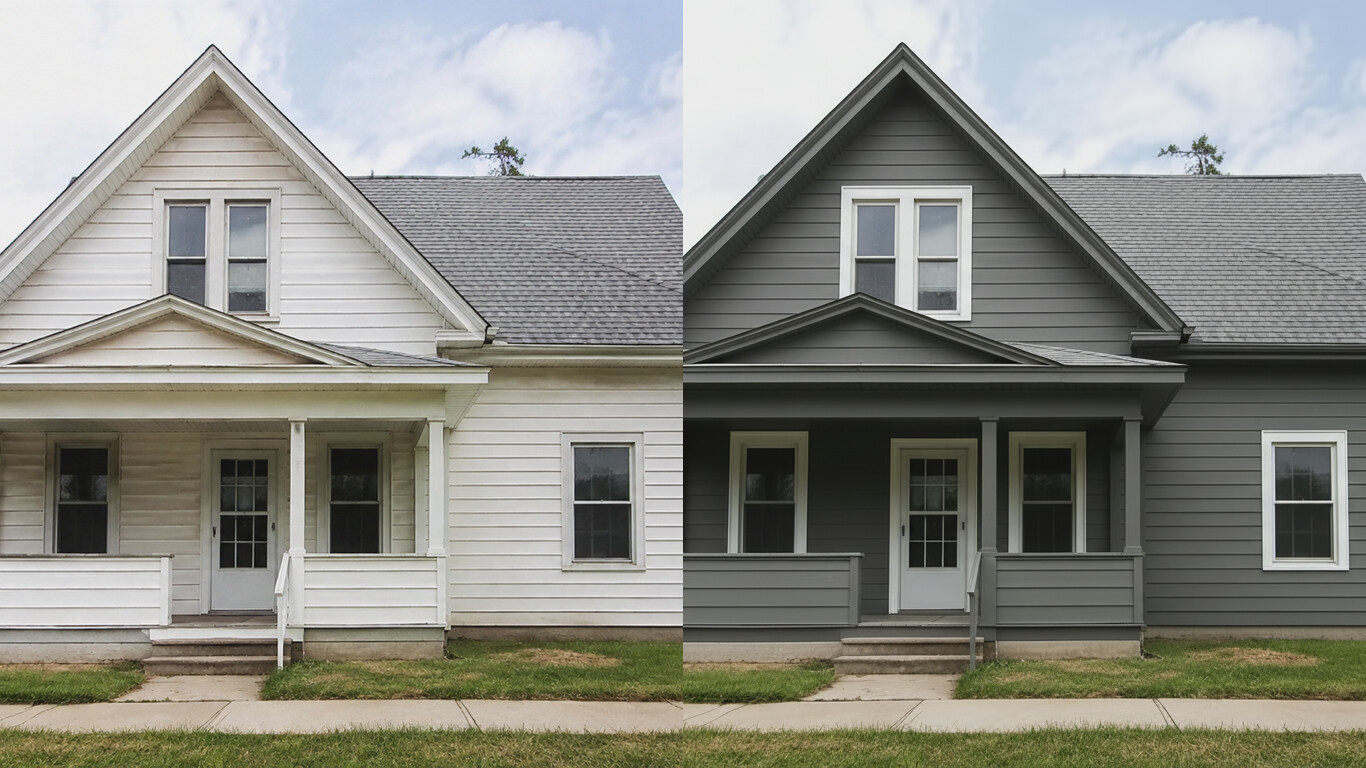
Exterior House Color Visualizer
Upload a photo of your house and HausDraft’s exterior house color visualizer repaints the siding and trim in any colour in seconds — changing only the paint while keeping the structure, roof and landscaping. See your house painted before you hire.
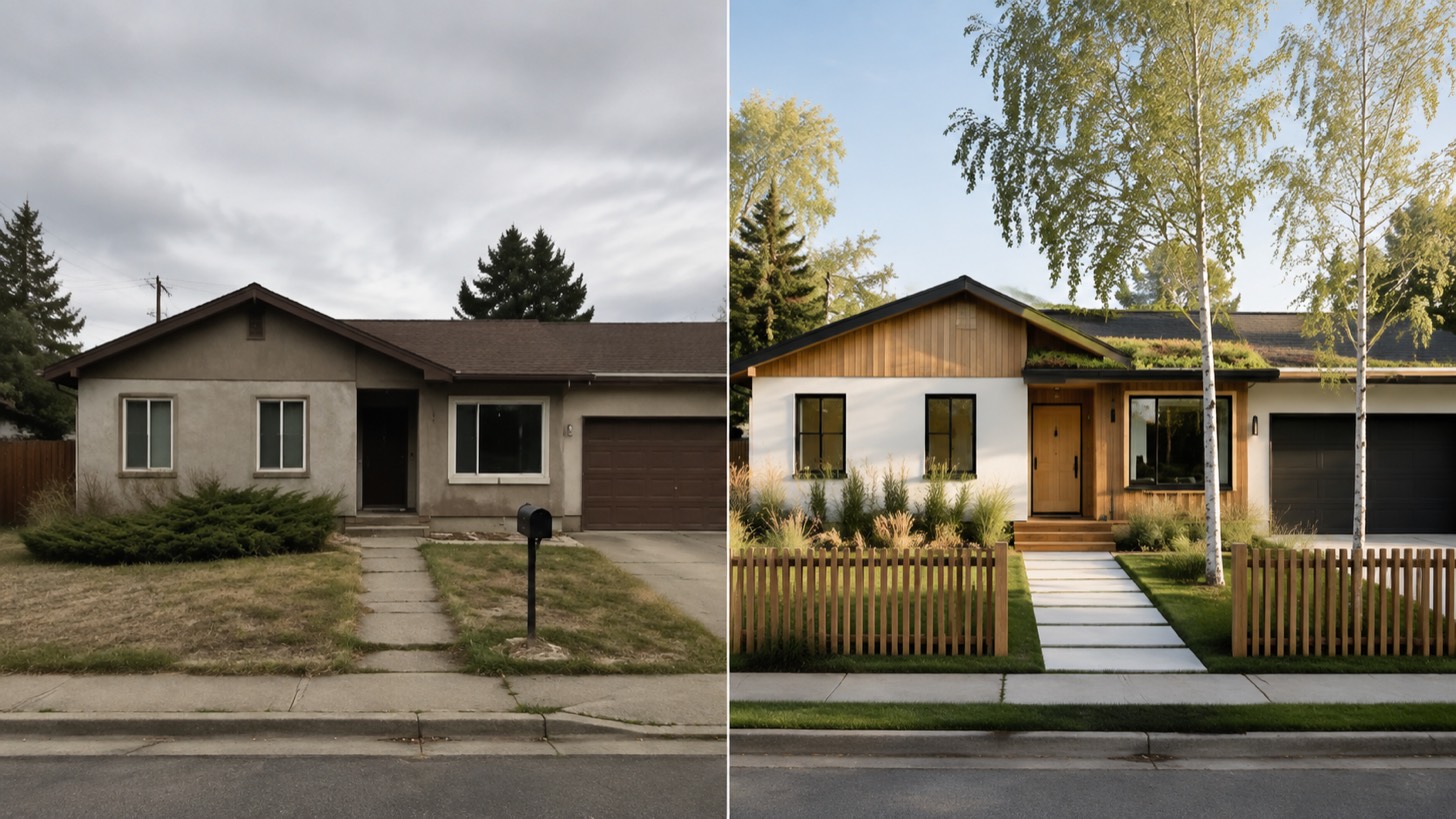
AI Home Exterior Design
AI home exterior design from one photo — HausDraft restyles your whole facade (style, siding, materials, trim) while keeping your structure and roofline.
Interior Remodel
Upload a room photo and preview an interior remodel in seconds — compare finishes, furniture and styles while keeping your walls, windows, doors and layout recognizable.