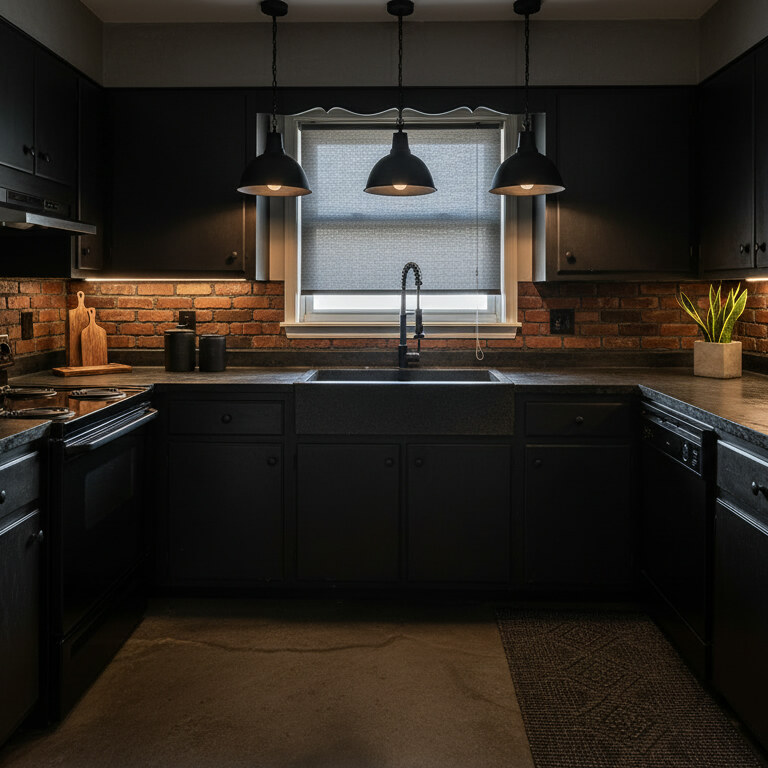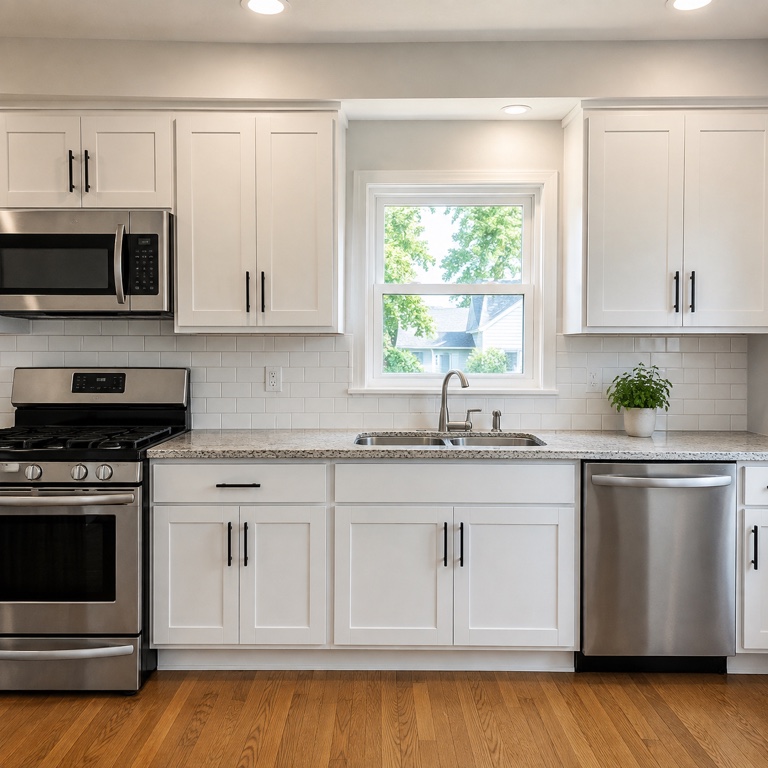
White shaker
Pick your cabinets, choose a style and size, then generate.
Your saved images
Sign in on a paid plan to reuse images you've saved.
Or start from a sample like your home
Your cabinets photo
Works best with a photo of your own cabinets.
Style (sets the look)
Or match a look of your own
Your own furniture & materials · Decorate
Up to 3 materials — pick where each one goes (floor, countertops…) under its picture.
Build your own swatch
Pick a material, then play with its colour, size and pattern — the swatch updates as you go.

Shape
Surface
Color
Grout colour
Grout width
Layout
Your saved images
Sign in on a paid plan to reuse images you've saved.
Or try one of our material samples
Decorate for a holiday added on top of your Style
Look
Colors (optional — your palette, applied with the style)
Auto
Room
What to change (optional — pick none to redesign everything)
Output
Your words
Prompt (editable — the scene & styling that drives the image)
This step uses 2 credit(s)
Show me 6 ideasUnlock the idea wall
Upgrade to a paid plan to generate 6 or 12 directions side by side.
Takes about 1–2 minutes. You can leave while it runs — results are saved to Projects.
Upload a photo of any room with cabinets, pick a style, and see new doors, finishes and hardware on the cabinets you already have.
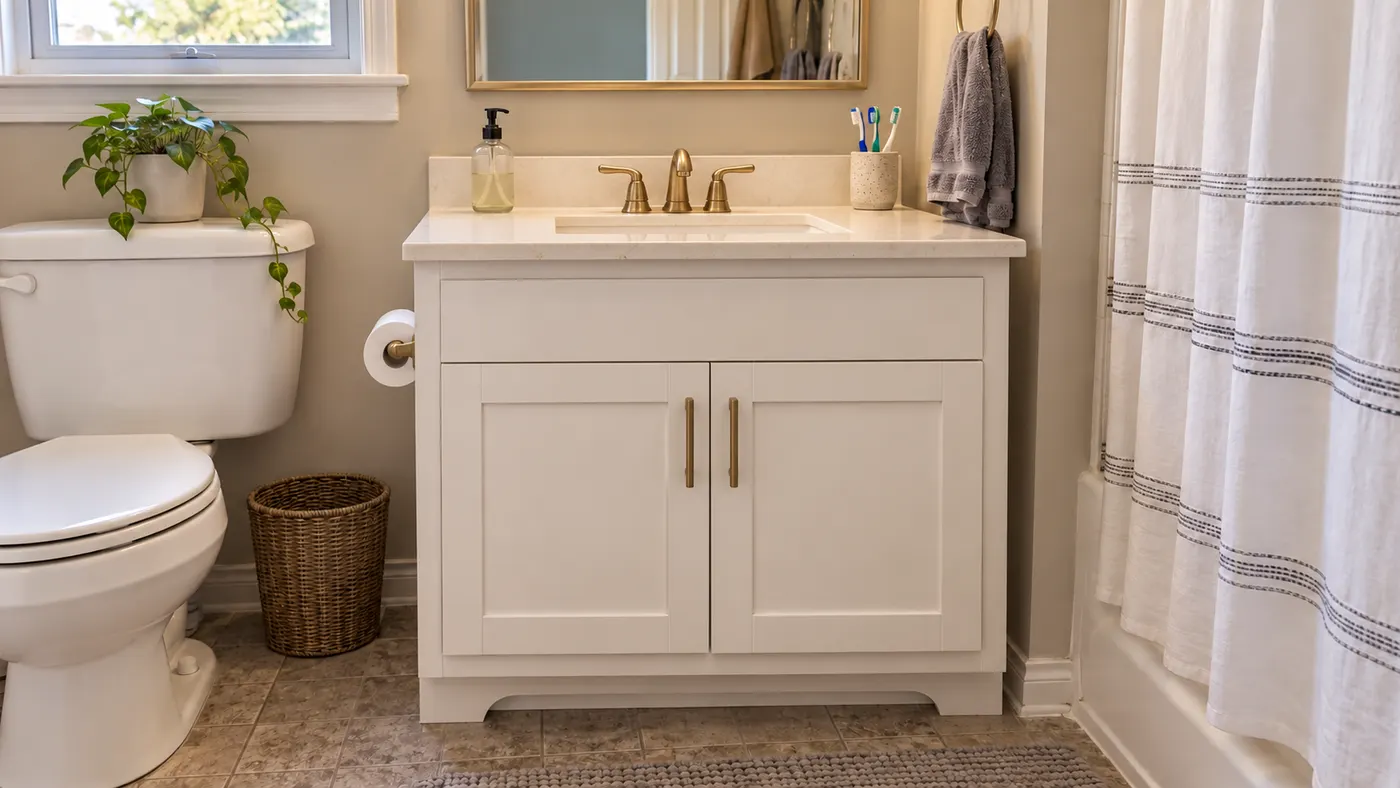
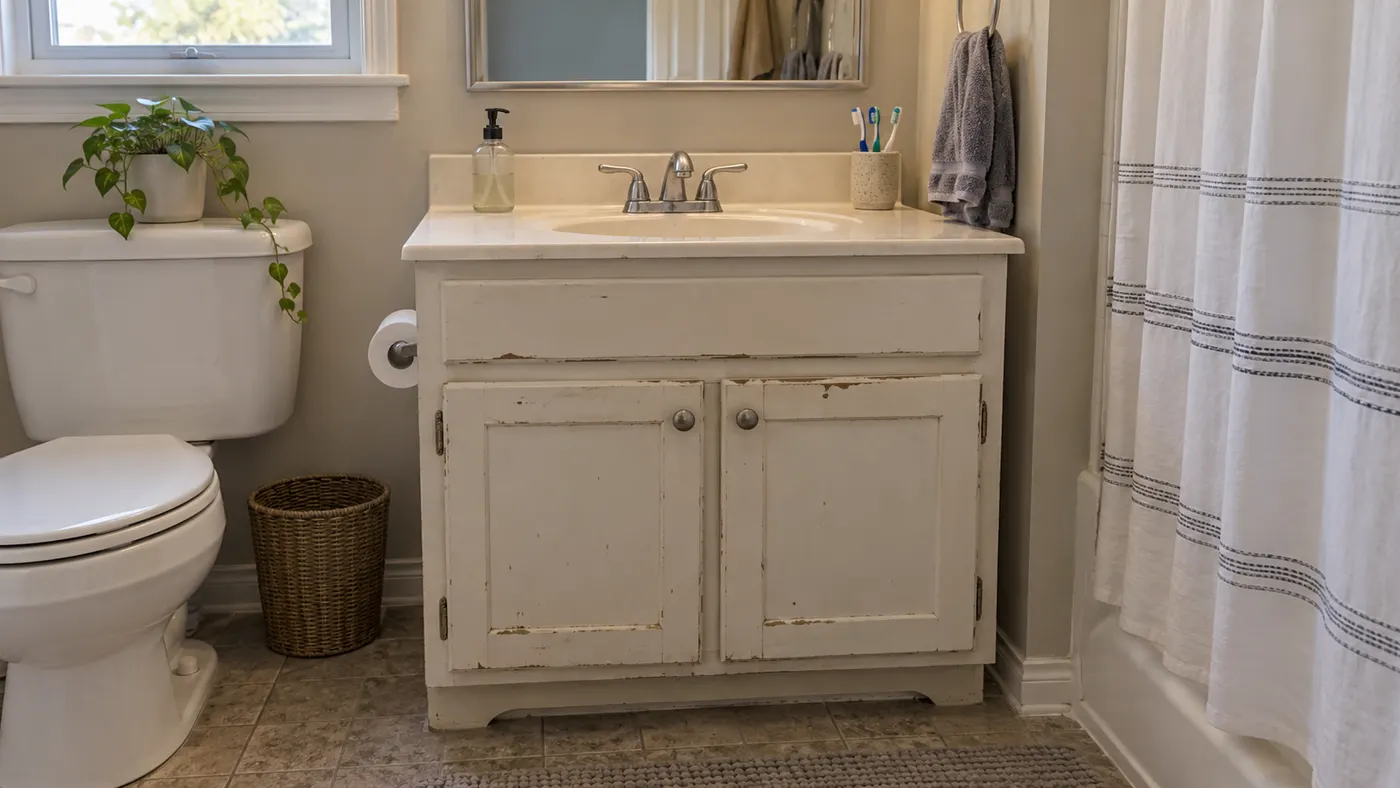
HausDraft’s AI cabinet design tool redesigns the cabinets from a single photo. Change the door style from raised panel to shaker or flat slab, swap painted doors for oak or walnut, add glass fronts or open shelves, and see new hardware, counters and backsplash to match. It works on kitchen cabinets, bathroom vanities, laundry rooms and built-in shelving, so you can judge the change before you order a single door.
Design my cabinets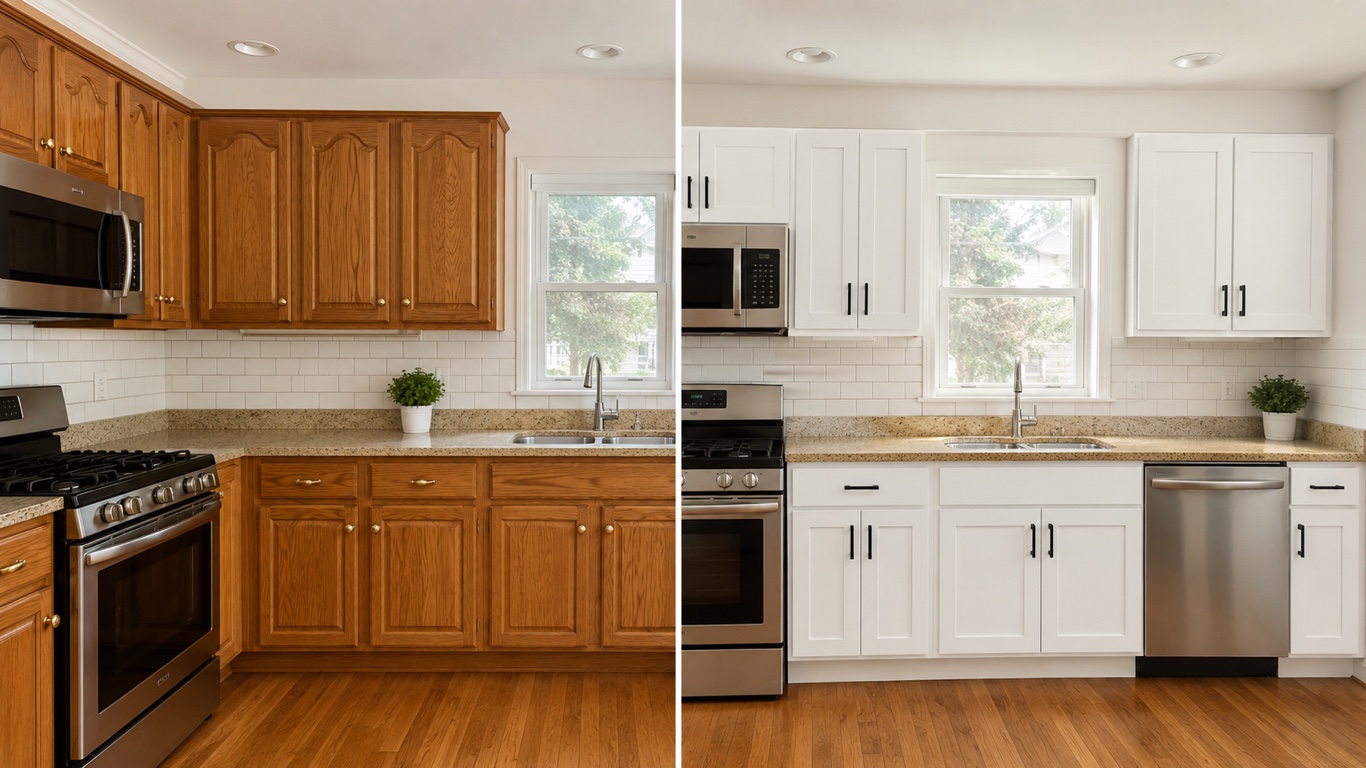
Cabinet finishes and door styles generated on real kitchen photos.
Most cabinet visualizers only repaint the doors you have. Here the door profile can change too: shaker, flat slab, beadboard, raised panel or glass-front, in the finish you pick.
Kitchens, bathroom vanities, laundry rooms, mudroom lockers and living-room built-ins all work. Upload the room and the AI only redesigns the cabinetry.
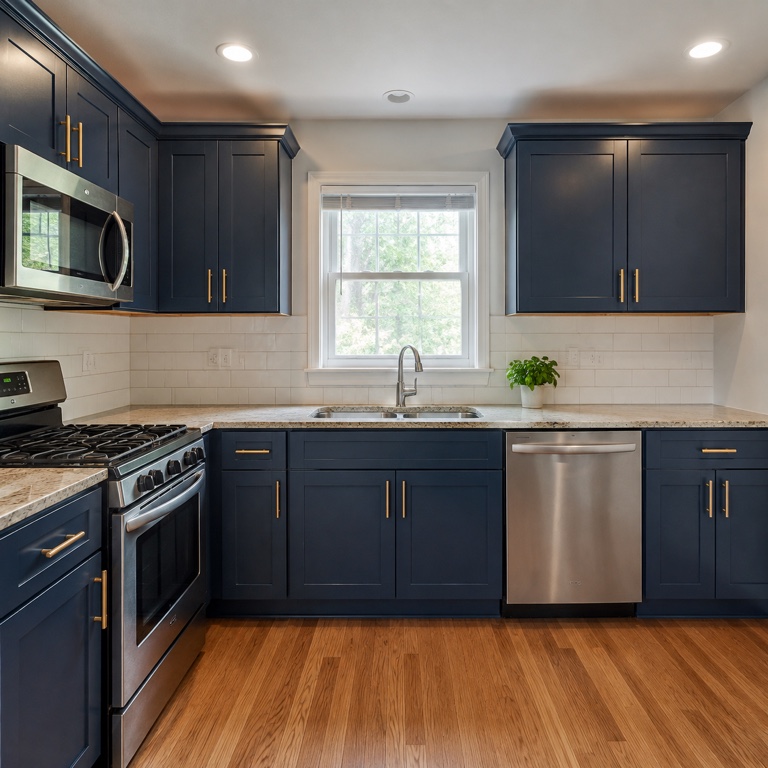
New doors often need a new counter or backsplash to look right. Let the AI change those too, or keep them and redesign the cabinets on their own.
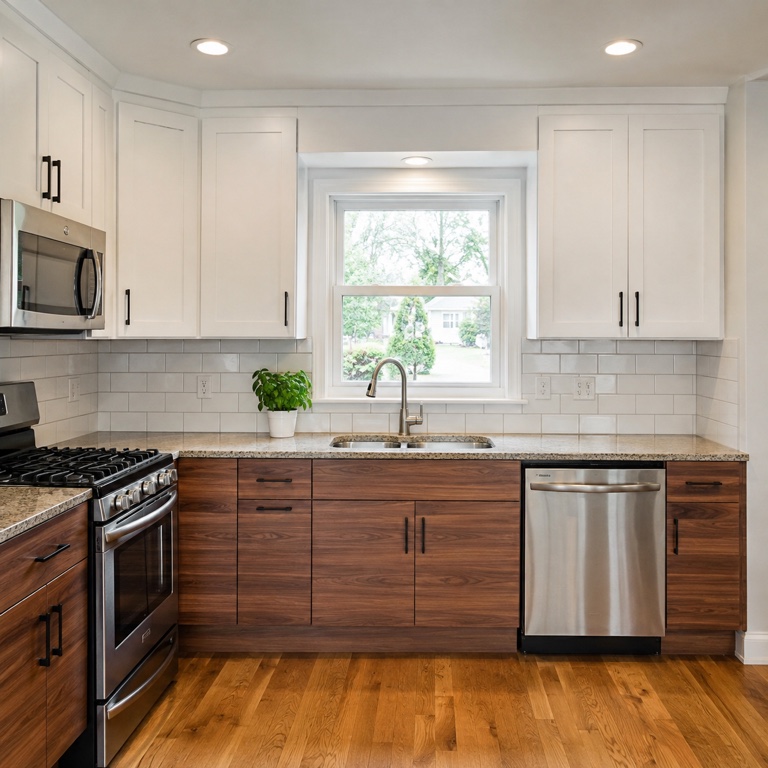
The parts of your cabinetry the AI can redesign from one photo.
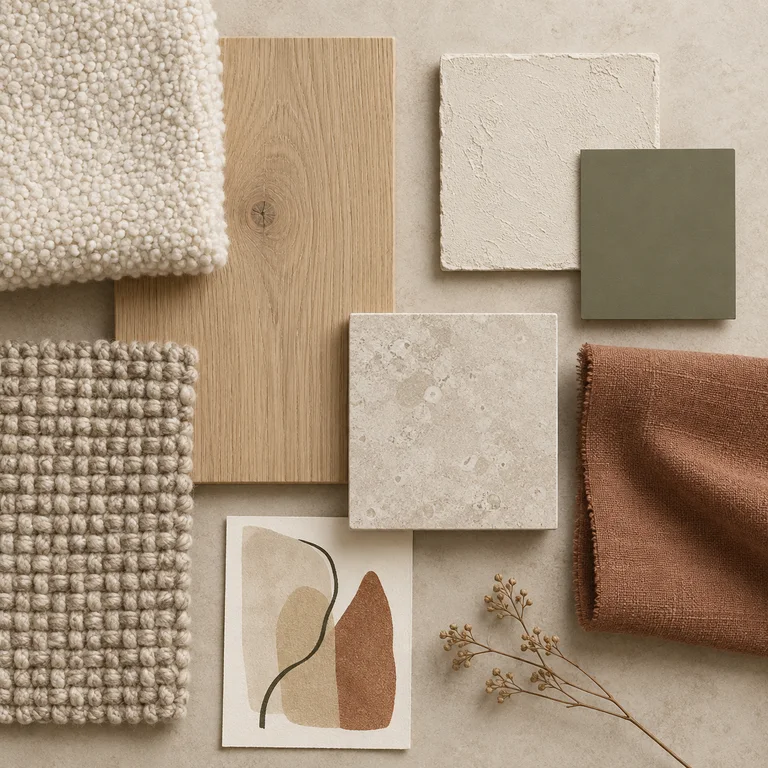
Shaker, flat slab, raised panel, beadboard or glass-front doors, and open shelving where it makes sense.
Natural oak, walnut or painted doors in any colour, with a matte, satin or high-gloss finish.
Knobs, pulls, crown moulding and toe kicks in brass, black, chrome or wood to suit the style.
Optional new counters and tile beside the cabinets, or upload a sample of the material you want.
Three steps from one photo to a cabinet design you can take to a cabinet maker.
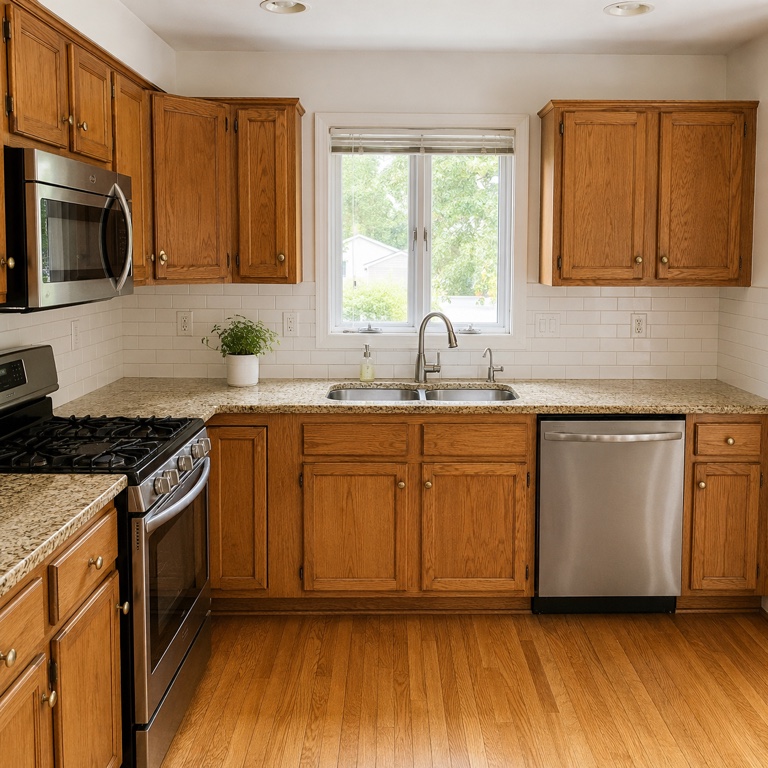
Stand back far enough to get the whole run of cabinets in frame, in daylight, with the doors closed.
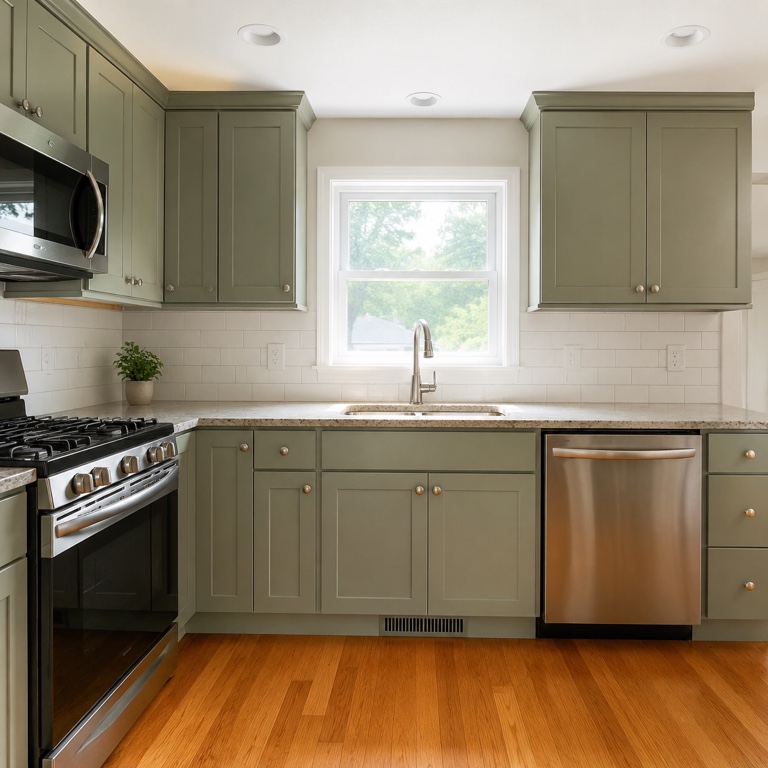
Pick a style and a cabinet colour, or upload a photo of a door, wood or hardware you like.
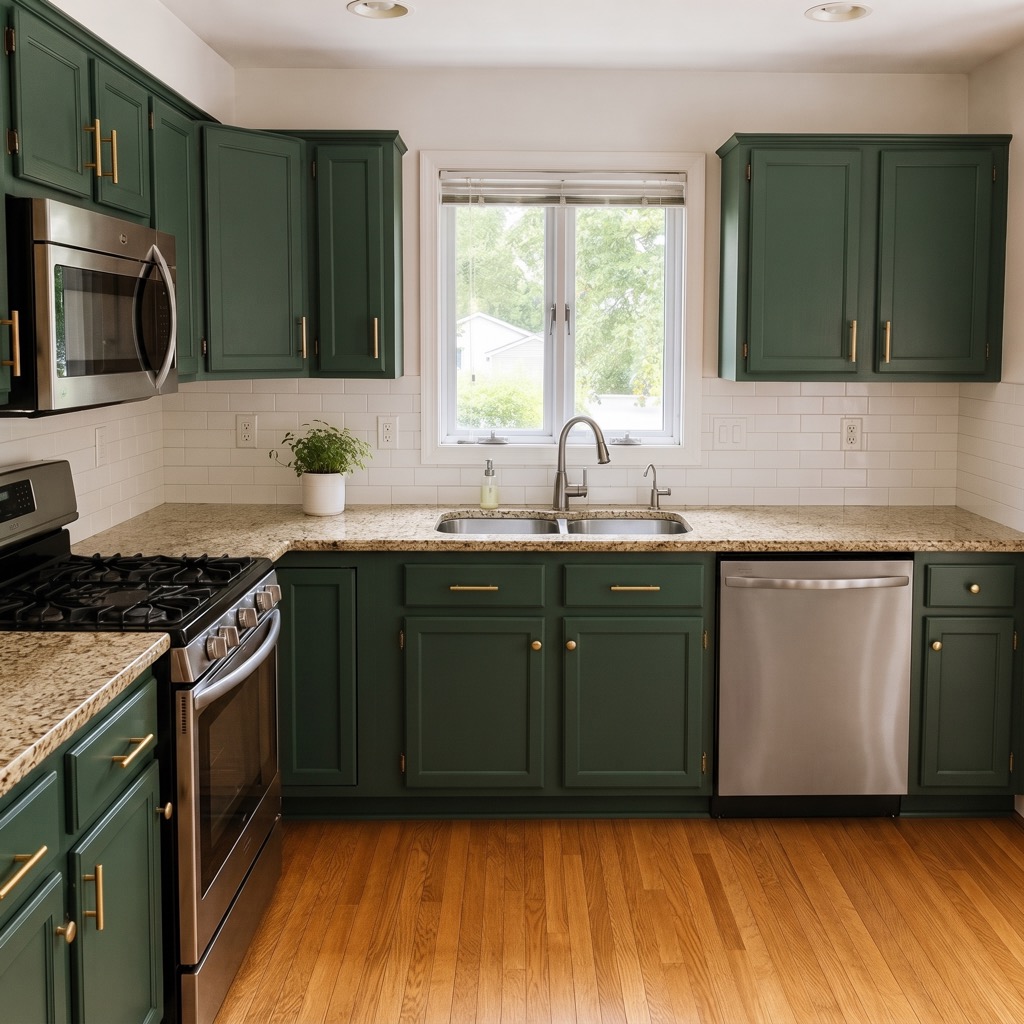
See the new cabinets in seconds, try another door style on the same photo, and save the one you want to build.
Upload a photo of your kitchen, bathroom or laundry and see new cabinets on it in seconds.
Sign in for 2 free credits to try it. Lite is $9.99/month, Starter is $29/month and Pro is $69/month; see the current plans and credit details on the pricing page.
Design my cabinetsWhat to expect from an AI cabinet redesign before you talk to a cabinet maker.
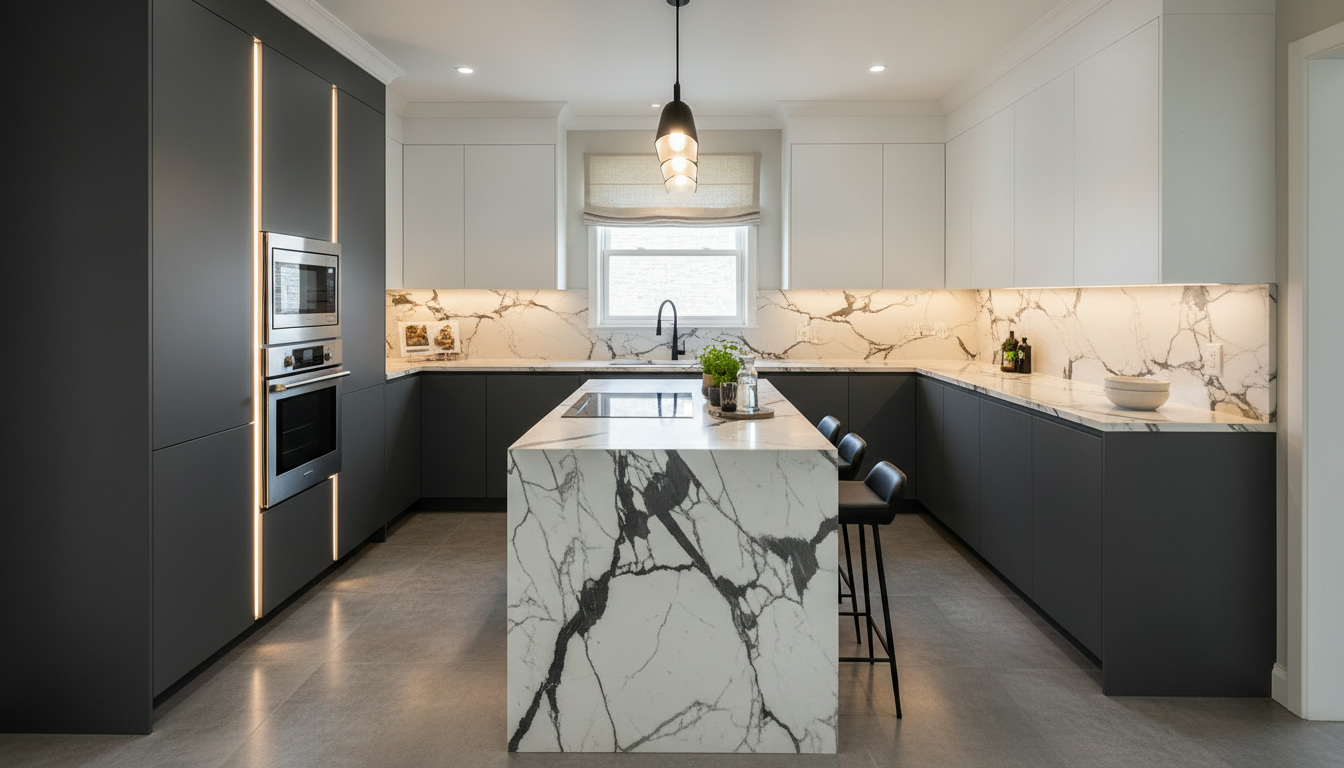
If you only want to repaint the kitchen cabinets you have, the Kitchen Cabinet Visualizer is faster: it changes the colour and finish on your current doors. This page is for changing the door style, the material or the hardware, in any room.
The result shows the look of the new cabinets. Box sizes, hinge types, drawer runners and fitting still come from a cabinet maker or kitchen supplier, so use the image as a brief.
Shoot straight on, with the counters cleared and the doors closed. If the AI changes the layout, regenerate, or keep the counters and redesign only the cabinets.
Every home design tool in the studio — swipe through, all on one login.
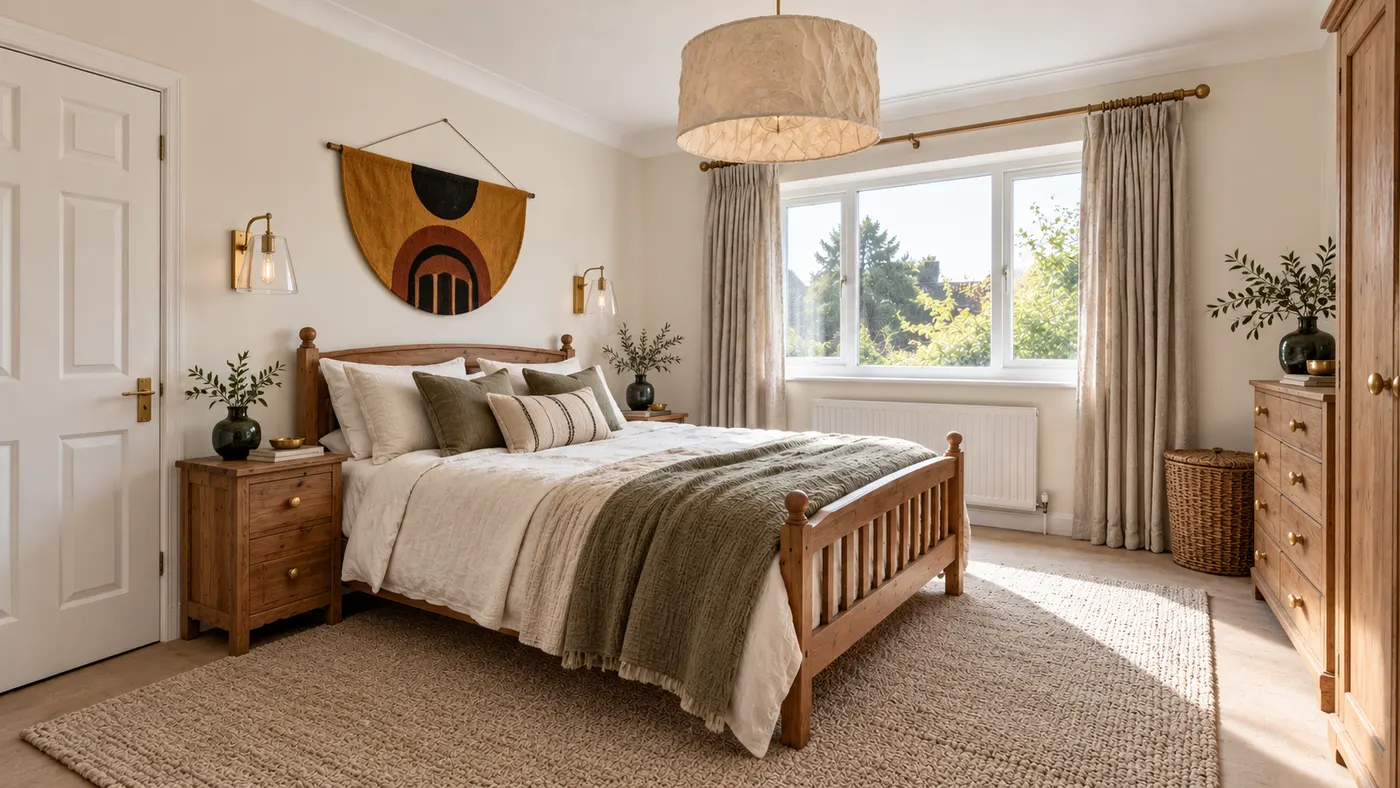
Upload a room photo and HausDraft’s AI interior design tool restyles it in seconds — Modern, Scandinavian, Japandi — with furniture and decor that go together.
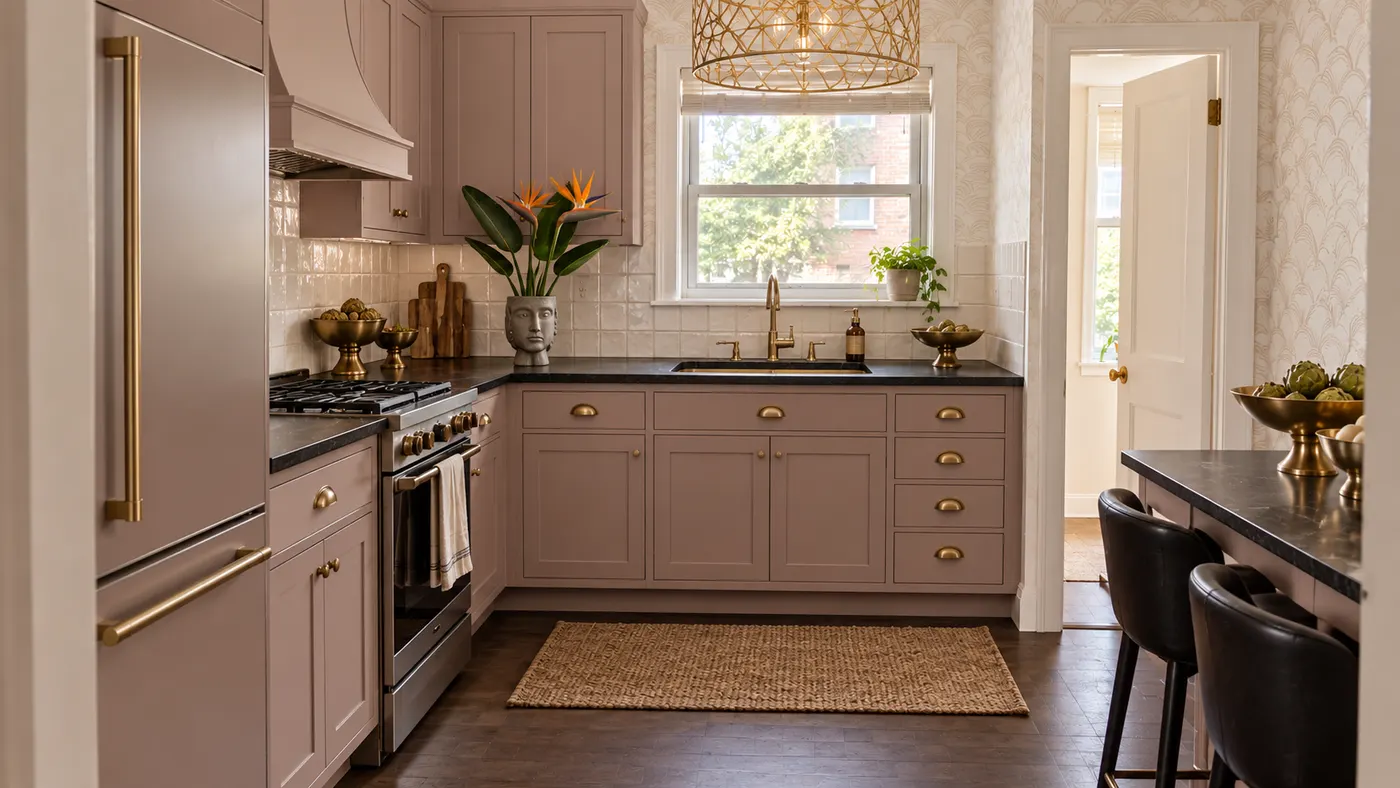
Upload a photo of your kitchen and HausDraft restyles the cabinets, countertops and backsplash in seconds, with finishes chosen to work together. Free to try.
HausDraft’s kitchen cabinet visualizer shows new cabinet colors on your kitchen from a photo — white shaker, navy, sage, walnut or two-tone, in seconds.
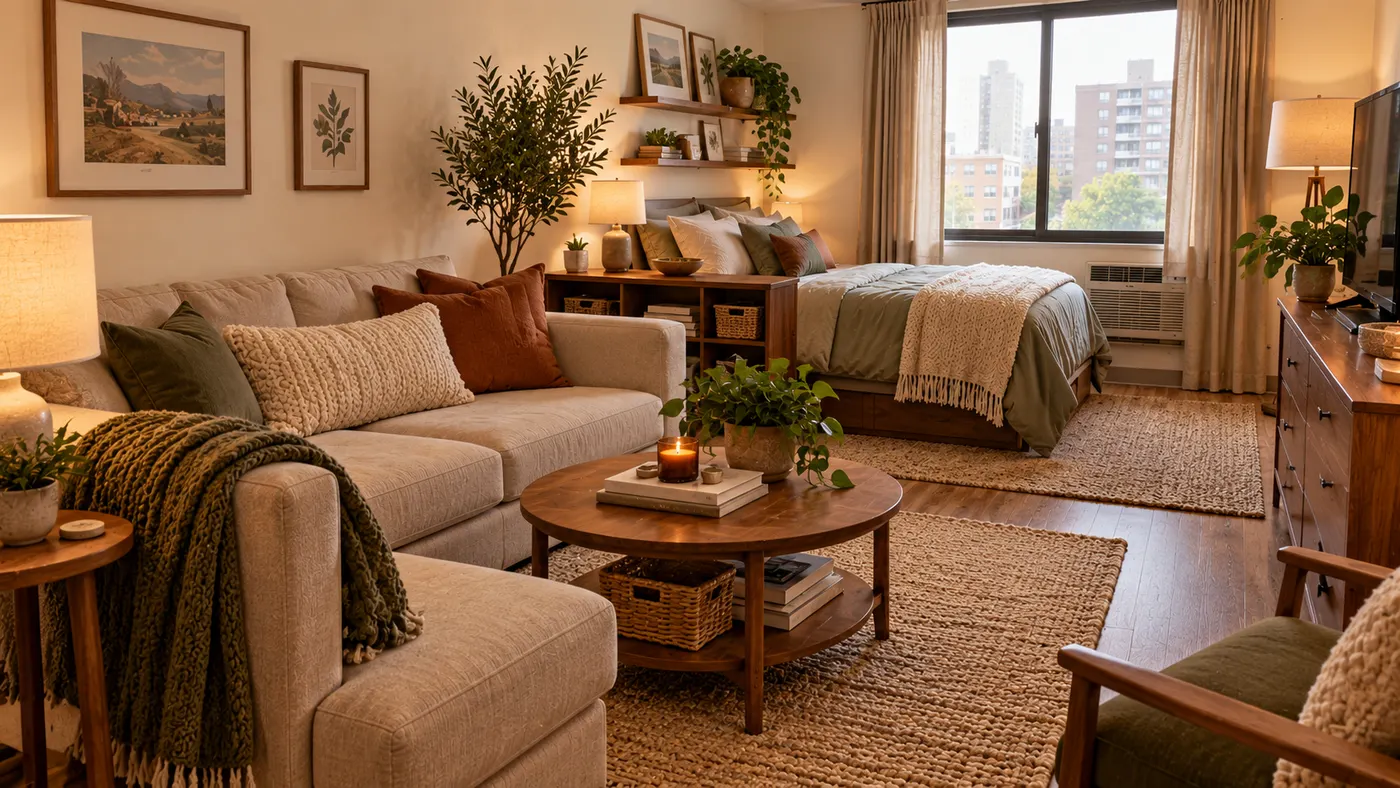
See 20+ small living room layout ideas grouped by problem, then try any furniture arrangement, cozy refresh or renter-friendly look on a photo of your room.
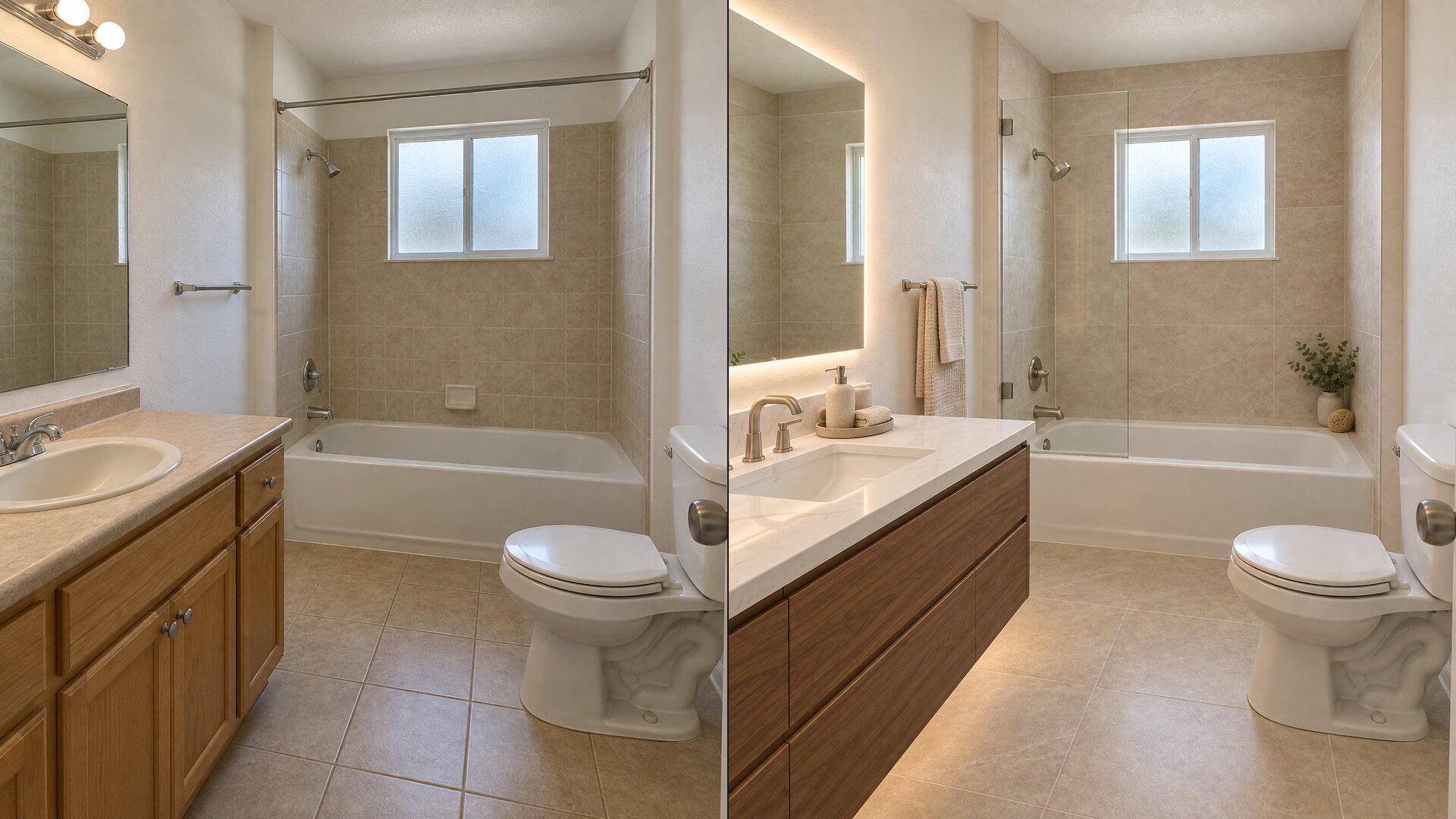
Upload a bathroom photo and preview vanity, tile, fixtures and paint together with this bathroom remodel visualizer — free to try, results in seconds.
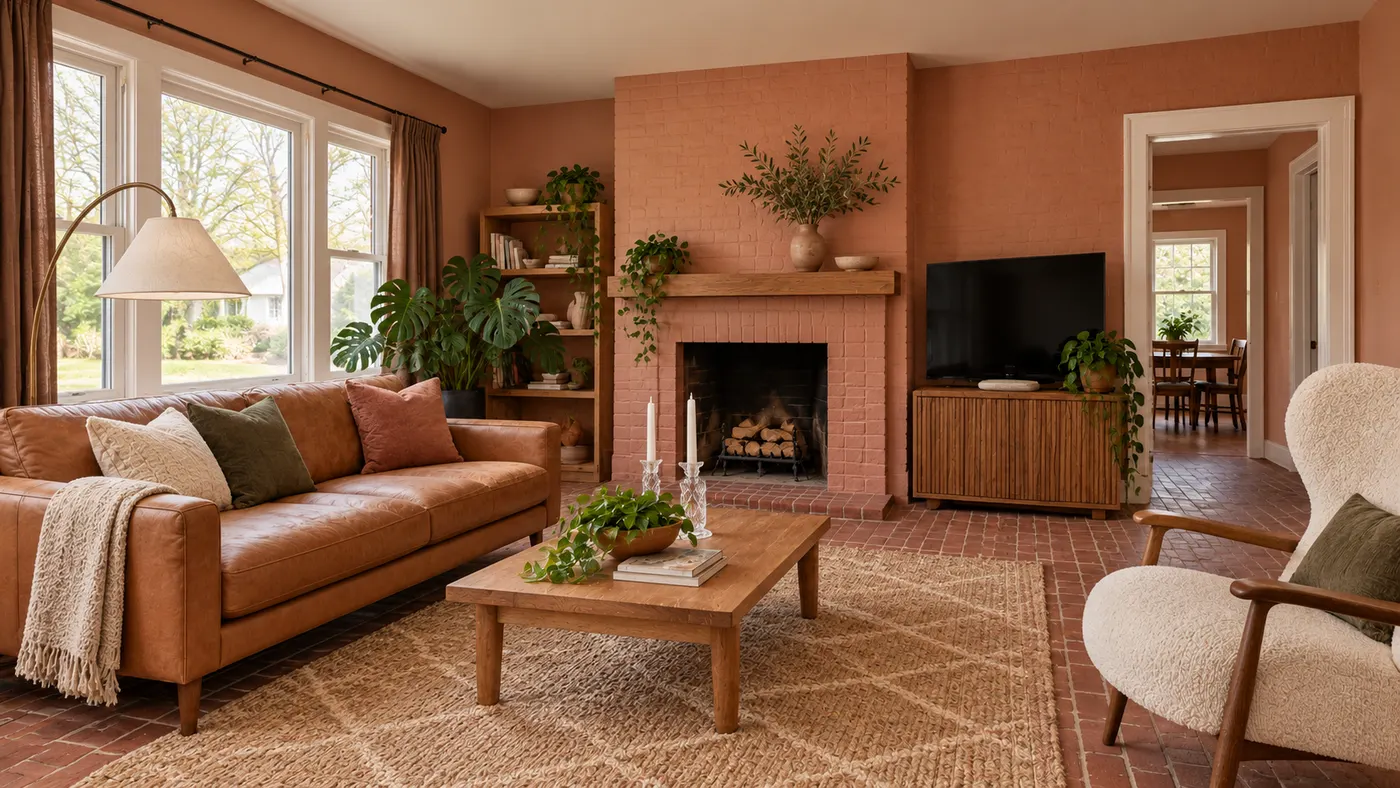
Try AI room design free on one room — upload a photo, pick a style, and HausDraft’s AI room design tool restyles it in seconds with a cohesive look.
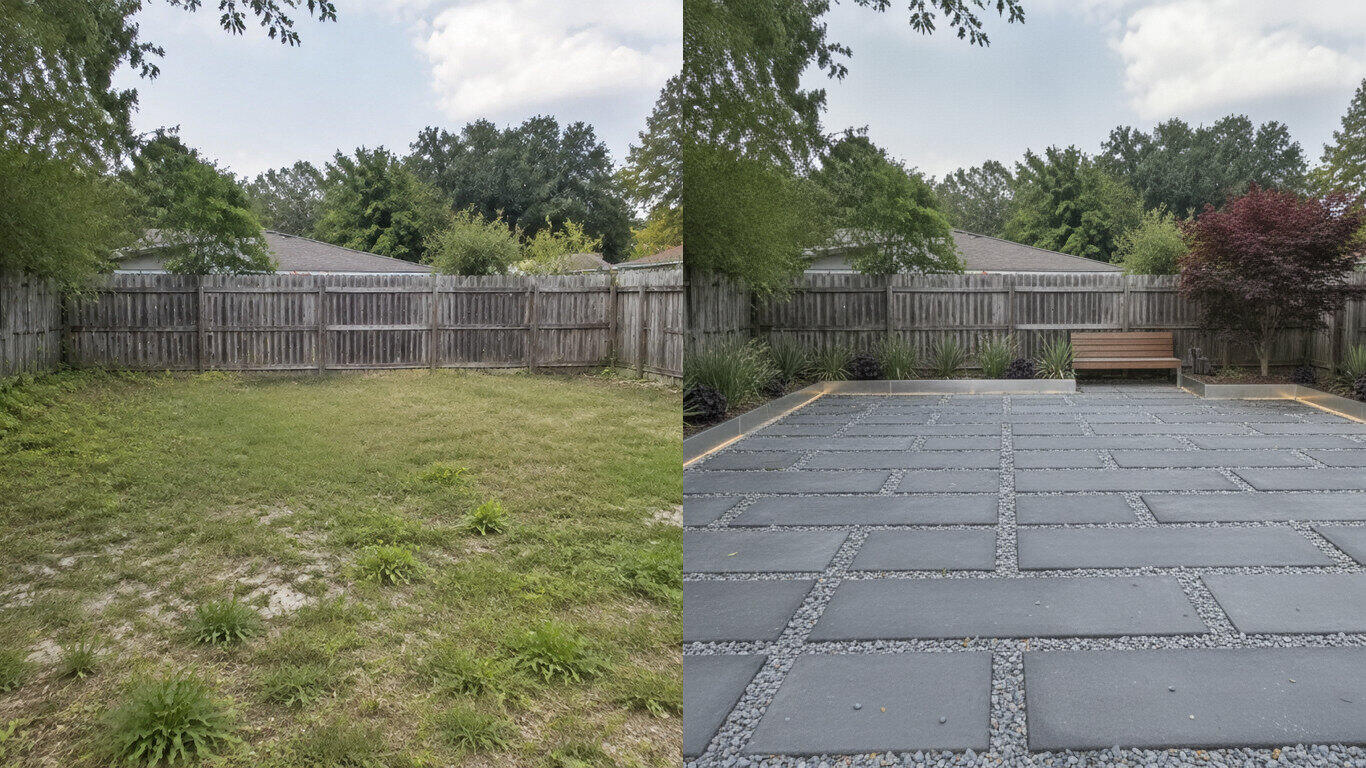
Upload a yard photo and HausDraft’s AI landscape design tool reimagines the planting, beds, lawn and hardscape in seconds — Modern, Cottage, Tropical and more.
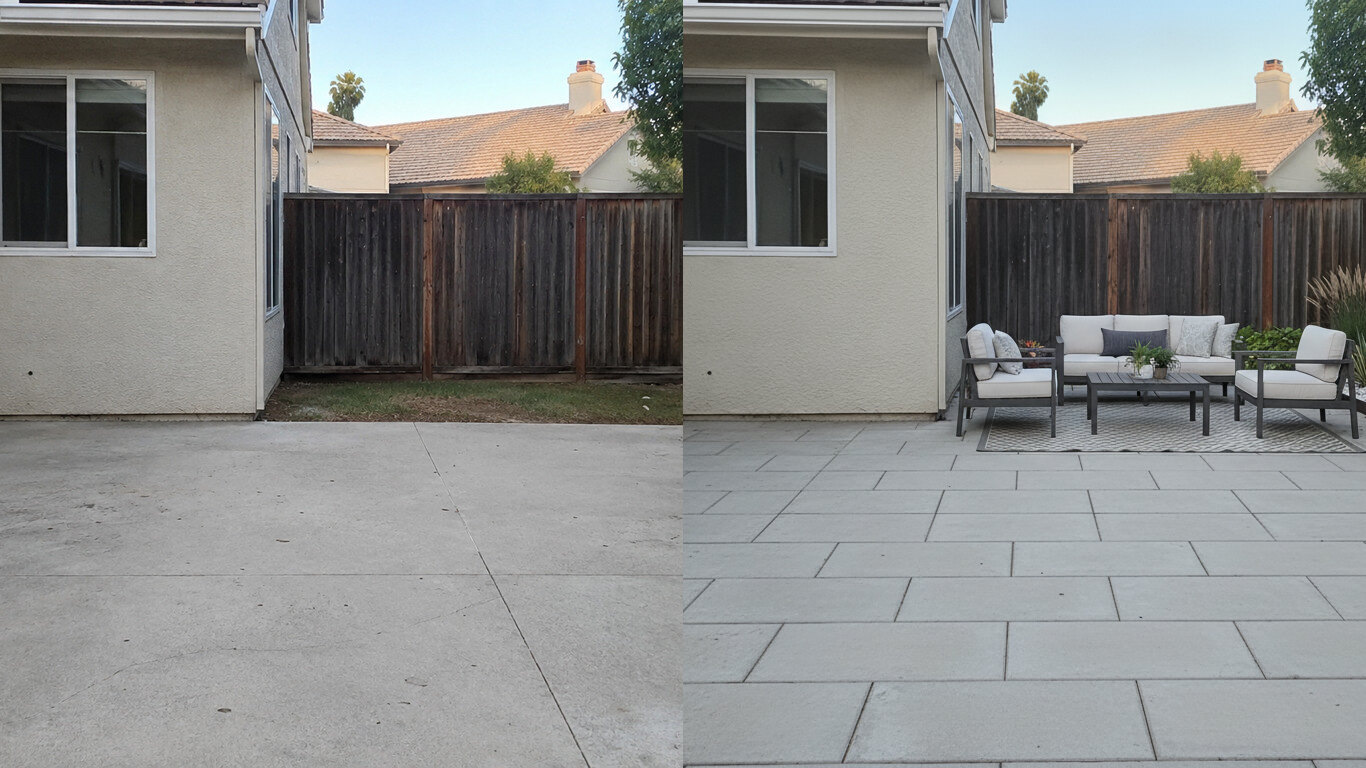
Upload a photo of your patio and HausDraft’s patio design tool reimagines the paving, furniture layout and planting in seconds. Plan a patio before you build.
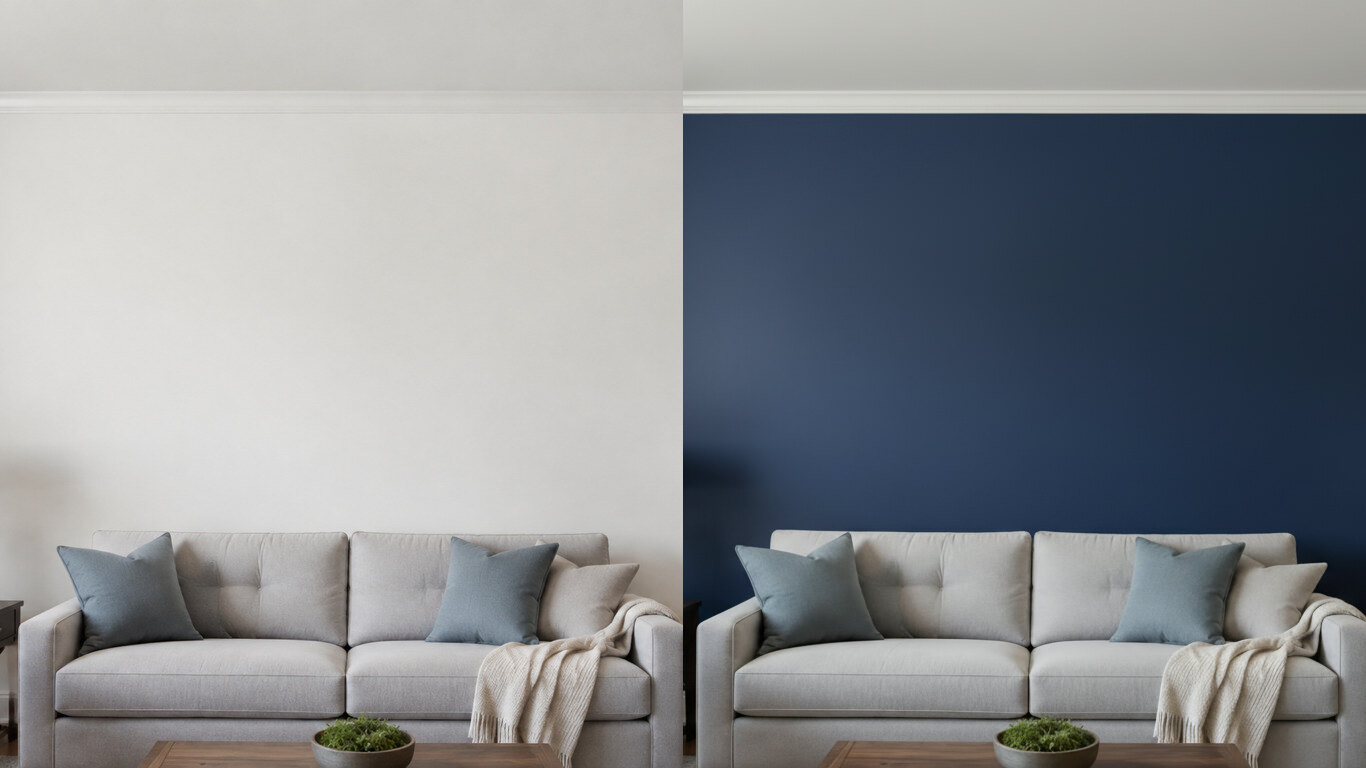
Upload a photo of your room or wall and HausDraft’s paint color visualizer repaints it in any colour in seconds. Try colours before you buy a can.
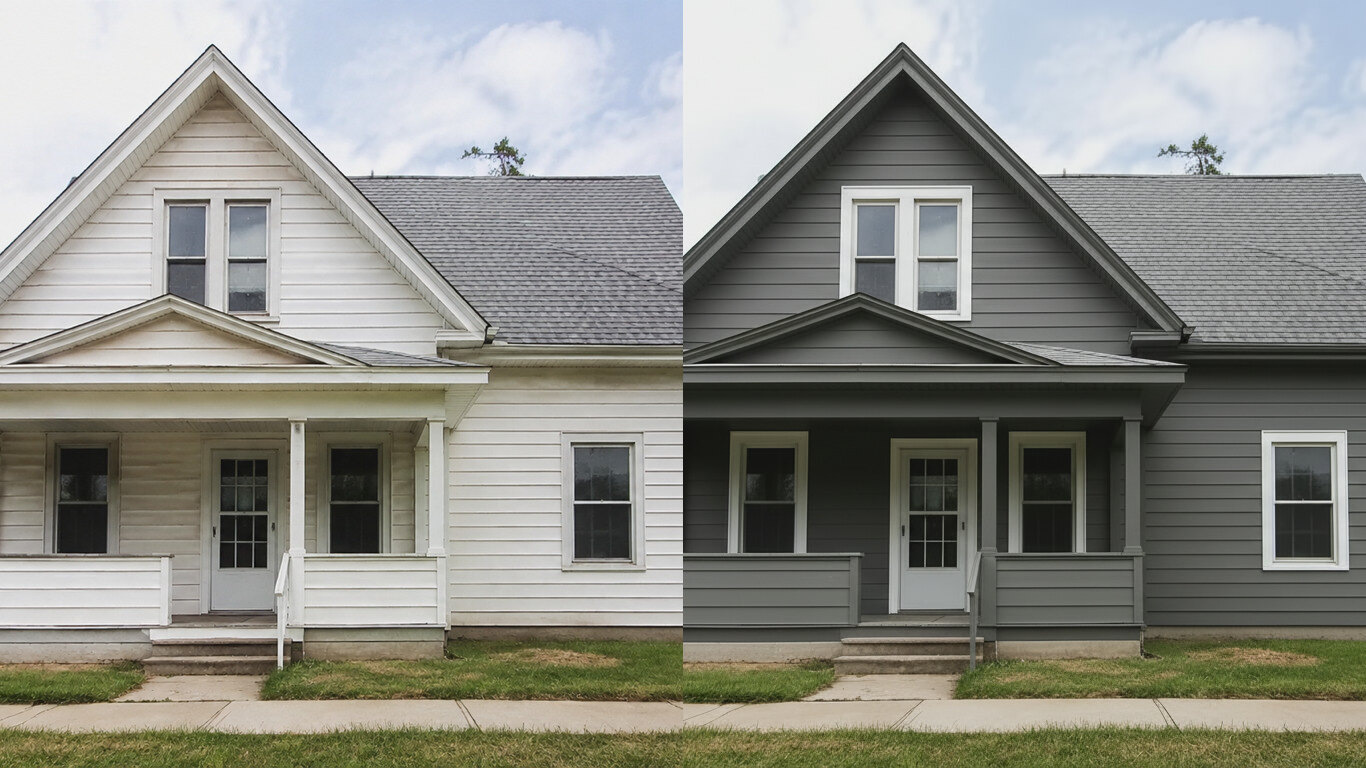
HausDraft’s exterior house color visualizer repaints your siding and trim in any colour from one photo, in seconds. See your house painted before you hire.
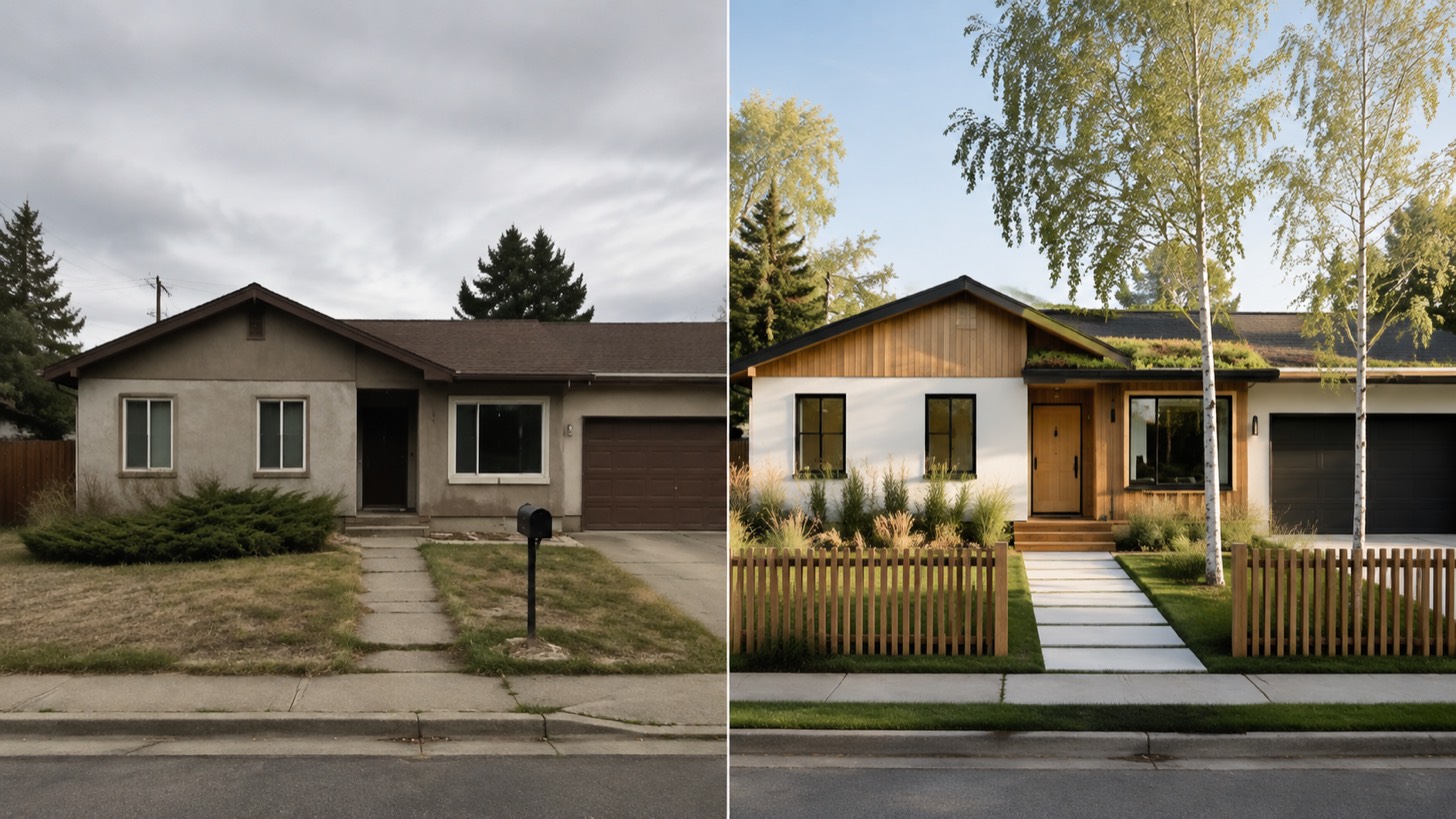
AI home exterior design from one photo — HausDraft restyles your whole facade: architectural style, siding, materials, trim and curb appeal, together.
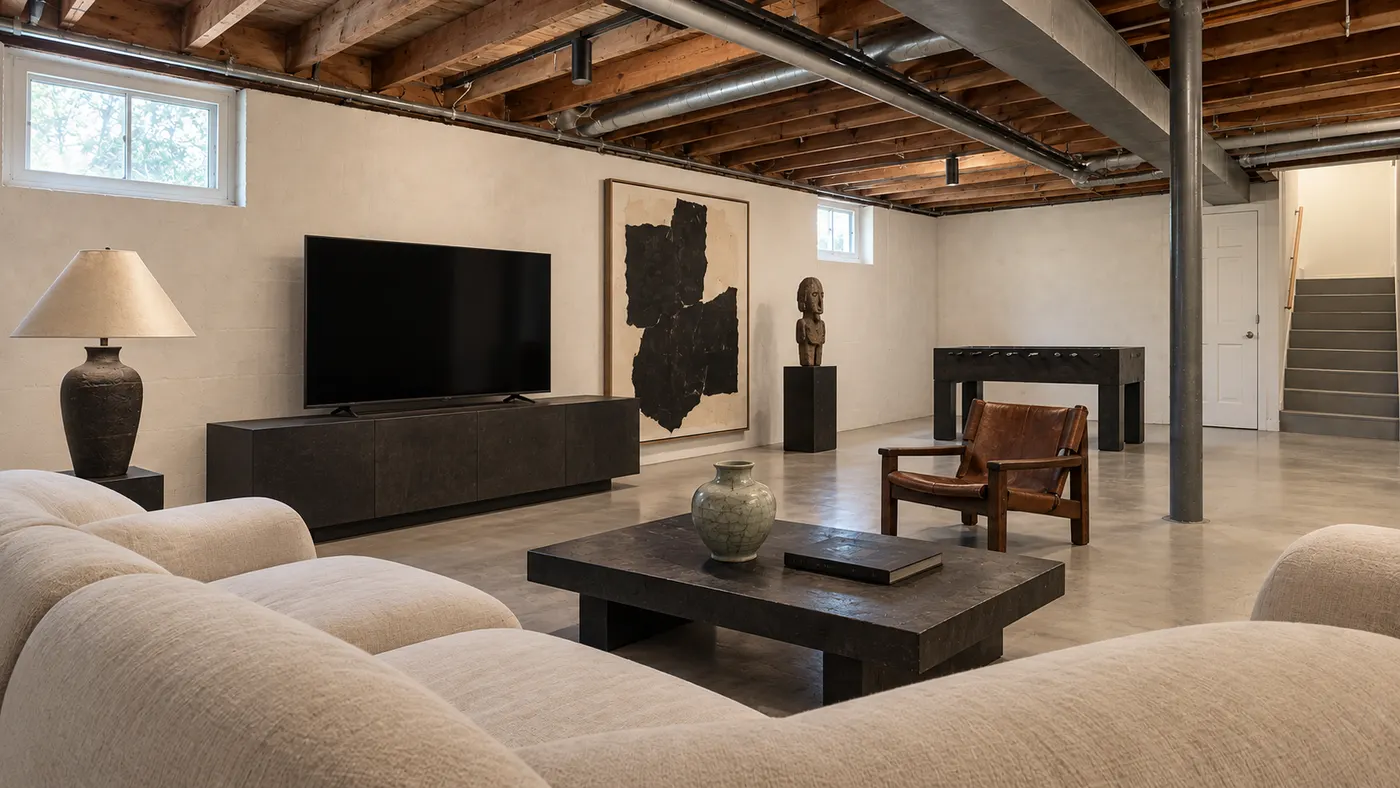
Upload a room photo and preview an interior remodel in seconds — compare finishes, furniture and styles side by side before you commit to a contractor.
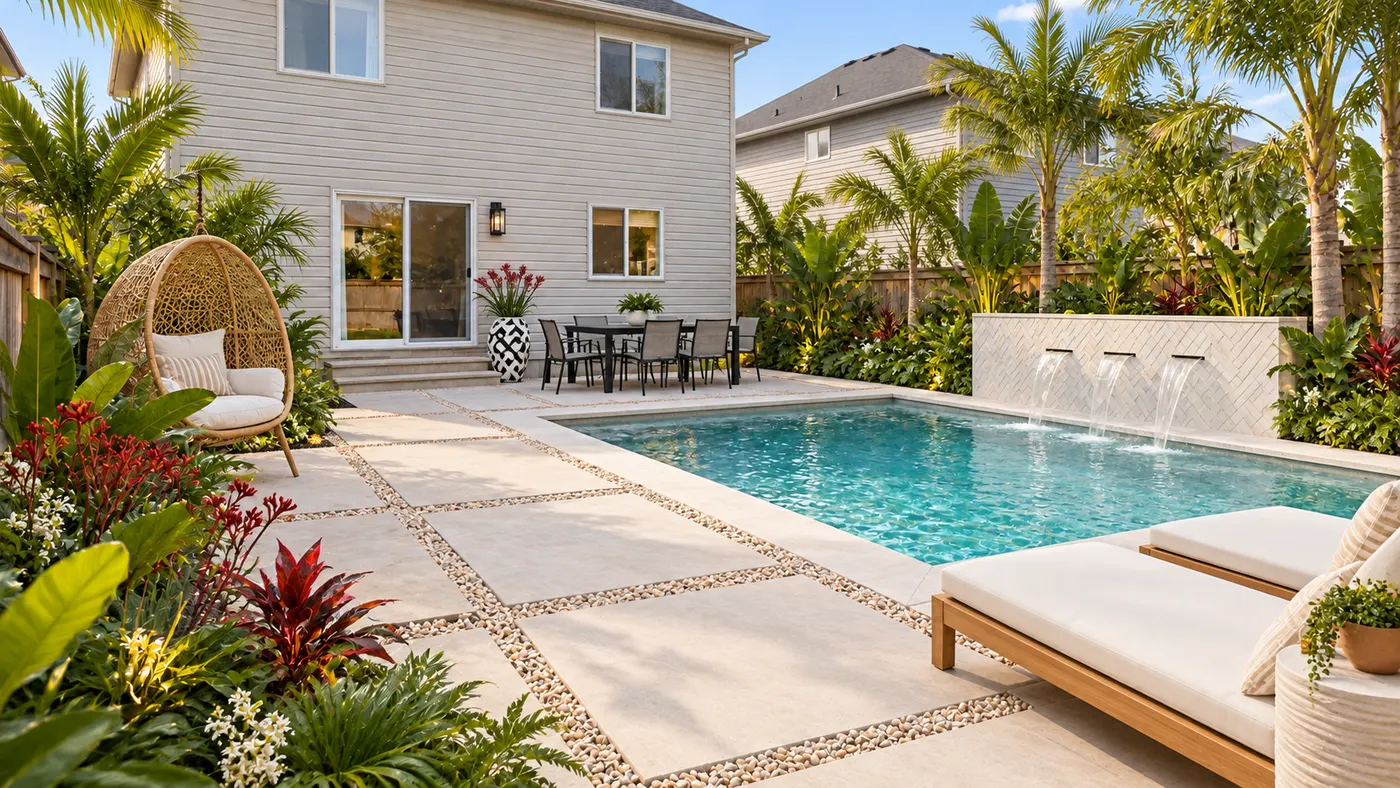
Upload a photo of your yard and HausDraft’s AI garden planner reimagines planting beds, paths, plants and layout, so you can compare ideas before you dig.
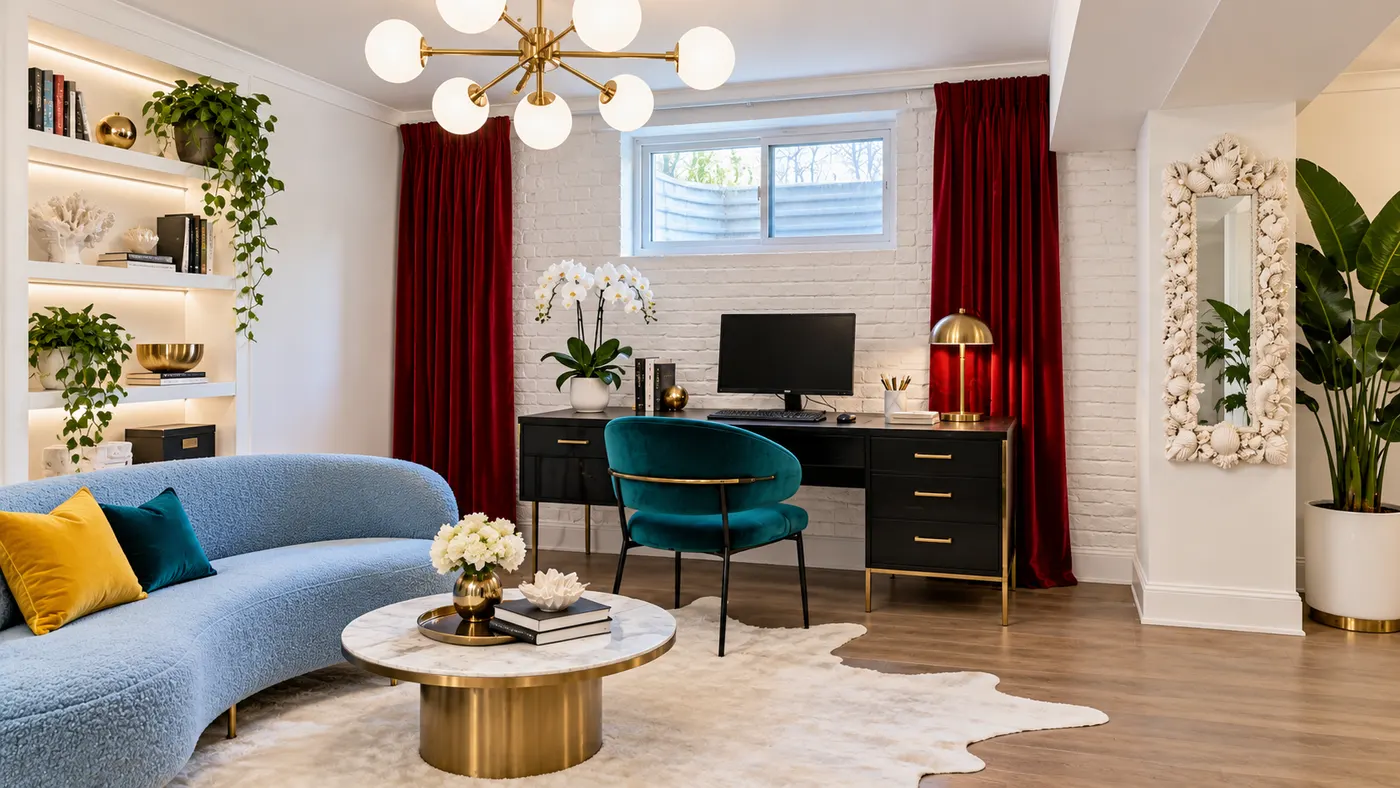
Try basement interior design free: upload a photo, choose a style, and preview a basement redesign with better light, storage and flow.
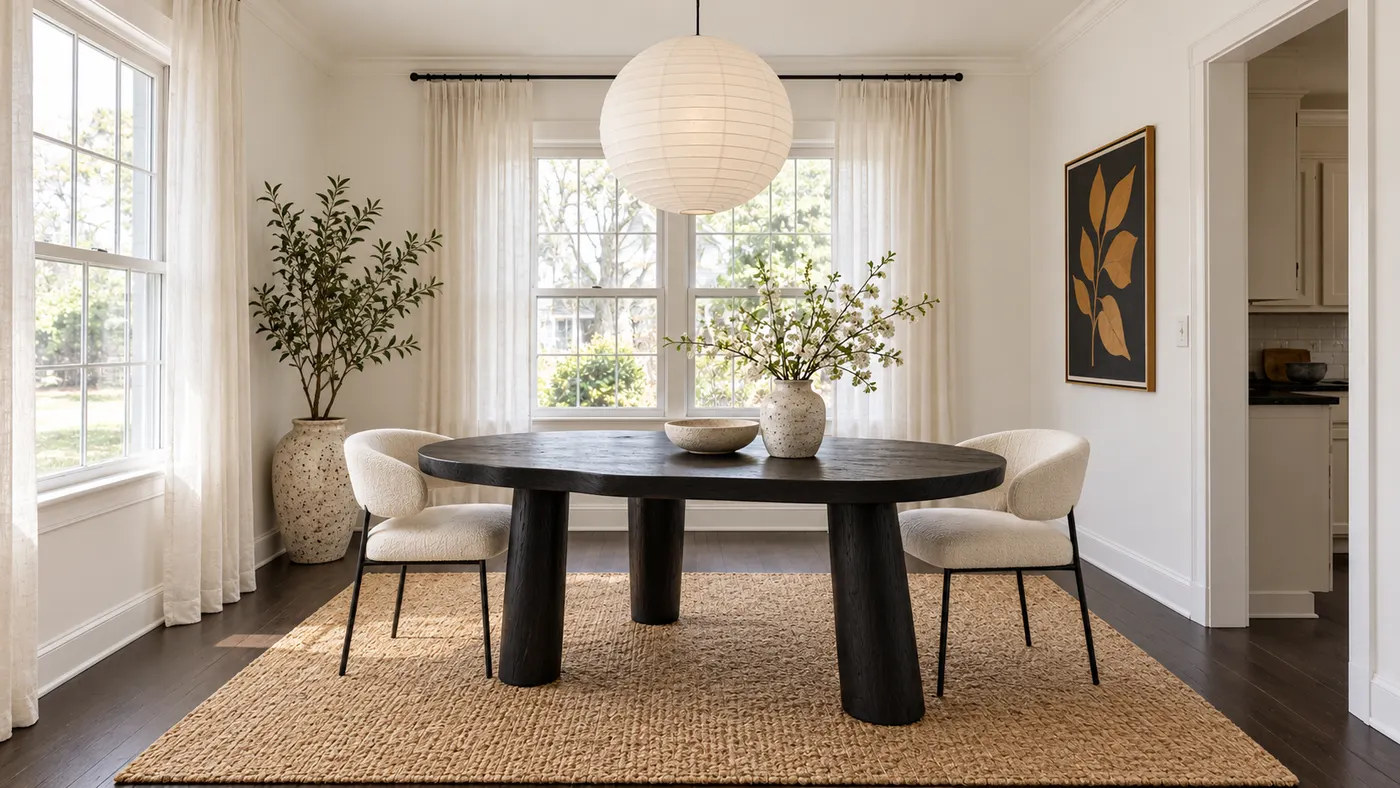
Upload a room photo for virtual house staging. Add realistic furniture, natural daylight and a cohesive, listing-ready style in seconds.
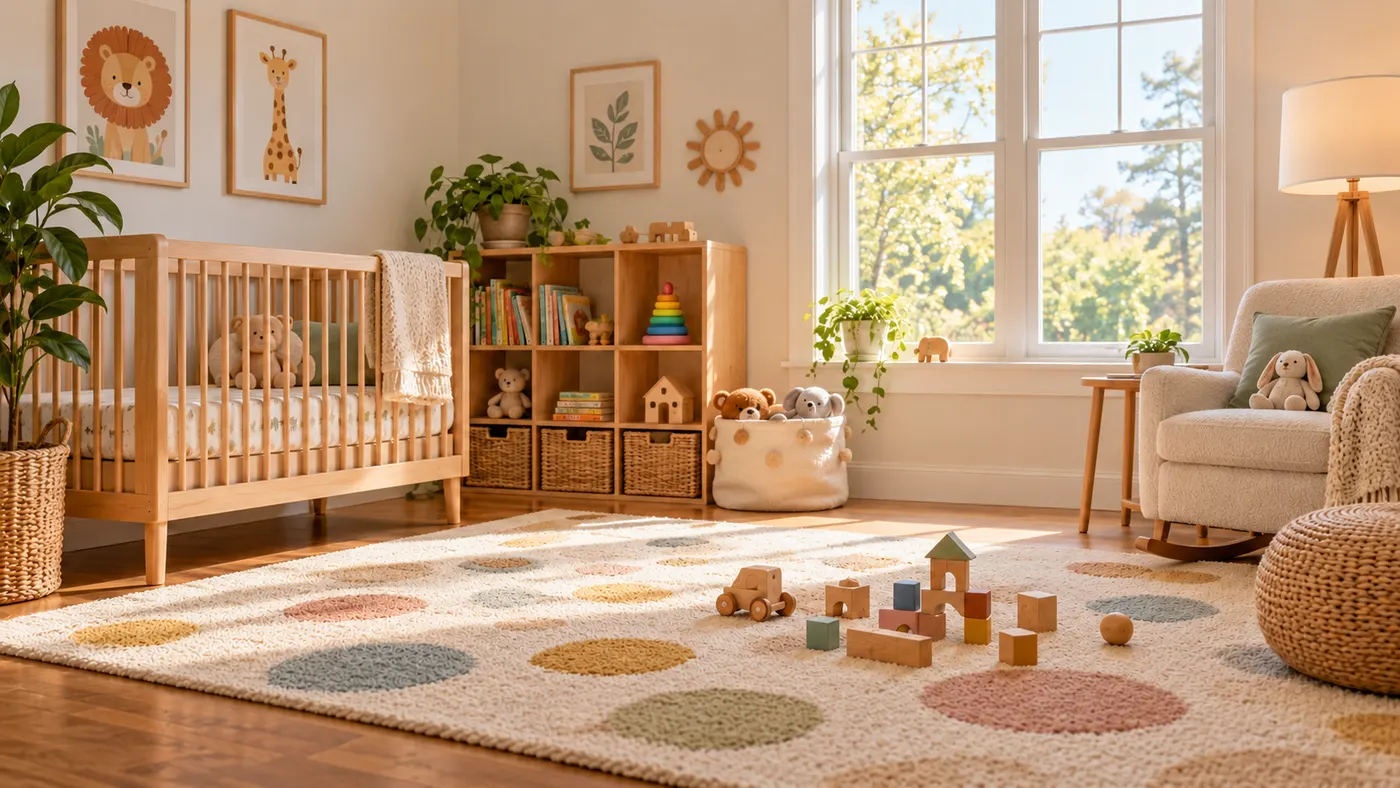
Use this rug visualizer to upload a room photo and rug reference, then preview realistic scale, perspective, shadows, and daylight before you buy or rearrange.
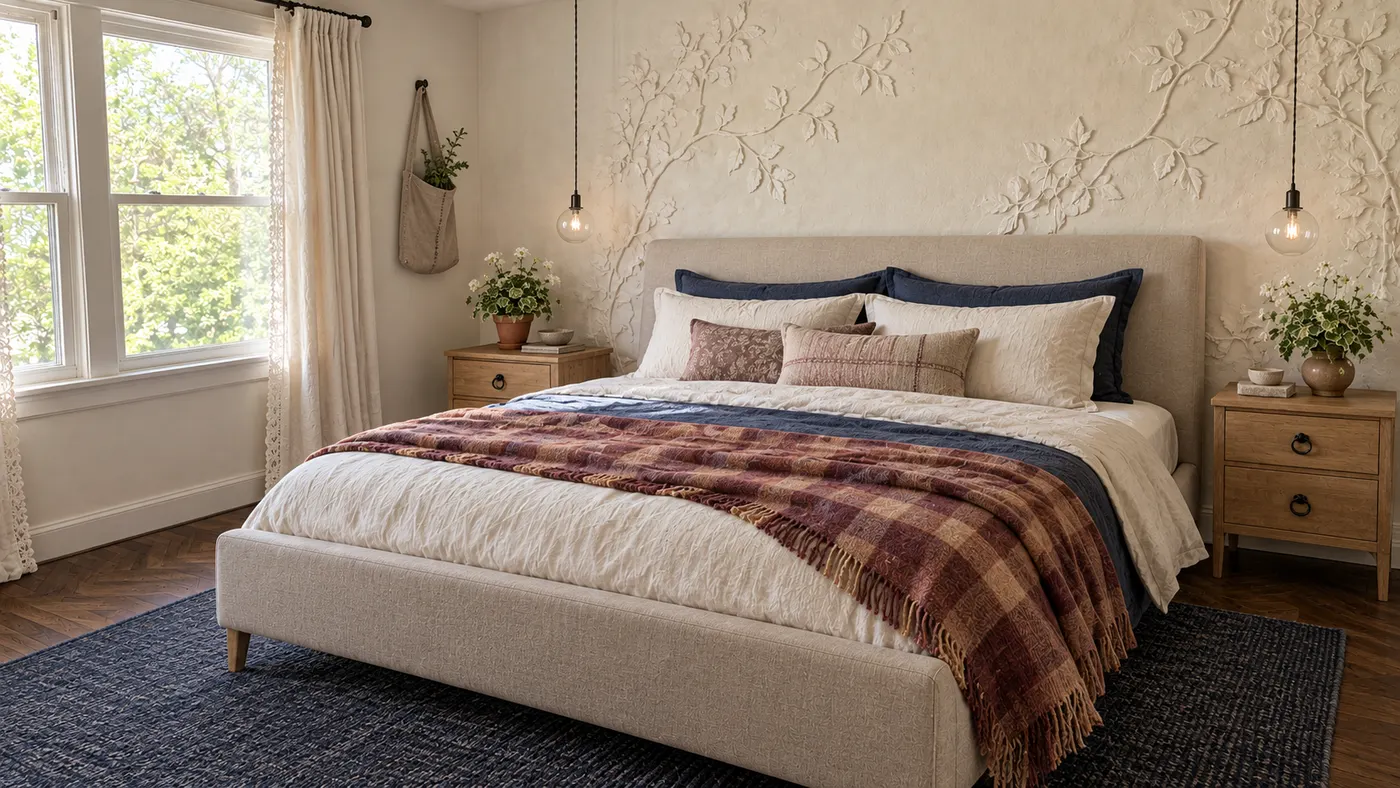
Upload a photo and HausDraft’s AI room decorator adds the rug, curtains, lighting, art and accessories in your style, sized and styled to work together.
Upload a photo of your house and preview an exterior remodel — new siding, roof, trim, front door and landscaping — before you hire a contractor. Free to try.
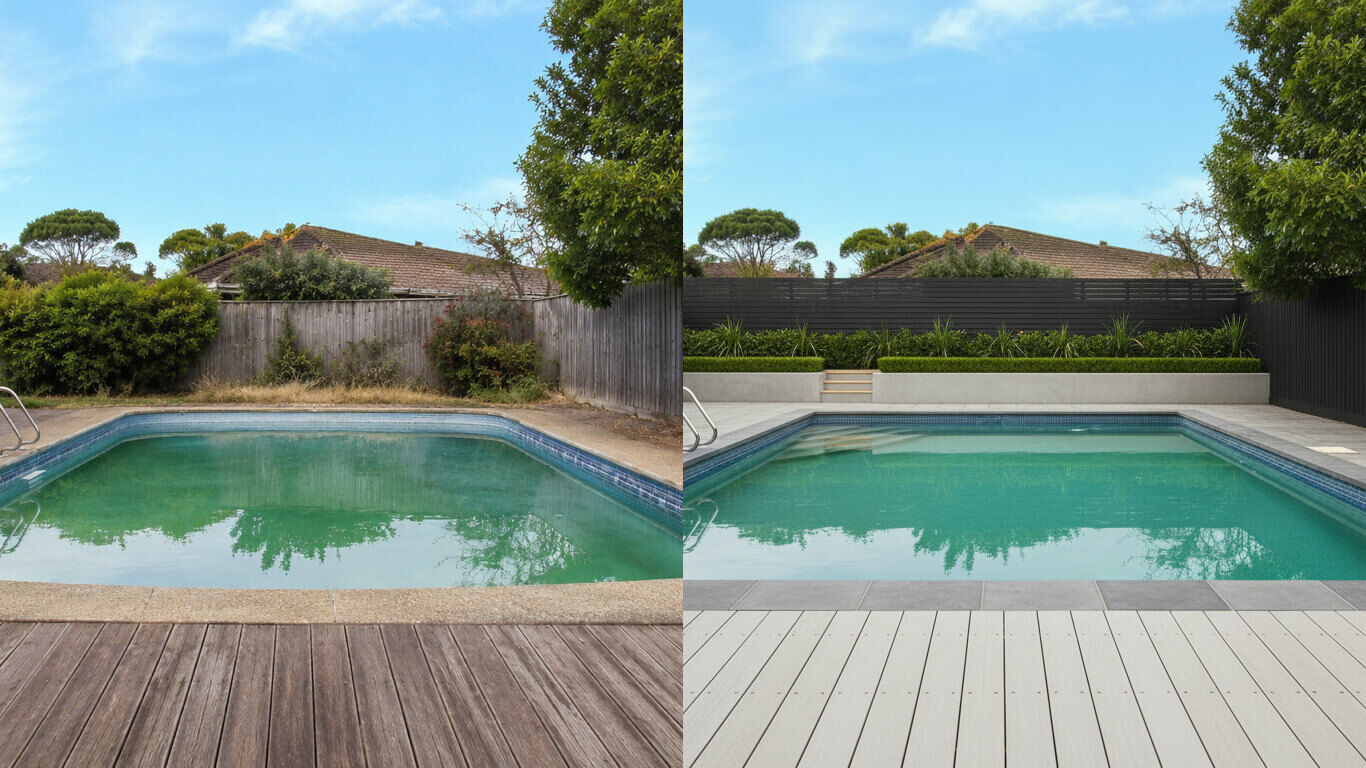
Upload a photo of your backyard and HausDraft’s pool AI adds a realistic in-ground pool with decking and planting in the style you choose. Free to try.
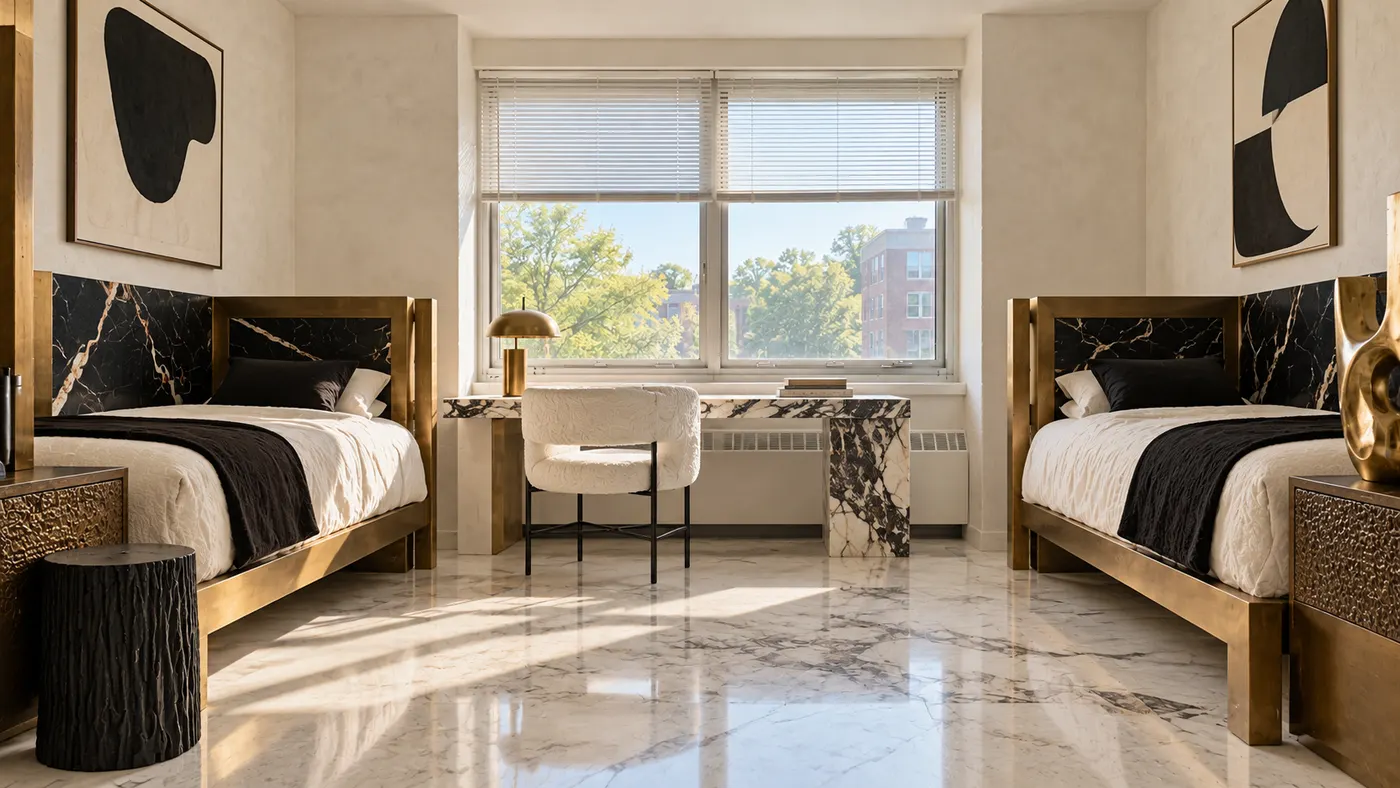
Upload a photo of your dorm and HausDraft’s AI dorm room designer adds bedding, a rug, storage, lighting and wall decor you can move in and out. Free to try.
Upload a photo of your patio or backyard and HausDraft’s AI pergola designer adds a pergola in the style you choose, with seating and planting. Free online.
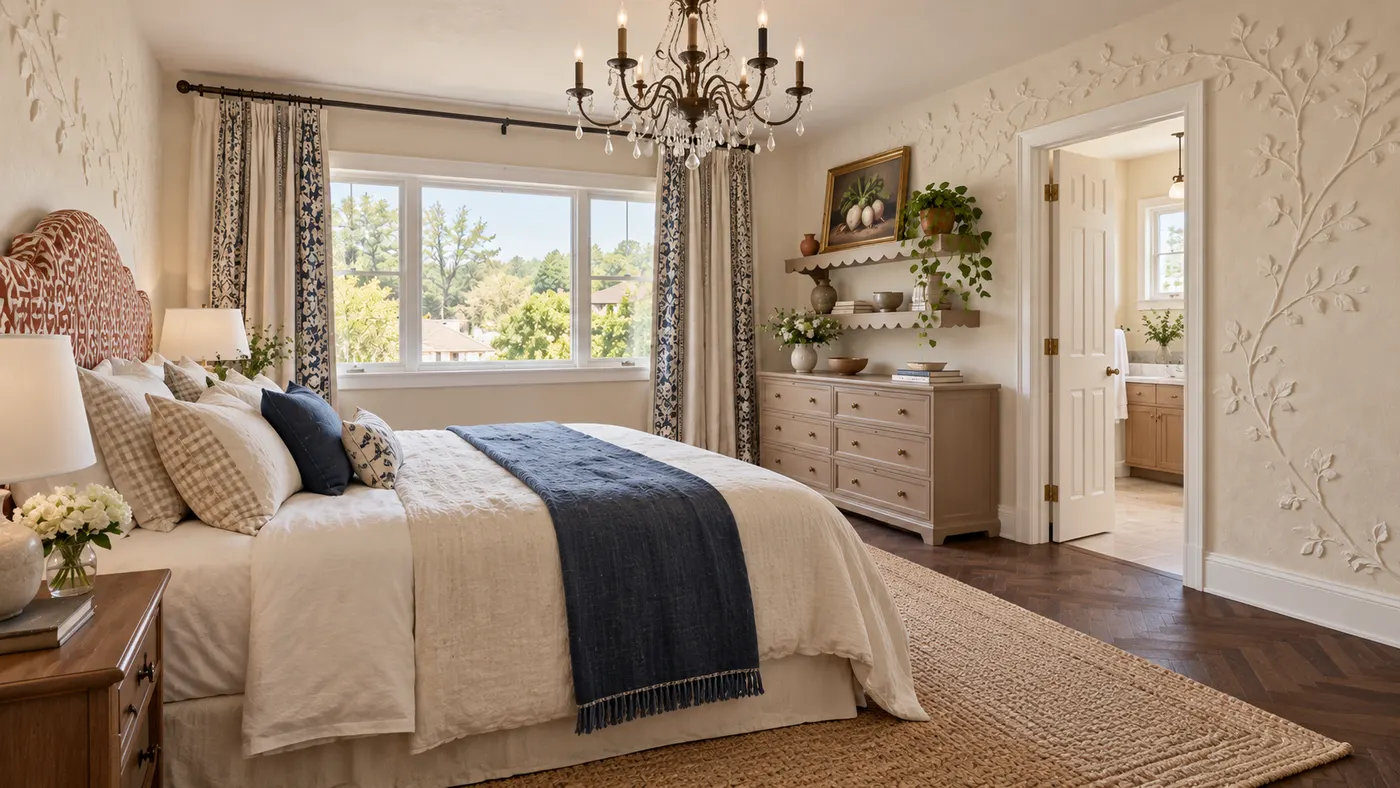
Create your bedroom from a photo: HausDraft’s AI redesigns the bed, bedding, walls, lighting, curtains and storage in the style you choose. Free to try online.
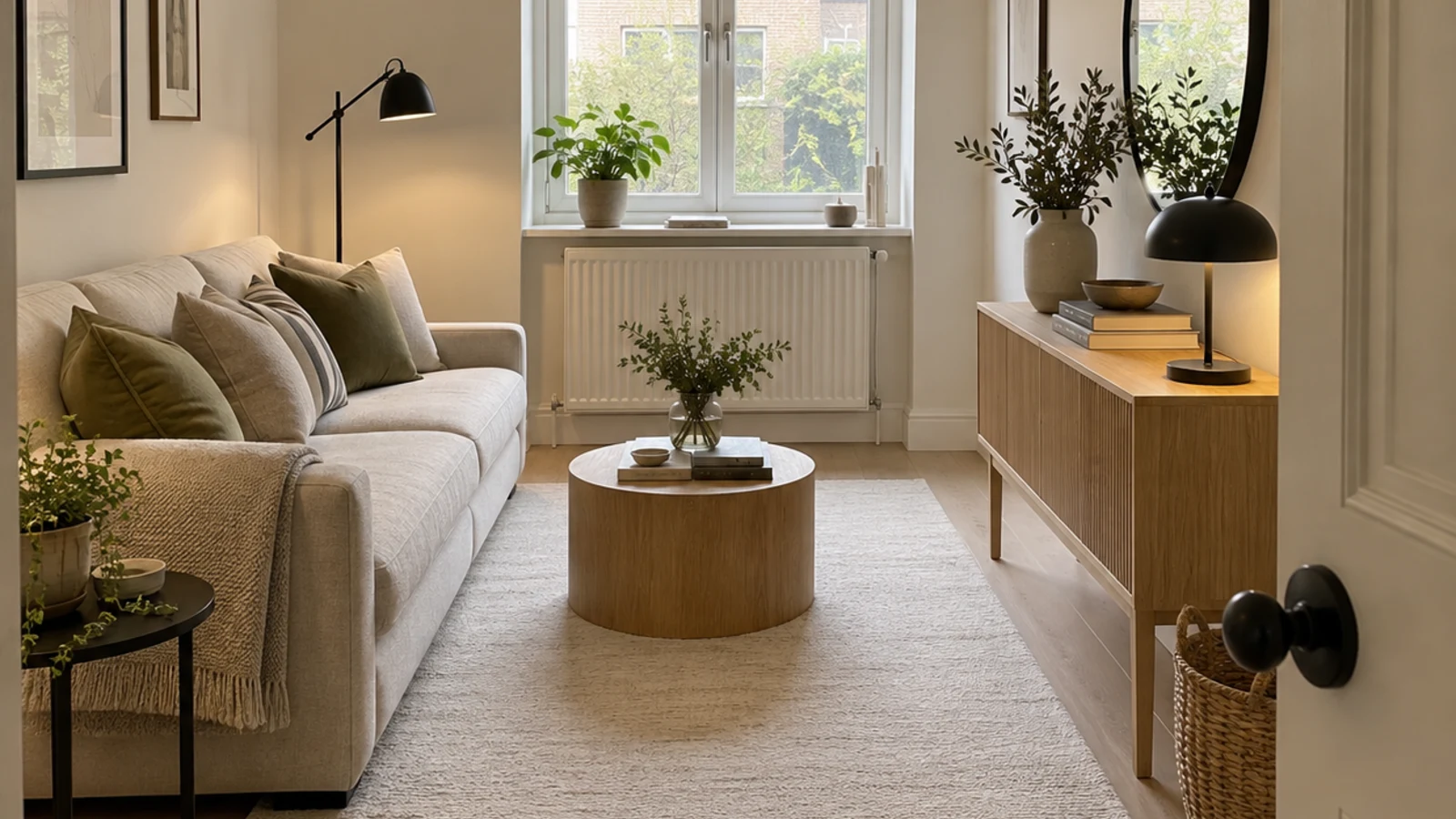
HausDraft’s AI space planning tool rearranges the furniture in a photo of your room into clear zones and walkways, for home offices, studios and open plans.
HausDraft’s AI house design tool reimagines a whole house from one photo: roofline, windows, porch, cladding, colours and front garden, in the style you choose.