Draw rooms to scale, add doors and windows, then furnish them.
Or start from a layout: drag it onto the plan, or click to use it. Change any wall, door or size afterwards.
Pick bedrooms, bathrooms and total area. We find the 3 closest plans in our library and resize them to fit. Click one to open it on the canvas and keep editing.
Floor plan
House Plans: shape a home layout in seconds
Create practical house plans without waiting for a full design appointment. HausDraft lets you start with a blank canvas or upload a photo of an existing home, then redesign the whole home around the rooms, circulation, and remodeling goals that matter to you. Explore house plans as visual layouts for faster home layout ideas, compare how spaces connect, and refine house plans in seconds. Use the workbench to test house plans for a new idea, a renovation, or a better fit for your household. When a direction feels right, keep developing house plans before you commit to professional design work.
Start your layout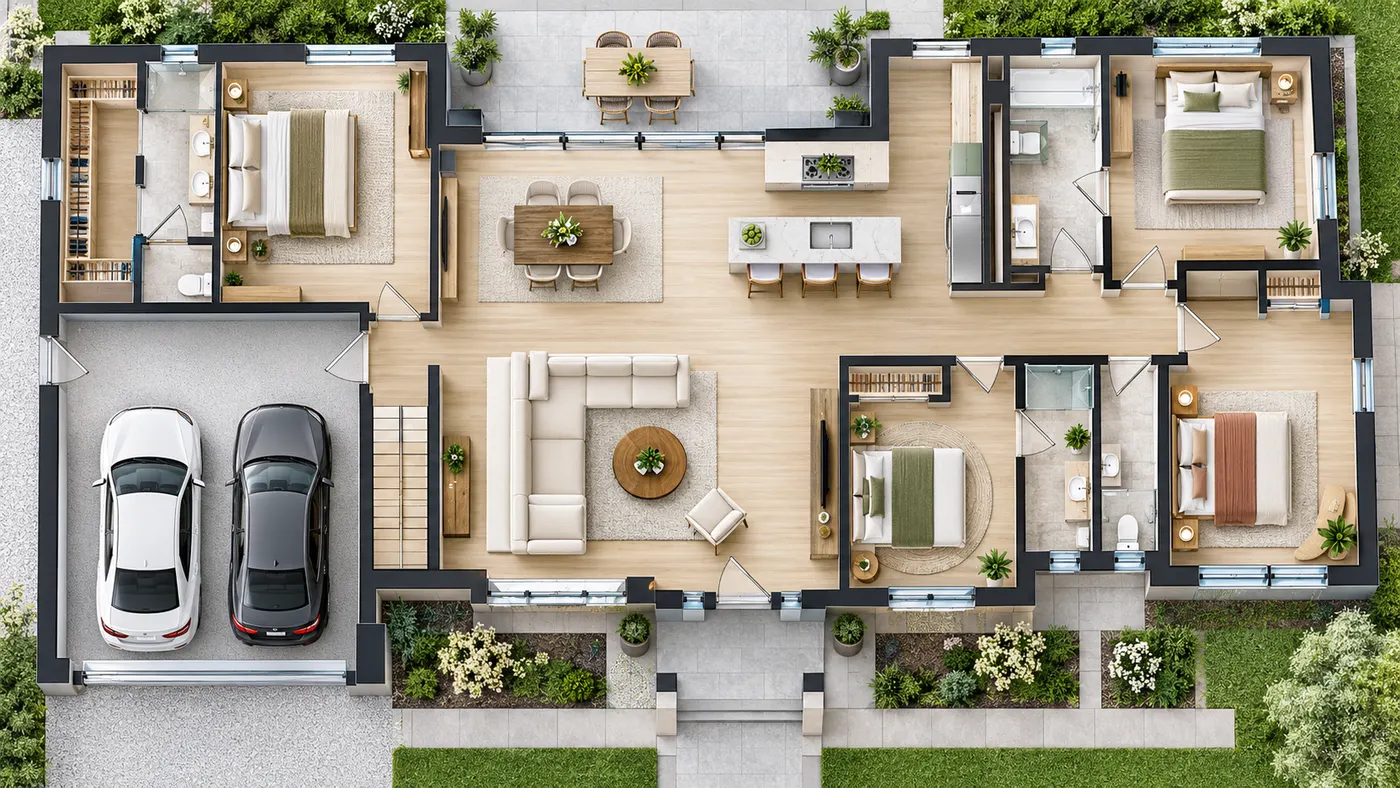
What You Can Explore Before Designing
House plans become easier to evaluate when every room has a visible place.
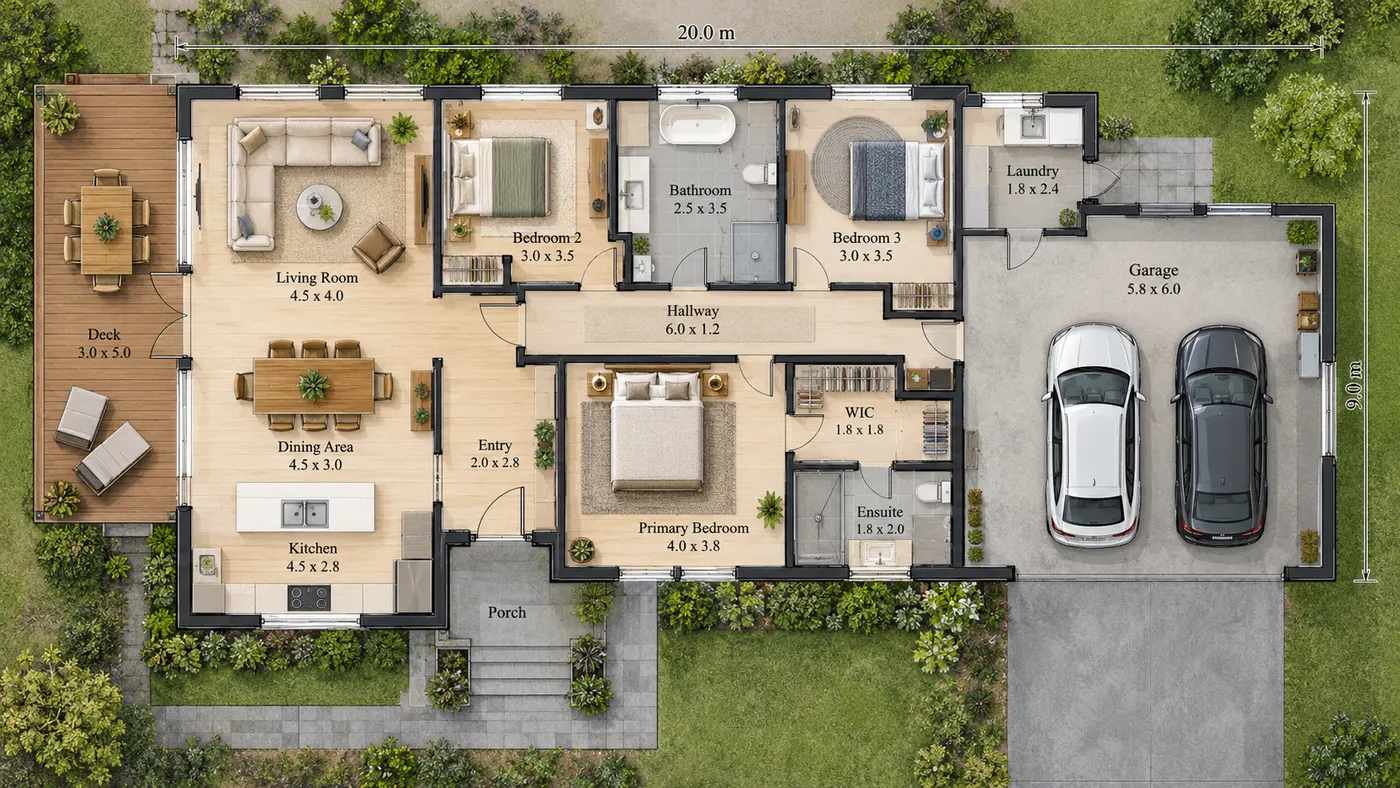
Start from Any Idea
Turn a blank canvas or an existing home photo into house plans that reflect your starting point. Adjust house plans as your idea becomes clearer instead of translating it into technical software first.
See Rooms Together
Room relationships are easier to judge with visual house plans. Check circulation, connected spaces, and the way a layout supports your household. Compare house plans while the design direction is still flexible.
Explore Whole-Home Changes
Whole-home changes can reshape house plans around your spaces and remodeling goals, from a broader home arrangement to a more focused layout decision. HausDraft helps you compare directions quickly while the idea is still flexible, then revisit house plans before committing.
Refine Before You Commit
Testing alternatives with house plans lets you return to the version that best fits your priorities. Reviewing a few options early can make a later conversation with a professional designer more focused.
How to Shape Your Home Layout
Use house plans as a fast visual starting point for testing a workable direction.
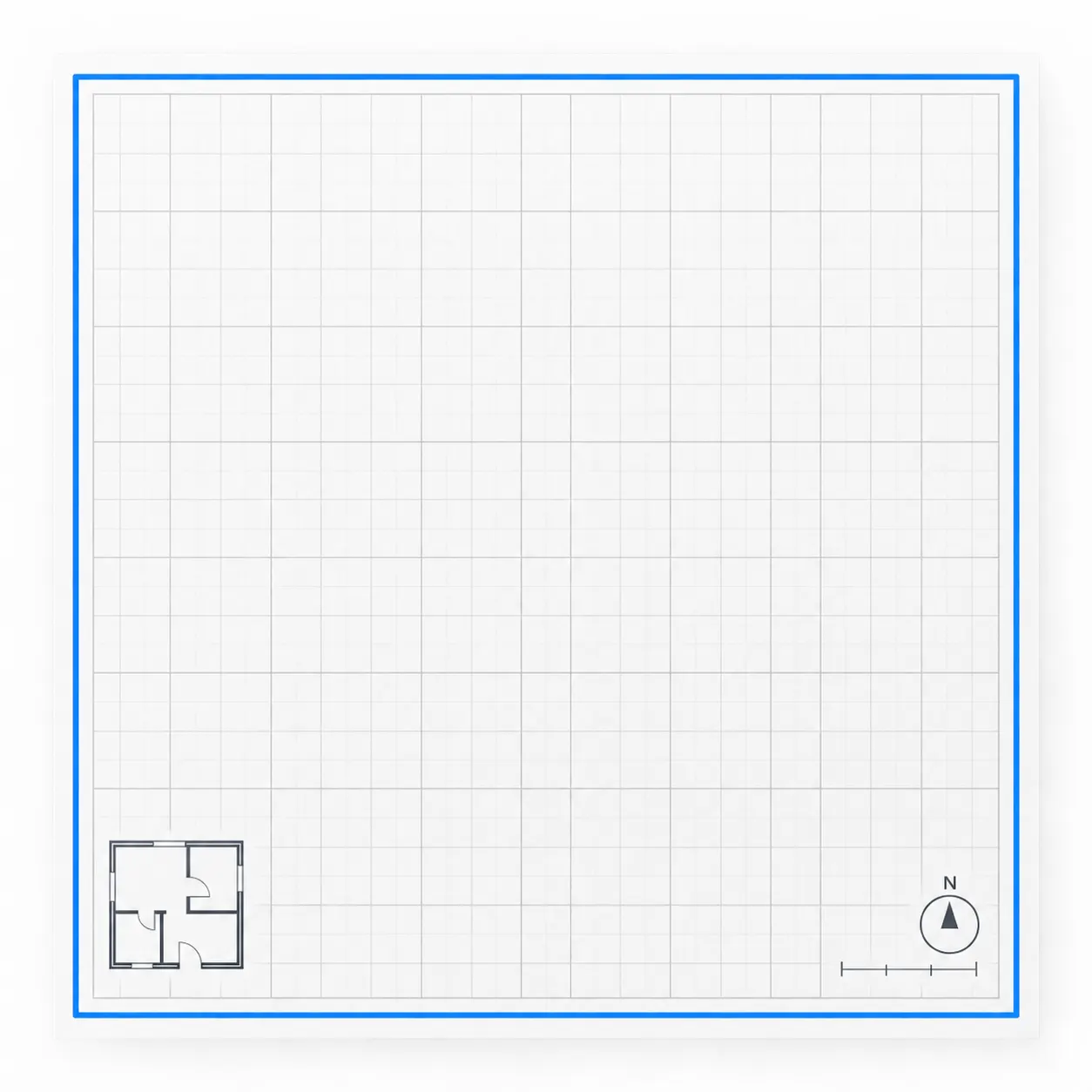
Choose a Starting Point for Your Home
A blank canvas or a photo of your existing home can start your house plans. This gives your house plans a concrete base for exploring rooms and circulation.
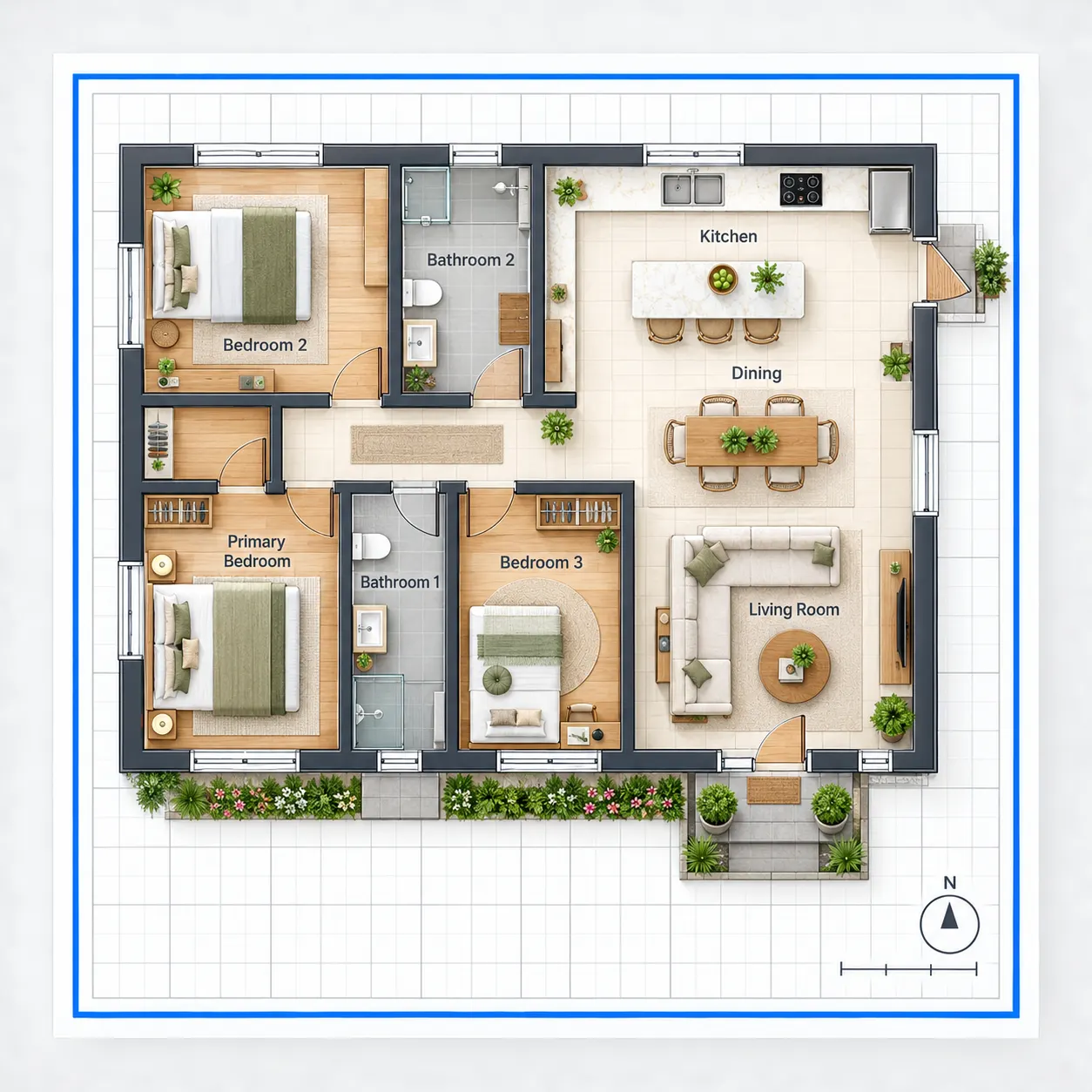
Test the Layout Around Your Needs
A whole-home view helps you review house plans, then compare how rooms connect. Adjust house plans around household needs, remodeling priorities, and the spaces you want to keep.
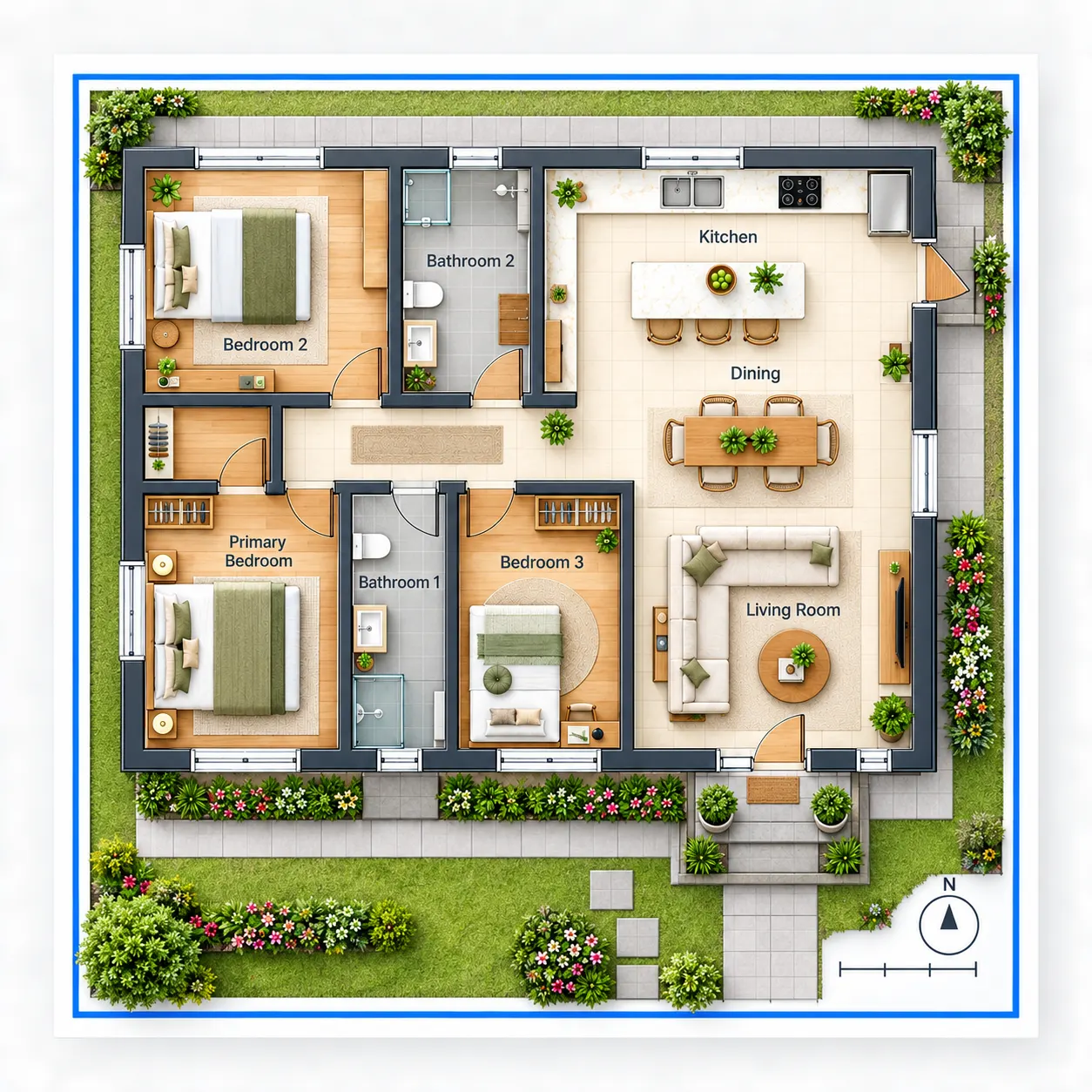
Refine a Direction Before Commitment
Exploring alternatives with house plans takes seconds, then keep the direction that feels most workable. Clearer house plans can make a later professional design conversation more focused.
Bring Your Layout Idea to Life
House plans are a practical first step when you want to see what could fit before moving into a deeper design process.
Sign in free to save your work. See the pricing page for what each plan adds.
Open the WorkbenchQuestions About Planning a Home Layout
These answers explain how house plans work in the HausDraft floor-planning workbench.
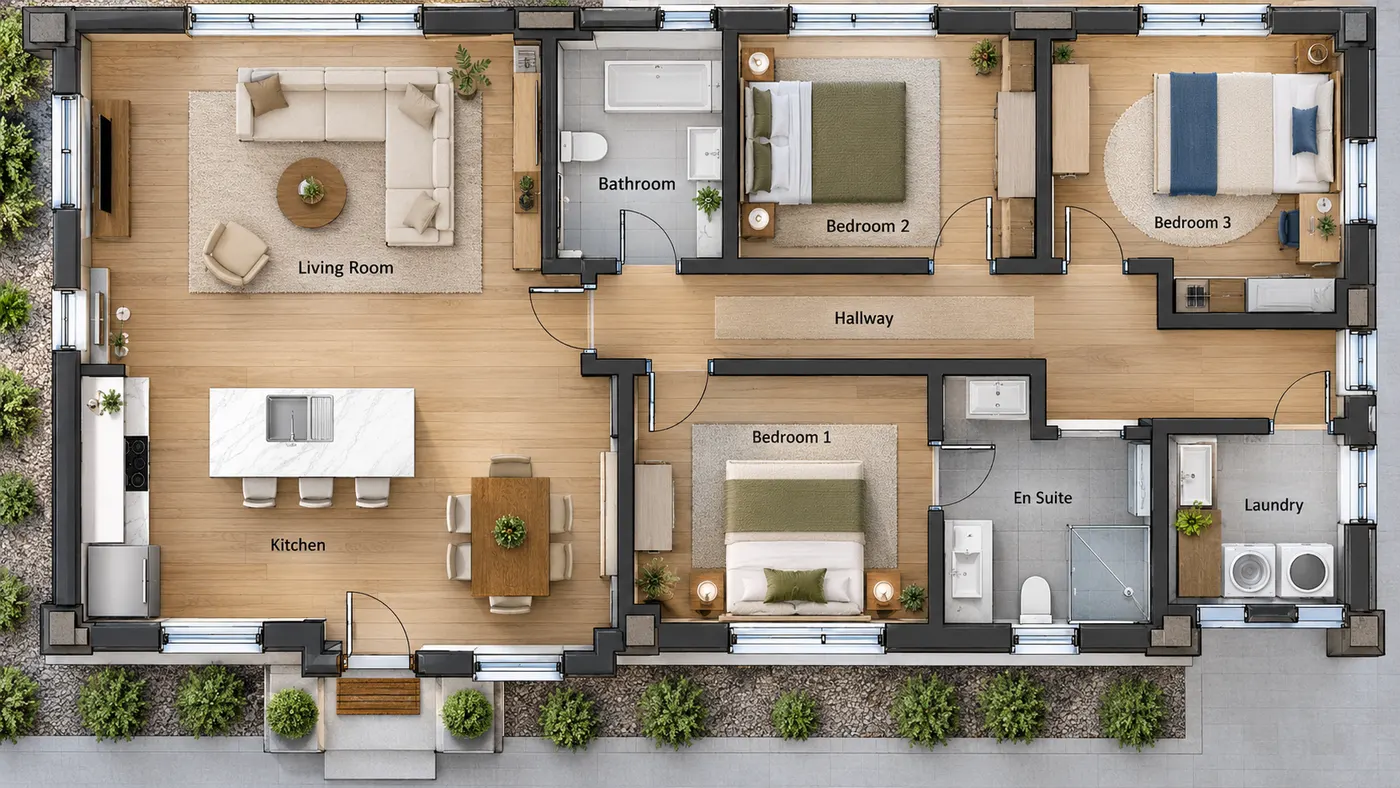
Can I start without an existing floor plan?
Yes. House plans can begin on a blank canvas, so you do not need an existing drawing to explore a direction. You can also use a home photo as your starting point, then develop house plans around the rooms and circulation you want. This makes house plans approachable for early ideas.
Can I use a photo of my current home?
Yes. HausDraft can redesign a whole home from a single photo, producing a redesign in seconds. The resulting house plans give you a visual way to explore the home’s layout. Compare house plans, then refine house plans around remodeling goals.
What can I explore before a professional design process?
House plans help you examine how rooms, circulation, and spaces might fit together before a professional design process. Use house plans to compare directions around your household and remodeling goals. Refined house plans can help you explain the option you want to develop next.
Is this a replacement for professional design?
No. HausDraft is a visual starting point before a professional design process, not a replacement for that process. Use house plans to explore ideas and priorities first. Then bring house plans to a professional conversation, where the selected house plans can be refined further.
More Home Design Tools
Keep going: restyle a real room photo, build a mood board or test paint colors.
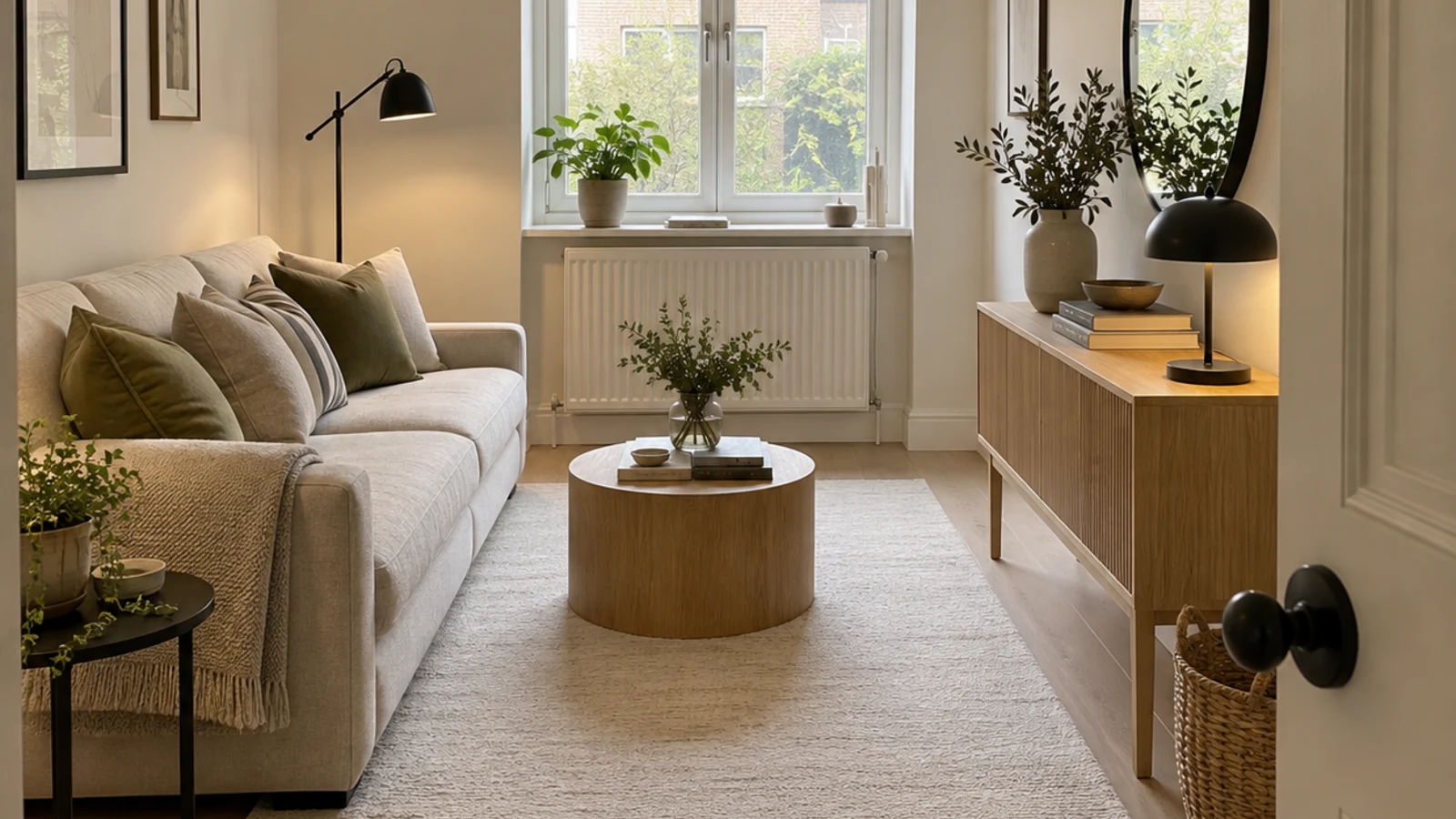
AI Space Planning
HausDraft’s AI space planning tool rearranges the furniture in a photo of your room into clear zones and walkways, for home offices, studios and open plans.
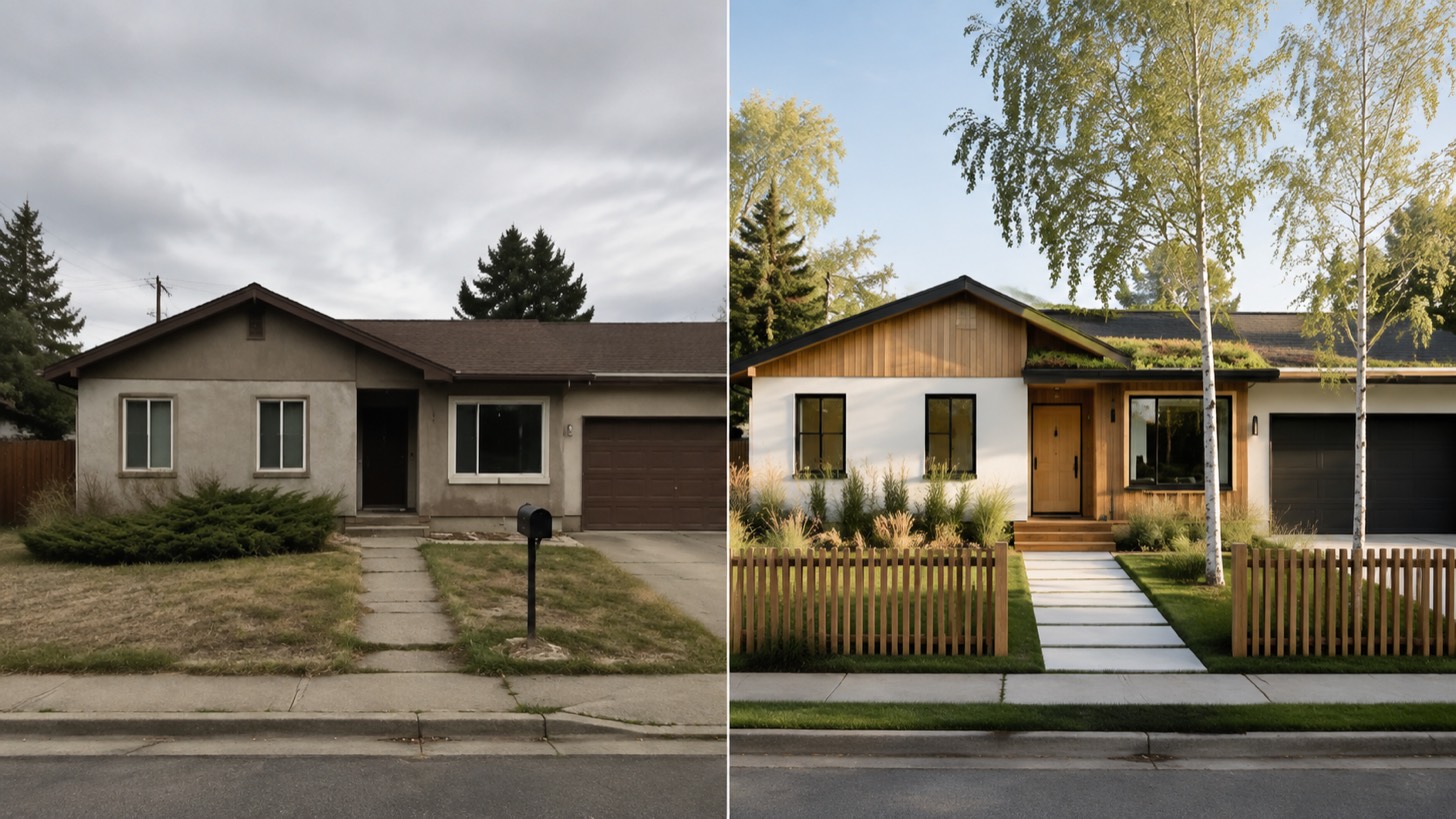
AI House
HausDraft’s AI house design tool reimagines a whole house from one photo: roofline, windows, porch, cladding, colours and front garden, in the style you choose.
AI Interior Design
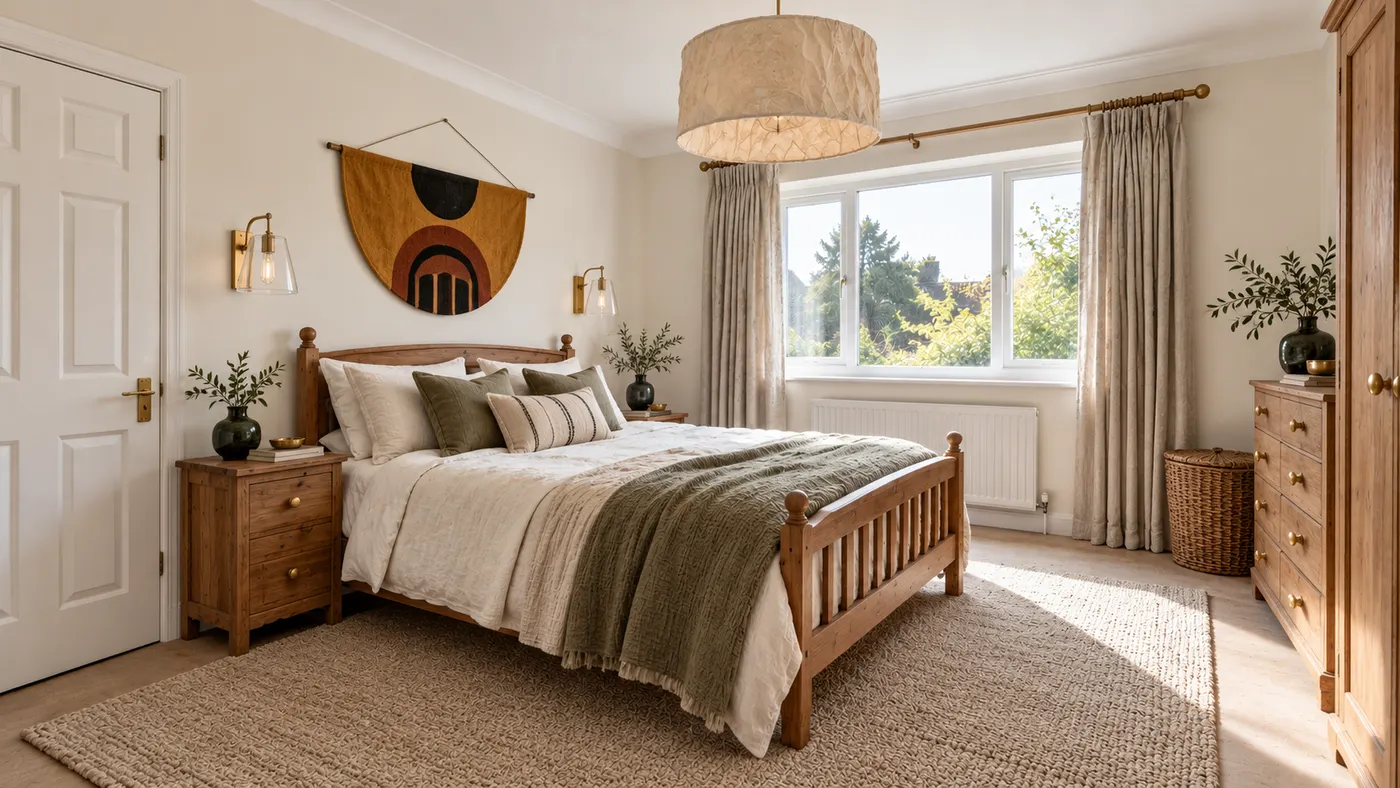
Upload a room photo and HausDraft’s AI interior design tool restyles it in seconds — Modern, Scandinavian, Japandi — keeping your walls, windows and layout.