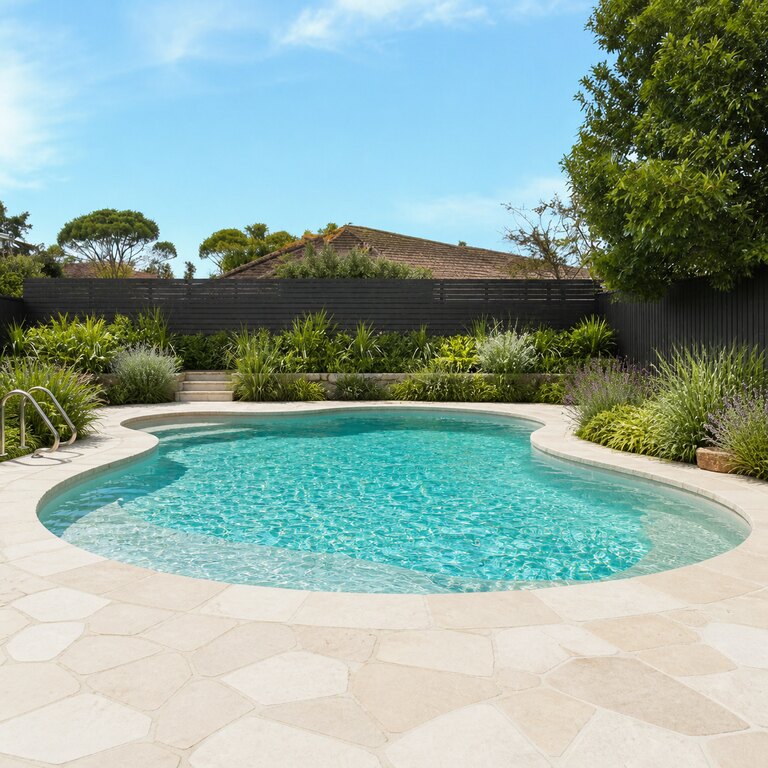
Naturalistic
Pick your pool area, choose a style and size, then generate.
Your room (the space to redesign)
Upload a photo of the space you want to redesign — the AI restyles it and keeps your layout.
Style (sets the look)
Clean geometry, structured planting, minimal
Image ratio
Generating at 4:3
Or any ratio the model supports
Prompt (editable — the scene & styling that drives the image)
Also applied (not part of the editable box above):
Your pool area stays exactly as your photo (shape, label, colours) — styling only touches the scene & lighting.
No invented text, logos, watermarks, prices or hex codes rendered on the image.
On-image text = only the slogan you typed (blank = none).
This step is free
Upload your backyard or existing pool, pick a style, and get a photorealistic pool-area redesign in seconds.
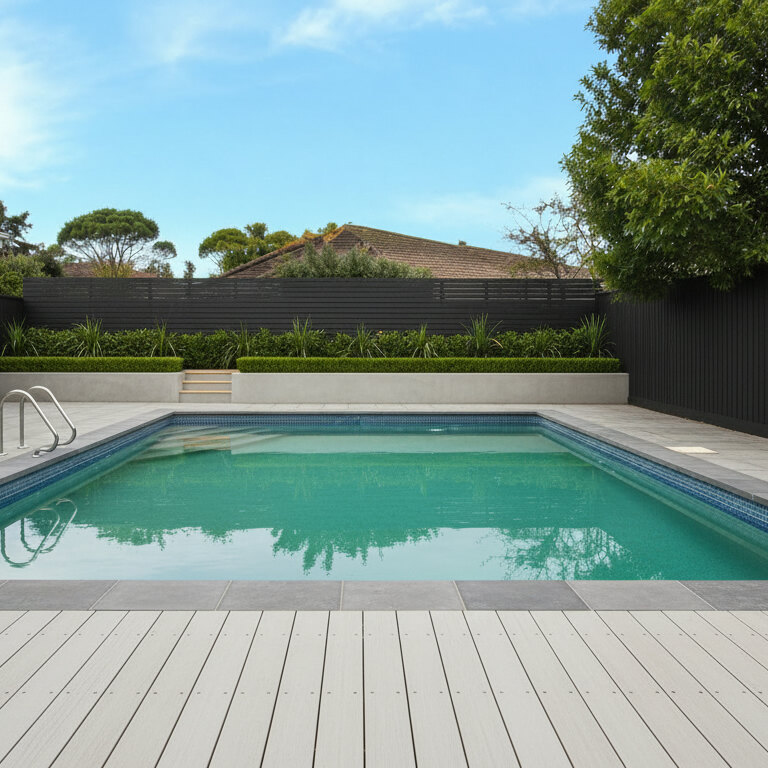
HausDraft is a pool design tool that turns a photo of your backyard into a photorealistic pool-area redesign. Pick a style and the AI reimagines the pool, decking and surrounding planting while keeping your house and property lines in place — so you can picture a finished backyard pool before committing to a build.
Design my pool area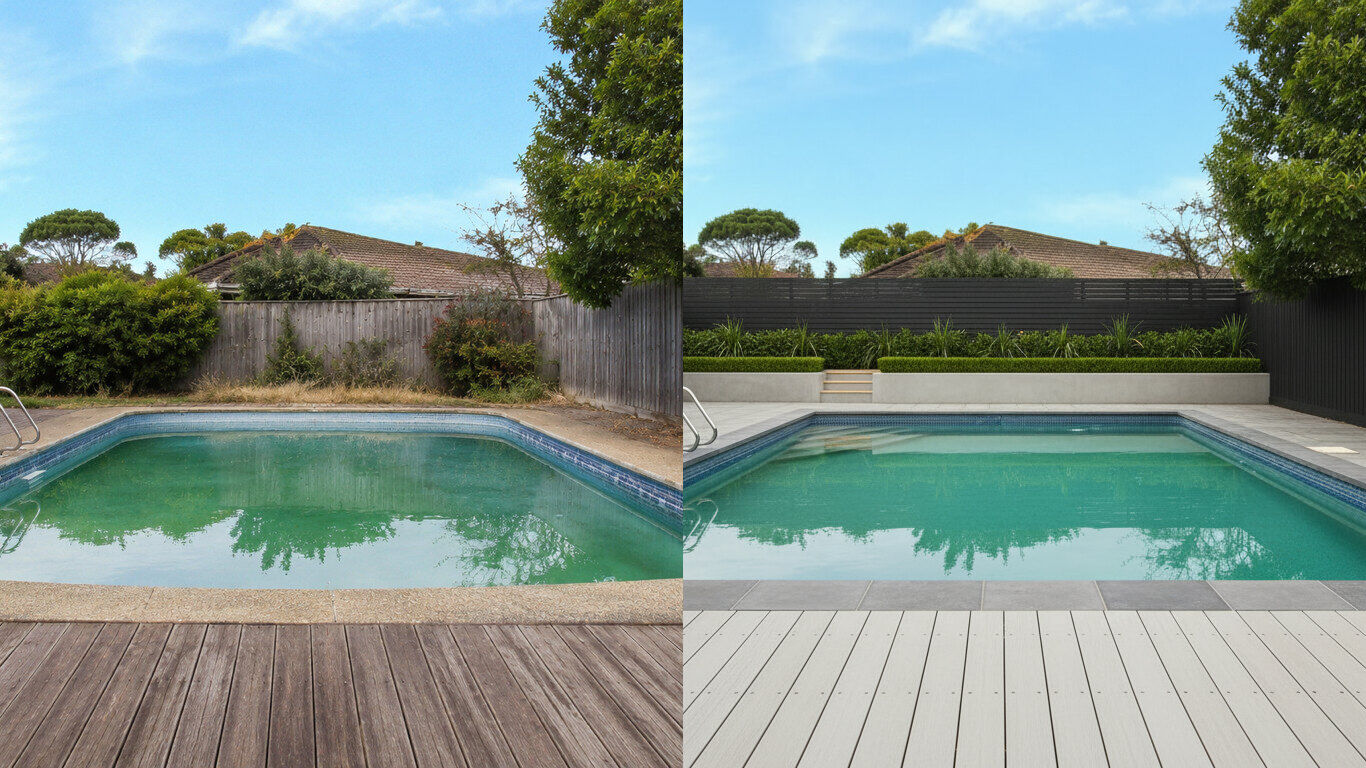
See decking, waterline and surround planting on your real backyard — and try different looks for free before a contractor quote.
HausDraft preserves the house and boundaries and only reimagines the pool area and its surroundings.
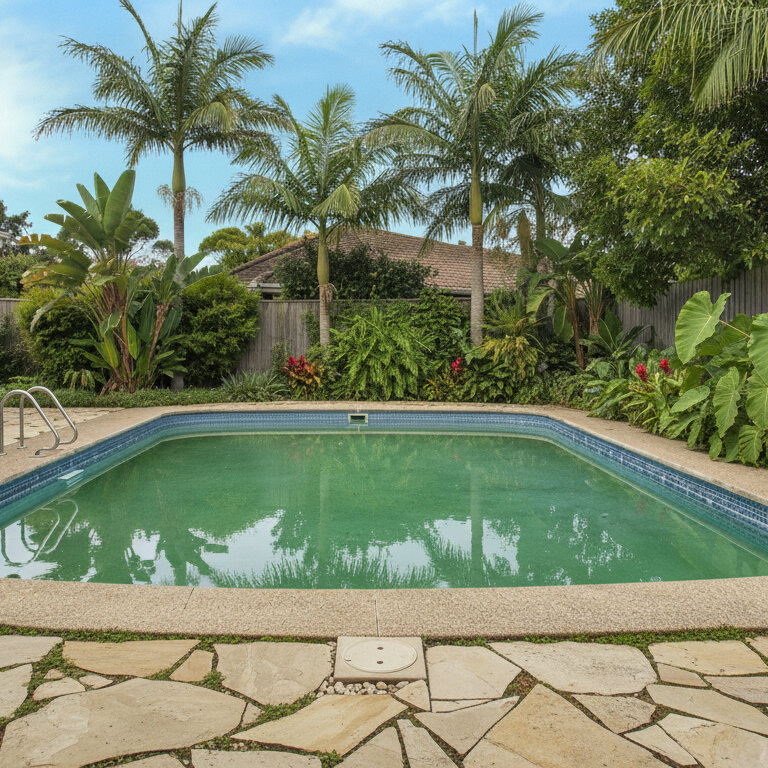
How HausDraft redesigns a pool area from one photo.
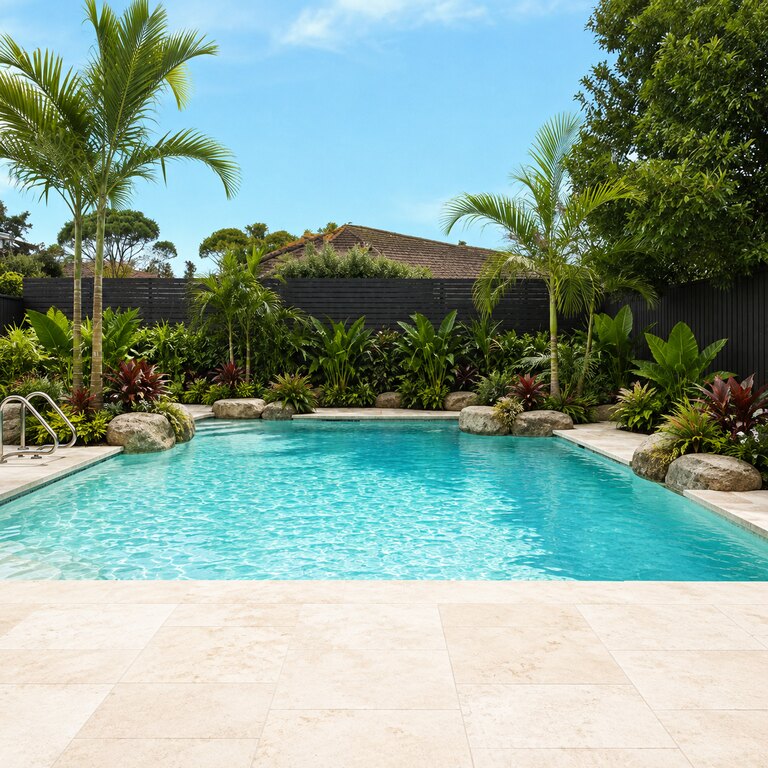
Keeps the house and property lines; reimagines the pool, decking and surround.
Modern, Mediterranean, Tropical and more — the landscape style set applies to the pool area.
See how decking material and planting frame the pool before you build.
Take a photo, pick a style, and get a pool-area redesign.
Three steps from a photo to a finished pool area.
Take or upload a clear photo of the backyard or existing pool.
Choose an outdoor style or let Auto pick a cohesive look.
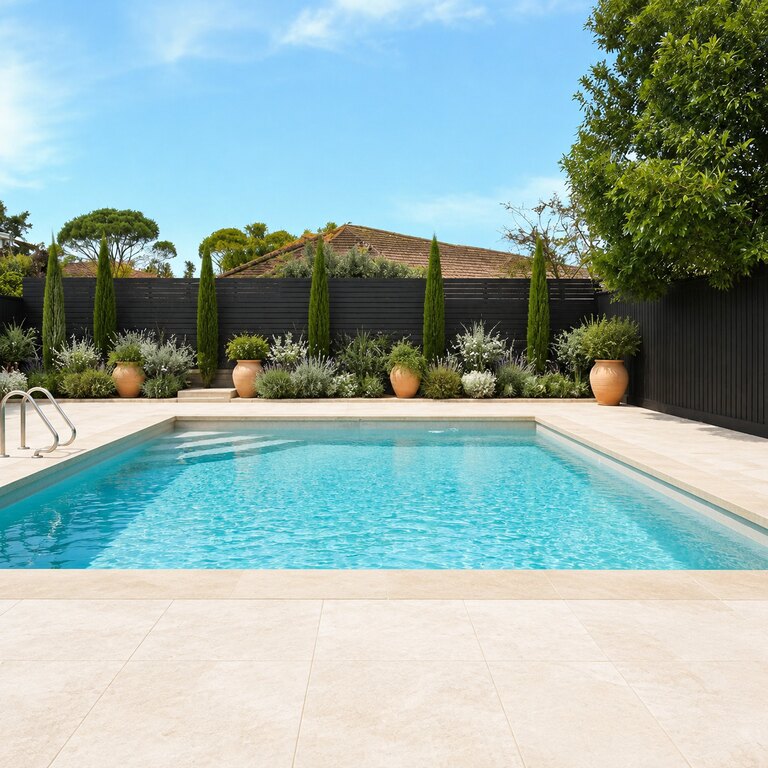
HausDraft redesigns your pool area in seconds, keeping the yard.
The same yard reimagined across pool styles — house and property lines preserved.
Upload a photo and picture a finished backyard pool.
Start free with redesign credits. Starter is $29/month and Pro is $69/month; see the current plans and credit details on the pricing page.
Design my pool areaHow HausDraft’s pool design tool works, and how to get the best result.
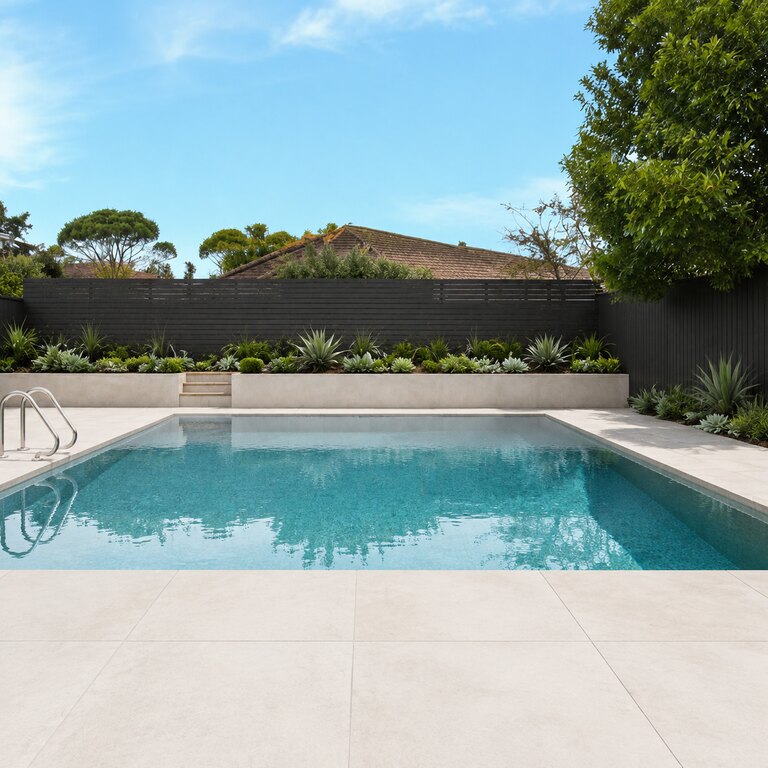
Traditional pool design software makes you model the backyard from scratch. HausDraft does pool design from your real photo — it keeps the house and property lines and only reimagines the pool shape, decking and surround, so the pool design you see sits in your actual yard, not a stock scene.
A pool is one of the largest backyard investments. Use the pool design to align the household on a look and brief a builder before committing — a clear pool design visual prevents costly changes after the dig.
Use a clear, well-lit photo that shows the whole backyard. Try several pool design styles — modern, Mediterranean, tropical resort, naturalistic — on the same yard and regenerate until one fits; each pool design keeps your boundaries so you compare on the exact same space.
HausDraft also has focused Landscape and Patio tools for the rest of the yard.
Every home design tool in the studio — swipe through, all on one login.
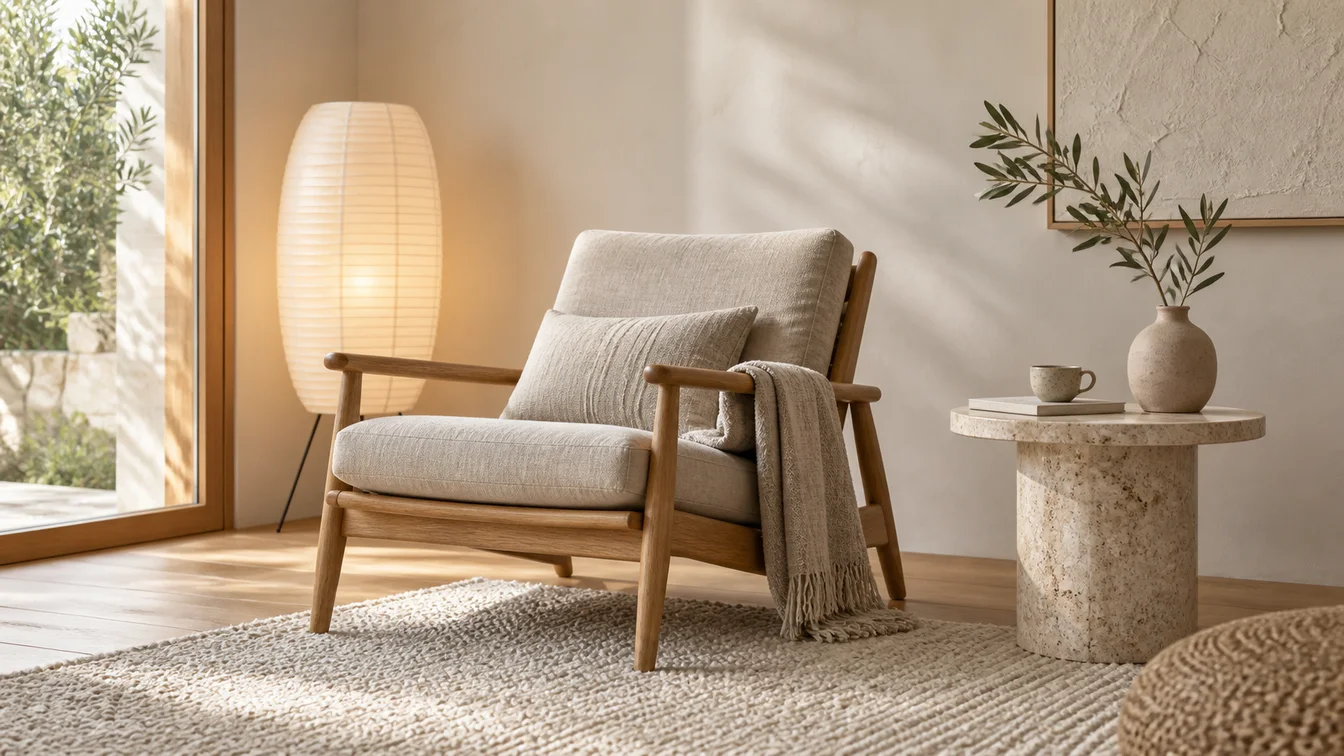
Upload a room photo and HausDraft’s AI interior design tool restyles it in seconds — Modern, Scandinavian, Japandi — keeping your walls, windows and layout.
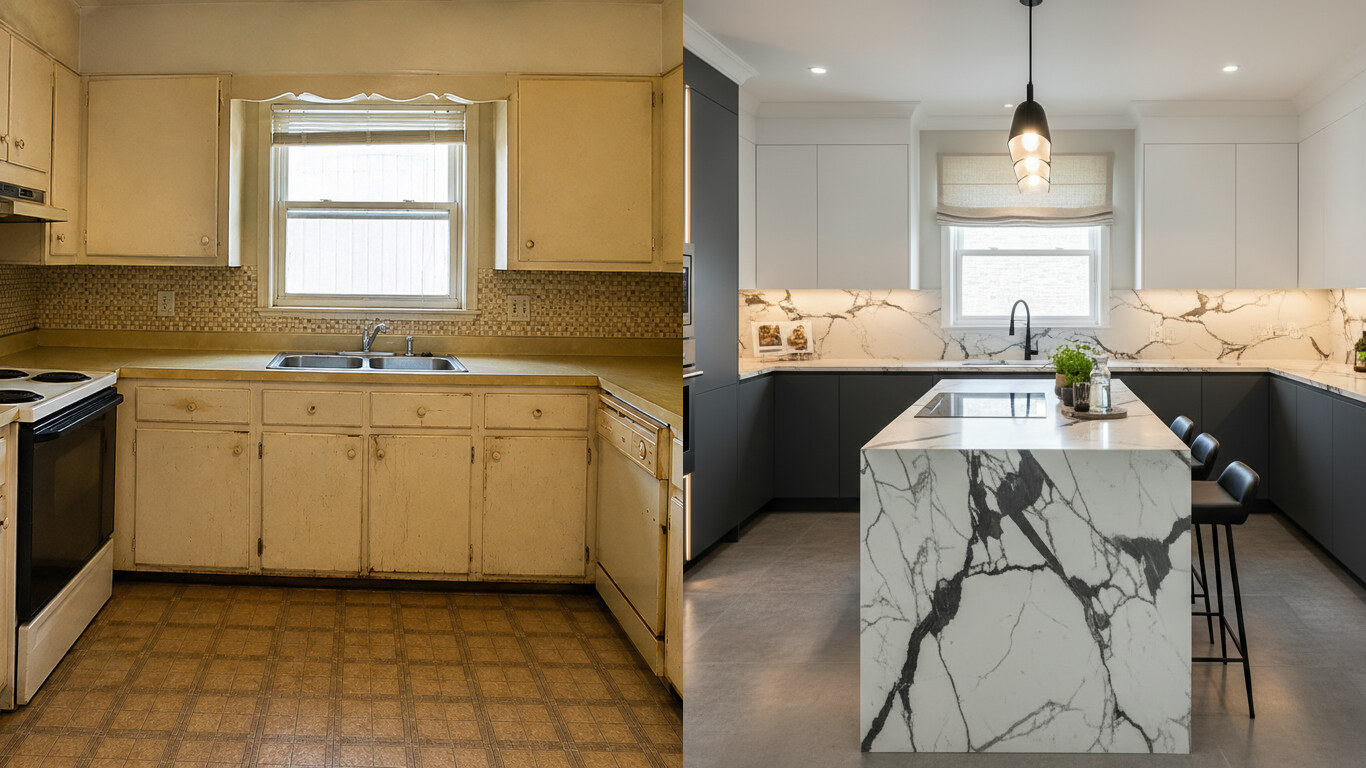
Upload a photo of your kitchen and HausDraft restyles the cabinets, countertops and backsplash in seconds — keeping your windows, doors and layout. Free to try.
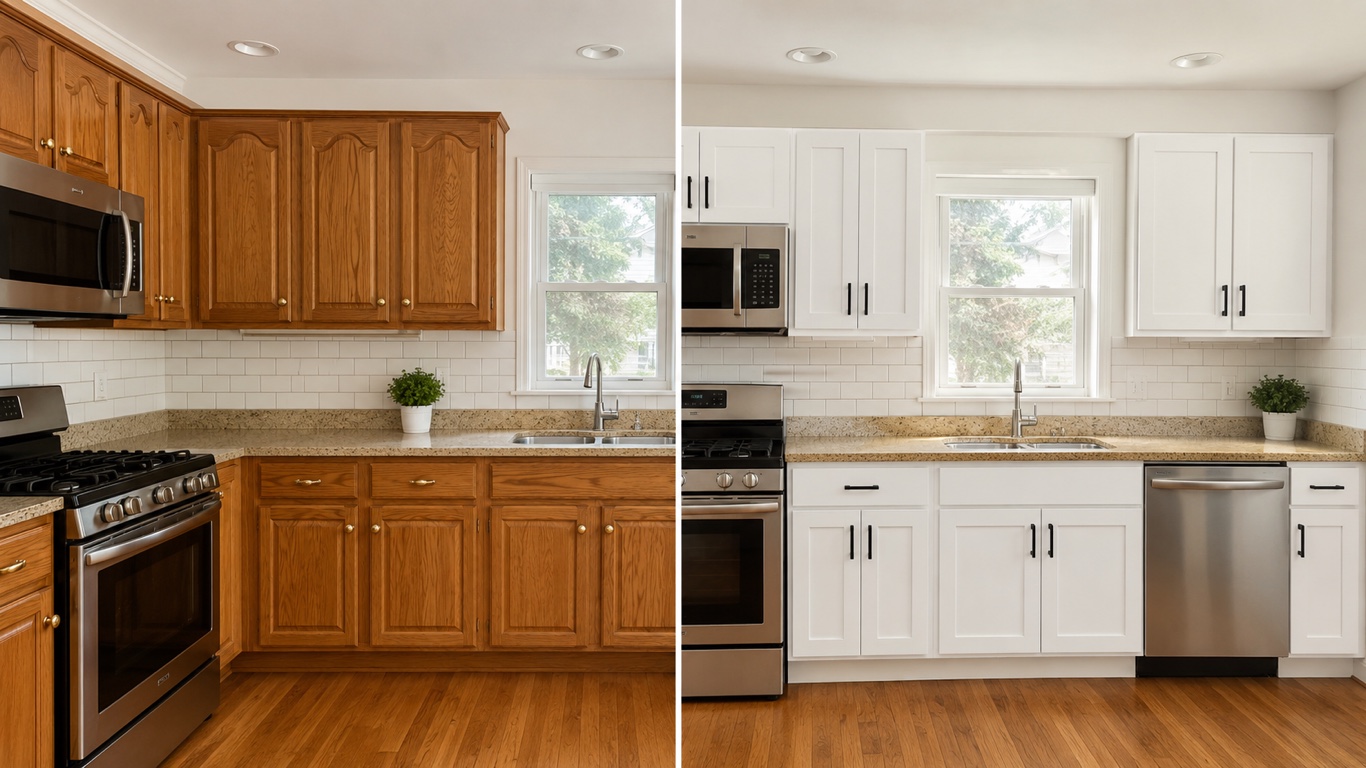
HausDraft’s kitchen cabinet visualizer shows cabinet colors on your kitchen from a photo — white shaker, navy, sage, walnut — counters and layout stay put.
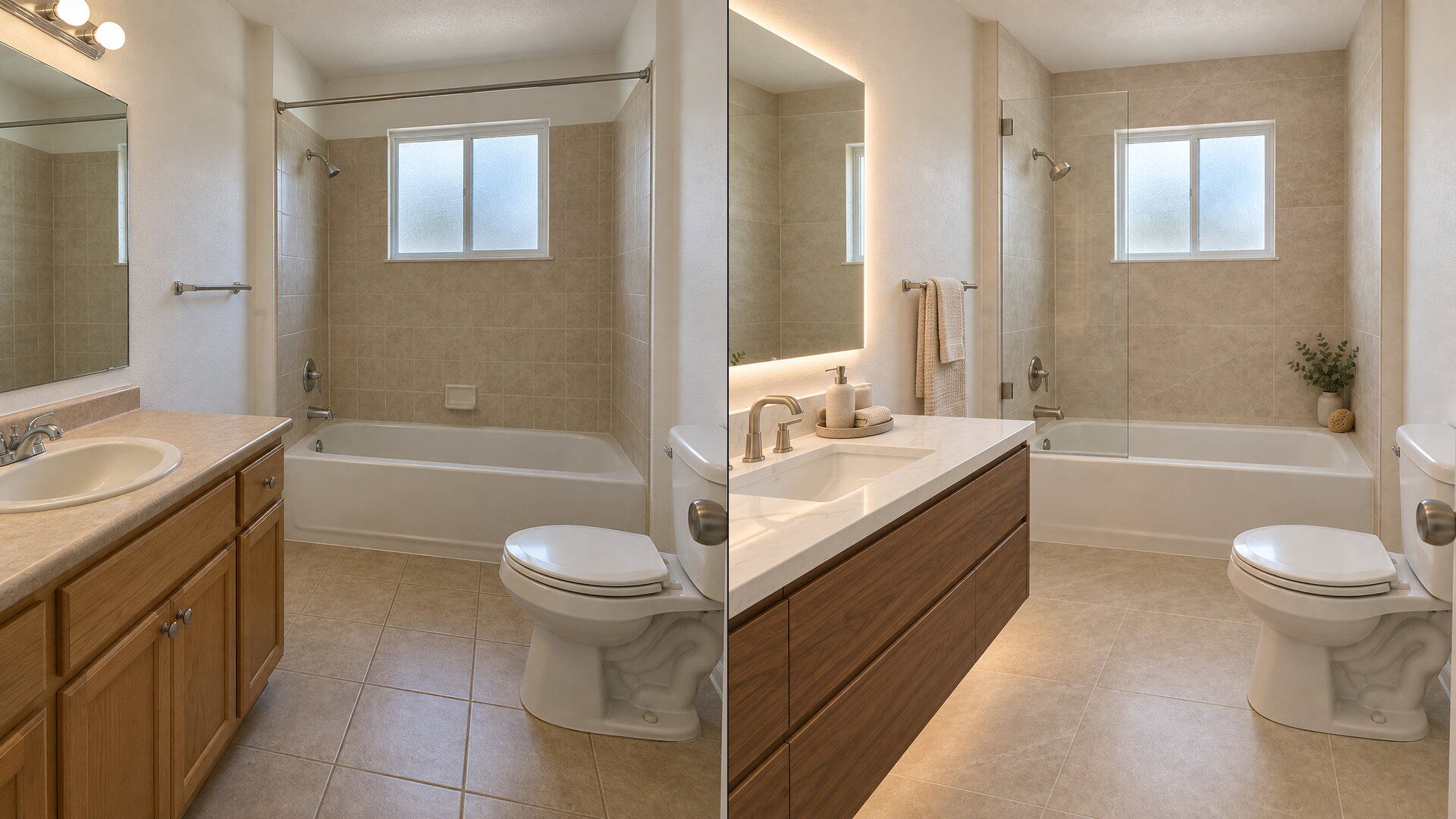
Upload a bathroom photo and preview vanity, tile, fixtures and paint with this free bathroom remodel visualizer — plumbing and layout stay put.
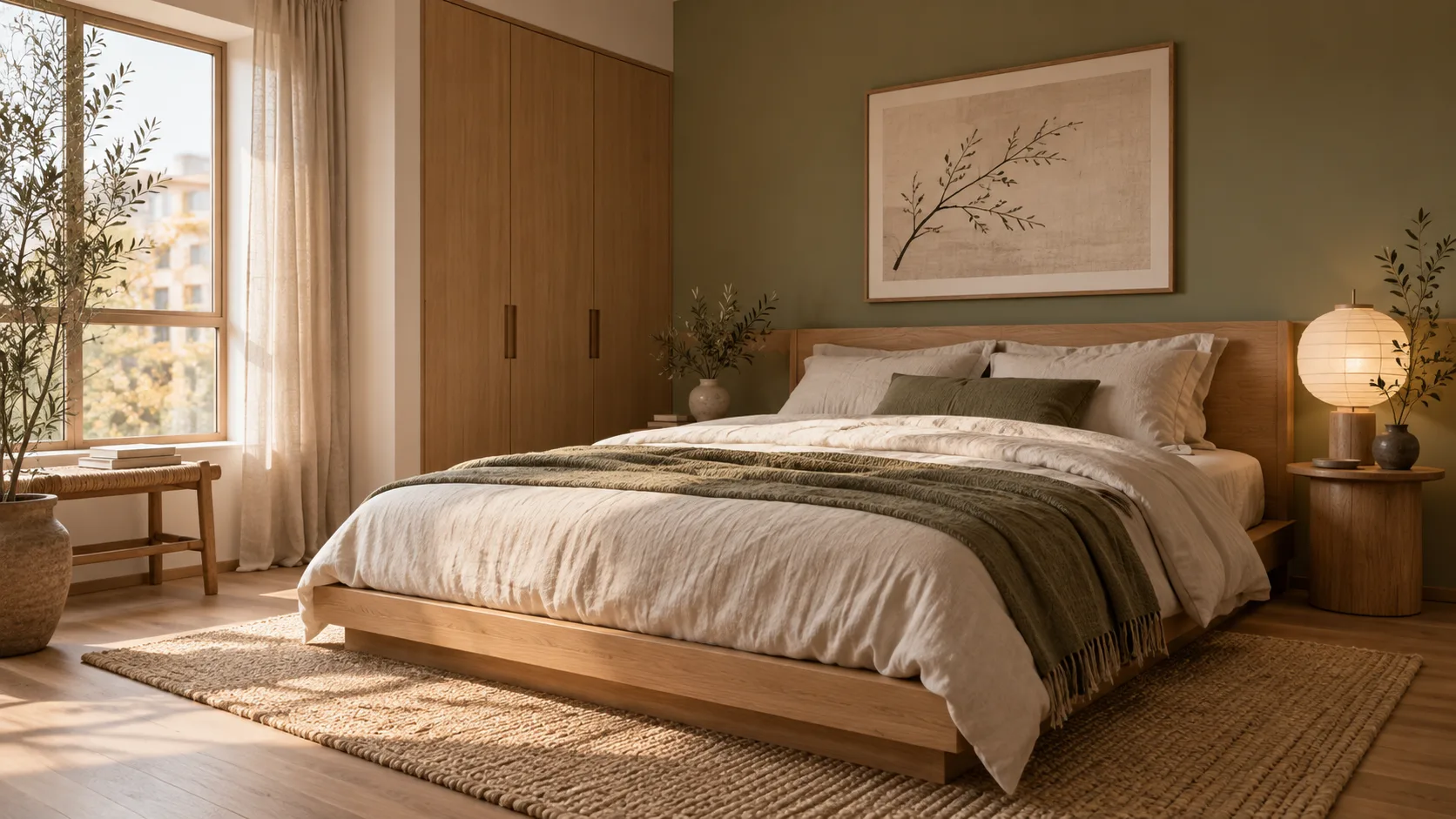
Redesign any single room free — upload a photo, pick a style, and HausDraft’s AI room design tool restyles it while keeping your walls, windows and layout.
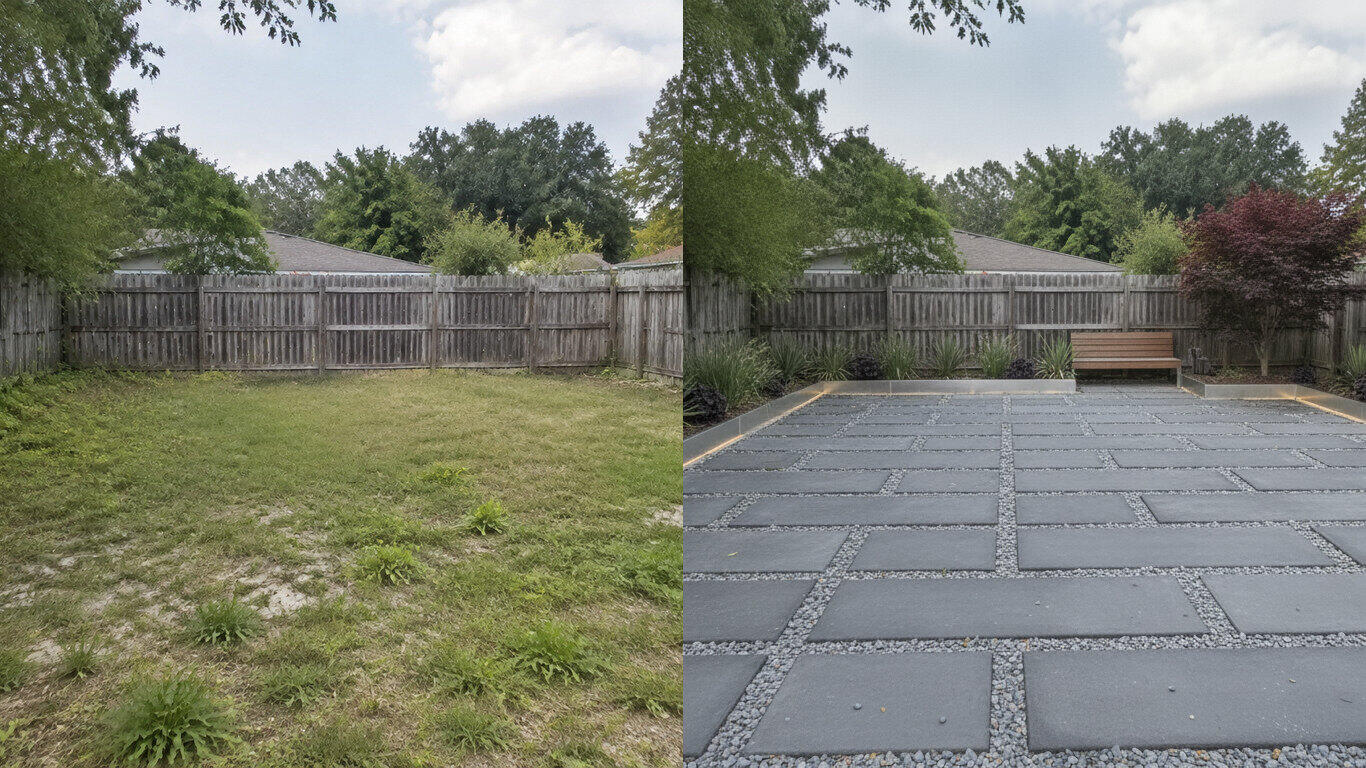
Upload a photo of your yard and HausDraft’s AI landscape design tool reimagines the planting, beds, lawn and hardscape in seconds — Modern, Cottage, Mediterranean, Tropical and more — while keeping your house and property lines in place.
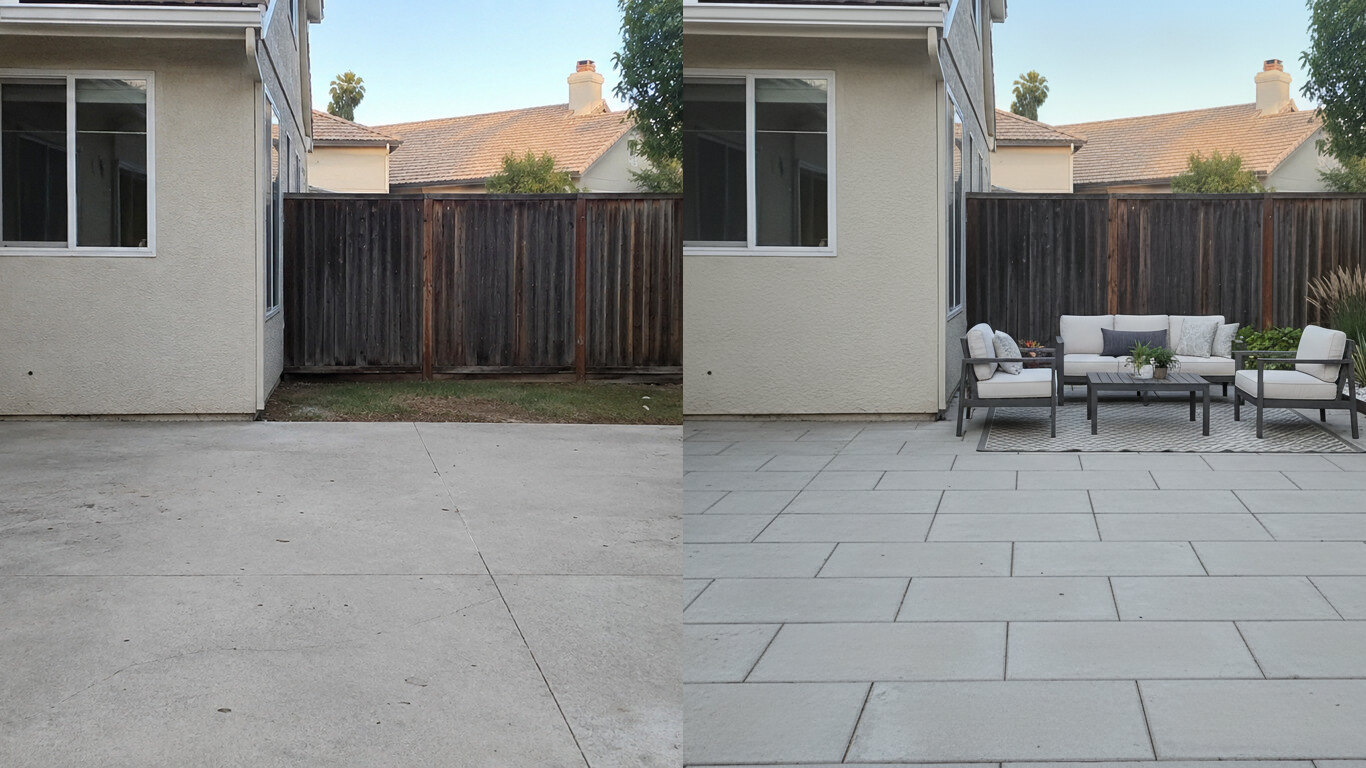
Upload a photo of your patio and HausDraft reimagines the paving, furniture layout and planting in seconds — while keeping your house wall and yard footprint in place. Plan a backyard patio before you build.
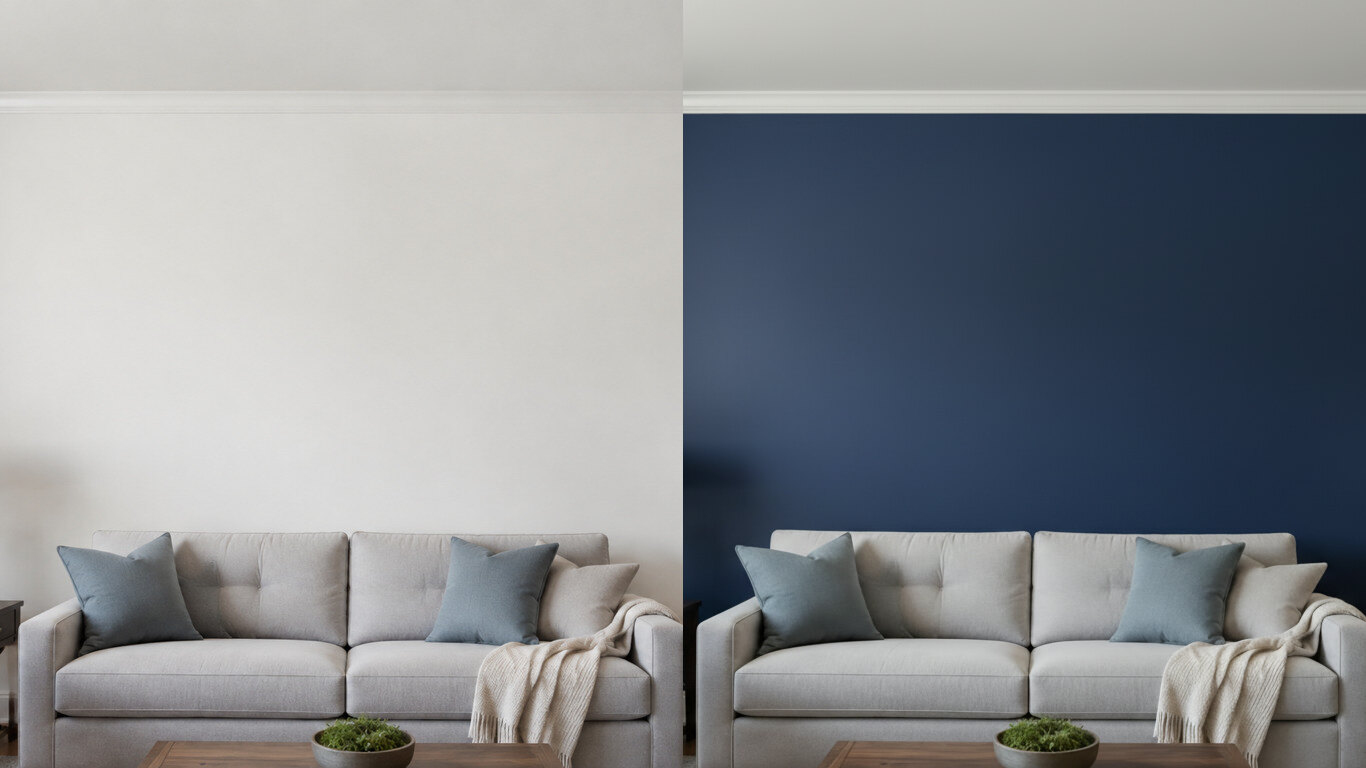
Upload a photo of your room or wall and HausDraft’s paint color visualizer repaints it in any colour in seconds — changing only the paint while keeping your furniture, trim and fixtures exactly as they are. Try colours before you buy a can.
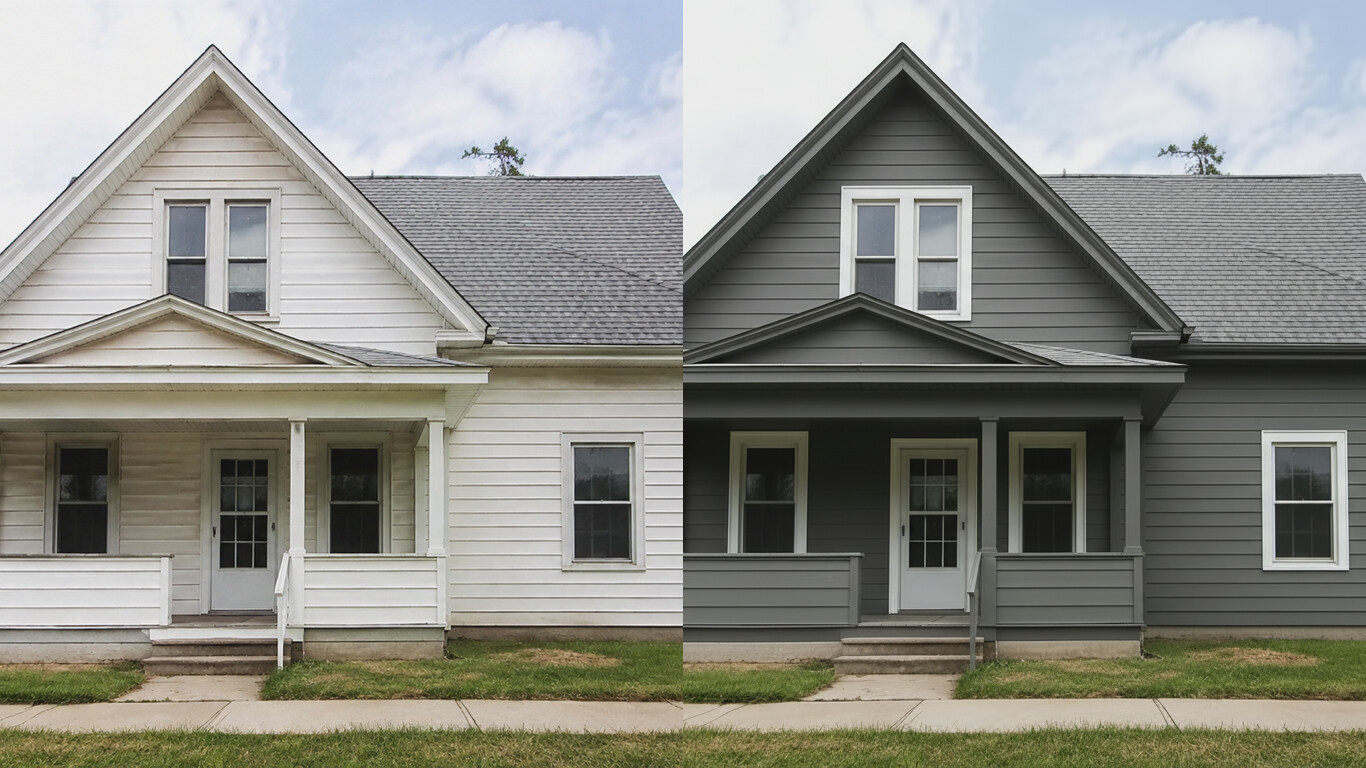
Upload a photo of your house and HausDraft’s exterior house color visualizer repaints the siding and trim in any colour in seconds — changing only the paint while keeping the structure, roof and landscaping. See your house painted before you hire.
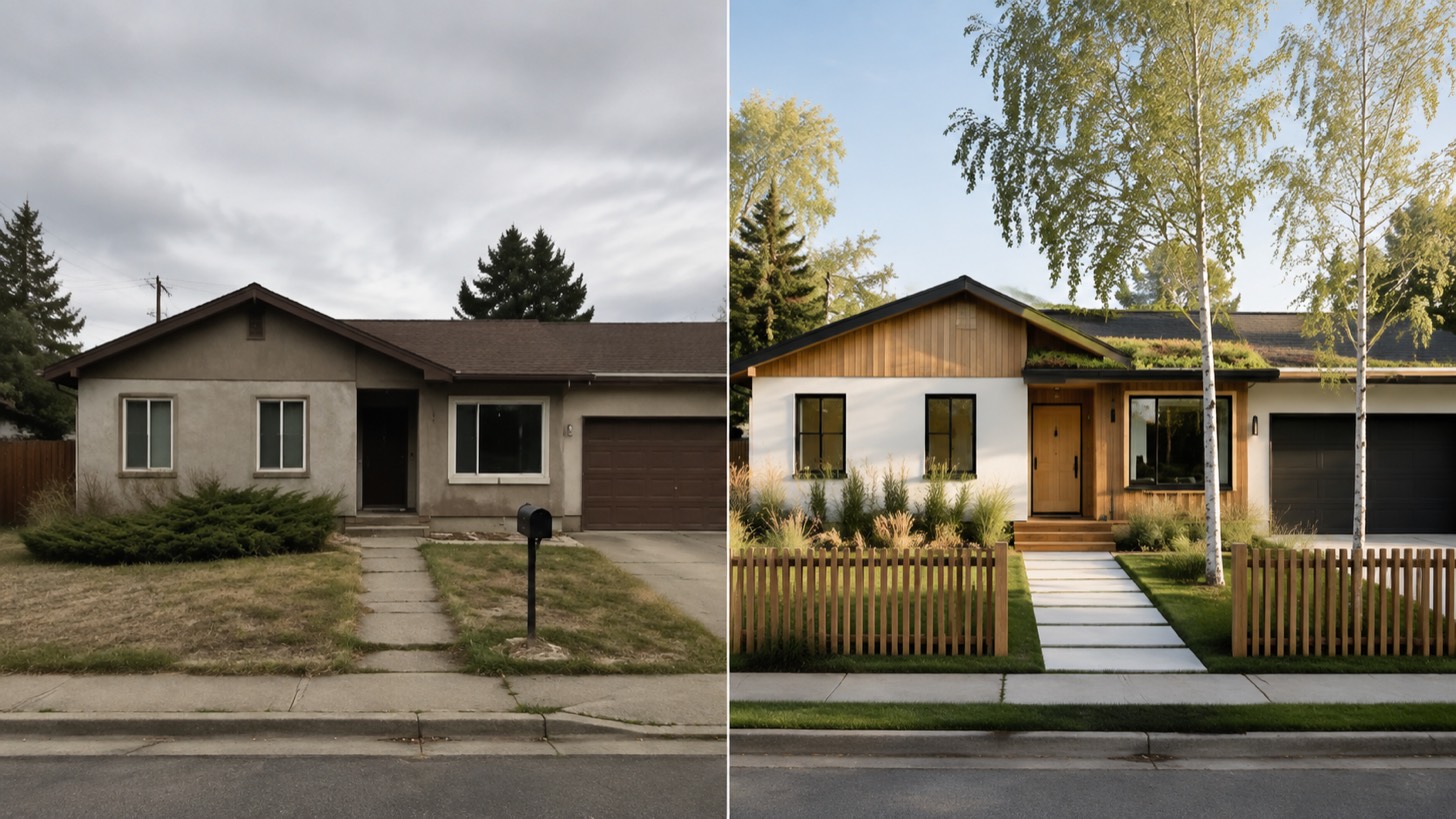
AI home exterior design from one photo — HausDraft restyles your whole facade (style, siding, materials, trim) while keeping your structure and roofline.