Redesign any room from a photo without 3D software, measuring, or designer fees.
If you are searching for Krea AI Home, you may be asking whether a general AI image tool can help redesign a real room, facade, or yard. Krea AI Home can help explore visual directions, but a home project also needs context: your photo, your proportions, your materials, and a workflow for the change ahead. HausDraft is a focused alternative. After a Krea AI Home search, upload one photo or start from a blank canvas, then use a dedicated tool for interiors, exteriors, gardens, floor plans, or remodels.
Explore Home Design Tools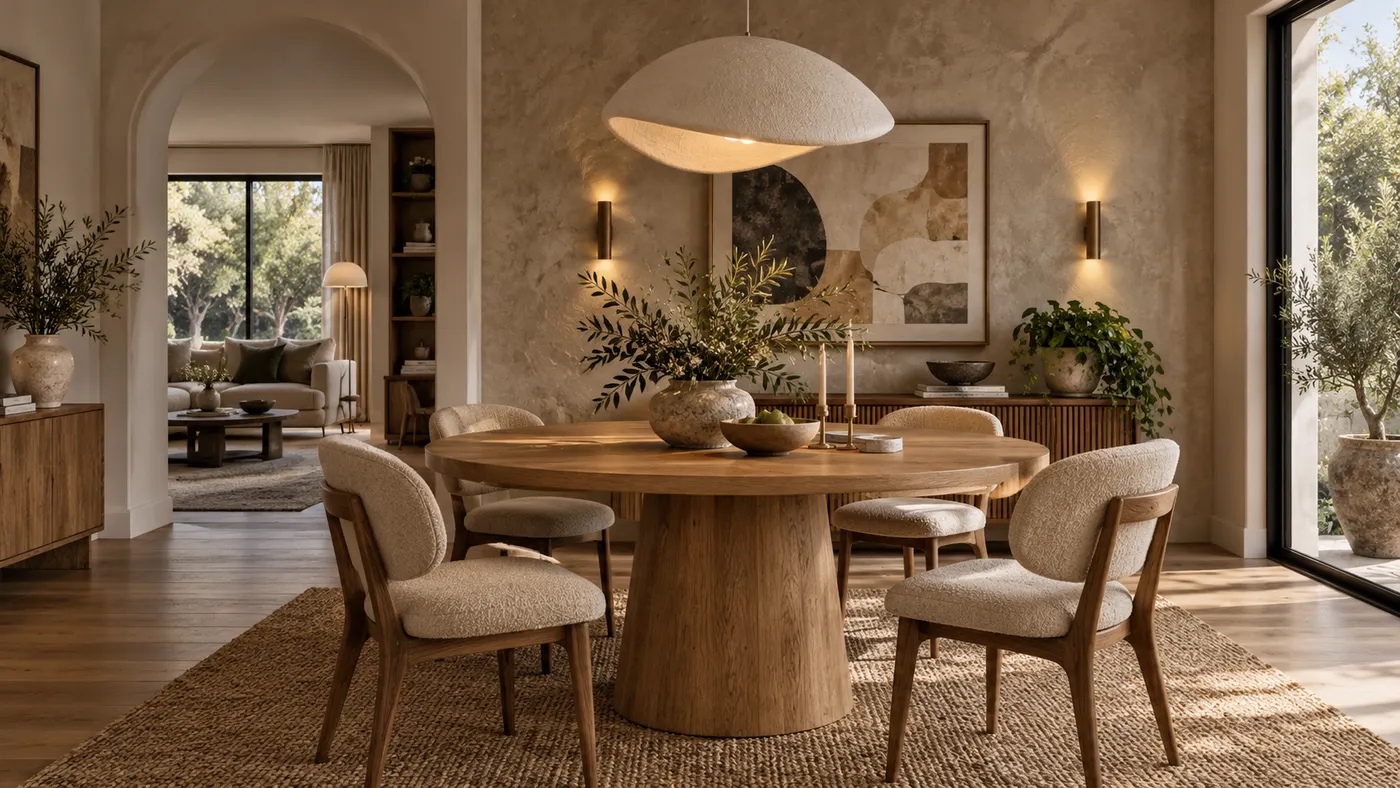
Explore visual directions for rooms, facades, gardens, layouts, and remodels before making costly changes.
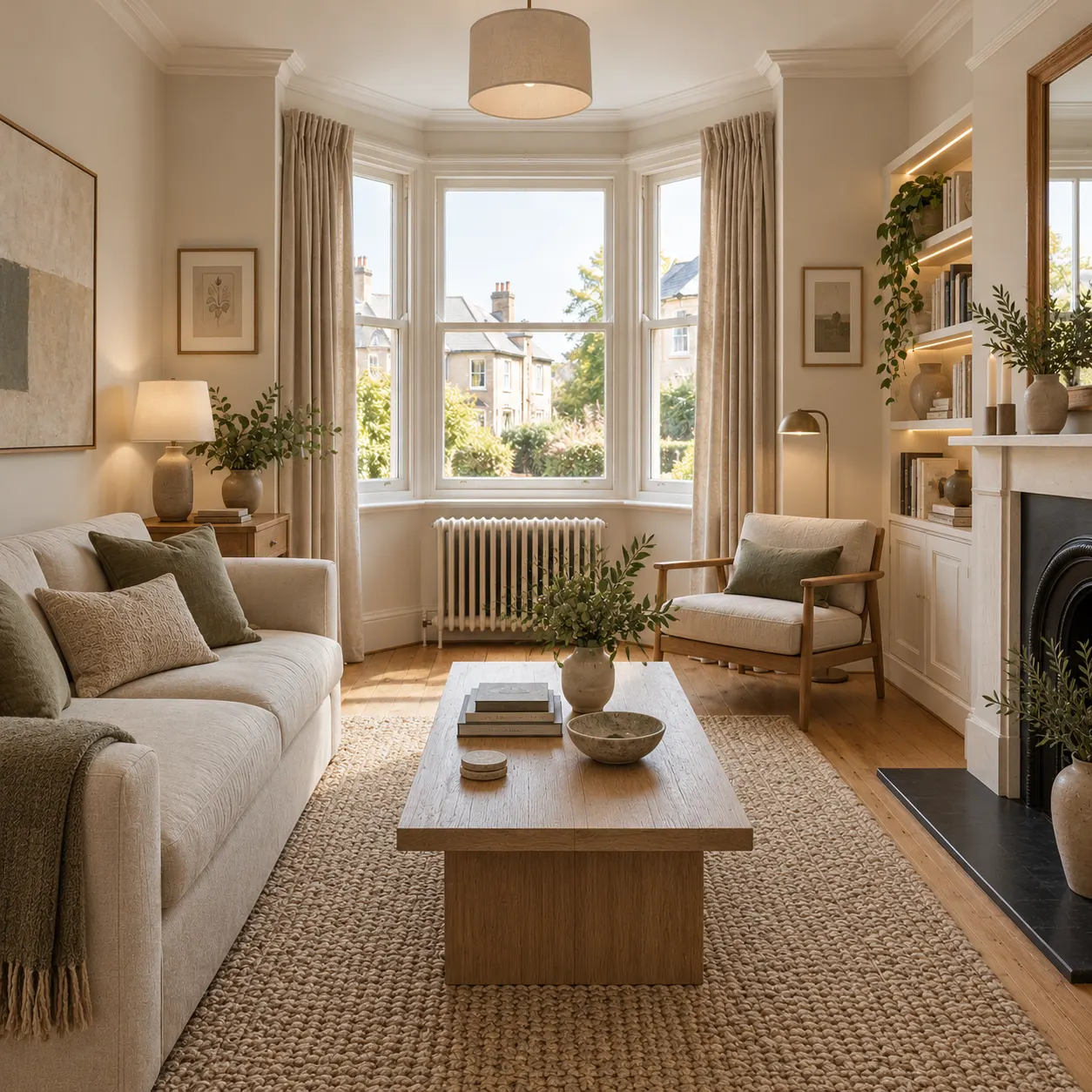
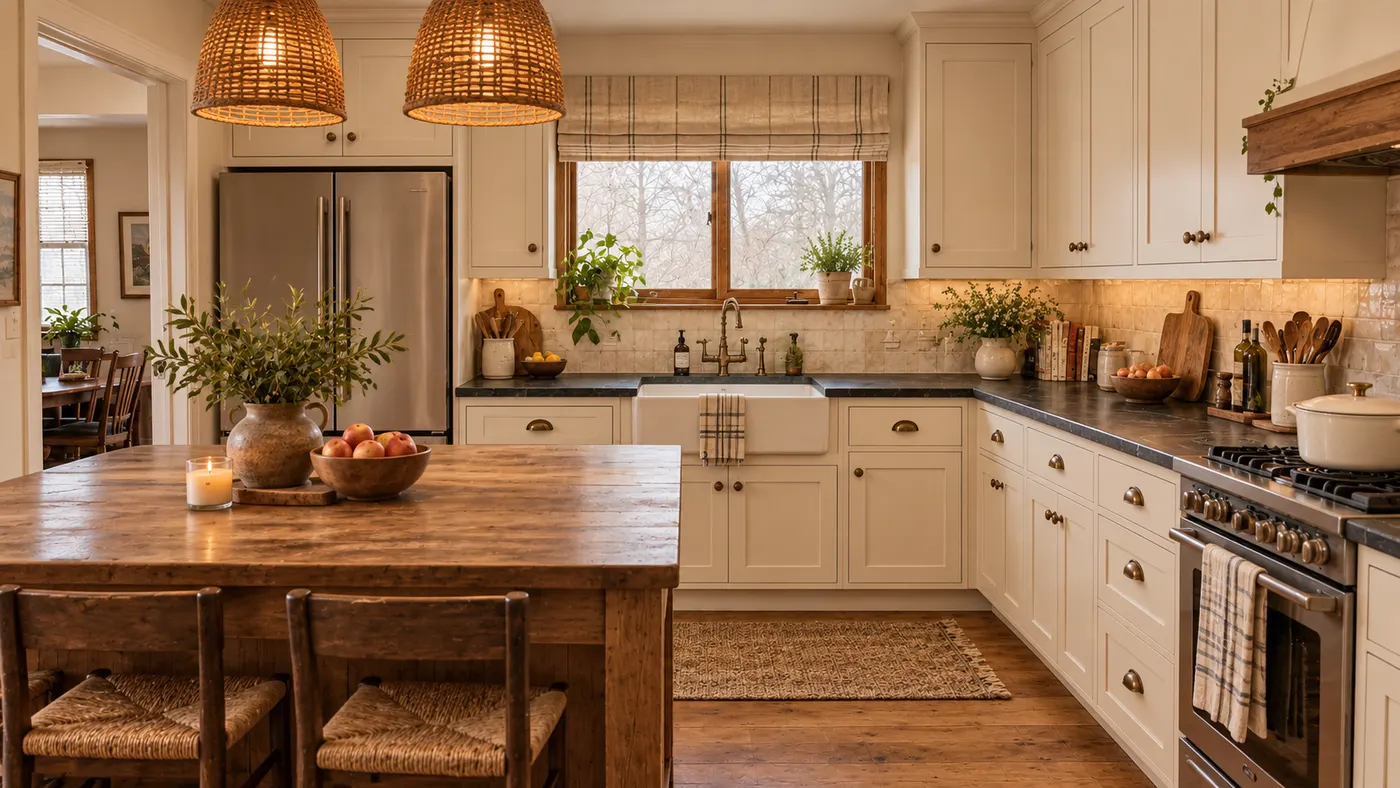
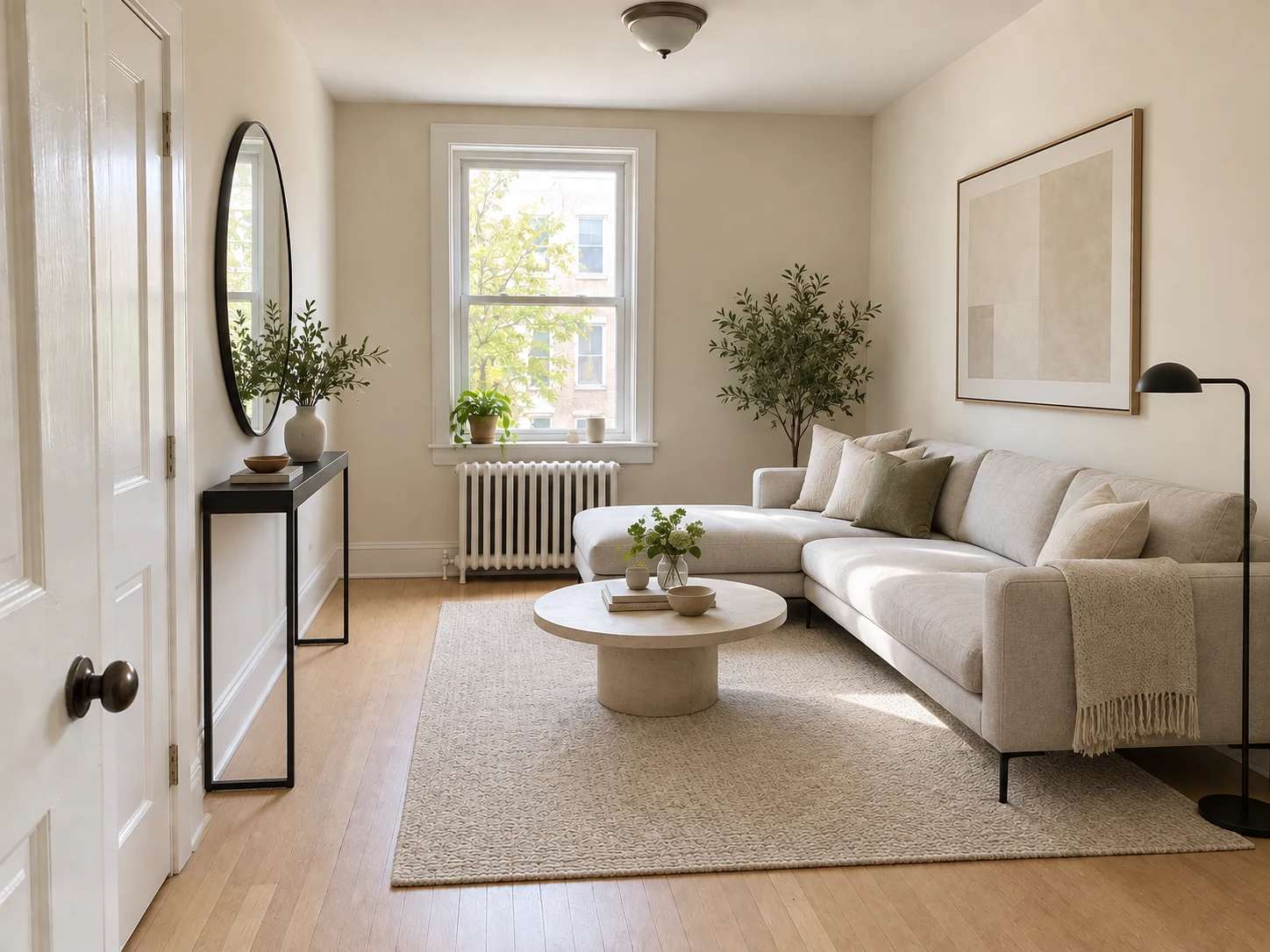
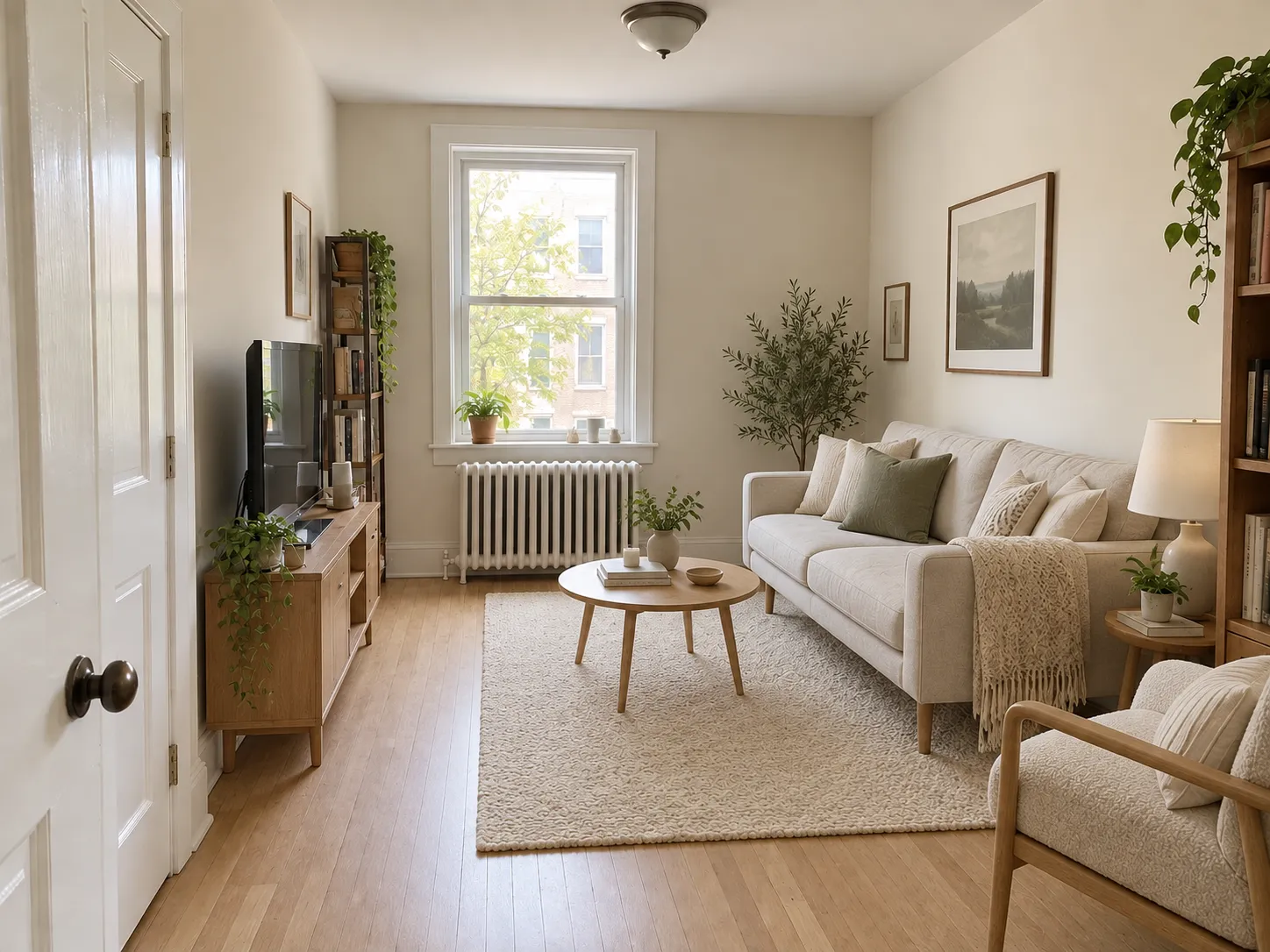
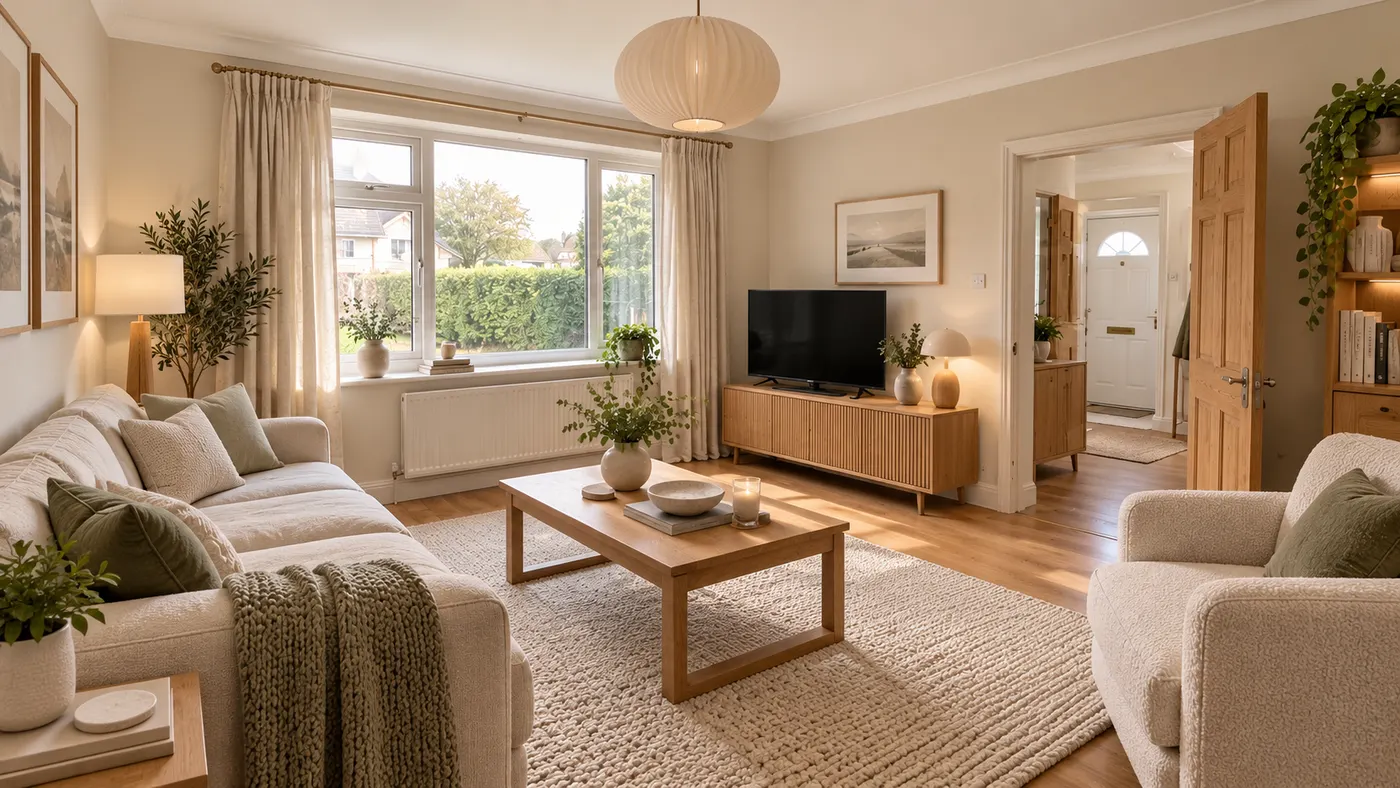
After a Krea AI Home search, you may have a mood but not a room plan. Krea AI Home explores visual directions; HausDraft connects Krea AI Home inspiration to your photo through AI Interior Design and AI Room Design. Compare furniture, layout, and style ideas while room’s proportions stay visible, giving redesign a starting point.
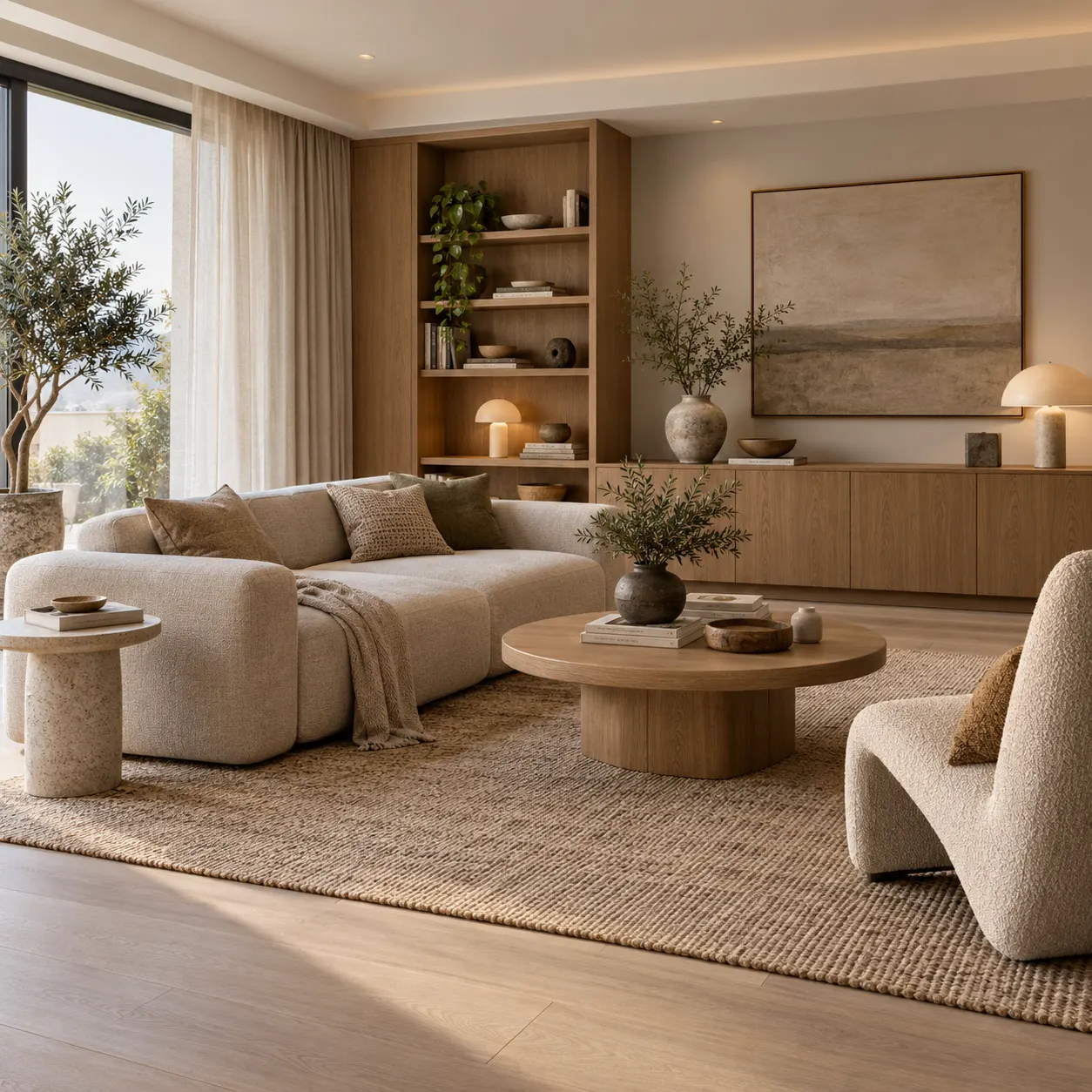
When Krea AI Home users want to rethink a facade, a general image workflow may leave the house context behind. HausDraft's AI Home Exterior Design keeps the property central while you test siding, trim, entry details, windows, and overall curb appeal. Use the exterior tool to turn a Krea AI Home idea into a clearer visual reference for discussing materials, priorities, and the scale of a possible update.
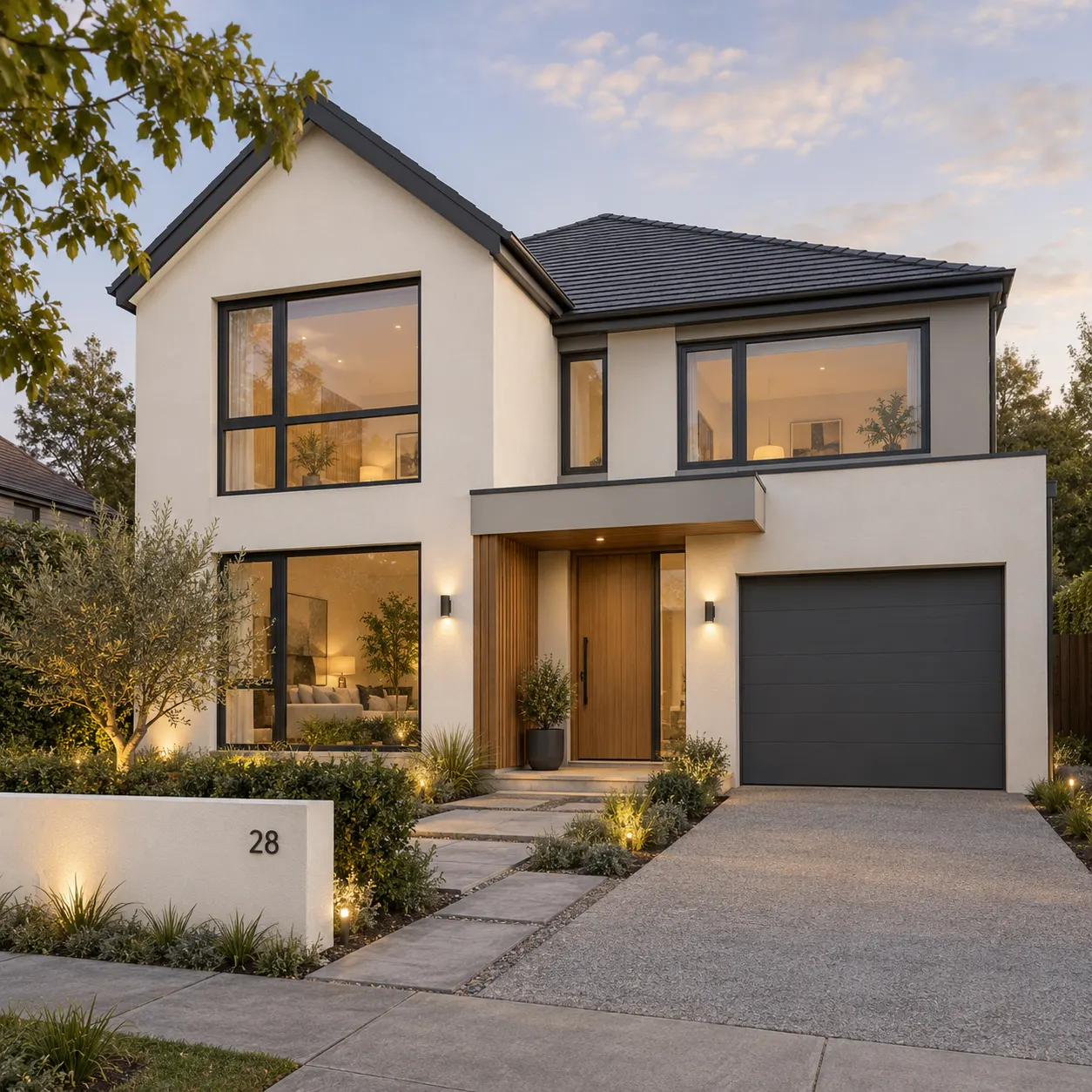
For gardens and backyards, Krea AI Home can inspire a mood, yet outdoor decisions depend on the actual yard, paths, planting zones, and relationship to the house. HausDraft's AI Garden Planner and AI Landscape Design let you explore those elements from a photo. After a Krea AI Home search, compare planting, patio, pathway, and layout directions against the space you already have.
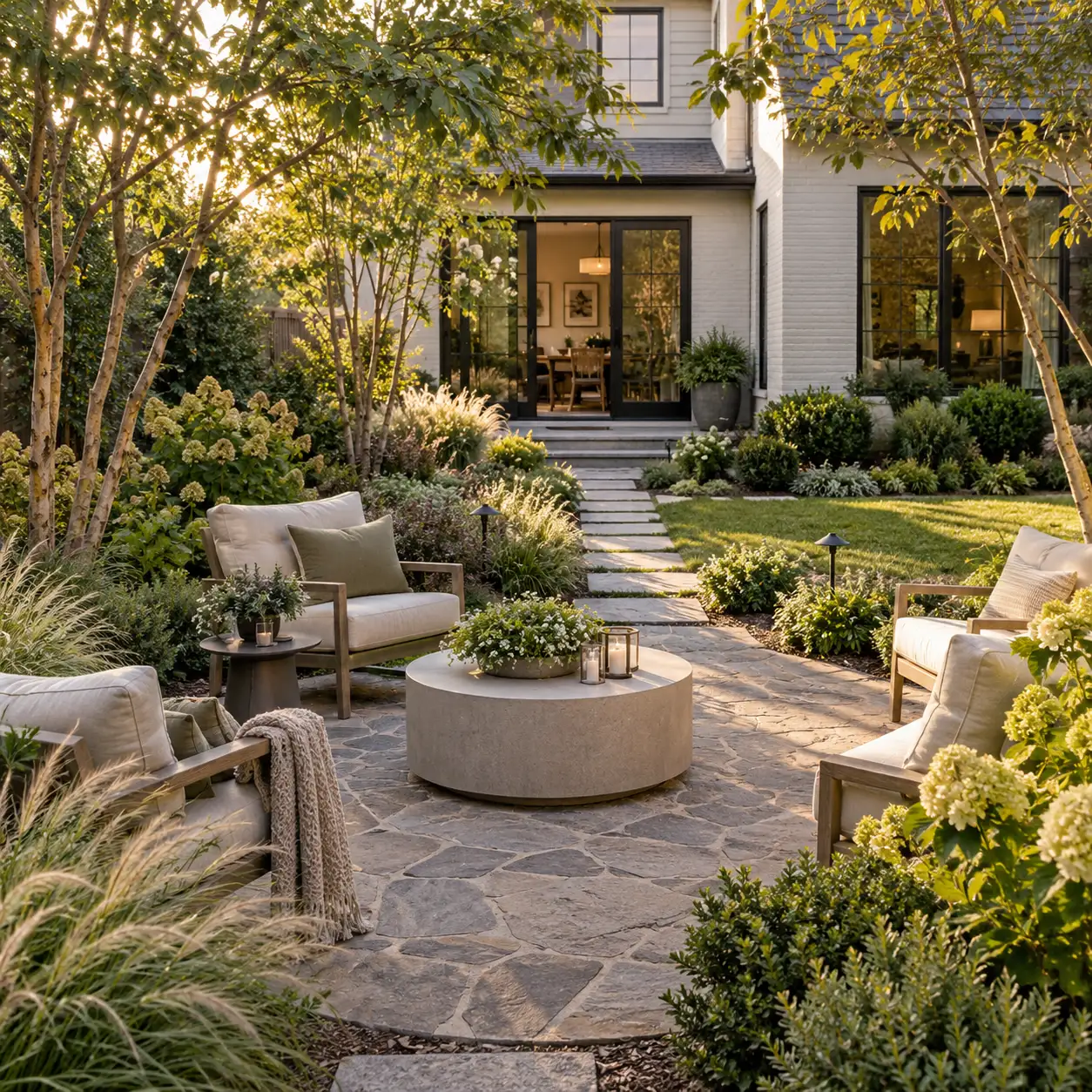
The Krea AI Home question is really a workflow question: do you need open-ended image exploration, or a focused way to compare ideas against your actual home before spending time or money?
| Compare | Krea AI | HausDraft |
|---|---|---|
| Primary focus | General creative image exploration | Home design from a focused workflow |
| Home design tools | No dedicated home-design tool set | Interior, exterior, garden, and remodel tools |
| Photo input | Prompt or reference image | Upload your own room, home, or yard photo |
| Style options | Flexible creative direction | Home-focused styles to compare |
| Price | Varies by product and plan | Free start; paid plans available |
| Output use | Concept images for exploration | Visual references for planning conversations |
Krea AI Home may start the search; HausDraft connects each project to a more relevant tool.
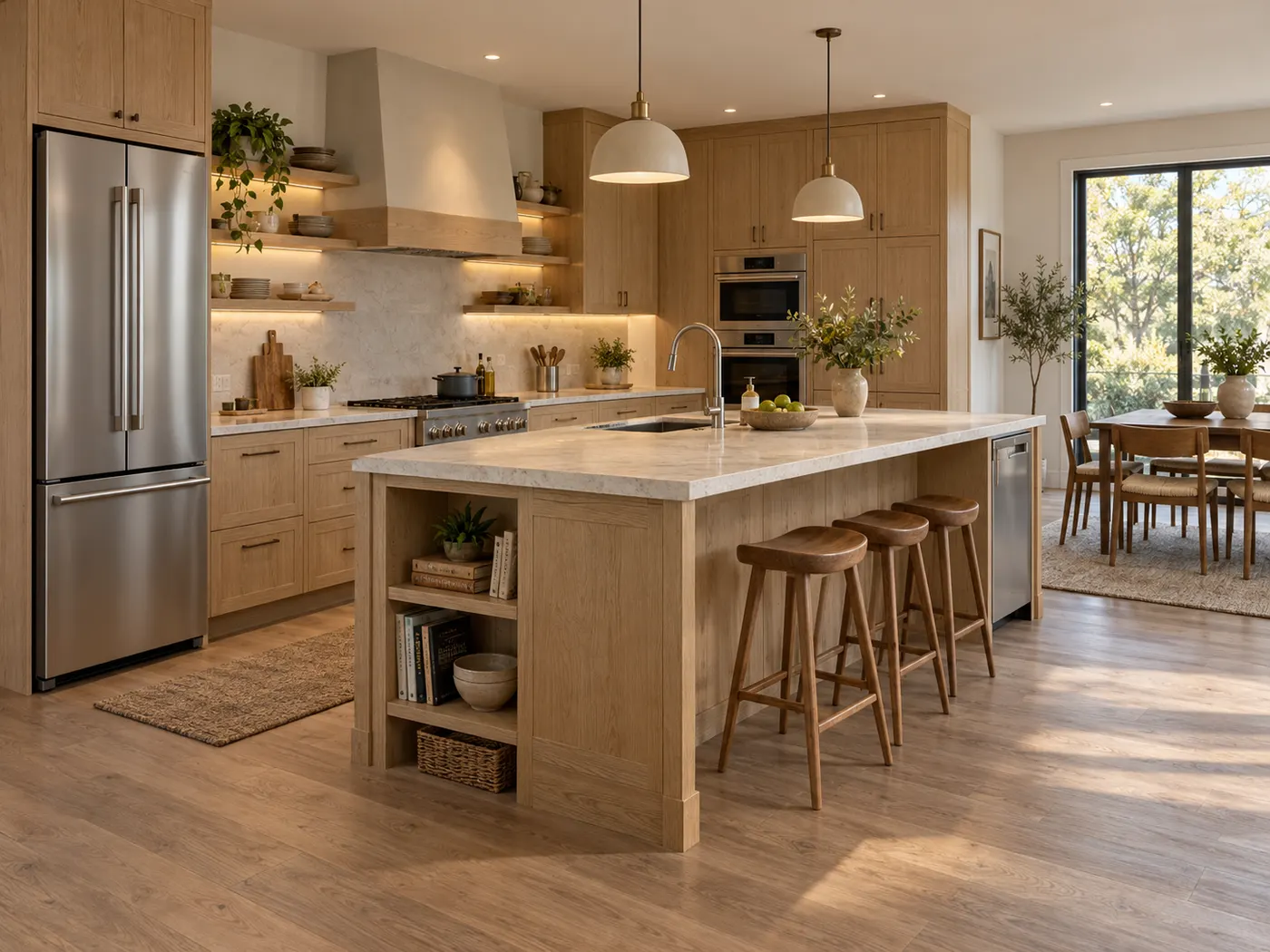
Krea AI Home is easier to evaluate when HausDraft’s AI Interior Design or AI Room Design works from your room photo. Compare options with Krea AI Home before redesigning.
Krea AI Home inspiration becomes a grounded concept through HausDraft’s AI Home Exterior Design. Use the Krea AI Home direction to discuss siding, paint, trim, windows, and curb appeal.
Outdoor Krea AI Home ideas stay connected to your yard with HausDraft’s AI Garden Planner or AI Landscape Design. Use the Krea AI Home visual to compare planting, patios, paths, and furniture zones.
Move from a Krea AI Home idea to a downloadable concept in three practical steps.
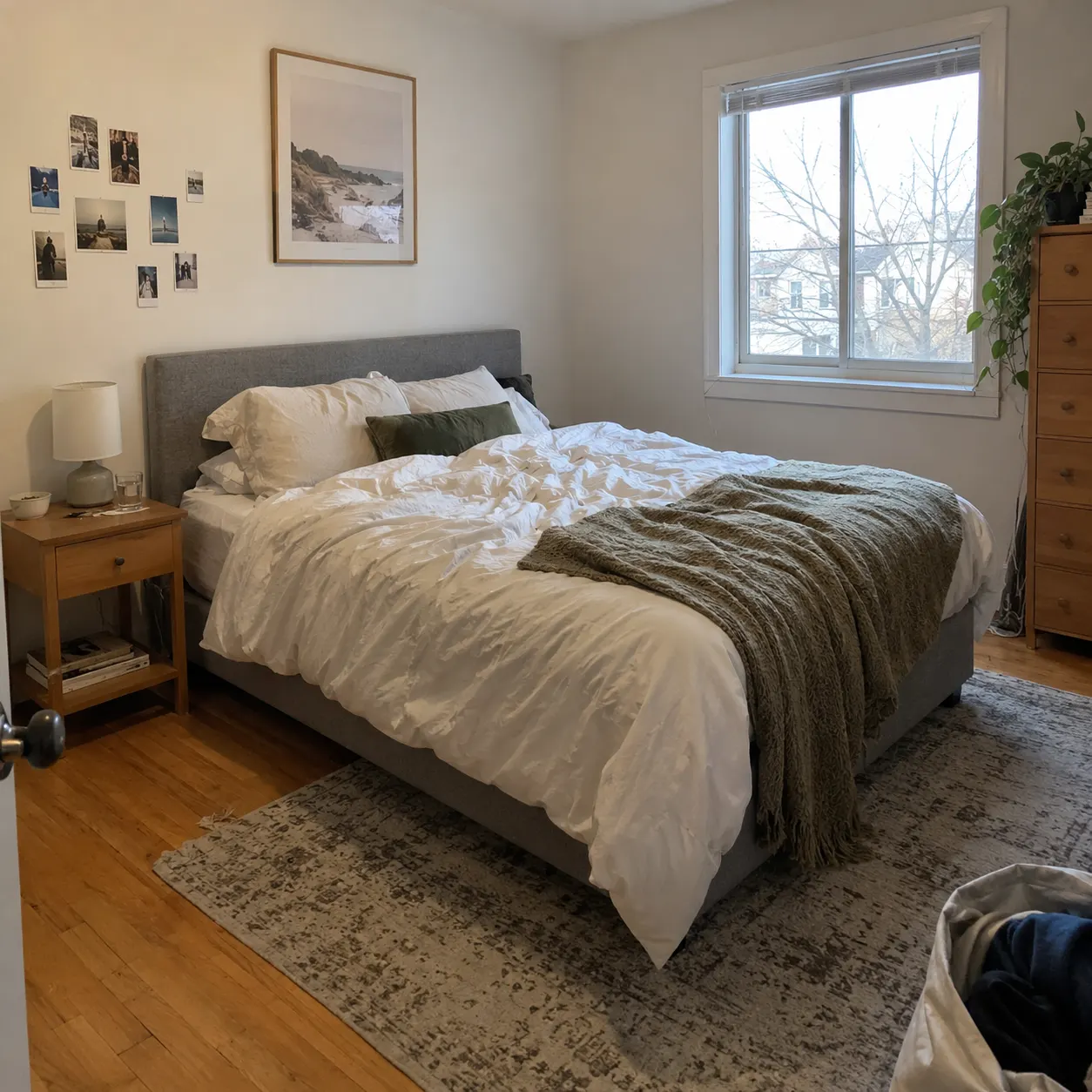
Open HausDraft and upload a clear room, facade, or yard photo. After a Krea AI Home search, your Krea AI Home inspiration can guide the mood.
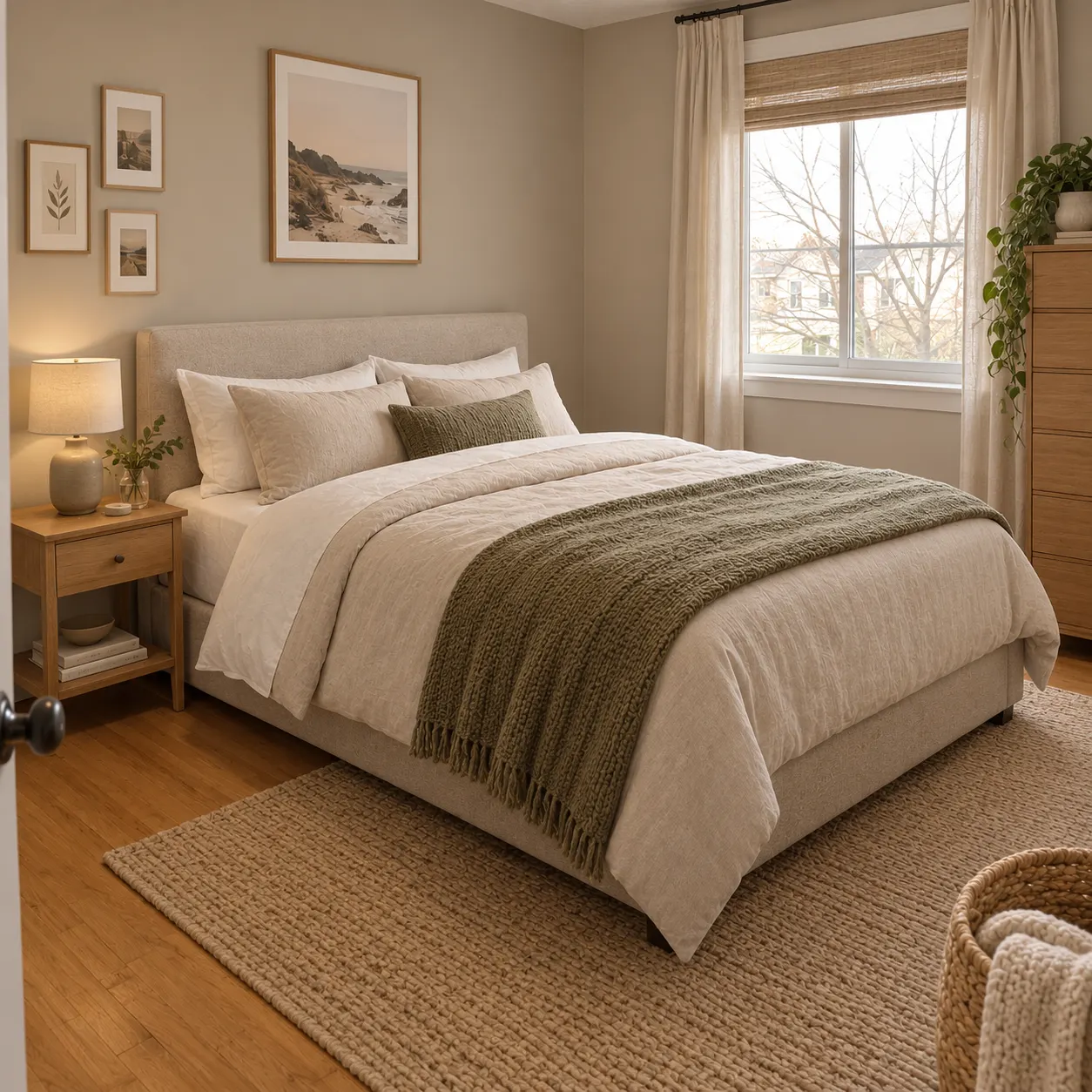
Choose an available style, such as modern, minimalist, rustic, or classic. Use Krea AI Home references for mood, then compare a second Krea AI Home style in HausDraft.
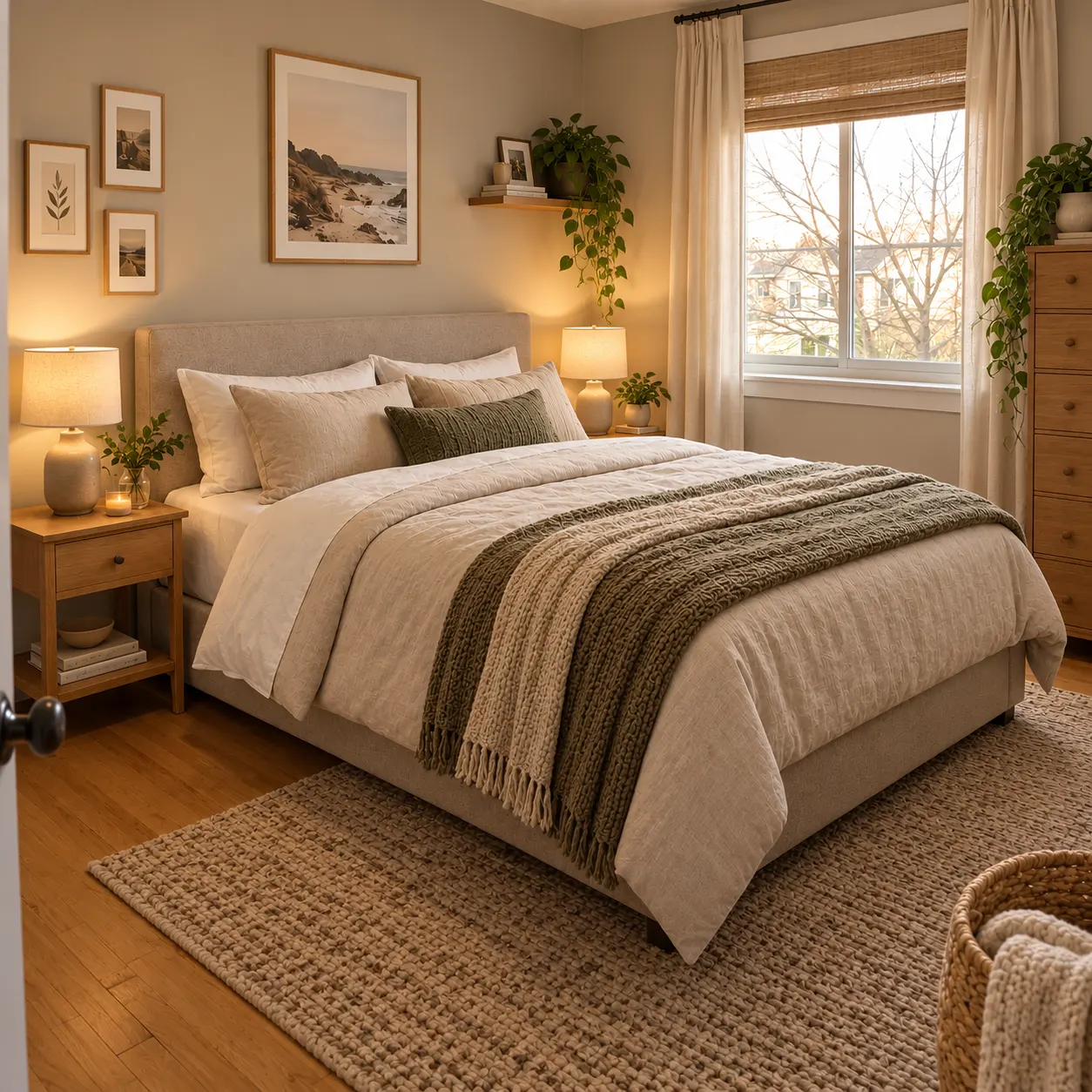
Generate the redesign, review the image, and download it. After a Krea AI Home search, HausDraft turns Krea AI Home inspiration into a visual to share.
Krea AI Home can open the search; HausDraft helps you visualize the next change from your own space.
Sign in for 1 free credit to try it. Lite is $9.99/month, Starter is $29/month and Pro is $69/month; see the current plans and credit details on the pricing page.
Try Home Design FreeThese notes help you choose between Krea AI Home exploration and a focused HausDraft workflow.
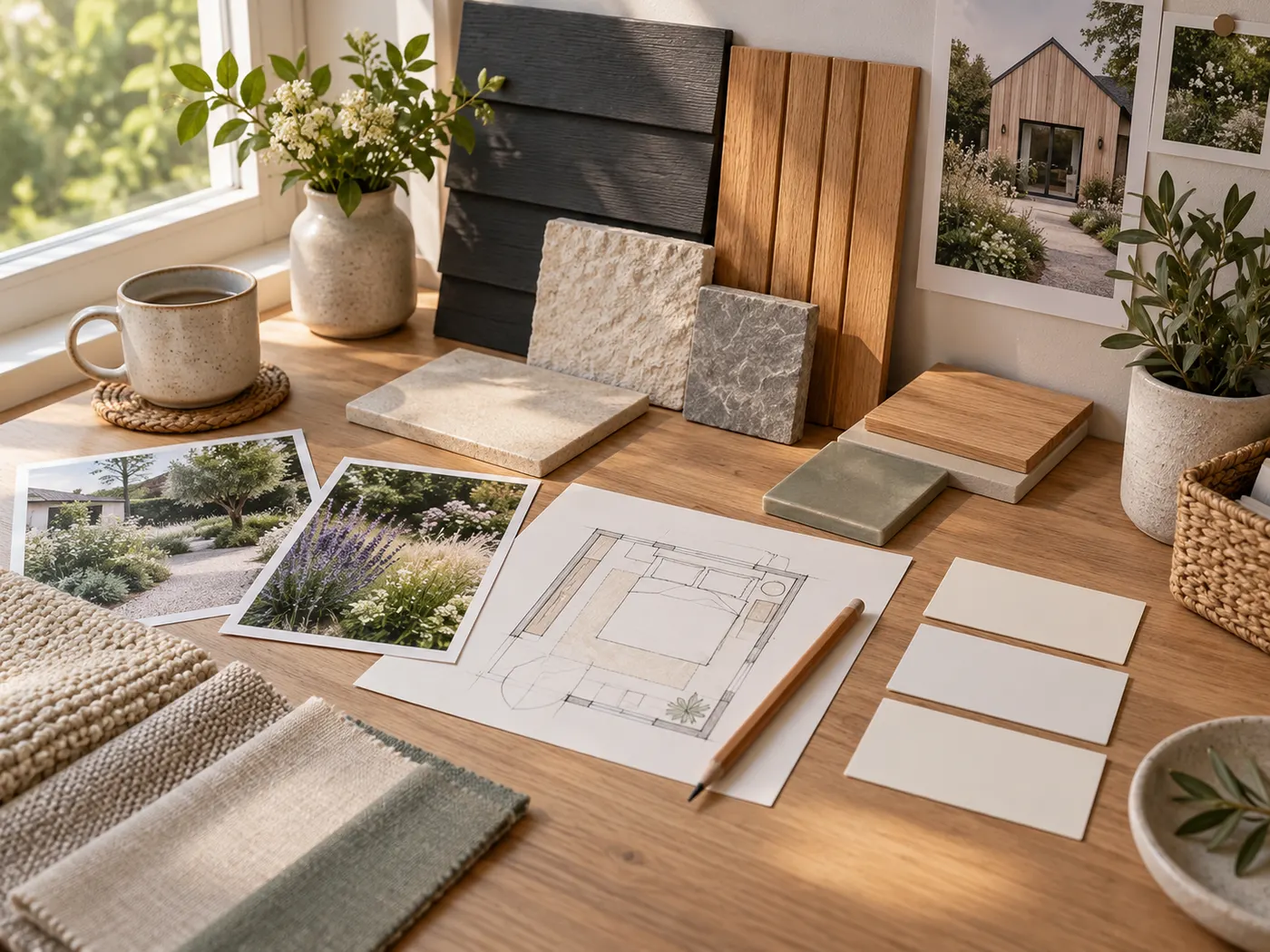
Krea AI Home is useful when you want to gather references, test moods, or explore unusual creative directions quickly. It gives you room to think broadly before you decide what kind of home change matters. For a practical redesign, bring the strongest idea into a workflow that keeps your own room, exterior, yard, or plan visible.
One clear photo is enough to begin, even if the room is unfinished or the yard needs work. Krea AI Home can help shape your initial taste, while HausDraft lets you see that direction in your own setting. Use the first result to notice what you still need to check, such as measurements, light, storage, circulation, or existing materials.
Different home projects call for different starting points. Krea AI Home may suggest many possibilities, but AI Interior Design, AI Home Exterior Design, AI Garden Planner, AI Landscape Design, and Interior Remodel each keep the visual question closer to the work. Choose the route that matches the space, then compare like with like when reviewing layouts, finishes, planting, or larger changes.
Krea AI Home images and HausDraft results are visual concepts, not construction documents. Confirm dimensions, structural conditions, local codes, permits, materials, and feasibility with the appropriate professional before building or ordering. Use the image to align conversations about priorities, budget, and timing, then let qualified experts validate what can actually be done.
Every home design tool in the studio — swipe through, all on one login.
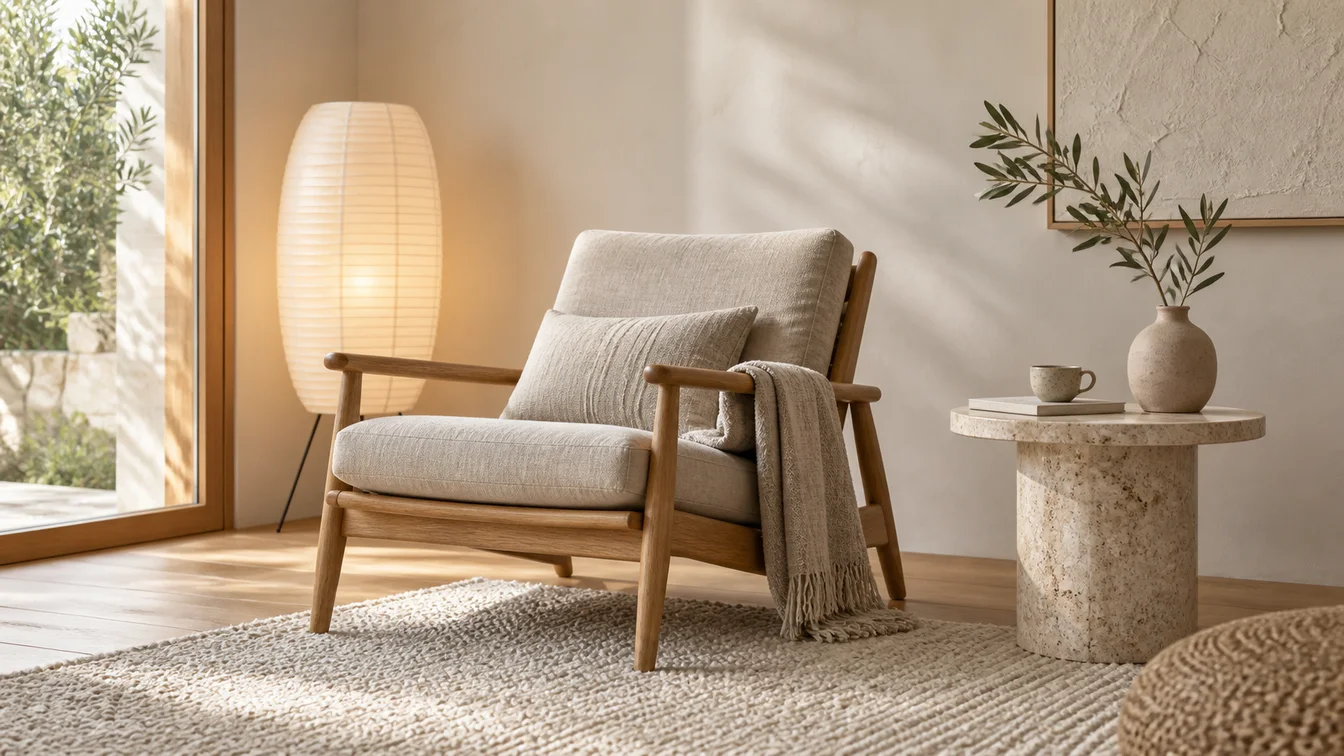
Upload a room photo and HausDraft’s AI interior design tool restyles it in seconds — Modern, Scandinavian, Japandi — keeping your walls, windows and layout.
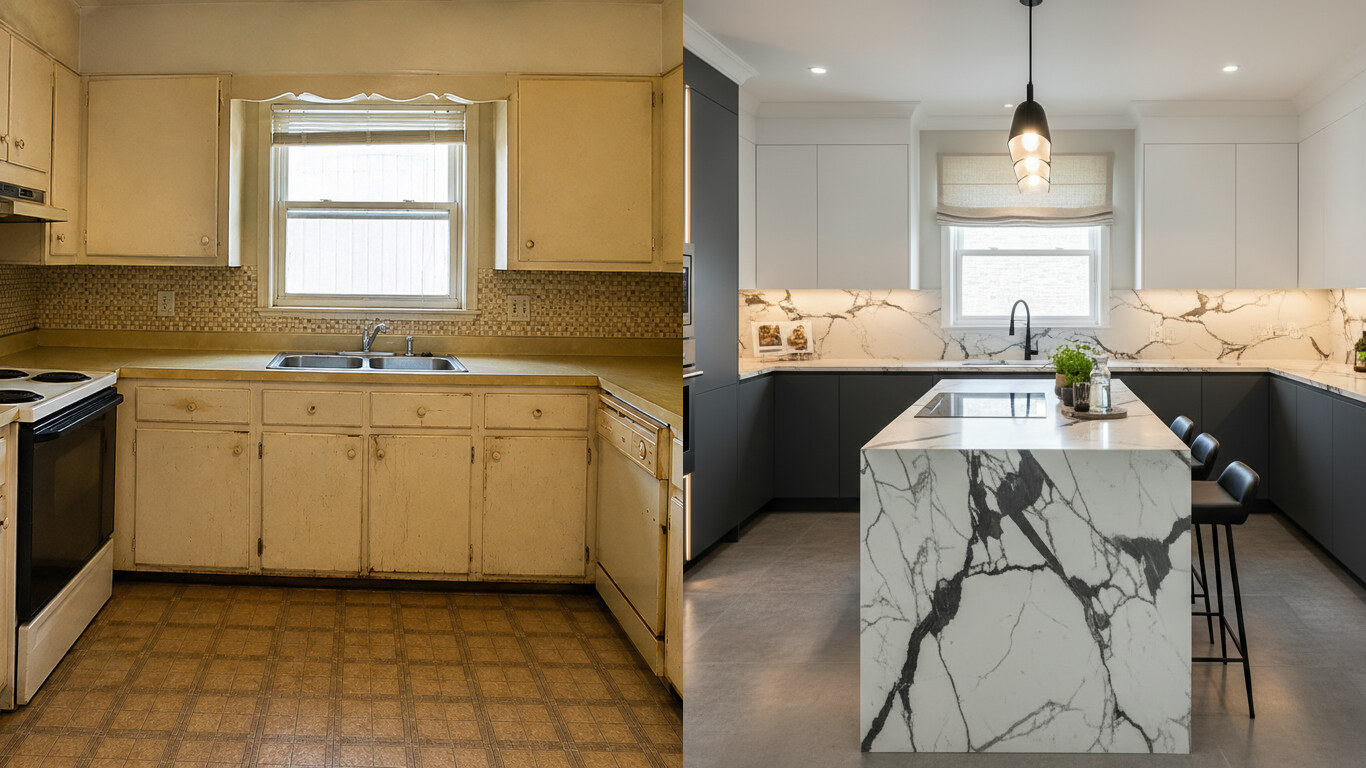
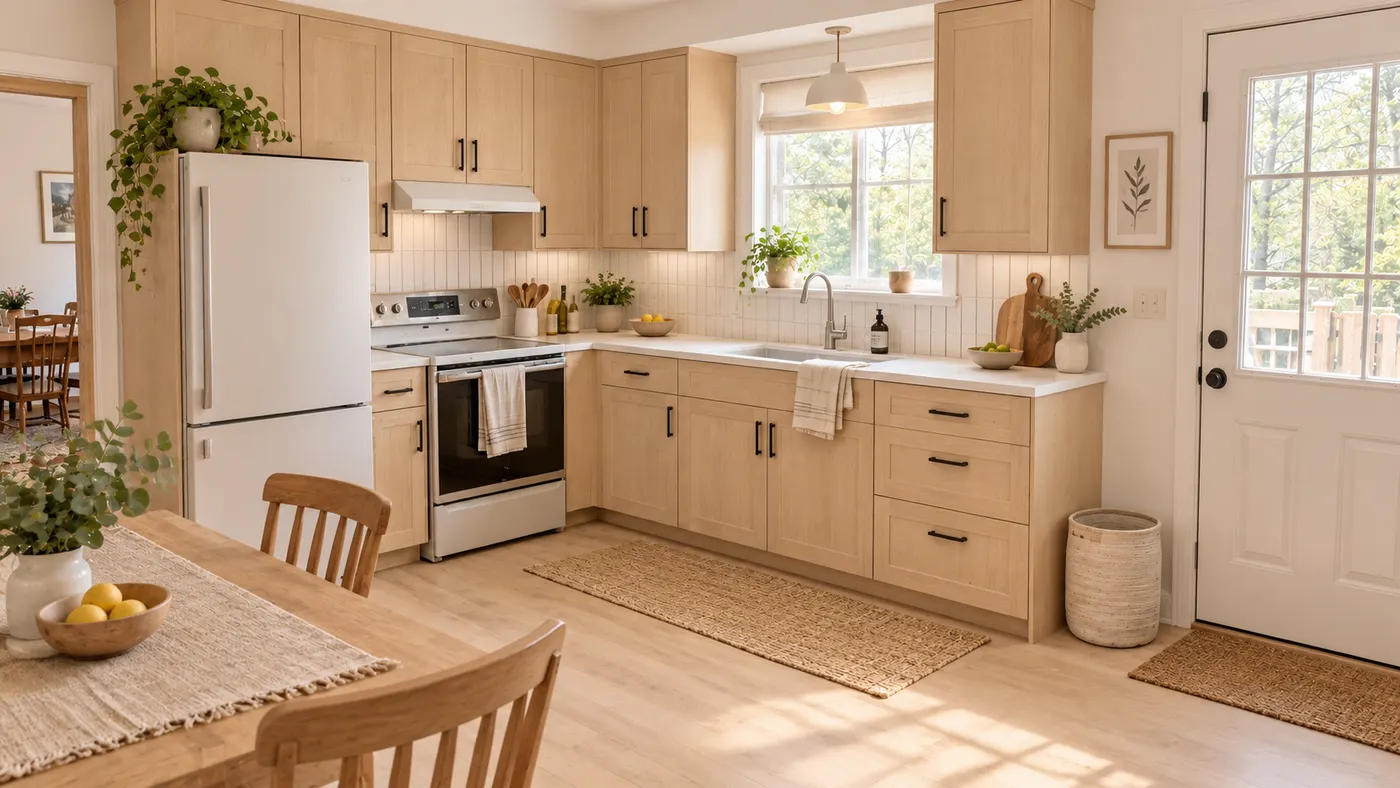
Upload a photo of your kitchen and HausDraft restyles the cabinets, countertops and backsplash in seconds — keeping your windows, doors and layout. Free to try.
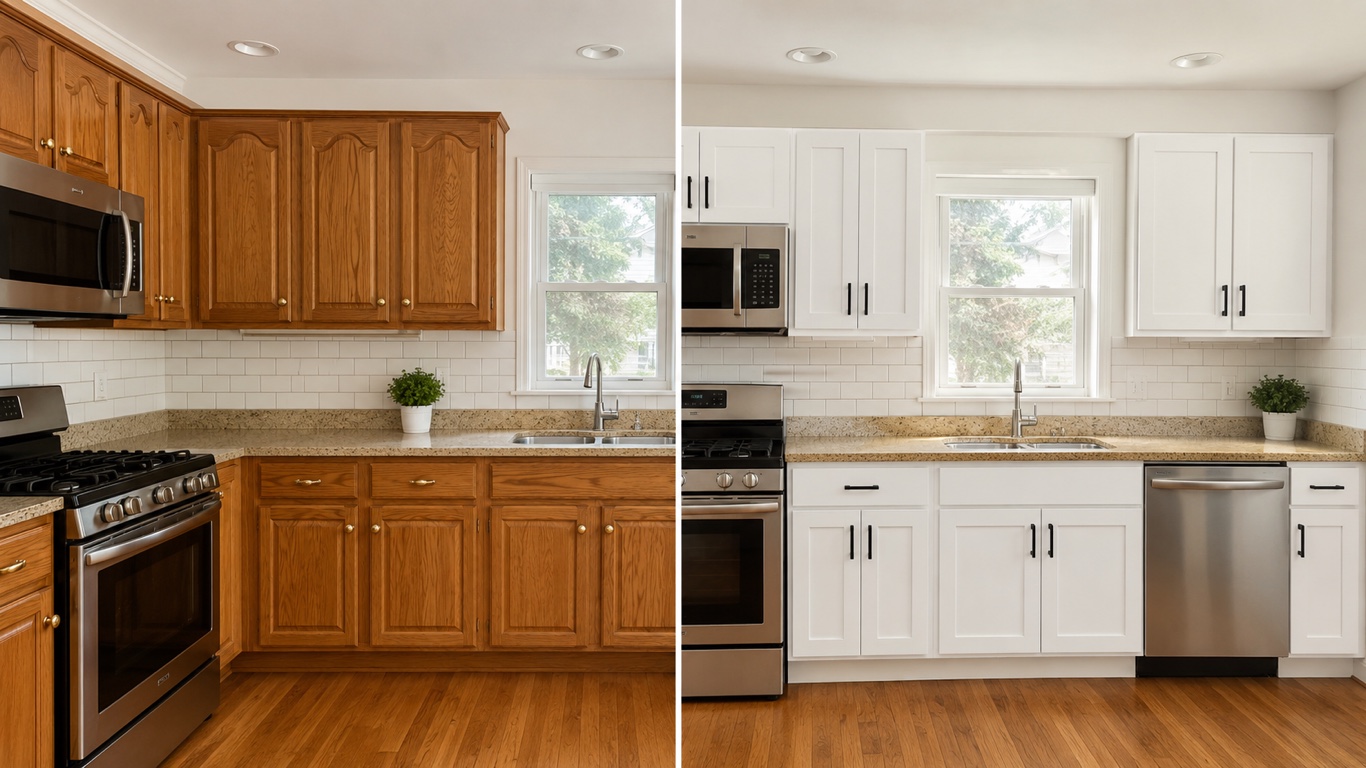
HausDraft’s kitchen cabinet visualizer shows cabinet colors on your kitchen from a photo — white shaker, navy, sage, walnut — counters and layout stay put.
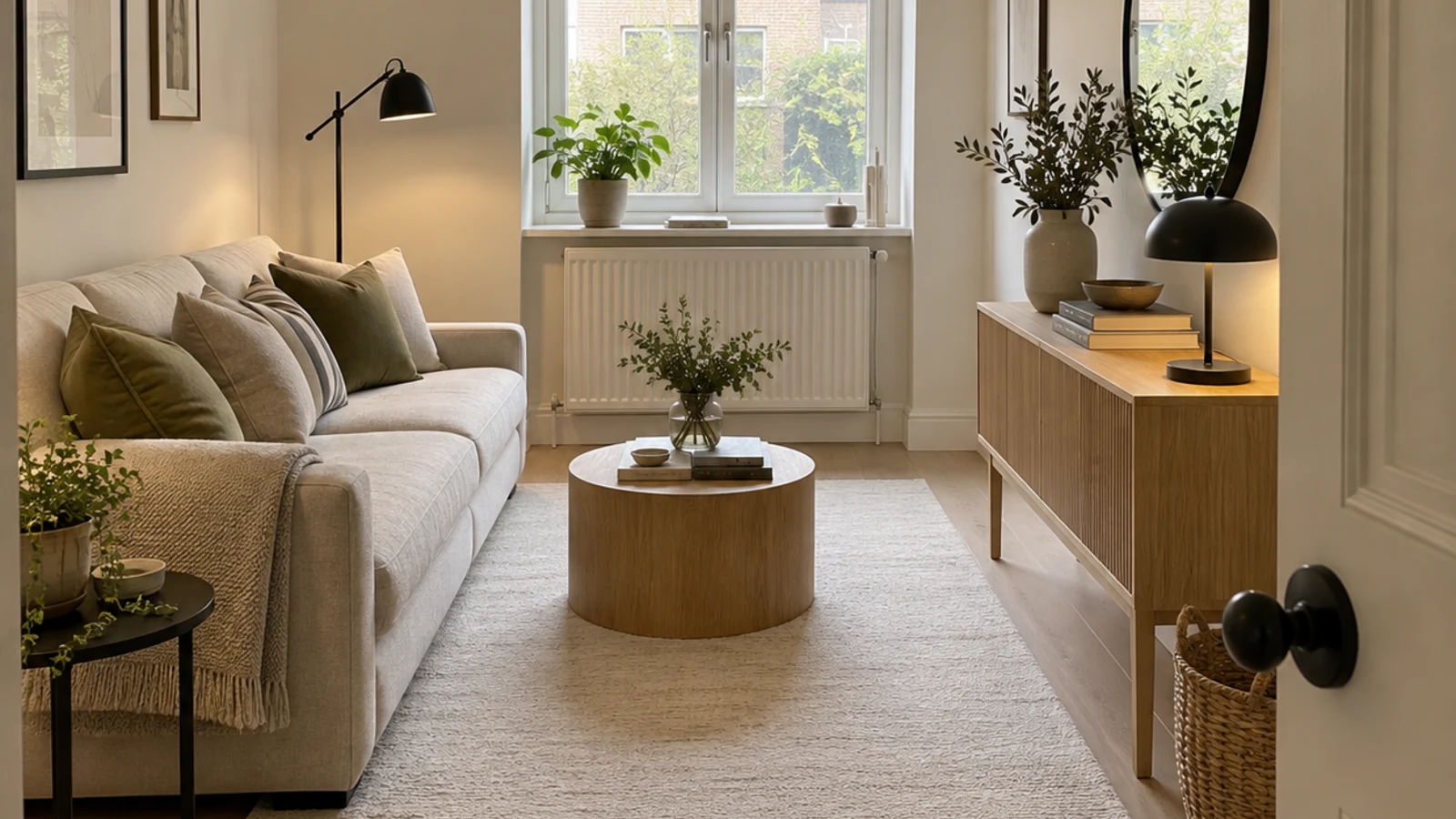
See 20+ small living room layout ideas grouped by problem, then try any furniture arrangement, cozy refresh or renter-friendly look on your own room photo.
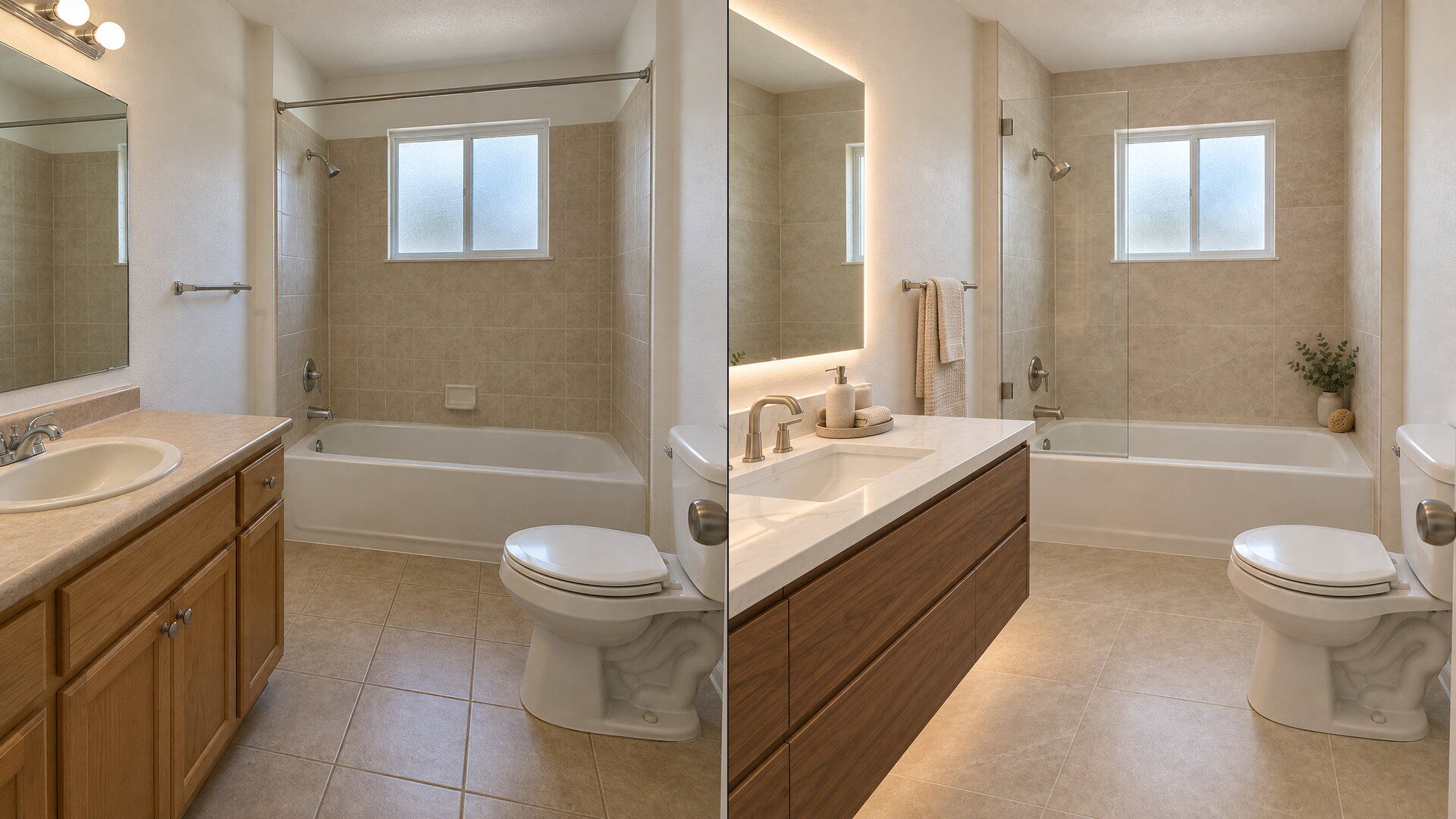
Upload a bathroom photo and preview vanity, tile, fixtures and paint with this bathroom remodel visualizer — free to try, plumbing and layout stay put.
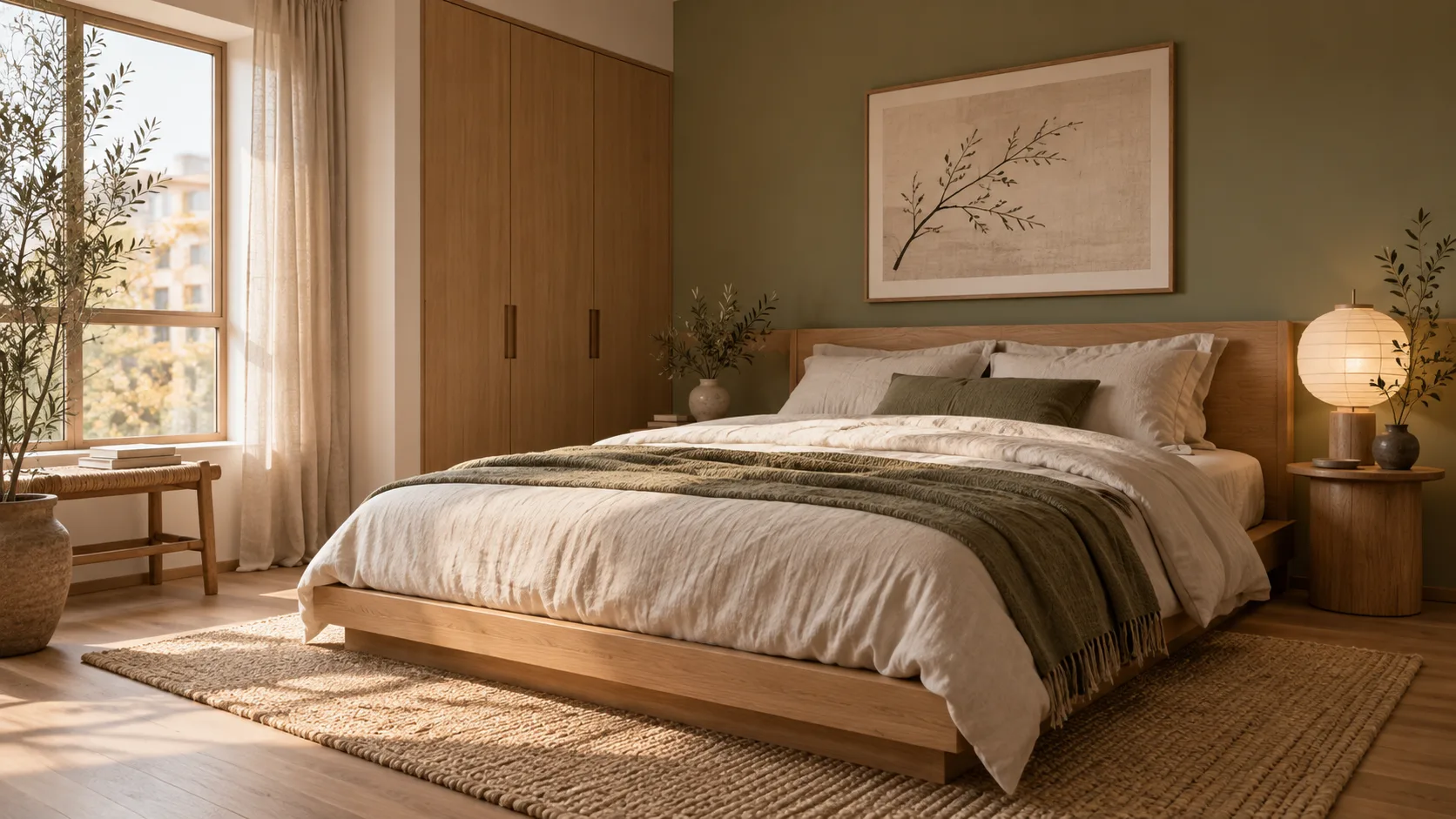
Try AI room design free on one room — upload a photo, pick a style, and HausDraft’s AI room design tool restyles it while keeping your walls, windows and layout.
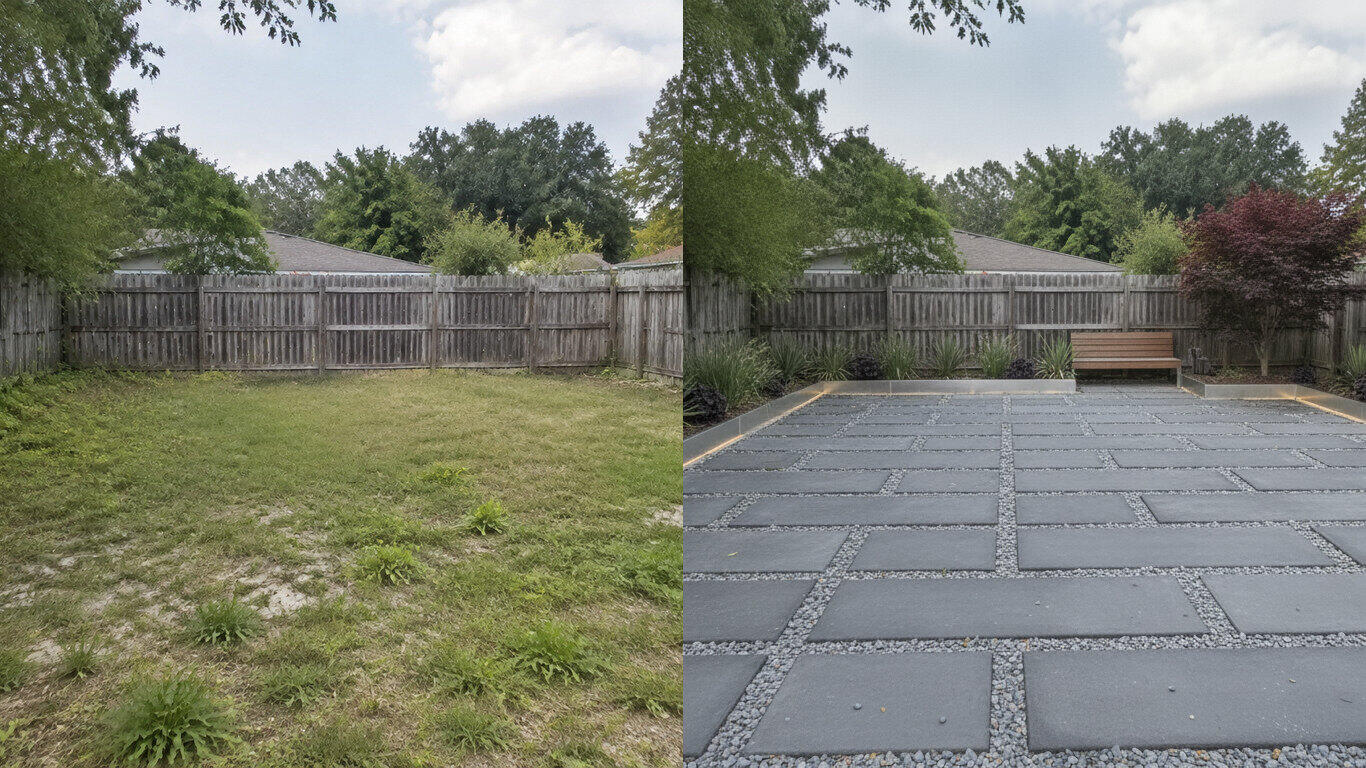
Upload a photo of your yard and HausDraft’s AI landscape design tool reimagines the planting, beds, lawn and hardscape in seconds — Modern, Cottage, Mediterranean, Tropical and more — while keeping your house and property lines in place.
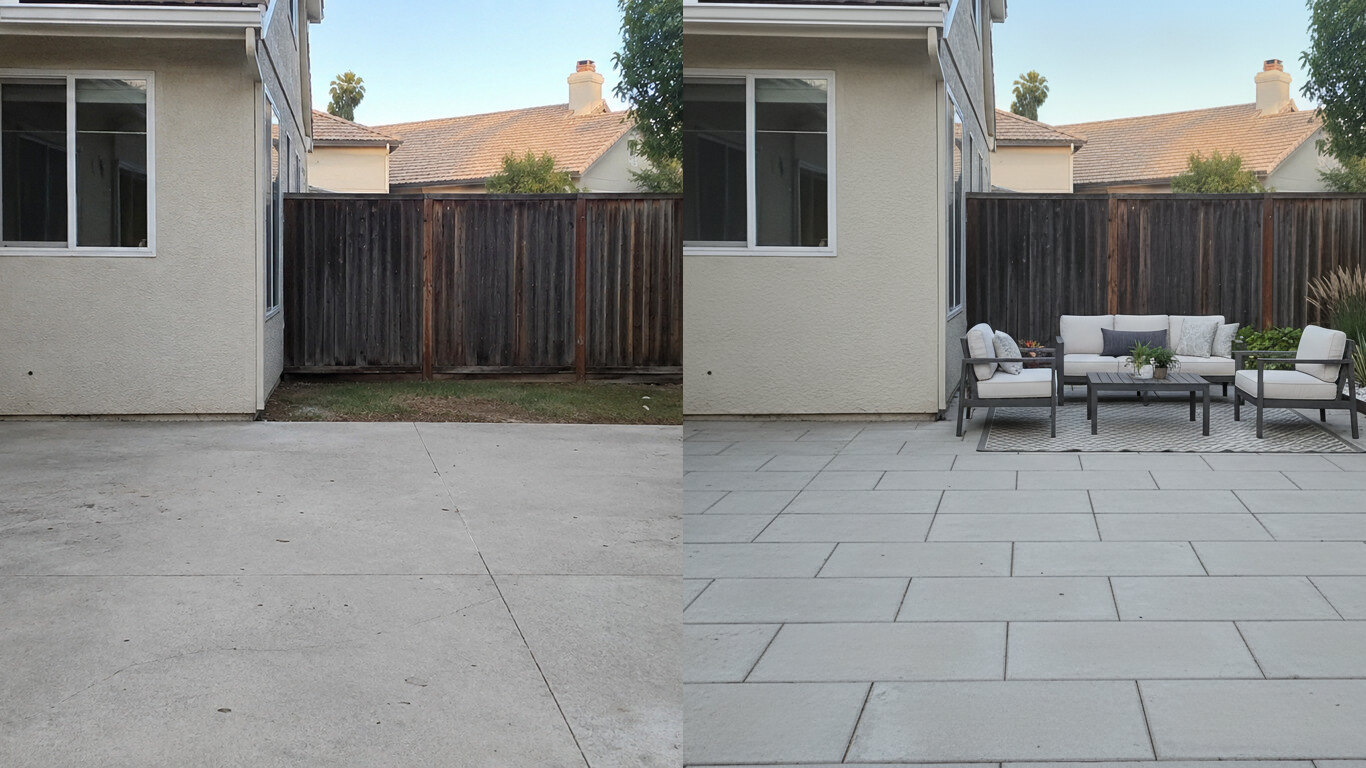
Upload a photo of your patio and HausDraft reimagines the paving, furniture layout and planting in seconds — while keeping your house wall and yard footprint in place. Plan a backyard patio before you build.
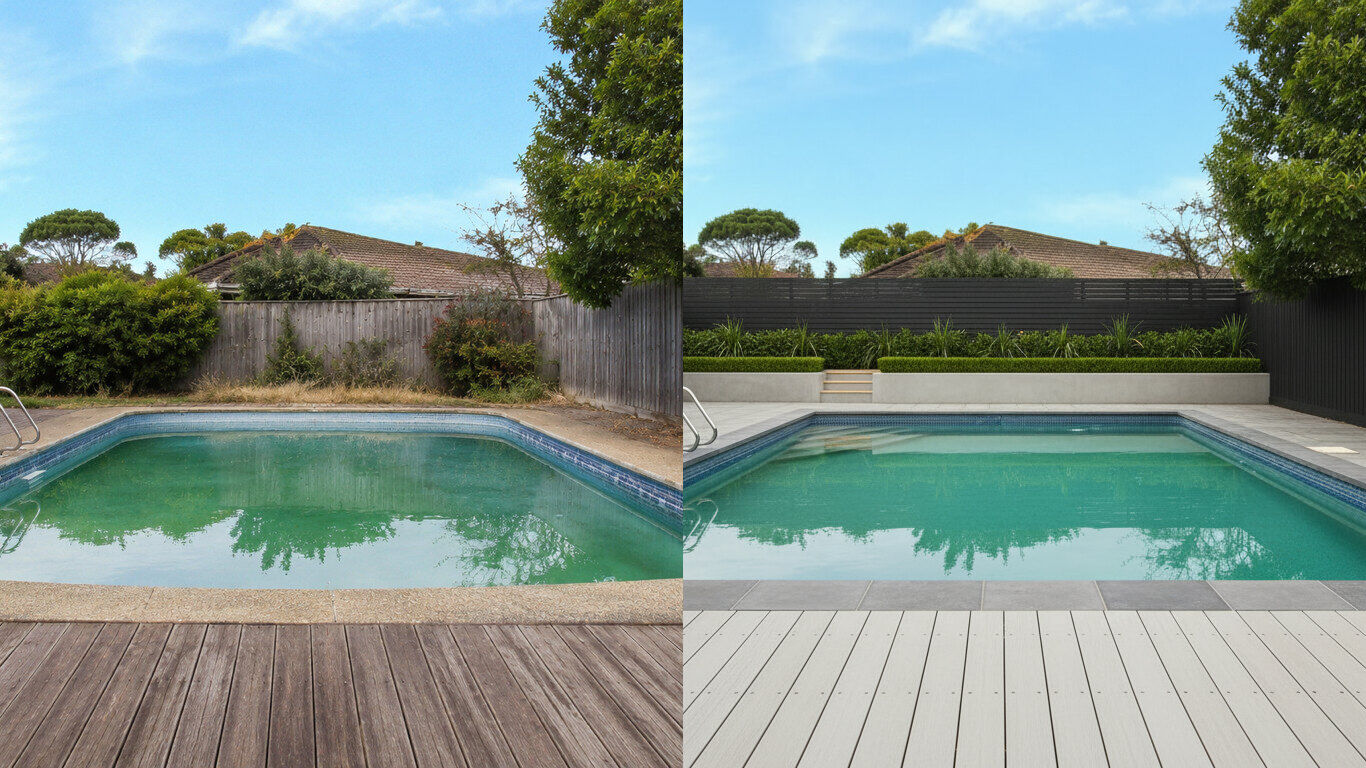
Upload a photo of your backyard and HausDraft reimagines the pool, decking and surround planting in seconds — while keeping your house and property lines in place. Visualize a backyard pool before you build.
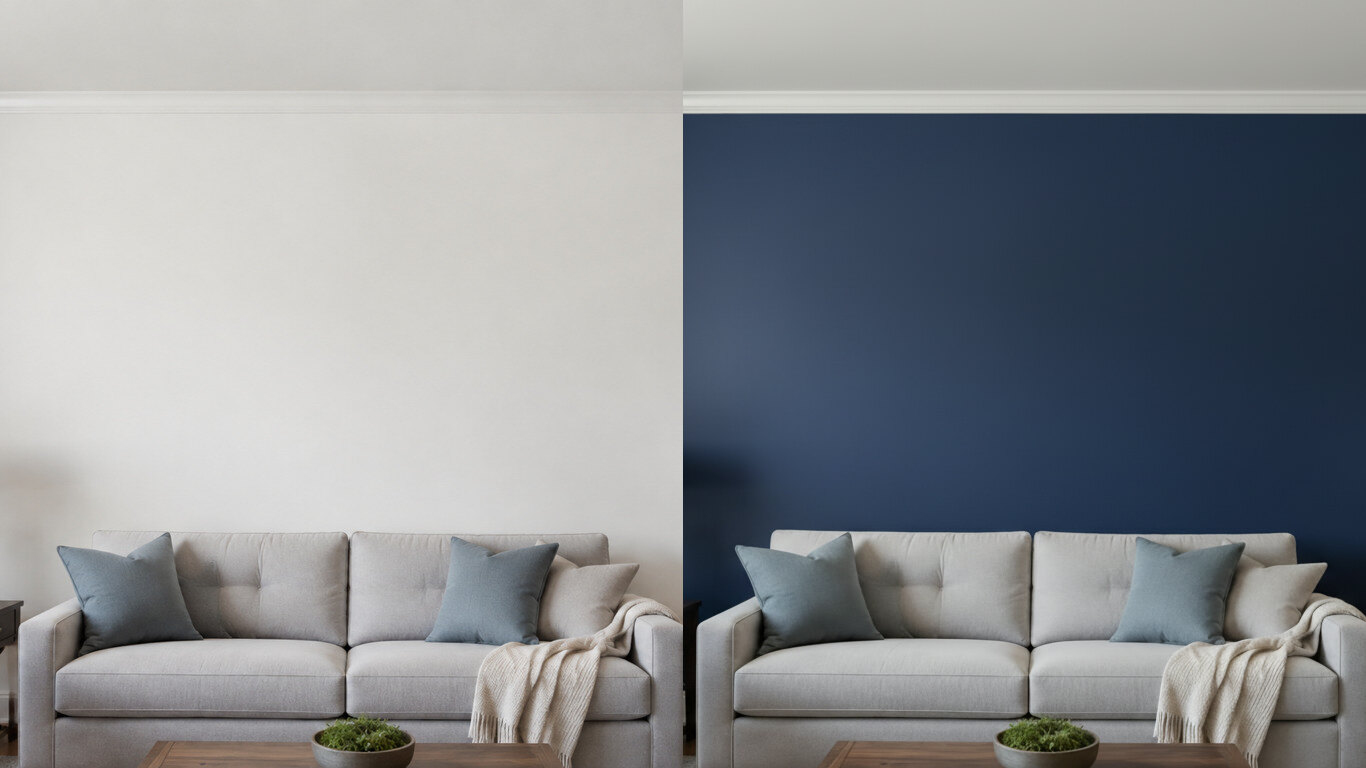
Upload a photo of your room or wall and HausDraft’s paint color visualizer repaints it in any colour in seconds — changing only the paint while keeping your furniture, trim and fixtures exactly as they are. Try colours before you buy a can.
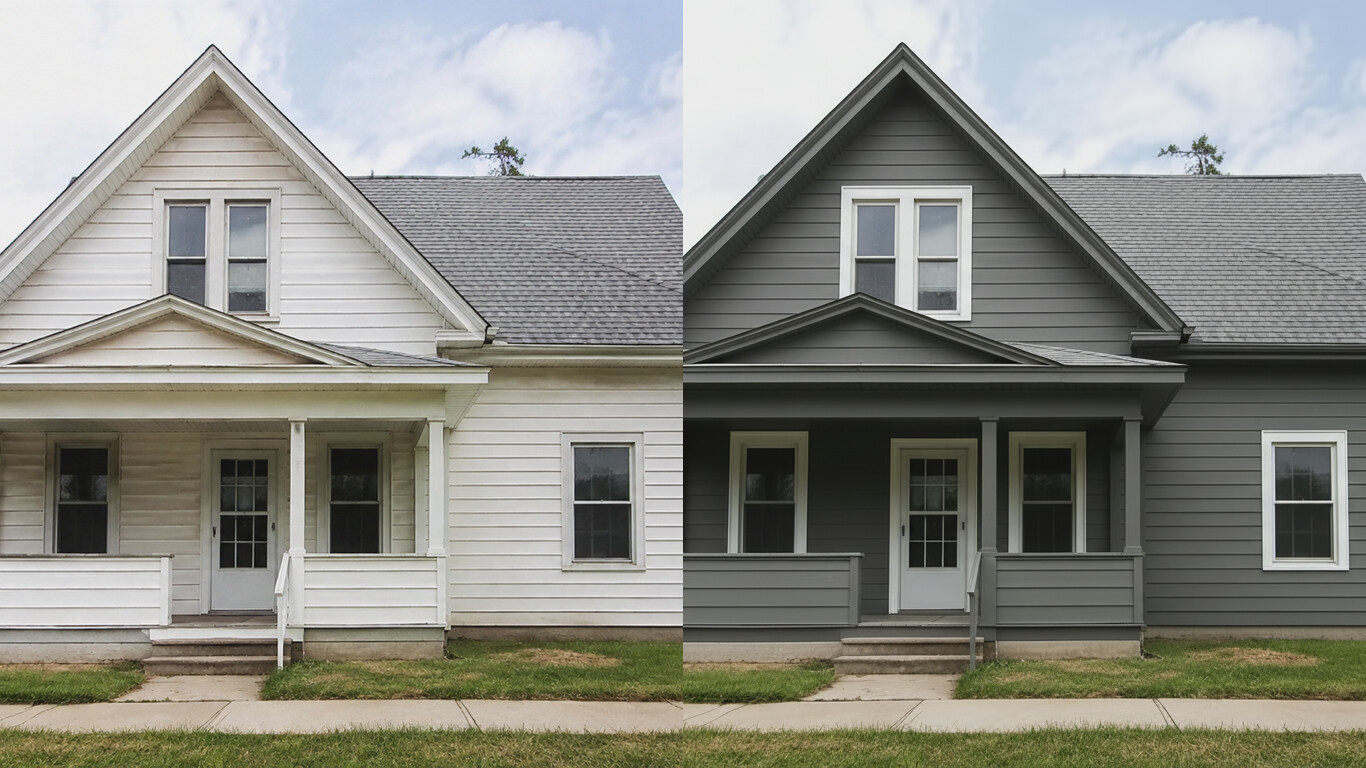
Upload a photo of your house and HausDraft’s exterior house color visualizer repaints the siding and trim in any colour in seconds — changing only the paint while keeping the structure, roof and landscaping. See your house painted before you hire.
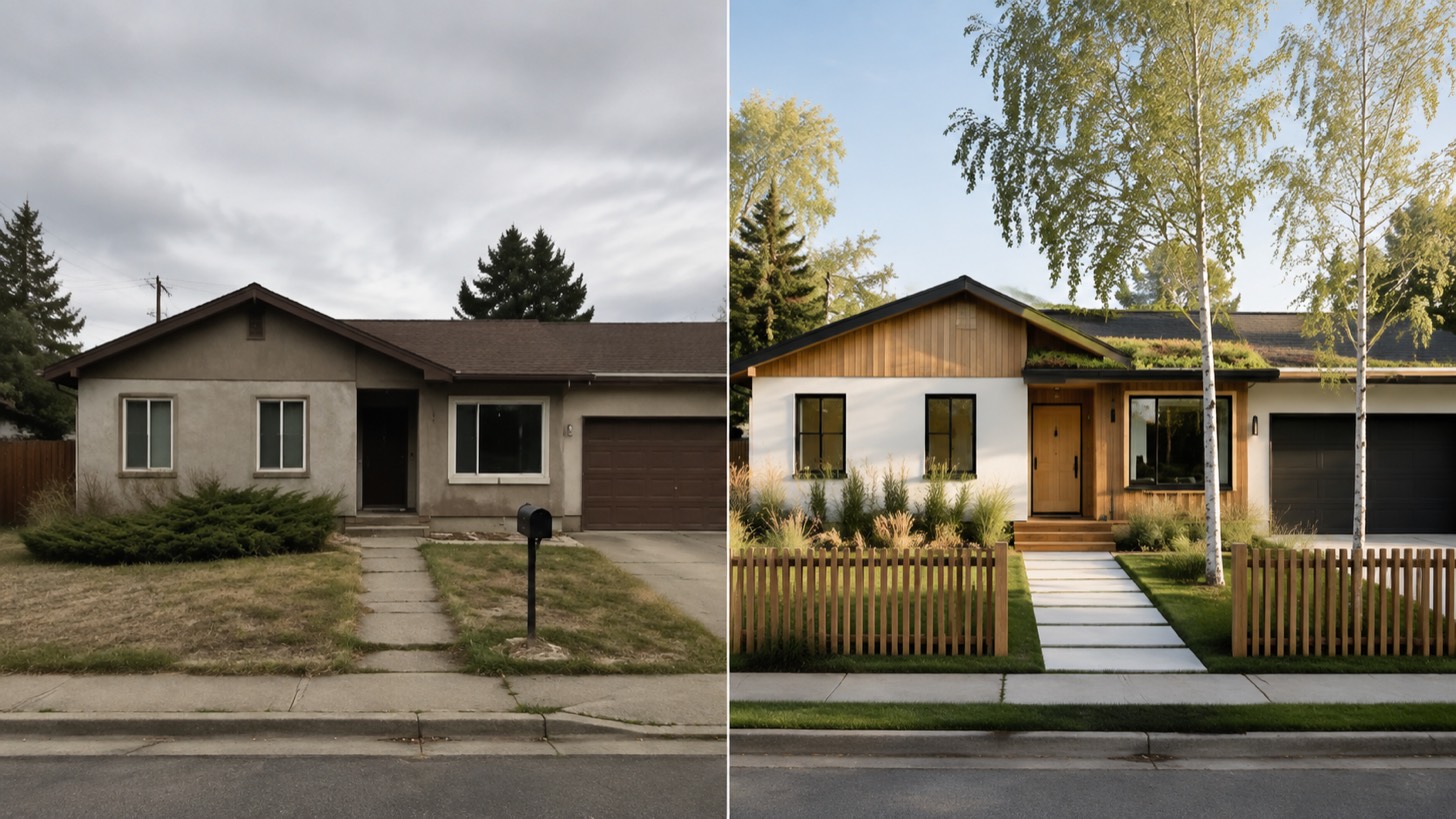
AI home exterior design from one photo — HausDraft restyles your whole facade (style, siding, materials, trim) while keeping your structure and roofline.
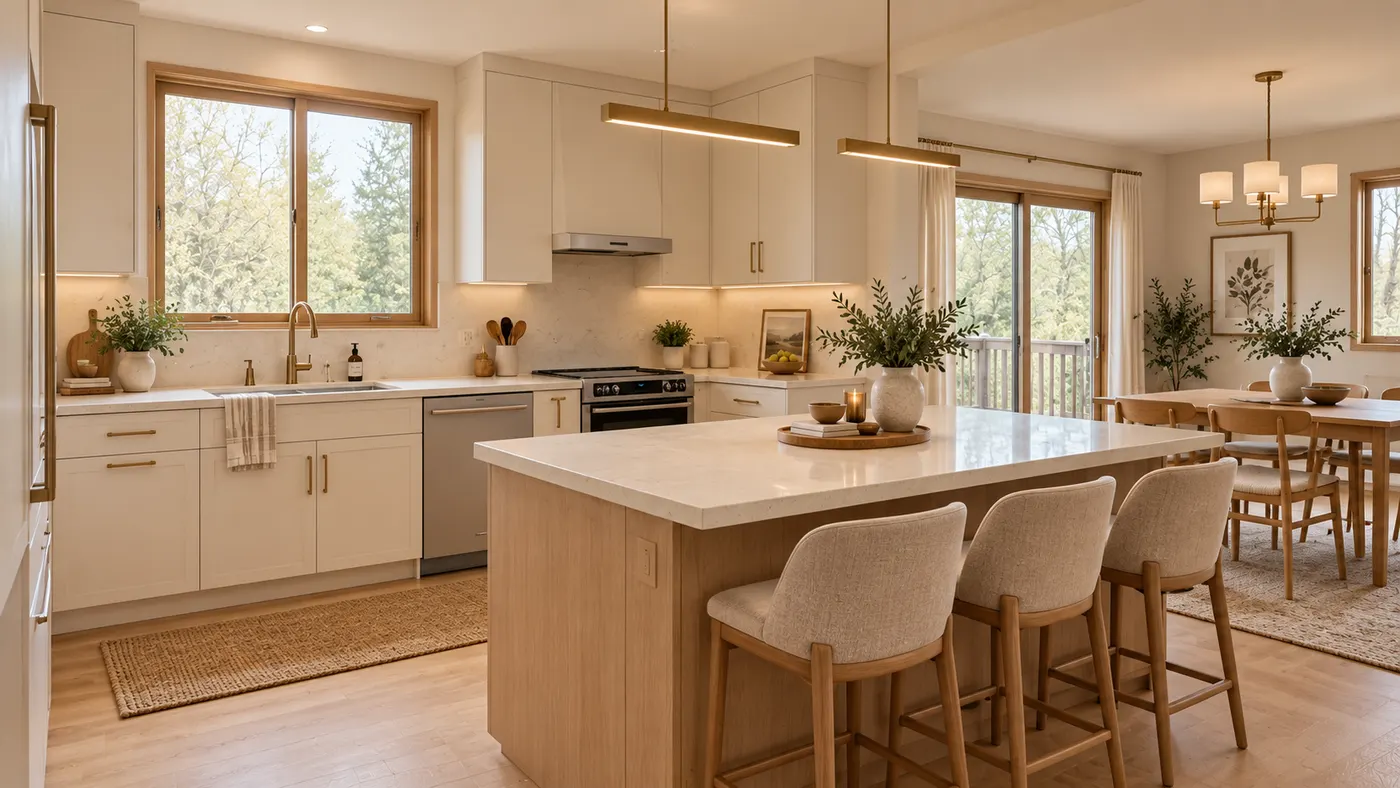
Upload a room photo and preview an interior remodel in seconds — compare finishes, furniture and styles while keeping your walls, windows, doors and layout recognizable.
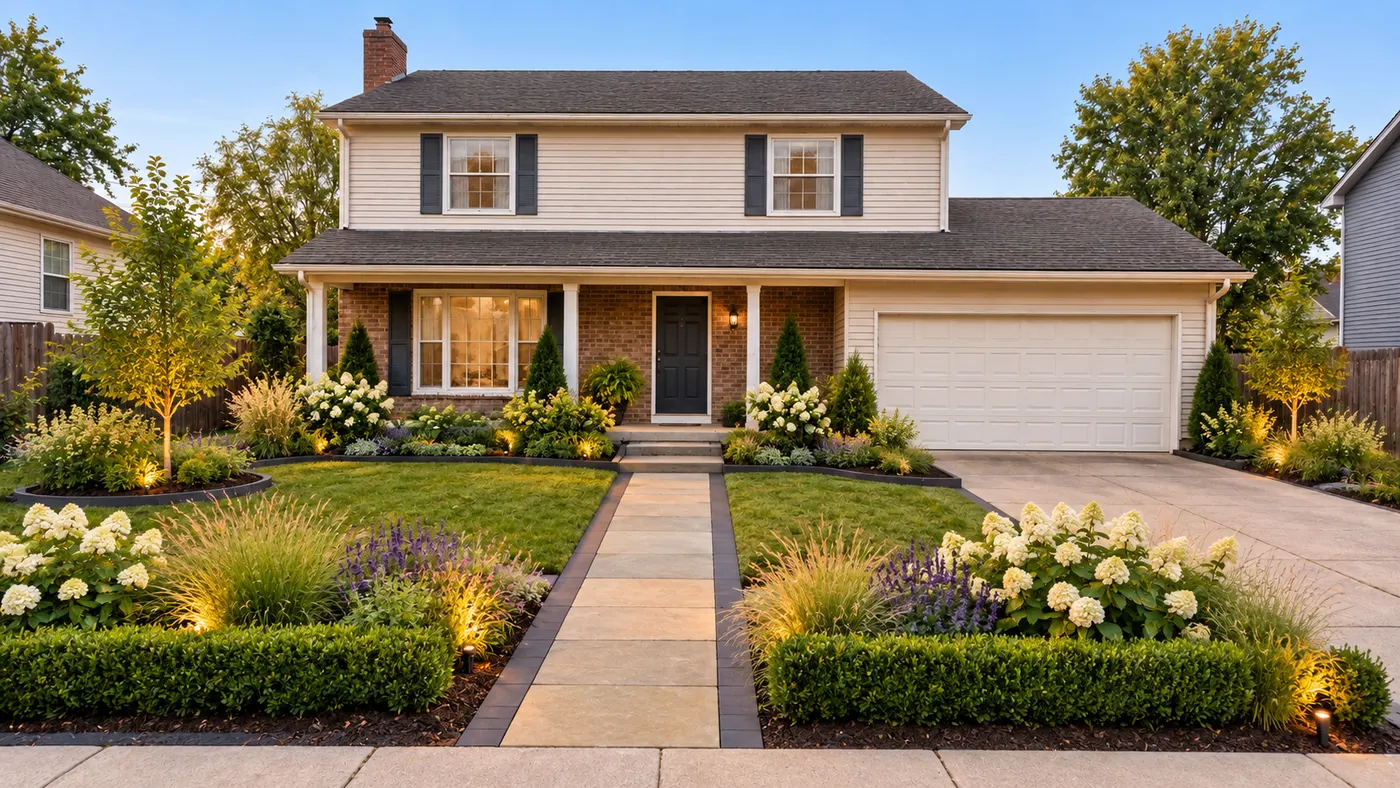
Upload a photo of your yard and HausDraft’s AI garden planner reimagines planting beds, paths, plants and layout while keeping your house, fences and property lines in place.
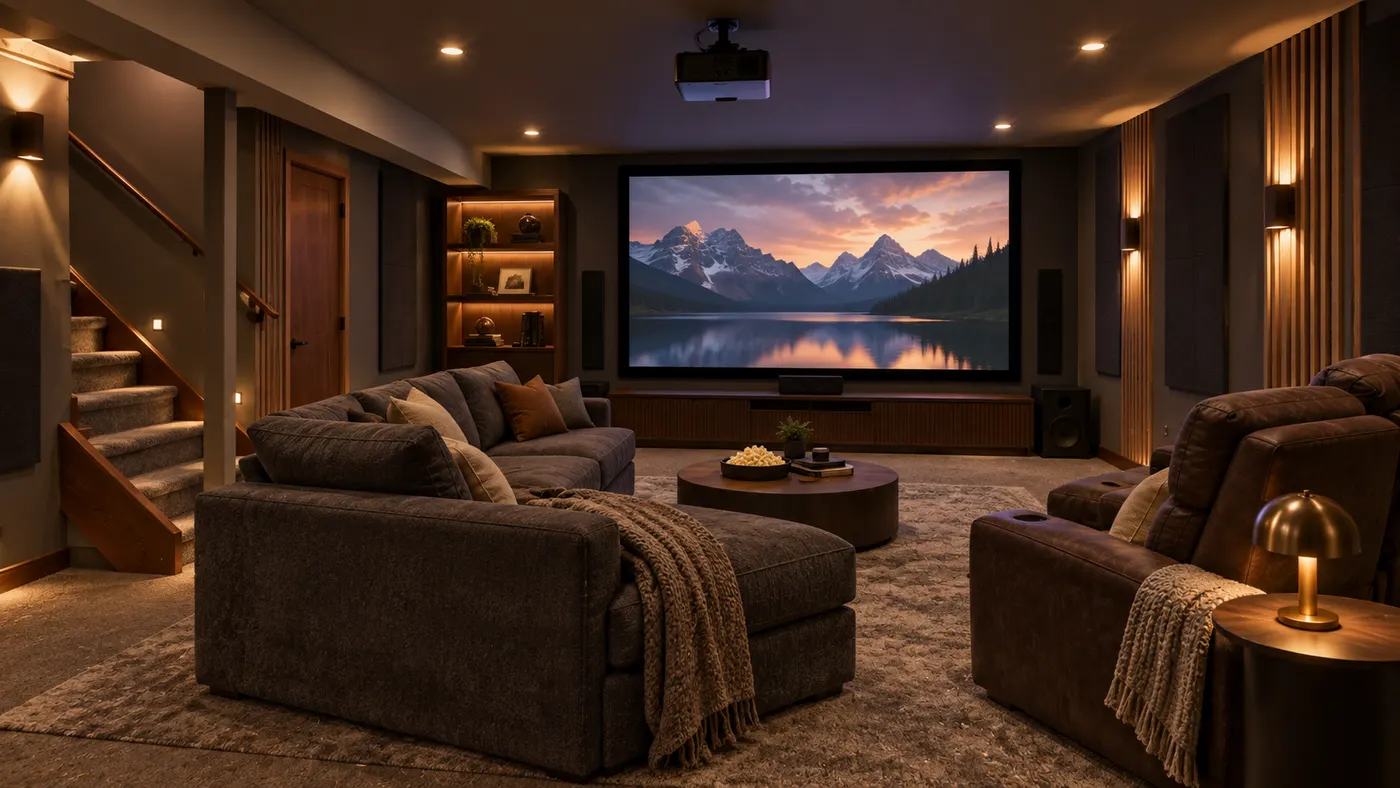
Try basement interior design free: upload a photo, choose a style, and preview a basement redesign while keeping your layout, walls, and windows.
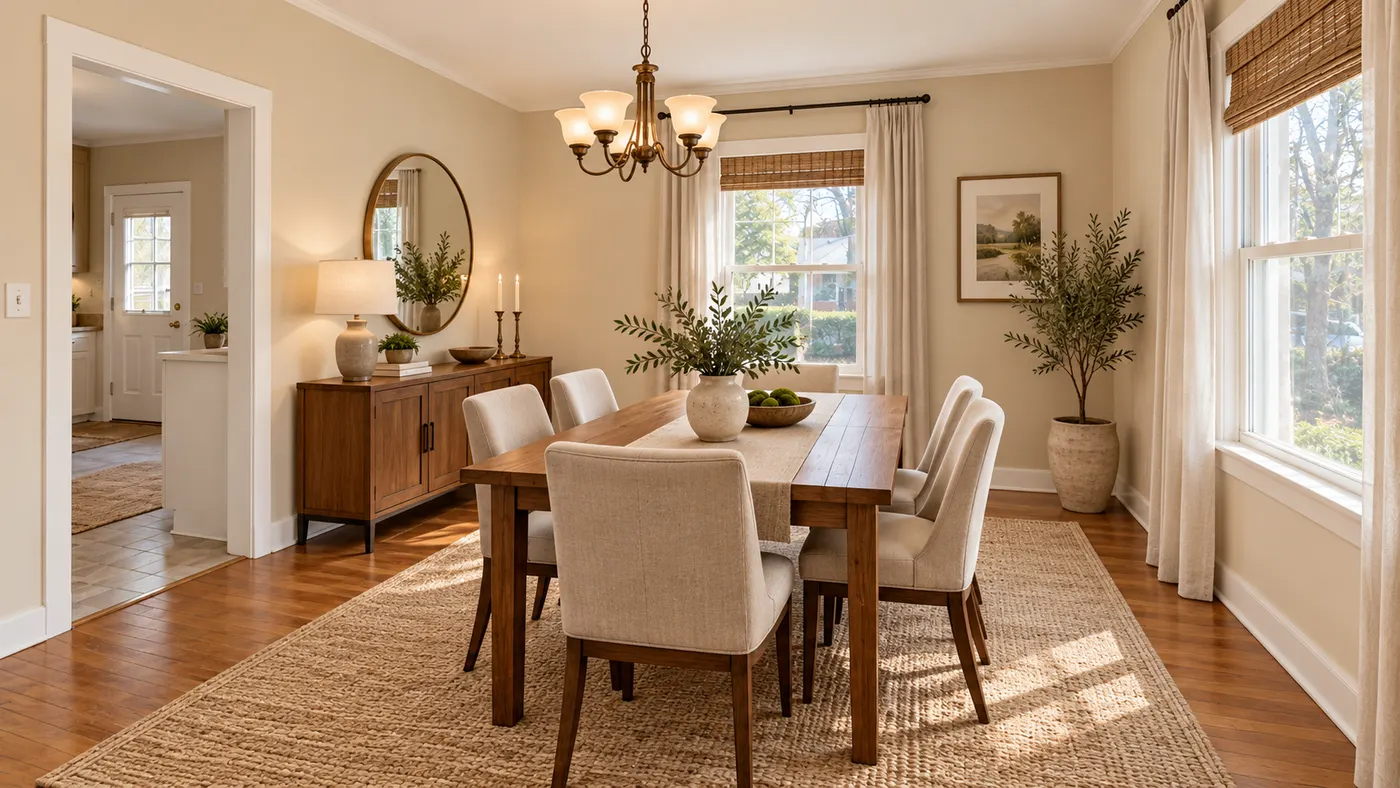
Upload a room photo for virtual house staging. Preserve walls, windows and layout while adding realistic furniture, daylight and a listing-ready style.
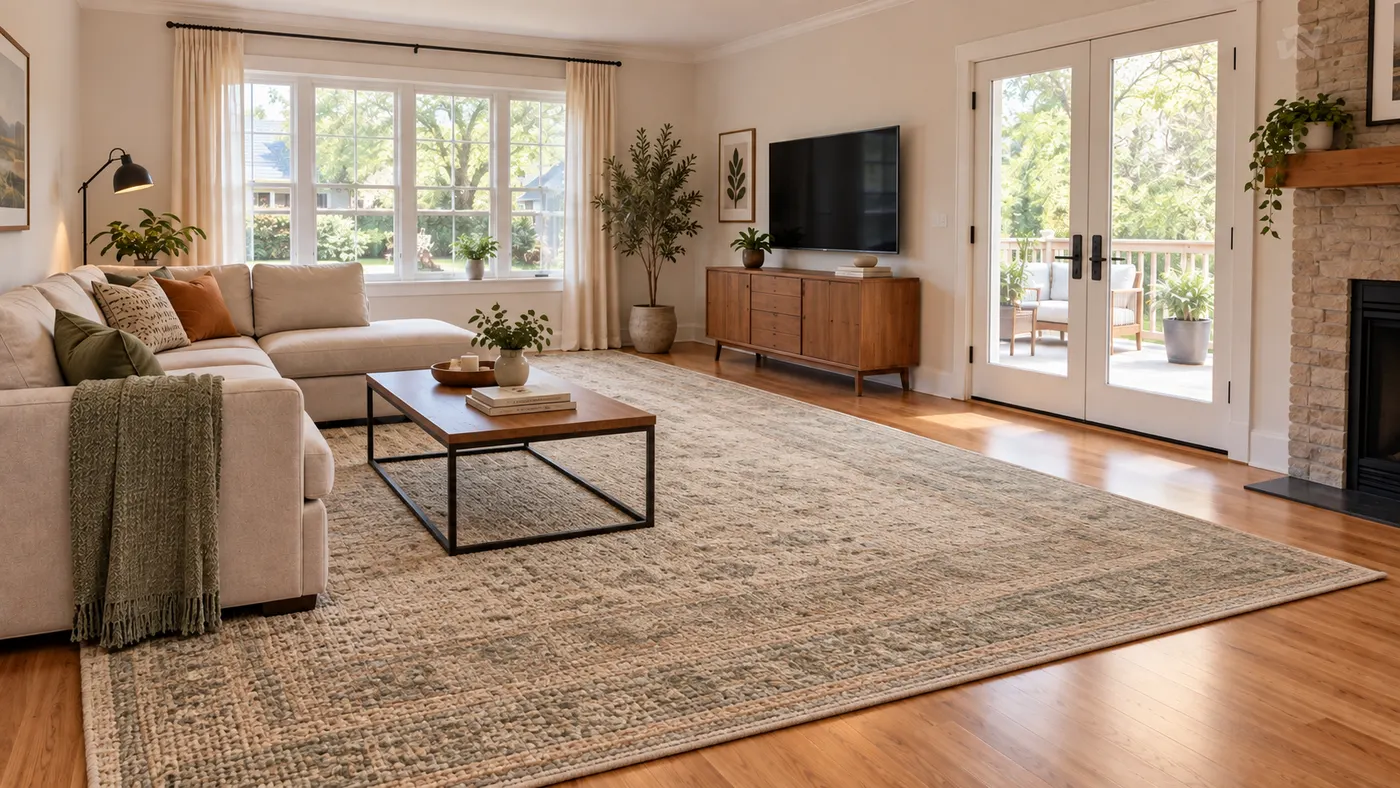
Use this rug visualizer to upload a room photo and rug reference, then preview realistic scale, perspective, shadows, and daylight before you buy or rearrange.