Best AI Interior Design App: 6 Free Options for 2026
HausDraft ranks first for a whole-home brief because it redesigns interior rooms, floor plans, exteriors, gardens, and remodels from one photo or a blank canvas. HausDraft is our own tool; the other options use information checked on official sites in October 2026. Free interior design apps can support an initial concept, but check current limits, registration, and output fit before choosing a workflow. Last updated: October 2026.
Try HausDraft free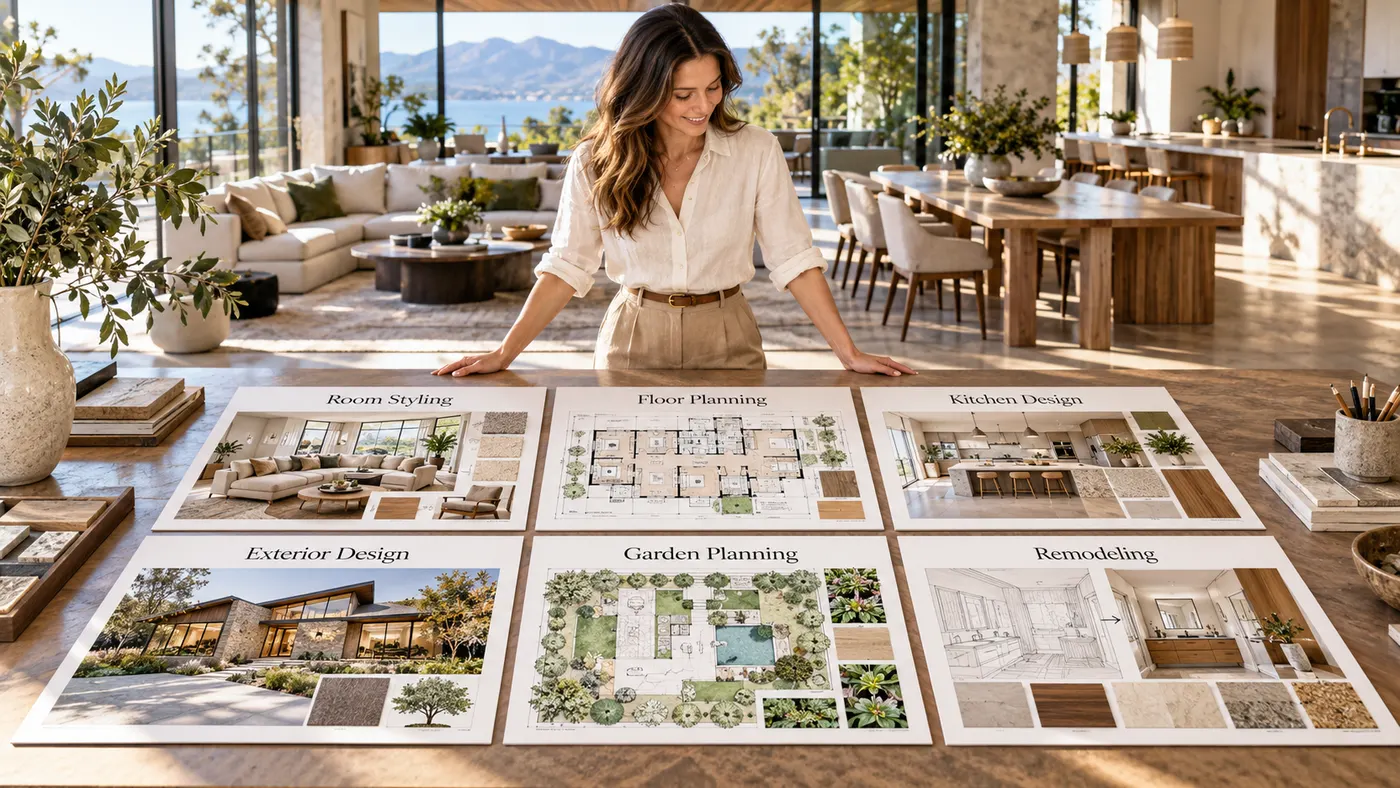
Compare six design options
Compare each tool by free access, required input, structural coverage, and the project it suits best.
| Compare | HausDraft | Virtual Staging AI | Reimagine Home | Interior AI | Pedra | RoomAI |
|---|---|---|---|---|---|---|
| Free access | Check current plan | Free upload/trial; no stated limit | 5 free designs; no card | No free tier listed | Free signup credits; amount unstated | Free trial; no card |
| Registration | Check current flow | No signup or card | Account required; no card | Signup required | Account required | Email signup; no card |
| Photo upload | Photo or blank canvas | Furnished or unfurnished photo | Upload your space | Photo or SketchUp screenshot | Listing photos | Room photo |
| Walls and windows | Check each result | Claims layout untouched | Yes by default | Depends on mode | Keeps walls, windows, layout | Keeps them unless asked |
| Paid starting price | Check current pricing | $16/month | $14–$99/month | $49/month Pro | €29/month Pro | $29/month |
| Best fit | best ai interior design app: whole-home scope | One-room staging | Quick room concepts | Photo or SketchUp concepts | Listing-photo redesign | Room styling |
The best interior design app for your project depends on the decision you need to make. Check required input, current free access, room coverage, and whether the output answers a styling, planning, or remodeling question.
Six Design Apps Compared
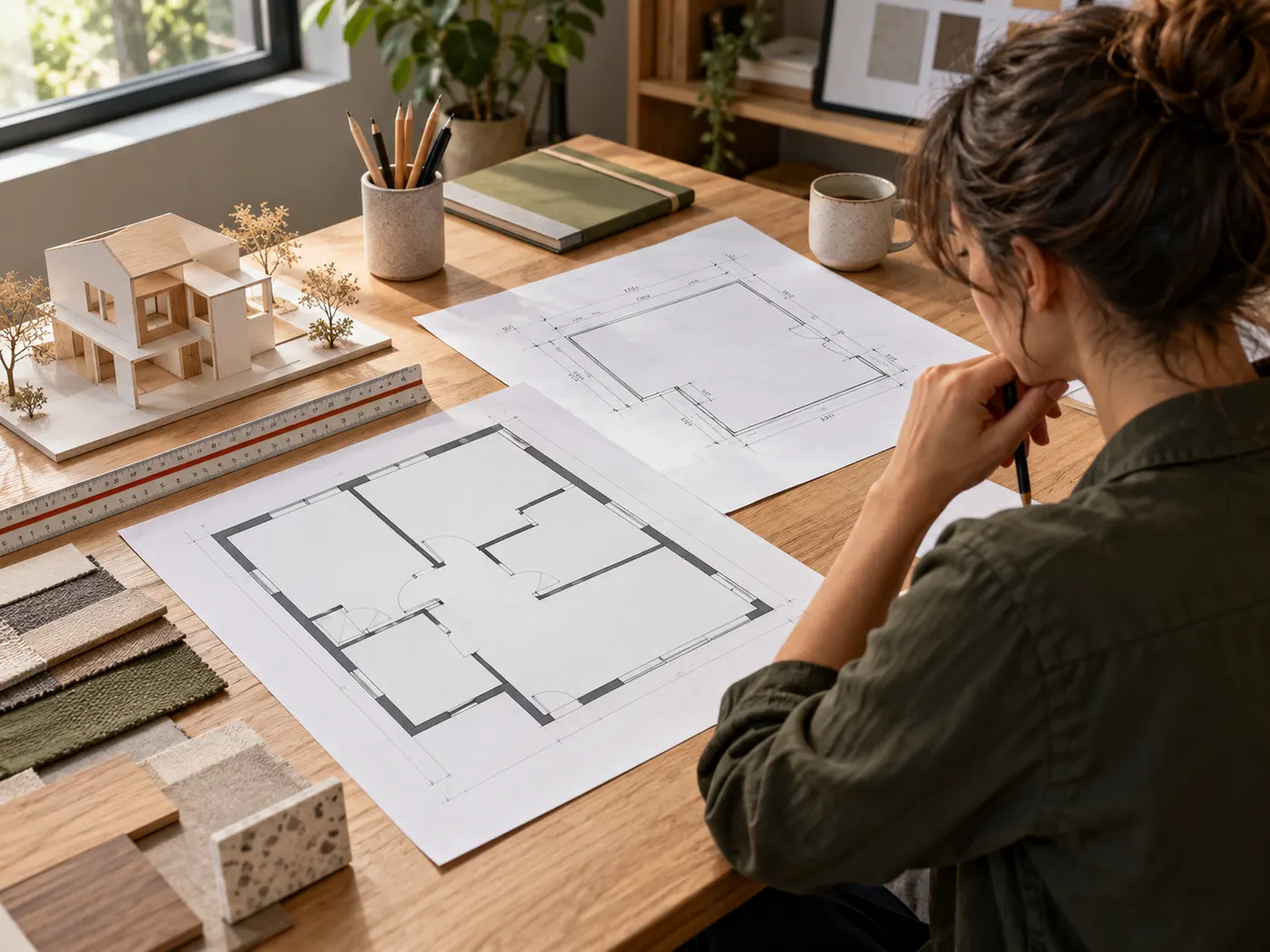
The best apps for interior design differ by input, coverage, free access, and project fit.
HausDraft for whole-home projects
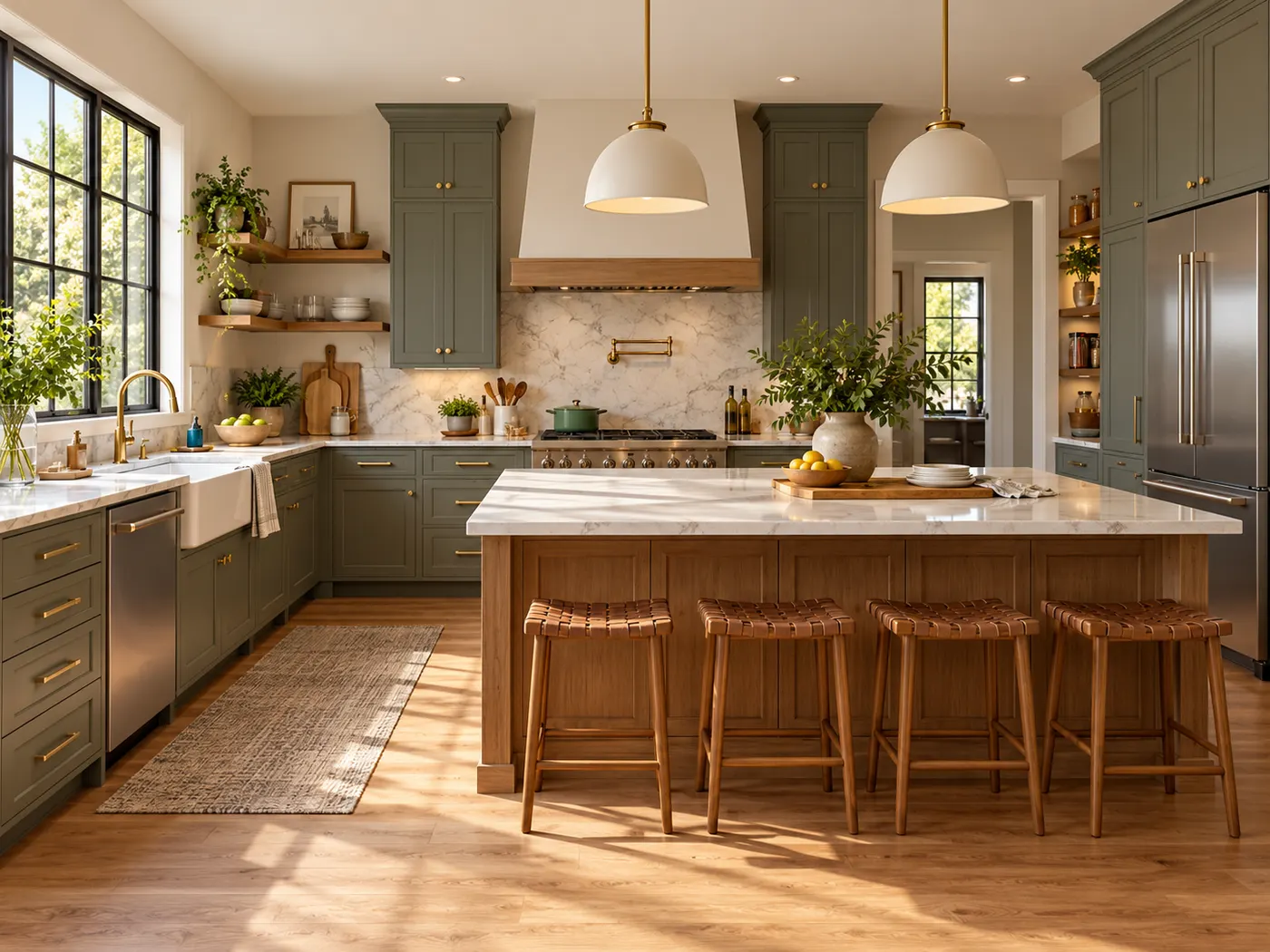
HausDraft is the broadest option for a whole-home brief: it redesigns interior rooms, floor plans, exteriors, gardens, and remodels from one photo or a blank canvas. It is the best ai interior design app when one project crosses several parts of a property. The tool is HausDraft’s own workflow, so check its current free access and plan limits before starting; its advantage is broad coverage, not construction-ready drawings.
Virtual Staging AI for quick staging
Virtual Staging AI is a photo-first choice for furnished or unfurnished room images. Its official site describes free upload or trial access without signup or a credit card, and says the room layout is left untouched. The best ai interior design app for this use should make a visual direction easy to test, but confirm how walls and windows appear in your own result. The listed paid starting price is $16 per month.
Reimagine Home for free concepts
Reimagine Home provides five free designs using the same AI as its paid plans, with no card required for the trial. An account is required, and the official site says users can upload a space while the structure stays fixed by default. The best ai interior design app for a first pass should fit both your input and budget, so review the current limits before generating. Listed plans range from $14 to $99 per month.
Interior AI for photo or SketchUp input
Interior AI suits users who want to upload a room photo or SketchUp screenshot and compare visual directions. Its official pricing page lists paid Pro, Premium, and Ultra plans rather than a free tier; signup is required for studio access. The best ai interior design app for a structured workflow should match the mode you select, because preserving the current room depends on the mode. Pro is listed at $49 monthly, or $29 monthly when billed yearly.
Pedra for structure-aware listing photos
Pedra focuses on uploaded listing photos and says it keeps real walls, windows, and layout. The official site offers free credits after signup without a card, although the amount is not stated. The best ai interior design app for a property image should preserve the details you need to inspect, while still requiring a careful review of the generated result. Pedra lists a Pro plan at €29 per month with 100 credits.
RoomAI for room styling trials
RoomAI is a room-photo workflow with a free trial and no card required, but email signup is needed. Its official site says users can upload a room photo and keep the existing room unless they ask otherwise. The best ai interior design app for this task should help compare a focused room direction without implying measured accuracy. RoomAI lists a Personal plan at $29 per month, or $19 per month when paid yearly.
Which Option Fits Your Project?
Choose by the decision you need to make, not by the most impressive sample image.
Choose Virtual Staging AI for style
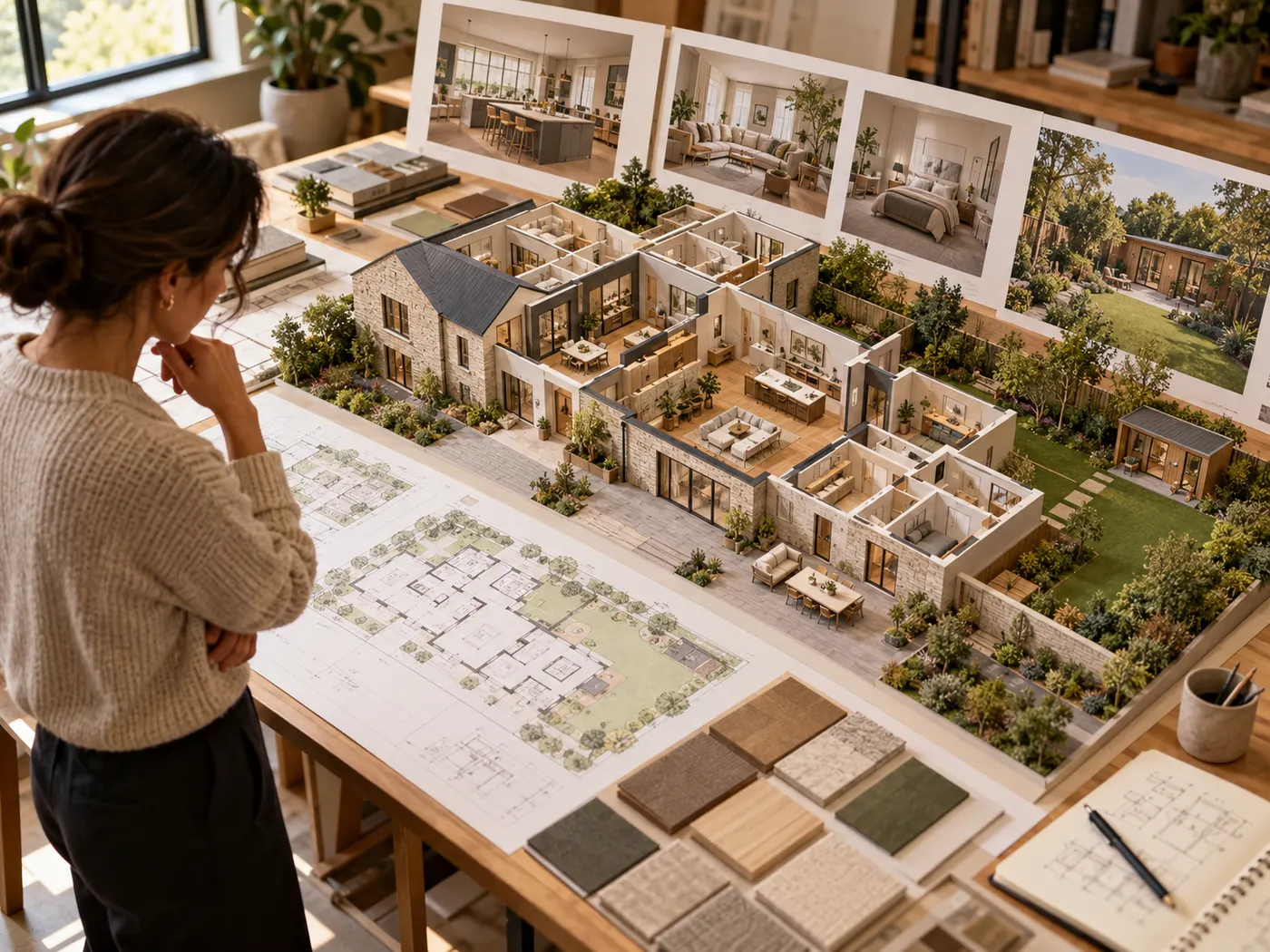
For a quick visual test, choose Virtual Staging AI when you have a furnished or unfurnished photo and want free upload without signup.
Choose Pedra to preserve structure
Pedra is the clearest fit when real walls, windows, and layout must remain visible; its official site says free signup credits are available, with the amount unstated.
Choose Reimagine Home on zero budget
Reimagine Home offers five free designs without a card, but an account is required; compare these interior design apps by current limits before generating.
Choose HausDraft for a whole property
For a broad concept across rooms, plans, exteriors, gardens, and remodels, choose HausDraft; the best ai interior design app should still be treated as visual planning, not construction documentation.
Ready to Test a Design Direction?
For a whole-home starting point, the best interior design ai app is HausDraft: try it free for rooms, plans, exteriors, gardens, and remodel concepts.
Sign in for 2 free credits to try it. Lite is $9.99/month, Starter is $29/month and Pro is $69/month; see the current plans and credit details on the pricing page.
Try HausDraft freeAI Interior Design App FAQs
These answers clarify free access, inputs, registration, project fit, and safe use before you choose.
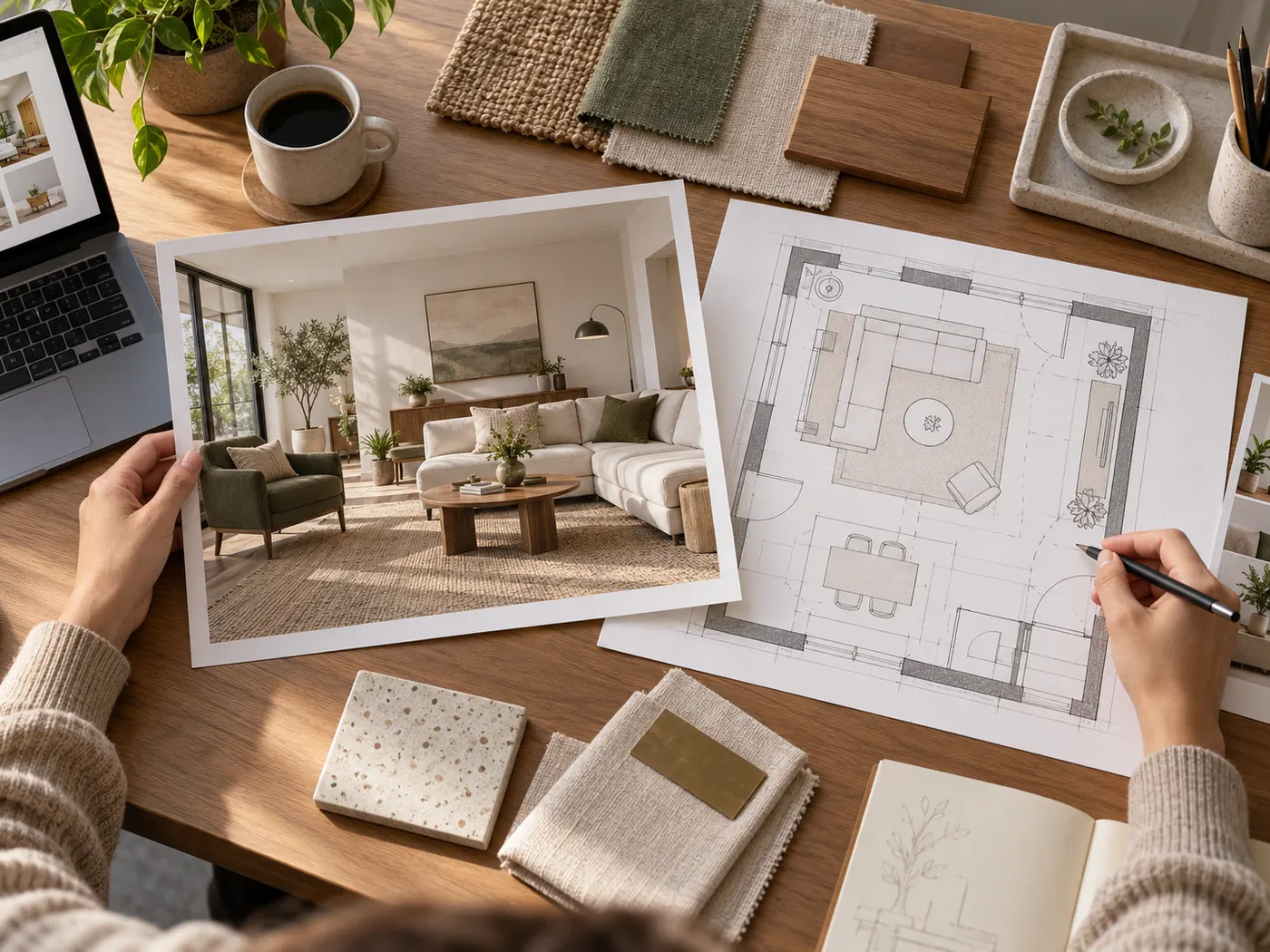
How should I compare AI interior design apps?
Compare an interior design app by required input, room and property coverage, free access, registration, structural handling, and intended outcome. The right match should answer your project question rather than merely produce the most attractive sample image.
Is there a completely free AI interior design option?
Free access varies by tool and can change over time. Virtual Staging AI lists free upload or trial access, Reimagine Home lists five free designs, and other tools list trials or signup credits. Check the current plan and limits before relying on any promise of free use.
Which option can preserve my walls and windows?
Pedra explicitly says it keeps real walls, windows, and layout, while Reimagine Home says structure stays fixed by default and RoomAI keeps the room unless asked otherwise. The best ai interior design app for this question is the one whose result you verify on your own photo.
Do AI interior design tools require registration?
Requirements differ. Virtual Staging AI says no signup or card is needed to upload, while Reimagine Home, Interior AI, Pedra, and RoomAI require an account or email signup. Check the current official flow before choosing a tool for a quick test.
Can ChatGPT or an AI image be used for construction?
An AI image can communicate a design direction, but it is not measured construction documentation. The best ai interior design app cannot replace site measurements, technical plans, code checks, or qualified professionals when a decision affects building work.
More HausDraft tools
Every home design tool in the studio — swipe through, all on one login.
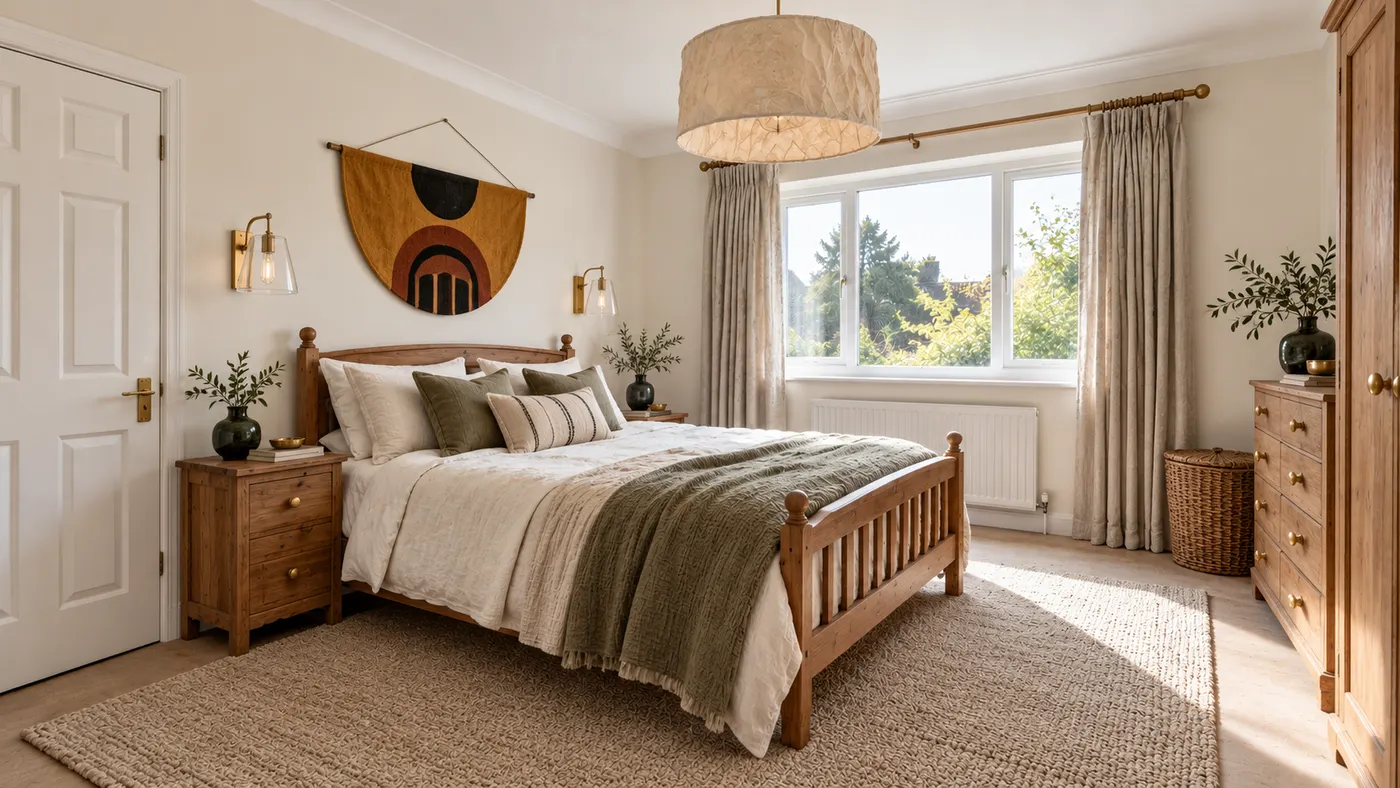
AI Interior Design
Upload a room photo and HausDraft’s AI interior design tool restyles it in seconds — Modern, Scandinavian, Japandi — keeping your walls, windows and layout.
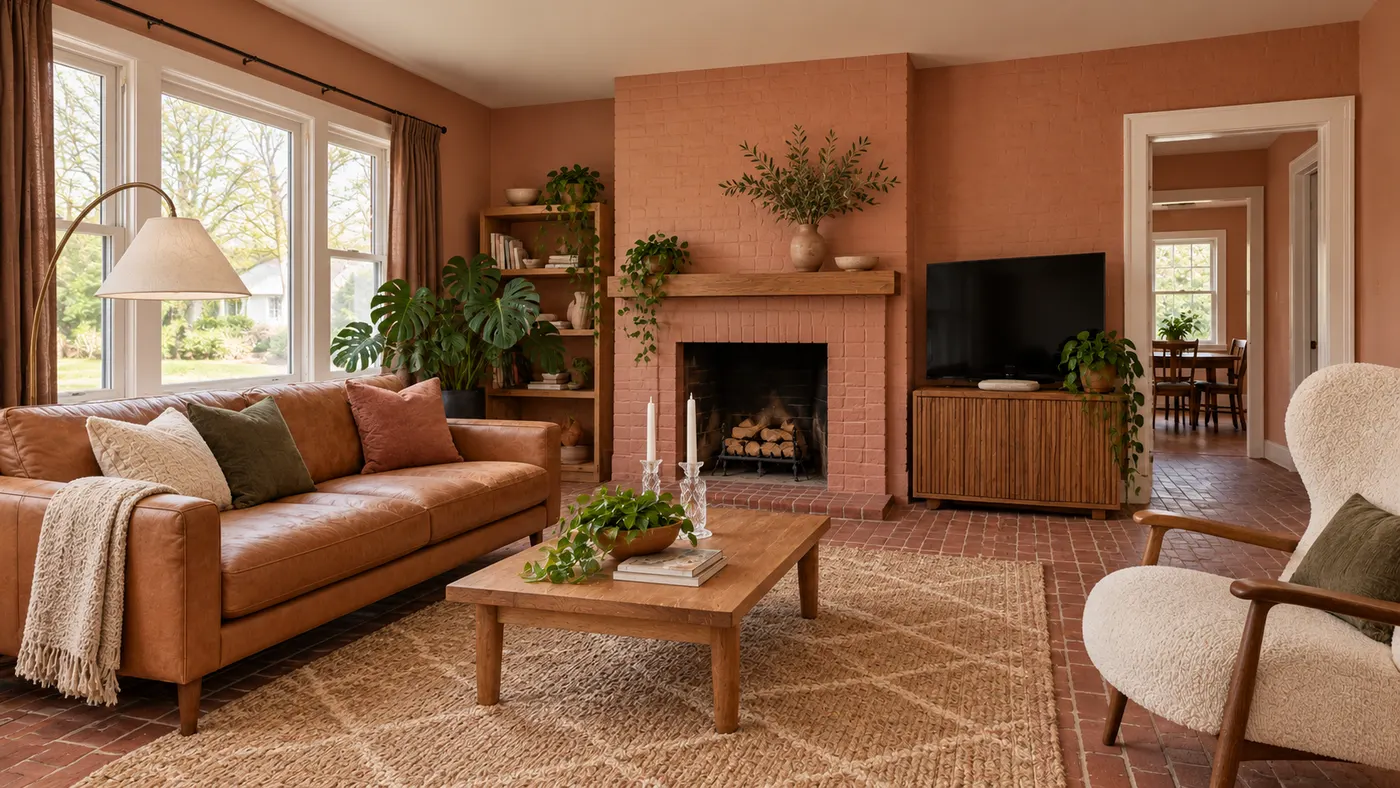
AI Room Design
Try AI room design free on one room — upload a photo, pick a style, and HausDraft’s AI room design tool restyles it while keeping your walls, windows and layout.